
IPTV Smarters Invalid Details Error: Causes and Fixes

Quick answer
The "Invalid Details" error in IPTV Smarters occurs when the app cannot authenticate your login credentials. This usually means that the username, password, or server URL you entered is incorrect or that the IPTV server itself is unreachable or experiencing issues. Fixing this...
Reviewed Against
• IPTV Smarters login, playlist, and account-entry screens
• Server-URL formatting, HTTP response handling, and account-entry failure patterns
Applies To
• IPTV Smarters sign-in, playlist import, or account-detail errors
• Errors caused by malformed URLs, wrong credentials, expired tokens, or unreachable playlist endpoints
Does not apply when
• The account itself is disabled or expired on the provider side.
• The provider confirms the service is down or the account has been deliberately blocked upstream.
Corroborating Resources
HTTP response status codesUseful when an IPTV app surfaces 401, 403, 404, or 5xx style errors during login or playlist refreshes.
URL structure referenceHelpful for checking server URLs, source links, and path/query mistakes in portal or playlist setups.
Topic Cluster
Part of the IPTV Troubleshooting cluster
Browse practical IPTV articles about IPTV Troubleshooting, including setup choices, troubleshooting paths, and follow-on guides. This page sits in troubleshoot and fix for that topic path.
On this page
IPTV Smarters Invalid Details Error: Causes and Fixes
The "Invalid Details" error in IPTV Smarters occurs when the app cannot authenticate your login credentials. This usually means that the username, password, or server URL you entered is incorrect or that the IPTV server itself is unreachable or experiencing issues. Fixing this error involves checking your credentials carefully and verifying the server and subscription status. This guide focuses specifically on troubleshooting the "Invalid Details" login problem for IPTV Smarters users employing the standard Xtream Codes or portal URL login method.
What you'll learn
- How to quickly verify your IPTV Smarters login credentials
- Common reasons this error appears beyond simple typos
- Steps to troubleshoot IPTV server availability and subscription status
- How to clear app data and update IPTV Smarters to resolve login issues
- When to reach out to your IPTV provider for assistance
Understanding the IPTV Smarters "Invalid Details" Error
"Invalid Details" is a login failure message. IPTV Smarters is a popular IPTV client app that lets you access IPTV service channels by authenticating with a username, password, and sometimes a server or portal URL—commonly called Xtream Codes login details.
If any part of this trio (username, password, or server URL) doesn’t match what the IPTV service expects, the app will refuse access and show the "Invalid Details" error.
It's important to know this is not an app bug but a security restriction to prevent access with wrong credentials.
Step 1: Verify Your Login Credentials
How to Check Credentials Accurately
- Retrieve your IPTV username, password, and server URL directly from the official communication from your IPTV provider (email, dashboard, or control panel).
- Confirm no extra spaces or hidden characters are included. Sometimes copy-pasting adds unintended spaces.
- Make sure letters are the correct case (uppercase vs lowercase) as credentials may be case-sensitive.
Why Typos Are the Most Common Cause
Many "Invalid Details" errors result from small mistakes like:
- Transposed letters or numbers
- Using similar-looking characters (e.g., letter O vs zero 0)
- Leaving out parts of the URL or username
Always double-check carefully to avoid wasting time troubleshooting other factors.
Step 2: Confirm Your IPTV Subscription and Server Status
Verify Subscription Activeness
An expired, suspended, or banned IPTV account can trigger the "Invalid Details" error.
- Login to your IPTV provider's web dashboard, if available, to check account status.
- Contact your IPTV provider support line or chat to confirm the subscription is valid and active.
Check Server or Portal URL Issues
- Sometimes servers are temporarily down for maintenance or technical problems.
- Confirm the server URL is correct and matches what the provider currently uses.
- If possible, test the URL on other IPTV players or devices to see if it works.
When an ISP or Network Issue Causes Login Failures
- Make sure your internet connection is stable.
- Some network providers block IPTV servers or URLs.
- Try a different network or VPN to test connectivity.
Step 3: Clear IPTV Smarters App Data and Update the App
Why Clearing Cache and Data Helps
App cache or stored login data can become corrupted causing repeated "Invalid Details" errors even with correct info.
Instructions for Android Fire TV and Similar Devices:
- Go to Settings > Applications > Manage Installed Applications.
- Find IPTV Smarters and select it.
- Choose Clear Cache first, then Clear Data.
- Restart the app and re-enter your credentials freshly.
Keep IPTV Smarters Up to Date
- An outdated IPTV Smarters app can have bugs affecting login.
- Check your app store or the IPTV Smarters official site for the latest version.
Step 4: Retype Credentials and Restart Device
- After clearing and checking, carefully retype your login information.
- Avoid copy-pasting to prevent hidden characters.
- Fully restart your streaming device or app to ensure a fresh environment.
Troubleshooting: Common Mistakes and Misunderstandings
| Mistake or Issue | Why It Causes "Invalid Details" | How to Fix |
|---|---|---|
| Incorrect username/password | Authentication fails due to mismatch | Double-check for typos; retype carefully |
| Wrong or obsolete server URL | Server rejects connection or cannot identify user | Obtain the current URL from your IPTV provider |
| Using expired subscription | Server disables access to inactive accounts | Confirm subscription status; renew or reactivate if expired |
| Cache or app data corruption | App uses outdated or corrupted login info | Clear cache and app data, then re-login |
| Network connectivity issues | Client unable to reach IPTV server or validate credentials | Check internet connection; try alternate networks or VPN |
Who This Guide Applies To
- Users logging into IPTV Smarters PRO or similar apps using Xtream Codes or portal URL methods.
- Devices such as Android boxes, Fire TV, Android smartphones, or Smart TVs running IPTV Smarters.
When To Use Different Guides
- If you use M3U URLs instead of Xtream Codes/portal URLs, this guide is less relevant.
- For device-specific IPTV Smarters installation or storage optimization issues, see Fire TV Stick Storage Issues Causing IPTV Lag: Fixes and Optimization.
- If you encounter authorization errors unrelated to login details, see our Authorization Error topic.
FAQ
Q: Can I use this troubleshooting on other IPTV apps?
A: The credential check steps apply generally, but server URLs and login formats differ, so specifics vary.
Q: Could a device date or time setting cause login errors?
A: Rarely for IPTV Smarters, but ensure your device's clock is reasonably accurate.
Q: Is IPTV Smarters free and safe?
A: IPTV Smarters app itself is free and safe; however, accessing IPTV services depends on your subscription legitimacy.
Q: What if I have correct details but still get the error?
A: Try clearing data, updating the app, and checking your network. Persistent issues may require provider support.
Conclusion
The "Invalid Details" error in IPTV Smarters nearly always points to incorrect login info or server-side problems. Start by verifying your username, password, and server URL precisely. Confirm your IPTV subscription is active and the server URL current. Clearing app cache and data, updating IPTV Smarters, and restarting your device often resolve lingering issues. If problems persist, contact your IPTV service provider for help. By following these focused steps in order, you can efficiently fix this frustrating login error and get back to enjoying your IPTV content.
Summary Checklist to Fix IPTV Smarters "Invalid Details" Error
| Step | Action | Result Expected |
|---|---|---|
| 1. Verify credentials | Check username, password, and URL accuracy | Correct typing or renewal needed |
| 2. Confirm subscription status | Ensure account is active | Server will accept login |
| 3. Check connection | Test internet connectivity | No network interruptions |
| 4. Clear app data | Remove corrupted cache/login data | Fresh session on login |
| 5. Update app | Install latest IPTV Smarters version | Bug fixes and smoother login |
| 6. Restart device | Power cycle device | Clear temporary glitches |
| 7. Contact IPTV support | If all else fails | Assistance with server or account issues |
For additional IPTV Smarters troubleshooting and optimization, see our related articles on authorization errors and Fire TV Stick performance.
Frequently Asked Questions
What causes the "Invalid Details" error in IPTV Smarters?
It usually happens when login credentials are incorrect, the server URL is wrong, or the IPTV server is down or suspended.
Can I fix this error myself?
Most of the time, yes. Double-check your username, password, and server URL, ensure your subscription is active, and update or reinstall the app if needed.
Does this error mean my IPTV subscription expired?
Not necessarily. While an expired or suspended subscription can cause this error, it can also result from simple typos or server issues.
Should I clear app data to fix the error?
Yes, clearing cache and data can resolve issues caused by corrupted stored login information.
Is this guide applicable to all IPTV Smarters users?
This guide is best suited for users logging in with Xtream Codes or portal URLs on IPTV Smarters PRO or similar apps. Different login methods or apps may require specific instructions.
Keep exploring
More explainers that connect naturally to this setup, workflow, or troubleshooting path.
If you're experiencing issues with catch-up TV not working in TiviMate, the problem typically involves your playlist, the IPTV service's catch-up support, or the app's configuration.

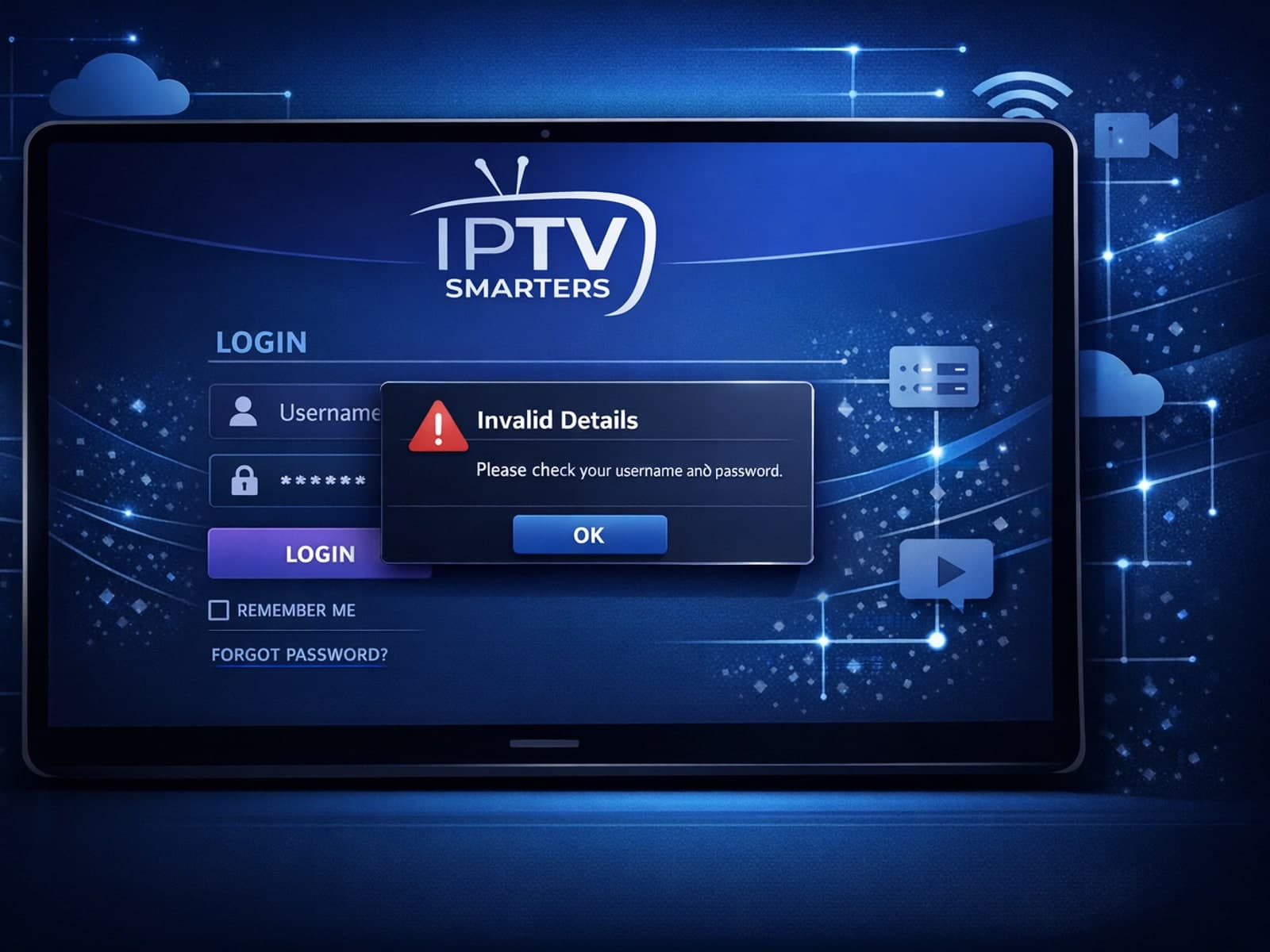
When you see the "Invalid Details" error in IPTV Smarters, it means the app has rejected your login credentials — your username, password, or server URL don't match what the IPTV service requires.

When you see the "Xtream Codes authorization failed" message on TiviMate, it means the app currently cannot verify your IPTV login credentials with the IPTV provider’s server. This prevents access to the channel list or streaming content.
