
Topic hub
IPTV Troubleshooting
Browse practical IPTV articles about IPTV Troubleshooting, including setup choices, troubleshooting paths, and follow-on guides.
Troubleshoot and fix
Start here when something fails, stalls, or behaves differently than expected.
If you're experiencing issues with catch-up TV not working in TiviMate, the problem typically involves your playlist, the IPTV service's catch-up support, or the app's configuration.

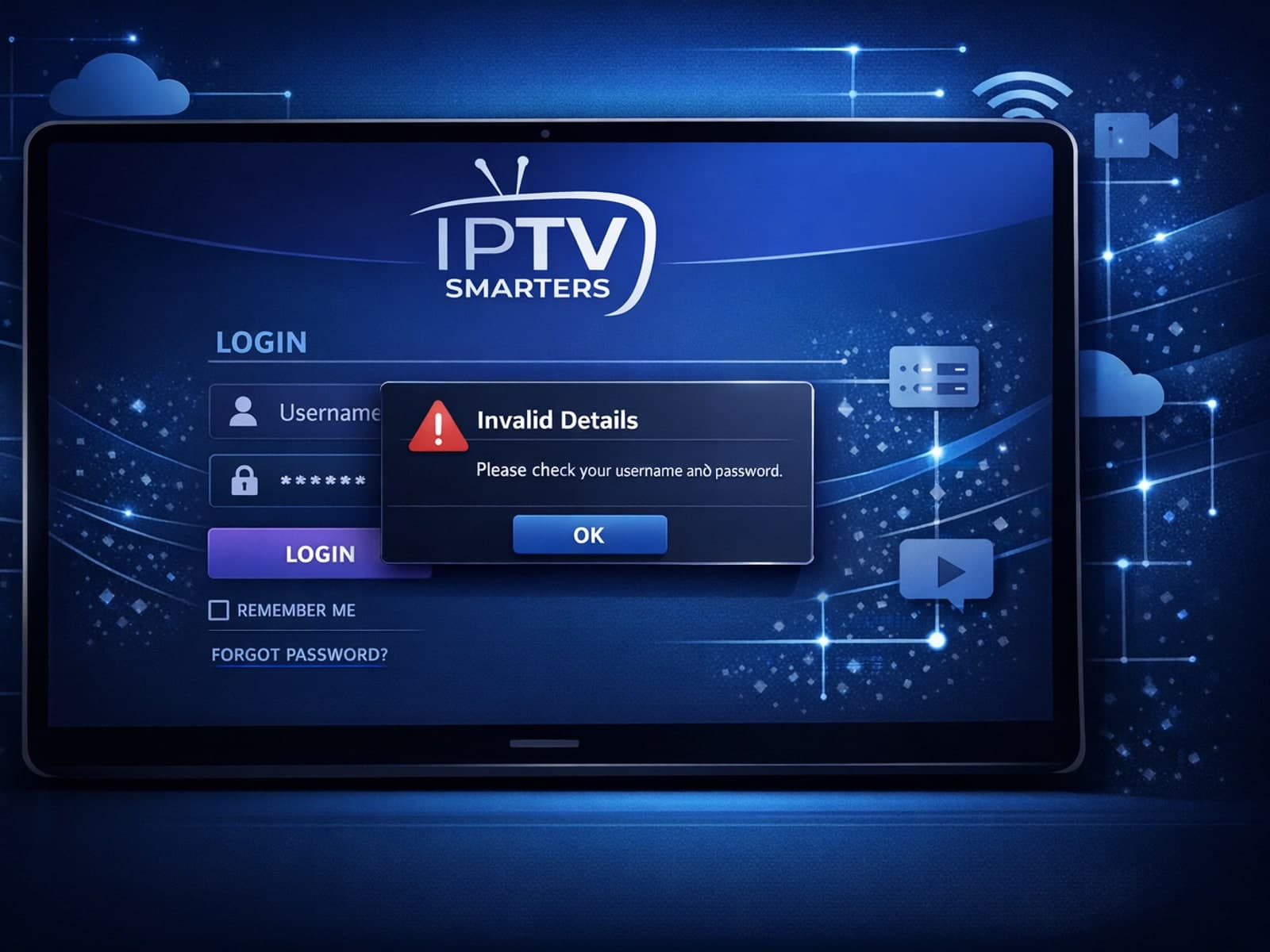
When you see the "Invalid Details" error in IPTV Smarters, it means the app has rejected your login credentials — your username, password, or server URL don't match what the IPTV service requires.

When you see the "Xtream Codes authorization failed" message on TiviMate, it means the app currently cannot verify your IPTV login credentials with the IPTV provider’s server. This prevents access to the channel list or streaming content.

When your M3U playlist fails to load in IPTV Smarters, it usually means the app cannot retrieve or read the playlist file correctly. This stops your channels from appearing and prevents streaming.

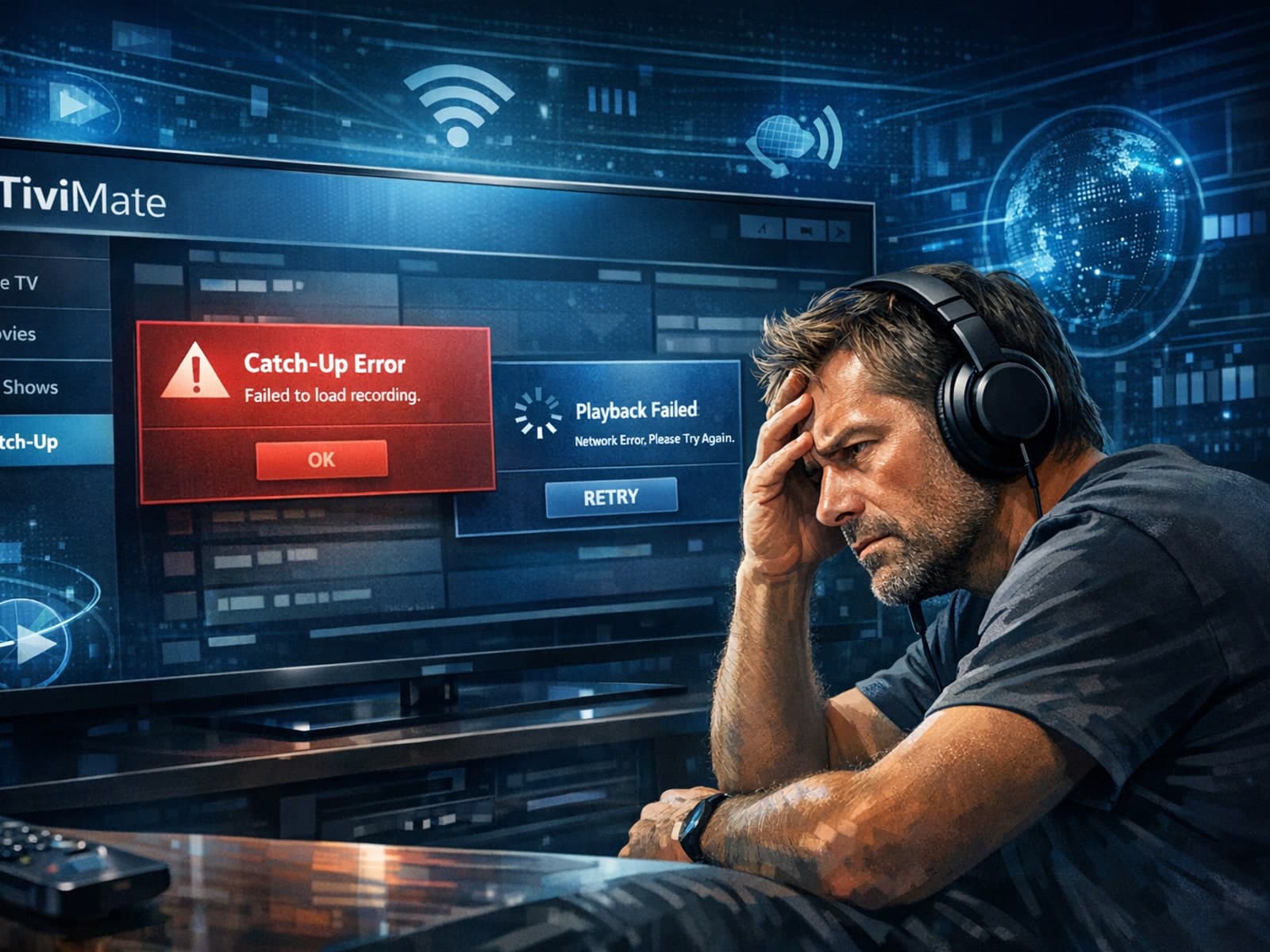
If the catch-up feature in your TiviMate IPTV player is not working, the cause usually lies in playlist compatibility, EPG (Electronic Program Guide) data issues, or app configuration problems.
When you see "Xtream Codes authorization failed" in TiviMate, it means the IPTV app cannot verify your login credentials with the IPTV server. This blocks access to your channels and streams, stopping playback.
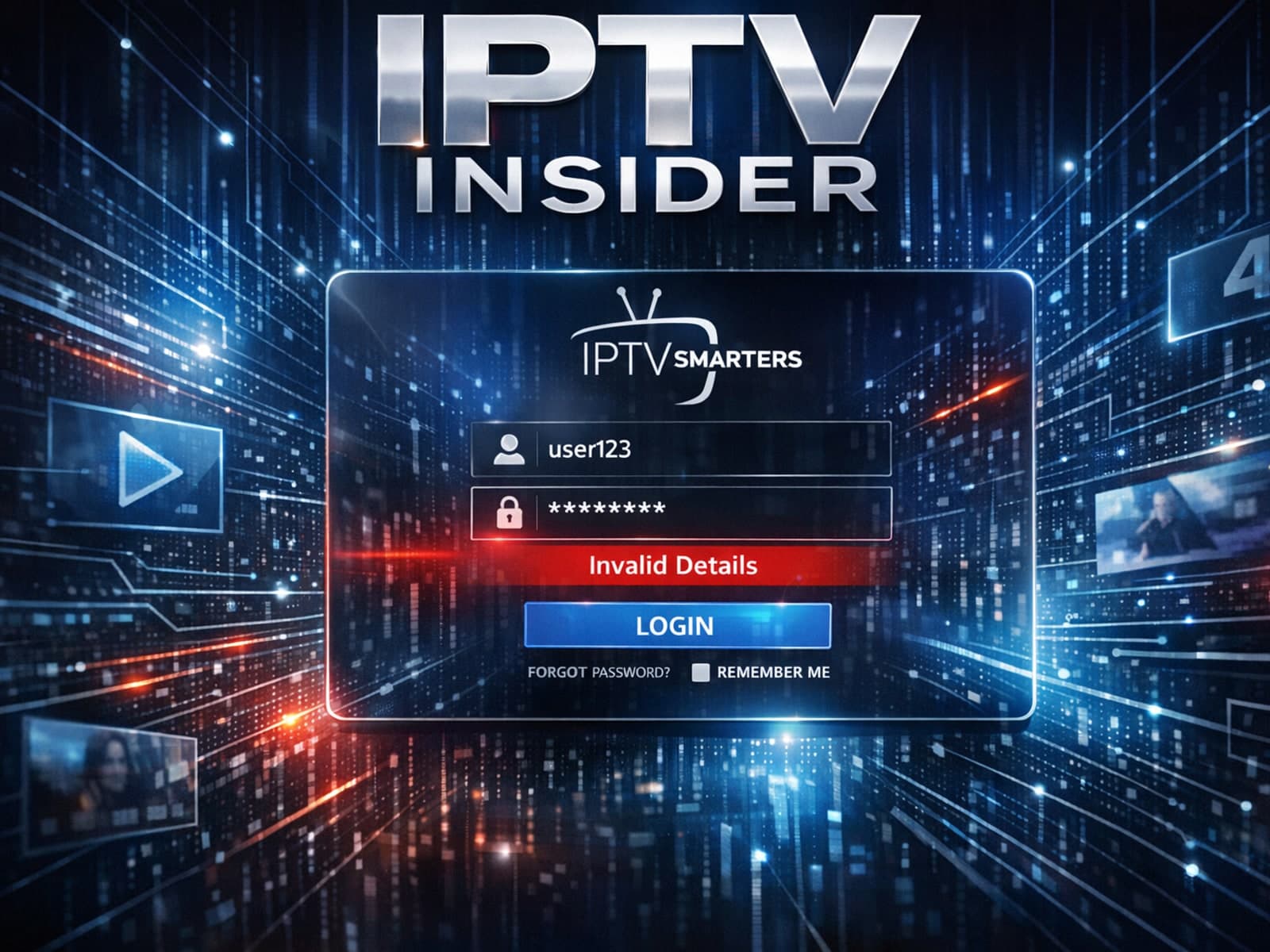
The "Invalid Details" error in IPTV Smarters signals that the app cannot successfully log in to your IPTV service with the credentials or server information you provided.
If your TiviMate EPG (Electronic Program Guide) source URL is not working, it means TiviMate cannot retrieve the program guide data from the specified web address. This usually results in missing or empty channel grids inside the app.
If you've encountered the "Invalid Details" error when trying to log in to the IPTV Smarters app, this guide will help you understand exactly why it happens and how to fix it quickly.
The "Invalid Details" error in the IPTV Smarters app most often means the login information you entered is not accepted by the IPTV service server.
If you're encountering an "Xtream Codes username password incorrect" error, it means the IPTV app cannot verify your login credentials with the service provider's server.
If you've encountered the "Invalid Details" error message when trying to log into IPTV Smarters, you're experiencing a common obstacle related to the app's authentication process.
When using IPTV Smarters, encountering an "Invalid Details" error usually means the app cannot authenticate your login information with your IPTV provider.
If you're using IPTV Smarters and encounter the "Invalid Details" error when trying to log in, it's a clear signal that something is wrong with your login information or server setup.
The "Invalid Details" error in IPTV Smarters occurs when the app cannot authenticate your login credentials. This usually means that the username, password, or server URL you entered is incorrect or that the IPTV server itself is.
The "Invalid Details" error in IPTV Smarters occurs when your login credentials or subscription information are rejected during app authentication.
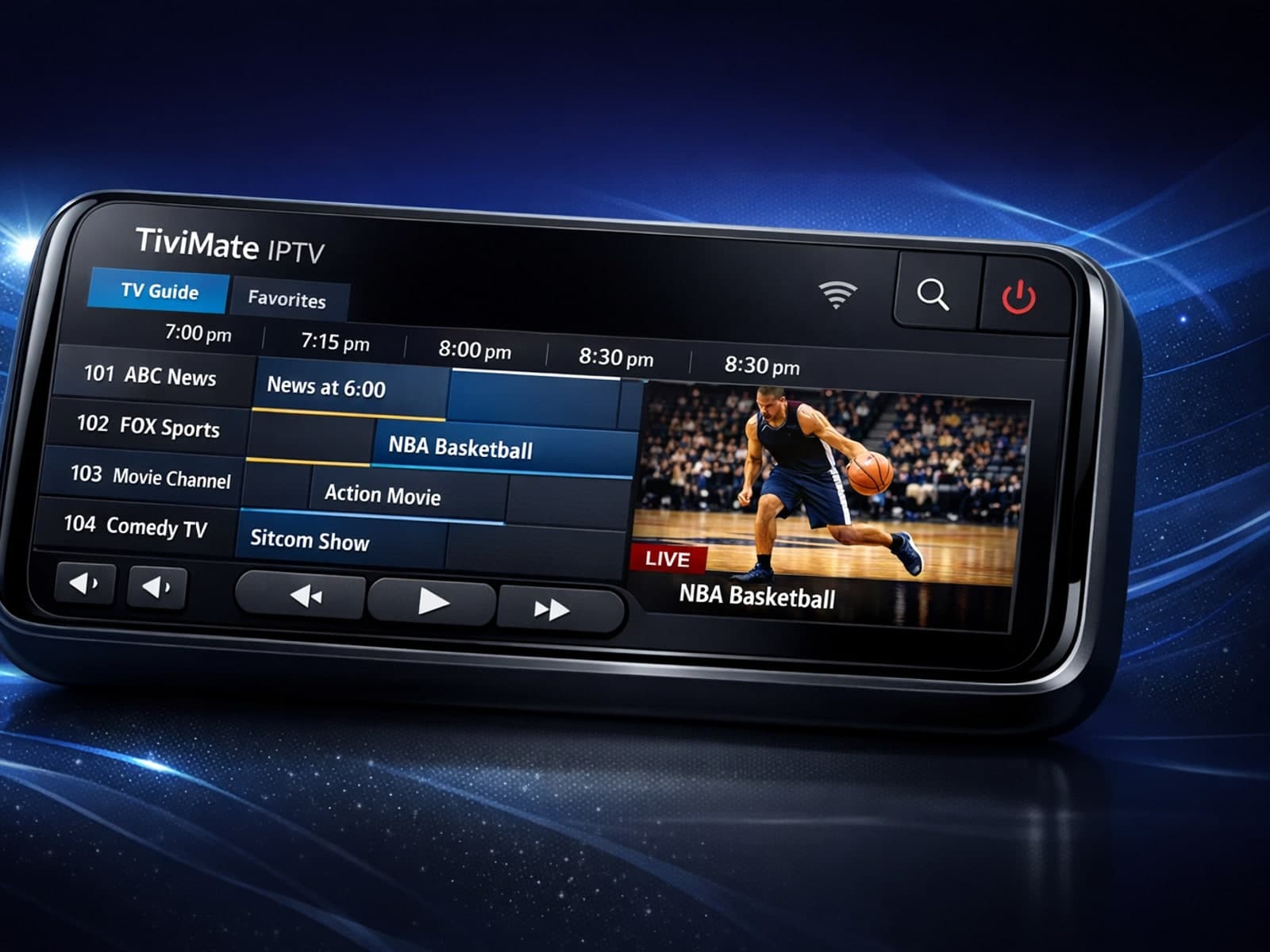
If you notice that the electronic program guide (EPG) times in TiviMate are misaligned—for example, shows appear to start early or late compared to the actual broadcast schedule—this is usually caused by the EPG time offset setting not.
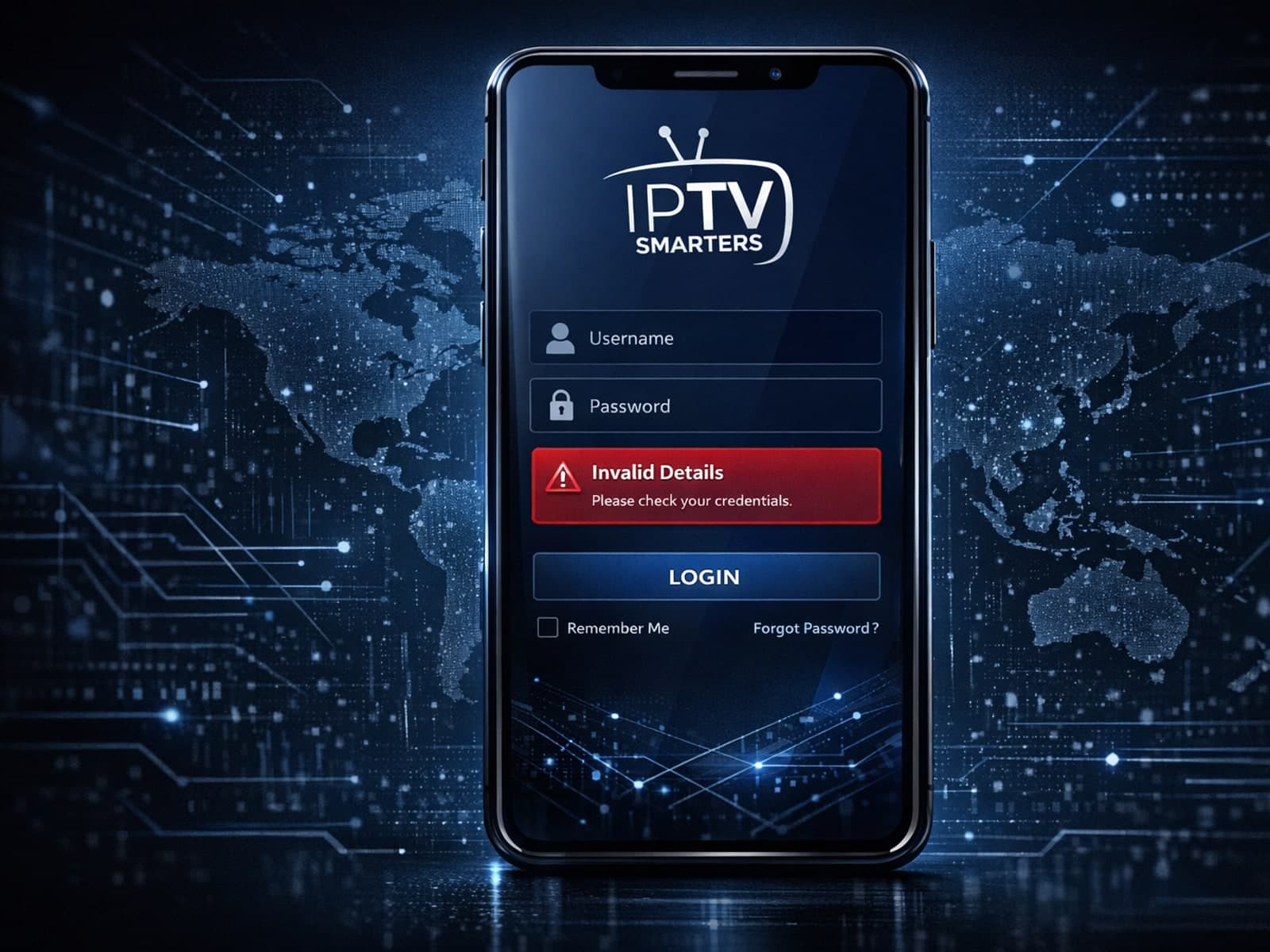
If you encounter the "Invalid Details" error in the IPTV Smarters app, it means the login credentials or server information entered do not match what the IPTV service requires.
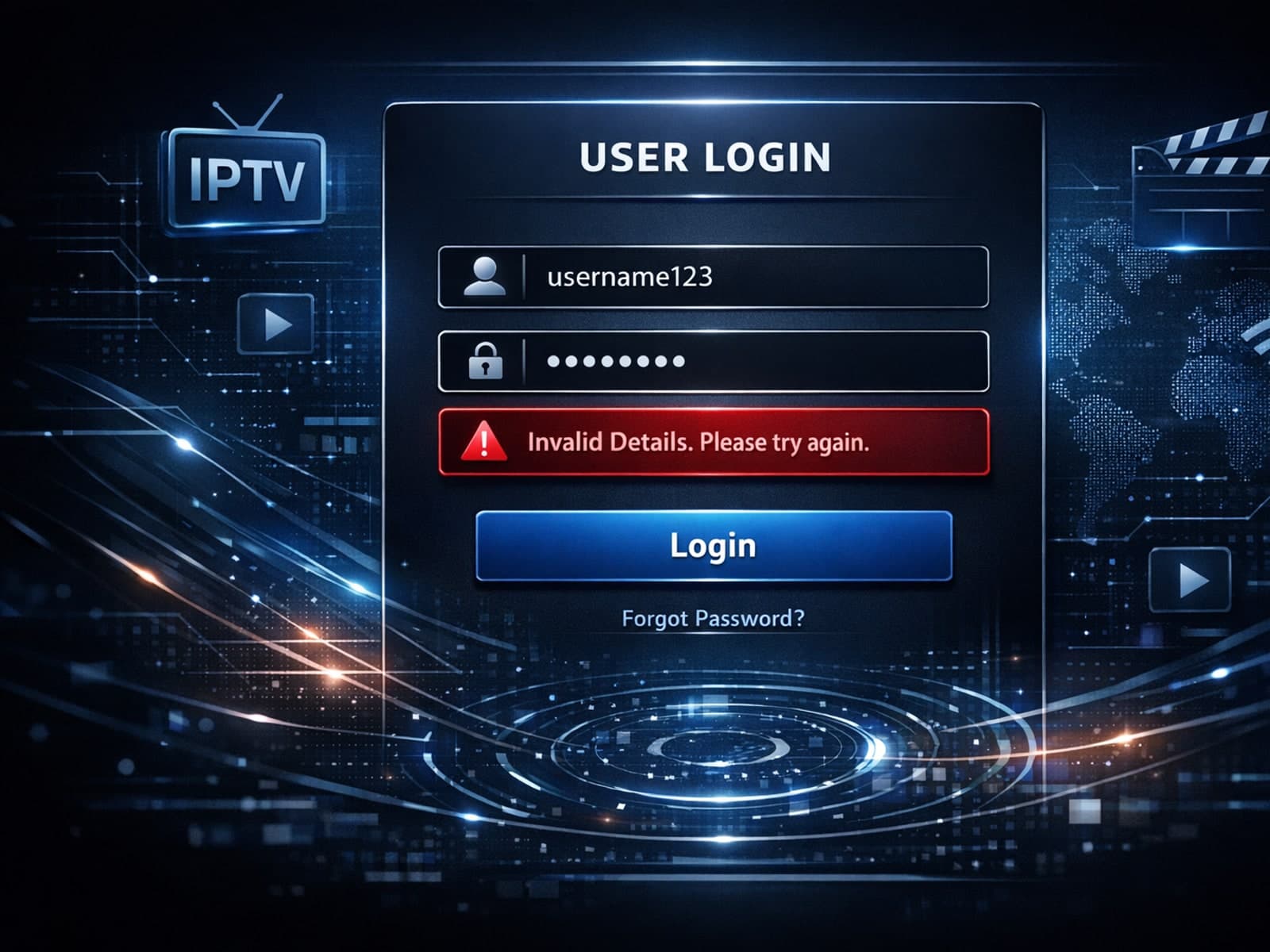
When you see an "Invalid Details" error while trying to log into IPTV Smarters, it means the app is rejecting the credentials you entered.
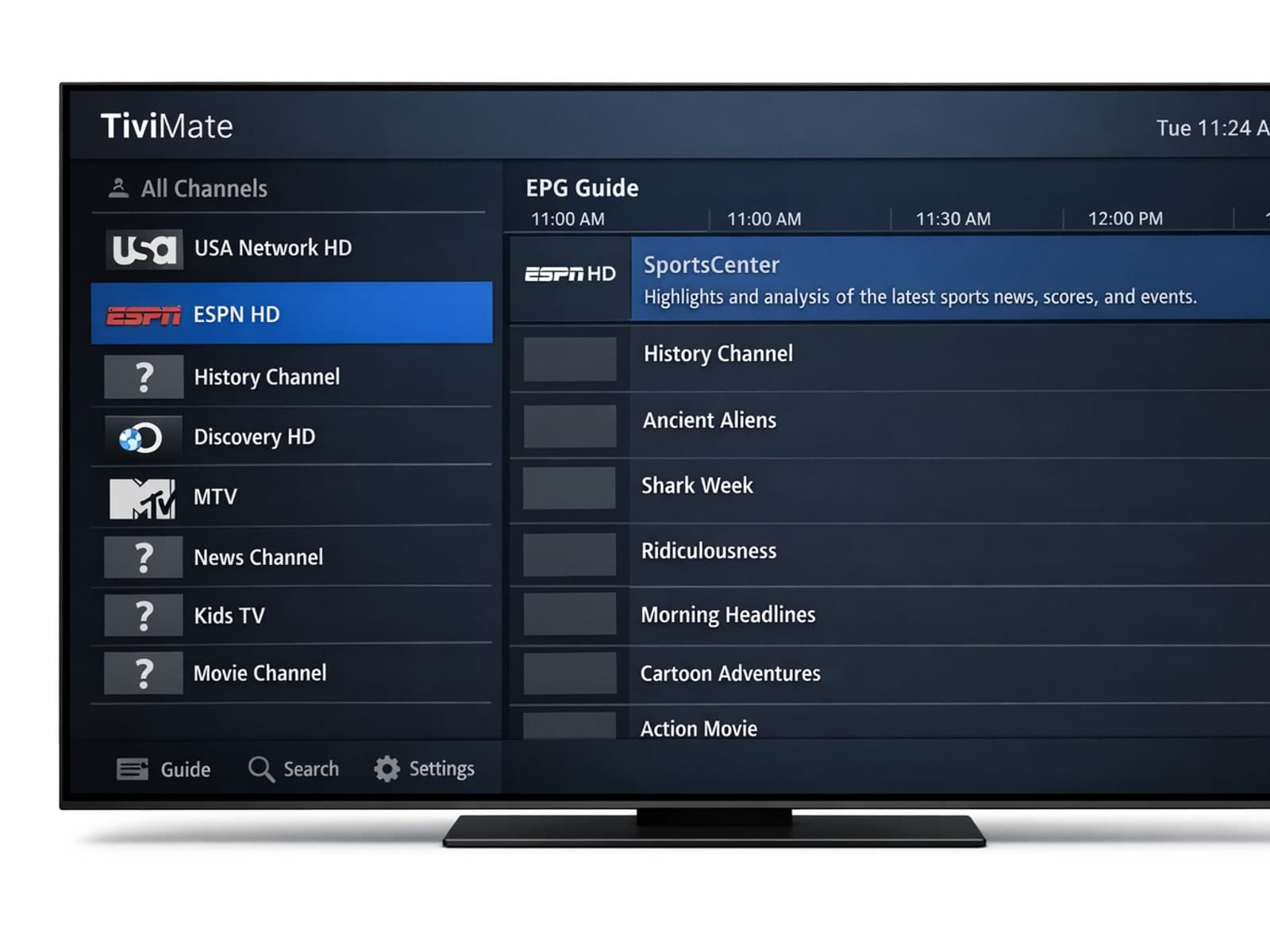
If you notice that channel logos are missing in your TiviMate app, the first step is to check whether your playlist supports logos and if TiviMate has loaded them correctly.
If you encounter the "Invalid Details" error message when trying to log into the IPTV Smarters app, it means the app is unable to authenticate your credentials against the IPTV service.
If you see the "Invalid Details" error when logging into your IPTV Smarters app, it means the app cannot authenticate your login credentials with your IPTV service provider.
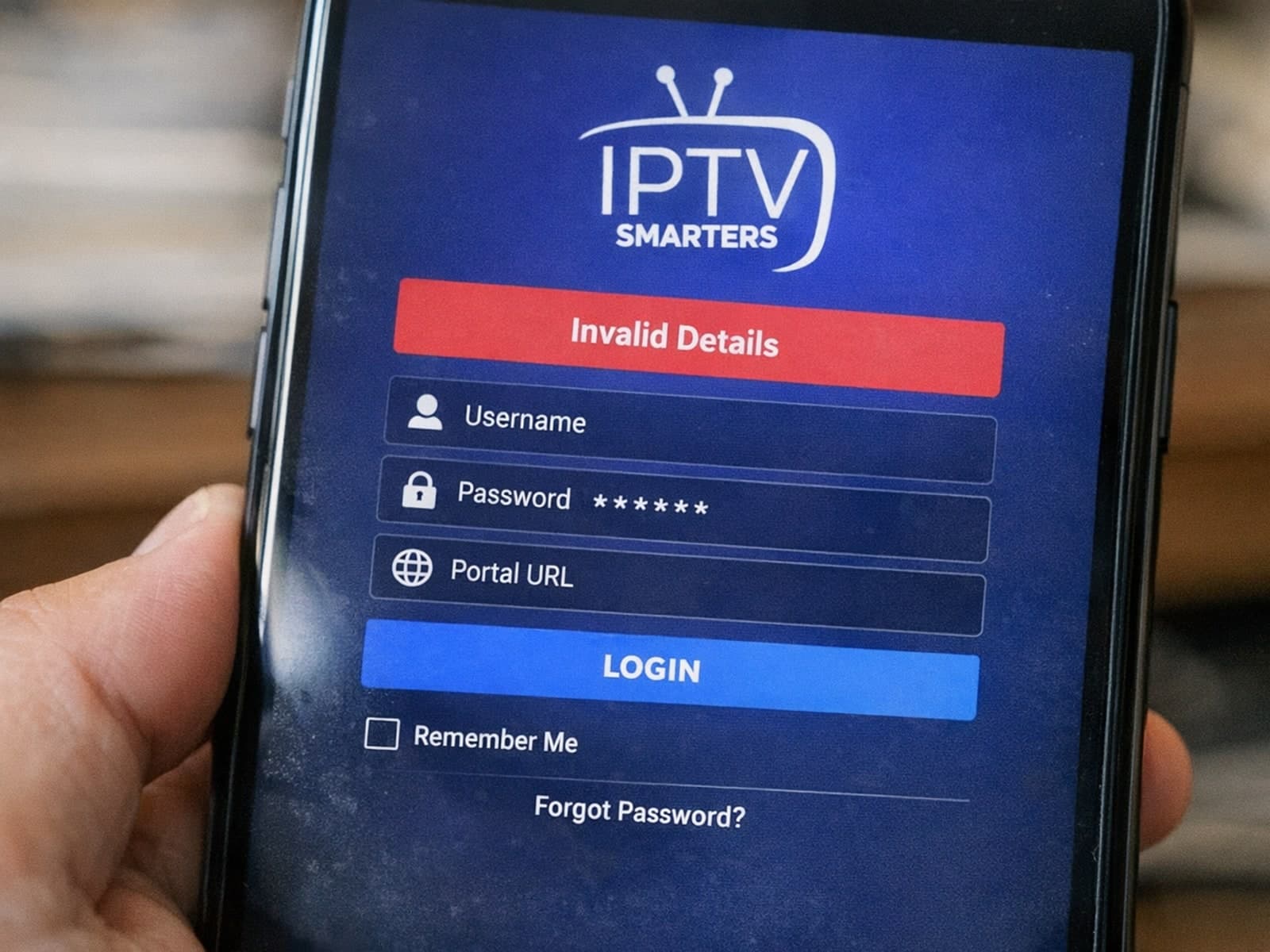
The "Invalid Details" error in IPTV Smarters is a common login issue indicating that the app could not verify your provided credentials.
Compare options
Useful when you are choosing a format, workflow, device, or connection path.
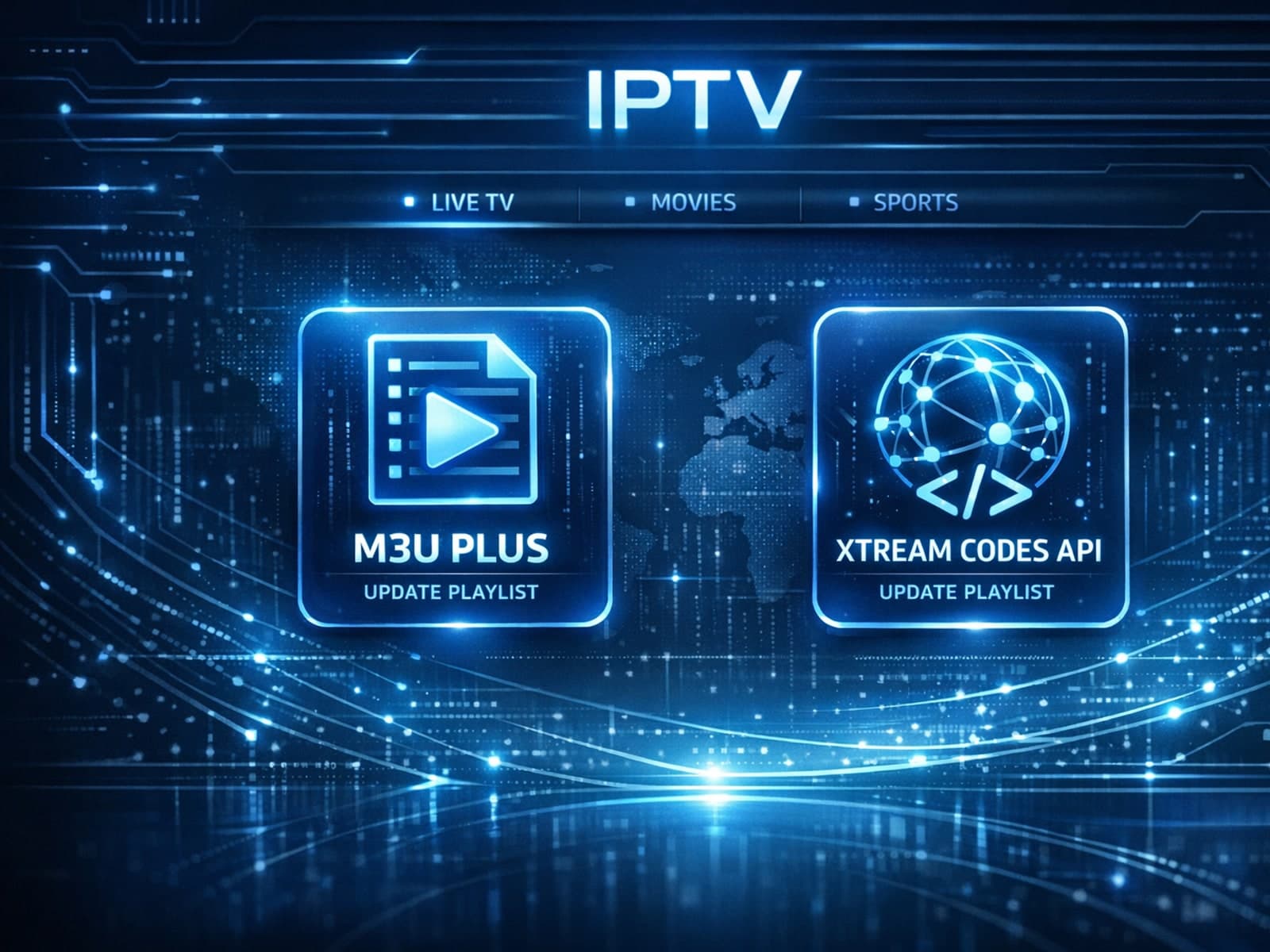
When managing IPTV subscriptions or services, updating the channel playlist is essential for accessing the latest content and avoiding interruptions. Two commonly used methods to update IPTV playlists are M3U Plus and the Xtream Codes API.

When it comes to updating IPTV playlists, two common methods are M3U Plus and the Xtream Codes API. Both serve to refresh the channel lists and program information delivered to IPTV apps, but they do so in different ways.
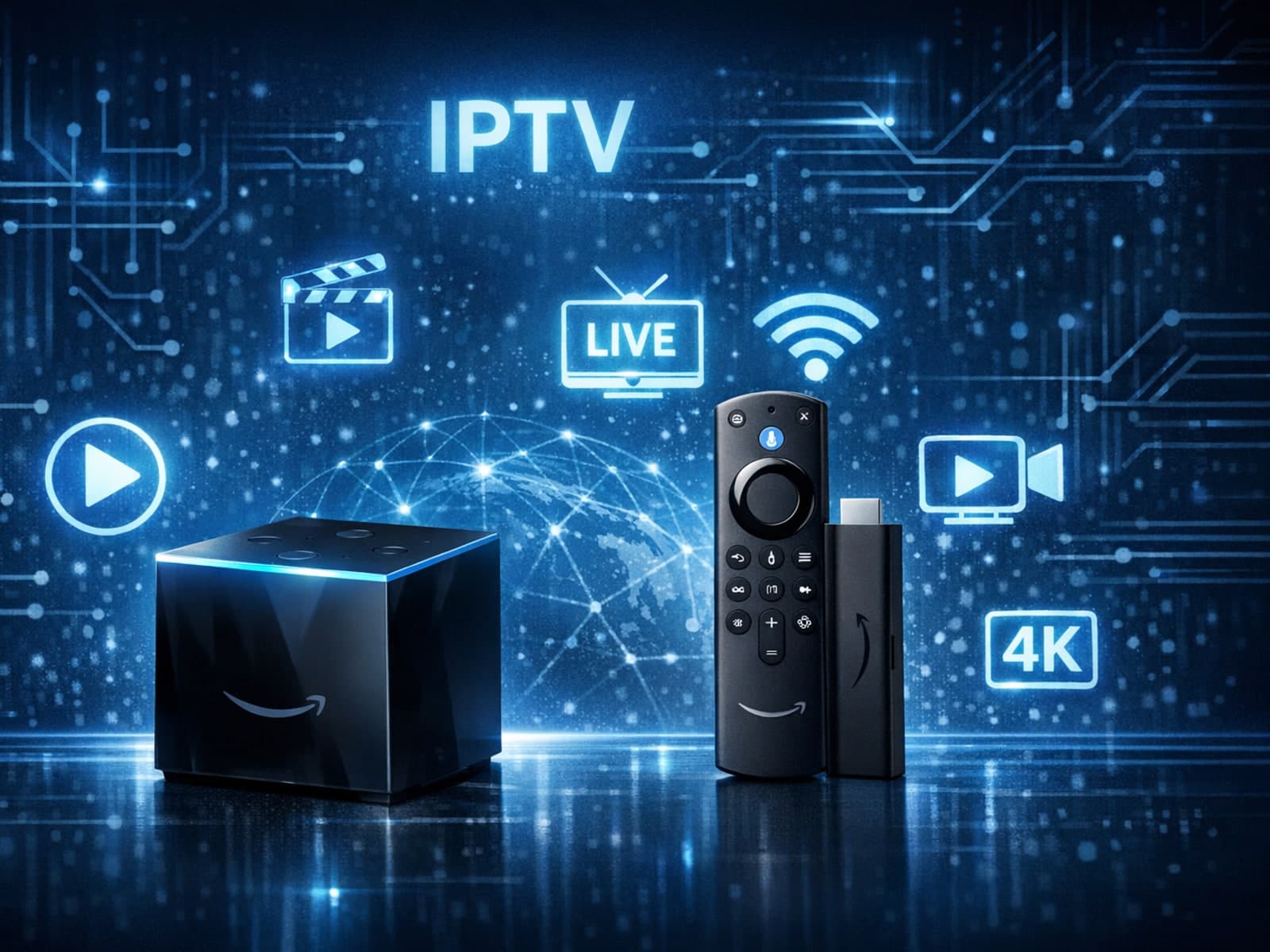
If you're choosing between the Fire TV Cube and Fire TV Stick 4K Max specifically for IPTV streaming, you need to understand how these devices handle IPTV apps, network connections, voice control, and overall performance.
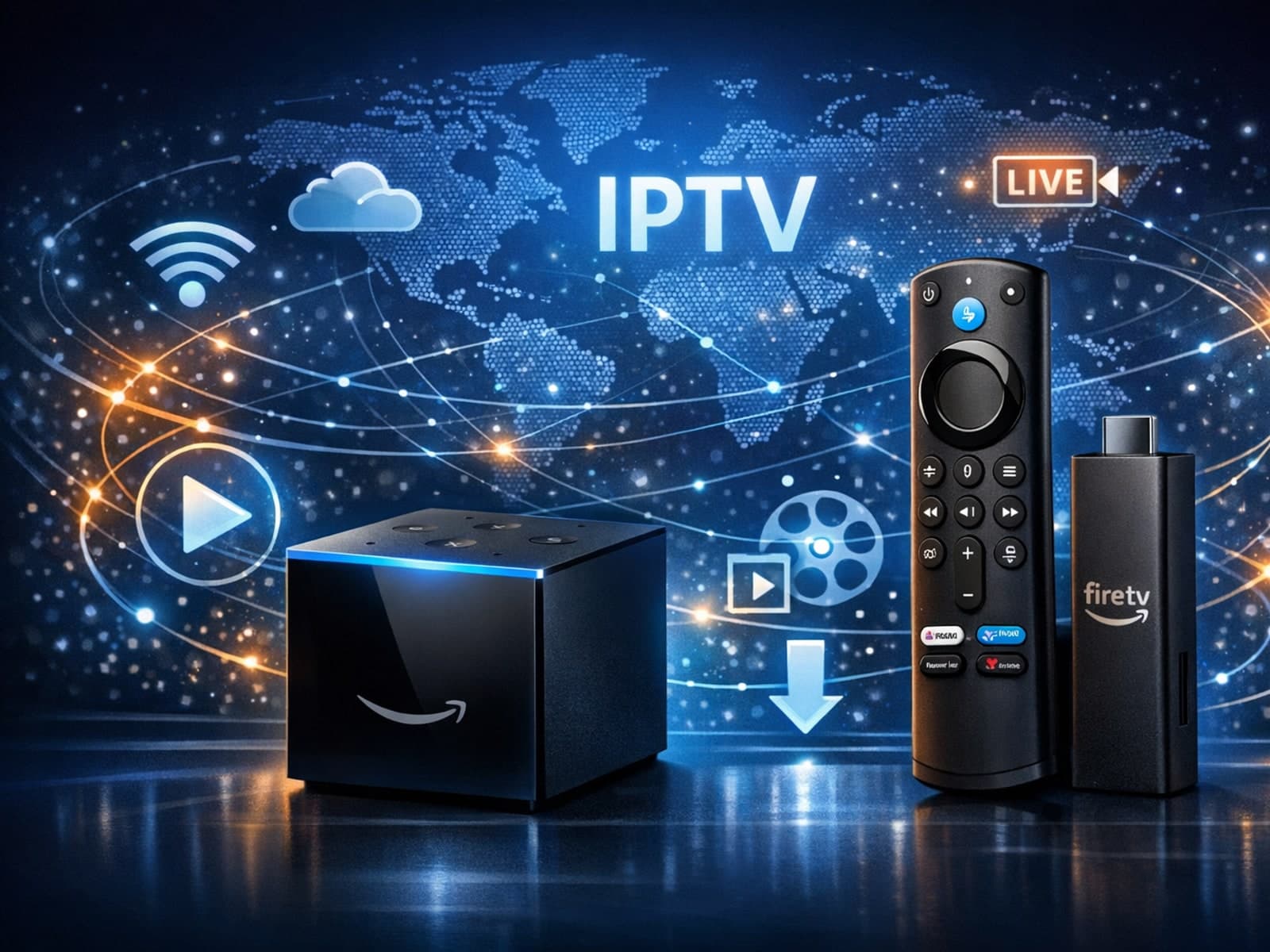
When deciding between the Fire TV Cube and the Fire TV Stick 4K Max for IPTV streaming, your choice should focus on your specific setup needs, desired features, and network environment.
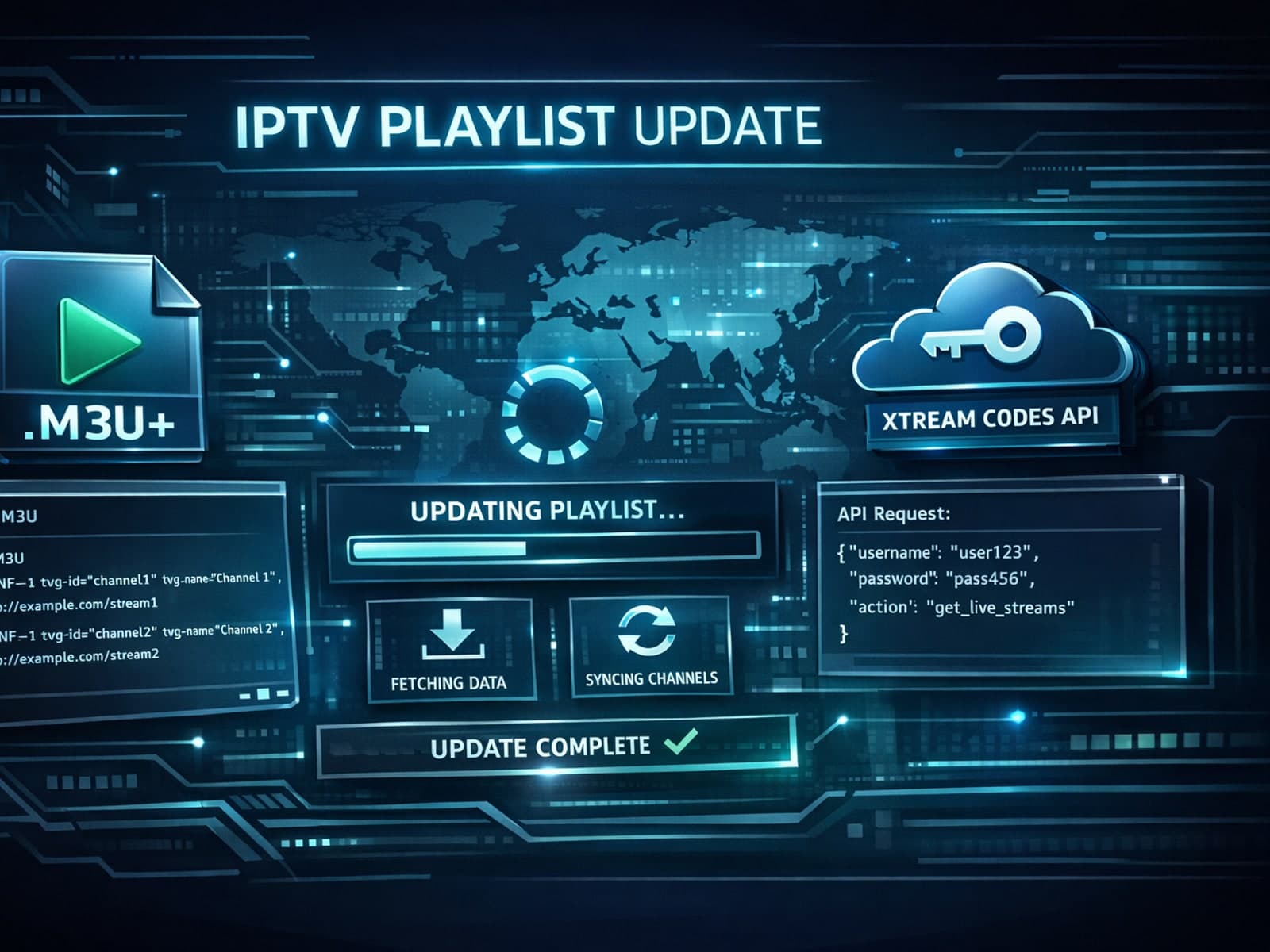
When managing IPTV playlists, choosing between M3U Plus and Xtream Codes API for updates can shape your user experience significantly.
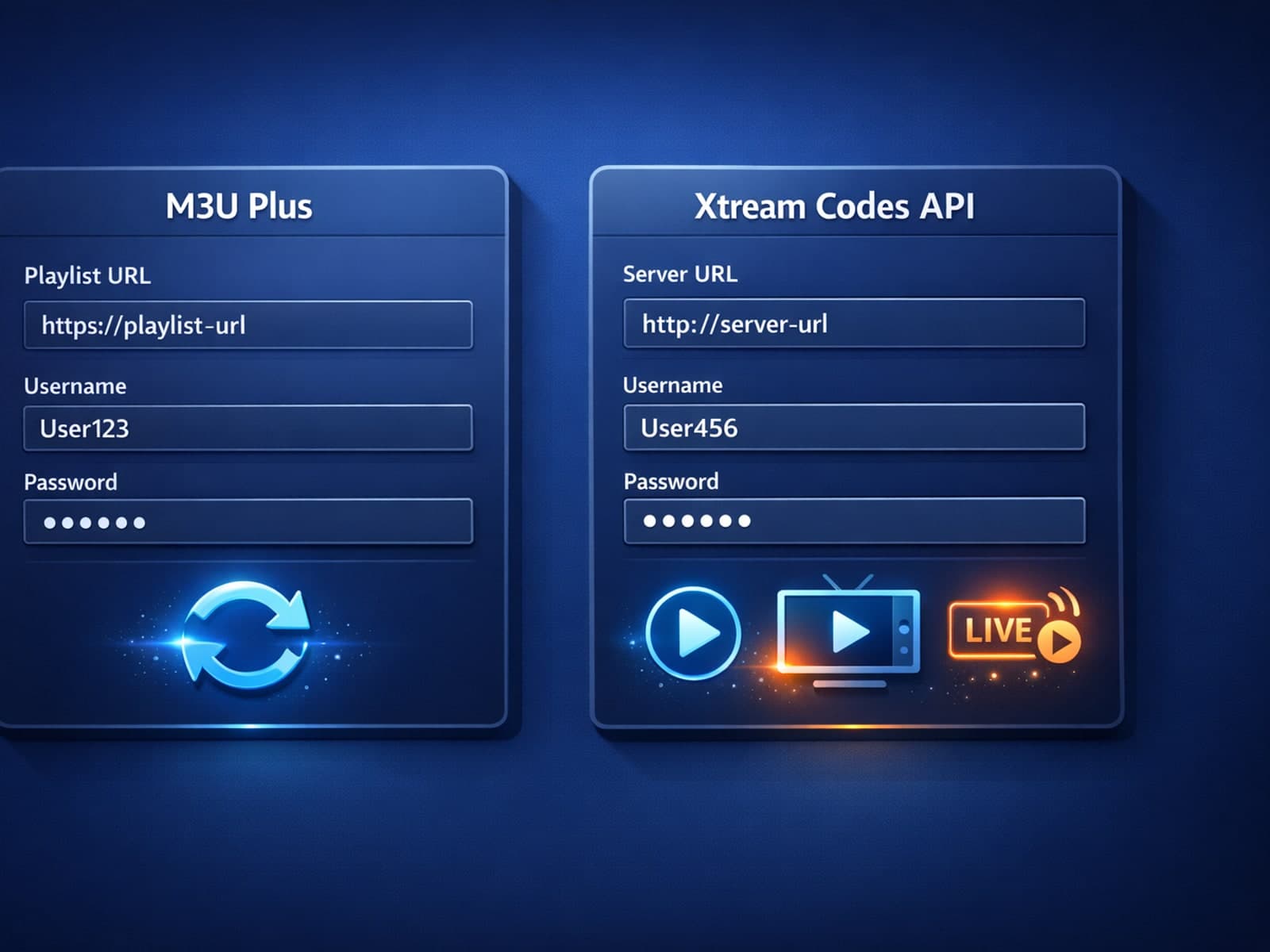
When managing IPTV playlists, keeping your channel list updated seamlessly is essential. Two common methods for updating IPTV playlists are M3U Plus and Xtream Codes API.
M3U Plus uses static playlist URLs with embedded metadata, while Xtream Codes API offers dynamic, authenticated IPTV playlist updates with richer data and faster refreshes.
When managing IPTV playlists, the two most common methods for updating content are M3U Plus URLs and the Xtream Codes API. M3U Plus uses enhanced playlist files with extended metadata, while Xtream Codes API relies on a dynamic backend.
Setup and decisions
Guides for configuration choices, player setup, and getting the right inputs in place.
When you see errors like 404 or 512 while importing your IPTV playlist through a VPN, it means your device cannot correctly reach or process the playlist URL.
More in this topic
Additional guides that connect to this hub without fitting a narrower troubleshooting or comparison bucket.
If your TiviMate playlist isn't updating after you press refresh, it usually indicates issues with the playlist source, connectivity, or app functionality.
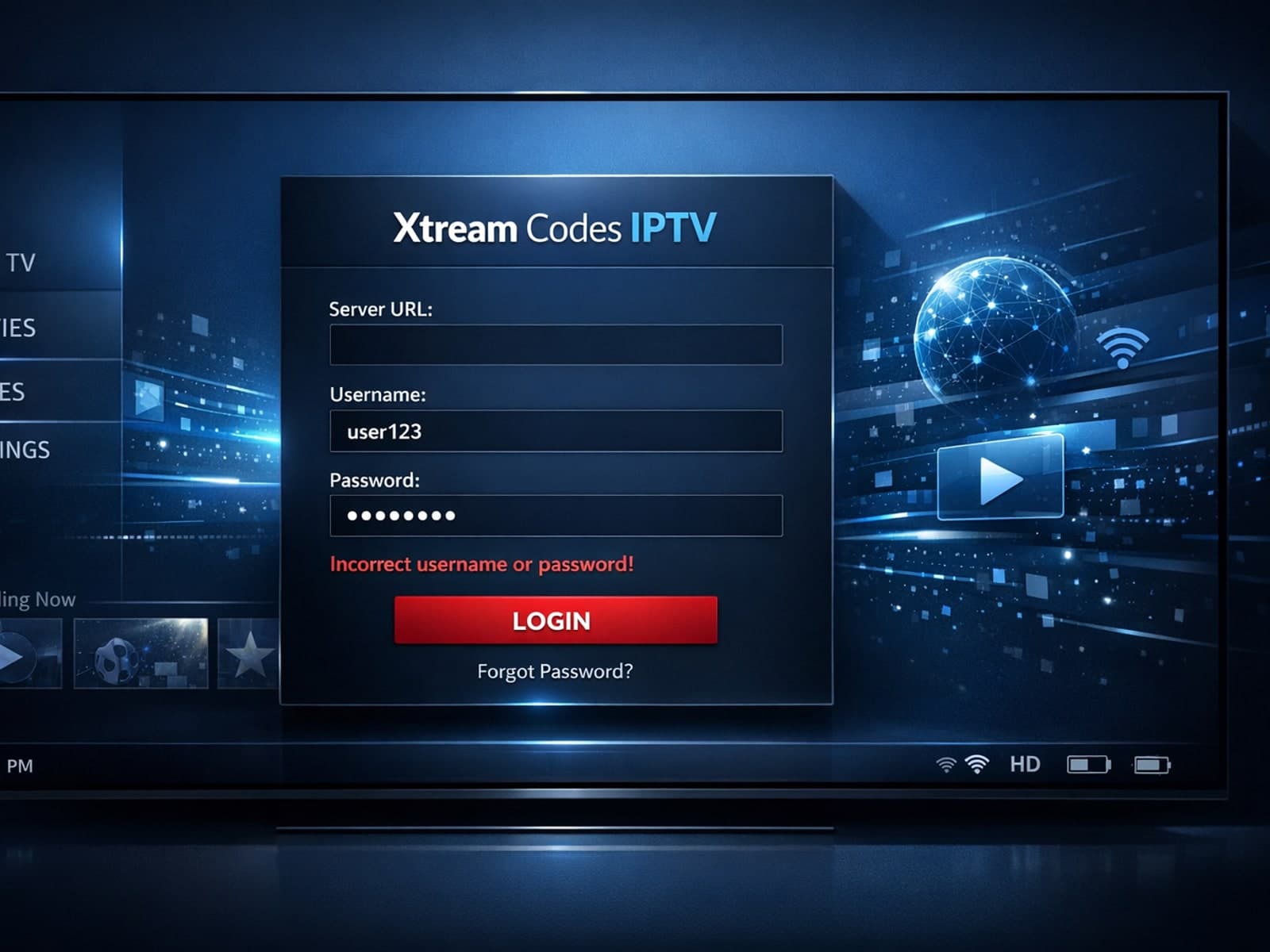
When you encounter an "Xtream Codes username password incorrect" error, it means the IPTV client app is unable to authenticate your login credentials with the server.
The "xtream codes username password incorrect" error is a common issue encountered when logging into IPTV services that use the Xtream Codes API or portal.
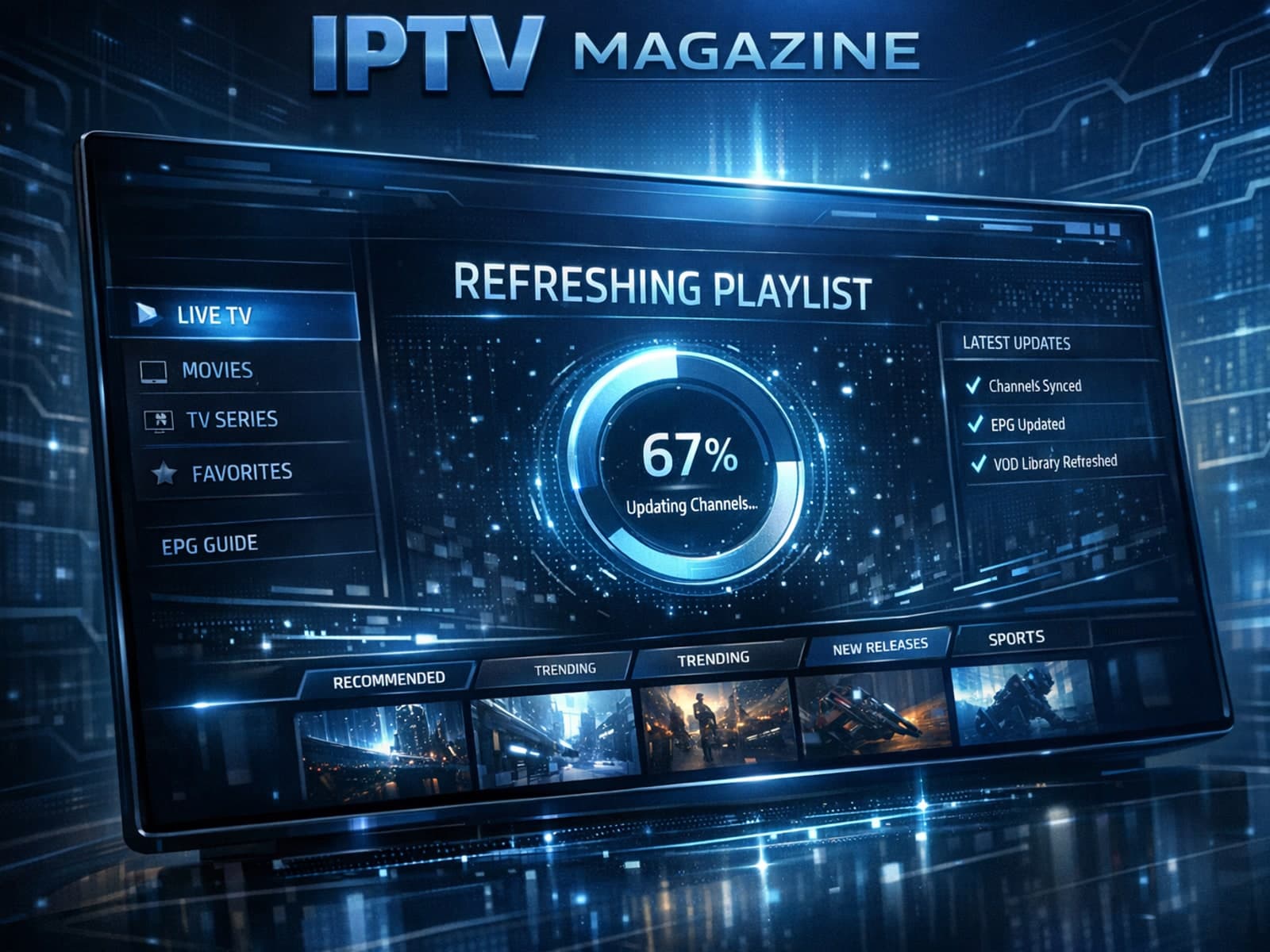
If your TiviMate playlist does not update after hitting refresh, the issue is usually related to either the playlist source itself, your network connection, or the way the app handles refreshing.
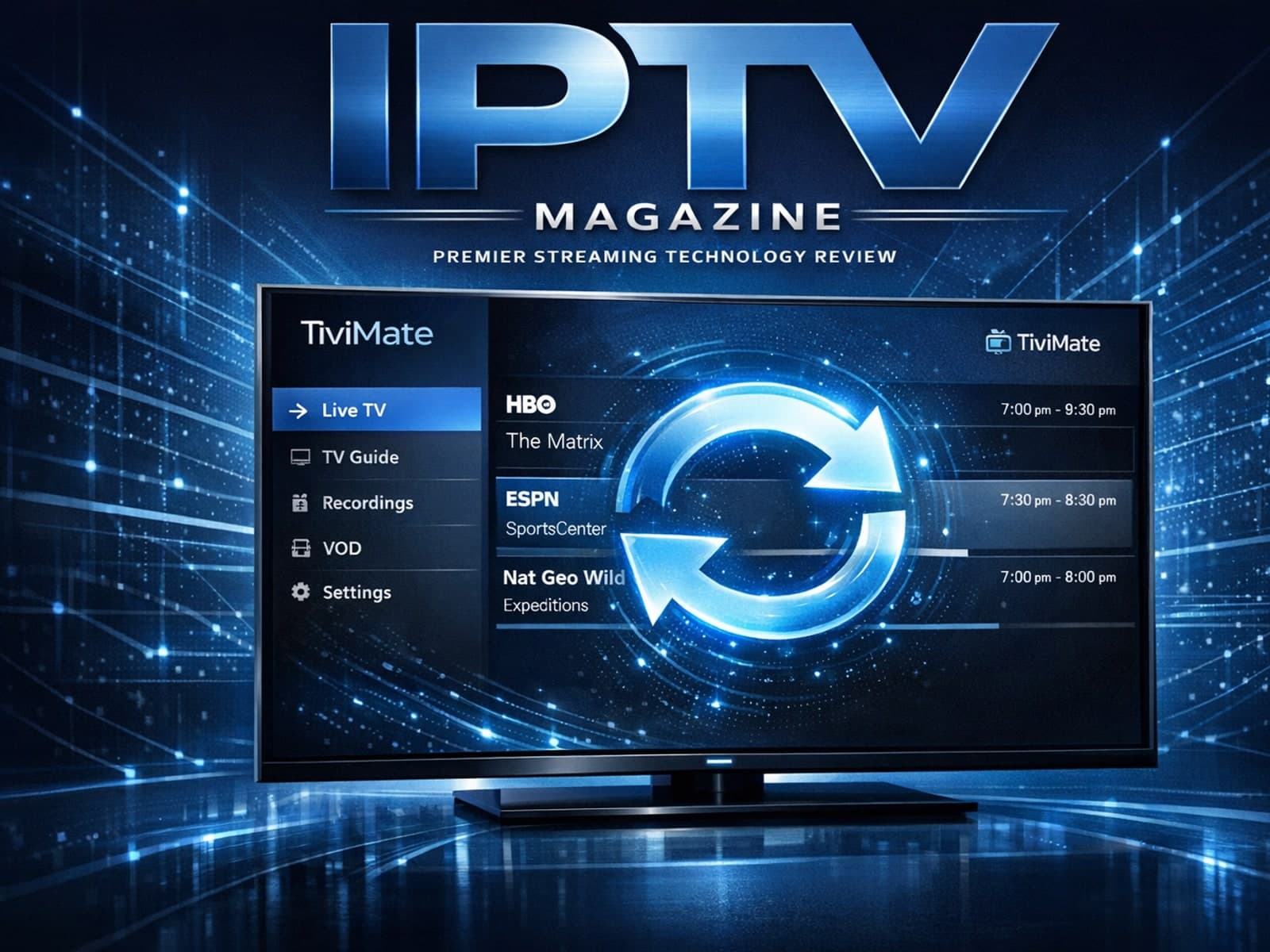
If your TiviMate playlist does not update after hitting the refresh button, it's usually due to issues like playlist URL problems, app cache conflicts, or network connectivity failures.
If your TiviMate playlist is not updating after hitting the refresh button, it means the app is unable to download or load the latest channel list from the playlist source.
If your TiviMate playlist isn't updating after you hit refresh, it can be frustrating when channels, content, or schedules don't appear as expected.
When you hit "refresh" in TiviMate but your playlist doesn't update, it can be frustrating. Simply put, a playlist not updating means the app isn't downloading the latest channel list or program data from your IPTV source.