
M3U Plus vs Xtream Codes API for Playlist Updates

Quick answer
When managing IPTV playlists, choosing between M3U Plus and Xtream Codes API for updates can shape your user experience significantly. In simple terms, M3U Plus is a playlist file format typically refreshed manually or on scheduled intervals, while Xtream Codes API is a dynami...
Reviewed Against
• Xtream Codes username, password, and server-URL login flows
• M3U and M3U Plus playlist URLs, refreshes, and import behavior
• Server-URL formatting, HTTP response handling, and account-entry failure patterns
Applies To
• Portal-style logins that need a server URL plus account credentials
• Playlist-based IPTV setups that rely on M3U or M3U Plus links for channel data
• Errors caused by malformed URLs, wrong credentials, expired tokens, or unreachable playlist endpoints
Does not apply when
• You are using only an M3U playlist URL with no Xtream-style portal login at all.
• Your app is using a portal or stalker-style workflow instead of a playlist URL.
• The provider confirms the service is down or the account has been deliberately blocked upstream.
Corroborating Resources
HTTP response status codesUseful when an IPTV app surfaces 401, 403, 404, or 5xx style errors during login or playlist refreshes.
URL structure referenceHelpful for checking server URLs, source links, and path/query mistakes in portal or playlist setups.
Topic Cluster
Part of the IPTV troubleshooting cluster
Browse practical IPTV articles about IPTV troubleshooting, including setup choices, troubleshooting paths, and follow-on guides. This page sits in compare options for that topic path.
On this page
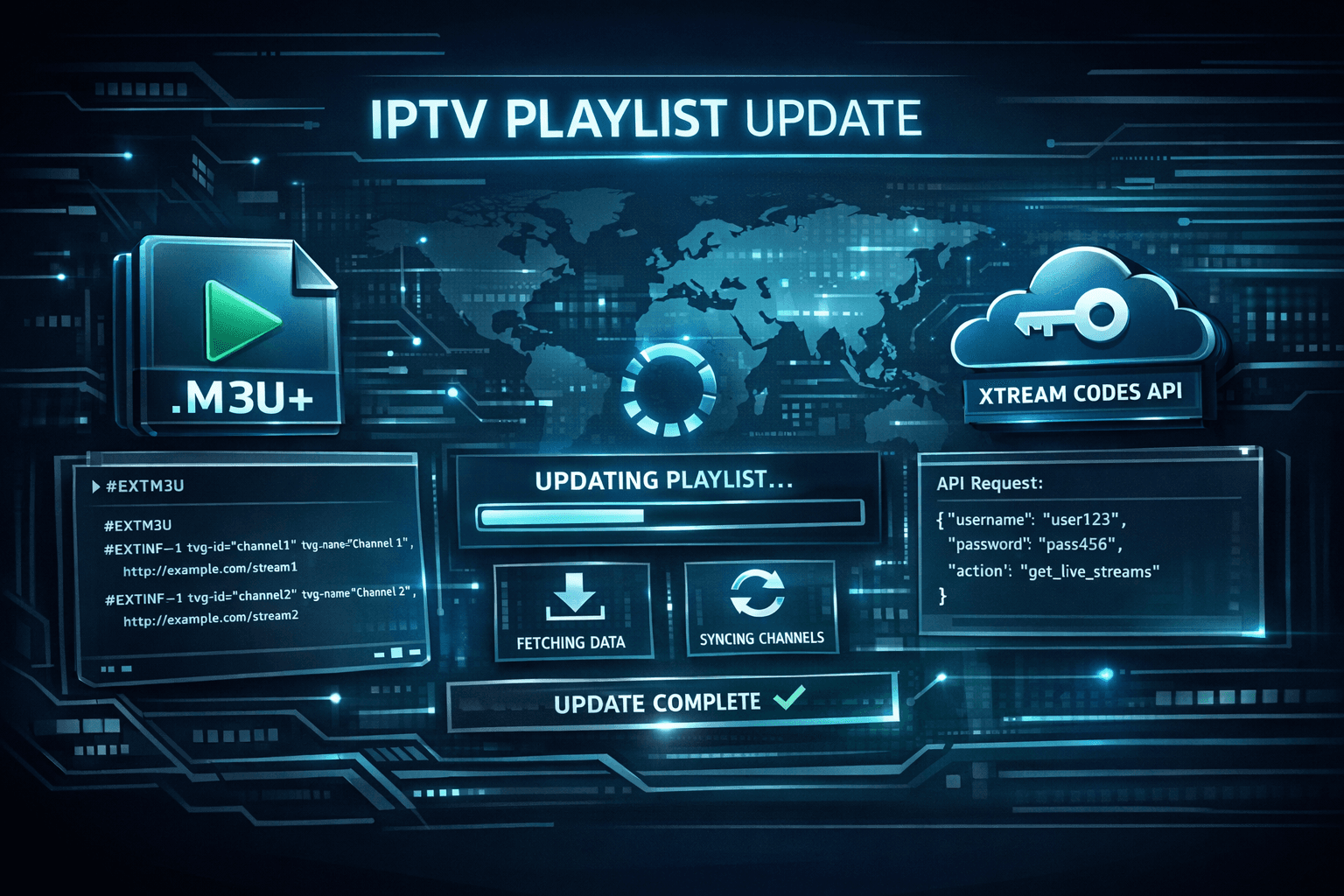
M3U Plus vs Xtream Codes API for Playlist Updates
When managing IPTV playlists, choosing between M3U Plus and Xtream Codes API for updates can shape your user experience significantly. In simple terms, M3U Plus is a playlist file format typically refreshed manually or on scheduled intervals, while Xtream Codes API is a dynamic interface offering real-time updates and additional features through API credentials.
Understanding which method suits your IPTV setup can reduce frustration with stale channels, improve EPG accuracy, and simplify playlist management.
What you'll learn
- The fundamental differences between M3U Plus and Xtream Codes API
- How to configure each update method in IPTV players
- Strengths and limitations for playlist updates
- Common setup mistakes and troubleshooting tips
- When to choose one method over the other based on your device and service
Understanding M3U Plus Playlist Updates
What Is M3U Plus?
M3U Plus is an extension of the traditional M3U playlist format, commonly used to list IPTV streams. The "Plus" typically refers to additions like extended attributes, grouping, and sometimes embedded catch-up or VOD entries.
How M3U Plus Updates Work
M3U Plus playlists usually exist as static URLs. IPTV players fetch this file for channel information and streams. Updates happen when the playlist URL changes its content (new channels, corrected links) or when users manually refresh the playlist in their player.
Key points:
- No authentication beyond the URL is typically required.
- Updates rely on the playlist provider refreshing the M3U file.
- Players cache playlists and may require manual refresh to see changes.
Practical Setup
- Obtain the M3U Plus playlist URL from your IPTV provider.
- Add this URL to your IPTV player (e.g., TiviMate, IPTV Smarters).
- Refresh the playlist manually or configure auto-refresh if available.
M3U Plus is favored for its simplicity but can delay reflecting changes.
How Xtream Codes API Manages Playlist Updates
What Is Xtream Codes API?
Xtream Codes API is an interface originally popularized by the Xtream platform, providing access to IPTV streams, user authentication, Electronic Program Guide (EPG), and more through API calls.
This API allows client apps to fetch playlist and channel data dynamically, typically requiring a username, password, and server URL.
Dynamic Updates and Features
- Provides near real-time updates to channel lists and EPG.
- Allows management of user subscription states and stream access controls.
- Supports additional metadata such as VOD libraries and catch-up services.
Setup Procedure
- Receive Xtream Codes API details: server URL, username, and password.
- Enter these credentials into your IPTV player’s Xtream Codes login.
- The app uses these details to request updated playlists and metadata automatically.
This method is more complex but offers richer, continuously updated content.
Comparison Table: M3U Plus vs Xtream Codes API
| Feature | M3U Plus | Xtream Codes API |
|---|---|---|
| Setup Inputs | Playlist URL | URL + Username + Password |
| Update Frequency | Manual or scheduled refresh | Near real-time |
| Authentication | Usually none | Required |
| Metadata Support | Basic (channels, groups) | Advanced (EPG, VOD, stats) |
| Ideal for | Beginners or simple setups | Users wanting dynamic, rich content |
| Common Limitations | Delay in updates, no auth | Requires valid credentials; server dependency |
Common Mistakes and Troubleshooting
Typical Issues
- M3U Plus shows outdated channels: Check if the provider has updated the playlist and manually refresh. Clear player cache if possible.
- Xtream Codes API login fails: Verify credentials are correct and active. Check server status and network.
- Channels buffer or fail to play: Could be due to expired streams or network problems; test connectivity.
Troubleshooting Steps
- Confirm playlist or API credentials with your IPTV provider.
- Restart your IPTV player and clear cache or stored data.
- Test the playlist URL or API login on another device or app.
- Check your internet connection and firewall settings.
When This Guidance Applies
- Applies to IPTV players supporting both M3U Plus and Xtream Codes API (e.g., TiviMate, IPTV Smarters).
- Different approaches are needed for apps locked to other protocols or device-specific IPTV systems.
If your device strictly supports only one method or has unique login formats, refer to device-specific guides or provider documentation.
Choosing Between M3U Plus and Xtream Codes API
Consider Your Needs
- Simplicity: M3U Plus requires only a URL and is easier for beginners.
- Dynamic Content: Xtream Codes API is better if you want automatic updates and richer metadata.
- Provider Support: Some IPTV services offer only one of these. Confirm availability first.
Check Compatibility
Some IPTV players have stronger support for Xtream Codes, offering smoother updates and better metadata handling.
If your player supports both, test with your provider’s credentials and see which performs better.
Summary and Recommendations
M3U Plus and Xtream Codes API each serve distinct roles in IPTV playlist management. For users valuing simplicity and minimal setup, M3U Plus playlists work well, albeit with possible delays in updates. For those who prefer dynamic updates, richer metadata, and advanced features, Xtream Codes API is the superior option but involves more configuration.
Understanding these differences can save setup time and improve your IPTV experience by matching your service's capabilities to your device and use case.
FAQ
What is the main difference between M3U Plus and Xtream Codes API for playlist updates?
M3U Plus is a static playlist file format refreshed manually or at set intervals, while Xtream Codes API offers dynamic, authenticated access to updated playlists and metadata via API calls.
Can I use M3U Plus playlists in IPTV players that support Xtream Codes API?
Yes, many IPTV players support both methods, but the API requires separate login credentials while M3U Plus uses only a playlist URL.
Why do Xtream Codes API playlists sometimes fail to update?
Failures often stem from incorrect credentials, expired subscriptions, API server downtime, or network connectivity issues.
Does Xtream Codes API offer better channel metadata management than M3U Plus?
Yes, it generally provides enhanced metadata like EPG, VOD, and catch-up features unavailable in basic M3U Plus playlists.
Which method is recommended for an IPTV beginner wanting easier playlist setup?
Beginners usually prefer M3U Plus due to its straightforward URL-based setup without the need for API credentials.
For more detailed fixes and IPTV player-specific concerns, consider reviewing TiviMate Playlist Not Updating After Refresh: Causes and Fixes or IPTV Smarters Invalid Details Error: Causes and Step-by-Step Fixes.
Keep exploring
More explainers that connect naturally to this setup, workflow, or troubleshooting path.

If your IPTV stream freezes or buffers when you change channels, this is usually caused by delays in receiving or processing the new channel data.

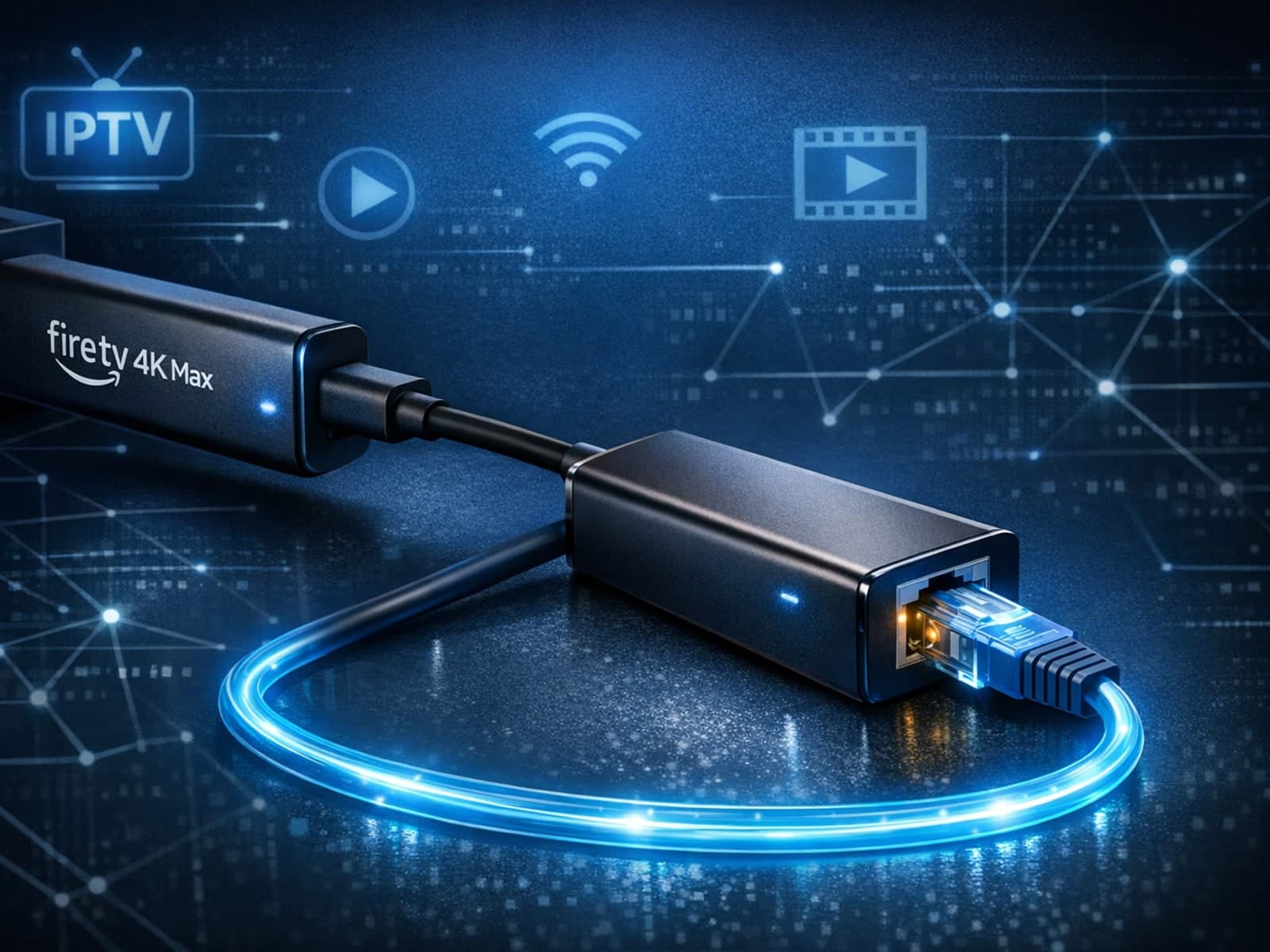
The Fire TV Stick 4K Max supports Ethernet adapters designed to connect through its USB-C port, enabling wired internet access for more reliable streaming.
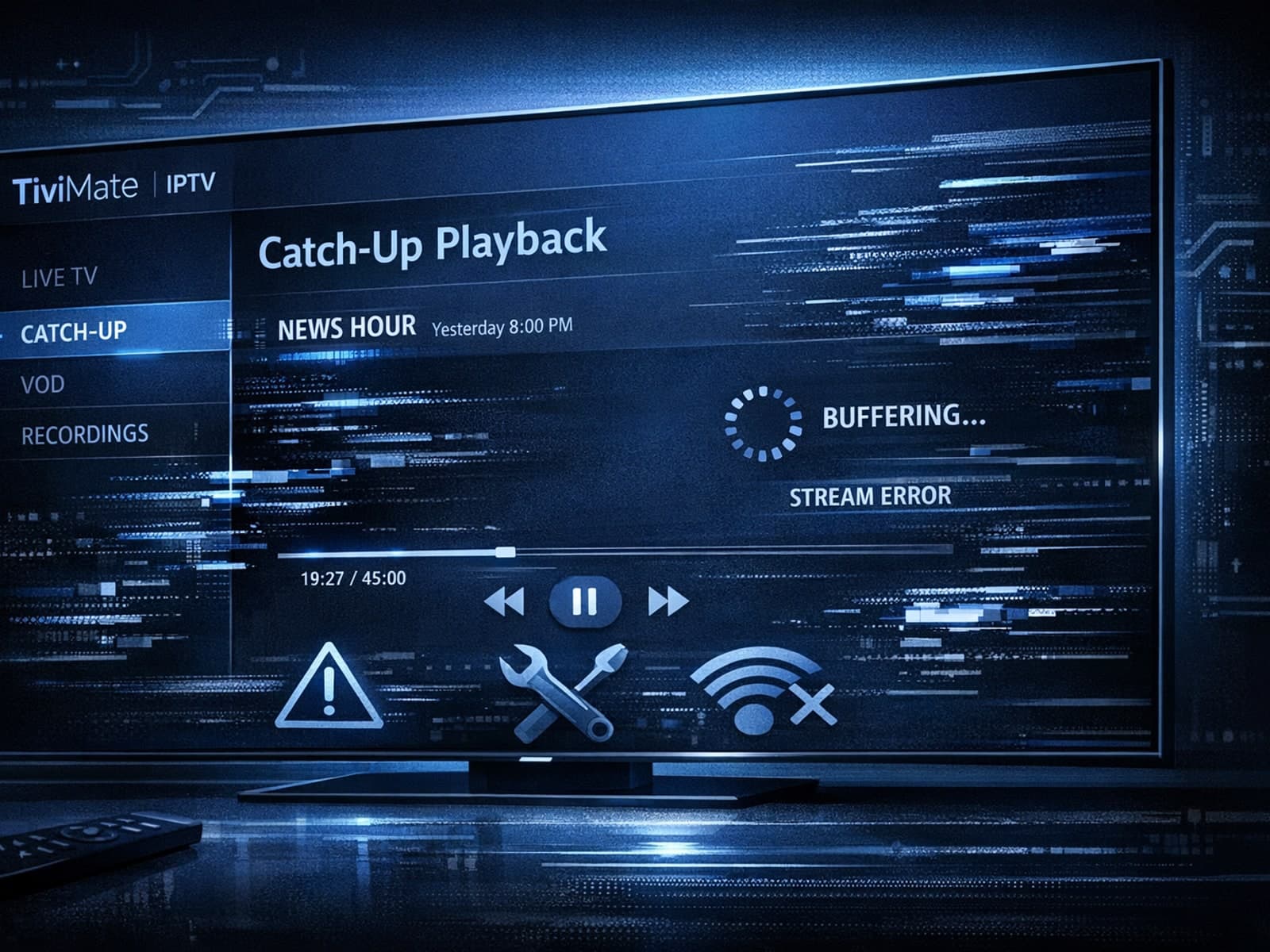
If catch-up (the ability to watch past broadcasts on demand) is not working in your TiviMate app, the issue is usually related to your IPTV playlist's support for catch-up, connection hiccups, or app configuration.
