Ethernet Adapter Compatibility for Fire TV Stick 4K Max

Quick answer
The Fire TV Stick 4K Max supports Ethernet adapters designed to connect through its USB-C port, enabling wired internet access for more reliable streaming. However, not all Ethernet adapters work with this device due to hardware and driver compatibility restrictions.
Reviewed Against
• Fire TV and Fire OS device capabilities, networking, and storage limits
• Home-network checks such as Wi-Fi strength, Ethernet fallback, DNS changes, congestion, and local storage pressure
Applies To
• Fire TV Stick, Fire TV Cube, and Fire OS playback or networking questions
• Playback problems that change with connection quality, device load, app cache state, or time of day
Does not apply when
• You are troubleshooting a smart-TV app or set-top box with a different hardware and settings path.
• Only one channel, event, or provider-side endpoint is failing while the rest of the service stays stable.
Corroborating Resources
Fire TV device specifications overviewHelpful for checking Fire TV hardware families, platform differences, and device-level constraints.
Fire TV streaming media player specsUseful for codec, storage, Wi-Fi, and Ethernet-adapter expectations on Fire TV sticks and boxes.
Android TV video and game troubleshootingUseful for Wi-Fi, updates, app cache, and playback troubleshooting steps that also mirror IPTV failure paths.
Android TV storage helpHelpful when playback issues point to low storage, cache pressure, or app-data cleanup decisions.
Topic Cluster
Part of the Ethernet adapter cluster
Browse practical IPTV articles about Ethernet adapter, including setup choices, troubleshooting paths, and follow-on guides. This page sits in setup and decisions for that topic path.
On this page
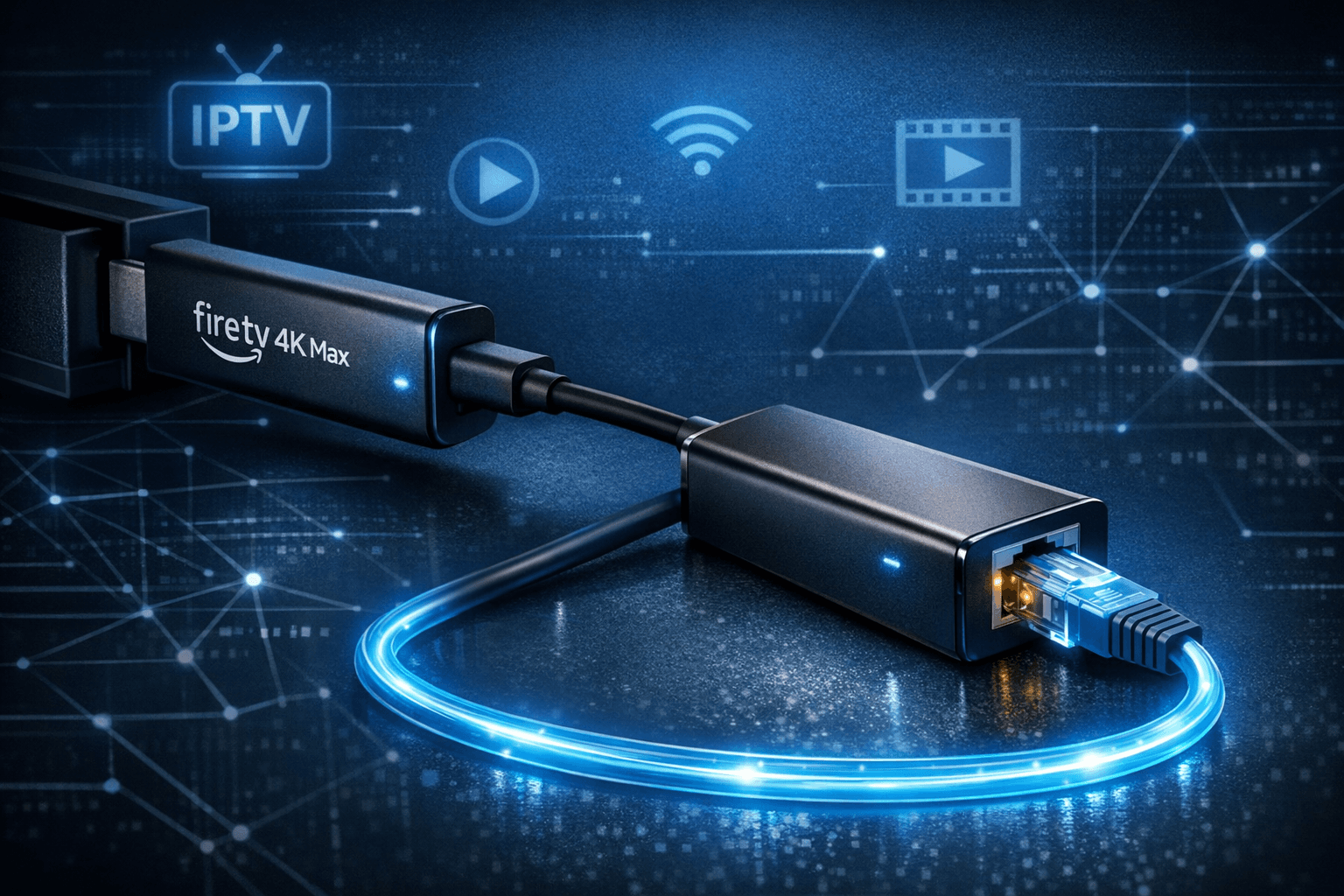
Ethernet Adapter Compatibility for Fire TV Stick 4K Max
The Fire TV Stick 4K Max supports Ethernet adapters designed to connect through its USB-C port, enabling wired internet access for more reliable streaming. However, not all Ethernet adapters work with this device due to hardware and driver compatibility restrictions.
This article explains which Ethernet adapters are compatible with the Fire TV Stick 4K Max, how to set them up properly, common troubleshooting tips, and what you need to verify before buying or using one.
What you'll learn
- Which types and models of Ethernet adapters are compatible with the Fire TV Stick 4K Max
- How to connect and configure a wired Ethernet connection via USB-C
- Troubleshooting steps for common connectivity issues
- When a different approach or device is better suited
- Key compatibility considerations for reliable wired streaming
Understanding Fire TV Stick 4K Max Ethernet Adapter Compatibility
Amazon's Fire TV Stick 4K Max features a USB-C port primarily intended for power input, but it can also support Ethernet adapters that meet the device's power and driver requirements. Unlike other Fire TV models that have dedicated Ethernet-enabled power adapters, the 4K Max requires a standard USB-C Ethernet adapter with the right chipset.
Why Aren't All USB Ethernet Adapters Compatible?
Compatibility depends on factors like the USB Ethernet adapter chipset, power consumption, and firmware support within Fire OS, Amazon's customized Android-based operating system. Many generic or older adapters lack support or draw more power than the Stick provides.
The device also lacks native drivers for some common chipsets, limiting usable adapters.
Compatible Ethernet Adapters for Fire TV Stick 4K Max
Recommended Adapter Types
- USB-C to Gigabit Ethernet adapters based on the ASIX AX88179 chipset
- Plug-and-play Thunderbolt or USB-C Ethernet adapters designed for Android devices
Examples of Compatible Adapters
- Amazon Ethernet Adapter for Amazon Fire TV (official accessory for older Fire TVs, generally compatible)
- Third-party USB-C adapters explicitly listing Fire TV compatibility or ASIX AX88179 chipset
Adapters using Realtek RTL8153 or Broadcom chipsets often do not work properly.
Power Requirements
Adapters must operate within USB-C power limits for the Fire TV Stick 4K Max. Adapters needing external power or USB hubs with separate power sources complicate the setup and are generally not supported.
How to Set Up an Ethernet Adapter on Fire TV Stick 4K Max
Setting up is straightforward when using a compatible adapter. Follow these steps:
- Ensure the Fire TV Stick 4K Max is powered off or disconnected.
- Connect the USB-C Ethernet adapter to the Fire TV Stick 4K Max's USB-C port.
- Plug an Ethernet cable into the adapter and connect the other end to your router or modem.
- Power on the Fire TV Stick 4K Max.
- Navigate to Settings > Network on the Fire TV interface.
- Confirm that the network status indicates a wired connection.
If the wired connection is detected, you are ready to stream with the benefits of a stable Ethernet connection.
Troubleshooting Common Ethernet Adapter Issues
Adapter Not Detected
- Verify adapter compatibility with the Fire TV Stick 4K Max.
- Ensure all connections are secure.
- Try unplugging and re-plugging the adapter.
- Restart the device after connecting the adapter.
No Network Access Despite Connection
- Check that the Ethernet cable and router port are functioning properly.
- Confirm your network does not require manual IP configuration, as automatic DHCP is expected.
- Test the Ethernet cable with another device.
Slow or Intermittent Ethernet Connection
- Use a high-quality Ethernet cable (Cat5e or better).
- Avoid excessive cable length or damaged cables.
- Ensure your router firmware is up to date.
When to Consider Other Connectivity Approaches or Devices
Ethernet adapters compatible with Fire TV Stick 4K Max are limited. If your adapter does not work or you need additional USB functionality:
- Consider using a Fire TV device with built-in Ethernet port, like the Fire TV Cube.
- Use a USB-C hub with Ethernet support designed for Fire TV, but check compatibility carefully.
- Opt for a strong Wi-Fi setup using a dual-band 5 GHz router and minimize interference.
Compatibility Checklist for Choosing an Ethernet Adapter
| Feature | Notes |
|---|---|
| USB-C interface | Required for Fire TV Stick 4K Max |
| Supported chipsets | ASIX AX88179 preferred |
| Power draw | Within USB-C port limits |
| Driver support in Fire OS | Confirmed or Amazon-branded adapters |
| Plug-and-play operation | No additional drivers or manual setup |
Summary
Using a wired Ethernet connection on the Fire TV Stick 4K Max requires a compatible USB-C Ethernet adapter, primarily those based on the ASIX AX88179 chipset. Proper setup involves connecting the adapter and confirming network detection in the device settings. Troubleshooting typically centers on verifying compatibility, connection integrity, and network configuration.
For users requiring consistently stable connections, a wired setup is beneficial, but adapter limitations mean checking compatibility before purchase is critical. When wired connectivity is not achievable with available adapters, upgrading to devices with native Ethernet or improving Wi-Fi quality are alternative solutions.
FAQ
Can I use any USB Ethernet adapter with the Fire TV Stick 4K Max?
No. Compatibility depends on the chipset and driver support; not all adapters are recognized by Fire OS on the 4K Max.
Does the Fire TV Stick 4K Max require power over Ethernet (PoE) adapters?
No. The Stick powers compatible adapters directly from its USB-C port without PoE.
Will an Ethernet adapter improve streaming quality?
Yes, a wired connection often provides a more stable and faster internet connection than Wi-Fi.
What if my Ethernet adapter isn't recognized?
Verify the adapter chipset compatibility, check connections, restart the device, or try a different compatible adapter.
Who Should Use This Guide
This guidance is aimed at Fire TV Stick 4K Max users looking to switch from Wi-Fi to Ethernet. It assumes you have a basic understanding of networking hardware. If you have a different Fire TV model or require advanced network configuration, consult device-specific or network-specific resources.
Related Internal Resources
- Fire TV Cube vs Fire TV Stick 4K Max for IPTV: Key Differences and Use
- IPTV Smarters Invalid Details Error: Causes and How to Fix It
- 5 GHz Wi-Fi
- Ethernet Adapter Compatibility for Fire TV Stick 4K Max (for expanded details)
By clearly identifying which Ethernet adapters work with the Fire TV Stick 4K Max and guiding users through setup and troubleshooting, this article helps secure a stable wired internet connection for improved IPTV streaming experiences.
Frequently Asked Questions
Can I use any USB Ethernet adapter with the Fire TV Stick 4K Max?
No. The Fire TV Stick 4K Max only supports a limited range of Ethernet adapters compatible with its USB-C port and specific chipset requirements.
Does the Fire TV Stick 4K Max need power over Ethernet (PoE) for the adapter?
No, the adapters compatible with Fire TV Stick 4K Max draw power from the device's USB-C port and do not require PoE.
Will an Ethernet adapter improve streaming quality on the Fire TV Stick 4K Max?
An Ethernet connection can provide a more stable and faster network connection than Wi-Fi, potentially improving streaming quality, especially in areas with weak Wi-Fi.
What should I do if my Ethernet adapter isn’t recognized?
Verify adapter compatibility first. Try restarting the Fire TV Stick and ensure the adapter and cable are securely connected. If problems persist, test with a different adapter known to be compatible.
Keep exploring
More explainers that connect naturally to this setup, workflow, or troubleshooting path.
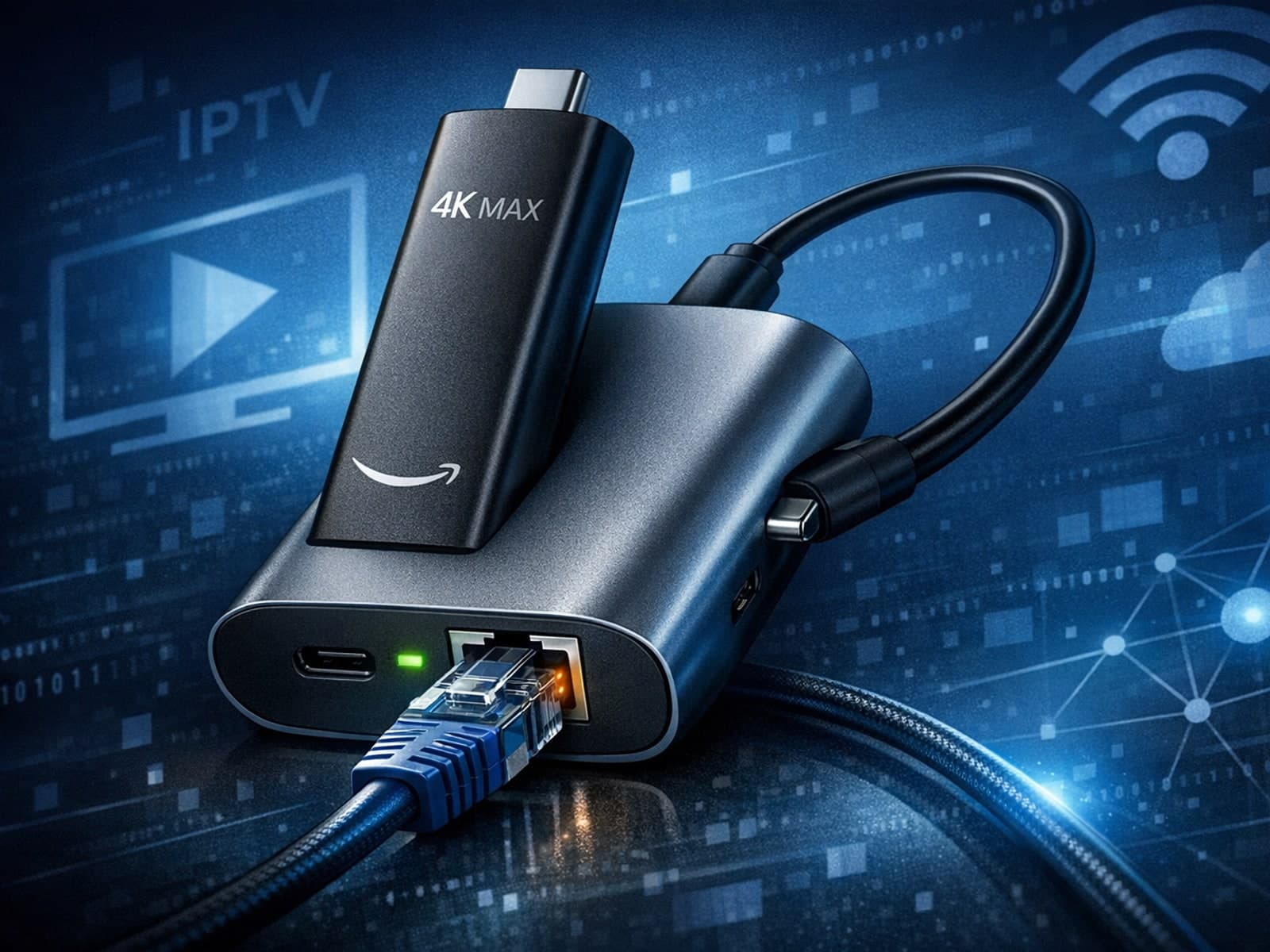
The Fire TV Stick 4K Max supports wired Ethernet connections only through specific USB-C Ethernet adapters. Unlike typical devices with USB-A ports, the 4K Max uses a USB-C port designed primarily for power but also compatible with certain.

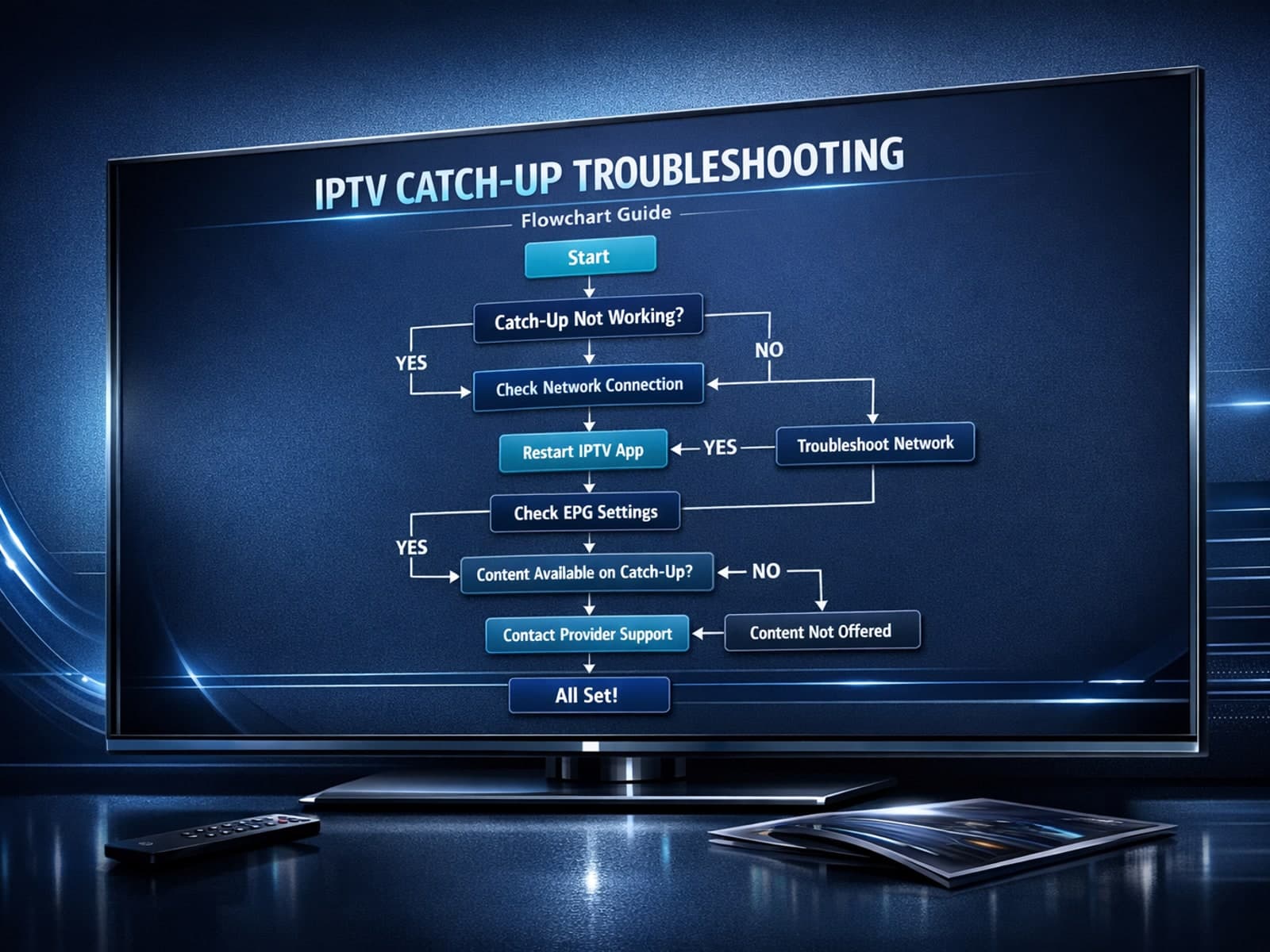
If you use the TiviMate IPTV player, you might occasionally find that the catch-up TV feature isn't working as expected. Catch-up allows you to watch previously aired content on demand, making it a valuable part of your viewing experience.
If you've hit "Refresh" in TiviMate but your IPTV playlist doesn't update, you are not alone. This is a common problem that can stem from multiple causes including network hiccups, playlist URL issues, corrupted cache, or server downtime.
