
Ethernet Adapter Compatibility for Fire TV Stick 4K Max

Quick answer
The Fire TV Stick 4K Max, Amazon’s popular streaming media player, supports Ethernet adapters to enable wired internet connections instead of relying on Wi-Fi. This device has a USB-C port that can be used with compatible USB Ethernet adapters, providing a more stable and pote...
Reviewed Against
• Fire TV and Fire OS device capabilities, networking, and storage limits
• Home-network checks such as Wi-Fi strength, Ethernet fallback, DNS changes, congestion, and local storage pressure
Applies To
• Fire TV Stick, Fire TV Cube, and Fire OS playback or networking questions
• Playback problems that change with connection quality, device load, app cache state, or time of day
Does not apply when
• You are troubleshooting a smart-TV app or set-top box with a different hardware and settings path.
• Only one channel, event, or provider-side endpoint is failing while the rest of the service stays stable.
Corroborating Resources
Fire TV device specifications overviewHelpful for checking Fire TV hardware families, platform differences, and device-level constraints.
Fire TV streaming media player specsUseful for codec, storage, Wi-Fi, and Ethernet-adapter expectations on Fire TV sticks and boxes.
Android TV video and game troubleshootingUseful for Wi-Fi, updates, app cache, and playback troubleshooting steps that also mirror IPTV failure paths.
Android TV storage helpHelpful when playback issues point to low storage, cache pressure, or app-data cleanup decisions.
Topic Cluster
Part of the Fire TV Stick 4K Max cluster
Browse practical IPTV articles about Fire TV Stick 4K Max, including setup choices, troubleshooting paths, and follow-on guides. This page sits in setup and decisions for that topic path.
On this page
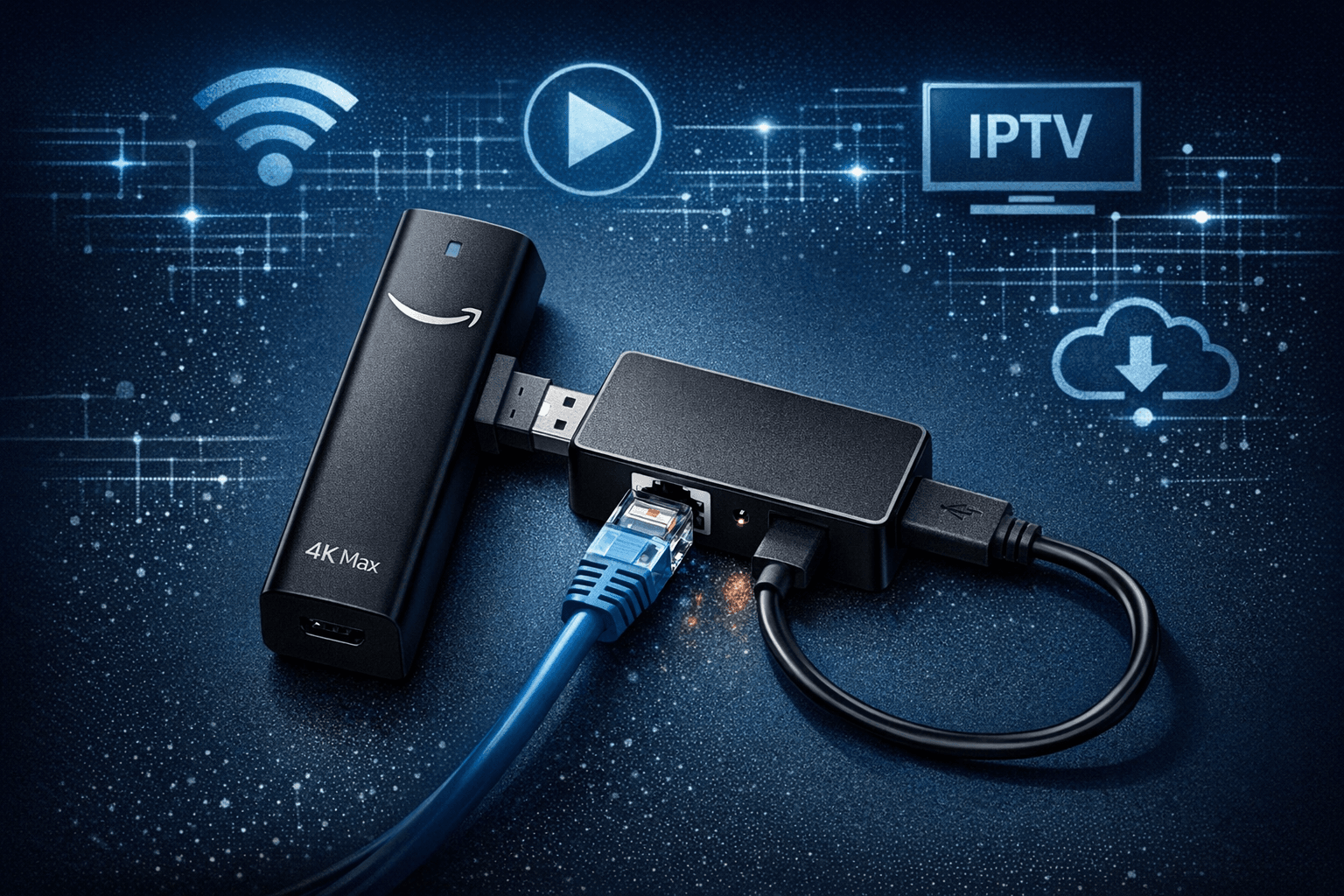
Ethernet Adapter Compatibility for Fire TV Stick 4K Max
The Fire TV Stick 4K Max, Amazon’s popular streaming media player, supports Ethernet adapters to enable wired internet connections instead of relying on Wi-Fi. This device has a USB-C port that can be used with compatible USB Ethernet adapters, providing a more stable and potentially faster network connection for streaming. However, compatibility is limited to certain chipsets and adapter types, and setup requires specific steps due to the port configuration.
What you'll learn
- Which Ethernet adapters are compatible with the Fire TV Stick 4K Max
- How to connect and set up an Ethernet adapter with the device
- Common issues and troubleshooting related to Ethernet connectivity
- When to consider alternate devices or solutions
- Practical tips for optimizing wired connections
Understanding the Fire TV Stick 4K Max USB Port and Ethernet Adapter Compatibility
USB-C Port on Fire TV Stick 4K Max
Unlike earlier Fire TV Stick models that used micro-USB for power and accessories, the Fire TV Stick 4K Max features a USB-C port. This modern port supports power delivery and data transfer, enabling the use of USB-C Ethernet adapters or USB-C to USB-A adapters for traditional Ethernet dongles.
Why Compatibility Matters
Not all USB Ethernet adapters work seamlessly with Fire TV devices. The Fire TV Stick 4K Max relies on native driver support built into Fire OS for specific Ethernet chipsets. Incompatible adapters won't be recognized and thus can't provide a wired network connection.
Supported Chipsets
Fire TV devices typically support Ethernet adapters using the ASIX AX88179 chipset or similar. It's advisable to confirm the chipset of an adapter before purchase. Adapters with Realtek or other chipsets might not work properly.
Choosing the Right Ethernet Adapter for the Fire TV Stick 4K Max
USB-C Ethernet Adapters
Since the Fire TV Stick 4K Max has only one USB-C port (used for power and accessories), the simplest option is a USB-C Ethernet adapter, which plugs directly into the device’s port and provides an Ethernet jack.
Using USB-C to USB-A Adapters
If you already own a USB-A Ethernet adapter, you can pair it with a USB-C to USB-A adapter cable. This setup allows you to connect the adapter to the Fire TV Stick 4K Max’s USB-C port.
Power and Hub Limitations
Most Ethernet adapters for the Fire TV Stick 4K Max draw power from the USB port. The device supplies limited power, so adapters needing external power or USB hubs with multiple devices attached may not function reliably.
Checklist for Adapter Compatibility
| Feature | Recommended | Not Recommended |
|---|---|---|
| Chipset | ASIX AX88179 or confirmed support | Unknown or unsupported chipsets |
| Connector | USB-C native or USB-A with USB-C adapter | USB-A only without adapter |
| Power Requirement | Bus-powered (no external supply) | Requires external power |
| Hub Use | Direct connection preferred | Multi-device powered hubs |
Step-by-Step Setup for Ethernet Connection on Fire TV Stick 4K Max
- Verify your Ethernet adapter's compatibility with supported chipsets like ASIX AX88179.
- If using a USB-A Ethernet adapter, obtain a USB-C to USB-A adapter cable for connection.
- Connect the Ethernet adapter to the Fire TV Stick 4K Max’s USB-C port.
- Plug in the Ethernet cable to the adapter and your network router or switch.
- Power on the Fire TV Stick 4K Max via its power adapter.
- Navigate to Settings > Network on your Fire TV interface.
- Confirm that the device displays a wired connection status and IP address.
Troubleshooting Common Ethernet Adapter Issues on Fire TV Stick 4K Max
Adapter Not Recognized
- Ensure the adapter chipset is supported.
- Try using a different USB-C or USB-A to USB-C adapter cable.
- Power cycle the Fire TV Stick and reconnect the adapter.
No Network Access Despite Connection
- Check that the Ethernet cable is linked to an active network port.
- Test the cable and router port with another device.
- Confirm network settings; some networks require DHCP or static IP configuration.
Intermittent Disconnections
- Avoid using long or damaged Ethernet cables.
- Ensure the Fire TV Stick has a stable power supply.
- Disconnect other USB devices that might cause power conflicts.
When to Consider Different Devices or Troubleshooting Paths
- If you have a Fire TV Stick model without a USB-C port (e.g., Fire TV Stick 4K original or lower), Ethernet adapter solutions differ; they usually rely on micro-USB to Ethernet adapters with power splitters.
- If your setup requires higher network speeds, consider Fire TV models with built-in Ethernet or network extenders.
- For persistent issues after adapter check, consult Amazon Fire TV device support or consider other streaming device forums.
FAQs
Can I use any USB Ethernet adapter with the Fire TV Stick 4K Max?
No. Compatibility depends on the adapter’s chipset, with ASIX AX88179-based adapters generally supported.
Do I need a special adapter for the USB-C port?
Yes. If your Ethernet adapter uses USB-A, a USB-C to USB-A adapter is necessary.
Will an Ethernet connection improve streaming?
Typically yes, a wired connection is more stable and faster than Wi-Fi.
What if the Ethernet adapter isn’t detected?
Try another adapter, check cables, and reboot your device. External power is usually unsupported.
Conclusion
The Fire TV Stick 4K Max supports Ethernet connections through its USB-C port using compatible Ethernet adapters. Selecting adapters with supported chipsets and using appropriate USB-C adapters for USB-A dongles is crucial. Wired connections generally enhance streaming stability and performance. Following the setup steps and troubleshooting tips here can help ensure a smooth Ethernet experience with the device. For other Fire TV models or unresolved issues, device-specific guides or support channels offer the best next steps.
Explore related topics for advanced troubleshooting or device comparisons to maximize your IPTV setup performance.
Frequently Asked Questions
Can I use any USB Ethernet adapter with the Fire TV Stick 4K Max?
No, only Ethernet adapters with supported chipsets like ASIX AX88179 are compatible. Others may not be recognized or powered properly.
Do I need a special adapter for the Fire TV Stick 4K Max's USB port?
Yes, since the Fire TV Stick 4K Max has a USB-C port, you need either a USB-C Ethernet adapter or a USB-C to USB-A adapter if your Ethernet adapter has a USB-A connector.
Will using an Ethernet adapter improve streaming performance?
A wired Ethernet connection often provides a more stable and faster connection than Wi-Fi, which can improve streaming quality and reduce buffering.
What if my Ethernet adapter isn’t detected by the Fire TV Stick?
Try a different adapter with a supported chipset, check the USB connection, test with another cable, or restart the device. Some adapters require external power, which the Fire TV Stick cannot provide.
Related guides on IPTV Explained
Keep exploring
More explainers that connect naturally to this setup, workflow, or troubleshooting path.
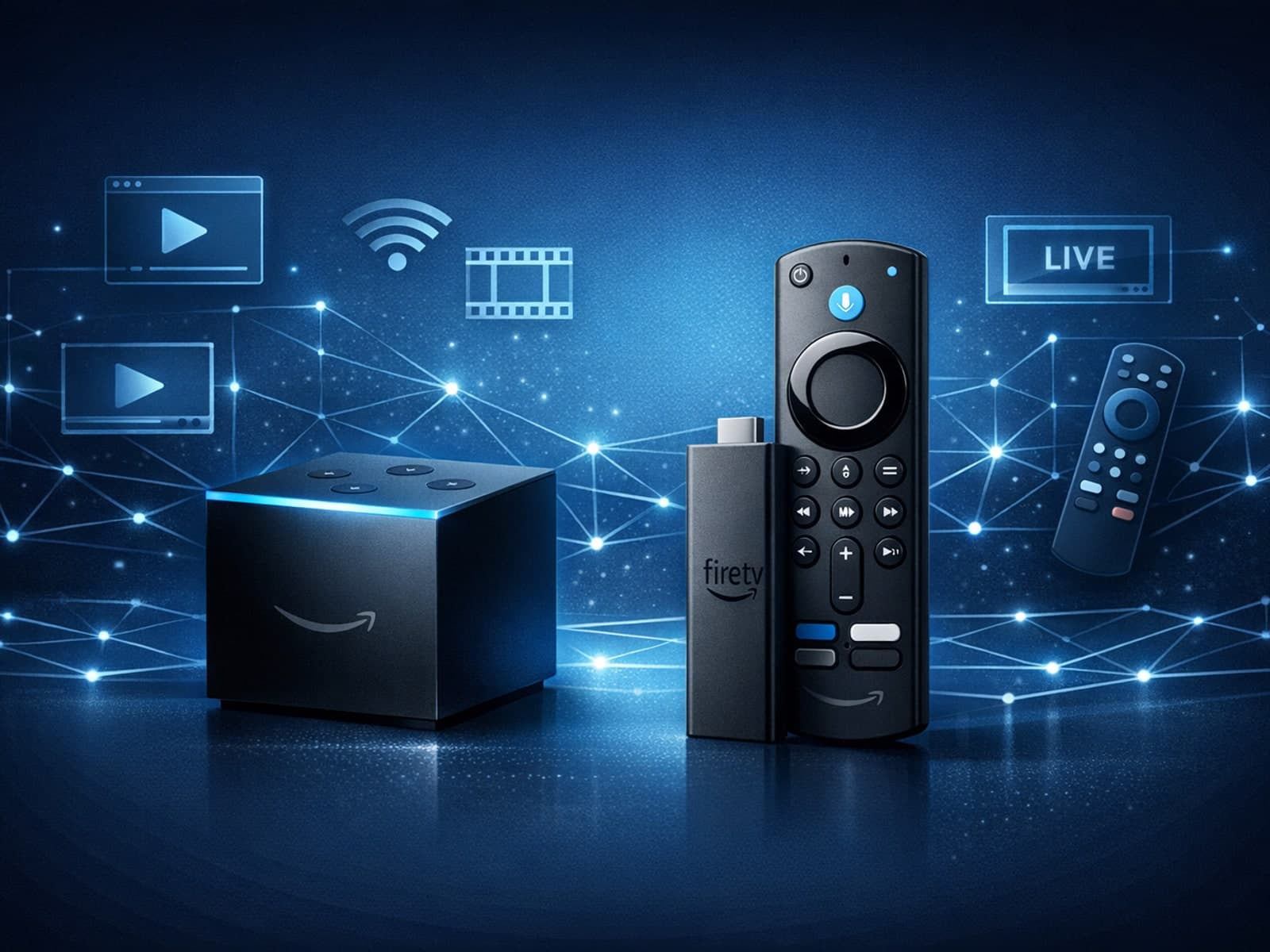
When choosing a device specifically for IPTV streaming, the Amazon Fire TV Cube and Fire TV Stick 4K Max are two popular options. Both devices support 4K streaming and run Amazon’s Fire OS with access to IPTV apps like TiviMate and IPTV.

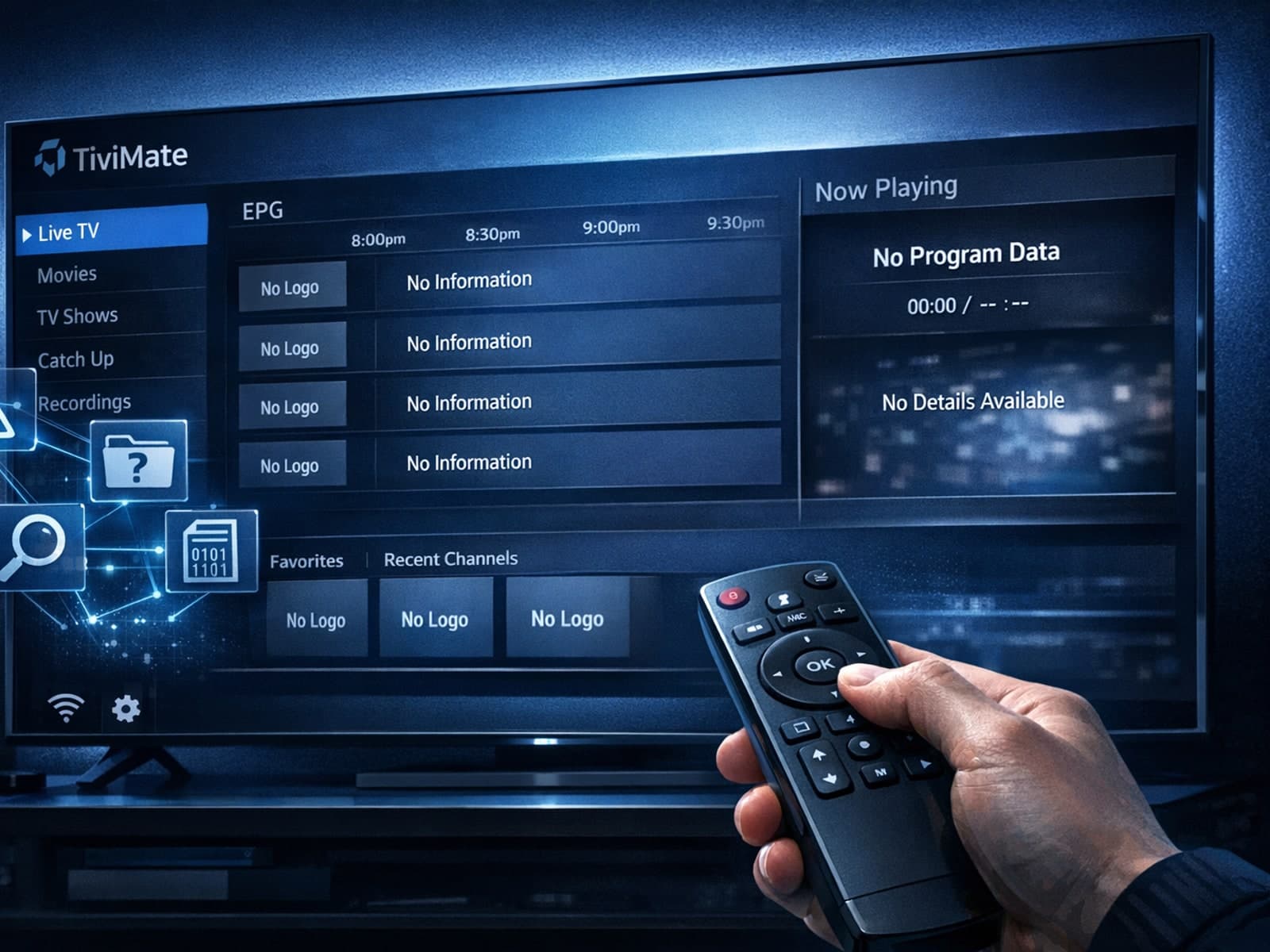
Missing channel logos in TiviMate is a common issue that often stems from problems with your IPTV playlist or Electronic Program Guide (EPG) data.
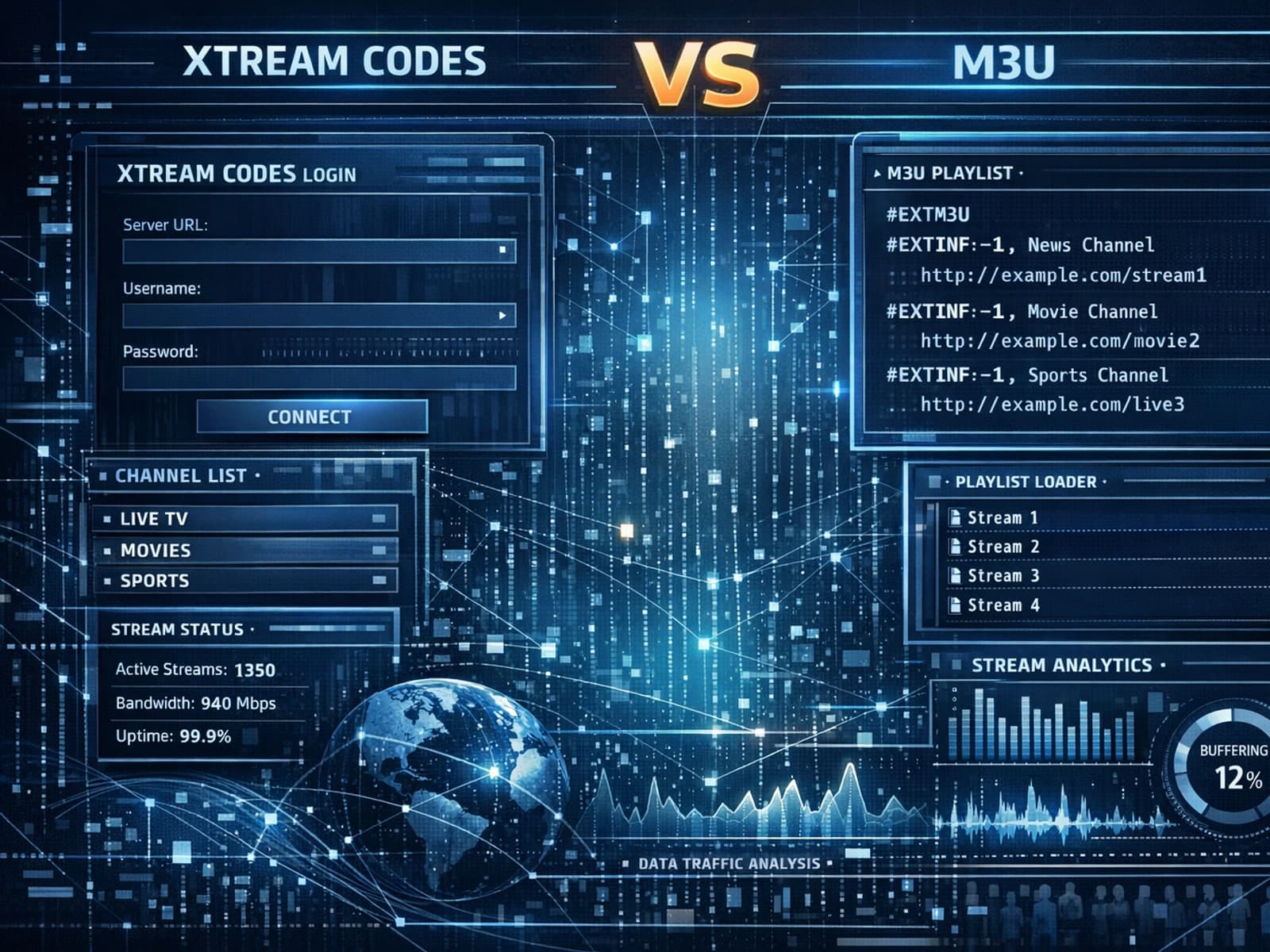
Xtream Codes often works better than M3U for IPTV users who need dynamic playlist management, faster channel updates, richer metadata integration, and controlled access to streaming content.
