
Why IPTV Freezes During Channel Switching: Causes and Fixes

Quick answer
When you switch channels on your IPTV service and the screen freezes or lags, it’s frustrating and disrupts your viewing experience. IPTV freezing during channel switching is most often caused by network delays, buffering, or the IPTV app/device struggling to keep up with real...
Reviewed Against
• Home-network checks such as Wi-Fi strength, Ethernet fallback, DNS changes, congestion, and local storage pressure
Applies To
• Playback problems that change with connection quality, device load, app cache state, or time of day
Does not apply when
• Only one channel, event, or provider-side endpoint is failing while the rest of the service stays stable.
Corroborating Resources
Android TV video and game troubleshootingUseful for Wi-Fi, updates, app cache, and playback troubleshooting steps that also mirror IPTV failure paths.
Android TV storage helpHelpful when playback issues point to low storage, cache pressure, or app-data cleanup decisions.
Topic Cluster
Part of the Buffering cluster
Buffering fixes, network bottlenecks, device slowdowns, and the fastest checks to stabilize IPTV playback. This page sits in more in this topic for that topic path.
Start here in this topic
On this page
Why IPTV Freezes During Channel Switching: Causes and Fixes
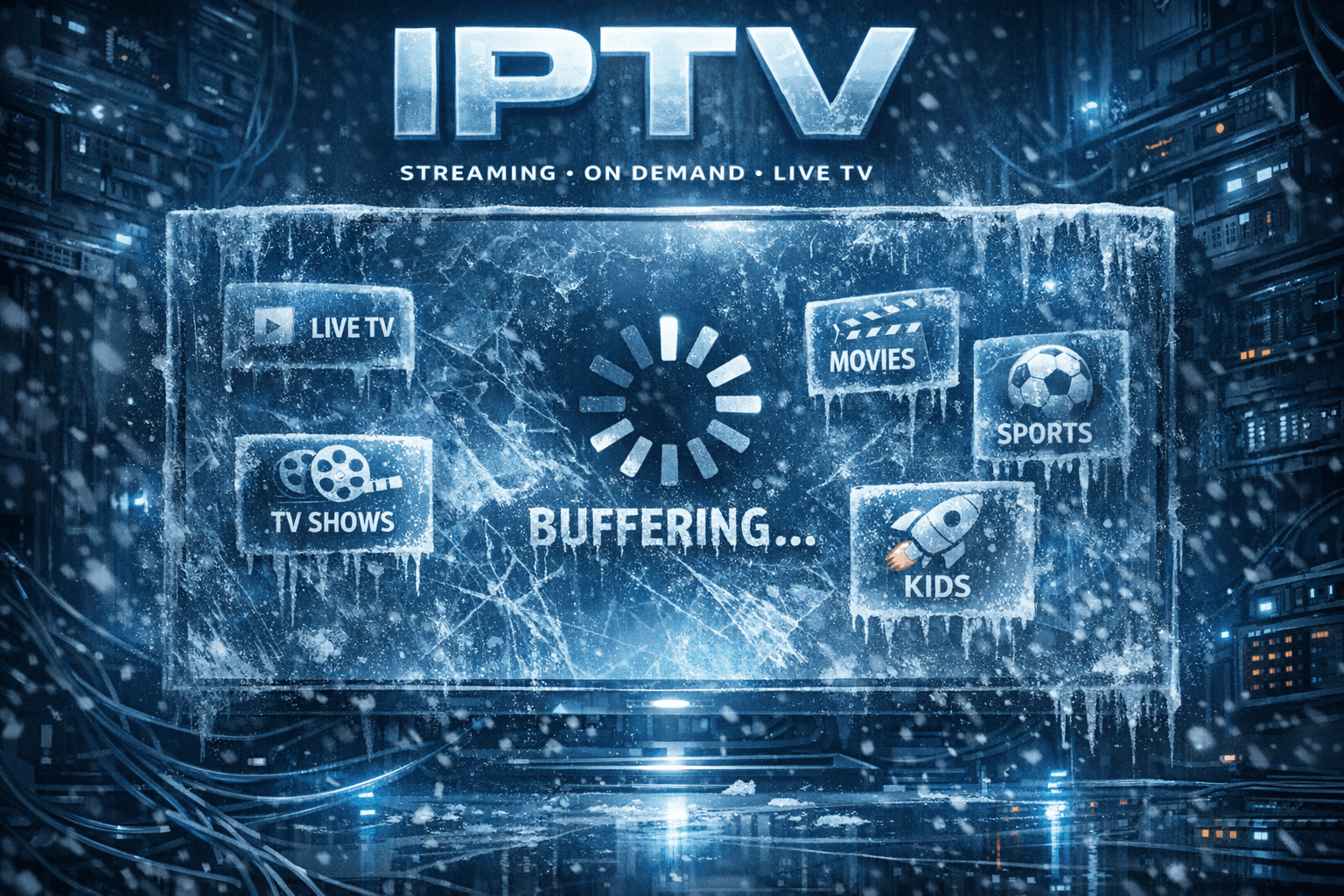
When you switch channels on your IPTV service and the screen freezes or lags, it’s frustrating and disrupts your viewing experience. IPTV freezing during channel switching is most often caused by network delays, buffering, or the IPTV app/device struggling to keep up with real-time stream loading. Understanding the primary causes and how to address them can help you enjoy smoother, uninterrupted viewing.
What you'll learn
- The main reasons IPTV freezes during channel changes
- How network conditions affect channel switching
- The role device performance and app behavior play
- Practical steps to reduce or eliminate freezing
- When to seek device-specific or service provider support
Causes of IPTV Freezing During Channel Switching
Network Latency and Bandwidth Bottlenecks
IPTV streams require a steady, sufficiently fast internet connection. When you switch channels, the app stops one stream and requests a new live stream URL. If your network is slow or unstable, loading the new channel’s data can take time, leading to freezing or buffering delays.
- Latency: High network latency causes delays in channel stream initiation.
- Bandwidth: Insufficient bandwidth can't support quick stream loading or higher resolution video.
Buffering and Stream Loading Behavior
Most IPTV apps use buffering—a temporary memory store of stream data—to smooth playback. During channel changes, buffering is reset and must refill before playback resumes.
- Larger buffers reduce freezing but increase delay.
- Smaller buffers reduce delay but risk freezing if network fluctuates.
Device and App Resource Constraints
Devices with limited processing power or those running outdated IPTV apps may struggle to decode streams fast enough, causing freezing moments.
- Older devices may lack hardware decoding for certain video formats.
- Background apps or processes can reduce available resources.
IPTV Service and Server Response
Sometimes freezing stems from IPTV server delays or issues. If the IPTV provider's stream servers are slow or overloaded, channel switching delays occur.
How to Diagnose IPTV Channel Switching Freezing
- Test your internet speed with services like Speedtest.net; IPTV usually needs a minimum of 10 Mbps for HD streams.
- Try switching channels multiple times and note if freezing is consistent or occasional.
- Switch from Wi-Fi to Ethernet to see if wired connection improves performance.
- Restart the IPTV app and device to clear temporary glitches.
- Update your IPTV app and device firmware to ensure optimal software performance.
If freezing persists after these checks, the cause is more nuanced.
Step-by-Step Fixes to Reduce or Eliminate Freezing
- Verify and improve your internet connection
- Prefer a wired Ethernet connection.
- If using Wi-Fi, connect to the 5 GHz band for better speed and stability.
- Restart your device and IPTV app to clear caches and memory leaks.
- Update IPTV app and device firmware to fix bugs and improve stream handling.
- Clear app cache and data to remove corrupted temporary files.
- Monitor network traffic; limit downloads or other heavy usage during IPTV viewing.
- Lower stream quality settings within your IPTV app if bandwidth is limited.
- Disable unnecessary background apps on your device.
Common Mistakes That Cause Channel Switching Freezes
- Using 2.4 GHz Wi-Fi with interference instead of faster 5 GHz or Ethernet
- Ignoring app or device software updates
- Running IPTV on devices with insufficient RAM or CPU power
- Multiple devices hogging bandwidth during IPTV use
- Not clearing IPTV app cache leading to corrupted stream data
Avoiding these can greatly improve channel switching responsiveness.
When This Guidance Applies and Limitations
This advice best fits IPTV users employing streaming apps on smart TVs, Android TV boxes, or streaming sticks (Fire TV, Roku, etc).
- For streaming on mobile devices using proprietary IPTV apps, similar network principles apply, but app UI or settings differ.
- If you use a particular IPTV application that requires login tokens, or your service uses Xtream Codes or M3U playlists, also consider provider-side latency.
- For device or app-specific problems (e.g., Fire TV Stick performance), consult related guides such as on Ethernet adapters or app troubleshooting.
If freezing happens only on certain channels, the problem might be server-side, necessitating contacting your IPTV provider.
FAQ
What causes IPTV to freeze when switching channels?
Freezing is typically due to slow or unstable network connections, buffering requirements, or device/app processing delays during the new stream loading.
Can upgrading my Wi-Fi improve IPTV channel switching?
Yes, switching to a 5 GHz band Wi-Fi or using a wired Ethernet connection usually reduces freezing by providing faster and more stable network throughput.
Is freezing a sign of IPTV service problems?
Not always. Freezing can stem from your home network or device issues. If network and device troubleshooting fail, then service issues might be responsible.
Does device type affect IPTV freezing?
Yes, less powerful or older devices with slower CPUs, limited RAM, or outdated firmware may struggle with smooth channel switching.
Conclusion
IPTV freezing during channel switching is mainly caused by network delays, buffering needs, and device limitations. By systematically testing your internet speed, optimizing your network setup, updating apps, and managing device resources, most freezing issues can be significantly reduced or eliminated. Always consider your device’s capabilities and the quality of your IPTV provider’s servers as you troubleshoot. Clear, stable network conditions and well-maintained software are key to smooth IPTV channel navigation.
Quick Checklist for Fixing IPTV Freezes on Channel Switch
| Step | Action | Benefit |
|---|---|---|
| 1 | Check internet speed | Confirms bandwidth |
| 2 | Switch to 5 GHz Wi-Fi or Ethernet | Improves network stability |
| 3 | Restart app and device | Clears temporary errors |
| 4 | Update software | Fixes bugs and optimizes |
| 5 | Clear IPTV app cache | Removes corrupted data |
| 6 | Reduce stream quality if needed | Lowers bandwidth demand |
| 7 | Limit other network traffic | Frees bandwidth |
Implementing these steps helps achieve smoother, freeze-free channel switching.
Related guides on IPTV Explained
Keep exploring
More explainers that connect naturally to this setup, workflow, or troubleshooting path.
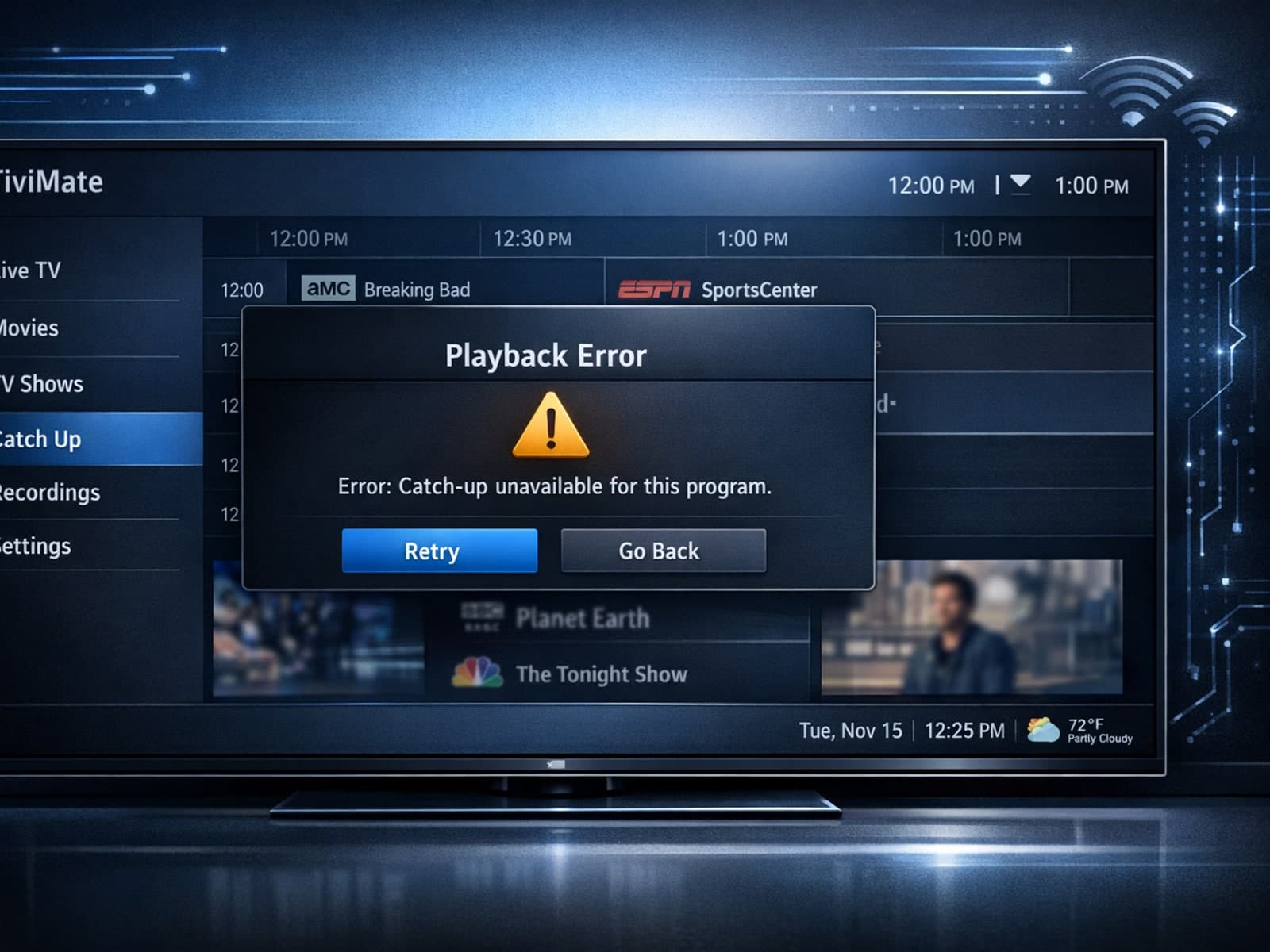
If your catch-up feature in TiviMate isn’t working, the fundamental reasons often lie in your IPTV playlist source or server configuration rather than the app itself.

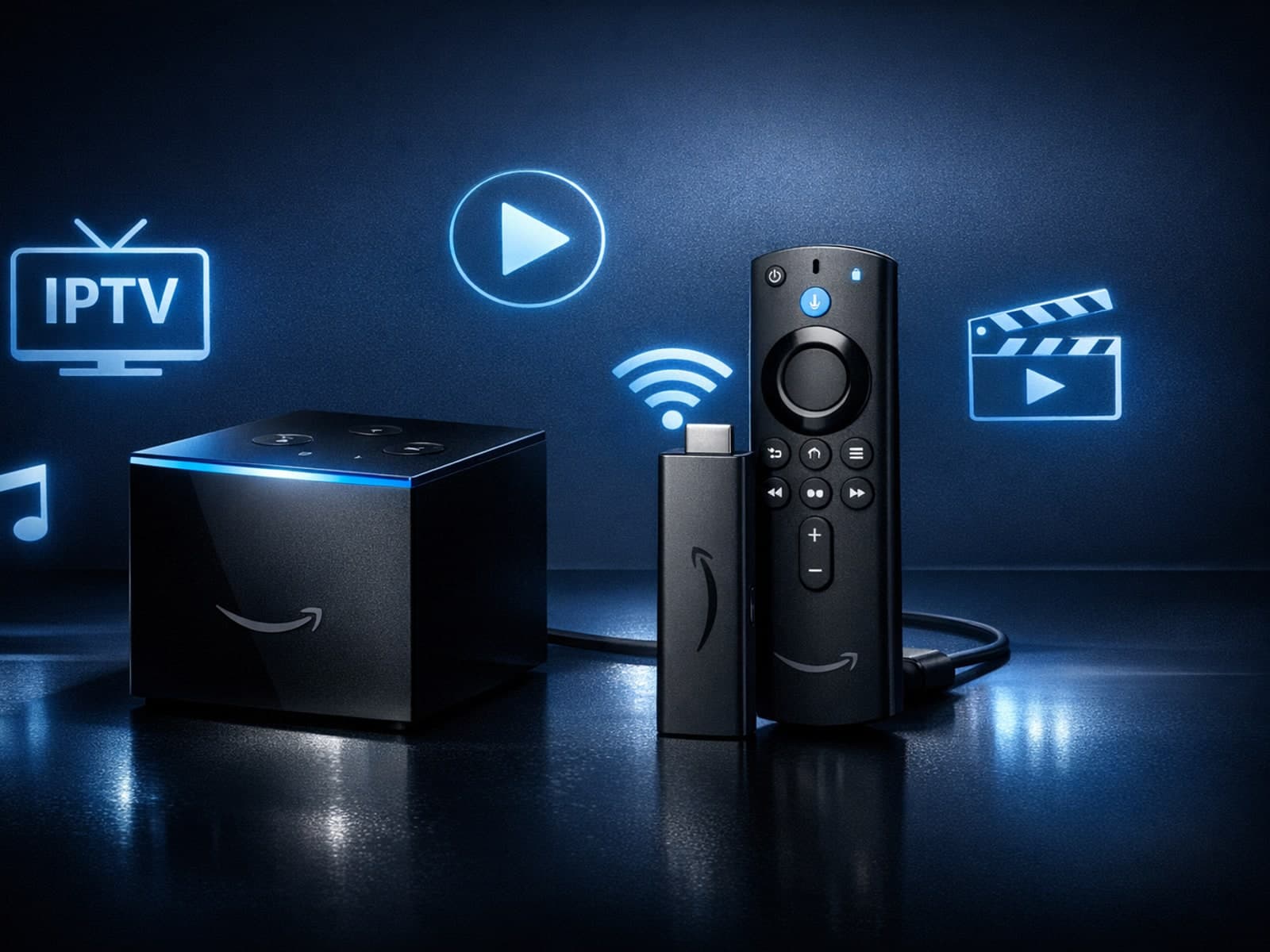
If you're choosing between the Fire TV Cube and the Fire TV Stick 4K Max for your IPTV setup, it's important to understand their differences beyond just their names.
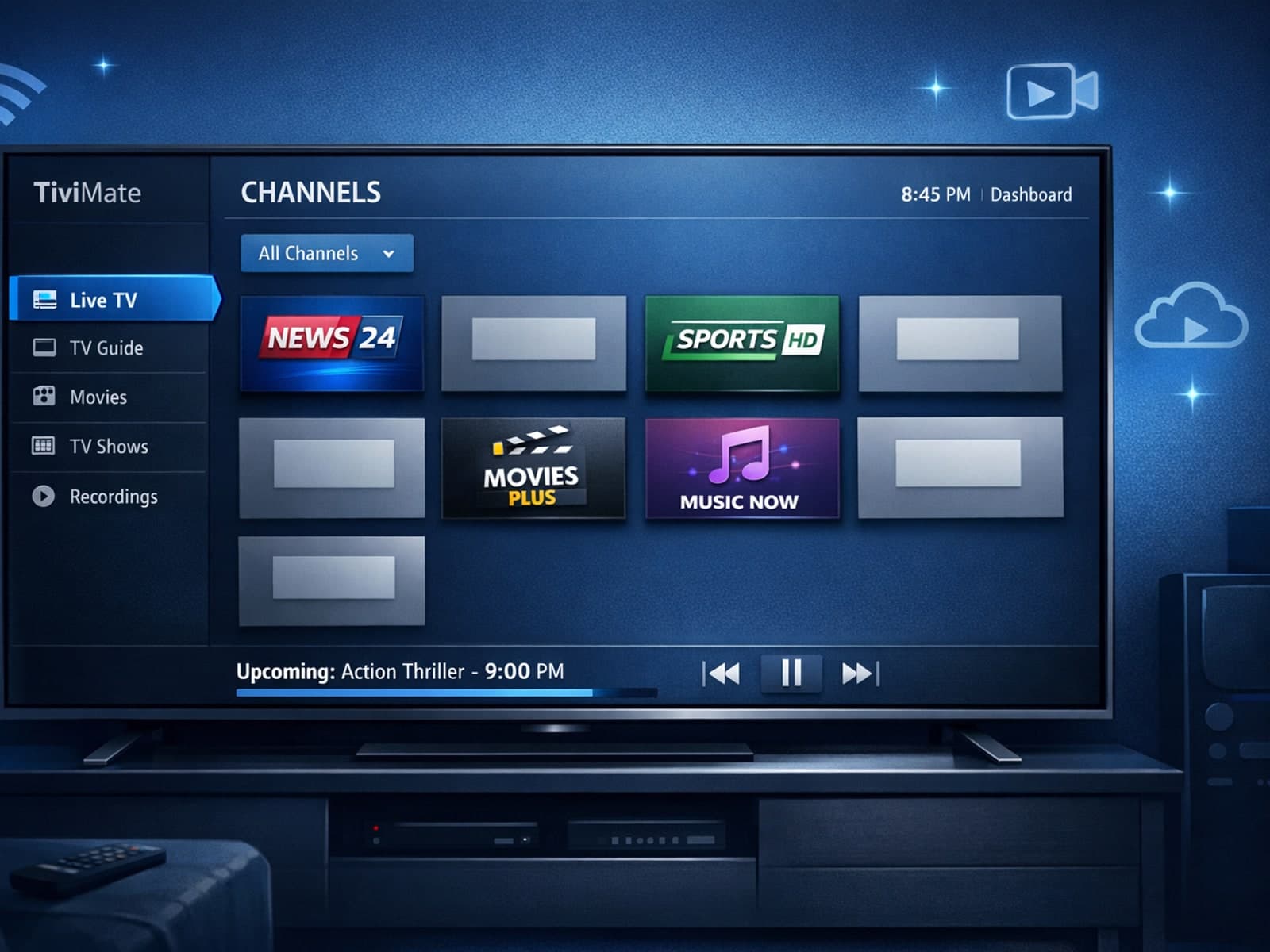
Missing channel logos in TiviMate can be frustrating because they make channel navigation less intuitive and reduce the overall viewing experience.