
How to Fix Catch-Up Not Working in TiviMate

Quick answer
If your catch-up feature in TiviMate isn’t working, the fundamental reasons often lie in your IPTV playlist source or server configuration rather than the app itself. Catch-up allows you to watch programs that aired earlier by accessing recorded streams, but not every IPTV ser...
Reviewed Against
• TiviMate playlist, EPG, and player-setting workflows
Applies To
• TiviMate setups on Android TV, Google TV, or Fire OS style streaming devices
Does not apply when
• Your app uses a different menu layout or naming scheme than TiviMate.
Topic Cluster
Part of the Xtream Codes cluster
Login errors, URL format confusion, authorization failures, and when Xtream Codes makes more sense than M3U. This page sits in troubleshoot and fix for that topic path.
Start here in this topic
On this page
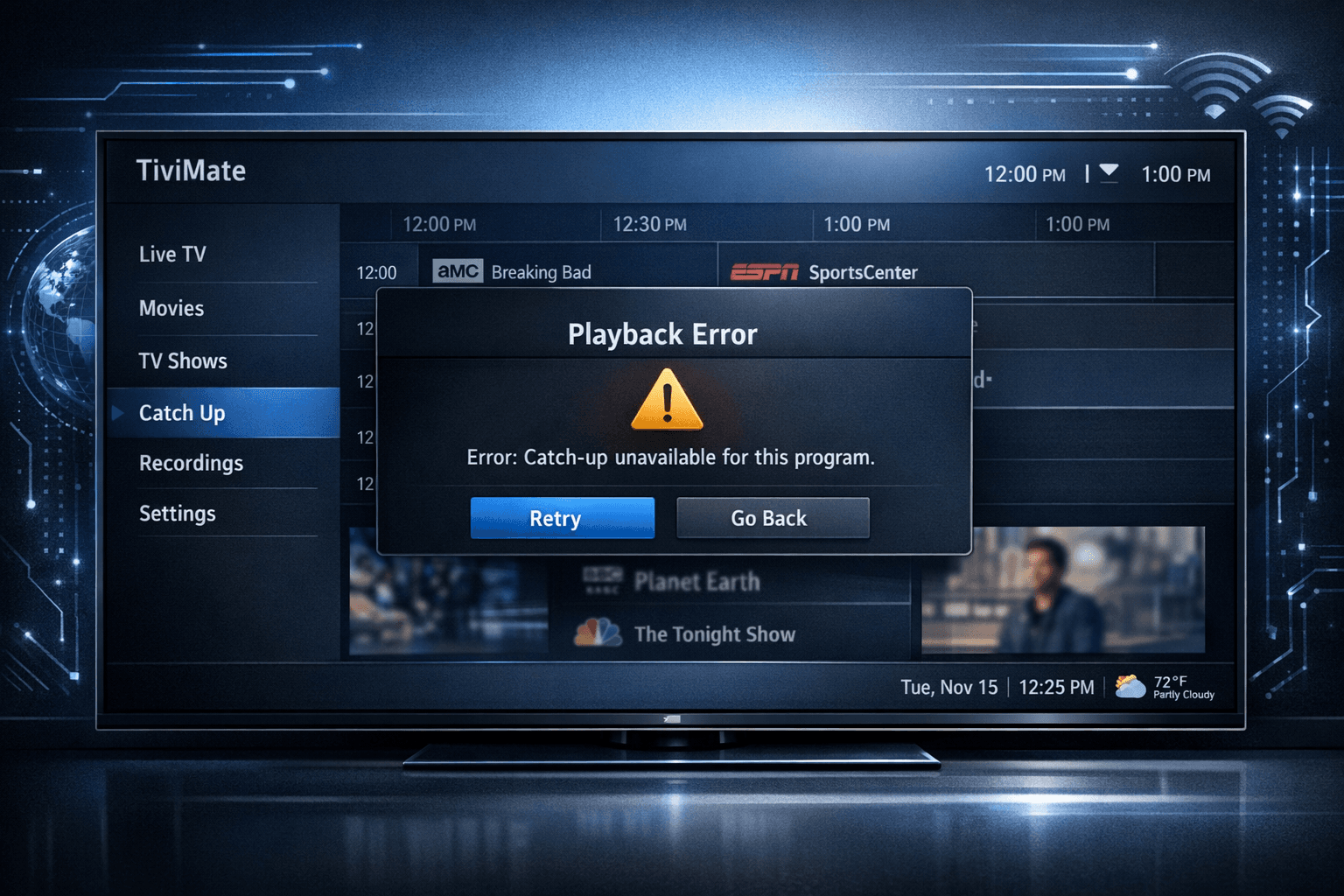
How to Fix Catch-Up Not Working in TiviMate
If your catch-up feature in TiviMate isn’t working, the fundamental reasons often lie in your IPTV playlist source or server configuration rather than the app itself. Catch-up allows you to watch programs that aired earlier by accessing recorded streams, but not every IPTV service supports it, and setup details vary. This article walks you through concrete checks and fixes specific to solving catch-up playback problems in TiviMate.
What you'll learn
- The most common causes why catch-up doesn’t work in TiviMate
- How to verify if your IPTV playlist and provider support catch-up
- Step-by-step troubleshooting to refresh playlists and app data
- How to check server-side catch-up settings when possible
- When to update or reinstall TiviMate to resolve bugs
- The importance of playlist format (M3U vs Xtream Codes) for catch-up
- When to seek IPTV provider support for catch-up issues
Understanding Catch-Up in TiviMate
Catch-up is a feature provided by IPTV services that lets you watch shows that aired earlier by streaming recordings stored on the IPTV server.
What Catch-Up Entails
Catch-up depends fundamentally on the IPTV provider:
- The server must record and store past video streams.
- The playlist or API must expose catch-up URLs or time-shifted streams.
- The IPTV app, TiviMate, must recognize and integrate this data.
If any link in this chain is broken or unsupported, catch-up won’t work.
Supported Playlist Types
TiviMate handles catch-up best through structured IPTV sources like Xtream Codes API playlists, which provide more metadata and features than a simple M3U playlist. Some basic M3U playlists do not include catch-up.
Step 1: Verify Your IPTV Provider and Playlist Support Catch-Up
Catch-up requires explicit IPTV provider support.
- Check your IPTV plan description or provider’s FAQ: It should mention catch-up or time-shifted viewing.
- Confirm playlist type: If you load a plain .m3u URL, it might not support catch-up. Xtream Codes or API-based playlists have a better chance.
- Ask or verify with your IPTV provider: Confirm they enable recording and catch-up for channels you want.
If your IPTV service or playlist does not support catch-up, no app-side fix will help.
Step 2: Refresh Your Playlist in TiviMate
Sometimes catch-up doesn’t work simply because the playlist information is stale or corrupted.
- Open TiviMate.
- Navigate to Settings > Playlists & EPG.
- Select your playlist and choose Refresh playlist or Reload.
- Wait for the app to update channel and catch-up metadata.
Refreshing can fix problems where the catch-up links have changed or new data is available.
Step 3: Check IPTV Server Catch-Up Settings If Accessible
If you manage the IPTV server or have admin access:
- Login to the IPTV portal or admin interface.
- Confirm that catch-up recording is enabled for the relevant channels.
- Ensure the catch-up storage period (how long recordings are kept) hasn't expired.
This step is essential especially if catch-up worked before but recently stopped.
Step 4: Update or Reinstall TiviMate
Using an outdated or corrupted app can cause catch-up playback to fail.
- Check for TiviMate updates on your app store (Google Play, Amazon Appstore, etc).
- Install the latest version.
- If problems persist, try clearing app cache/data or uninstall and reinstall.
Often bug fixes in newer versions address playback and metadata bugs that affect catch-up.
Step 5: Confirm Network Stability and Server Status
Catch-up streams require stable internet and responsive servers.
- Make sure your device’s internet connection is stable and fast enough.
- Use Ethernet over Wi-Fi if possible for consistent bandwidth.
- Check your IPTV provider’s server status or downtime announcements.
Intermittent connectivity or server outages can cause catch-up loading failures.
Troubleshooting Common Mistakes
- Using unsupported playlists: Plain M3U playlists usually lack catch-up metadata.
- Not refreshing playlist data: Old caches cause playback issues.
- Ignoring IPTV provider restrictions: Some channels or regions might not have catch-up enabled.
- Not updating the app: Running outdated TiviMate versions might have bugs.
Who Should Use This Guide and When to Seek Other Help
- This guide suits users of TiviMate on Android TV, Fire TV, or similar platforms with IPTV playlists that claim catch-up support.
- If you use another IPTV app, or the device UI is custom, troubleshooting will differ.
- If your playlist is plain M3U without catch-up URLs, switch to an Xtream Codes-style playlist.
- Contact your IPTV provider for persistent server-side catch-up problems.
FAQ
What causes catch-up not to work in TiviMate?
Common reasons include unsupported playlists, server not enabling catch-up, outdated app versions, or stale playlist metadata.
Does every IPTV playlist support catch-up in TiviMate?
No, support depends on the playlist source. Xtream Codes API playlists support catch-up, while many M3U playlists do not.
Can updating TiviMate fix catch-up playback issues?
Yes, updates often fix bugs and improve feature support impacting catch-up.
How do I know if my IPTV provider supports catch-up?
Check your subscription details, provider documentation, or directly contact their support.
Is a network problem likely to cause catch-up issues?
Yes, unstable or slow connections can prevent catch-up streams from loading properly.
Conclusion
Catch-up not working in TiviMate usually points to issues with your IPTV playlist or the IPTV provider’s server configuration rather than the app alone. Ensuring your provider supports catch-up, verifying playlist type, refreshing data, updating the app, and checking network conditions cover most fixes. If problems persist after these steps, contacting your IPTV provider for further diagnostics is often necessary.
| Step | Action | Notes |
|---|---|---|
| 1 | Verify IPTV provider supports catch-up | Required for catch-up to work |
| 2 | Refresh playlist in TiviMate | Fixes stale metadata issues |
| 3 | Check IPTV server catch-up settings | Only if you have provider access |
| 4 | Update or reinstall TiviMate app | Fixes bugs and corrupt app issues |
| 5 | Ensure stable network and server status | Crucial for smooth catch-up streaming |
Following these targeted steps will resolve most catch-up playback issues in TiviMate reliably.
Related guides on IPTV Explained
Keep exploring
More explainers that connect naturally to this setup, workflow, or troubleshooting path.
When you see the "Xtream Codes authorization failed" message on TiviMate, it means the app currently cannot verify your IPTV login credentials with the IPTV provider’s server. This prevents access to the channel list or streaming content.

If you're choosing between the Fire TV Cube and the Fire TV Stick 4K Max for your IPTV setup, it's important to understand their differences beyond just their names.
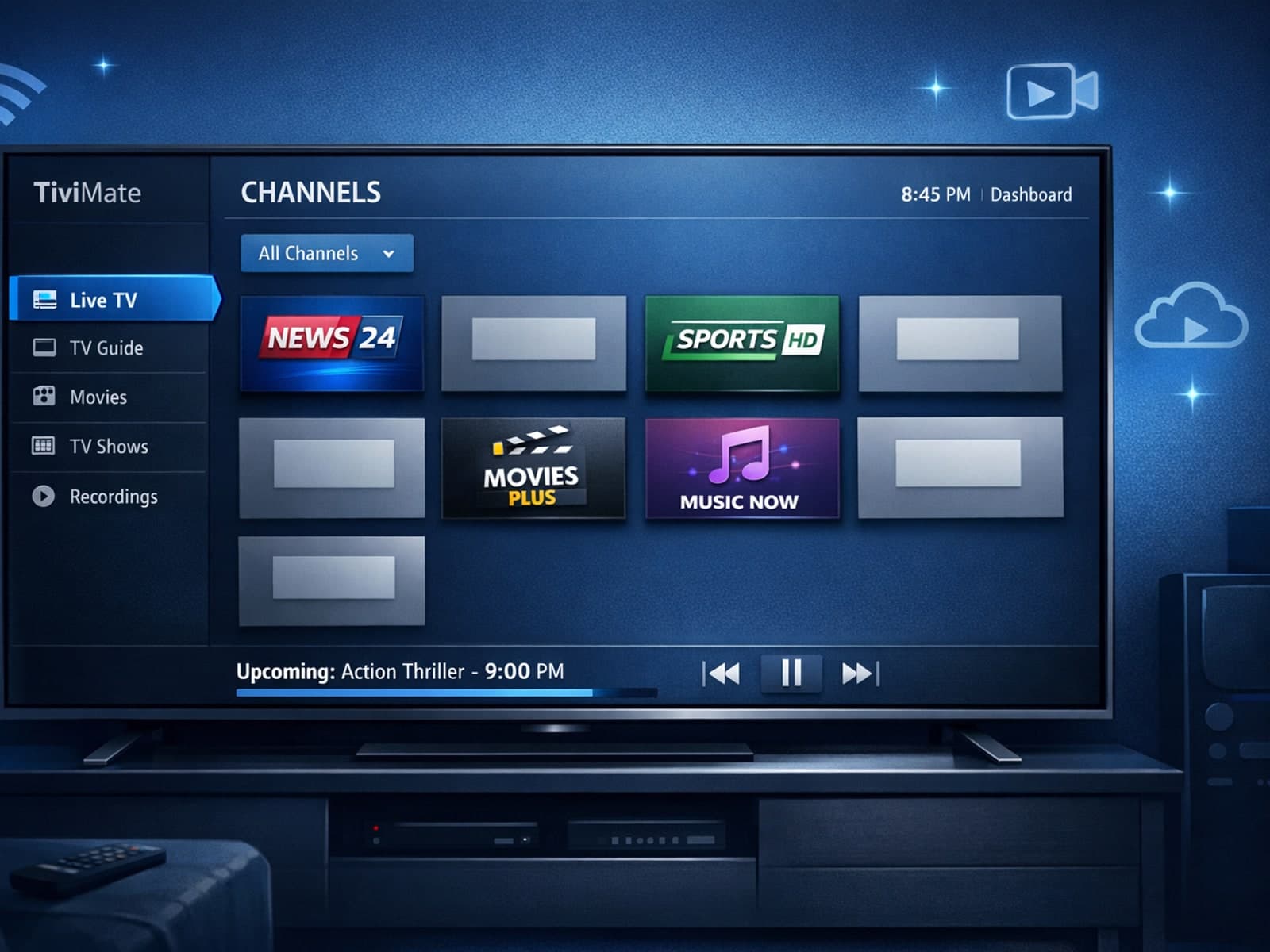
Missing channel logos in TiviMate can be frustrating because they make channel navigation less intuitive and reduce the overall viewing experience.