
When Xtream Codes Works Better Than M3U for IPTV Playback

Quick answer
If you're an IPTV user wondering when Xtream Codes works better than M3U playlists, the answer is straightforward: Xtream Codes provides a more dynamic, reliable, and responsive streaming experience due to its API-based authentication and metadata features. Unlike the static M...
Reviewed Against
• Xtream Codes username, password, and server-URL login flows
• M3U and M3U Plus playlist URLs, refreshes, and import behavior
• Server-URL formatting, HTTP response handling, and account-entry failure patterns
Applies To
• Portal-style logins that need a server URL plus account credentials
• Playlist-based IPTV setups that rely on M3U or M3U Plus links for channel data
• Errors caused by malformed URLs, wrong credentials, expired tokens, or unreachable playlist endpoints
Does not apply when
• You are using only an M3U playlist URL with no Xtream-style portal login at all.
• Your app is using a portal or stalker-style workflow instead of a playlist URL.
• The provider confirms the service is down or the account has been deliberately blocked upstream.
Corroborating Resources
HTTP response status codesUseful when an IPTV app surfaces 401, 403, 404, or 5xx style errors during login or playlist refreshes.
URL structure referenceHelpful for checking server URLs, source links, and path/query mistakes in portal or playlist setups.
Topic Cluster
Part of the Xtream Codes cluster
Login errors, URL format confusion, authorization failures, and when Xtream Codes makes more sense than M3U. This page sits in compare options for that topic path.
Start here in this topic
On this page
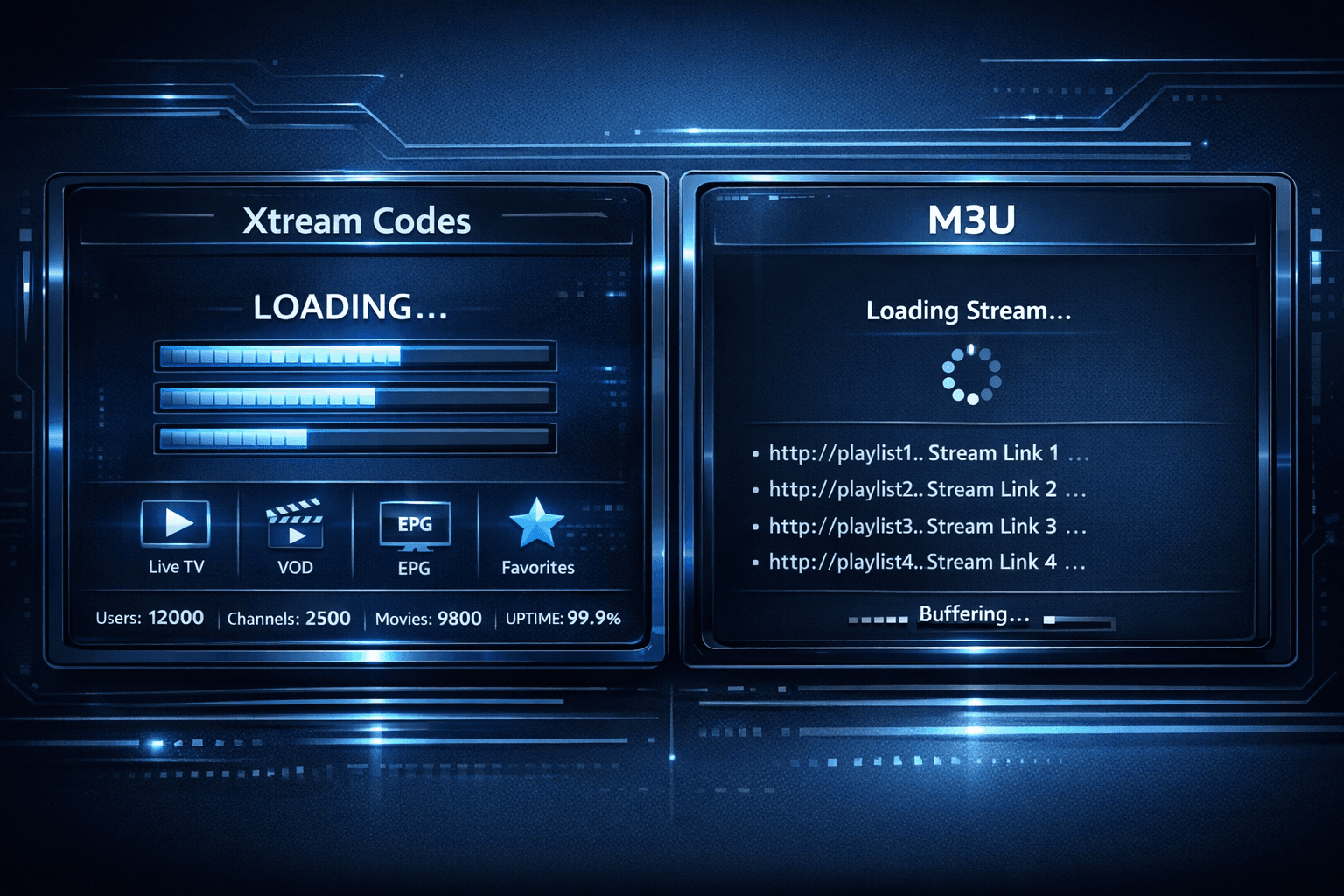
When Xtream Codes Works Better Than M3U for IPTV Playback
If you're an IPTV user wondering when Xtream Codes works better than M3U playlists, the answer is straightforward: Xtream Codes provides a more dynamic, reliable, and responsive streaming experience due to its API-based authentication and metadata features. Unlike the static M3U playlists that merely list stream URLs, Xtream Codes offers faster channel loading, integrated channel info, and smoother playlist management.
What you'll learn
- The technical differences between Xtream Codes and M3U playlist formats
- How Xtream Codes improves channel loading speed and metadata handling
- Use cases where Xtream Codes login is preferable
- Common issues when switching from M3U to Xtream Codes and how to troubleshoot them
- When to continue using M3U playlists instead
Understanding Xtream Codes and M3U: Key Technical Differences
What is an M3U Playlist?
M3U is a plain text file format listing IPTV streams as URLs. This list is static—once created or updated, the IPTV app downloads it entirely and accesses each stream by the direct URL. M3U playlists are simple and widely supported, but they lack dynamic features and integrated user authentication.
What is Xtream Codes?
Xtream Codes is a server-side system using an API login method for IPTV access. Rather than a static URL list, when you enter a server, username, and password, the IPTV app fetches your playlist dynamically, with built-in authentication and access control. This structure enables more interactive features like program guide integration, channel sorting, and seamless updates.
Why Xtream Codes Often Outperforms M3U
1. Faster Channel Loading and Switching
With Xtream Codes, the IPTV client communicates with the server about your access rights and only loads active streams. This dynamic interaction reduces load times and buffering when changing channels compared to M3U, which loads all streams indiscriminately.
2. Enhanced Metadata Availability
Xtream Codes setups commonly provide Electronic Program Guide (EPG) data, channel logos, and grouping directly within the playlist fetched from the server. M3U files typically require separate EPG files or lack metadata entirely, resulting in a less user-friendly experience.
3. Simplified Playlist Management
Because Xtream Codes playlists are generated in real time, any updates to channel lineups or stream URLs happen immediately without the user needing to download a new M3U file. This real-time update capability reduces maintenance overhead.
4. Built-In Access Control
Xtream Codes uses server login credentials, enabling IPTV providers to manage user subscriptions, restrict channel access, and track usage more securely. M3U playlists can be shared easily since they contain no secure login.
When to Prefer Xtream Codes Over M3U
-
Using IPTV apps that support Xtream Codes API: Many advanced IPTV apps like TiviMate or IPTV Smarters provide options for Xtream Codes login, facilitating better user experience.
-
If you require fast, responsive channel switching: Xtream Codes generally minimizes lags between channels.
-
Needing up-to-date EPG and channel logos: Xtream Codes often bundles this metadata by default.
-
When managing multiple playlists or users: The server-side management is more scalable.
Common Issues Switching from M3U to Xtream Codes and How to Fix Them
Authorization Errors
Incorrect username, password, or server URL will produce login failures. Double-check credentials and refer to guides specific to your IPTV app.
Unsupported App
If your IPTV app lacks Xtream Codes login options, M3U may be your only choice. Consider switching to an app with Xtream Codes support.
Incomplete Channel Lists
Sometimes, Xtream Codes servers filter channels based on user packages. Confirm with your IPTV provider that your subscription matches your channel request.
Troubleshooting Steps
- Verify the server address, username, and password.
- Ensure the IPTV app supports Xtream Codes login.
- Refresh or re-login to update the playlist.
- Check network stability and DNS settings.
- Contact IPTV provider if persistent issues remain.
Who This Guidance Applies To
This comparison and guidance focus on IPTV users employing apps such as TiviMate or IPTV Smarters that offer both M3U and Xtream Codes login options. If you're using apps limited to M3U input or devices that don't support API logins (like some smart TVs or Roku), this advice may not fully apply. For device-specific problems, refer to guides dedicated to those platforms.
Quick Compatibility and Feature Comparison
| Feature | Xtream Codes | M3U Playlist |
|---|---|---|
| Authentication | Yes (username/password/server) | No (open file or URL) |
| Dynamic Updates | Yes | No |
| EPG & Metadata | Integrated | Separate file or none |
| Channel Switching Speed | Faster due to API | Slower due to static URLs |
| Ease of Sharing | Limited, secure | Easy but insecure |
FAQ
What is the main difference between Xtream Codes and M3U?
Xtream Codes uses an API-based login with server authentication and dynamic playlist management, while M3U is a static text file listing stream URLs.
Can I use Xtream Codes login in all IPTV apps?
No, support is limited to apps designed to handle this login method.
Does Xtream Codes improve video quality?
Not directly; it improves stability and channel loading but not the video encoding or bitrate.
Is M3U still useful if I have Xtream Codes?
Yes, especially for apps without Xtream Codes support or for simple playlists.
Conclusion
Xtream Codes works better than M3U playlists primarily when your IPTV app supports it and you want faster channel switching, integrated metadata, and secure login. Although M3U remains widely used for its simplicity and compatibility, switching to Xtream Codes can significantly enhance the IPTV viewing experience where available. Evaluate your IPTV app compatibility and your streaming needs to choose the best option.
Related guides on IPTV Explained
Keep exploring
More explainers that connect naturally to this setup, workflow, or troubleshooting path.
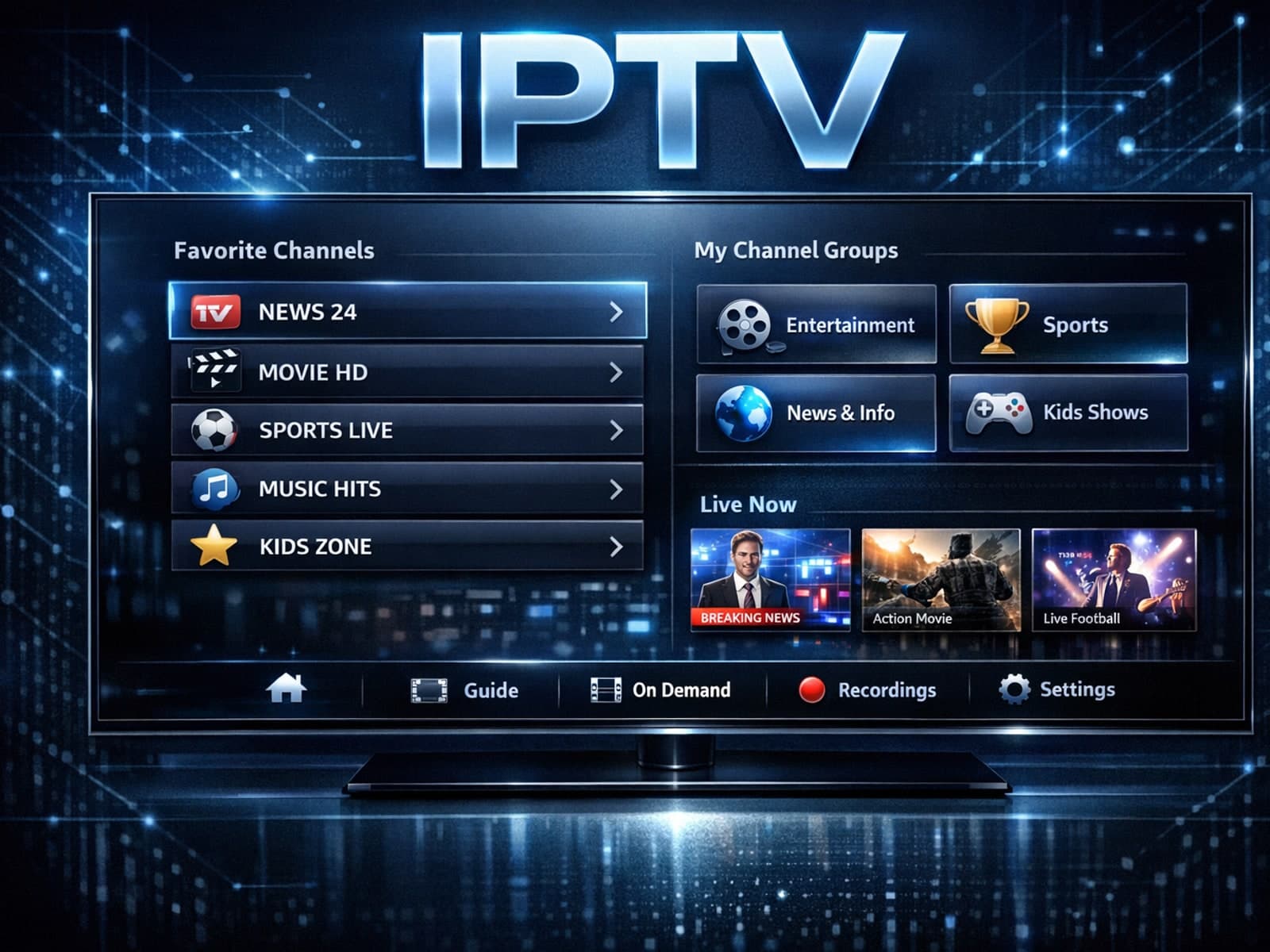
Organizing favorites and groups in TiviMate makes navigating large IPTV channel lists more intuitive and personalized. TiviMate, a popular IPTV player app for Android TV and Fire TV devices, provides features that let you categorize.


When you switch channels on your IPTV service, the stream sometimes freezes or stalls. This interruption usually happens because your device or app needs to buffer the new channel stream, but something delays or disrupts that process.


If the catch-up feature in your TiviMate IPTV player is not working, the cause usually lies in playlist compatibility, EPG (Electronic Program Guide) data issues, or app configuration problems.