
Topic hub
Metadata
Browse practical IPTV articles about metadata, including setup choices, troubleshooting paths, and follow-on guides.
Troubleshoot and fix
Start here when something fails, stalls, or behaves differently than expected.
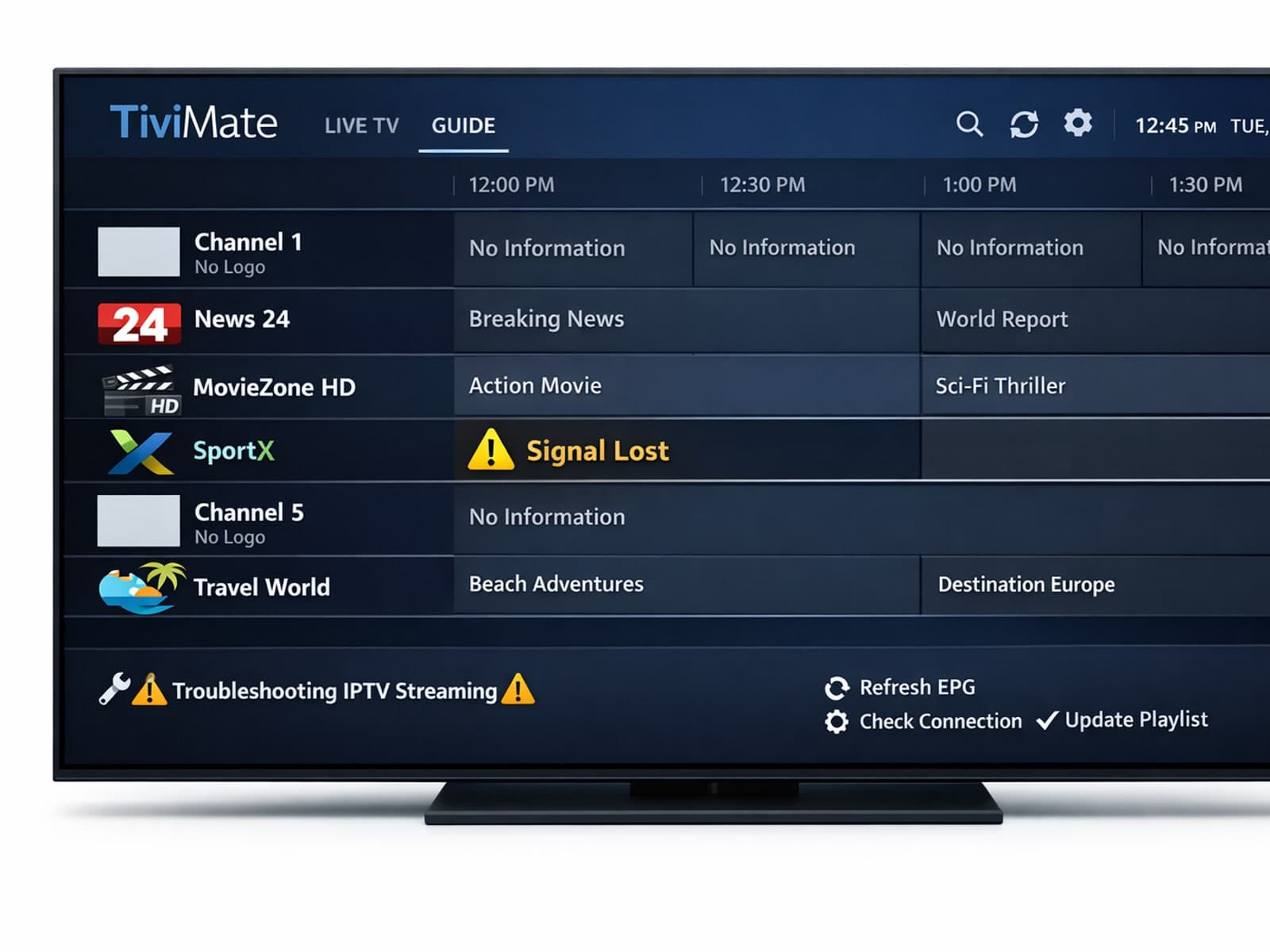
Missing channel logos can detract from your IPTV experience with TiviMate. These logos typically appear next to channel names in the guide and help you visually identify the channels quickly.

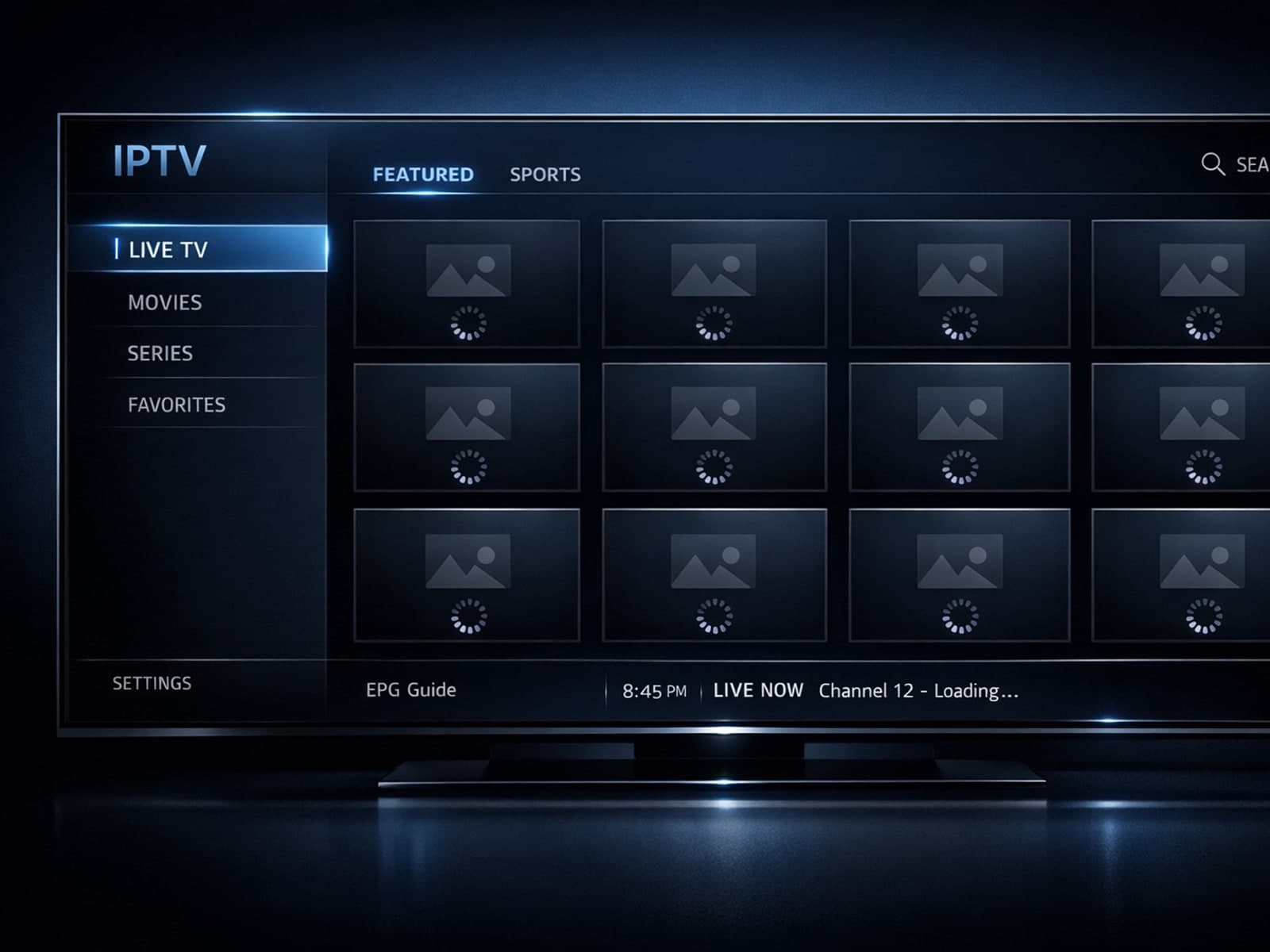
If your TiviMate IPTV player isn’t showing channel logos as expected, the cause is typically related to playlist metadata issues, corrupted app cache, or network loading problems.
If you notice that channel logos are missing or not displaying correctly in TiviMate, it usually points to issues with your IPTV playlist's metadata, playlist format, or app cache.
