
Topic hub
IPTV
Browse practical IPTV articles about IPTV, including setup choices, troubleshooting paths, and follow-on guides.
Troubleshoot and fix
Start here when something fails, stalls, or behaves differently than expected.
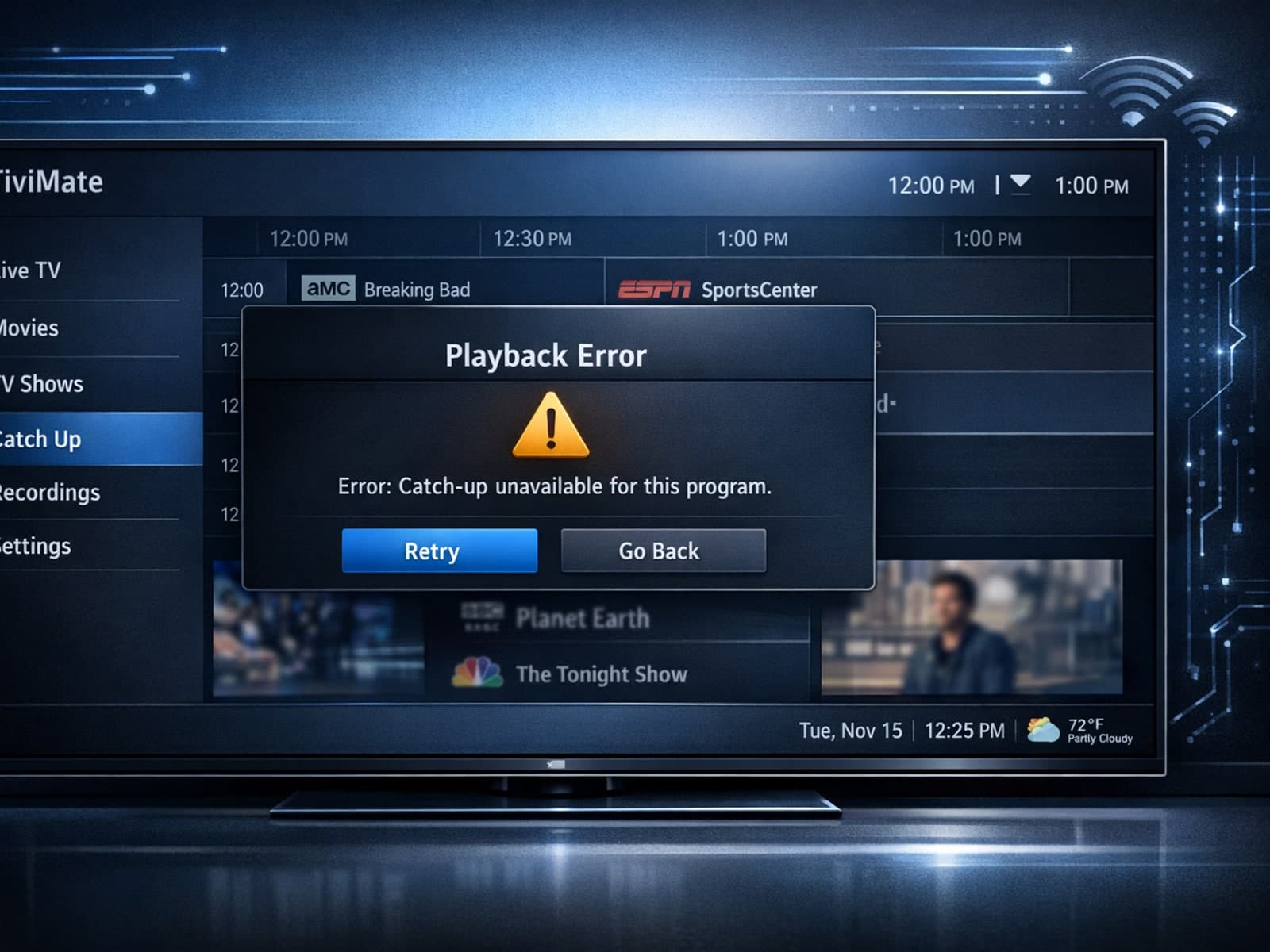
If your catch-up feature in TiviMate isn’t working, the fundamental reasons often lie in your IPTV playlist source or server configuration rather than the app itself.

Missing channel logos in TiviMate can be frustrating because they make channel navigation less intuitive and reduce the overall viewing experience.
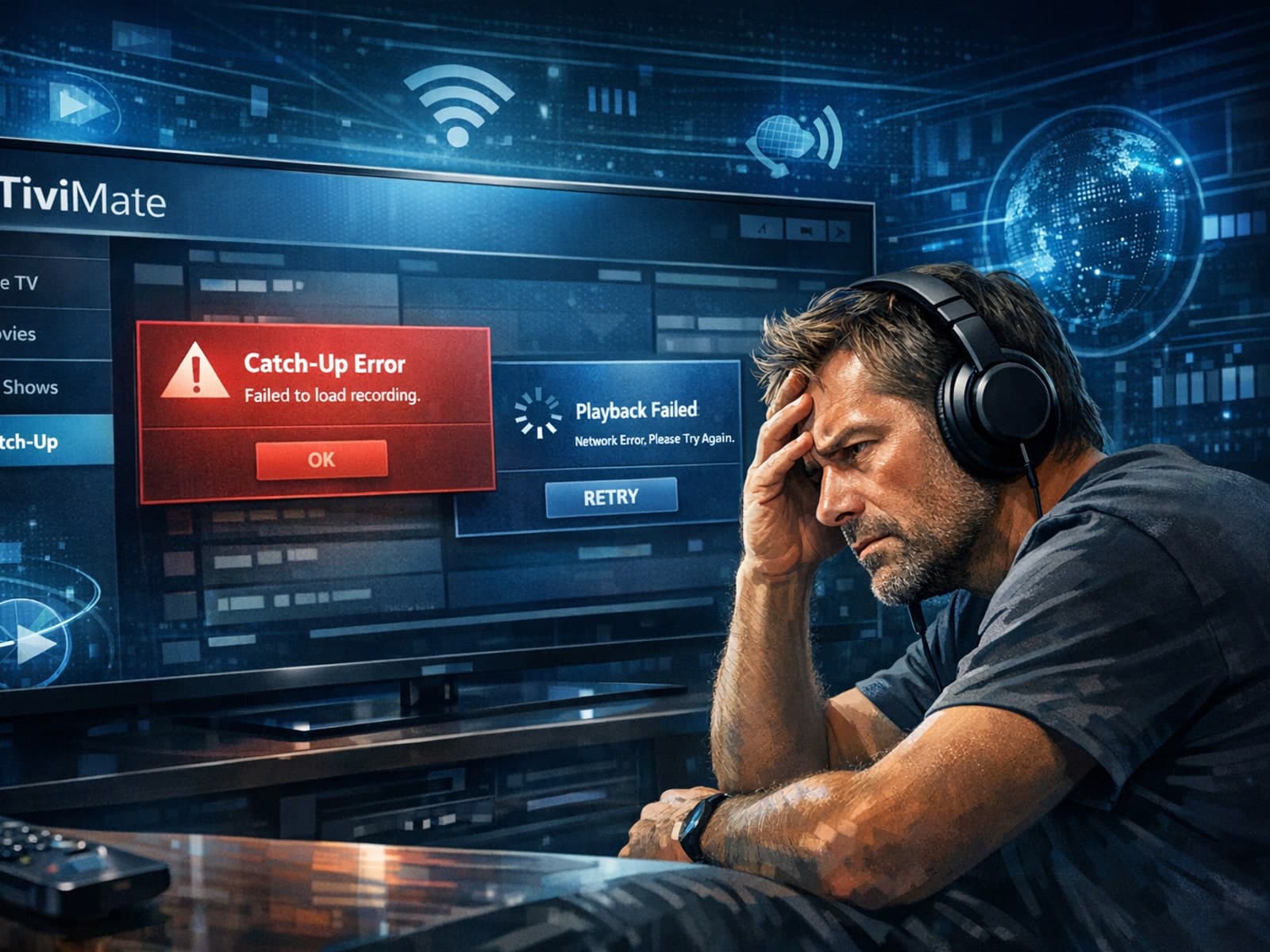
If the catch-up feature in your TiviMate IPTV player is not working, the cause usually lies in playlist compatibility, EPG (Electronic Program Guide) data issues, or app configuration problems.

If you use TiviMate to watch IPTV channels, you rely on an EPG (Electronic Program Guide) source URL to show TV program schedules inside the app. When that URL stops working, your program guide goes blank or fails to load entirely.

If your IPTV streams on a Fire TV Stick frequently buffer, stutter, or lag, one common but often overlooked cause is insufficient device storage. The Fire TV Stick uses its internal storage to cache streaming data and run apps smoothly.

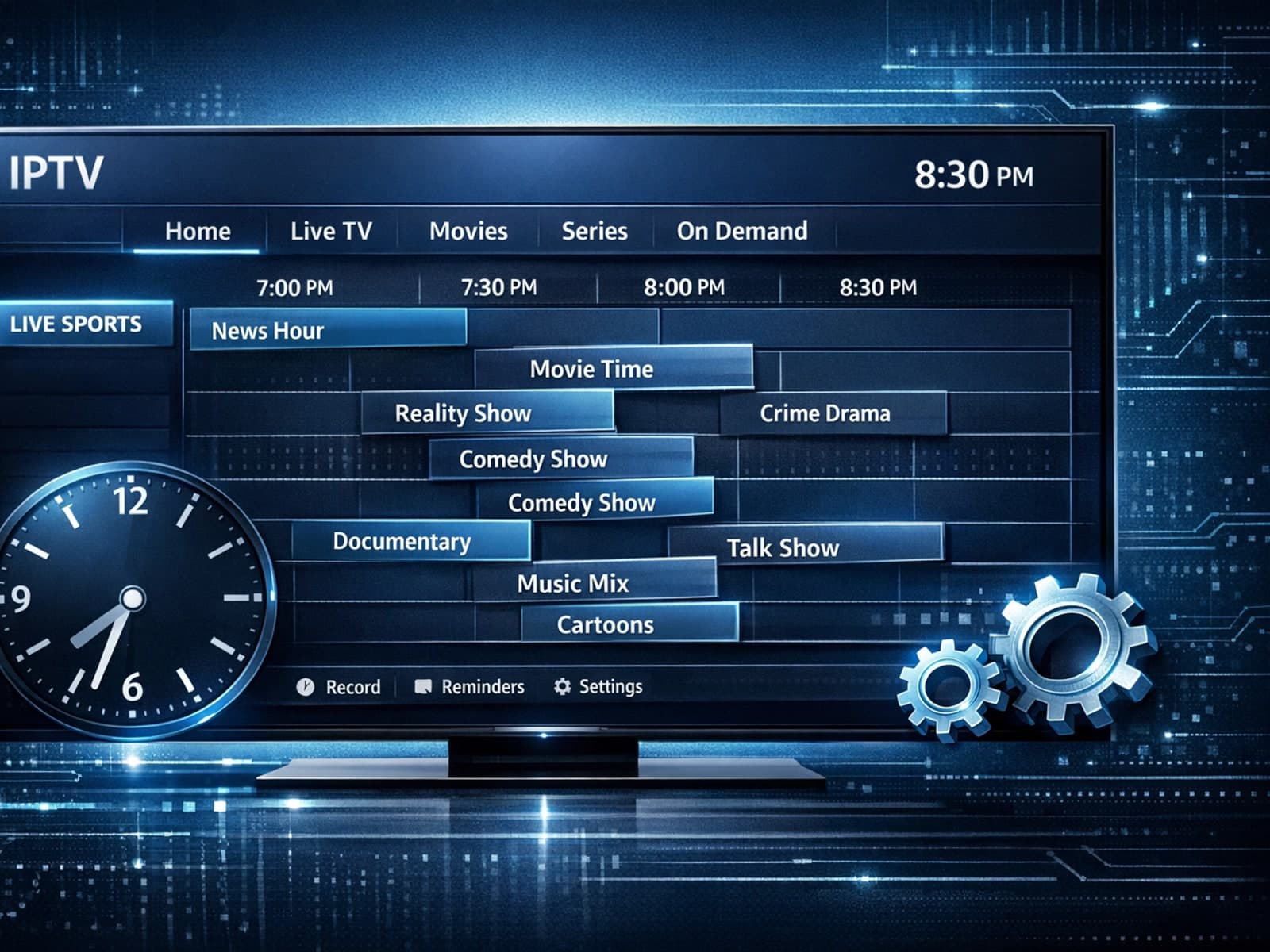
If your TiviMate app's Electronic Program Guide (EPG) shows program times that are ahead or behind your local time by a consistent offset, you're encountering an EPG time offset issue.
If your TiviMate app is not displaying channel program guides and shows an error or empty EPG data, the issue usually lies with the EPG source URL.
If your TiviMate app is showing program guide times that are off by one or more hours, the root cause is usually an incorrect EPG (Electronic Program Guide) time offset setting.
Using a VPN (Virtual Private Network) on your Amazon Firestick can sometimes slow down IPTV streaming, resulting in frustrating buffering issues.
If you are experiencing lag or buffering while watching IPTV on your Fire TV Stick, one common culprit is limited device storage. When the Fire TV Stick's internal memory fills up or gets fragmented, the IPTV app performance can degrade.
If you watch IPTV on your Fire TV Stick, having the right Wi-Fi settings can significantly improve your streaming experience by minimizing buffering and lag.
If your TiviMate electronic program guide (EPG) is showing program times that do not align with the actual broadcast schedules, you are encountering an "EPG time offset" issue.
When you use a VPN (Virtual Private Network) on your Amazon Firestick to watch IPTV (Internet Protocol Television), you might experience buffering — pauses or delays in streaming where the video freezes to load more data.
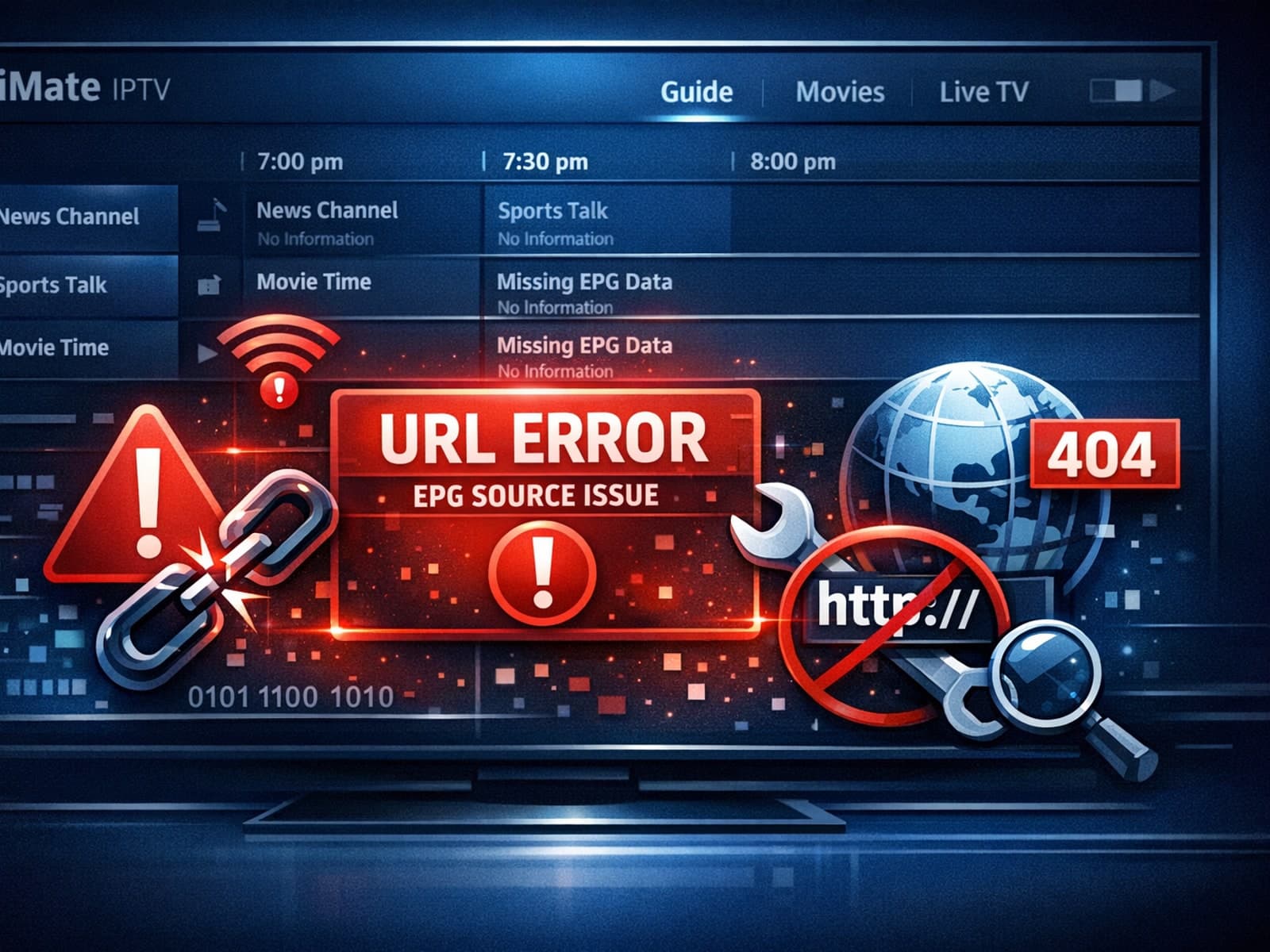
If your TiviMate app is showing that the EPG (Electronic Program Guide) source URL is not working, it means the app cannot retrieve the programming schedule data from the specified web address.
Limited storage on Fire TV Stick can cause IPTV lag by restricting app cache and performance. Clearing cache, uninstalling unused apps, and restarting helps smooth playback.
If you use TiviMate — a popular IPTV player for Android devices — you may sometimes notice that the electronic program guide (EPG) shows program times that don’t match your local time.
If your TiviMate electronic program guide (EPG) source URL is not working, it means the app cannot fetch or display the expected channel schedule data from the address you provided.
If your IPTV streams on Fire TV Stick lag, buffering often or stuttering, a common but overlooked cause is storage-related performance issues.
When streaming IPTV on a Fire TV Stick, selecting the right Wi-Fi settings is crucial for smooth playback and minimal buffering. The best Wi-Fi configuration includes using the 5 GHz band where possible, choosing a less congested Wi-Fi.
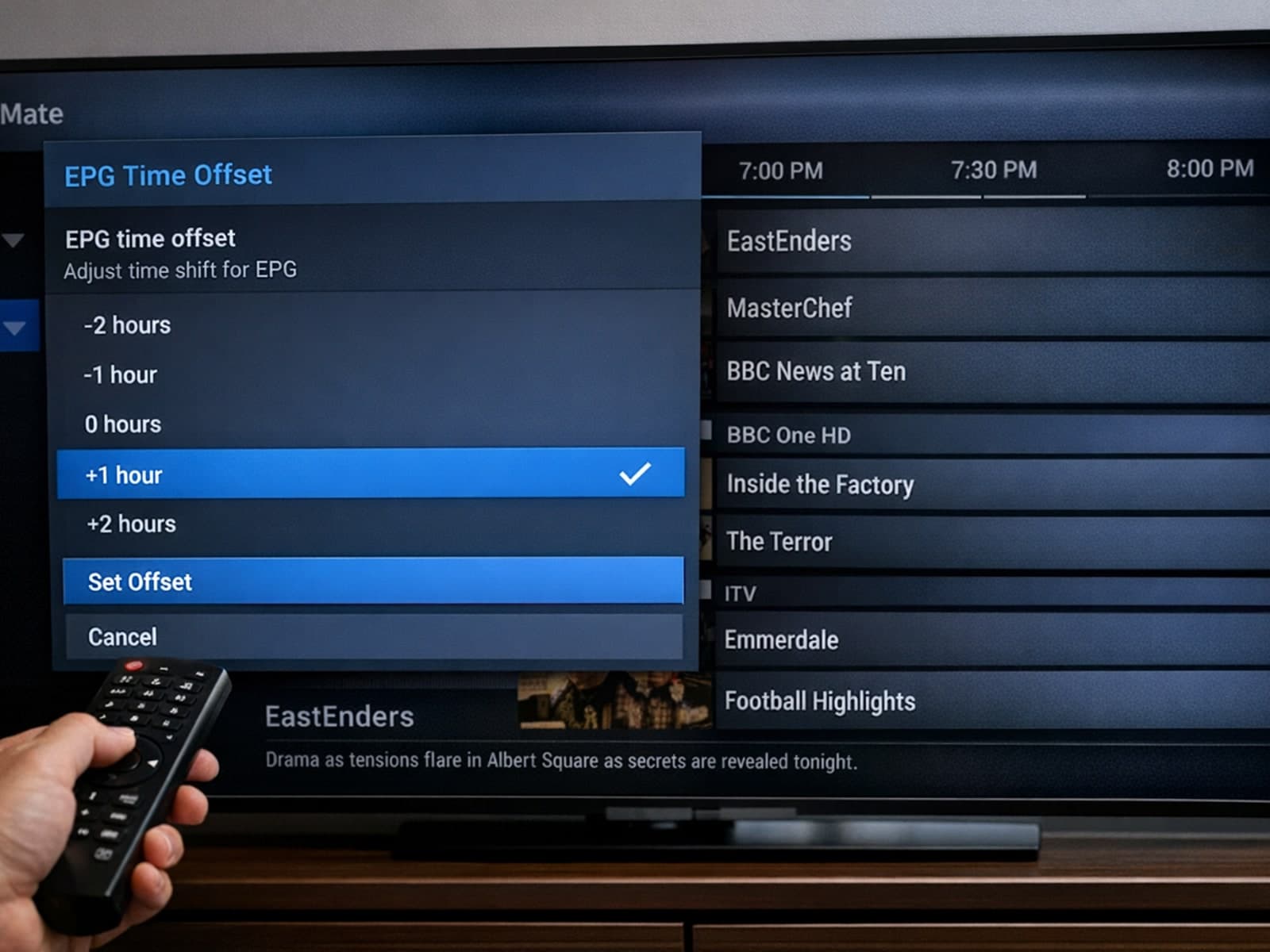
When using TiviMate, a popular IPTV player, you might notice that the Electronic Program Guide (EPG) shows program times that do not correspond with your local time. This typically indicates that the EPG time offset setting is incorrect.
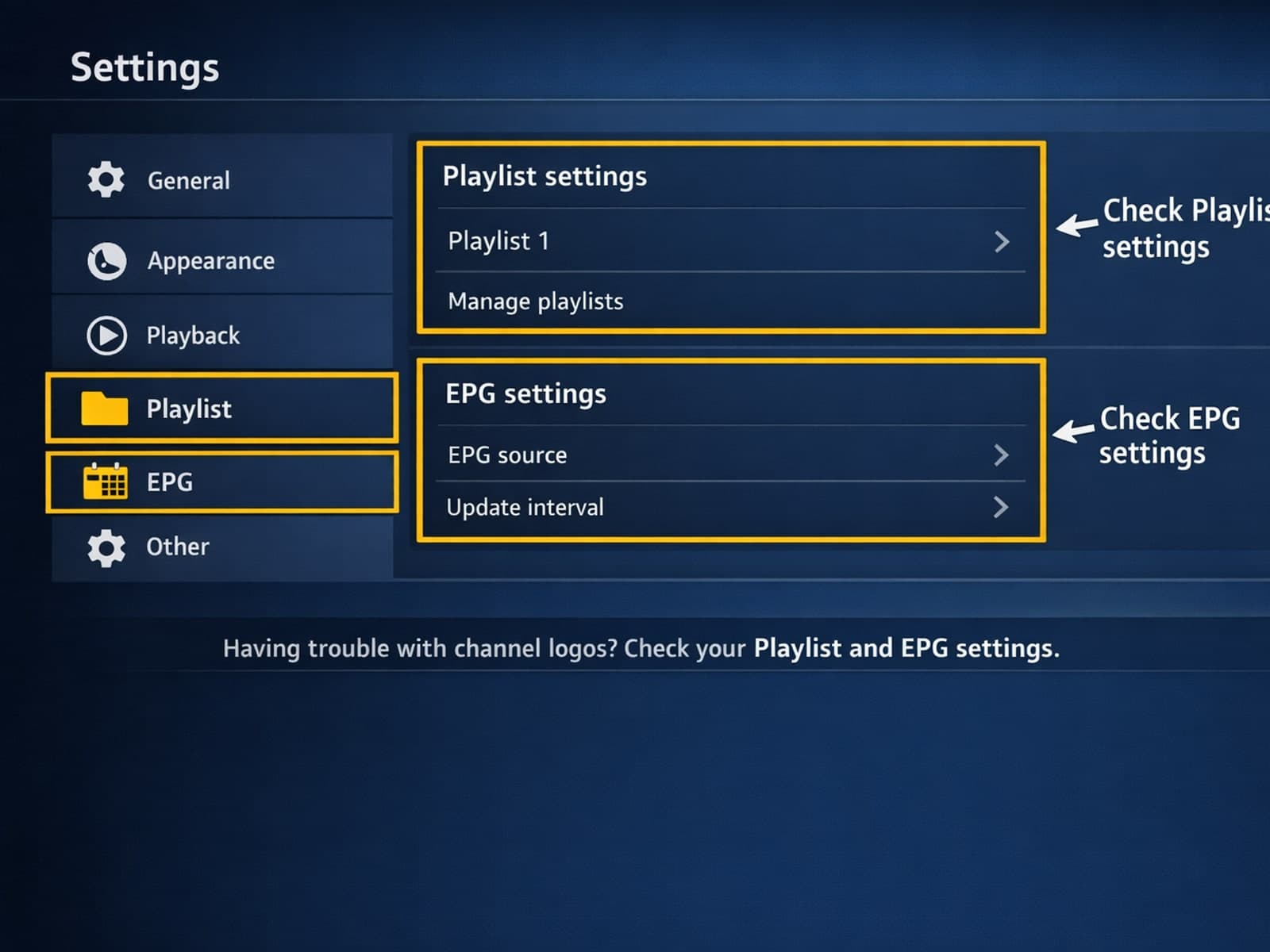
If your TiviMate IPTV player is showing channel names but missing the associated channel logos, there are several targeted steps you can take to resolve this.
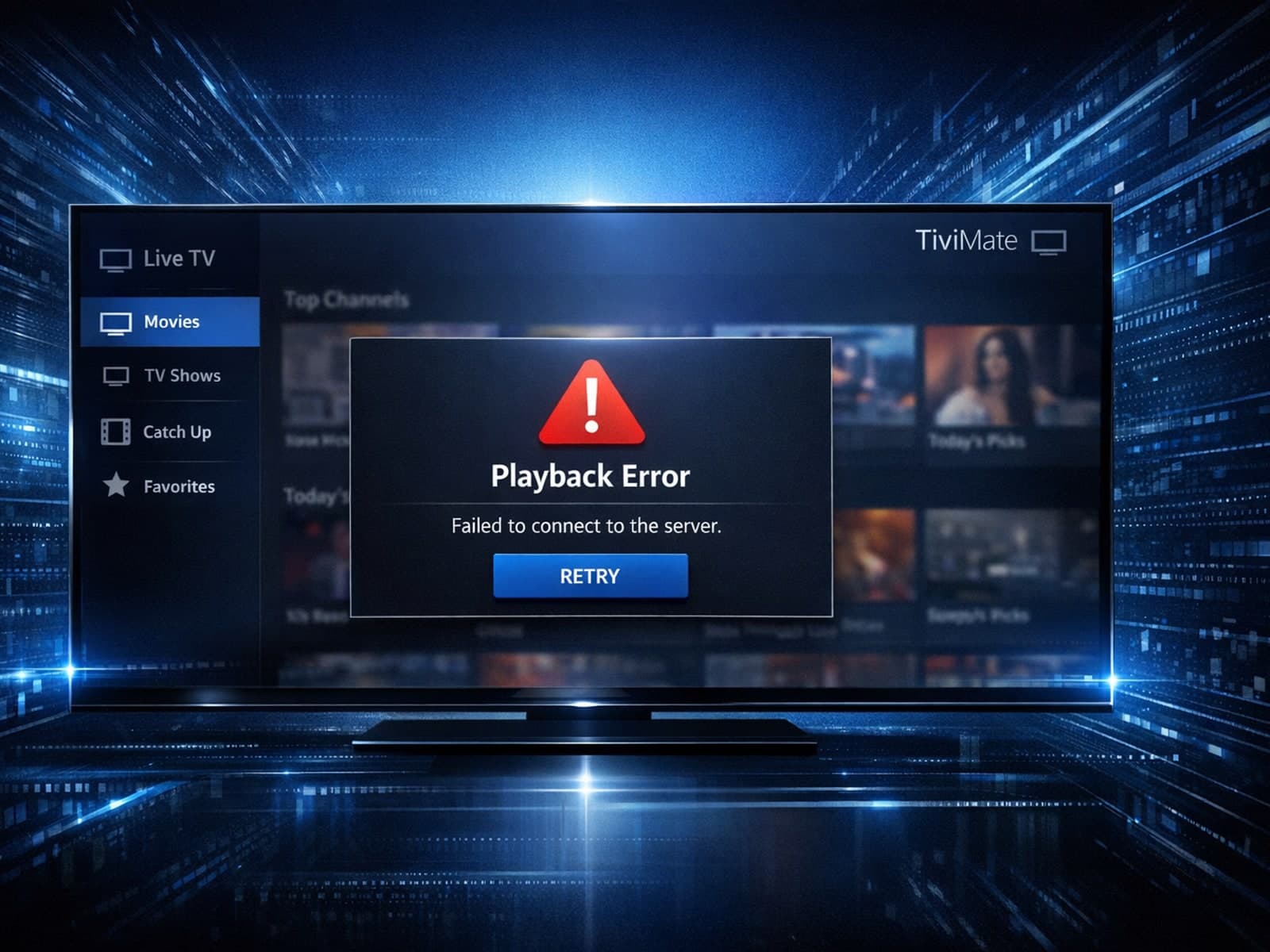
If your TiviMate Electronic Program Guide (EPG) source URL isn't working, it means the app cannot retrieve or parse the TV schedule data from the provided link. This stops program listings from appearing correctly in the app.
If your IPTV streams on Fire TV Stick frequently freeze, buffer, or lag, limited device storage is a common culprit. Fire TV Stick models come with fixed internal storage (typically 8 GB or 16 GB), which fills up quickly with installed.
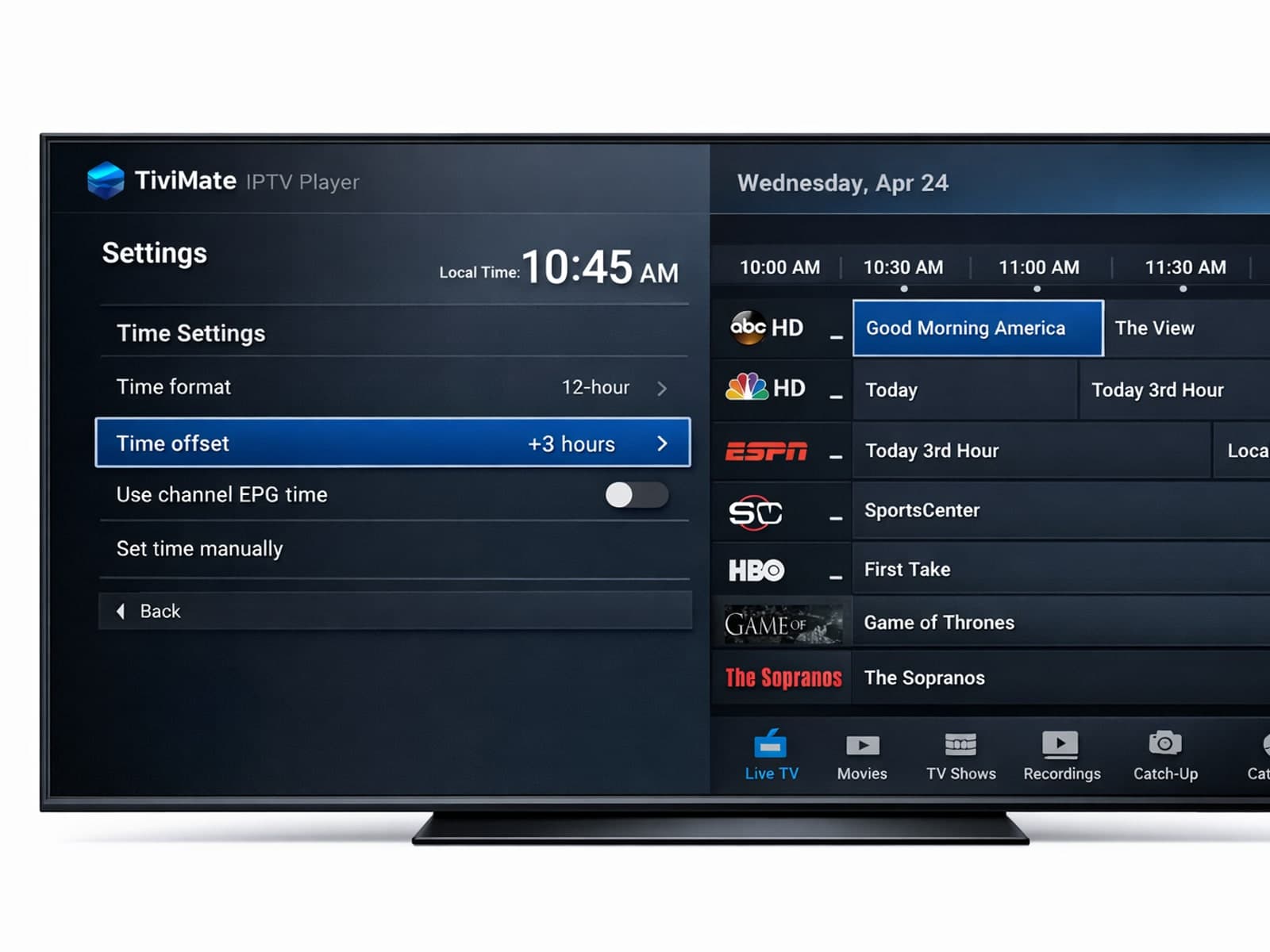
If you notice that your electronic program guide (EPG) in TiviMate is showing incorrect times—such as program listings starting too early or late compared to the actual broadcast—this is due to an EPG time offset problem.
If your channel logos are not showing in TiviMate, the issue most often lies with your IPTV playlist or its logo URL setup. TiviMate depends on channel logos provided within the playlist or attached EPG (Electronic Program Guide) sources.
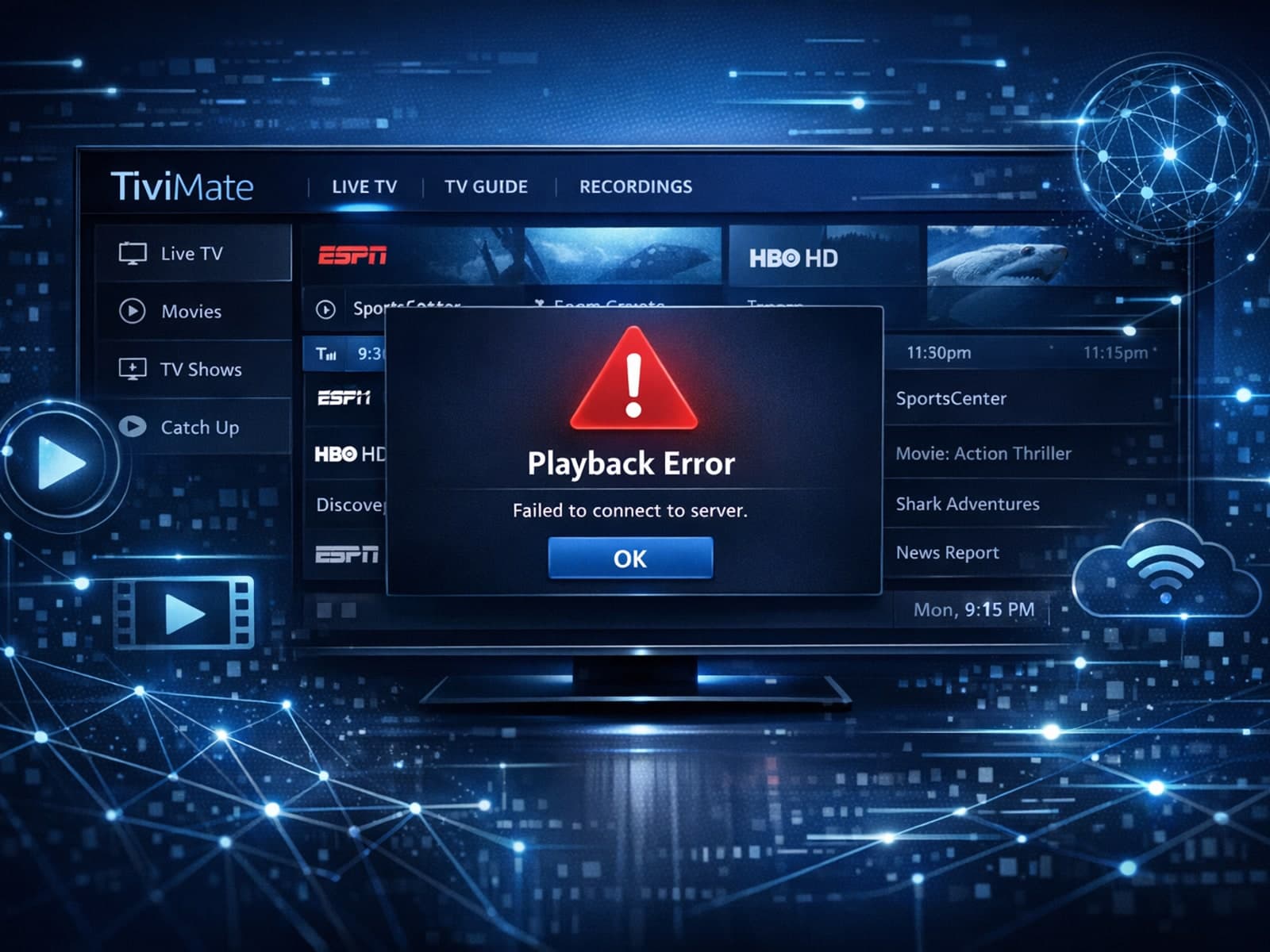
If your TiviMate EPG (Electronic Program Guide) source URL is not working, it means the app cannot load or update the programming guide data for your IPTV channels. Without this data, you lose TV schedules and show information.
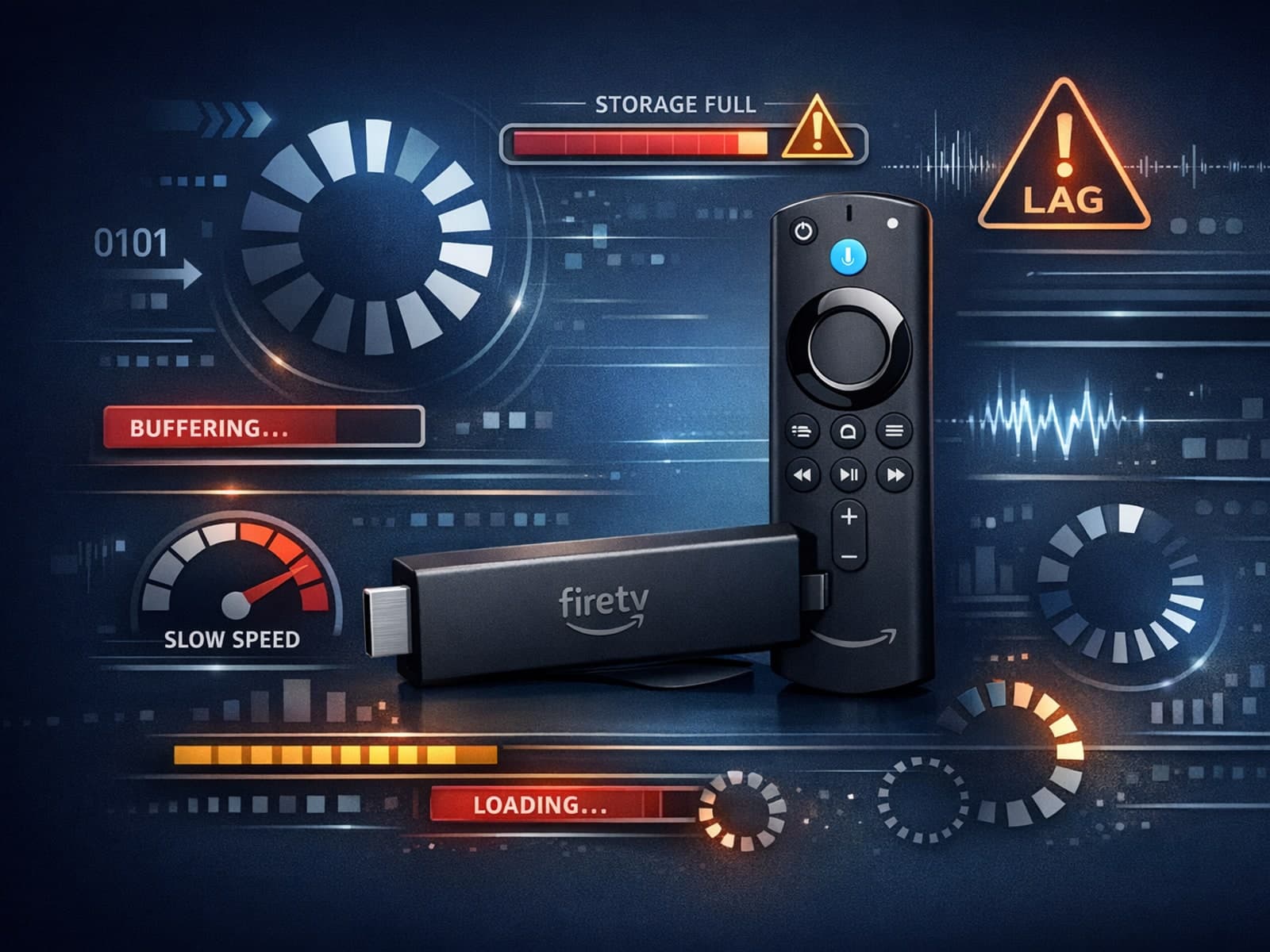
If your IPTV streams on Fire TV Stick are lagging or buffering unexpectedly, one often overlooked cause is storage constraints on the device.
If you're using a Fire TV Stick to stream IPTV and experiencing buffering or poor stream quality, your WiFi setup could be a key factor.
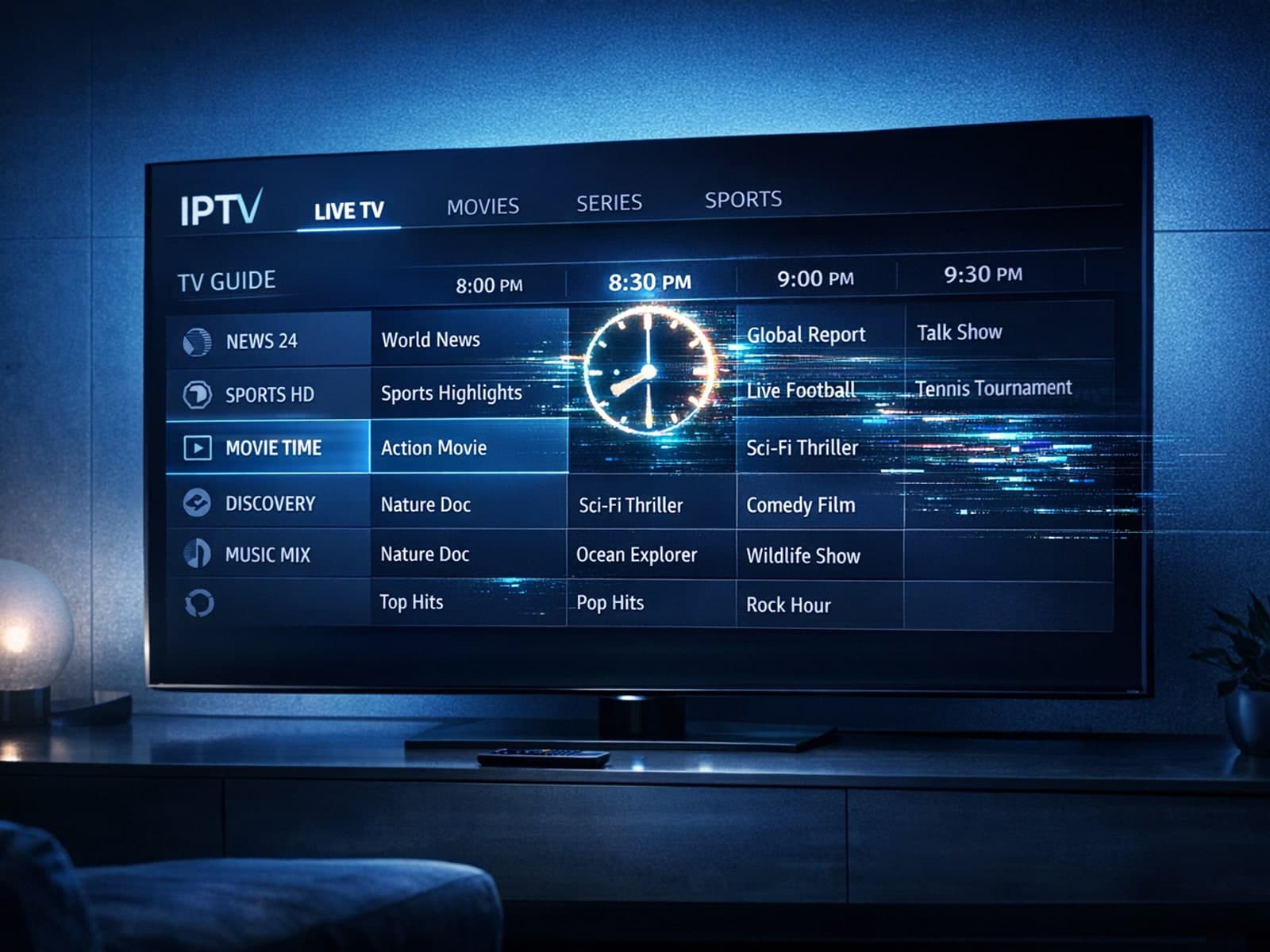
If your TiviMate app shows an electronic program guide (EPG) with program times that don’t align with your local time, the issue is likely the EPG time offset setting.
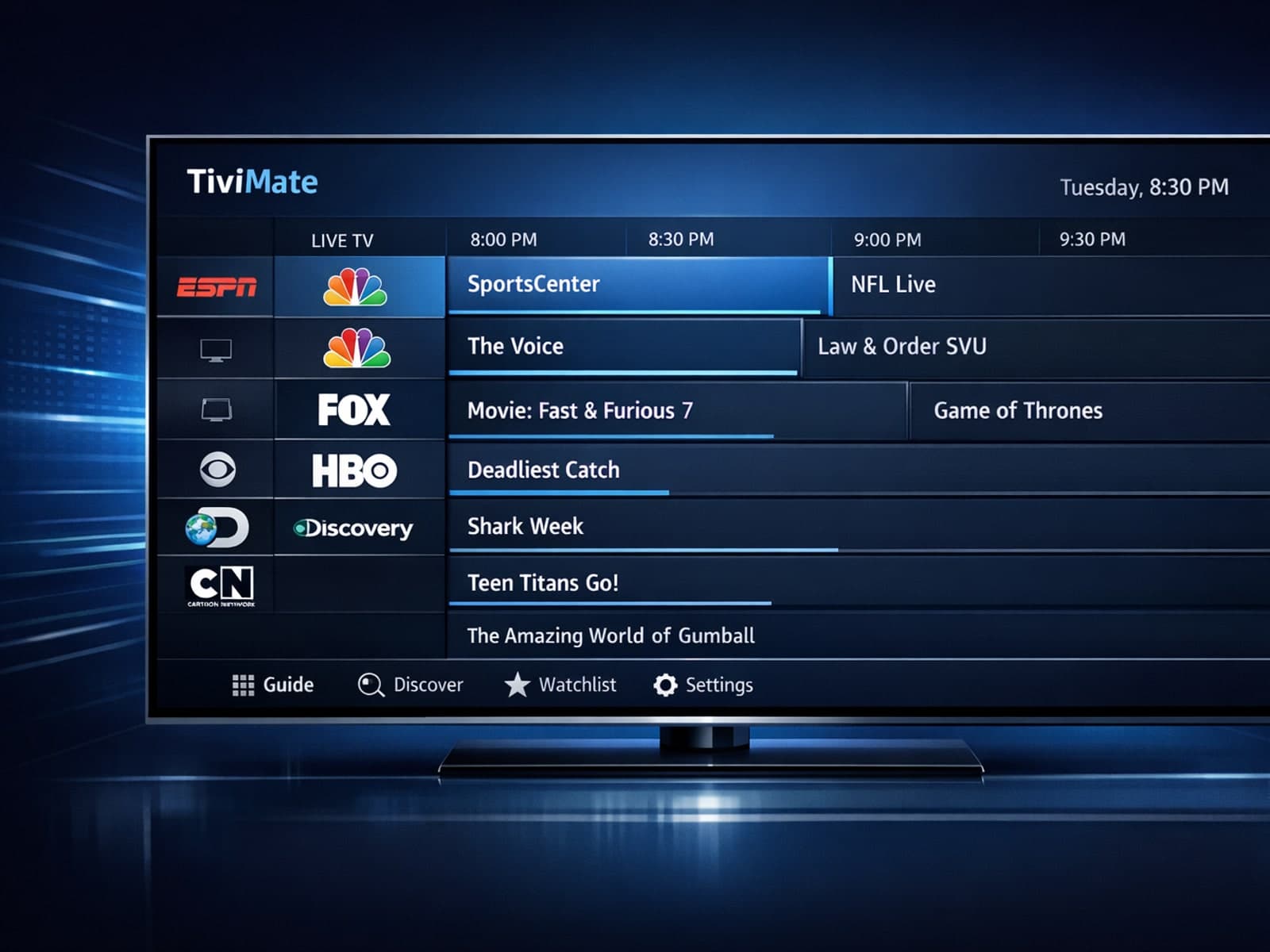
If you notice that channel logos are missing in your TiviMate app, the problem usually stems from the playlist you use or the app’s data handling.
If your IPTV streams on a Fire TV Stick lag or buffer frequently, one common but often overlooked cause is limited device storage. The Fire TV Stick uses its internal storage for app data, temporary cache files, and buffering.
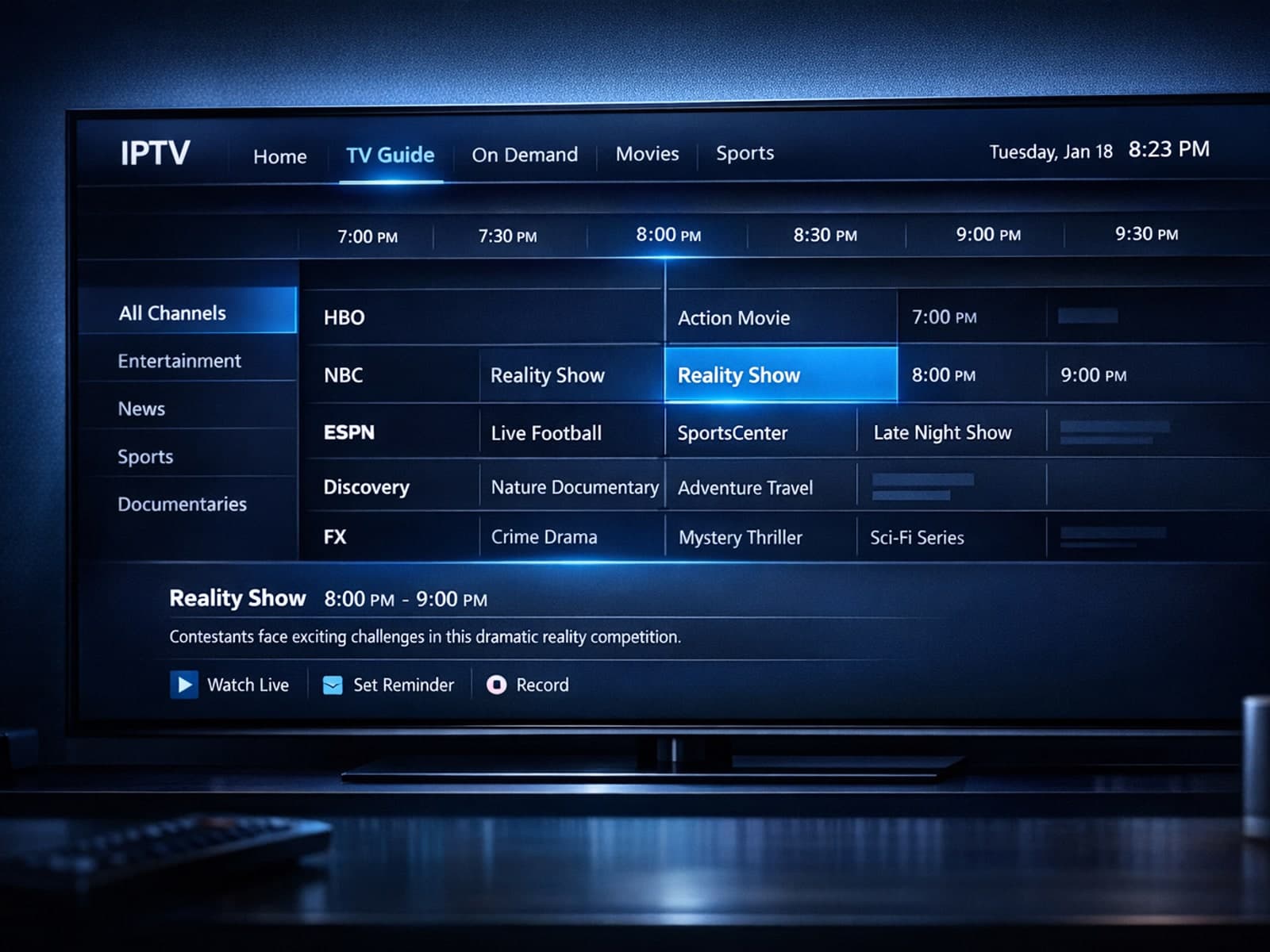
If your Electronic Program Guide (EPG) in TiviMate shows program times incorrectly, the root cause is often a wrong EPG time offset setting.
If you're noticing that channel logos are missing while using TiviMate, it's usually due to outdated or incompatible logo sources, playlist formatting issues, or caching problems.
Experiencing IPTV lag on your Fire TV Stick can often be traced back to storage issues. When device storage runs low or becomes cluttered, IPTV apps may struggle to cache data and process streaming efficiently, causing buffering, freezing.
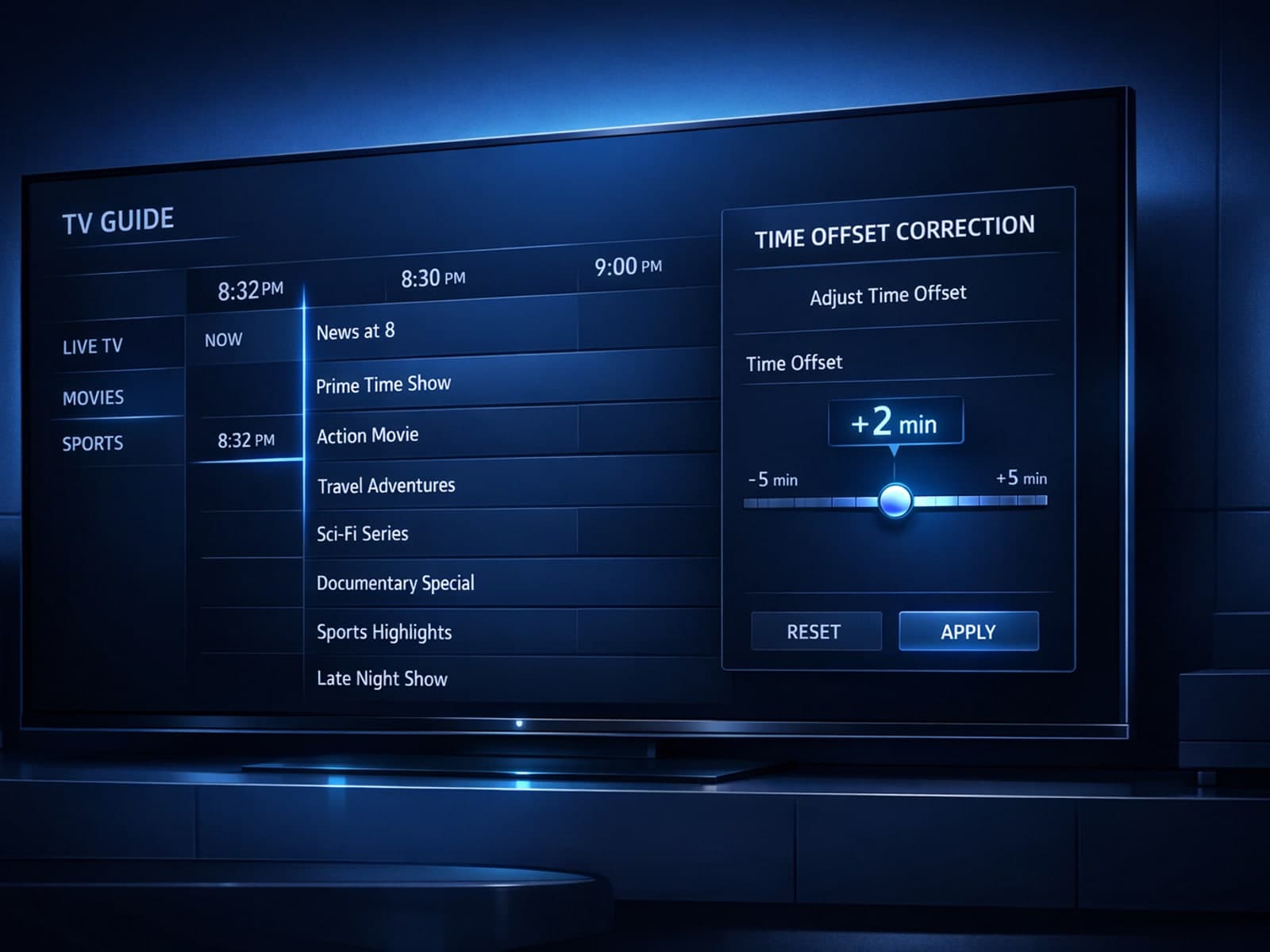
If you notice that the channel program guide (Extended Program Guide, or EPG) in TiviMate shows incorrect times — for example, programs starting an hour early or late — this usually indicates a misaligned EPG time offset.
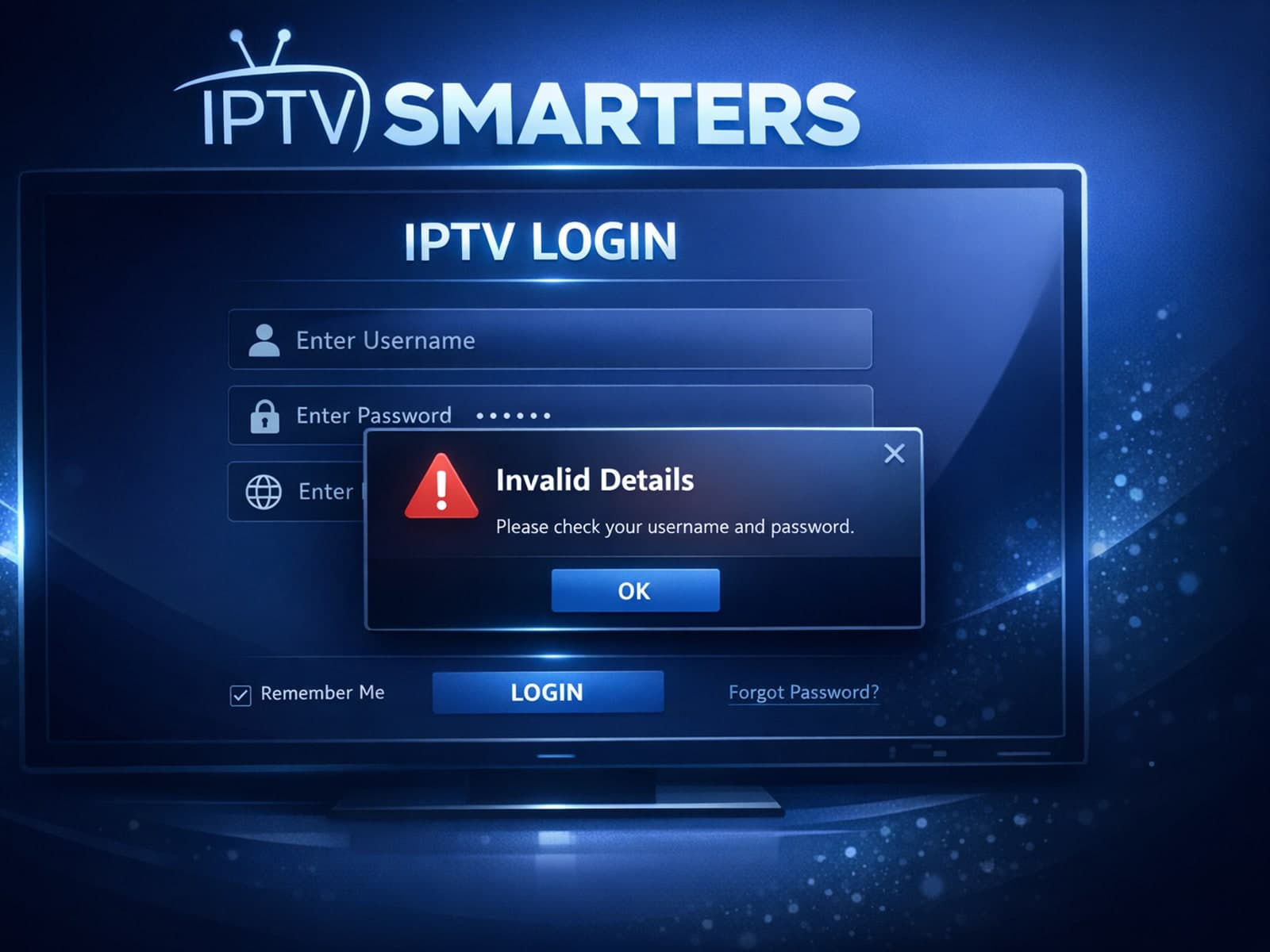
When using IPTV Smarters, encountering an "Invalid Details" error during login signals that the app cannot validate your user credentials or server information. This prevents access to your IPTV content until fixed.
If you notice that channel logos are missing or not displaying correctly in TiviMate, it usually points to issues with your IPTV playlist's metadata, playlist format, or app cache.
If channel logos are missing in TiviMate, it's usually caused by issues with the IPTV playlist, incorrect app settings, or outdated app versions.
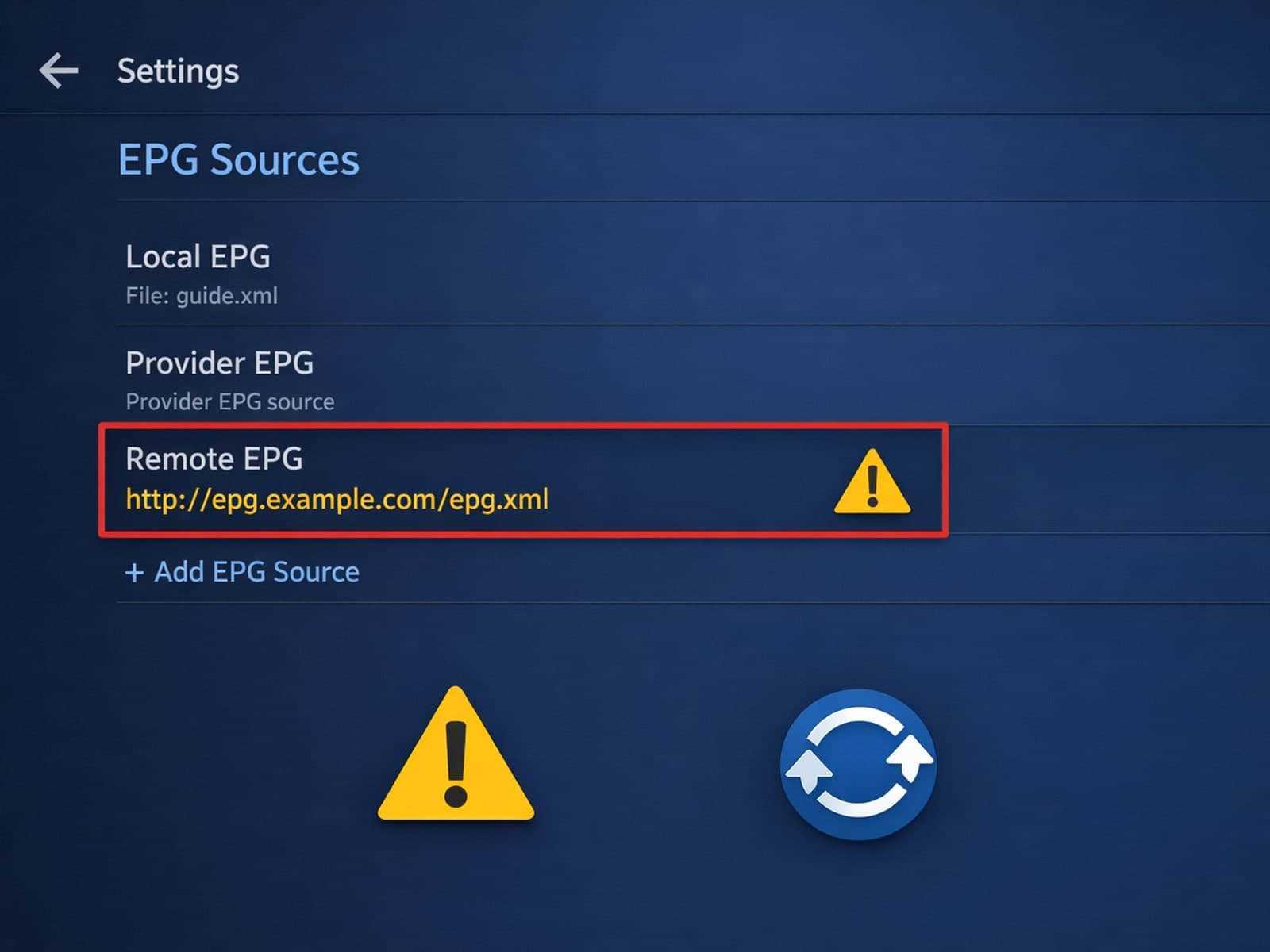
If your TiviMate electronic program guide (EPG) source URL is not working, it means the app cannot download or parse the program data needed to display TV schedules.
If your IPTV streams lag on your Fire TV Stick, limited device storage might be a culprit. When the Fire TV Stick runs low on storage, it struggles to manage app cache and data efficiently, causing buffering and delayed response in IPTV.
If you see missing or blank channel logos in TiviMate, it's typically due to issues with your IPTV playlist or the Electronic Program Guide (EPG) data. These logos are linked to metadata provided by your IPTV source and managed by the app.
If your IPTV streaming experience on a Fire TV Stick feels slow or frequently buffers, storage issues are often the culprit. When the Fire TV Stick's internal storage runs low, it cannot effectively cache or buffer streaming data, which is.
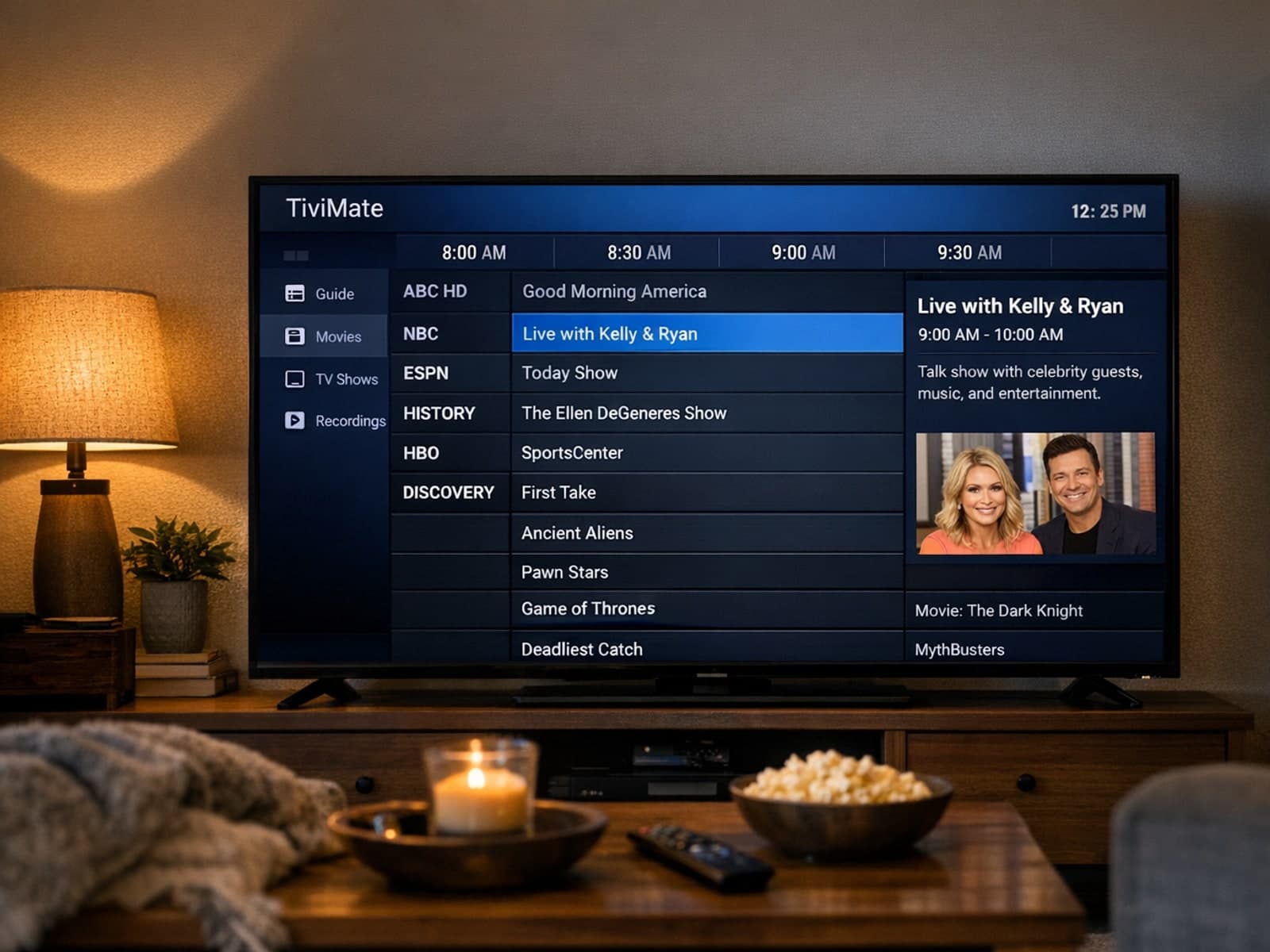
If you're using TiviMate for IPTV and notice that the Electronic Program Guide (EPG) shows incorrect times—programs appearing early or late—this means the EPG time offset is wrong.
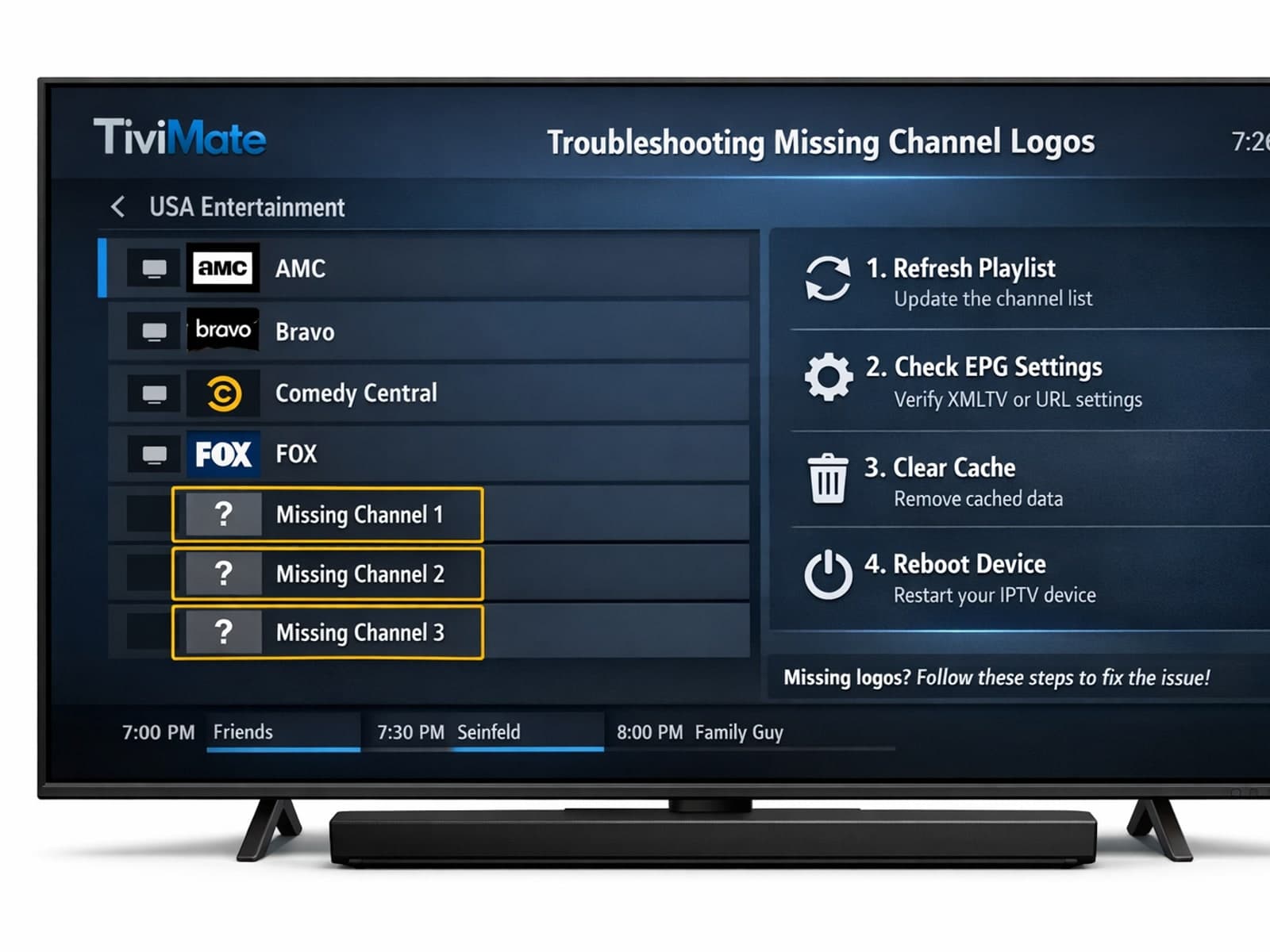
If your channel logos are missing in TiviMate, the issue usually stems from your IPTV playlist, app cache problems, or connectivity issues.
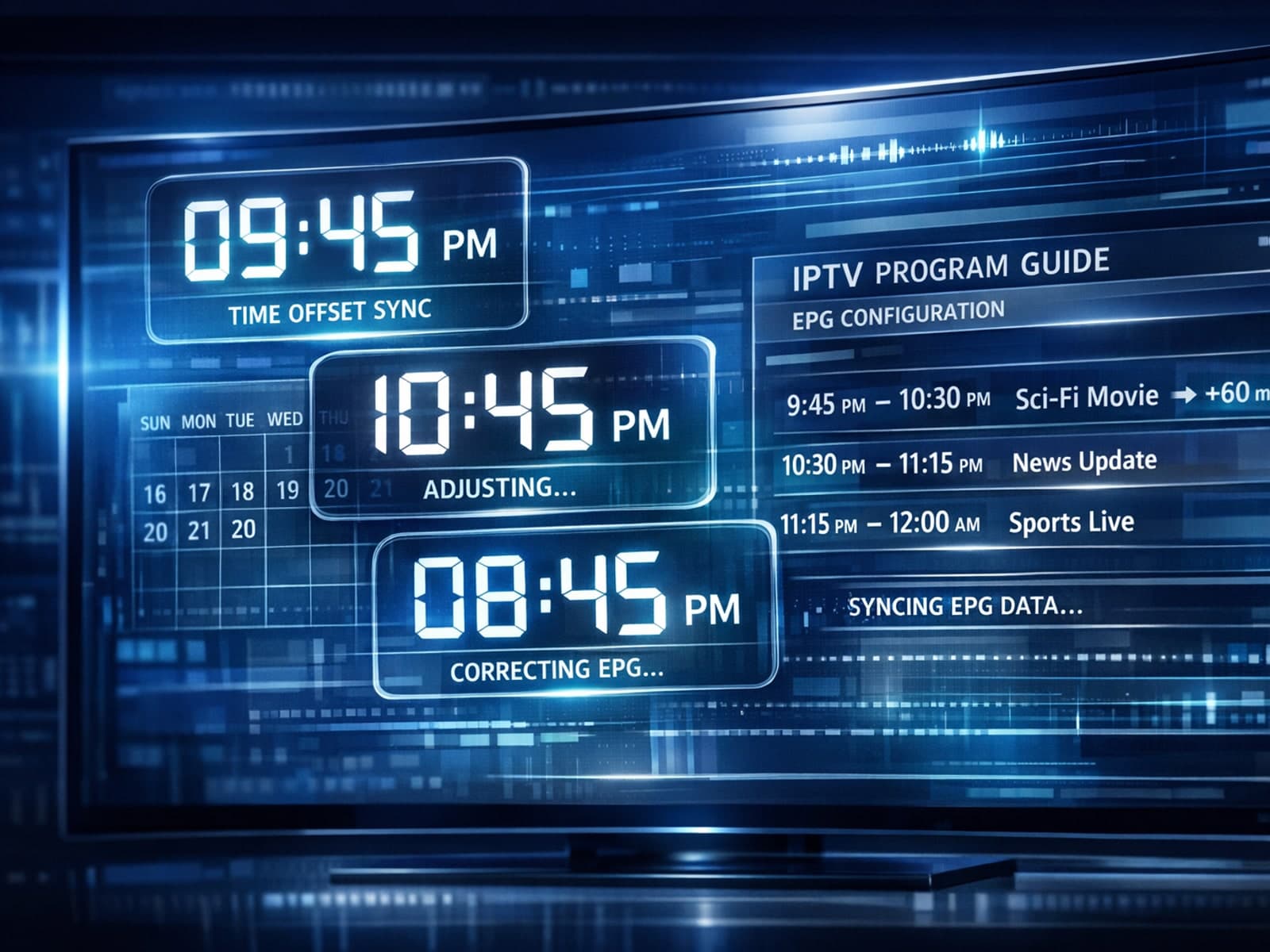
If the electronic program guide (EPG) in your TiviMate app shows the wrong time for TV programs, it means the EPG time offset is set incorrectly.
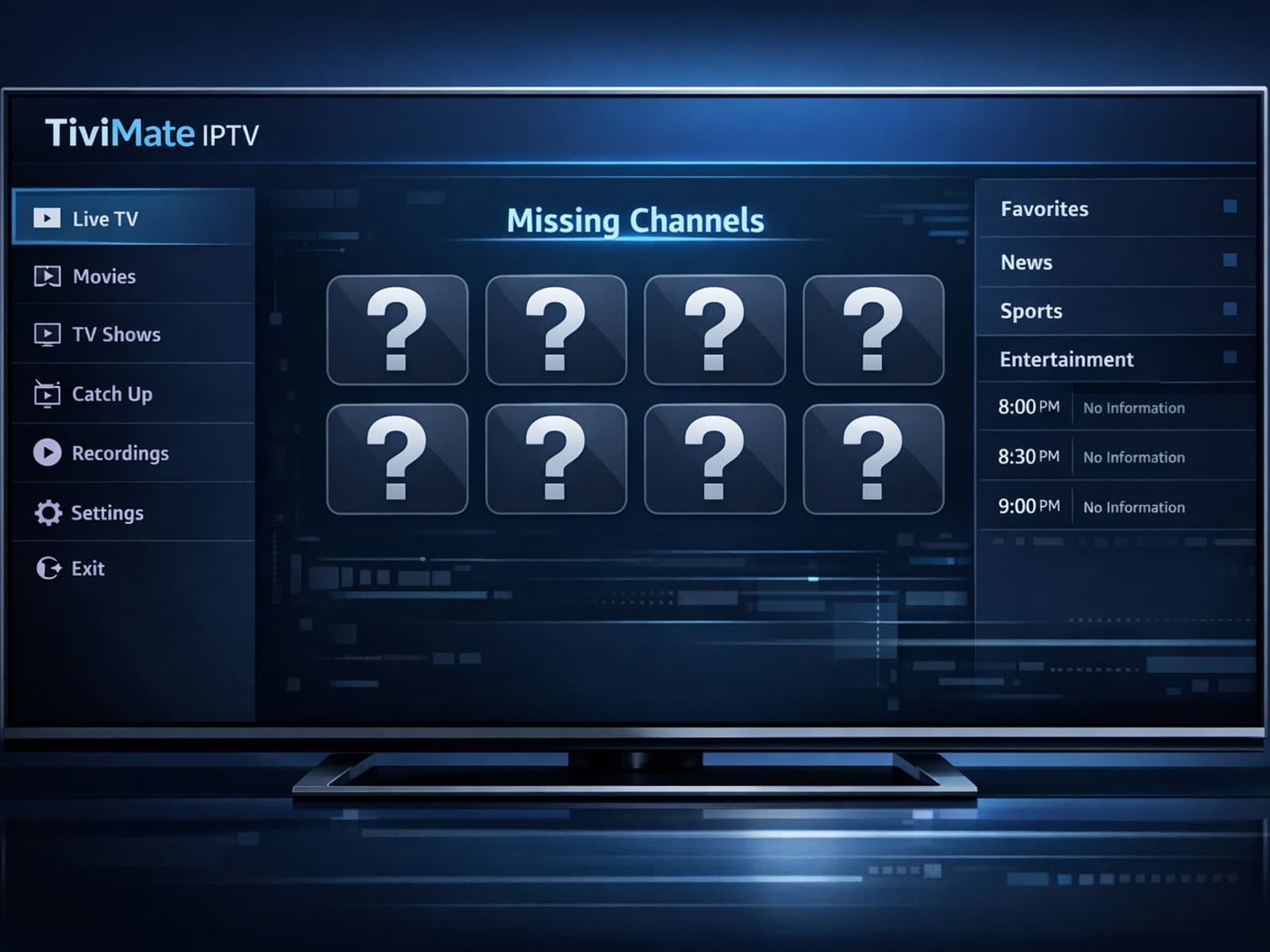
If you're noticing that the channel logos are missing or not displaying correctly in your TiviMate app, you're not alone. This commonly occurs due to issues with the playlist sources, app settings, or cached data.
If you are experiencing lag or buffering issues while streaming IPTV on your Fire TV Stick, one common but often overlooked cause is storage limitations on the device.
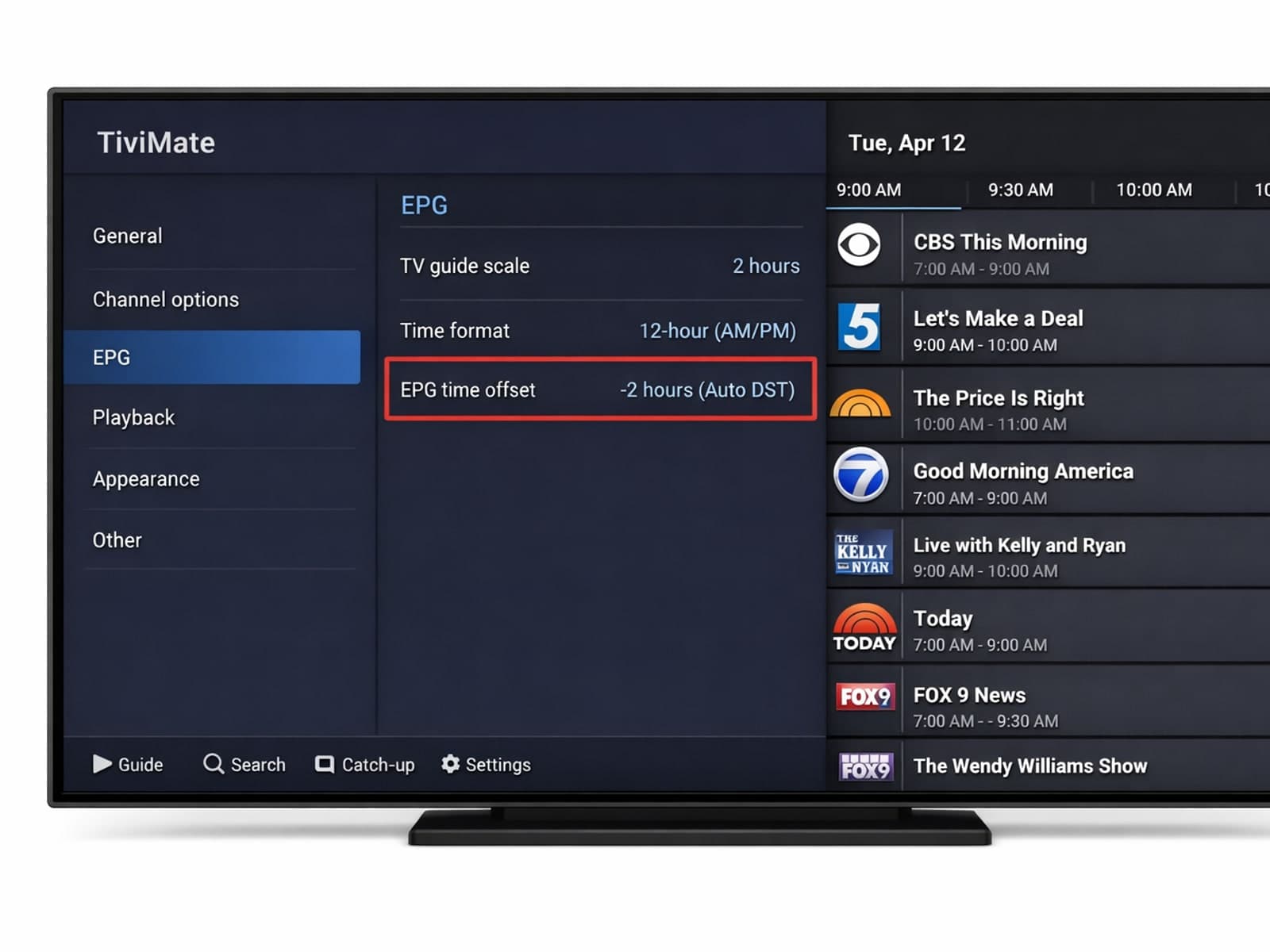
If the program guide in your TiviMate app shows TV schedules that don't match your local time—like shows starting too early or too late—then your Electronic Program Guide (EPG) time offset is incorrect.
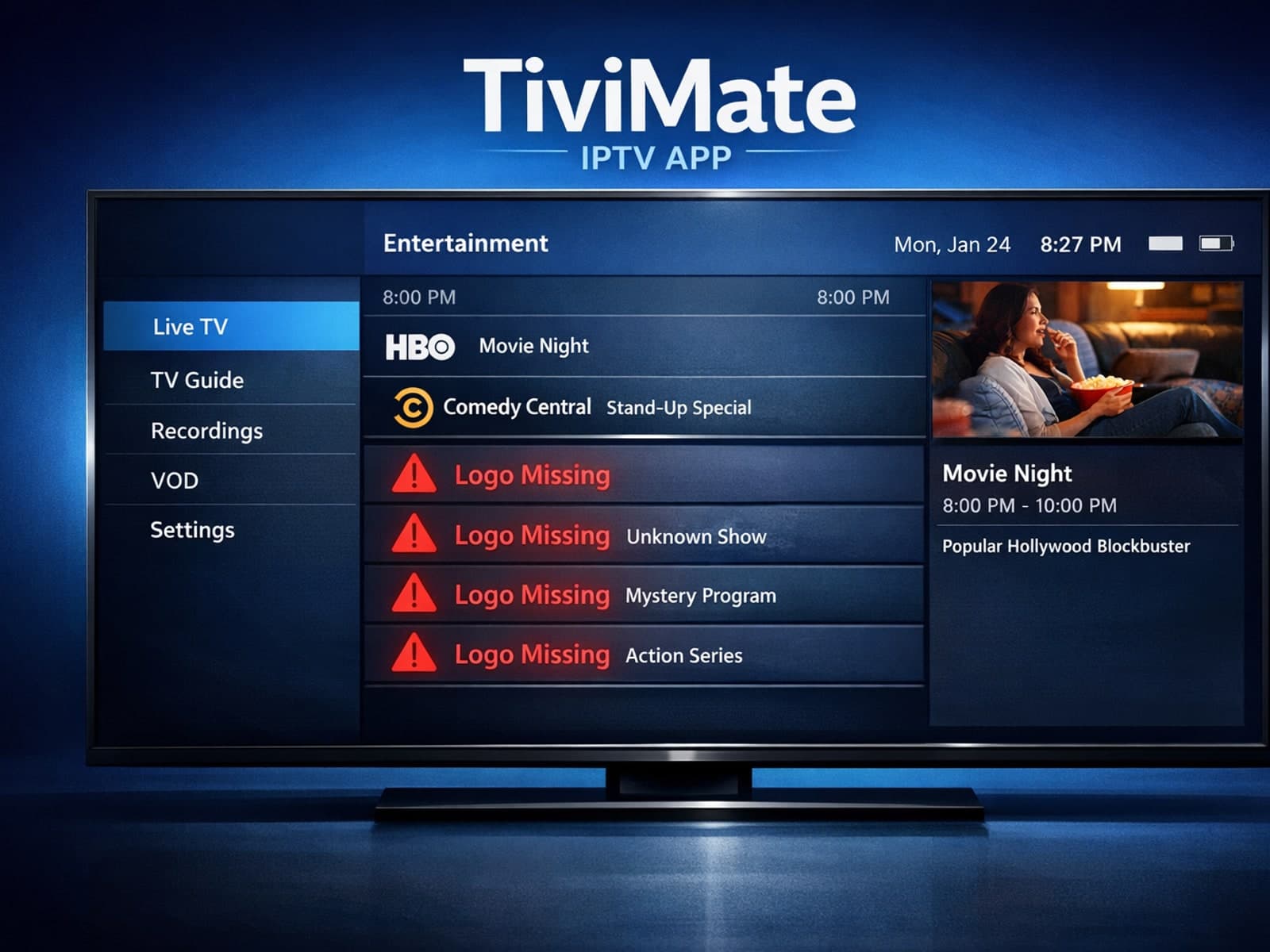
If you notice that channel logos are missing in your TiviMate IPTV app, the issue usually stems from how your playlist or Electronic Program Guide (EPG) handles logo metadata.
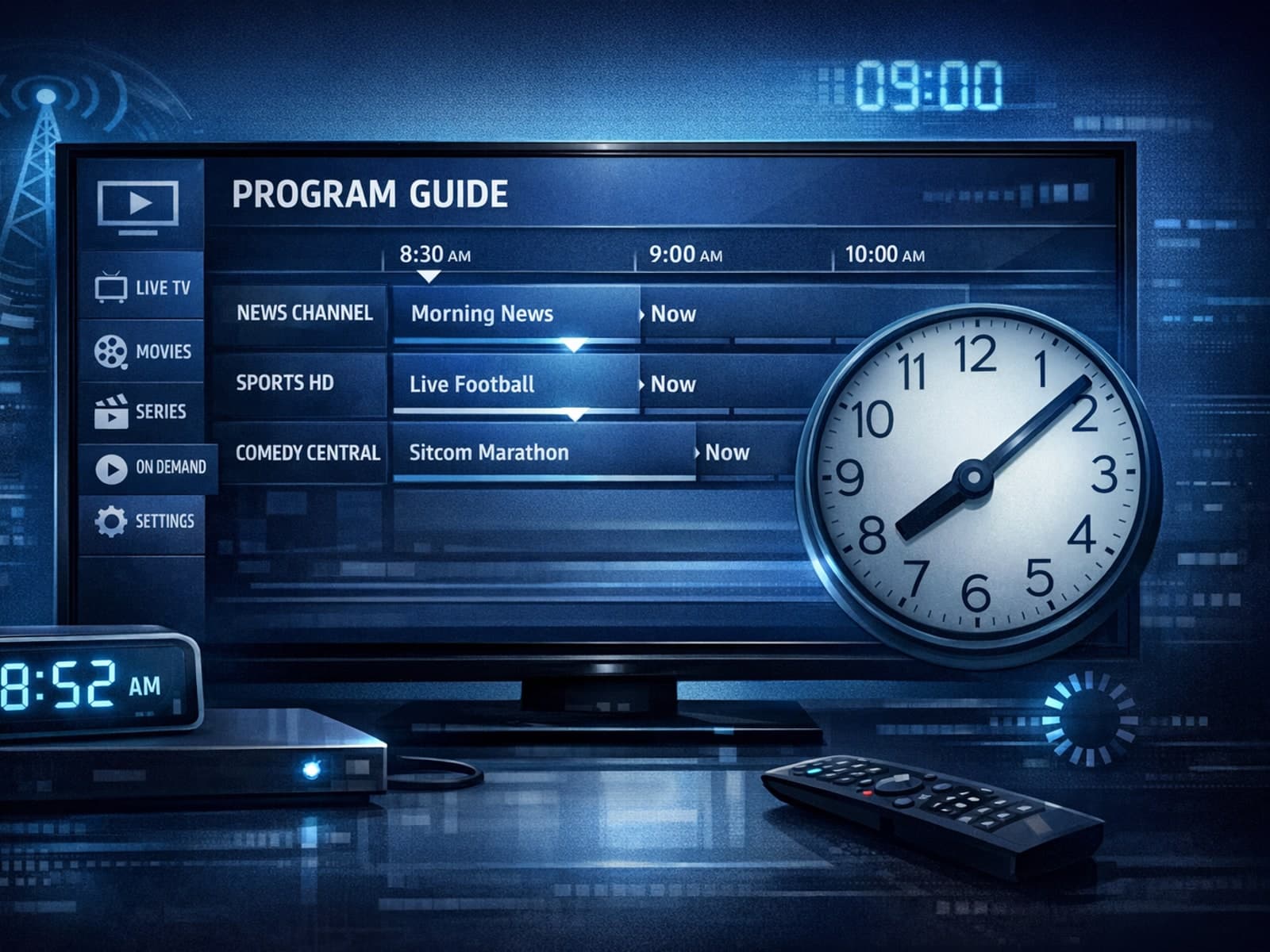
When your program guide on TiviMate shows wrong times—for instance, programs starting hours earlier or later than they actually air—it's often due to an incorrect EPG (Electronic Program Guide) time offset setting.
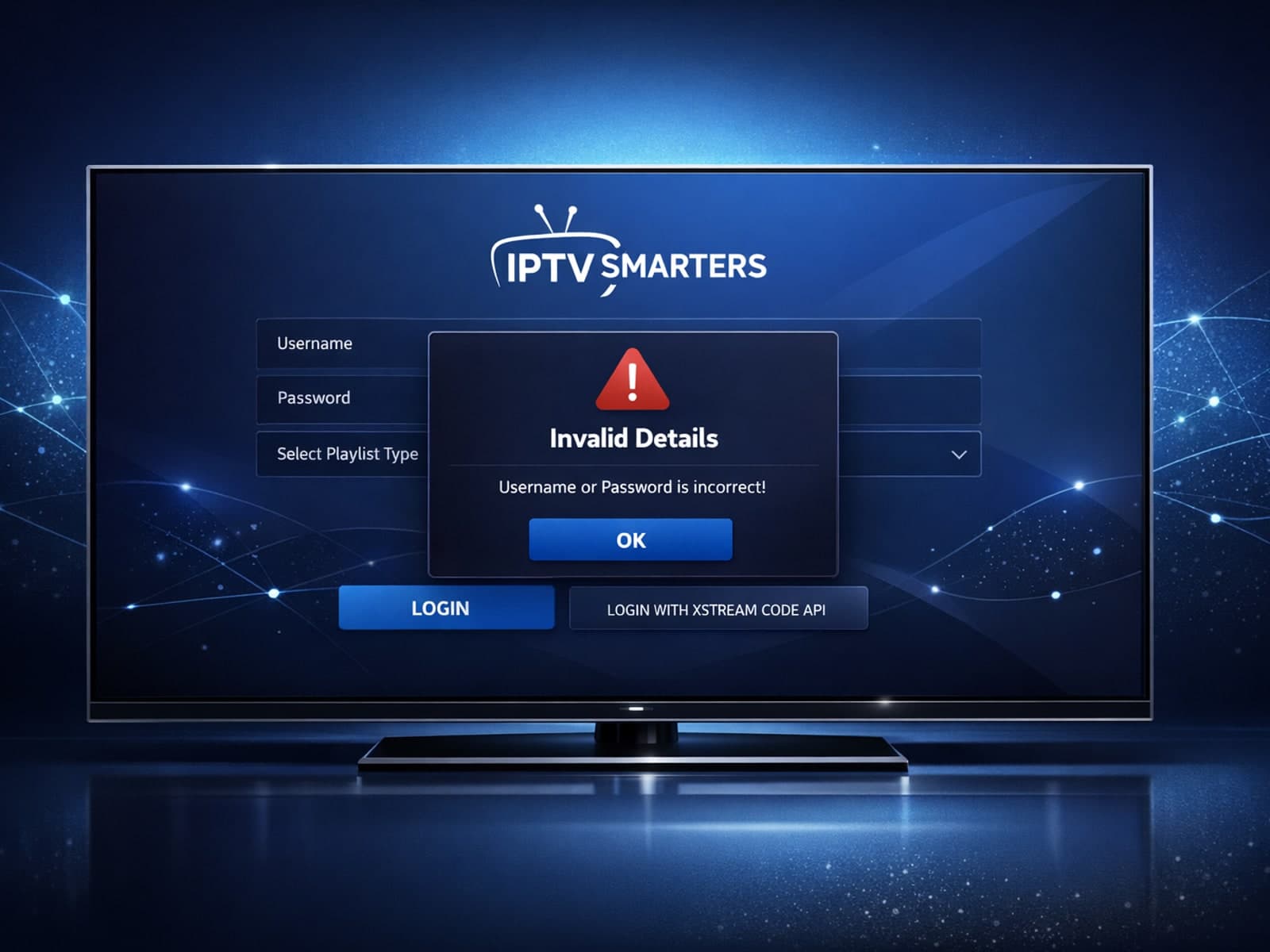
The “Invalid Details” error in IPTV Smarters occurs when the app cannot authenticate your login credentials or server URL with your IPTV service.
If you notice that channel logos are missing in TiviMate, it usually means the app is not receiving or correctly displaying the logo images from your IPTV playlist.
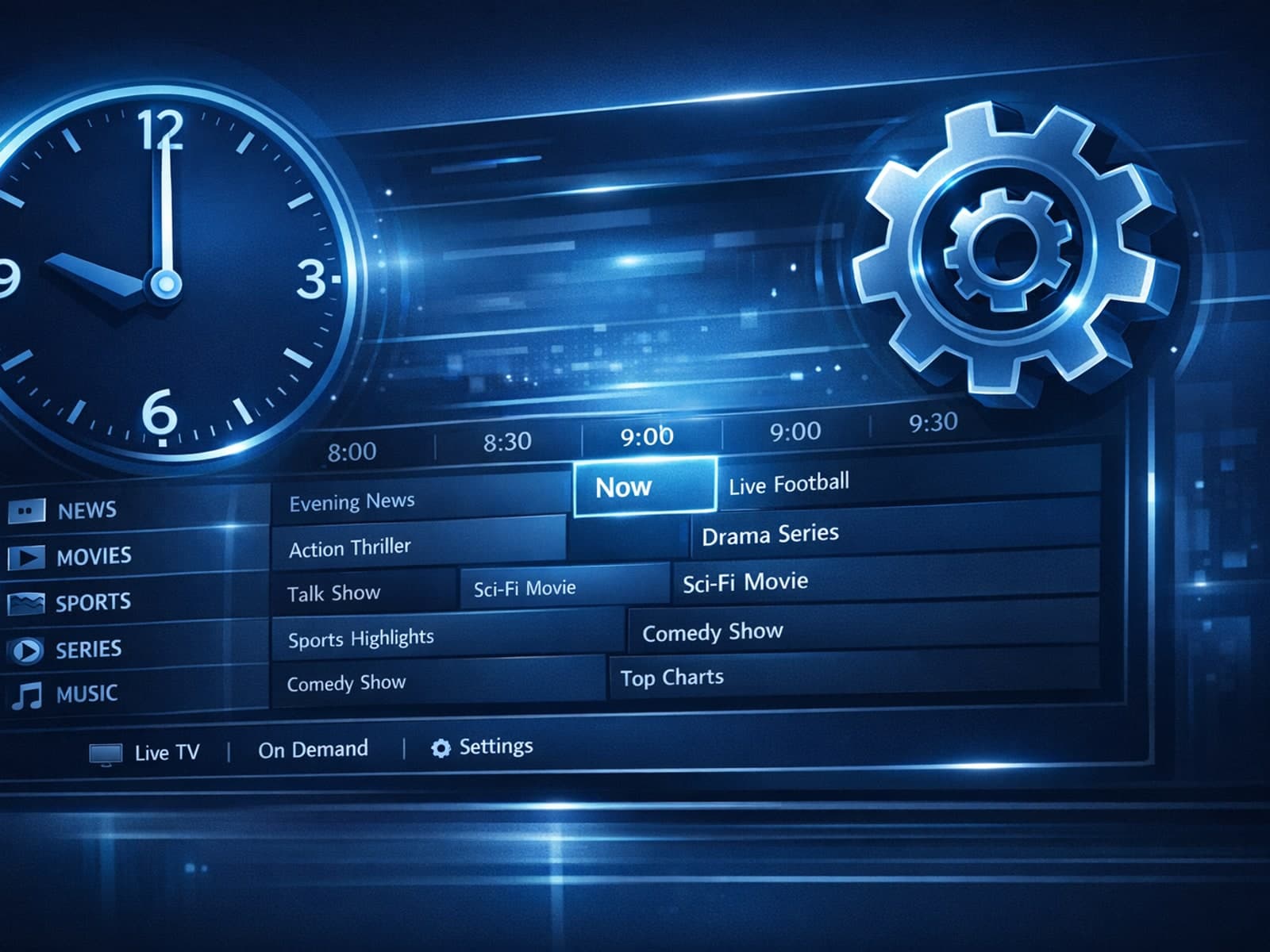
When the Electronic Program Guide (EPG) times in your TiviMate IPTV player don’t align with actual broadcasts, the program schedule appears offset — showing start times earlier or later than they actually occur.
If your channel logos are missing in TiviMate, the problem usually stems from your IPTV playlist lacking logo information, incorrect logo paths, or caching issues within the app.
Missing channel logos in TiviMate can diminish usability and make navigation confusing. The issue often arises when the playlist or app fails to supply or fetch the logo metadata correctly.
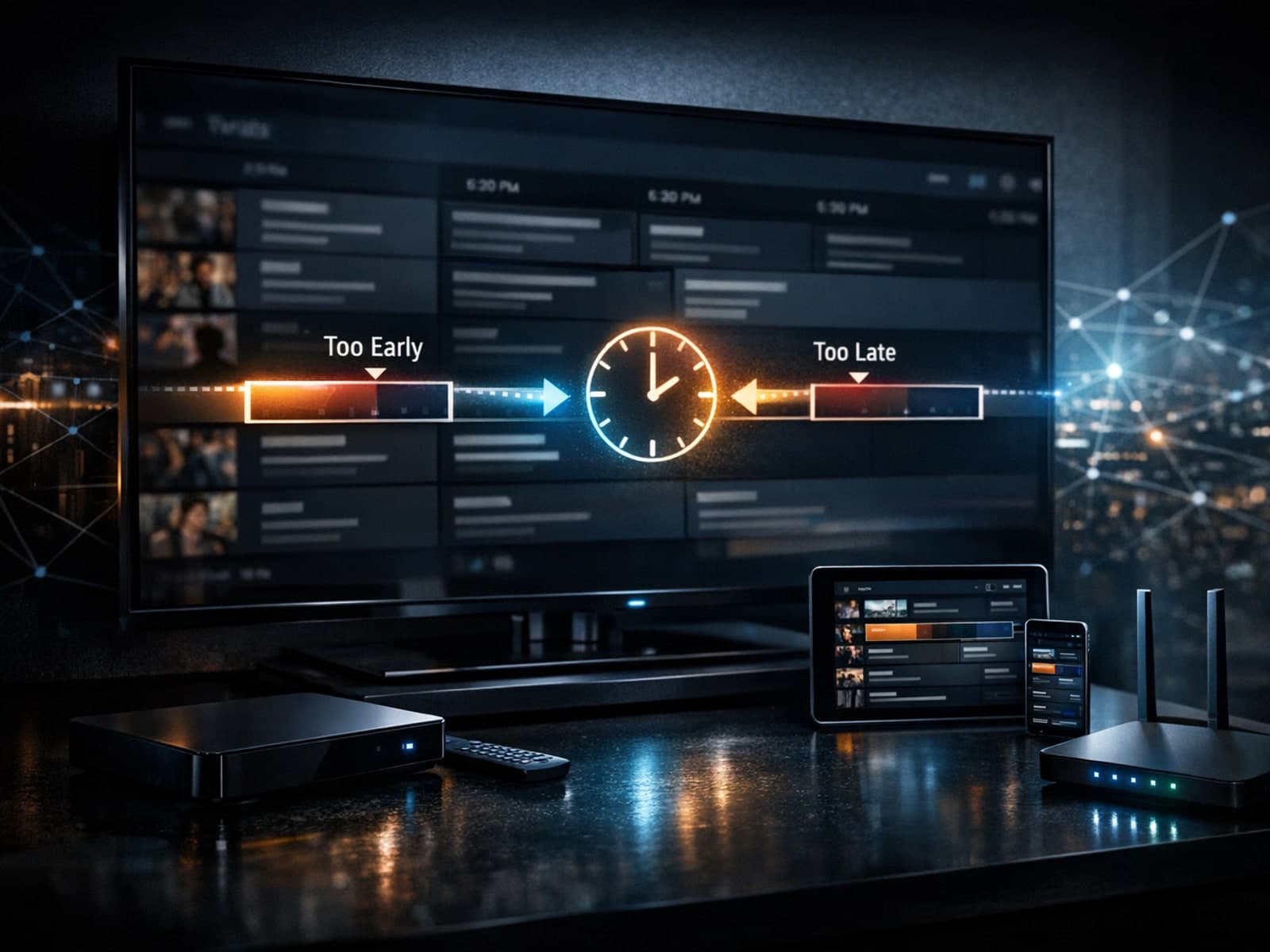
If the program guide (EPG) in your TiviMate app shows incorrect times—programs starting earlier or later than the actual broadcast—the cause is usually an inaccurate EPG time offset.
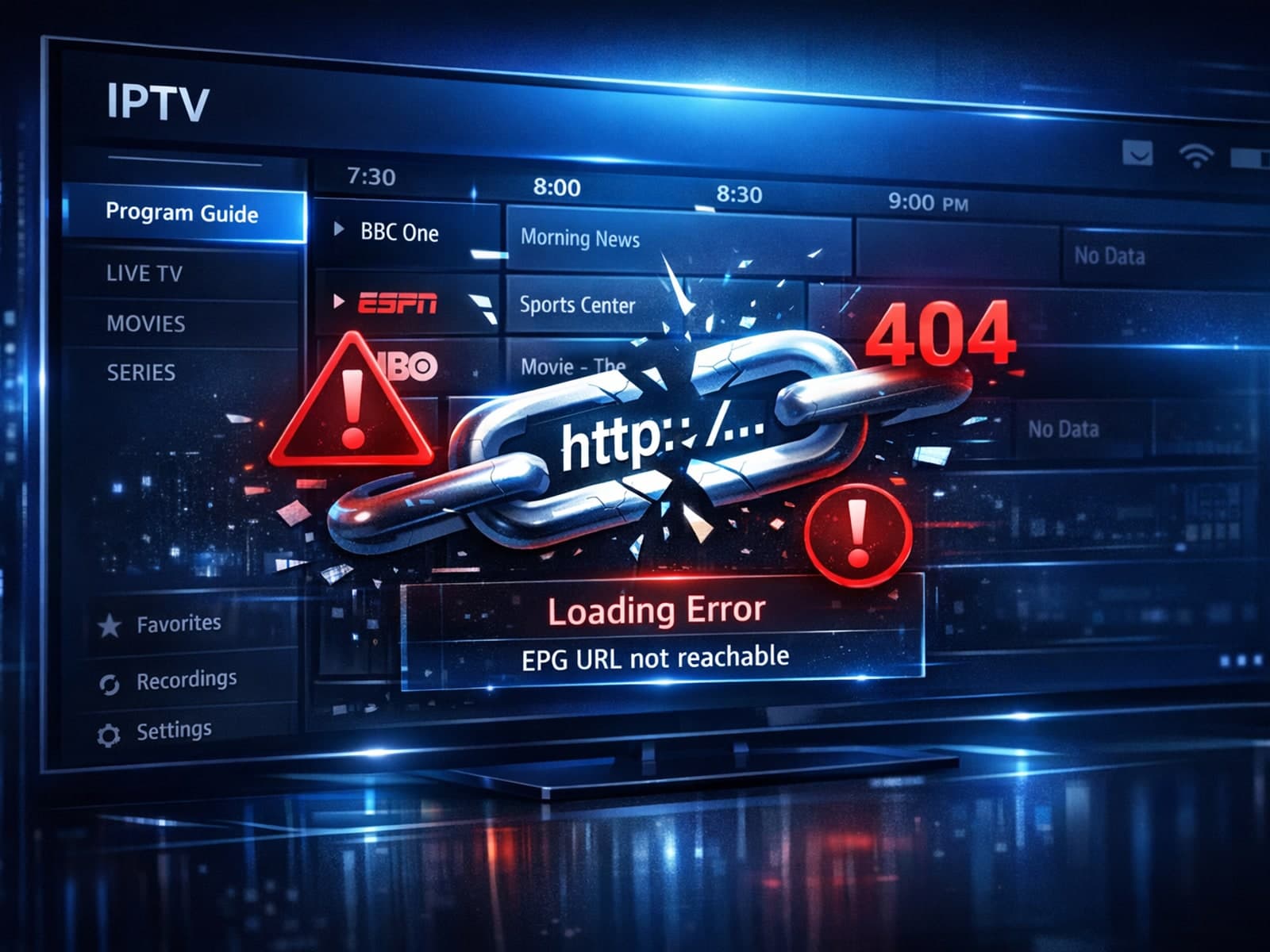
If your TiviMate app is failing to load or update the Electronic Program Guide (EPG) despite using a known EPG source URL, this article addresses the reasons behind this issue and practical steps to resolve it.
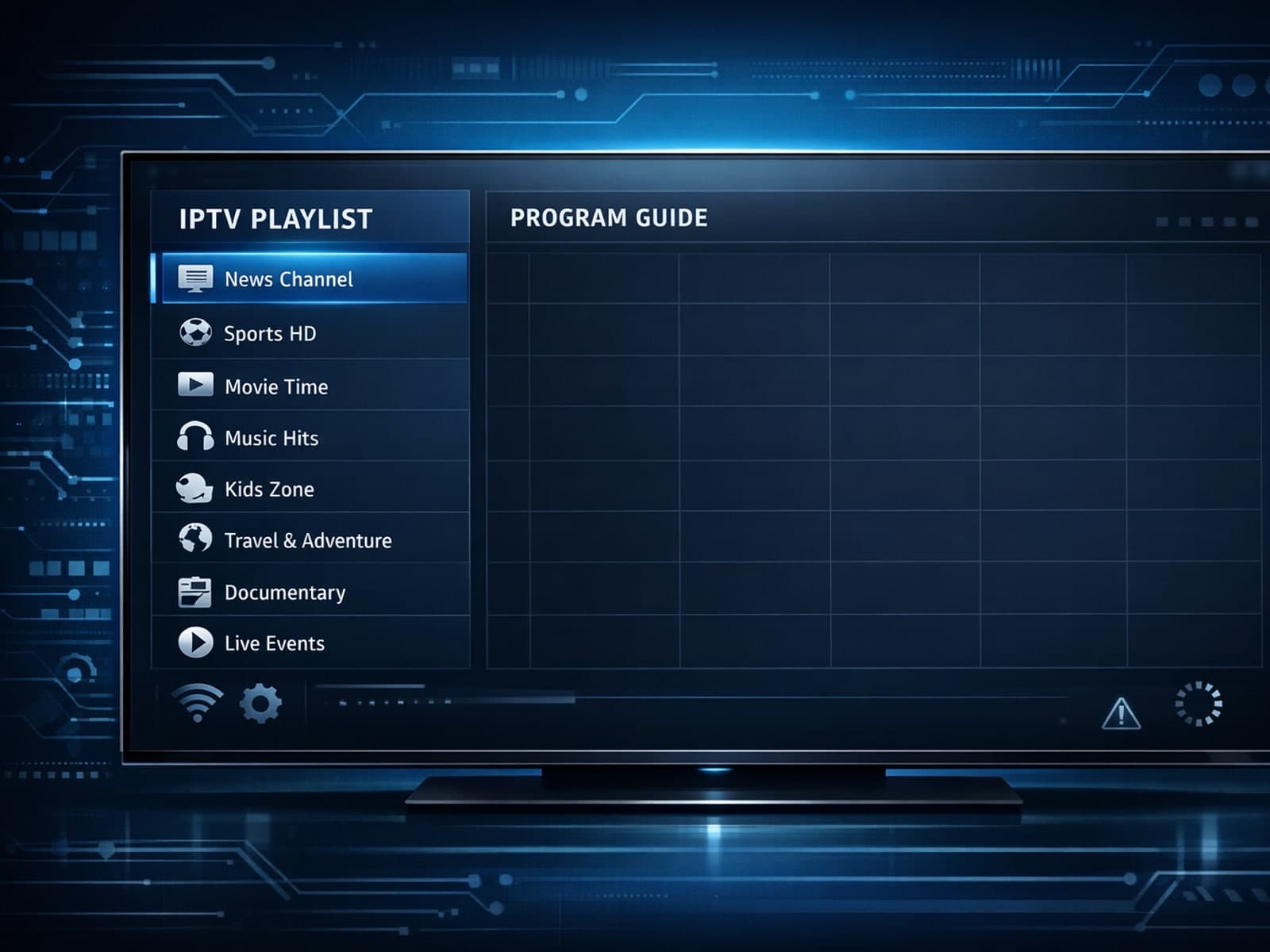
If you open TiviMate and notice that your IPTV playlist loads correctly but the Electronic Program Guide (EPG) data is missing or not showing, this indicates a disconnect between your channel list and the program guide data.
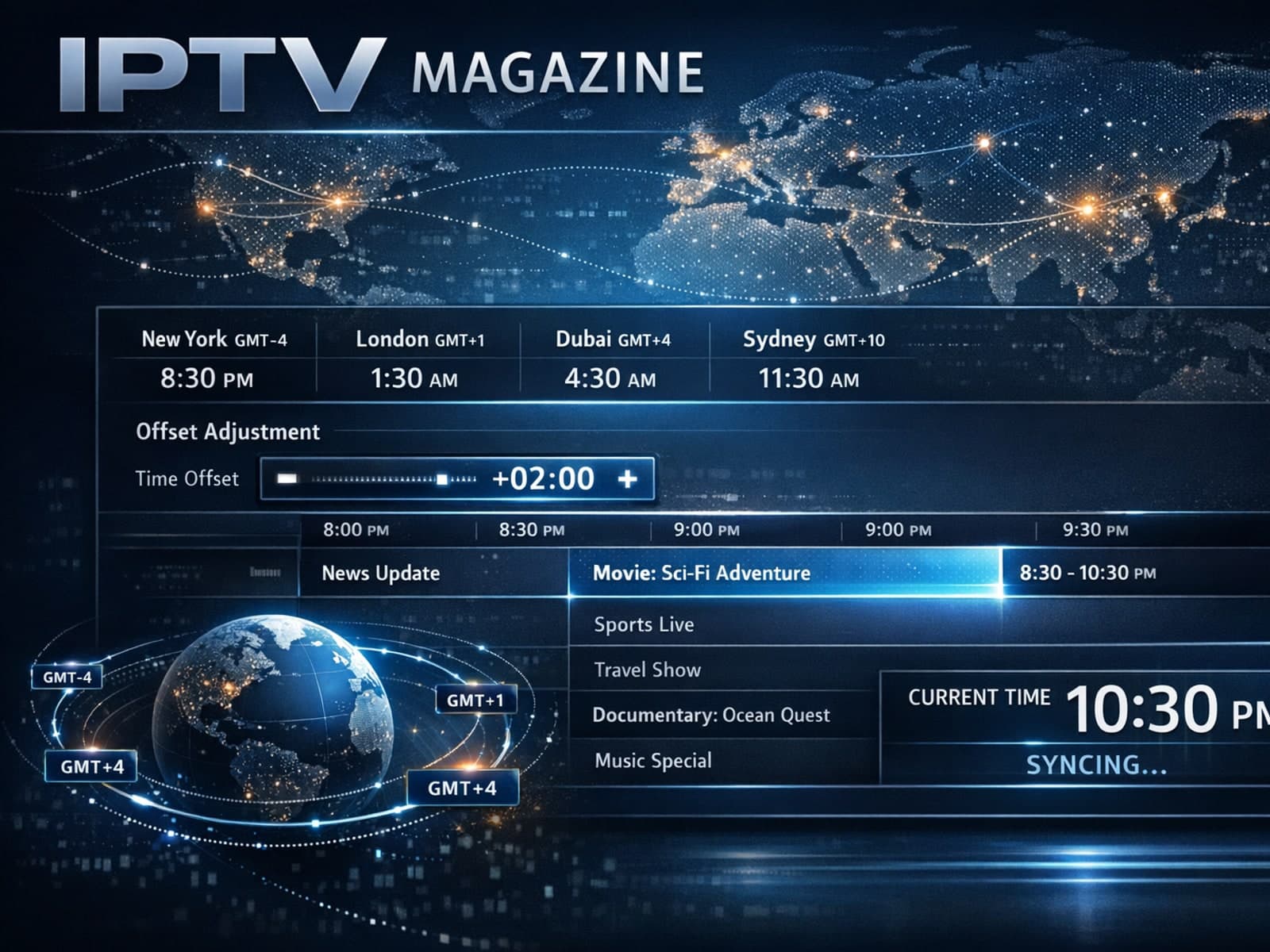
The electronic program guide (EPG) in TiviMate provides scheduled TV program details for IPTV channels. Sometimes, users notice that the times displayed for shows are offset incorrectly — for example, a show listed to start at 8 PM.
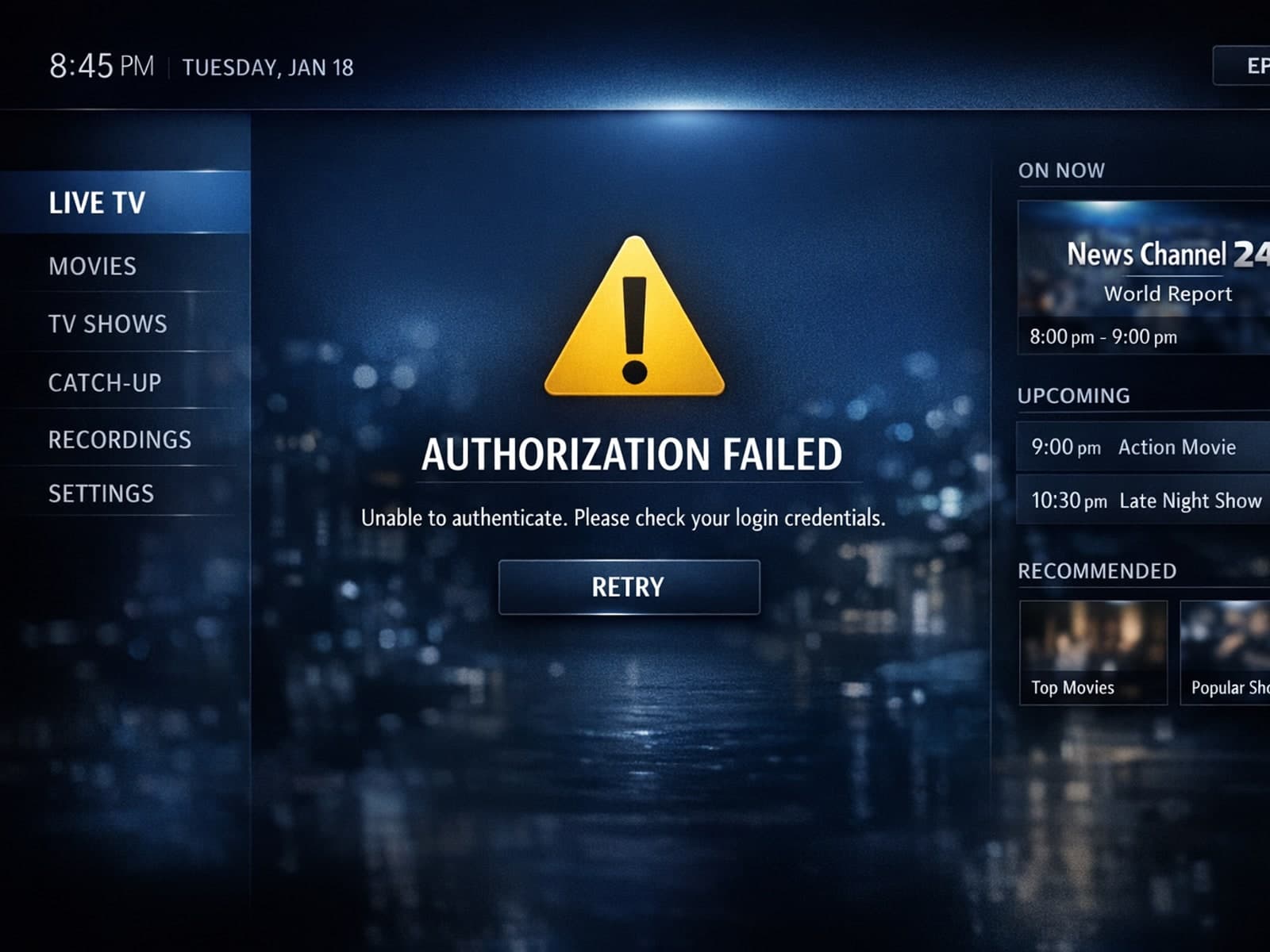
If you've encountered an "Xtream Codes authorization failed" error in the TiviMate app, it means the app cannot successfully verify your IPTV service login credentials against the IPTV provider's server.
If your IPTV streams are frequently buffering on your Fire TV Stick, one common cause is low device storage. The Fire TV Stick uses available internal storage to cache streaming data briefly, helping ensure smooth video playback.
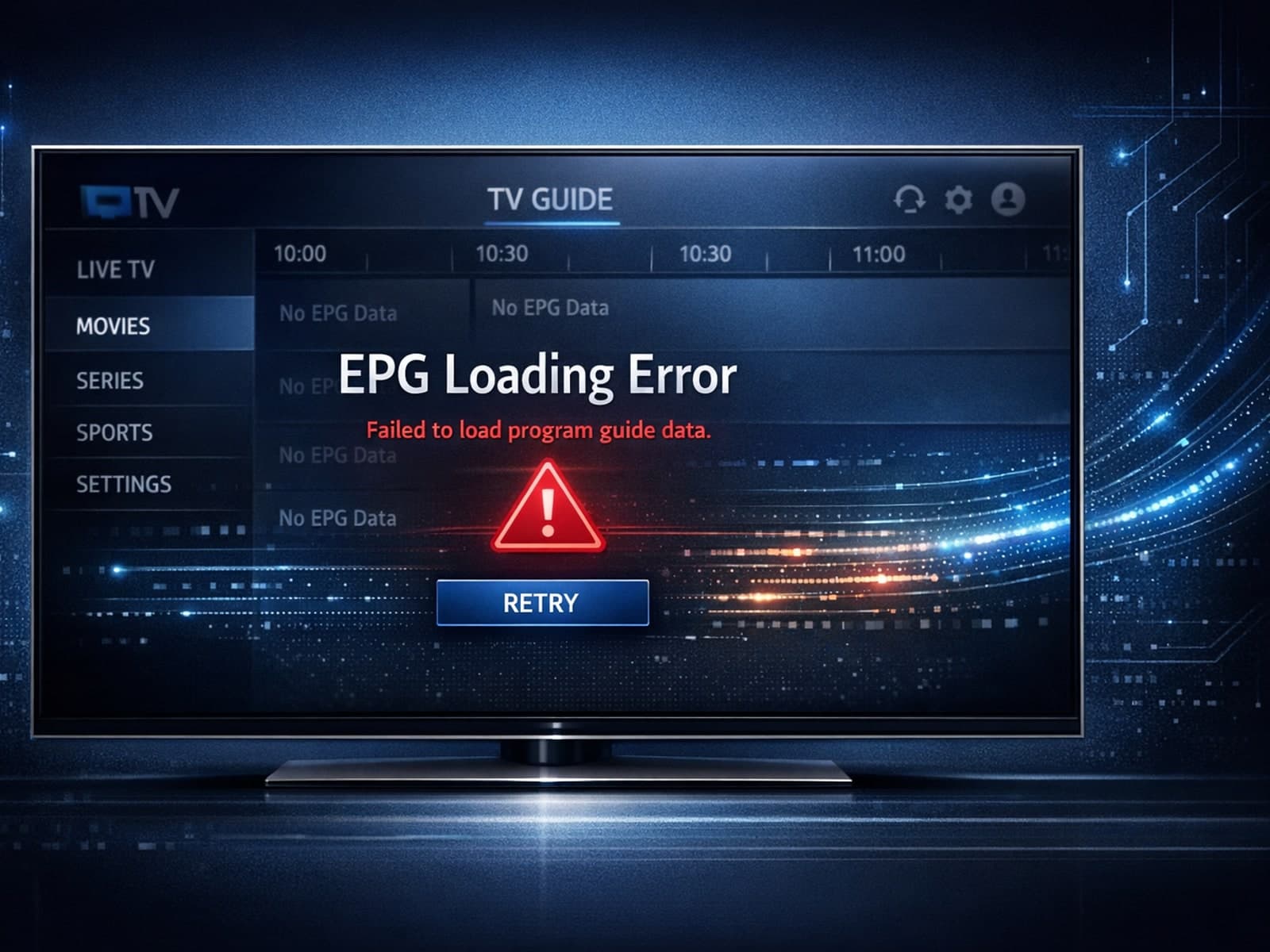
When the Electronic Program Guide (EPG) fails to load in the TiviMate app, it means that the schedule and program information for your IPTV channels are not appearing.
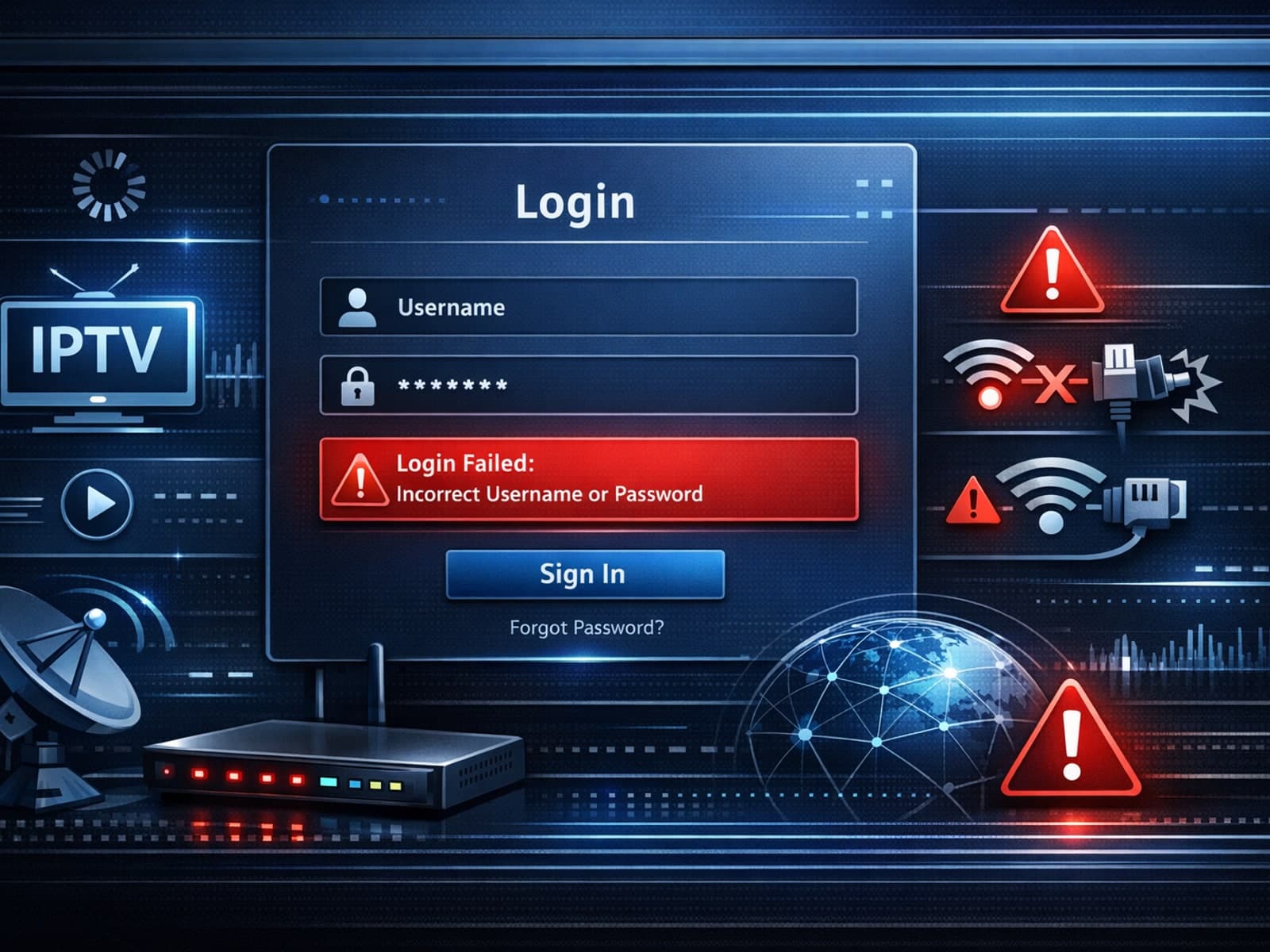
When you encounter "Xtream Codes login failed" errors, it means your IPTV client cannot successfully authenticate your credentials with the Xtream Codes server.
Experiencing buffering when streaming IPTV on your Firestick can be frustrating. Buffering is the delay or pause that occurs when video streams pause to load.
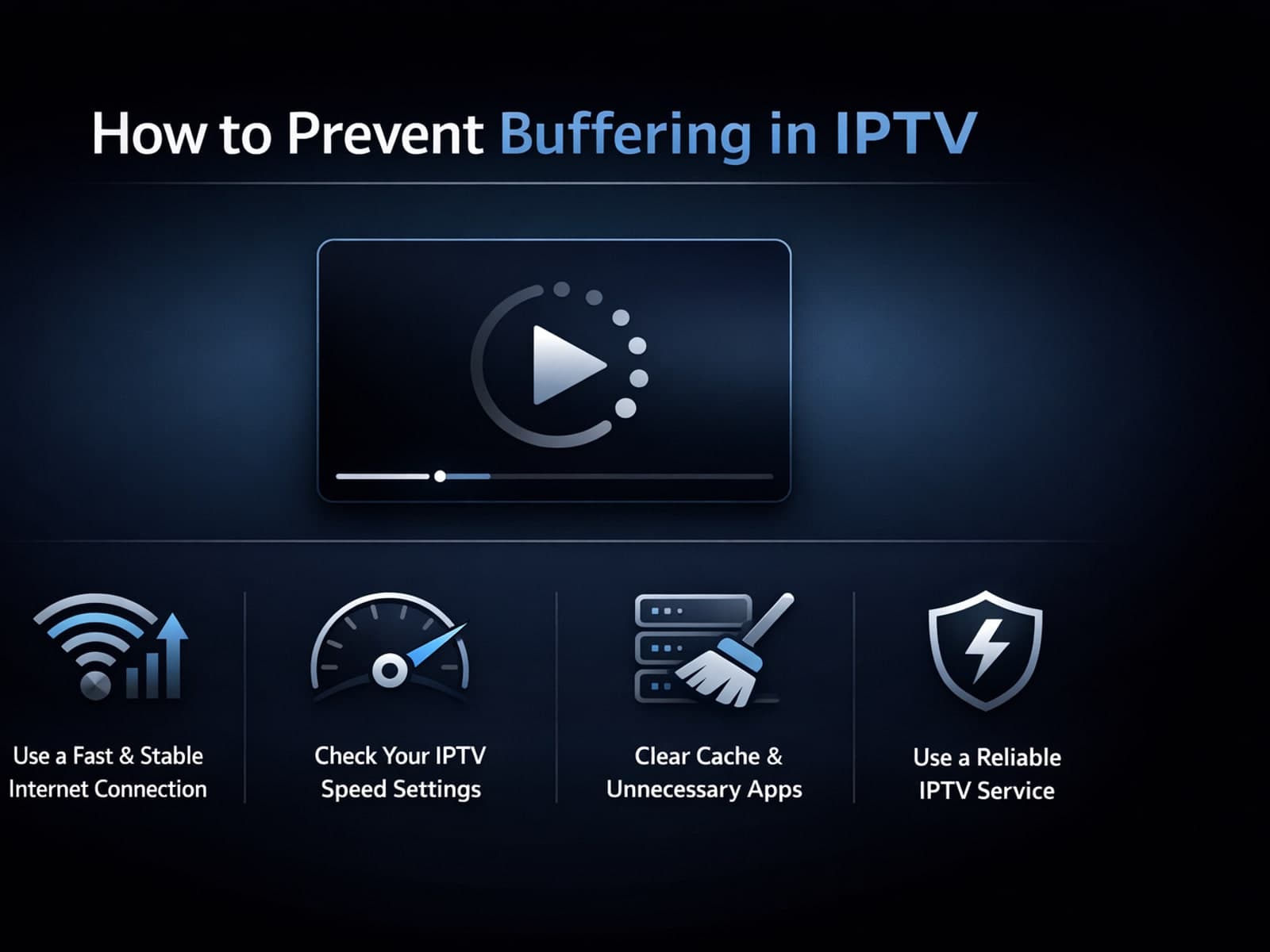
Buffering interrupting your IPTV (Internet Protocol Television) viewing is frustrating. Simply put, buffering is when playback pauses to load more video data, causing annoying delays.
Compare options
Useful when you are choosing a format, workflow, device, or connection path.
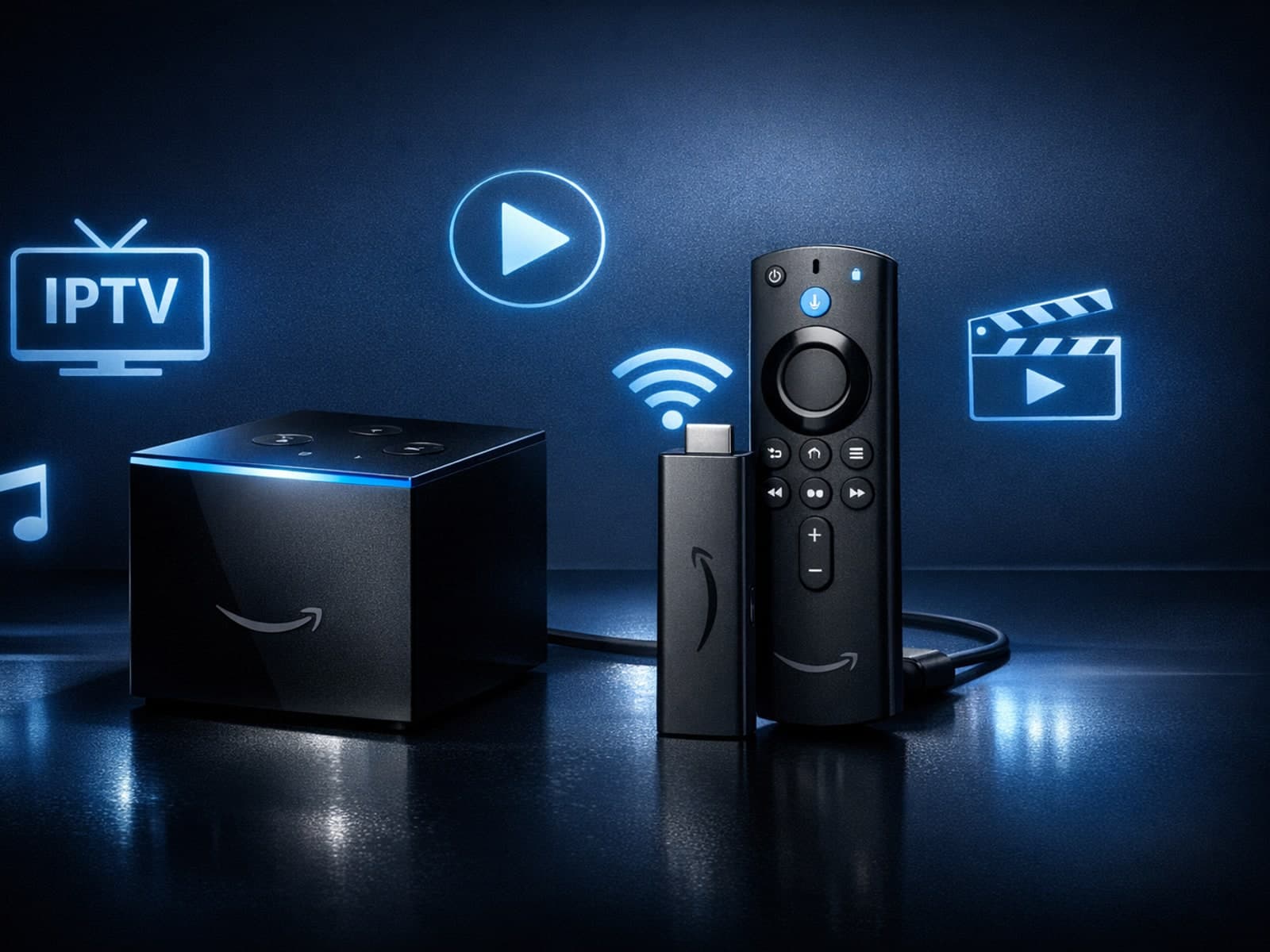
If you're choosing between the Fire TV Cube and the Fire TV Stick 4K Max for your IPTV setup, it's important to understand their differences beyond just their names.
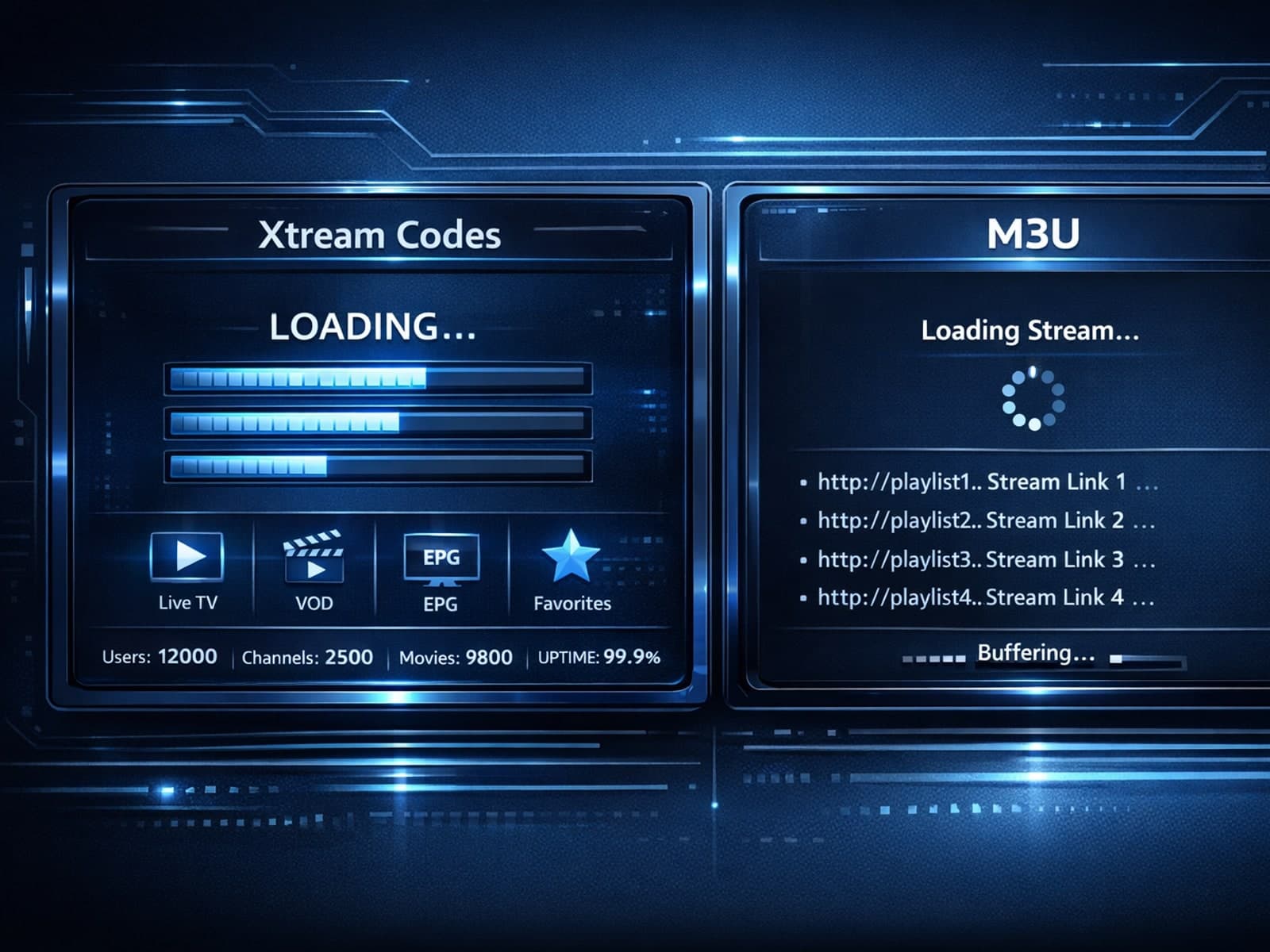
Xtream Codes login can outperform M3U playlists by providing faster channel loading, better playlist management, and improved metadata support in IPTV apps.
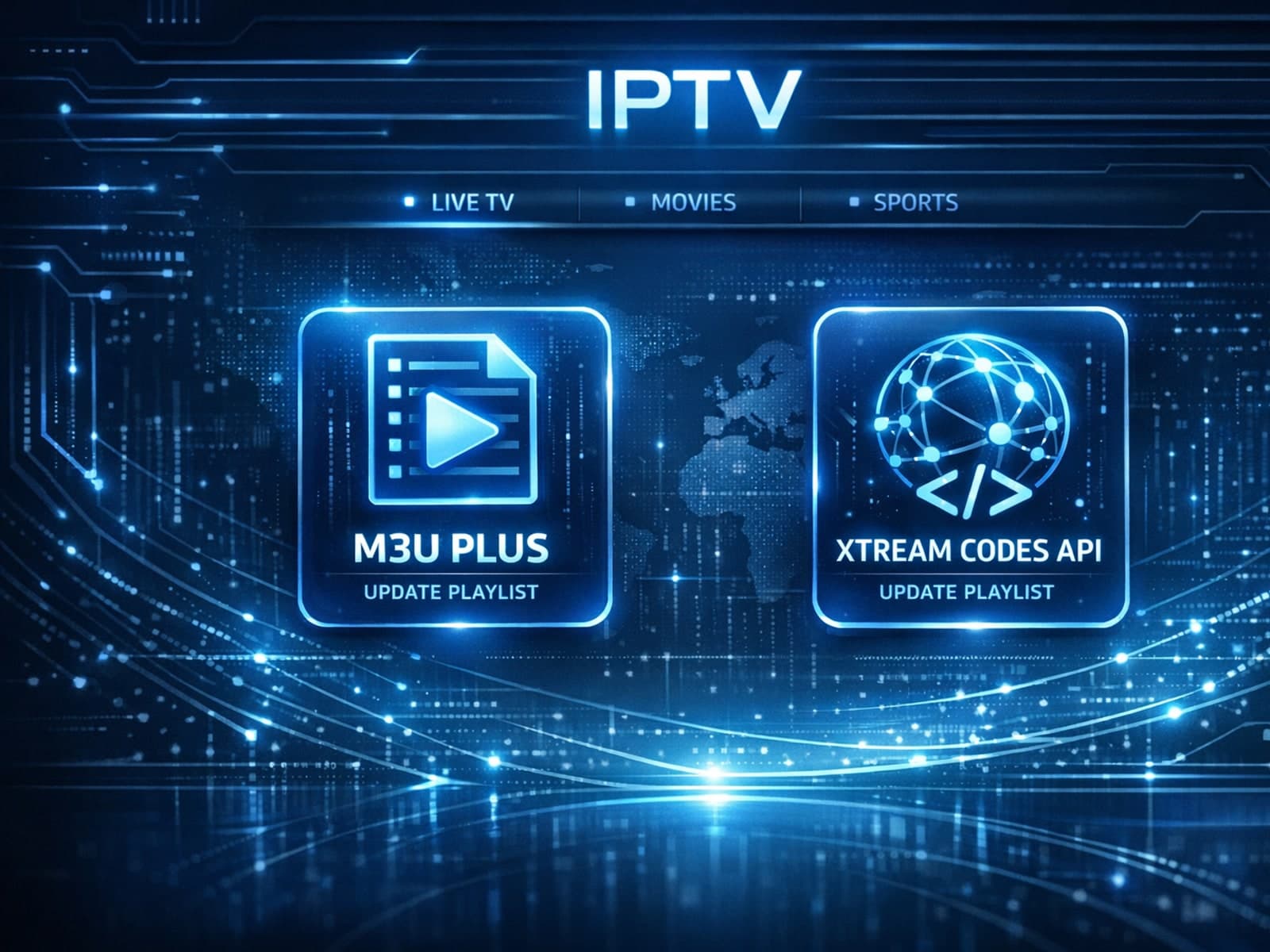
When managing IPTV subscriptions or services, updating the channel playlist is essential for accessing the latest content and avoiding interruptions. Two commonly used methods to update IPTV playlists are M3U Plus and the Xtream Codes API.
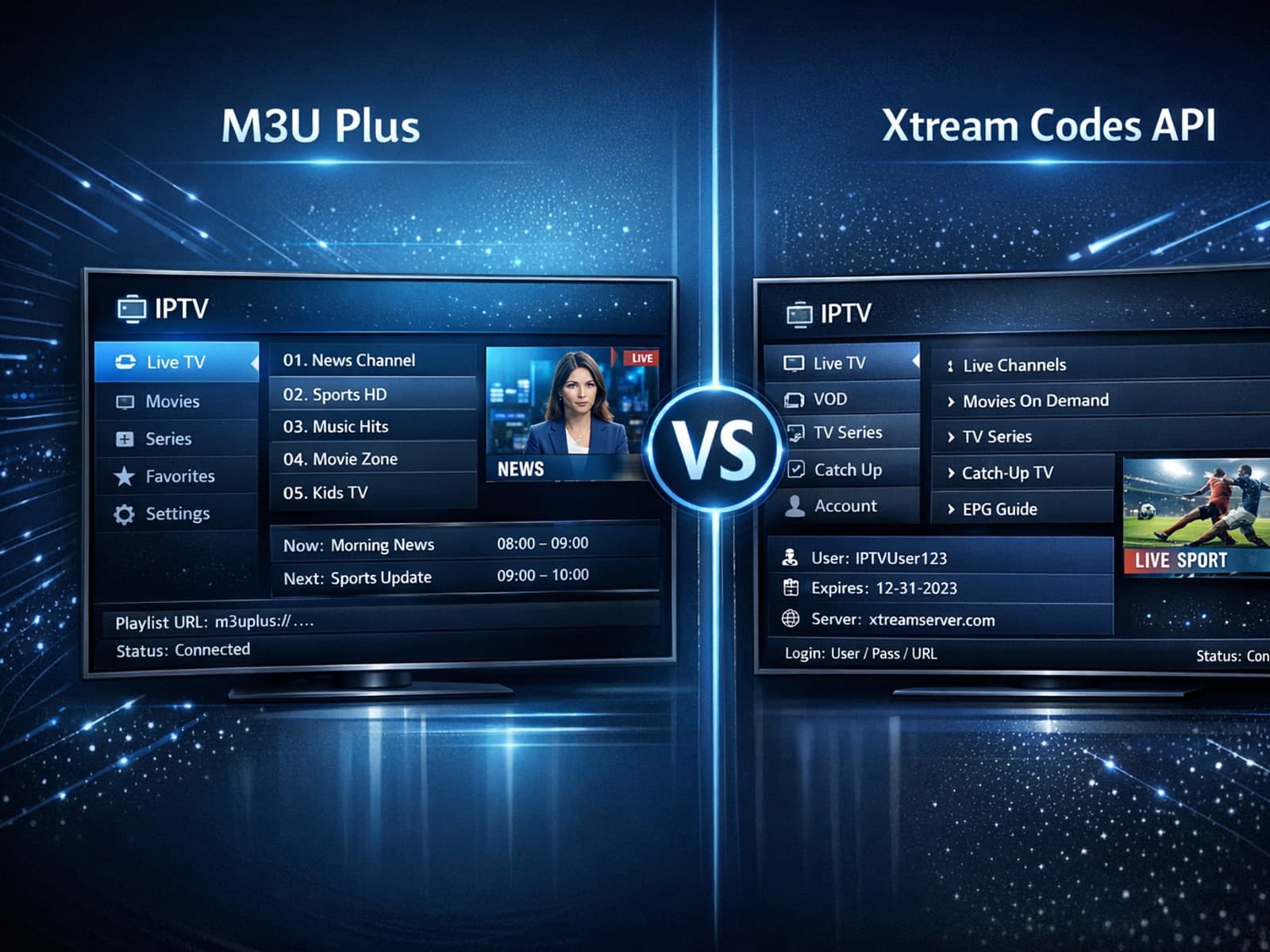
When managing IPTV playlists, users often face two popular methods for obtaining and refreshing their channels: M3U Plus URLs and the Xtream Codes API.

When choosing an Amazon Fire TV device for IPTV streaming, two popular options are the Fire TV Cube and the Fire TV Stick 4K Max. Both devices support IPTV apps and 4K streaming, but they differ in hardware, features, and user experience.

When it comes to updating IPTV playlists, two common methods are M3U Plus and the Xtream Codes API. Both serve to refresh the channel lists and program information delivered to IPTV apps, but they do so in different ways.
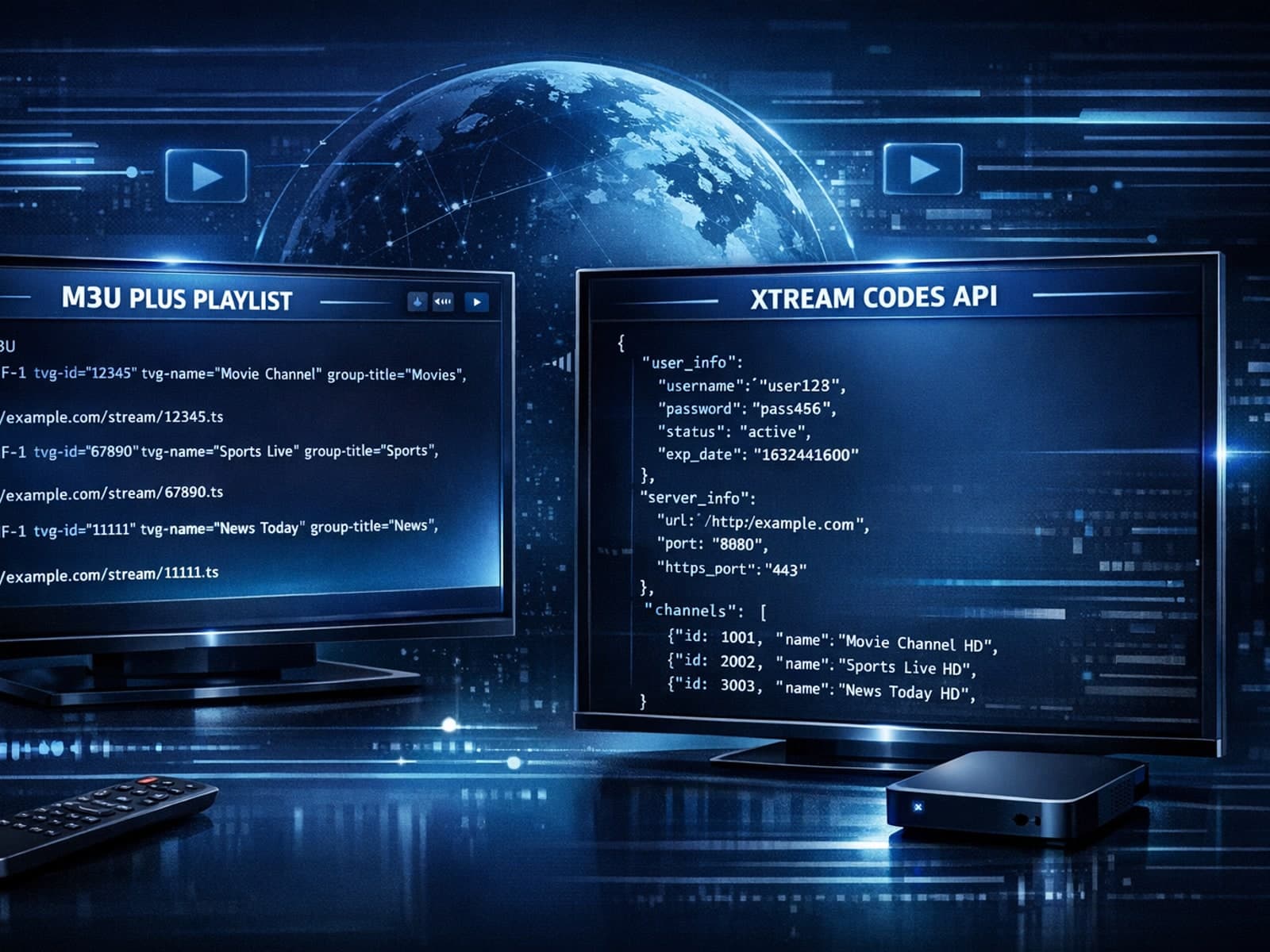
When managing IPTV playlists, two popular methods for playlist updates are M3U Plus and Xtream Codes API. Both serve to keep your channel lineup and electronic program guide (EPG) up to date, but they approach the task differently and fit.
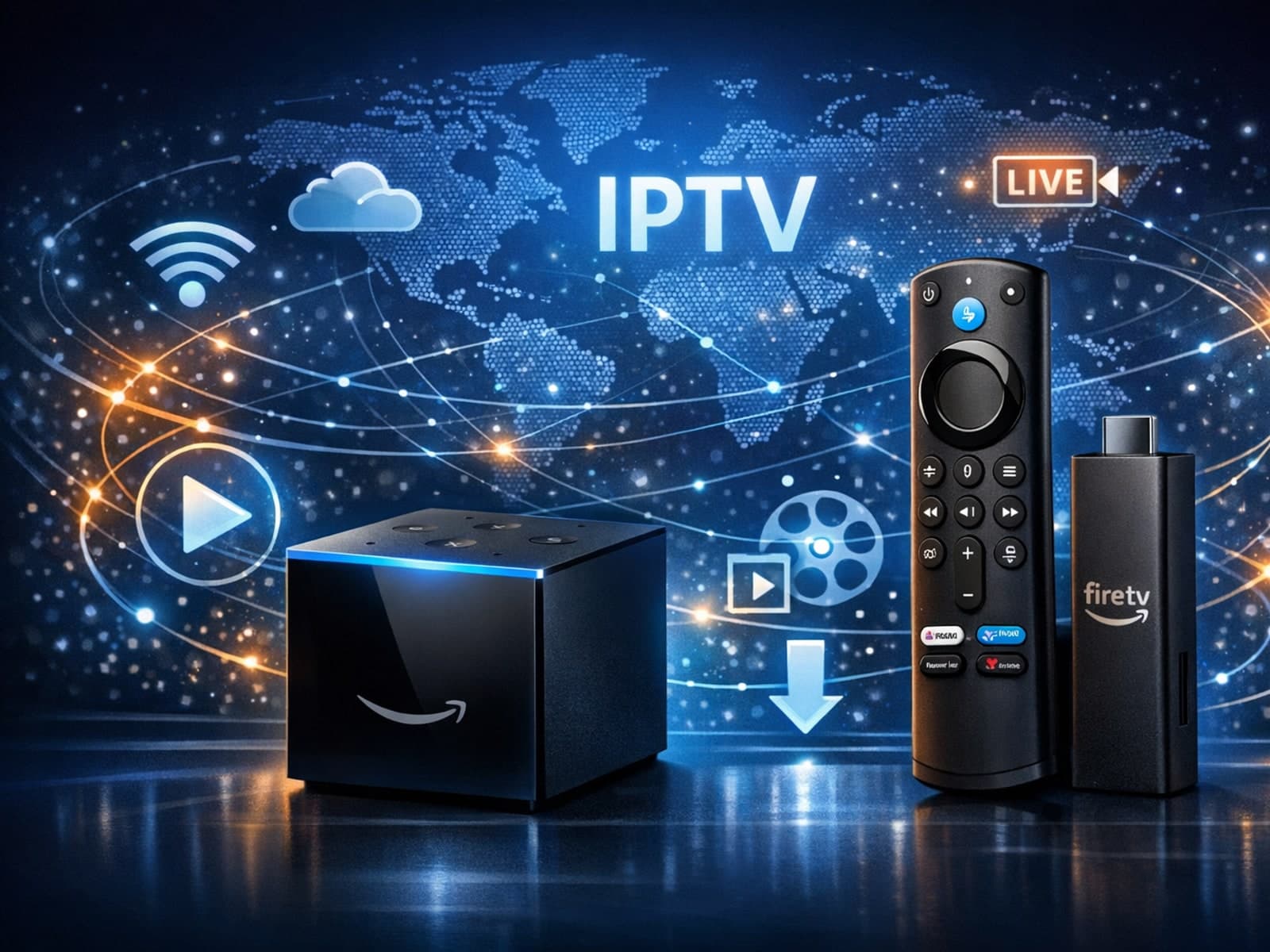
When deciding between the Fire TV Cube and the Fire TV Stick 4K Max for IPTV streaming, your choice should focus on your specific setup needs, desired features, and network environment.
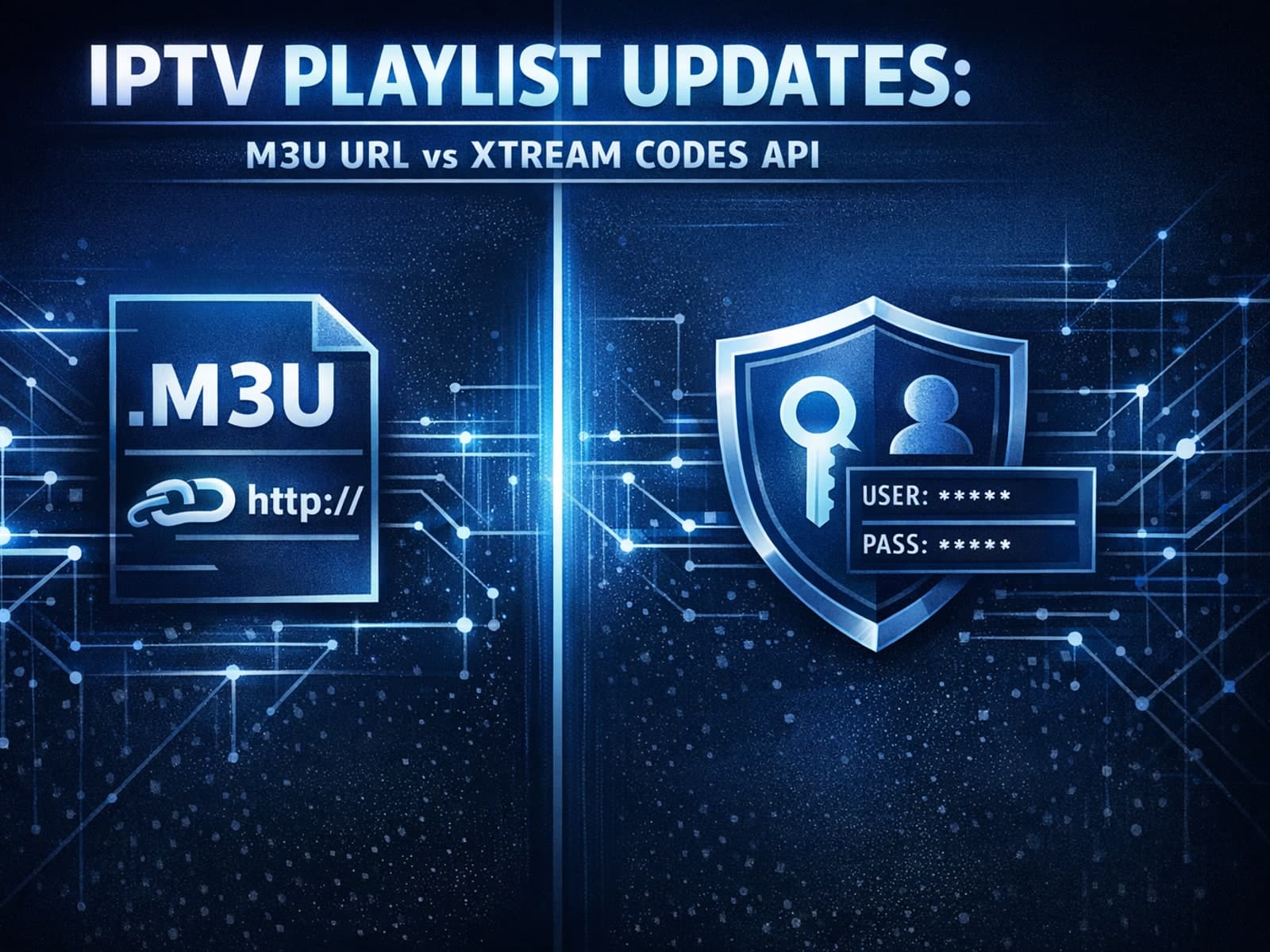
When updating IPTV playlists, the two main methods you will encounter are M3U Plus and Xtream Codes API. Both serve to refresh your channel and on-demand content listings, but they operate differently, require different inputs, and offer.
When deciding between the Fire TV Cube and the Fire TV Stick 4K Max for IPTV streaming, the choice mainly comes down to your need for processing power, voice control convenience, and connection options.
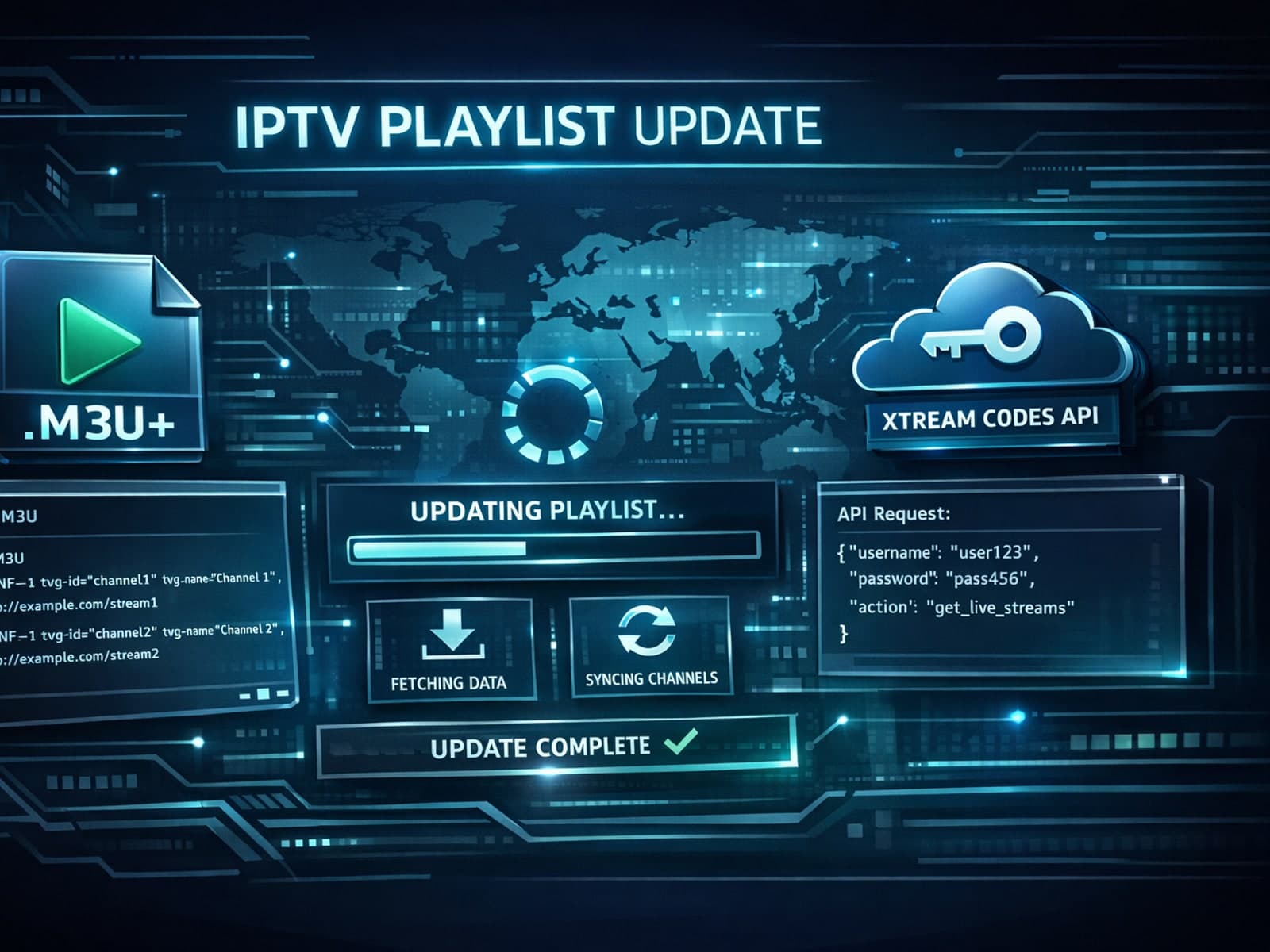
When managing IPTV playlists, choosing between M3U Plus and Xtream Codes API for updates can shape your user experience significantly.
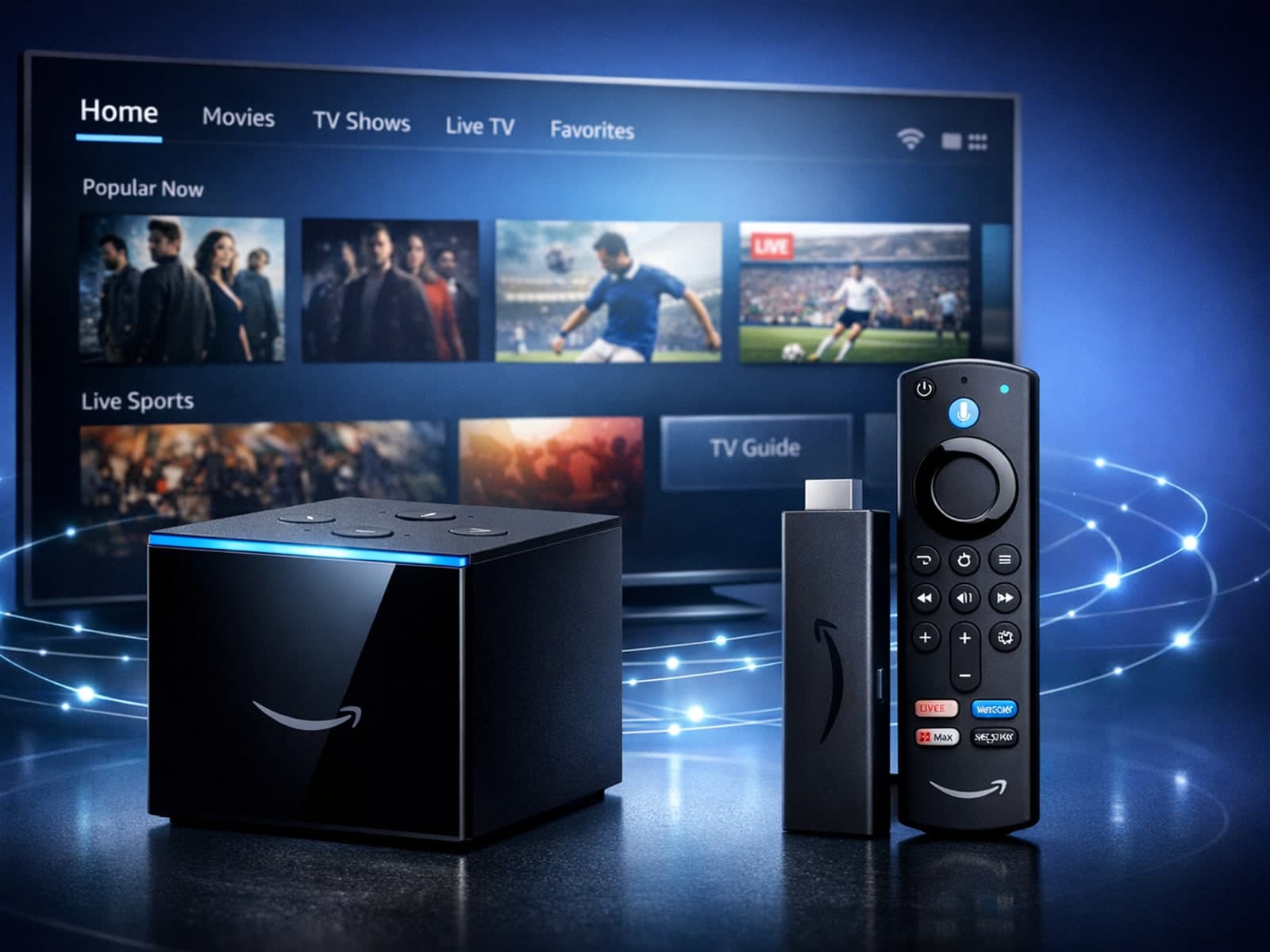
When choosing between the Amazon Fire TV Cube and the Fire TV Stick 4K Max specifically for IPTV streaming, both devices can deliver smooth playback of IPTV content.
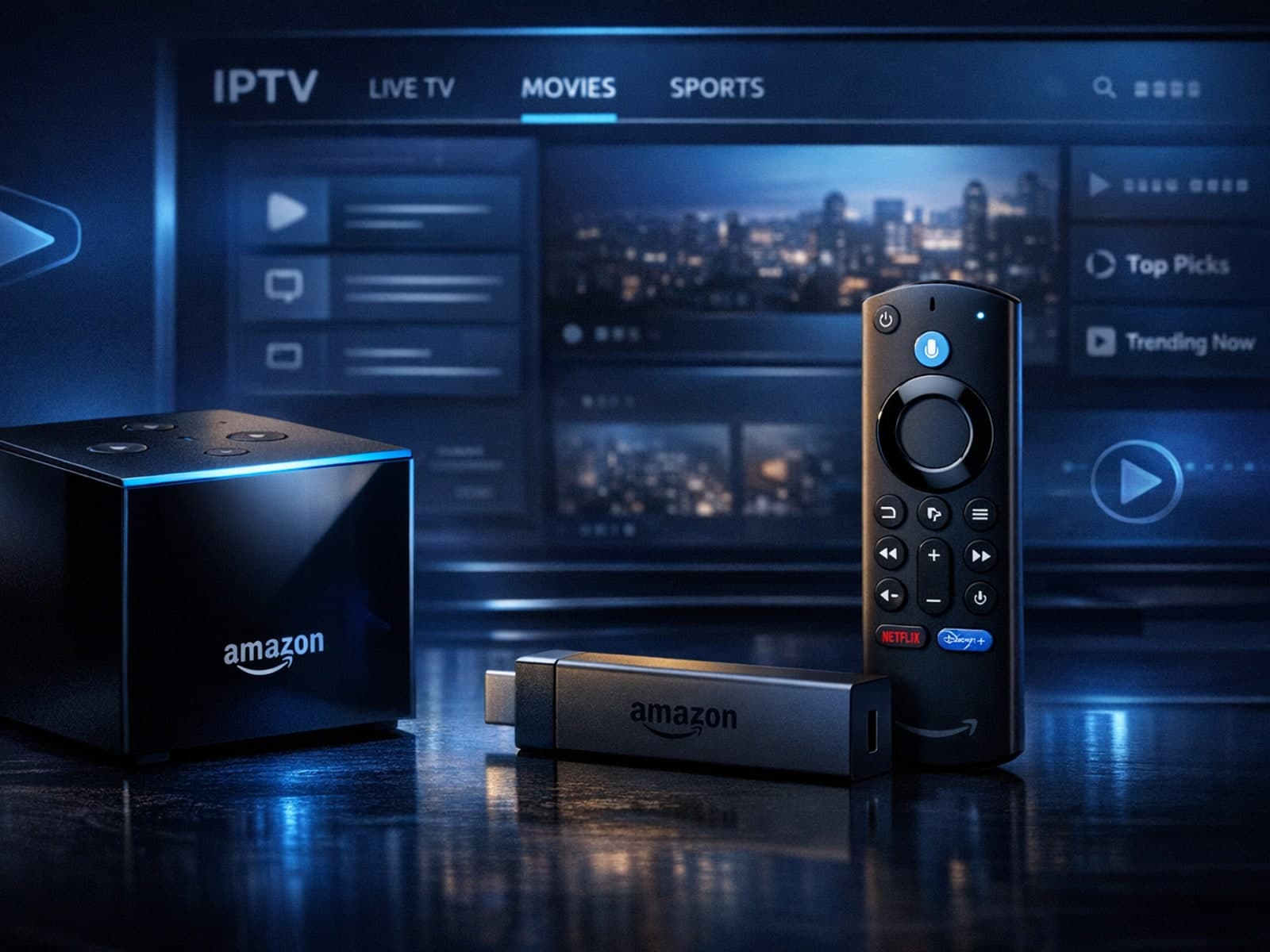
If you're choosing between the Amazon Fire TV Cube and the Fire TV Stick 4K Max specifically for IPTV streaming, it's important to understand how their hardware and features impact IPTV performance.
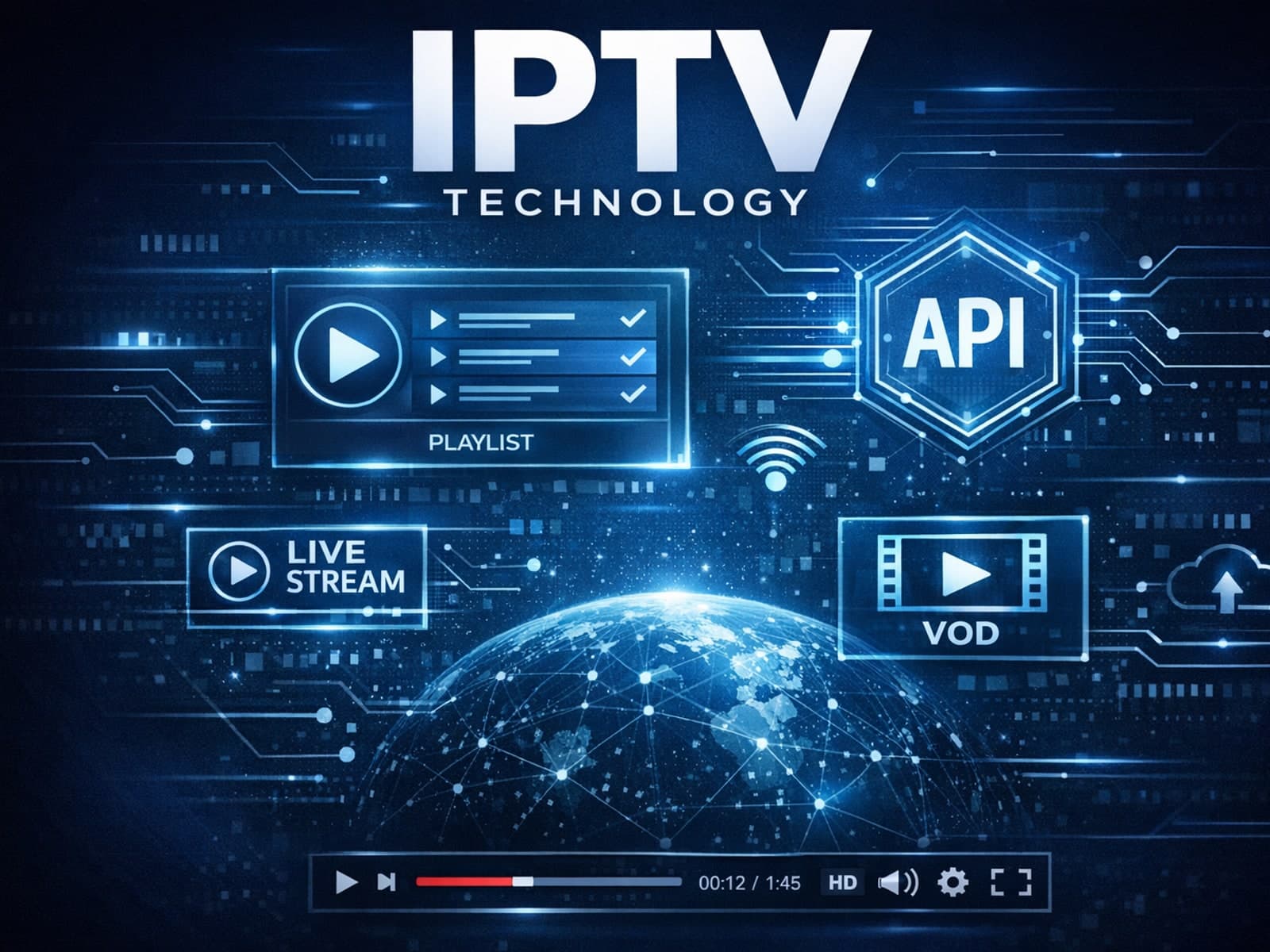
When managing IPTV services, updating playlists efficiently and reliably is essential. Two common methods for playlist updates are M3U Plus and the Xtream Codes API. Both offer advantages but operate differently and suit differing needs.
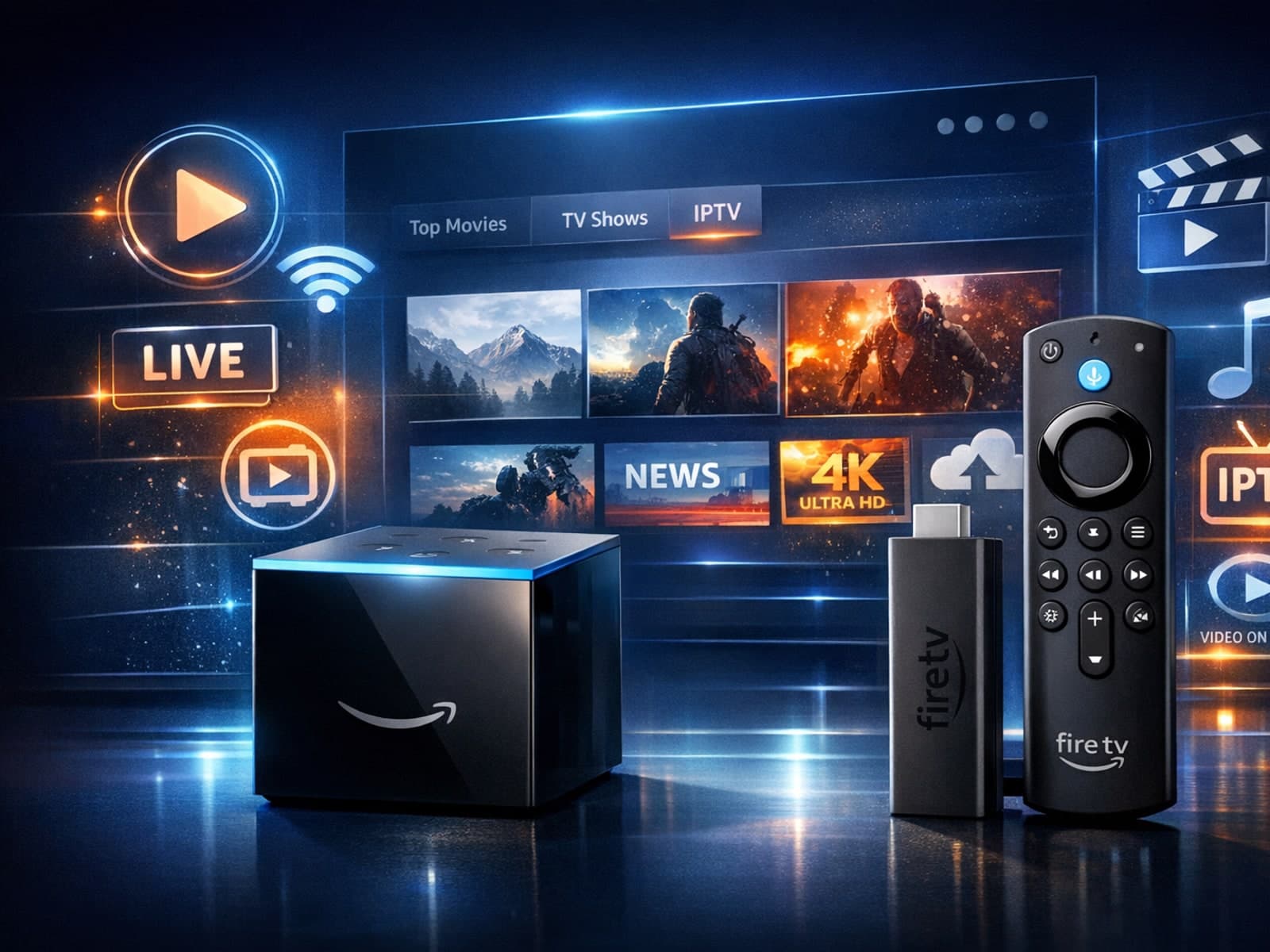
When choosing a device to stream IPTV, many users compare Amazon's Fire TV Cube and Fire TV Stick 4K Max. Both support IPTV apps like TiviMate and IPTV Smarters and offer 4K streaming, but their hardware and features differ.
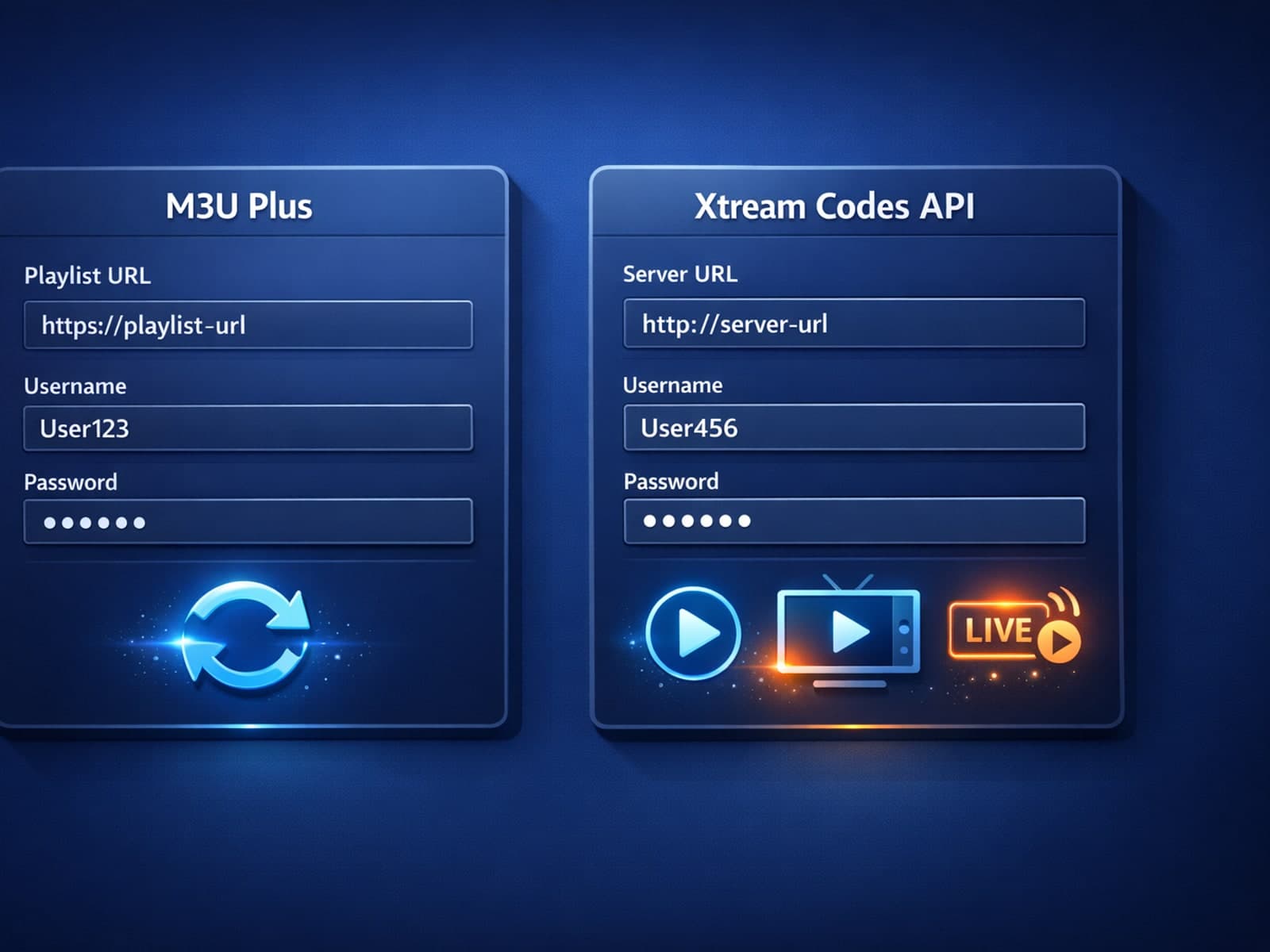
When managing IPTV playlists, keeping your channel list updated seamlessly is essential. Two common methods for updating IPTV playlists are M3U Plus and Xtream Codes API.
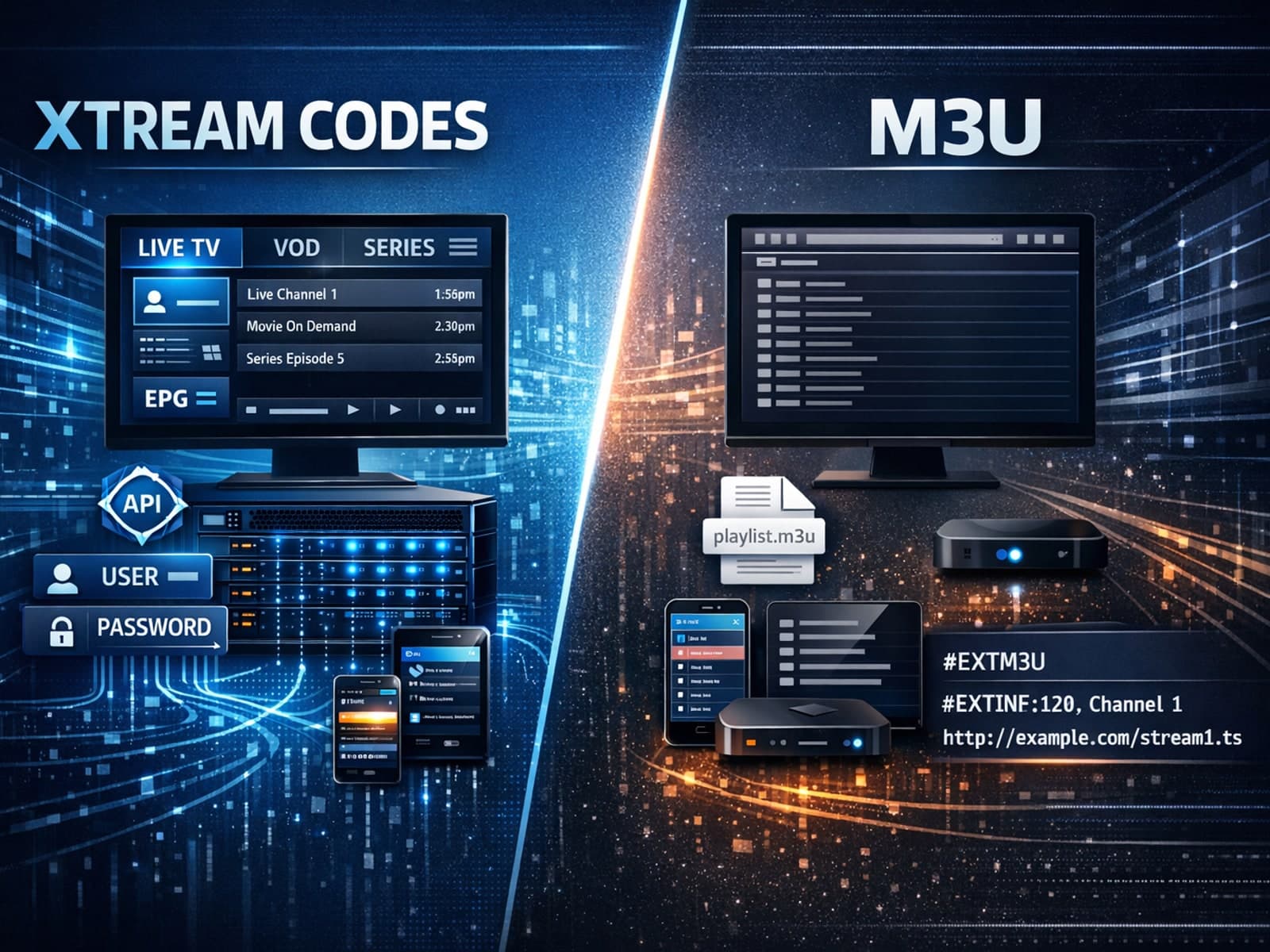
Xtream Codes can work better than M3U for IPTV streaming when you need more than just a static list of channel URLs. Unlike M3U playlists, which are simple text files listing media stream locations, Xtream Codes uses an API-based system.
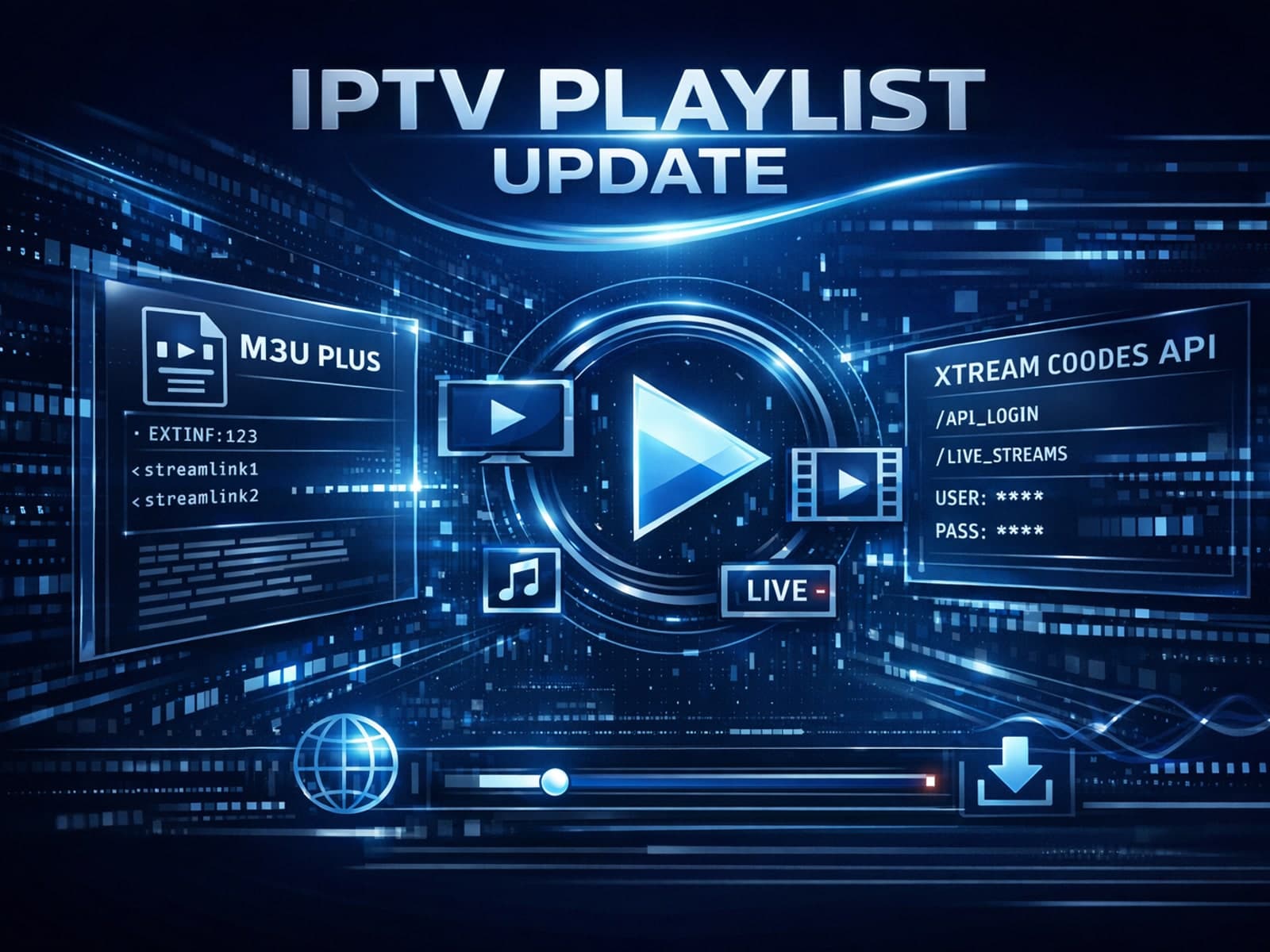
When managing IPTV playlists, users often encounter two primary update formats: M3U Plus and Xtream Codes API. Both methods are widely used to refresh channel lists, catch up on schedule changes, and maintain smooth streaming.
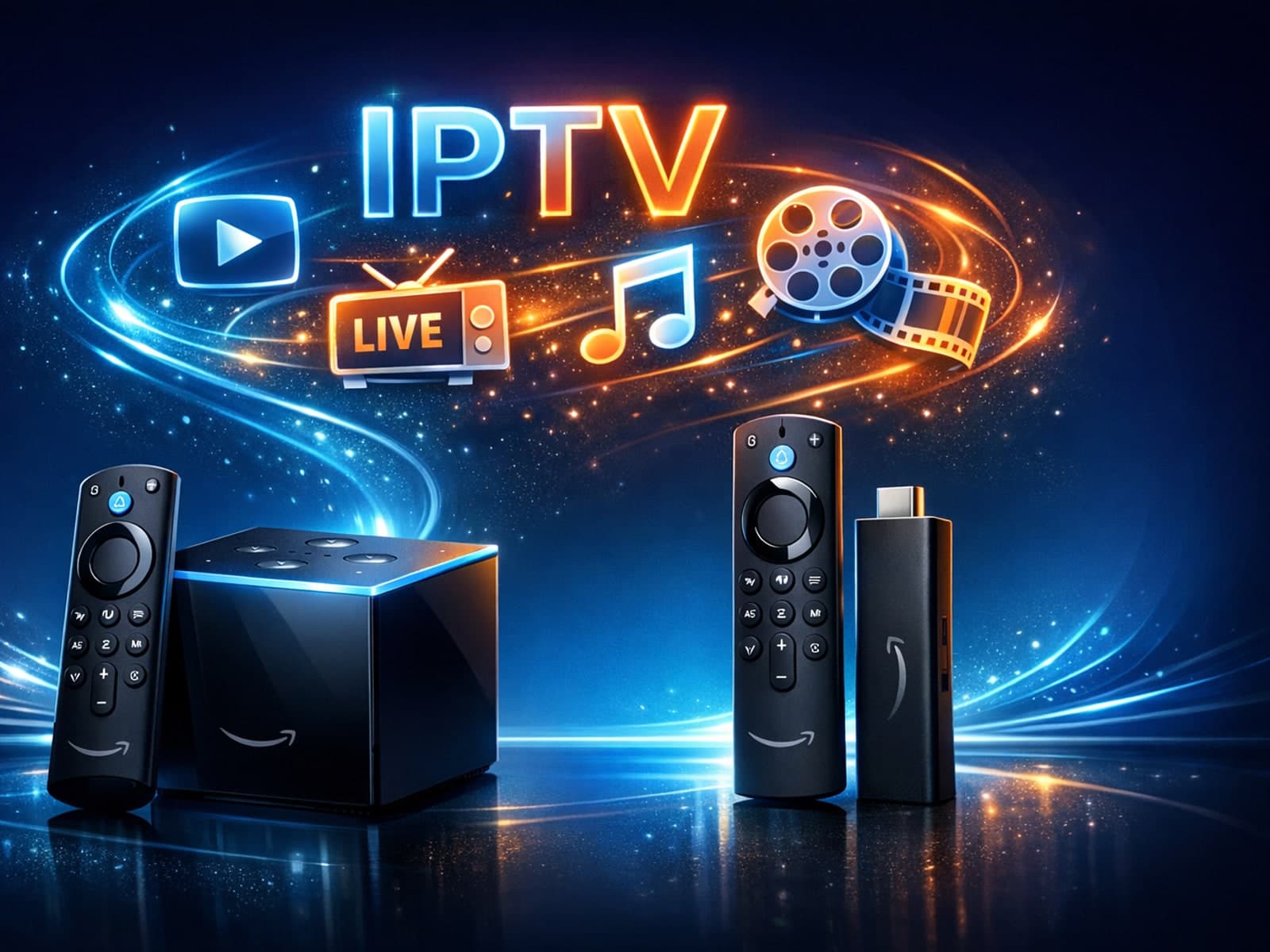
If you're deciding between the Fire TV Cube and the Fire TV Stick 4K Max for IPTV, the choice hinges largely on your preferences for control, hardware features, and budget.
Xtream Codes works better than M3U playlists in IPTV streaming contexts where dynamic playlist management, faster updates, and user authentication are important.
M3U Plus uses static playlist URLs needing manual refresh, while Xtream Codes API enables dynamic, authenticated playlist updates in IPTV apps. Choose based on your provider and app support.
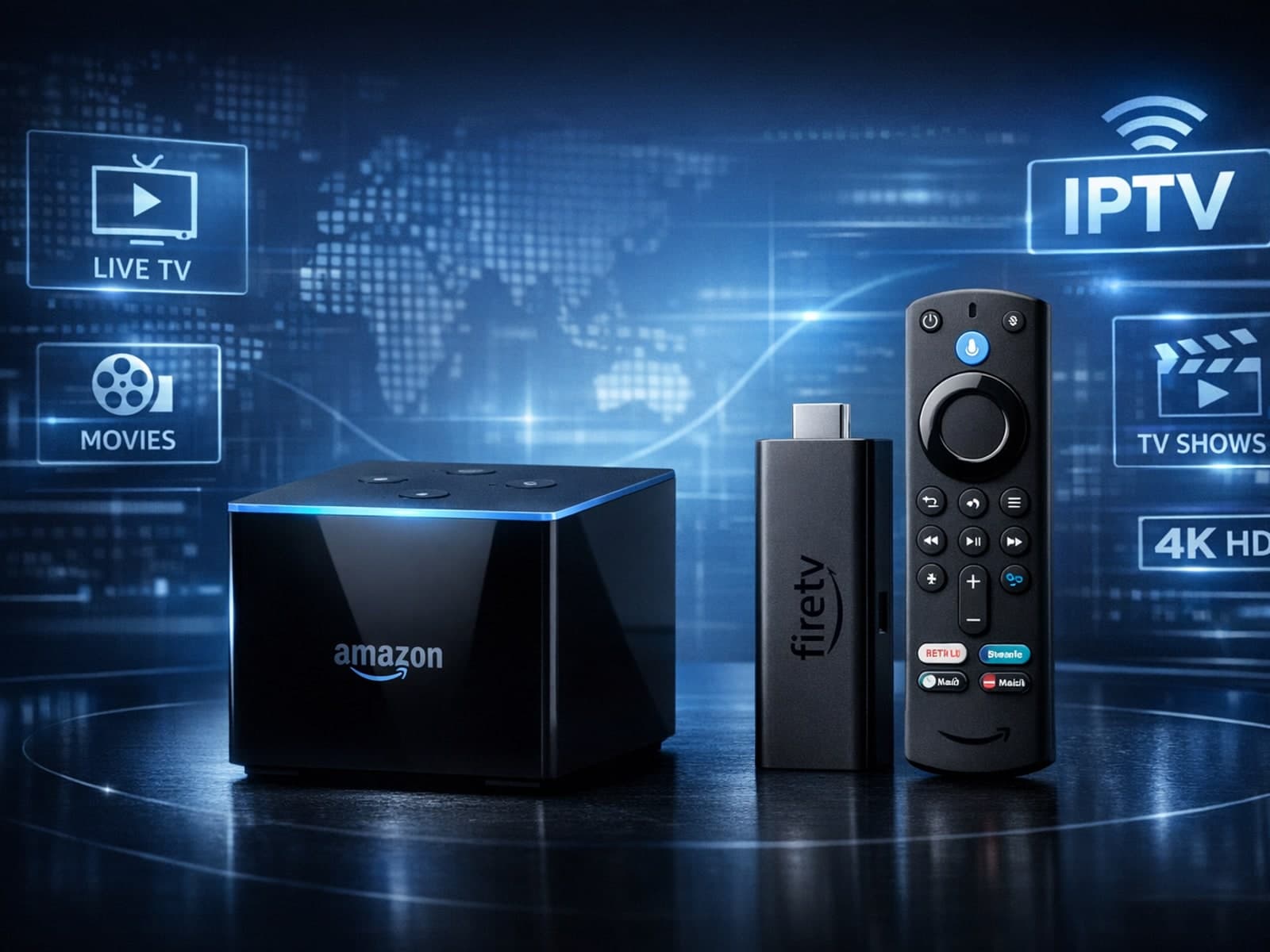
When deciding between the Fire TV Cube and the Fire TV Stick 4K Max for IPTV streaming, both devices can support high-quality IPTV apps and 4K content.
Xtream Codes works better than M3U when you require real-time IPTV features such as dynamic channel list updates, user authentication, and enriched metadata integration.
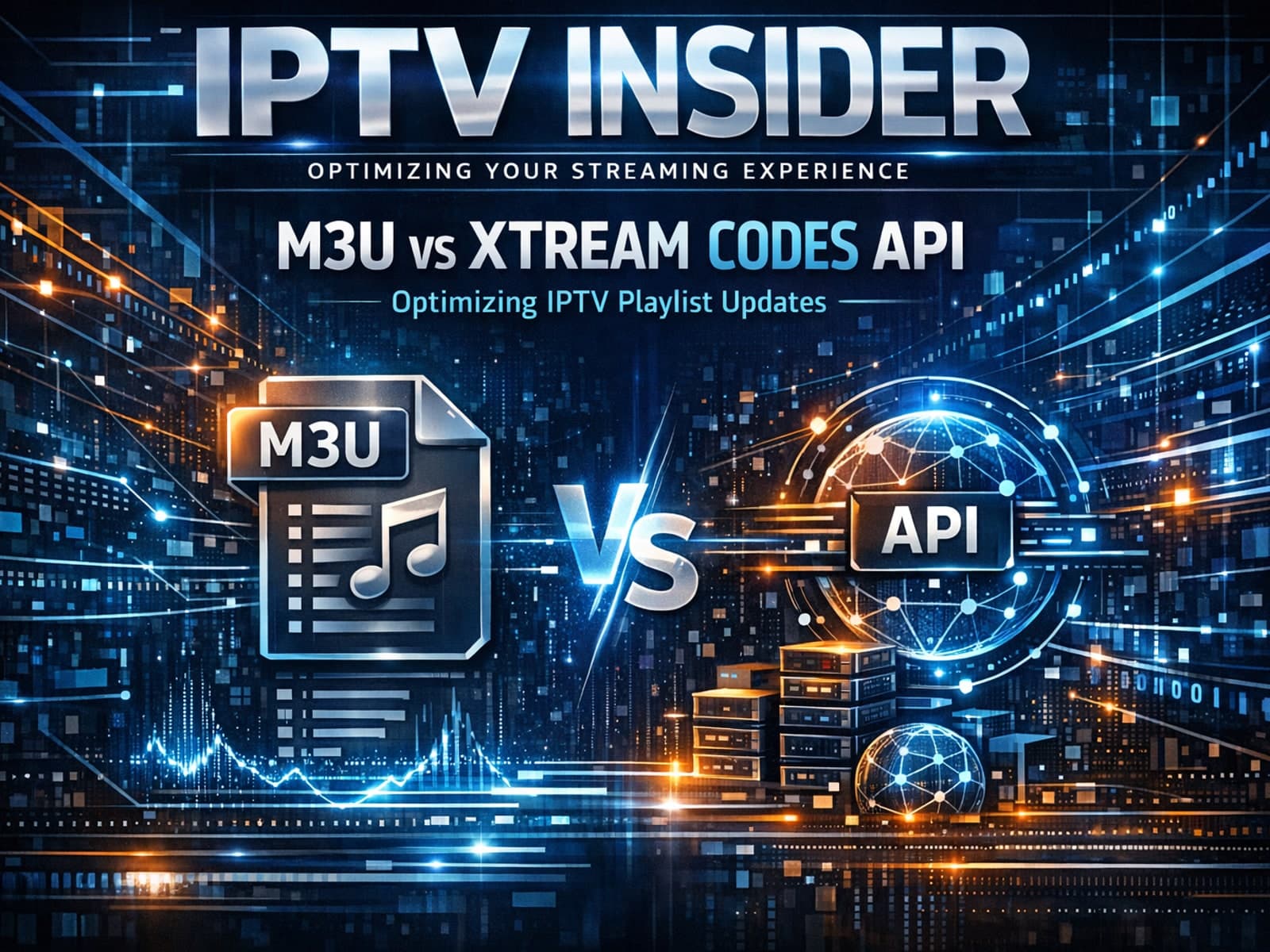
M3U Plus uses static playlist URLs with embedded metadata, while Xtream Codes API offers dynamic, authenticated IPTV playlist updates with richer data and faster refreshes.
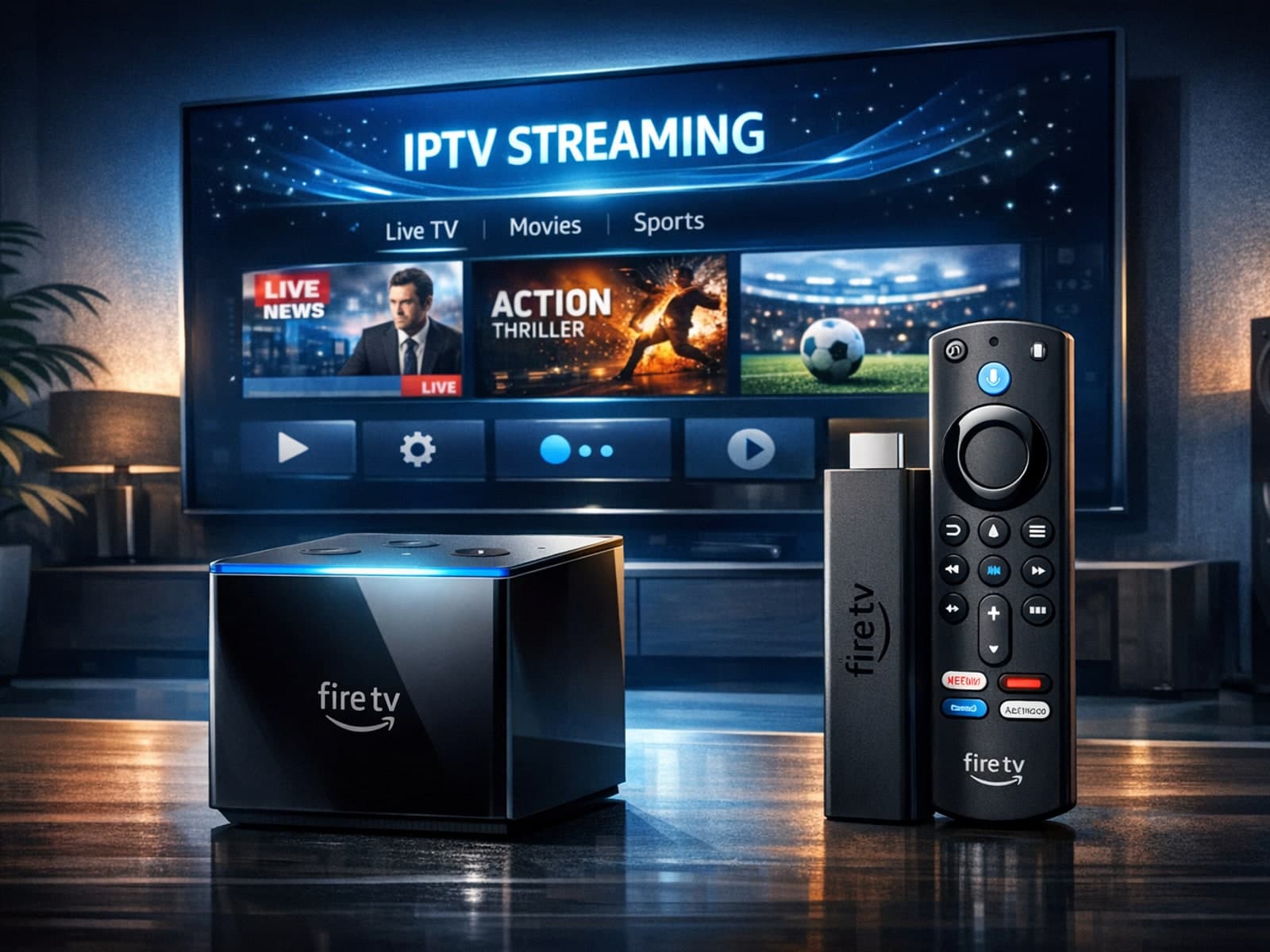
If you are considering streaming IPTV content through Amazon's Fire TV lineup, the two standout candidates are the Fire TV Cube and the Fire TV Stick 4K Max.
If you’re using IPTV services, you’ve likely encountered M3U playlists, a common method to organize streaming channels. However, Xtream Codes — an API-based IPTV login format — often outperforms M3U playlists in specific scenarios.
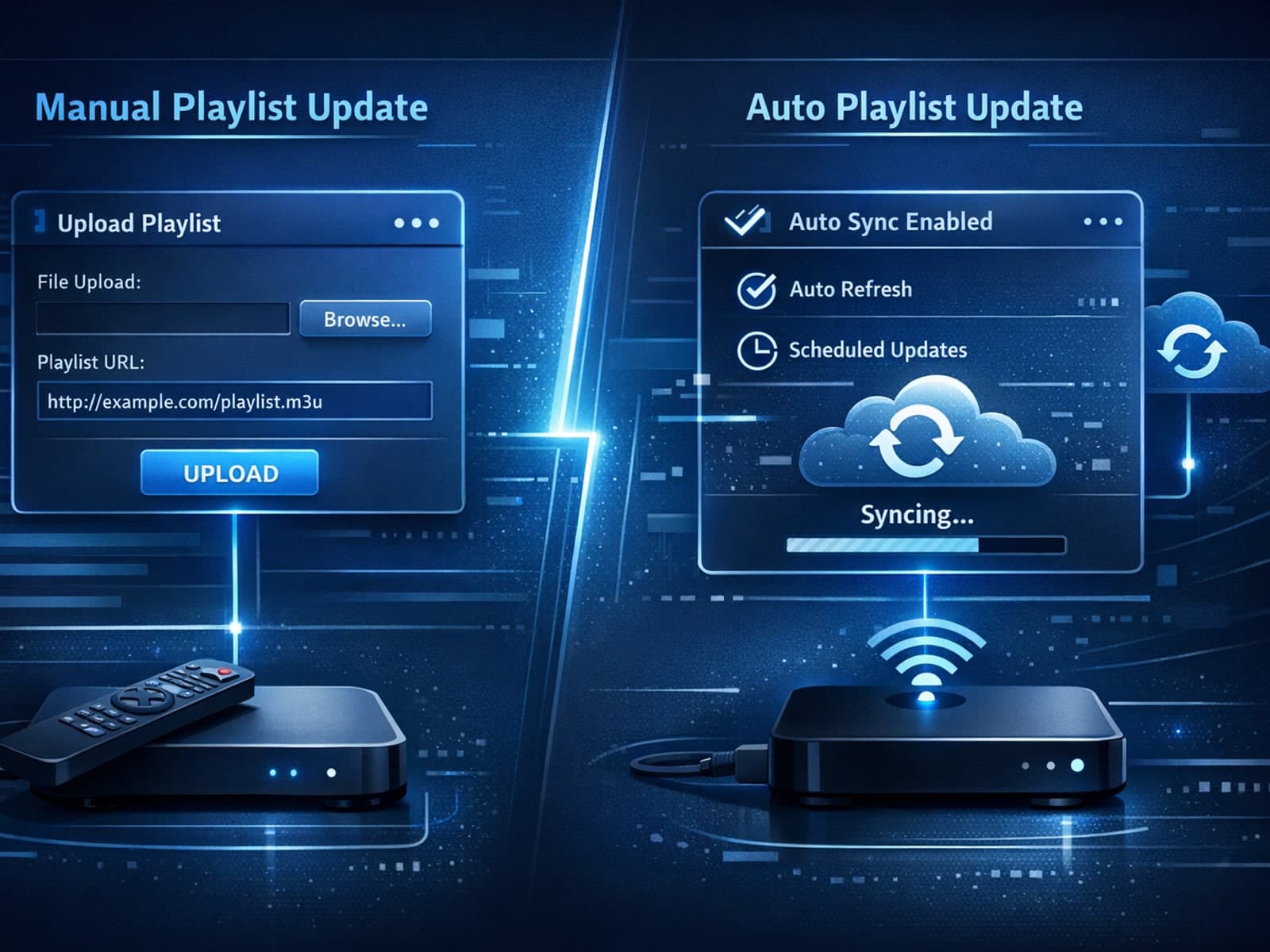
When managing IPTV playlists, especially for live channel updates and Electronic Program Guide (EPG) data, two common formats stand out: M3U Plus and Xtream Codes API.
For IPTV users deciding between Xtream Codes and M3U playlist formats, understanding when Xtream Codes works better than M3U can improve streaming reliability and user experience.
If you're managing IPTV streams, you might wonder when Xtream Codes works better than M3U. Simply put, Xtream Codes excels when you want dynamic playlist updates, seamless user authentication, and easier management across multiple devices.
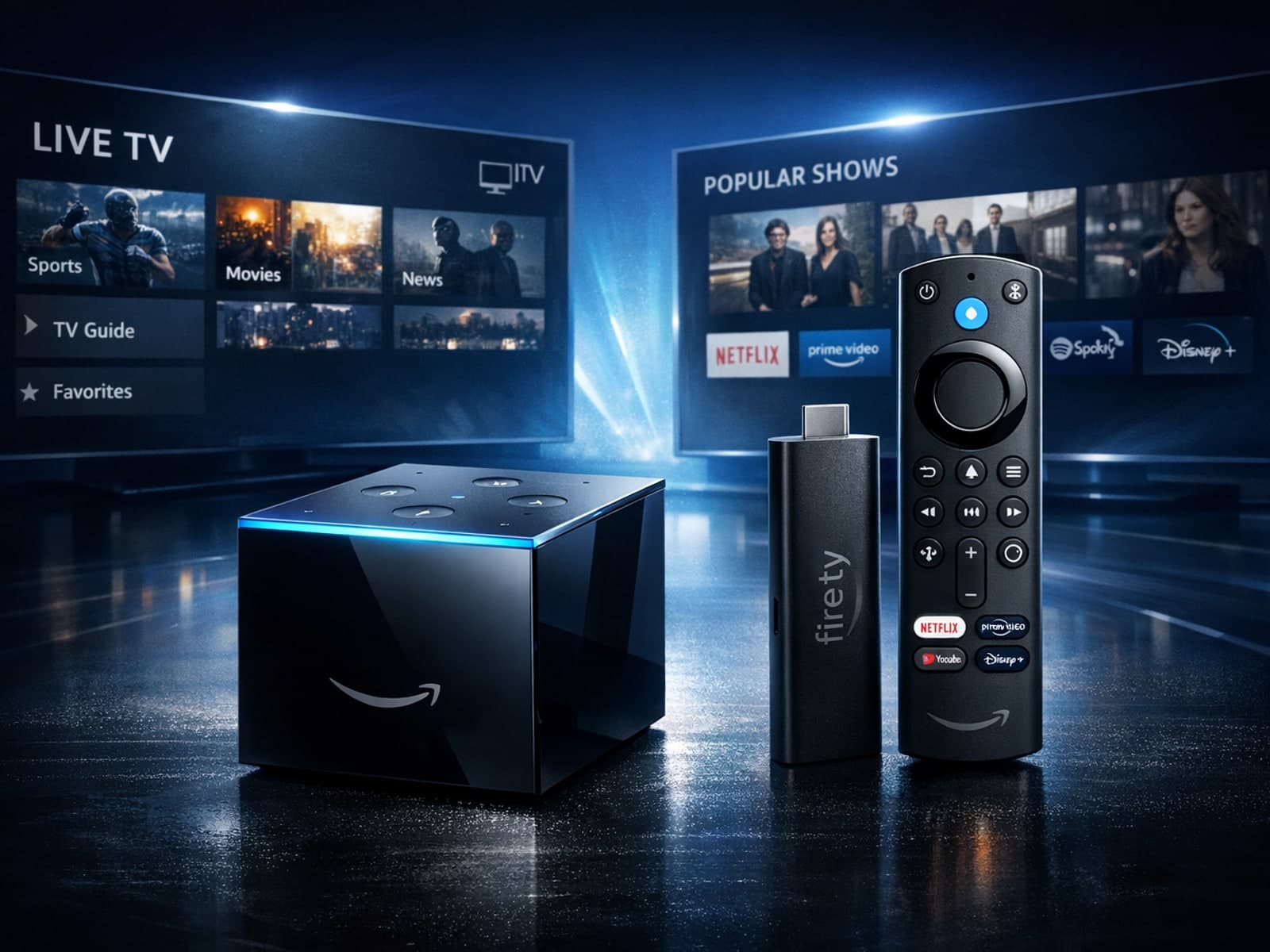
When choosing between the Fire TV Cube and the Fire TV Stick 4K Max for IPTV streaming, both devices can deliver excellent results, but they differ in design, connectivity, and user experience.
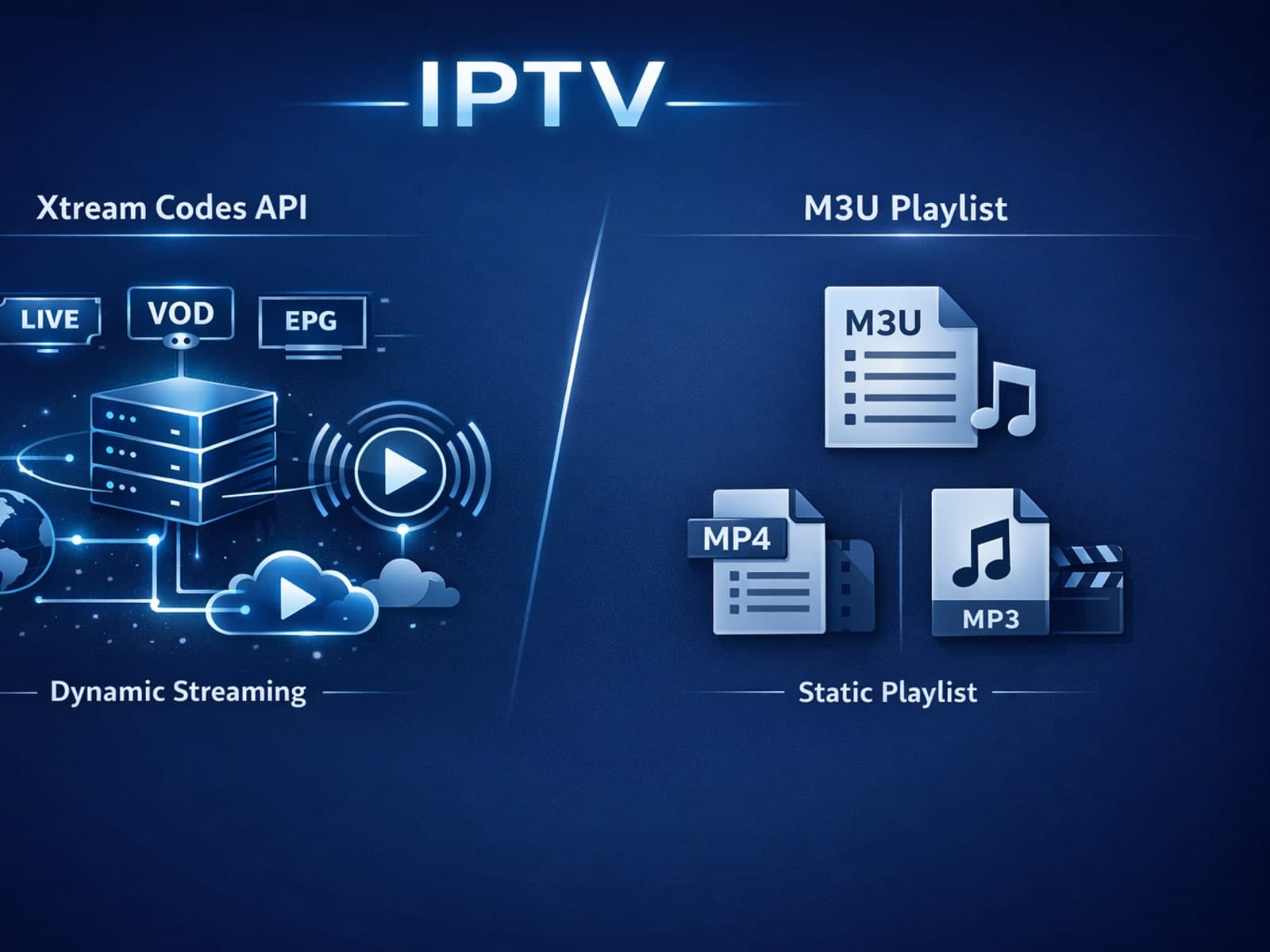
When deciding between Xtream Codes and M3U for IPTV streaming, Xtream Codes often works better if you want dynamic playlist updates, integrated Electronic Program Guide (EPG), and more reliable user authentication.
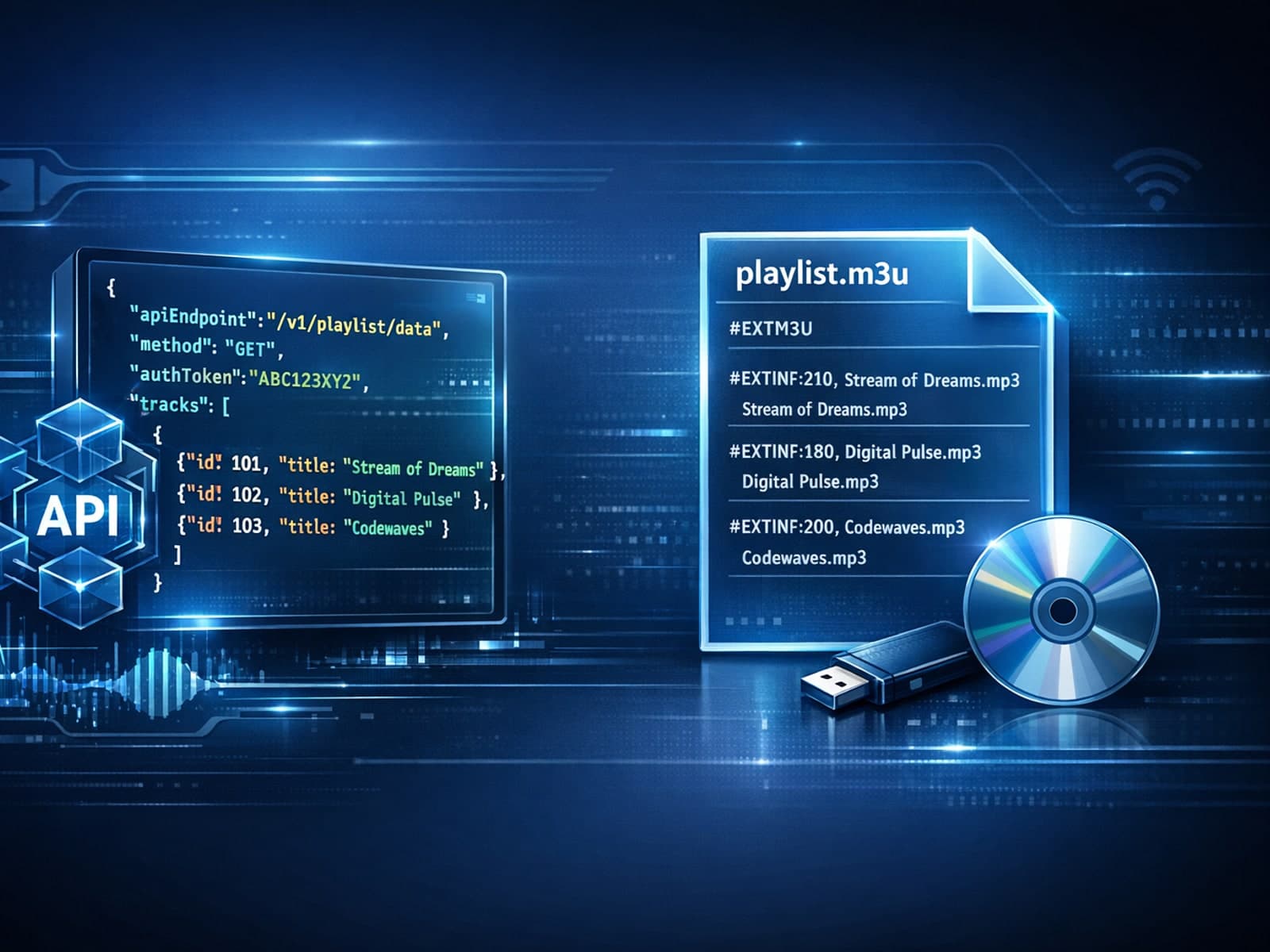
When updating IPTV playlists, M3U Plus and Xtream Codes API are two common methods used to access channels and metadata. M3U Plus typically involves a direct URL pointing to a playlist file, often updated manually or on a scheduled basis.
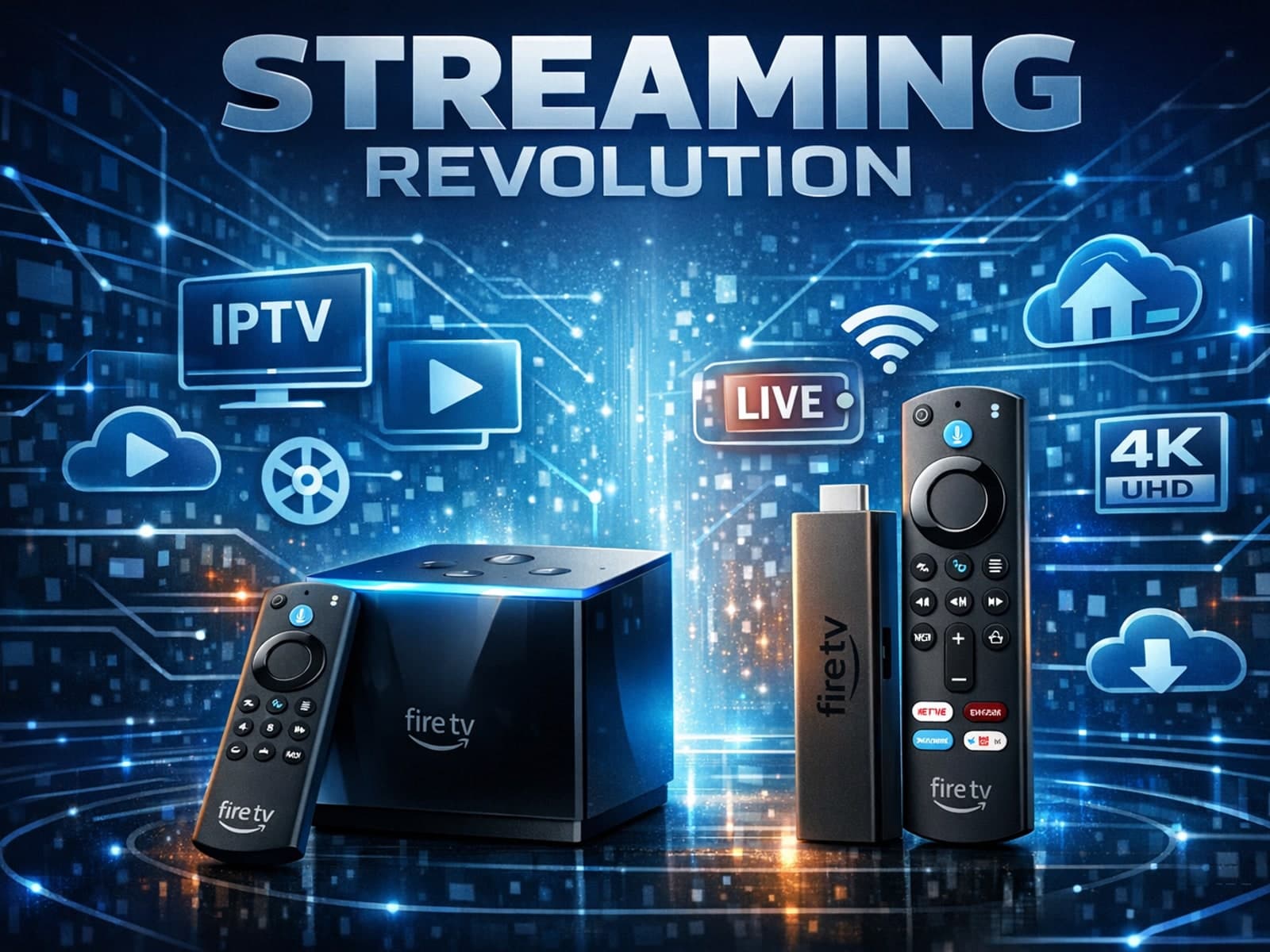
When choosing a device to stream IPTV on your TV, both the Fire TV Cube and Fire TV Stick 4K Max are popular options from Amazon’s Fire TV family. They both offer access to a broad library of IPTV apps and support 4K HDR playback.
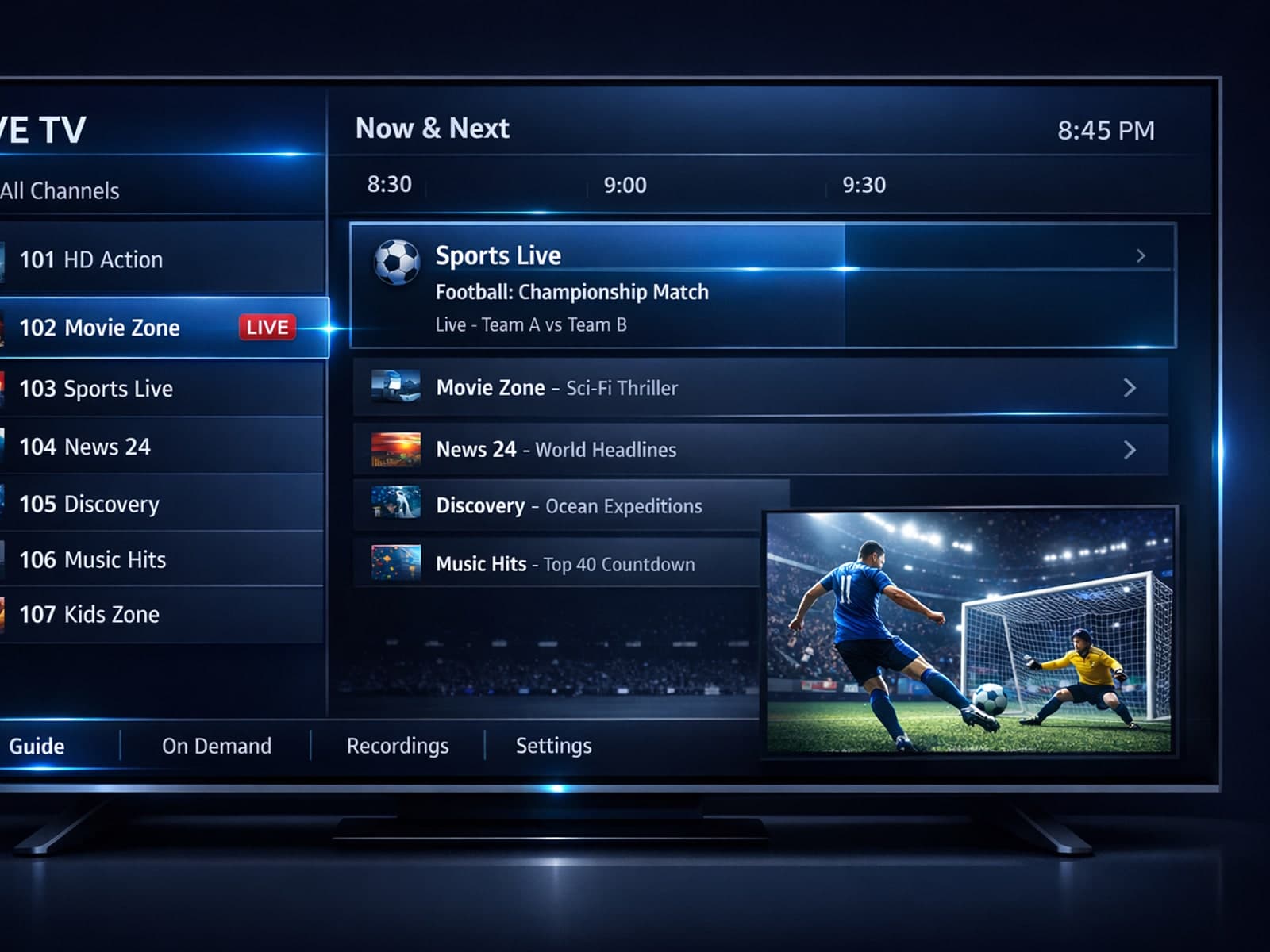
When deciding between using Xtream Codes and M3U playlists for IPTV streaming, Xtream Codes works better when you require dynamic, real-time content updates, secure user authentication, and enhanced Electronic Program Guide (EPG).
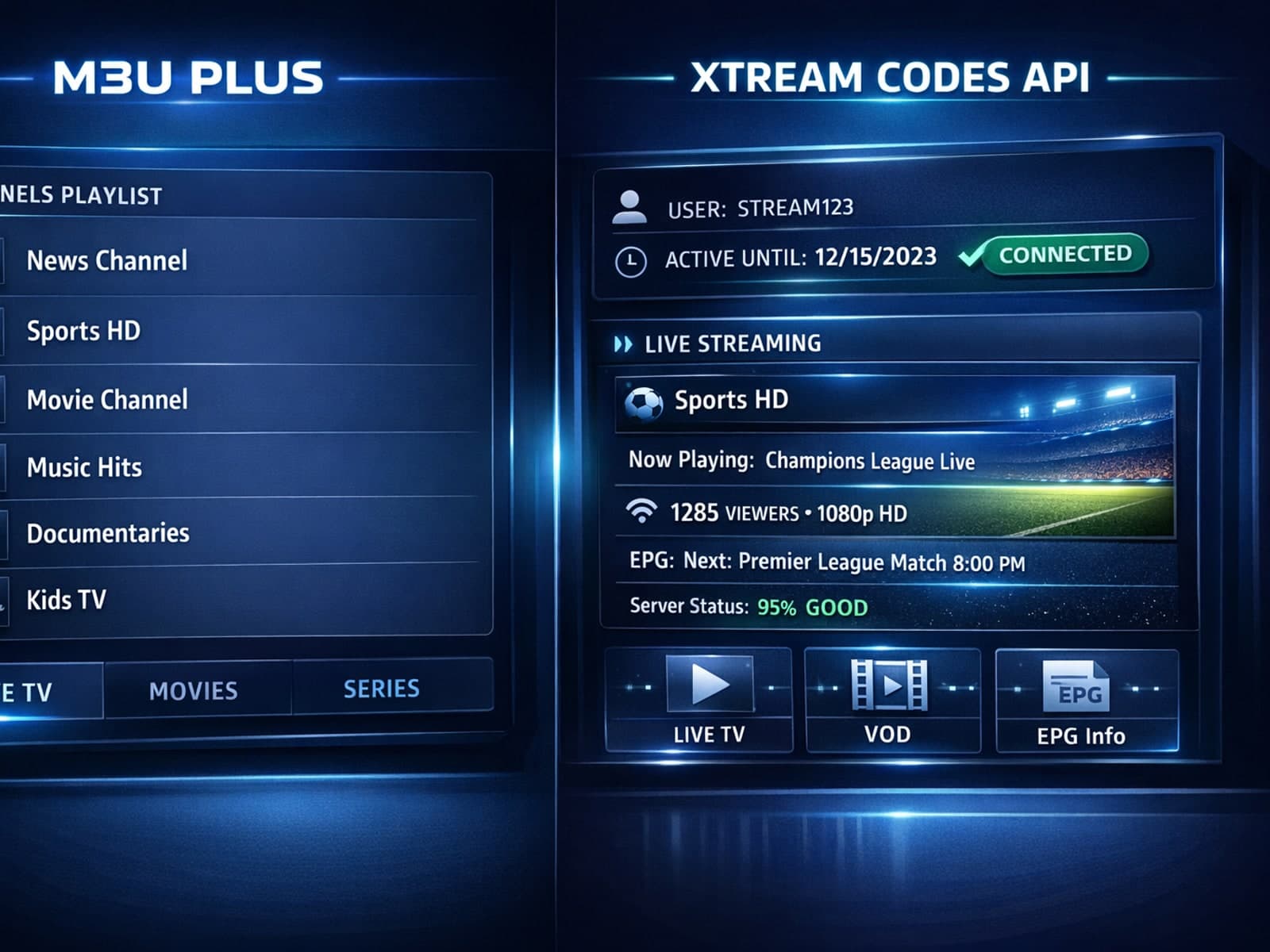
When managing IPTV playlists, choosing between M3U Plus and Xtream Codes API for playlist updates often shapes your viewing experience.
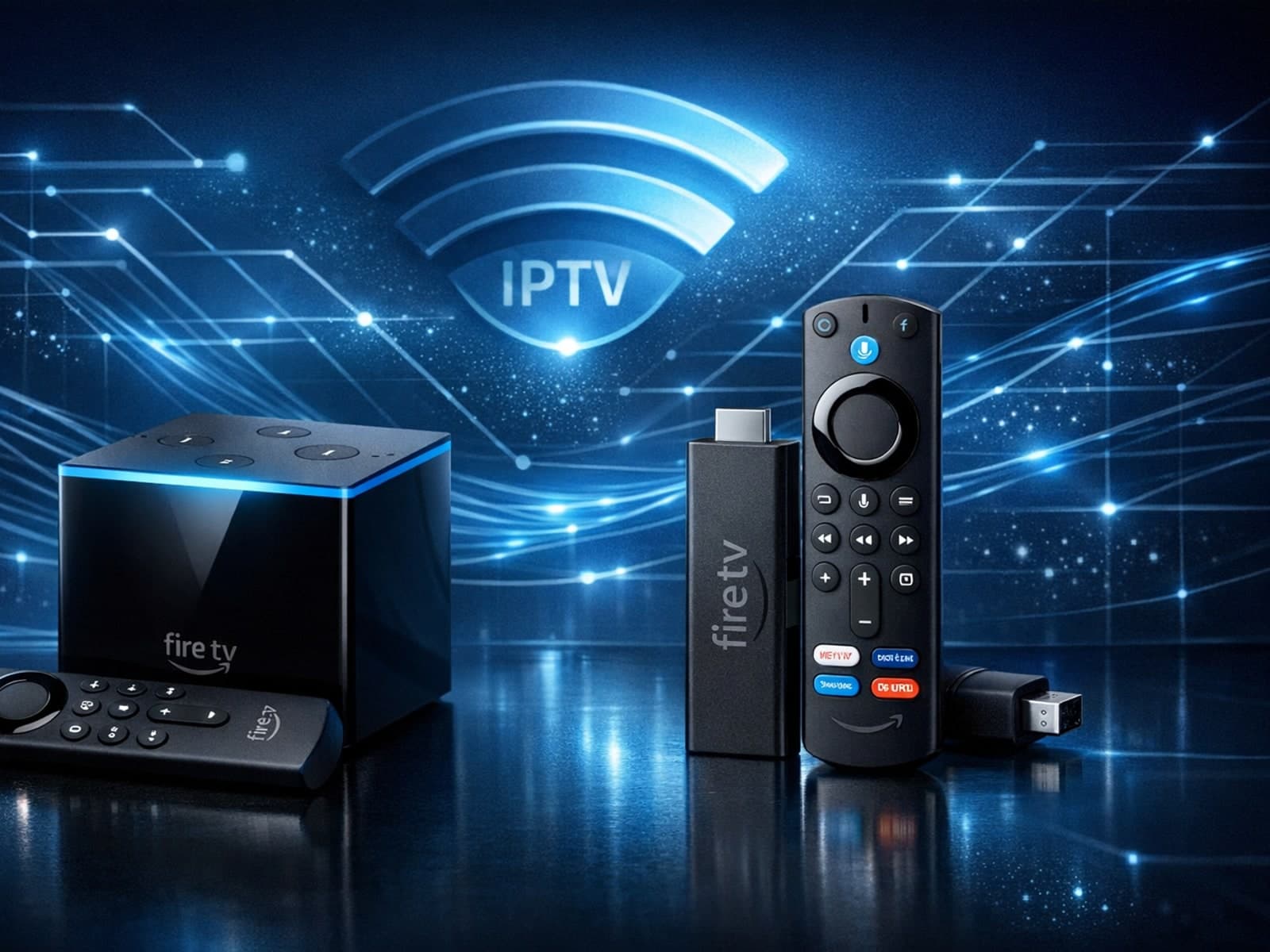
When choosing a streaming device for IPTV (Internet Protocol Television) on Amazon's Fire TV lineup, the Fire TV Cube and Fire TV Stick 4K Max are two top contenders.
Xtream Codes works better than M3U playlists when you need smoother channel management, reliable user authentication, and real-time data updates for IPTV streaming.
When managing IPTV playlists, M3U Plus and Xtream Codes API are two prominent methods used to keep channels and metadata updated. M3U Plus is an extended playlist file format that supports embedding metadata and EPG (Electronic Program.
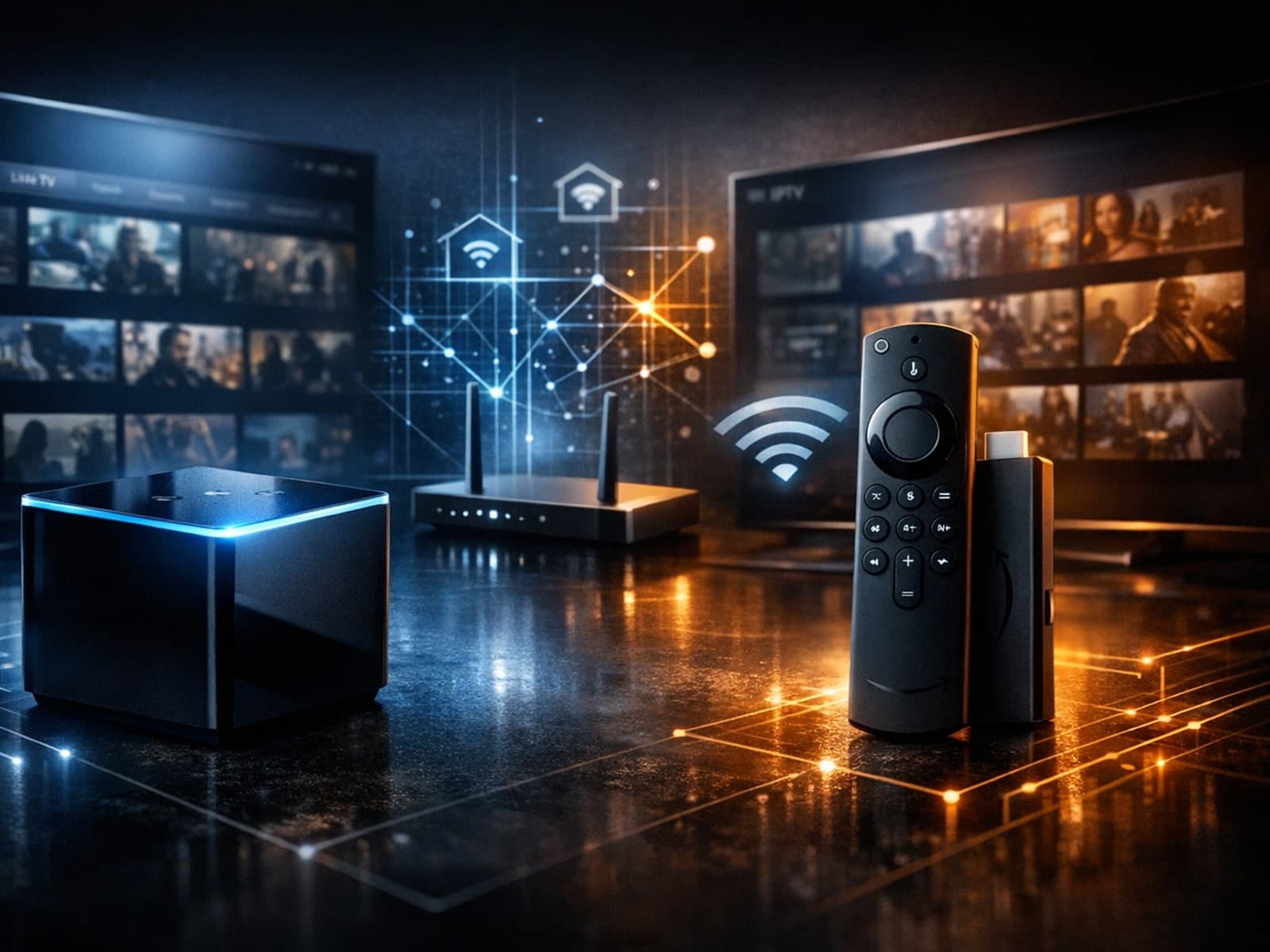
When deciding between the Fire TV Cube and the Fire TV Stick 4K Max for IPTV streaming, understanding their differences in hardware and network capabilities is crucial.
In IPTV streaming, choosing the right content delivery method can directly affect viewing experience. Xtream Codes and M3U are two common ways IPTV services provide channel lists and streams to users.
When choosing an IPTV setup, understanding how your playlist format handles Electronic Program Guide (EPG) data and content updates is crucial.
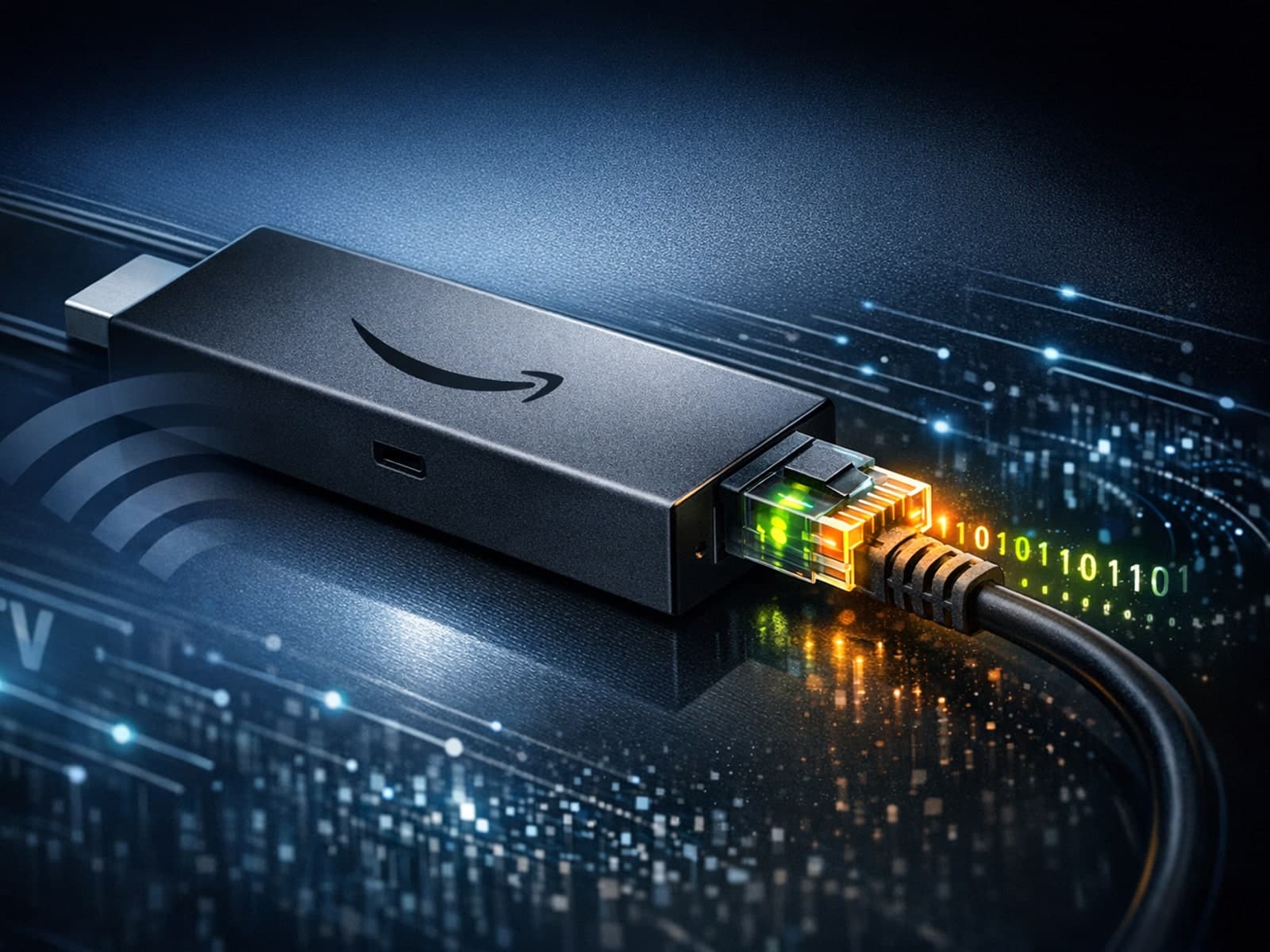
When streaming IPTV on a Fire TV Stick, the question of whether to use an Ethernet or WiFi connection frequently arises. Ethernet offers a wired connection using a physical cable, while WiFi is a wireless network connection.
When deciding how to access IPTV channels, two common formats you may encounter are M3U playlists and Xtream Codes portals. While both serve as methods to deliver IPTV content, they function quite differently, affecting how users set up.
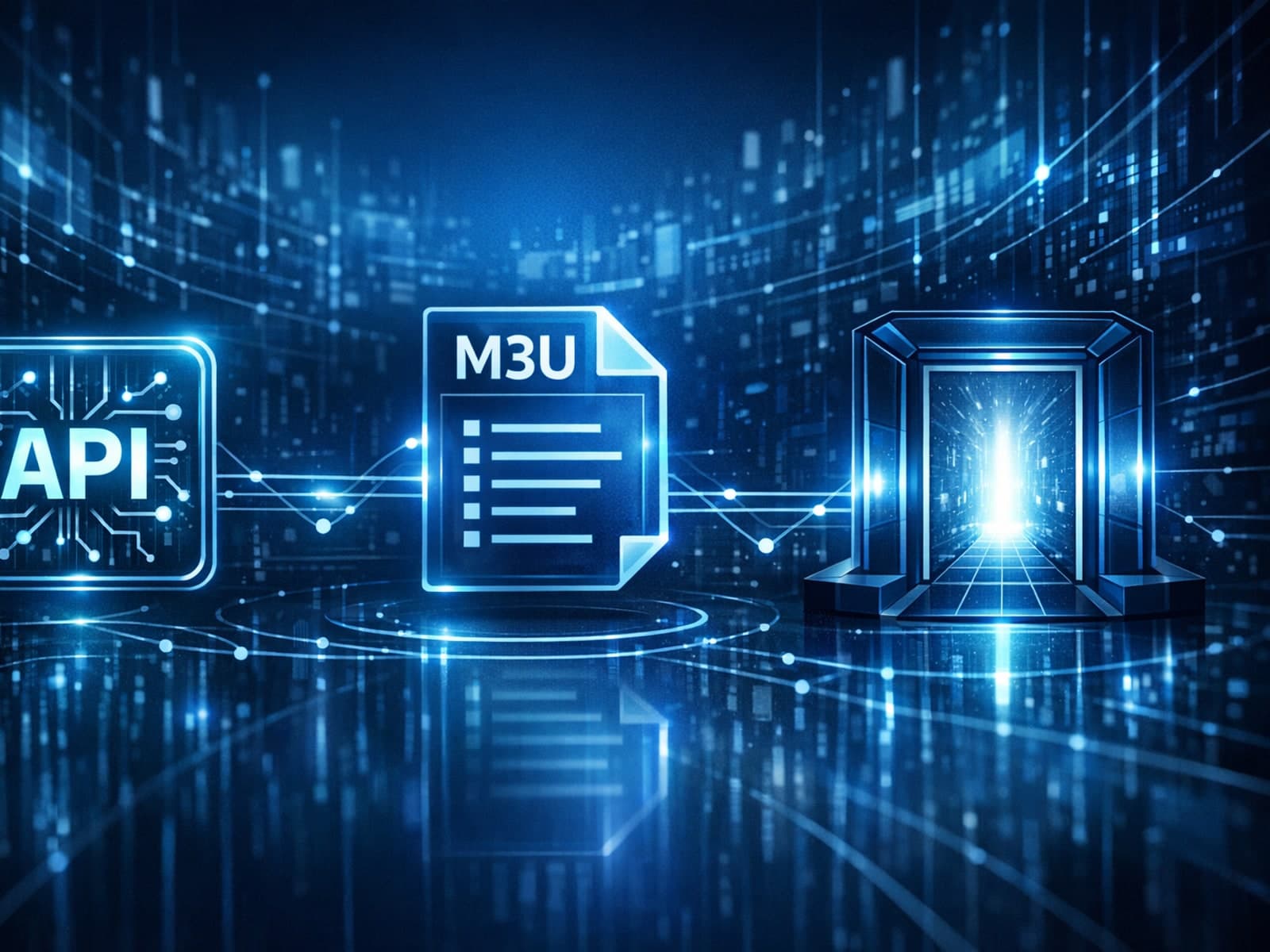
IPTV services commonly use different methods to provide access to video streams. Among the popular ones are Xtream Codes, M3U playlists, and Stalker Portal.
Setup and decisions
Guides for configuration choices, player setup, and getting the right inputs in place.
When watching IPTV on your Firestick, the speed and reliability of how your device connects to IPTV servers greatly affect stream quality.
IPTV, or Internet Protocol Television, is a method of delivering TV content over the internet rather than through traditional satellite or cable systems. For first-time users, understanding what IPTV is and how it works can seem complex.
The Xtream Codes server URL format is the standardized web address format used by many IPTV applications to connect to streaming servers.
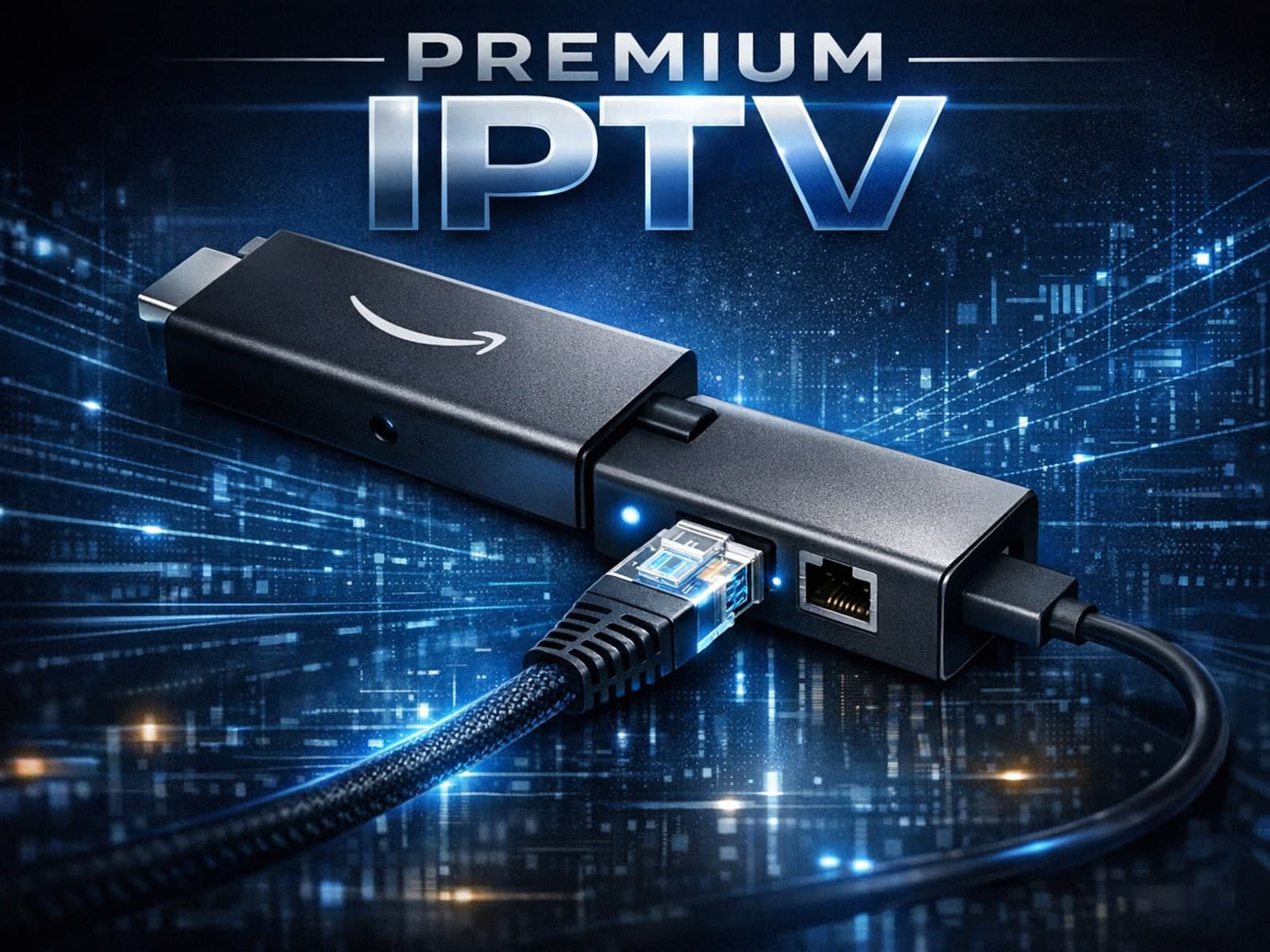
Using an Ethernet adapter with your Fire TV Stick is the most reliable way to ensure a stable, wired internet connection for streaming.
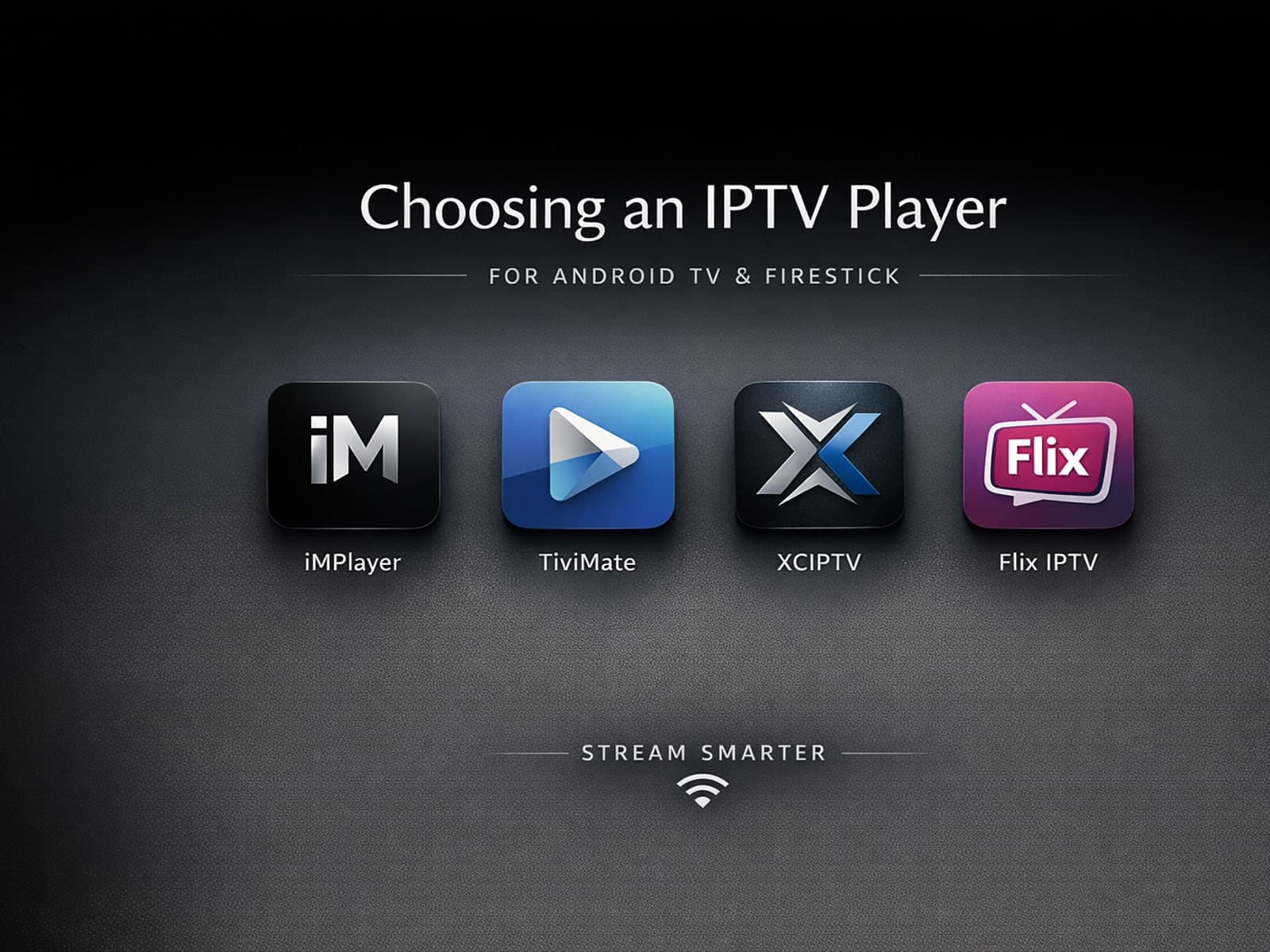
Selecting an appropriate IPTV player for your Android TV or Firestick device is essential for seamless streaming of IPTV content. IPTV players are specialized applications designed to receive and decode IPTV streams, allowing you to watch.
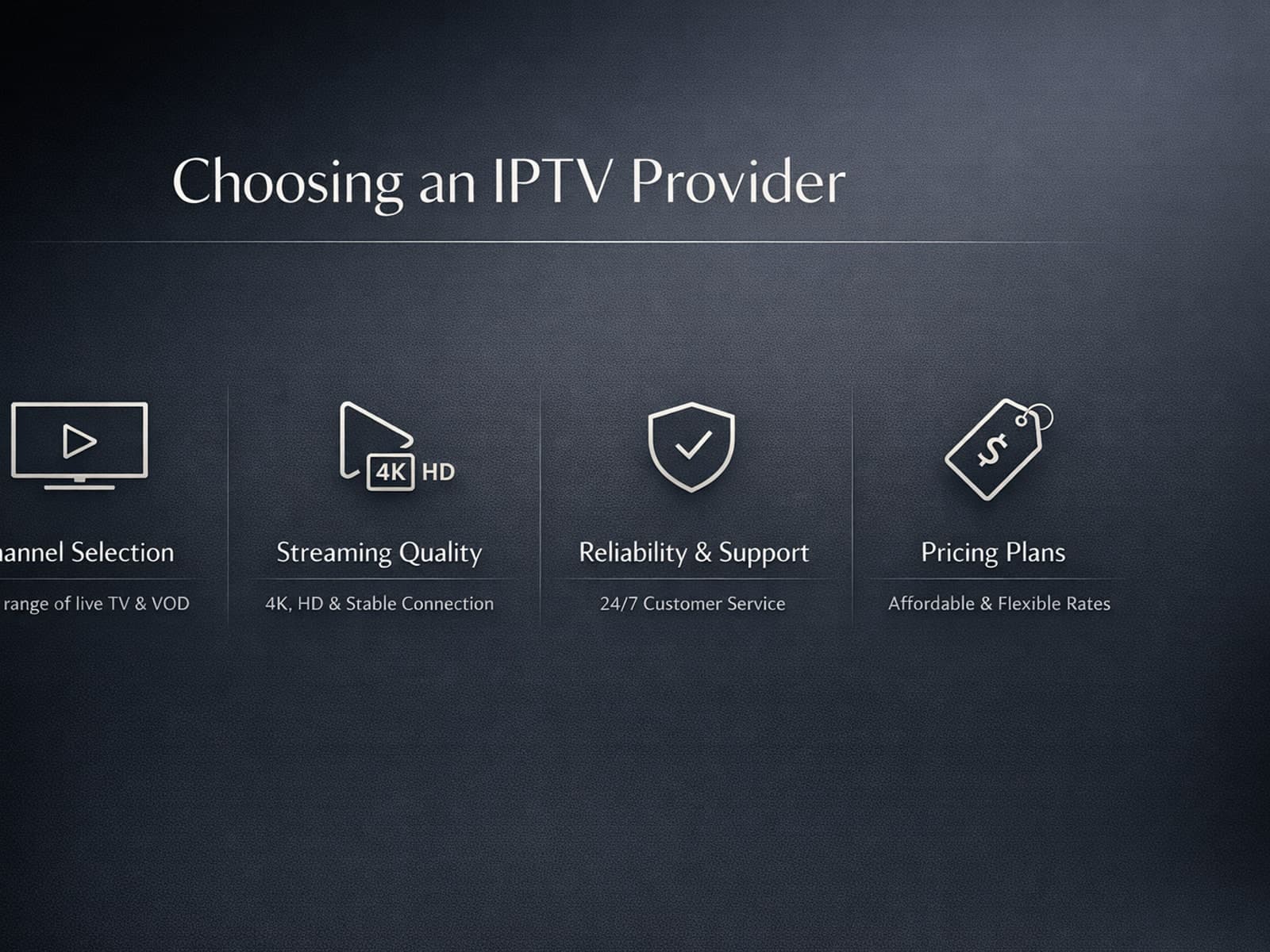
If you're looking to stream television through the internet, choosing the right IPTV provider is a foundational step for a seamless viewing experience.
Devices and network gear
Hardware, connectivity, and performance tradeoffs that affect playback quality.
To get the best IPTV experience on your Fire TV Stick, careful Wi-Fi setup is key. IPTV streams rely heavily on a steady internet connection, and Wi-Fi settings influence stability, buffering, and image quality.
For streaming IPTV smoothly on your Fire TV Stick, fine-tuning your WiFi settings can drastically improve playback quality, reduce buffering, and prevent connection drops.
To get the best IPTV streaming experience on your Fire TV Stick, optimizing your WiFi settings is essential. The Fire TV Stick relies on your home wireless network to stream content smoothly.
To achieve smooth IPTV streaming on your Fire TV Stick, optimizing your WiFi settings is essential. The best approach focuses on using the 5 GHz WiFi band for improved speed and reduced interference, choosing the optimal router channel.
If you're using a Fire TV Stick to stream IPTV content, optimizing your WiFi settings is key to achieving smooth, high-quality video playback.
The best Wi-Fi settings for IPTV on your Fire TV Stick can significantly improve streaming quality by minimizing buffering, reducing lag, and avoiding disconnections.
Optimizing WiFi settings on your Fire TV Stick can significantly improve IPTV streaming quality by reducing buffering, preventing lag, and enhancing video clarity.
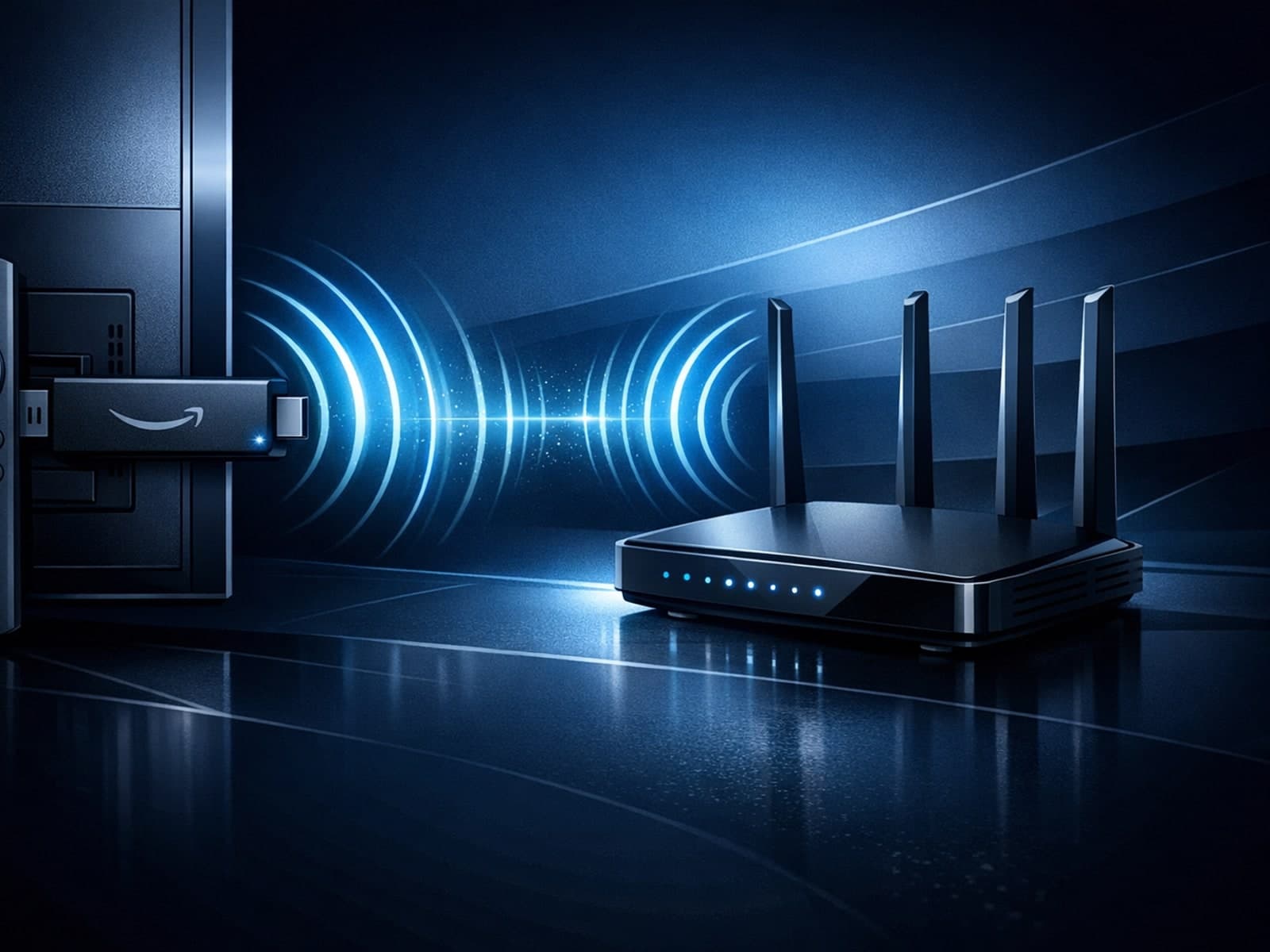
When streaming IPTV (Internet Protocol Television) on a Fire TV Stick, having optimal WiFi settings is crucial to minimize buffering, latency, and improve video quality.
To get the best streaming experience with IPTV apps on your Fire TV Stick, setting up your WiFi network properly is crucial. This means choosing the right WiFi frequency band, optimizing your network settings like IP and DNS, and ensuring.
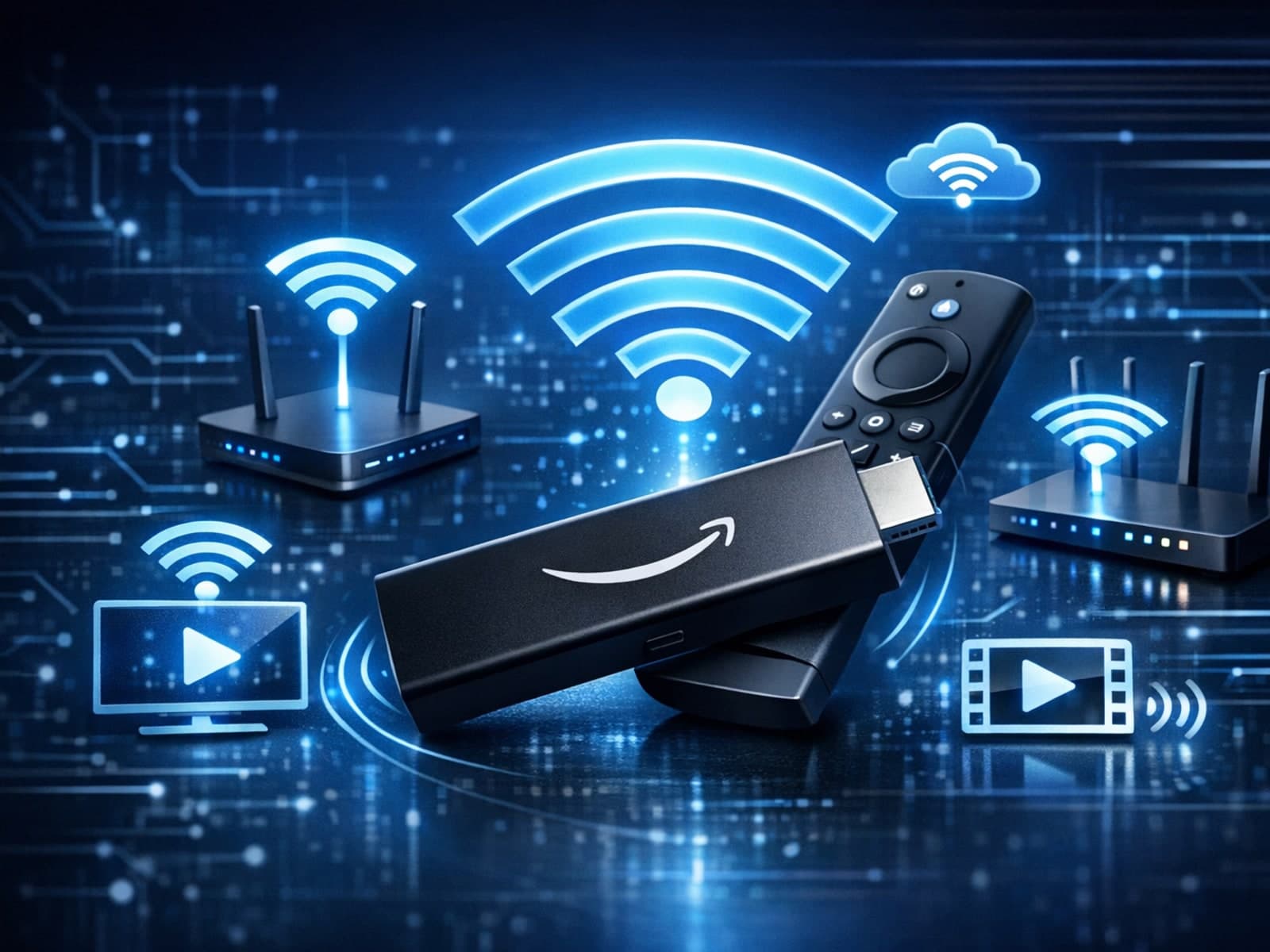
Optimizing Wi-Fi settings on a Fire TV Stick enhances IPTV streaming quality by focusing on frequency bands, channel selection, encryption, and network placement. Clear steps help improve your experience.
Optimizing WiFi settings on your Fire TV Stick is crucial for a stable and high-quality IPTV streaming experience. IPTV (Internet Protocol Television) requires consistent network speeds, minimal latency, and low interference to stream live.
To achieve smooth IPTV streaming on your Fire TV Stick, optimizing your WiFi settings is essential. The Fire TV Stick relies heavily on a stable and fast WiFi connection because IPTV streams live video data continuously.
Stable IPTV playback hinges largely on the hardware you use. Whether you're streaming through a smart TV, a set-top box, or a streaming stick, certain hardware characteristics significantly affect your viewing experience.
More in this topic
Additional guides that connect to this hub without fitting a narrower troubleshooting or comparison bucket.
TiviMate is a popular IPTV player app for Android TV and similar devices, known for its advanced channel management options. Organizing favorites and groups in TiviMate lets you customize your IPTV watching experience by categorizing.
When you switch channels on your IPTV service and the screen freezes or lags, it’s frustrating and disrupts your viewing experience. IPTV freezing during channel switching is most often caused by network delays, buffering, or the IPTV.
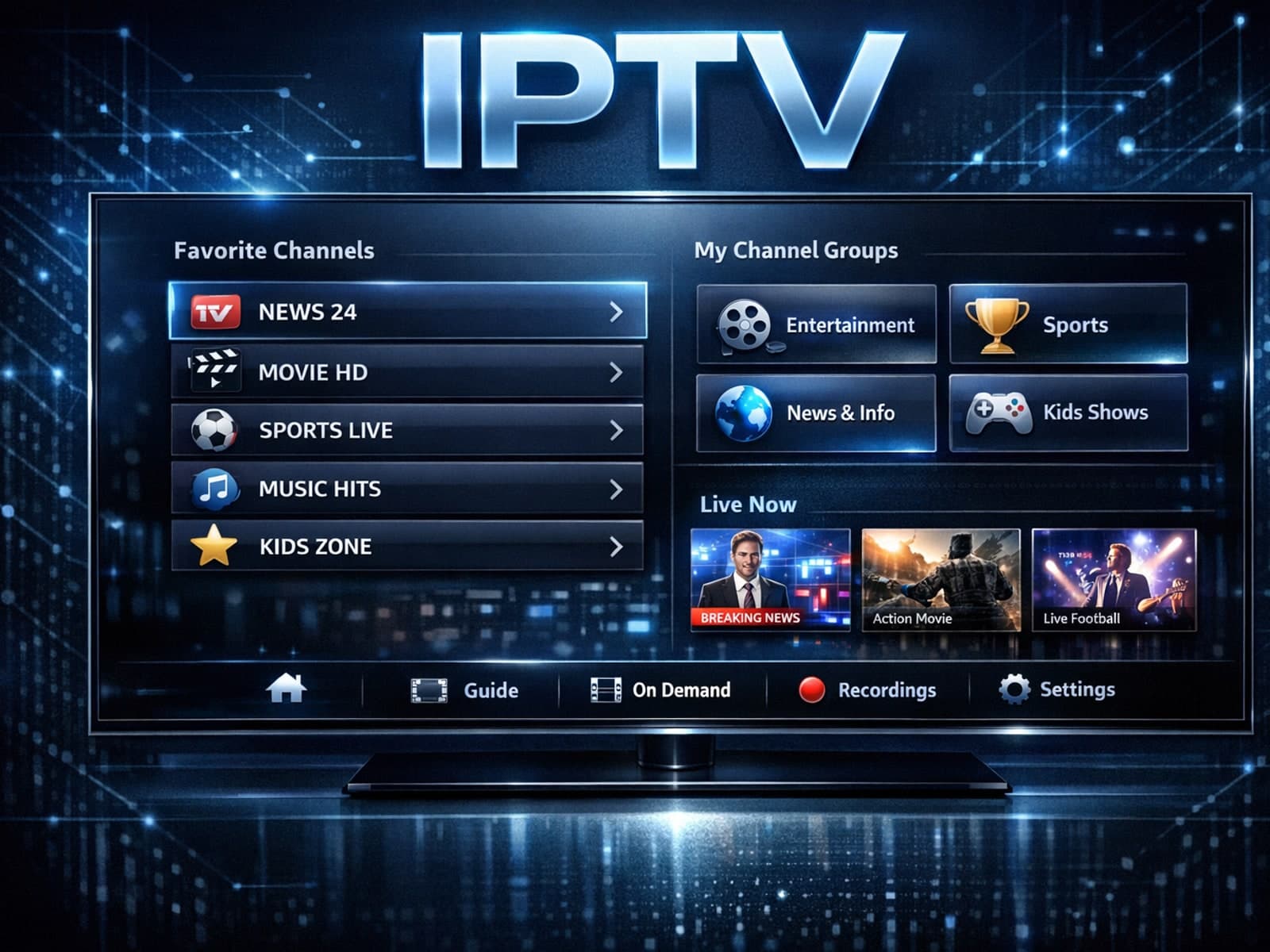
Organizing favorites and groups in TiviMate makes navigating large IPTV channel lists more intuitive and personalized. TiviMate, a popular IPTV player app for Android TV and Fire TV devices, provides features that let you categorize.

When you switch channels on your IPTV service, the stream sometimes freezes or stalls. This interruption usually happens because your device or app needs to buffer the new channel stream, but something delays or disrupts that process.
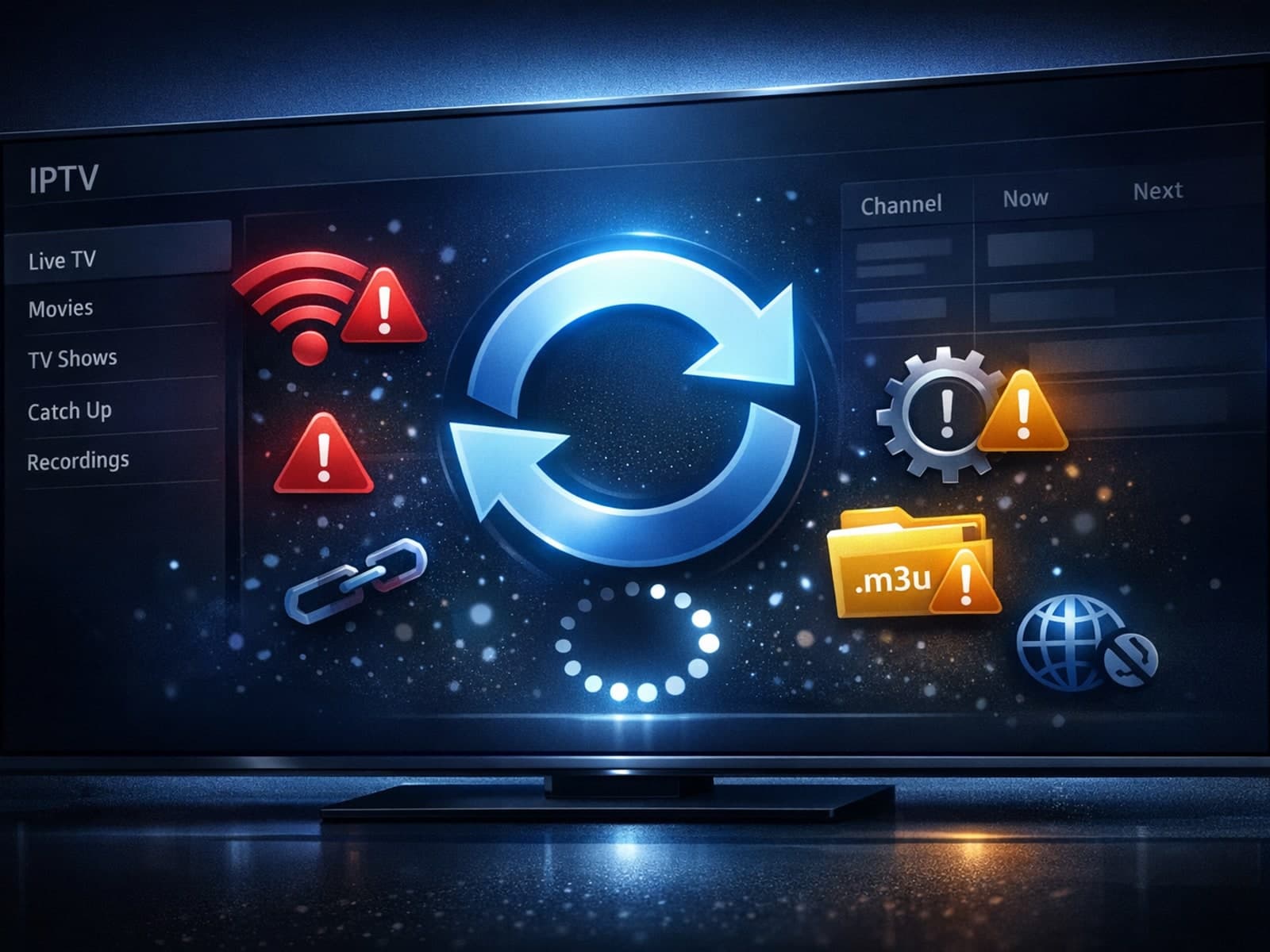
If your TiviMate playlist is not updating after you press refresh, it usually means the app is unable to retrieve or load the updated channel list from your IPTV source.
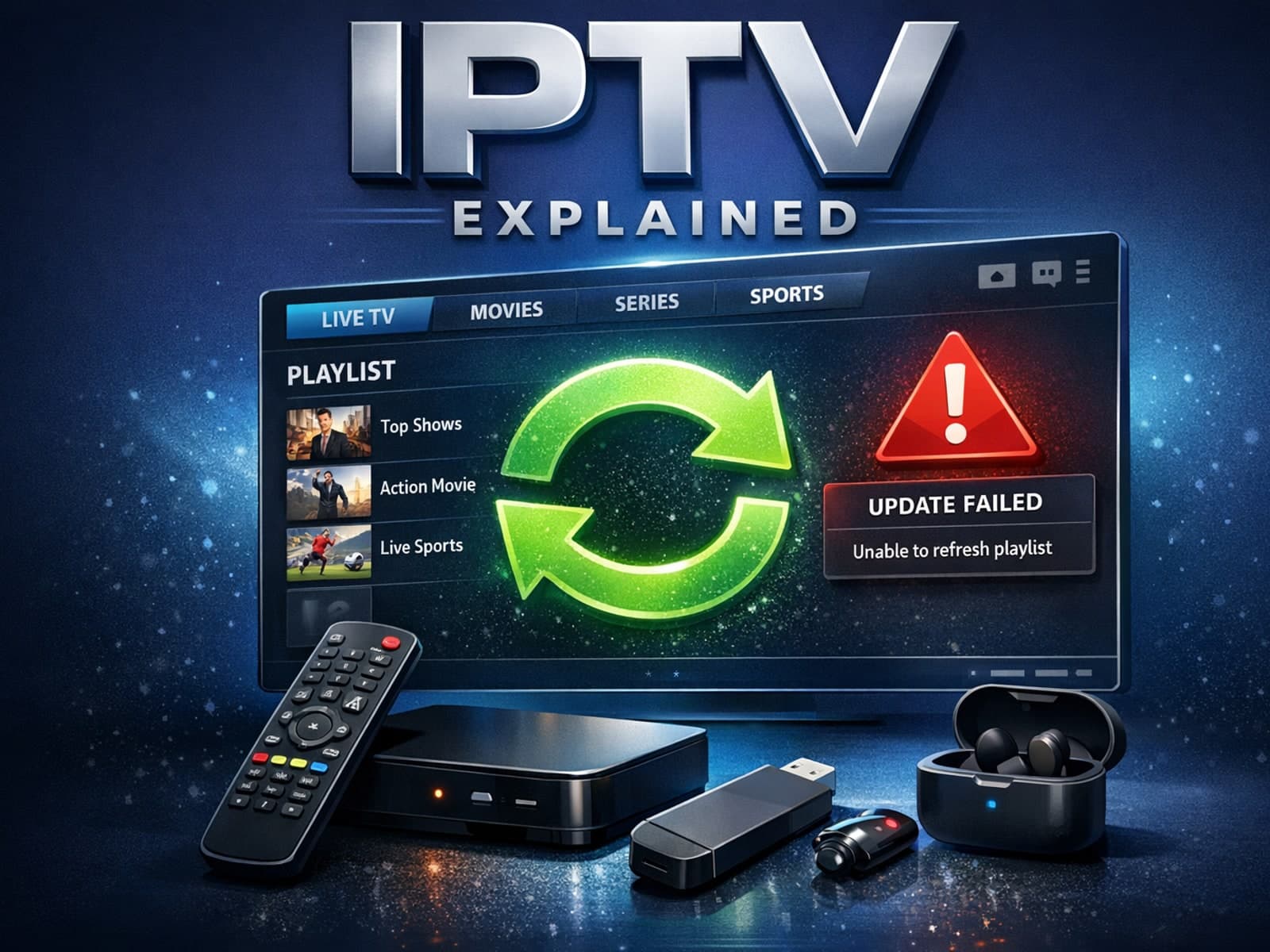
If your TiviMate playlist fails to update after you hit the refresh button, the cause often lies in cached data, expired or inaccessible playlist URLs, or temporary network problems.
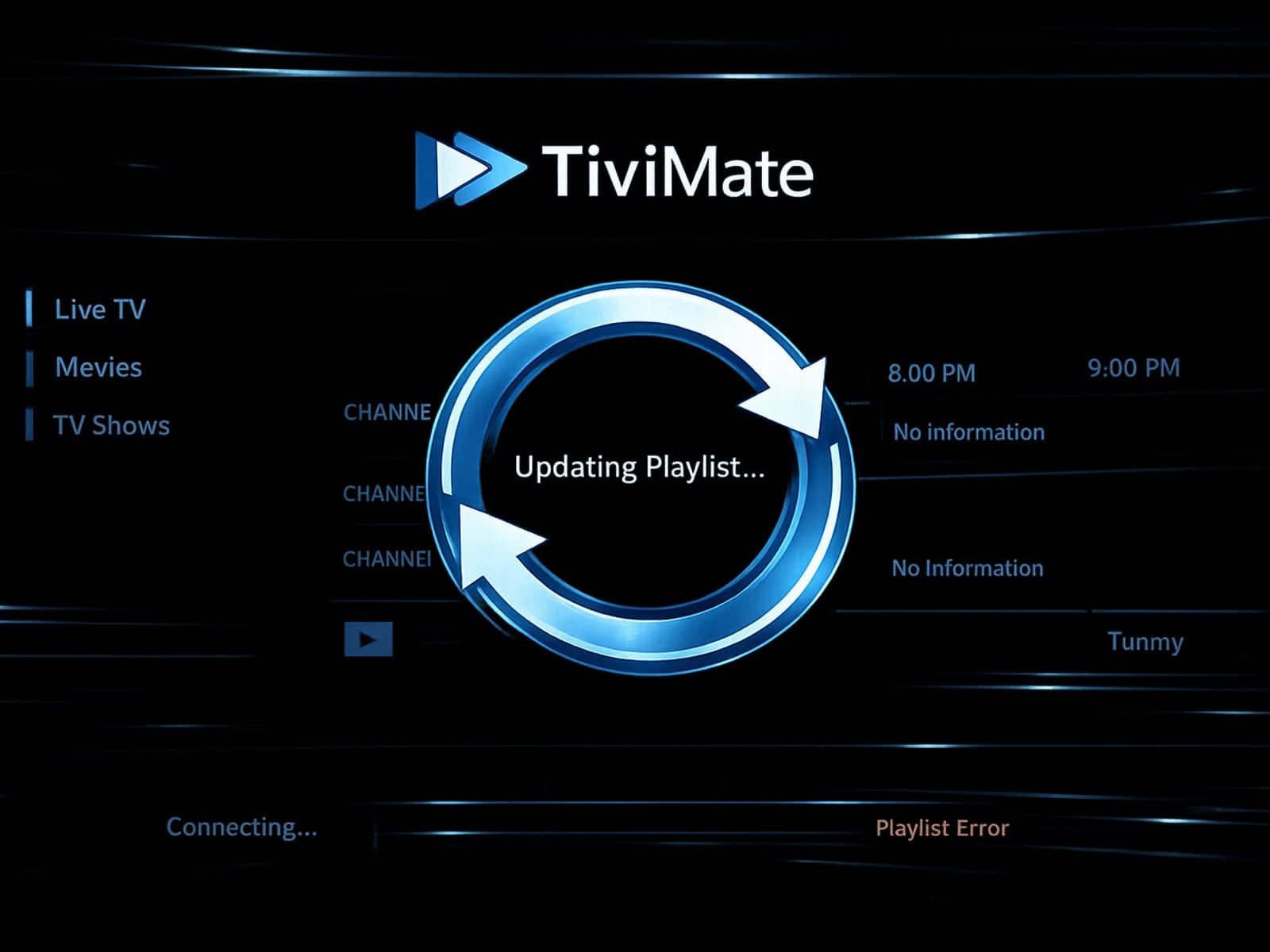
When your TiviMate playlist doesn't update after hitting refresh, it means the app is failing to download new or updated channel data from your playlist source.
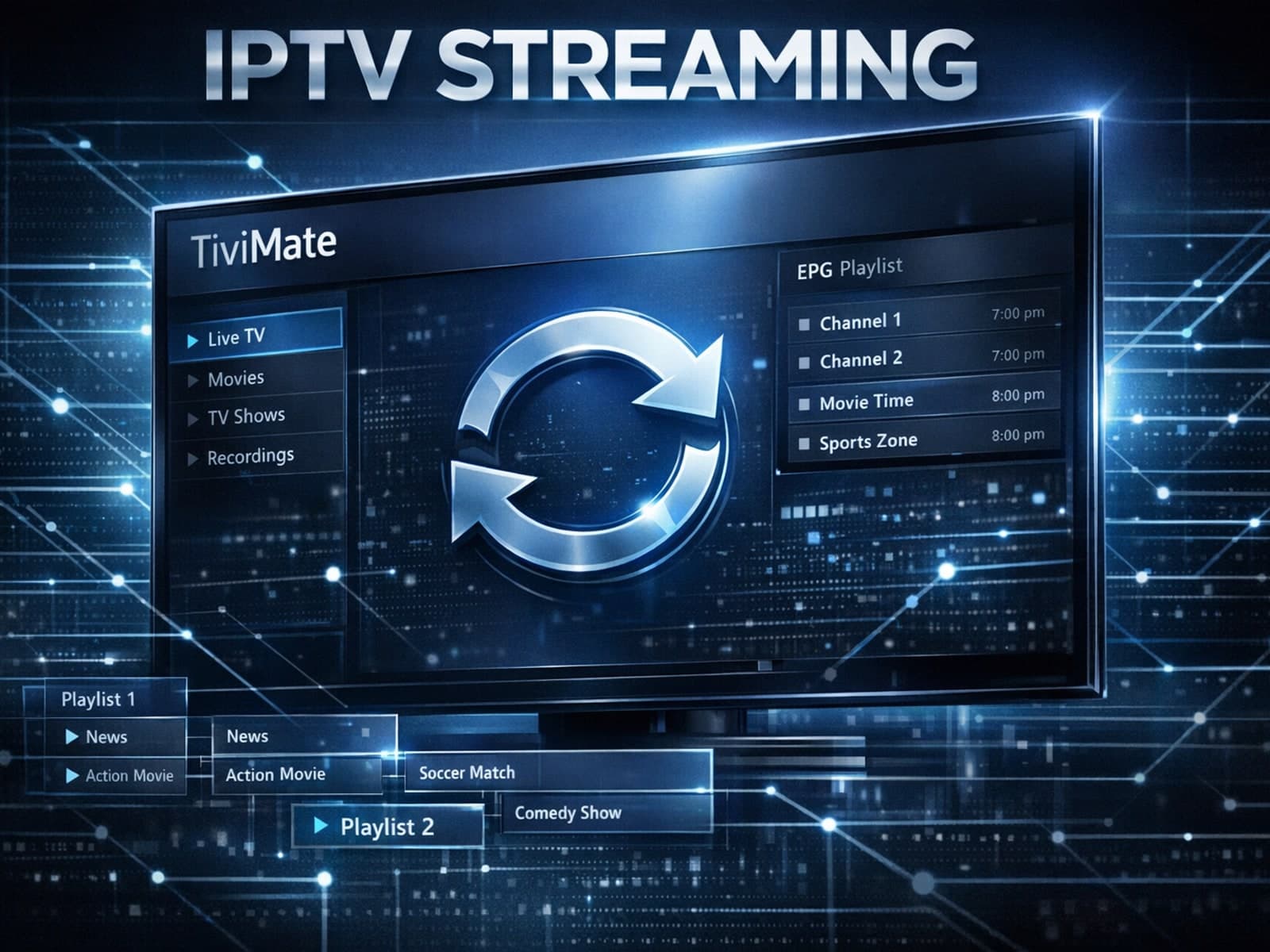
If your TiviMate playlist does not update after you hit refresh, it usually indicates an issue with the playlist source, a caching problem in the app, or network connectivity troubles.
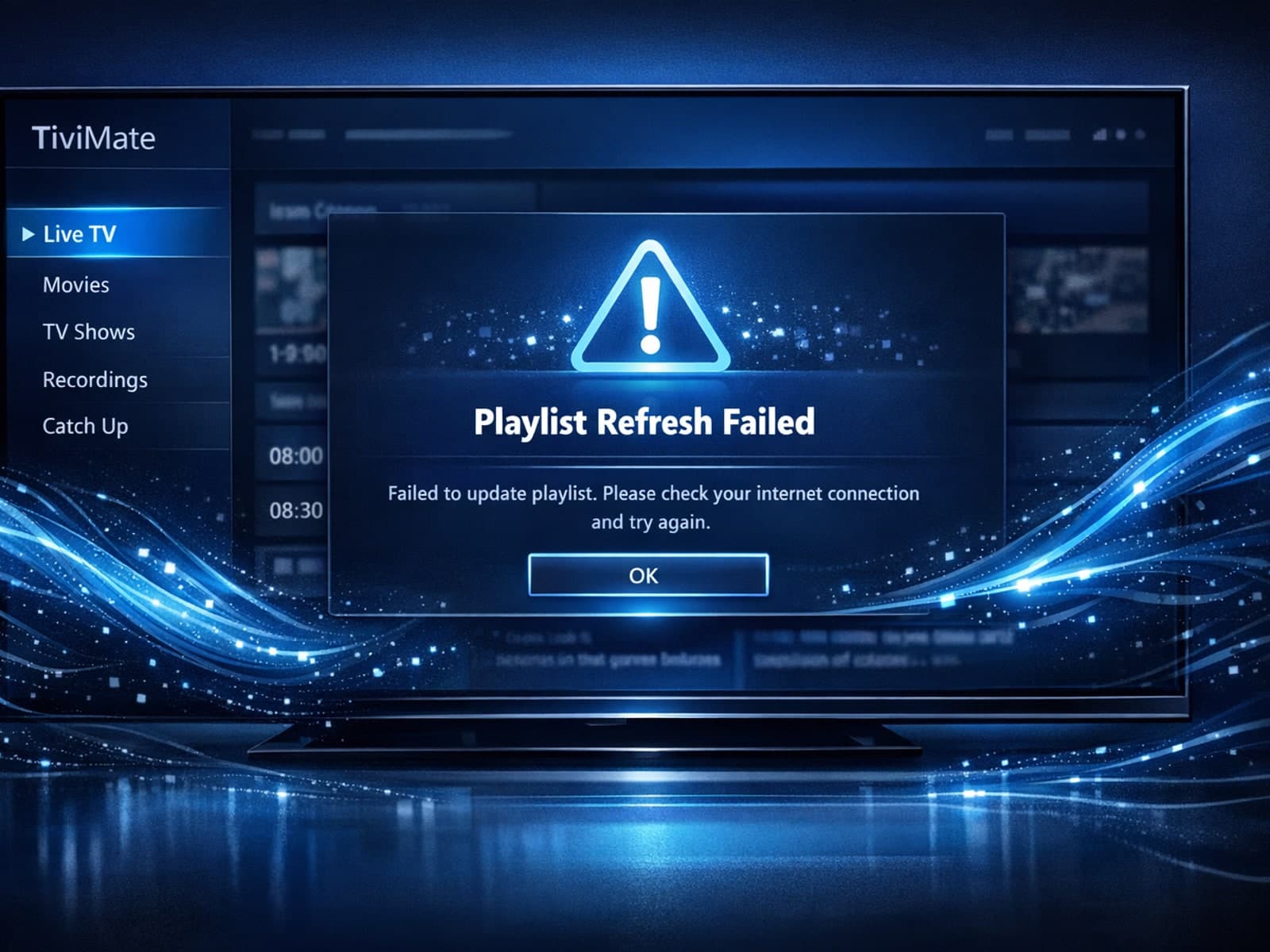
If you use TiviMate, a popular IPTV player for Android TV and related devices, you may sometimes find that your playlist doesn't update even after you hit the refresh button.
If your TiviMate IPTV app isn't showing updated content after you refresh your playlist, the issue is often tied to the playlist source, the app's cached data, or network connectivity.
Organizing your favorites and channel groups in TiviMate is essential for a smooth IPTV experience. By structuring your channels, you save time navigating menus and quickly access the content you watch most.
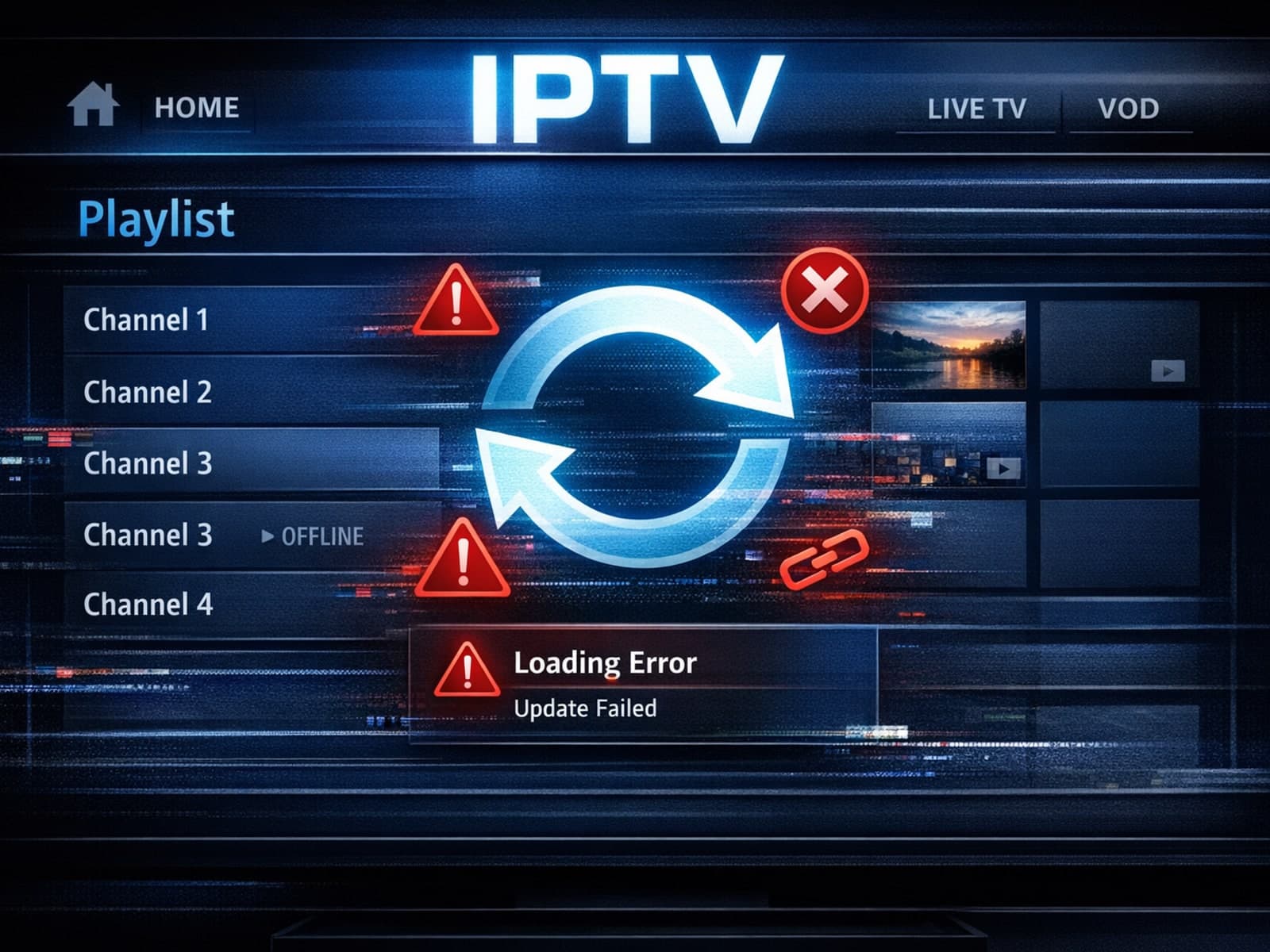
If your TiviMate playlist does not update after hitting the refresh button, it usually means the app isn't successfully reloading or retrieving the latest playlist data.
TiviMate is a popular IPTV player app widely used on Android TV devices to stream digital TV channels from IPTV playlists. Organizing your favorite channels and groups in TiviMate significantly improves your viewing experience by allowing.
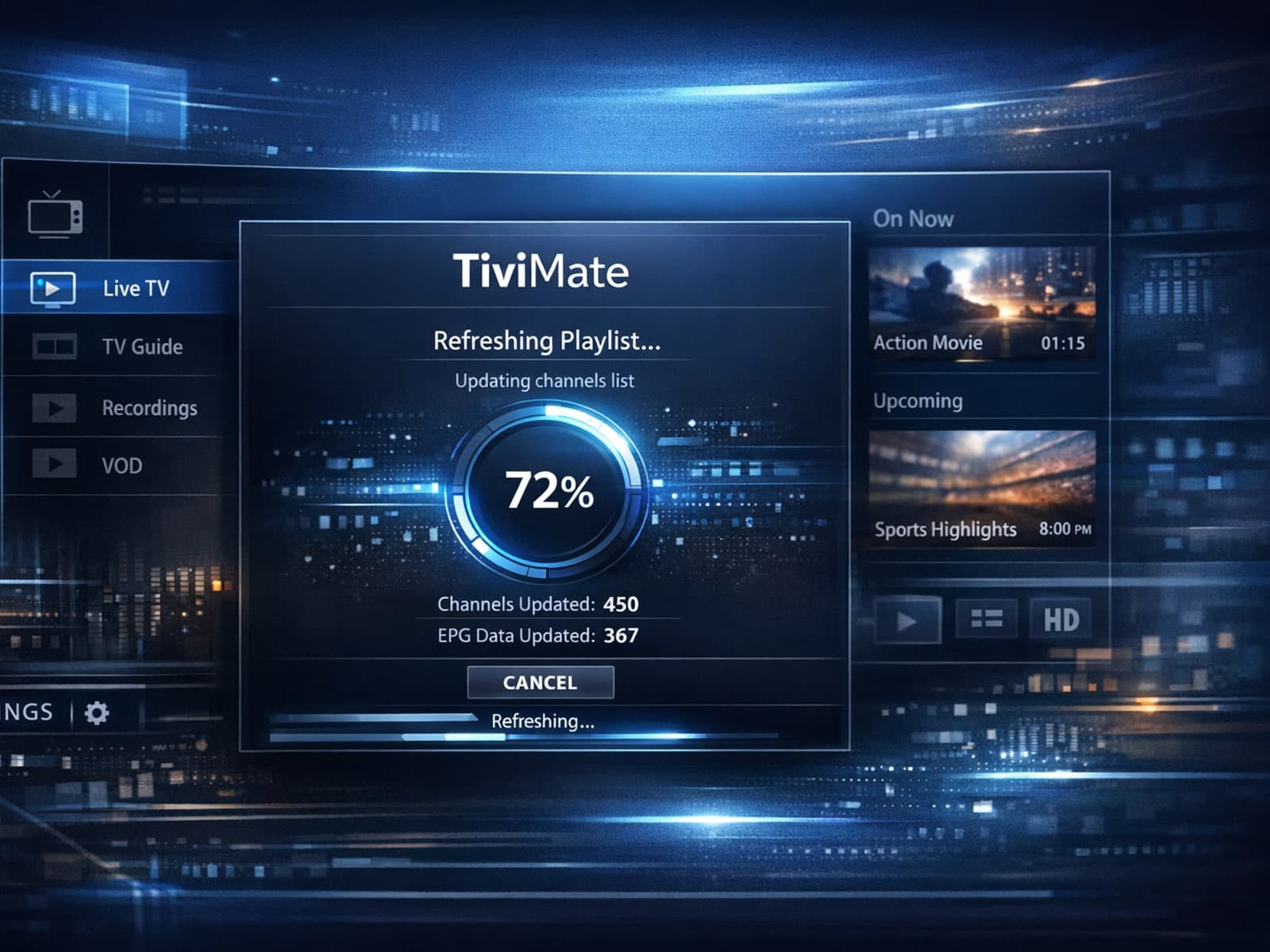
If your TiviMate playlist is not updating after you try to refresh it, you’re encountering a common but fixable problem in IPTV streaming.
Organizing favorites and groups in TiviMate helps you quickly access your most-watched IPTV channels and categorize them by genres, languages, or personal preference.
If your TiviMate playlist does not update after hitting the refresh button, it can be frustrating and disruptive to your viewing experience.
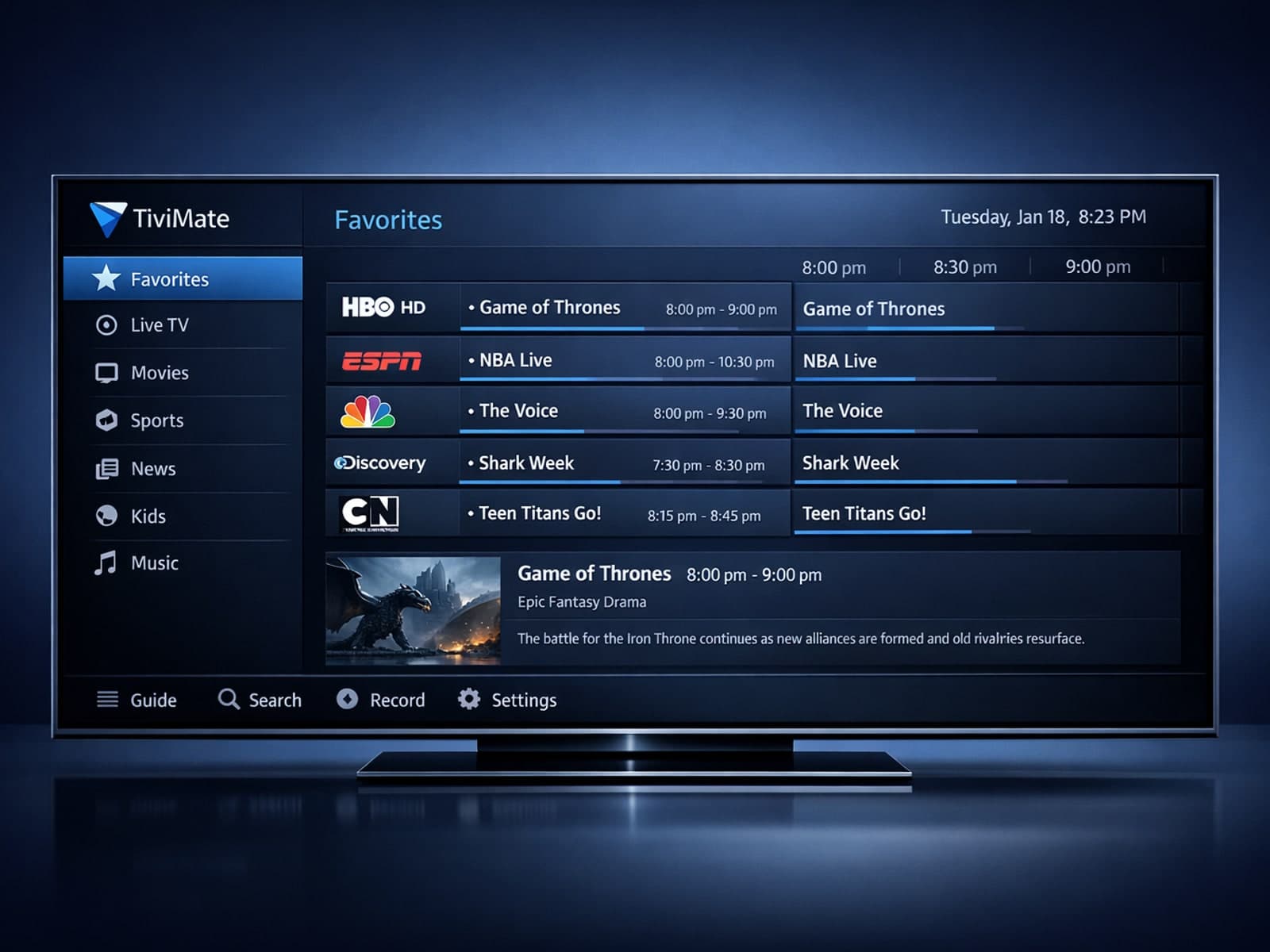
Organizing favorites and groups in TiviMate helps you quickly find and enjoy your preferred IPTV channels without sifting through long lists.
If your IPTV service frequently freezes when you switch channels, the cause is usually buffering delays triggered by network performance, streaming server responses, or your device's ability to handle data quickly.
When you refresh your playlist in TiviMate and the content doesn’t update, it can be frustrating. This occurs because TiviMate relies on a functional playlist URL and an active IPTV service.
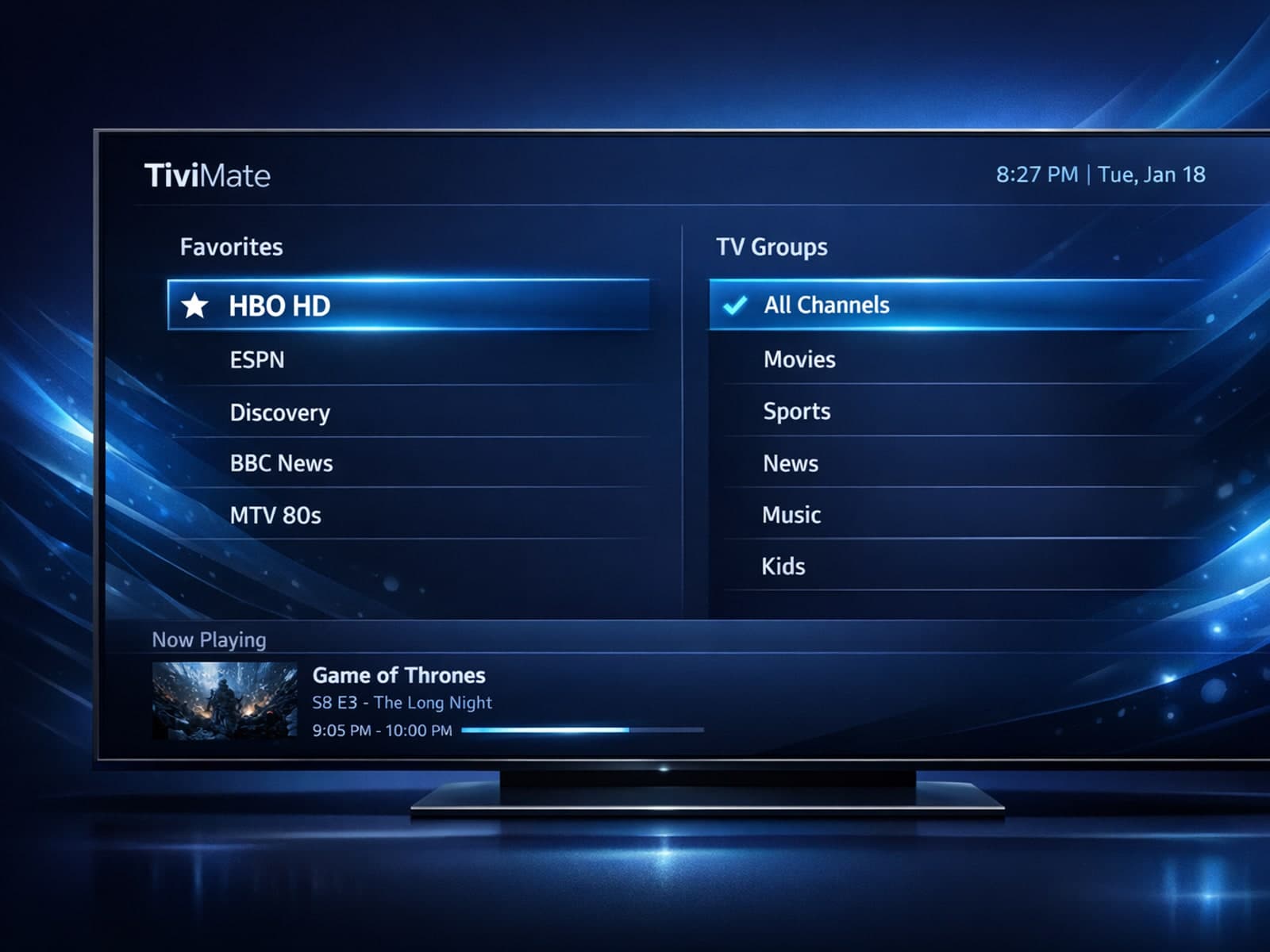
TiviMate is a popular IPTV player that allows users to watch streaming channels with an intuitive interface. A key feature to improve navigation and personal content management is organizing favorites and channel groups.
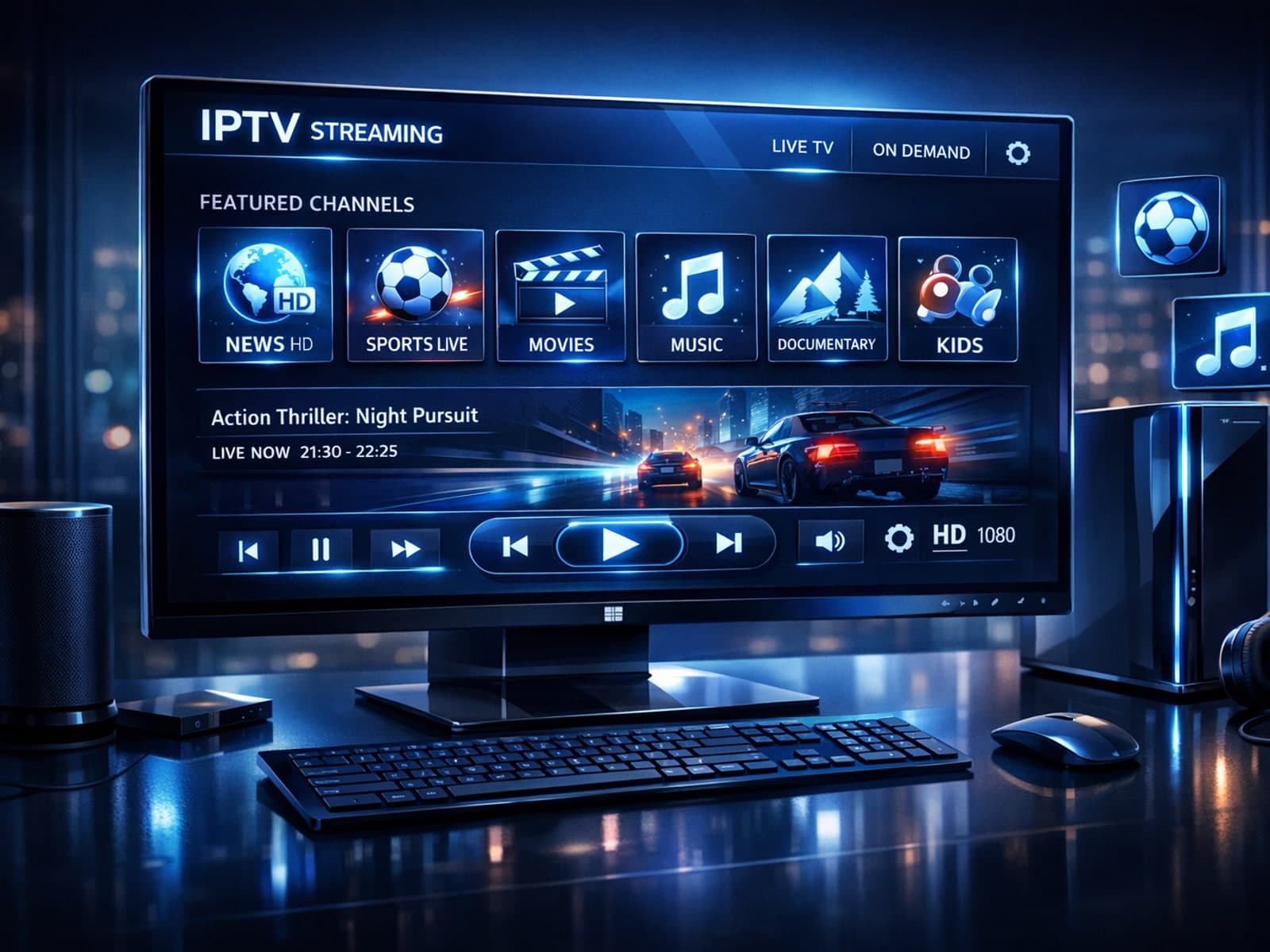
If you're looking for a reliable IPTV player on Windows, IPTV Player Zero is widely regarded as the best option. It strikes a good balance between user-friendly design, broad format compatibility, and useful advanced features, ensuring.
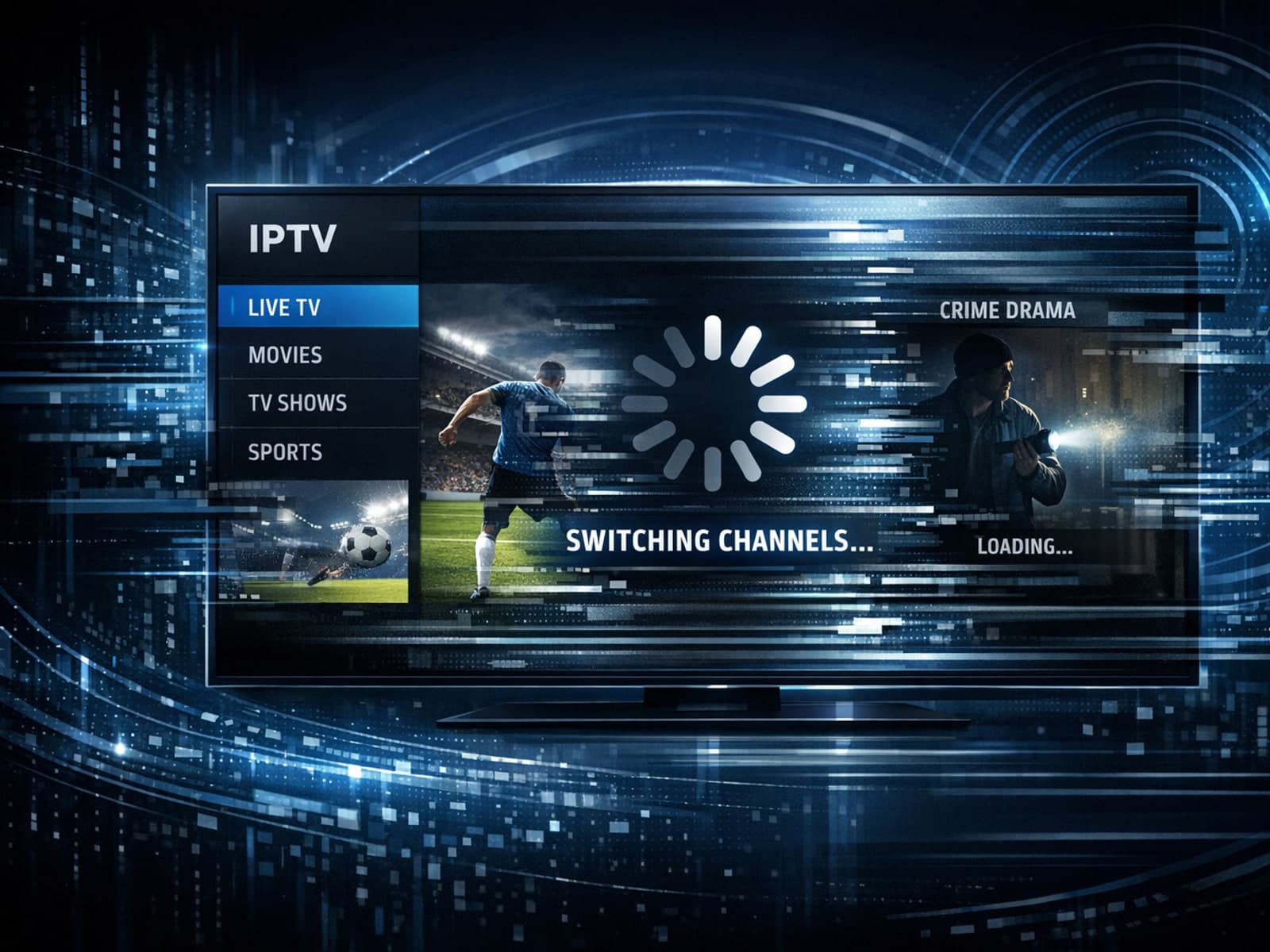
IPTV often freezes when switching channels due to buffering delays caused by slow network speeds, playlist errors, or device processing issues.
Organizing favorites and channel groups in TiviMate is a straightforward way to simplify your IPTV viewing experience. By grouping channels meaningfully and marking favorites, you reduce menu clutter, speed up navigation, and tailor your.
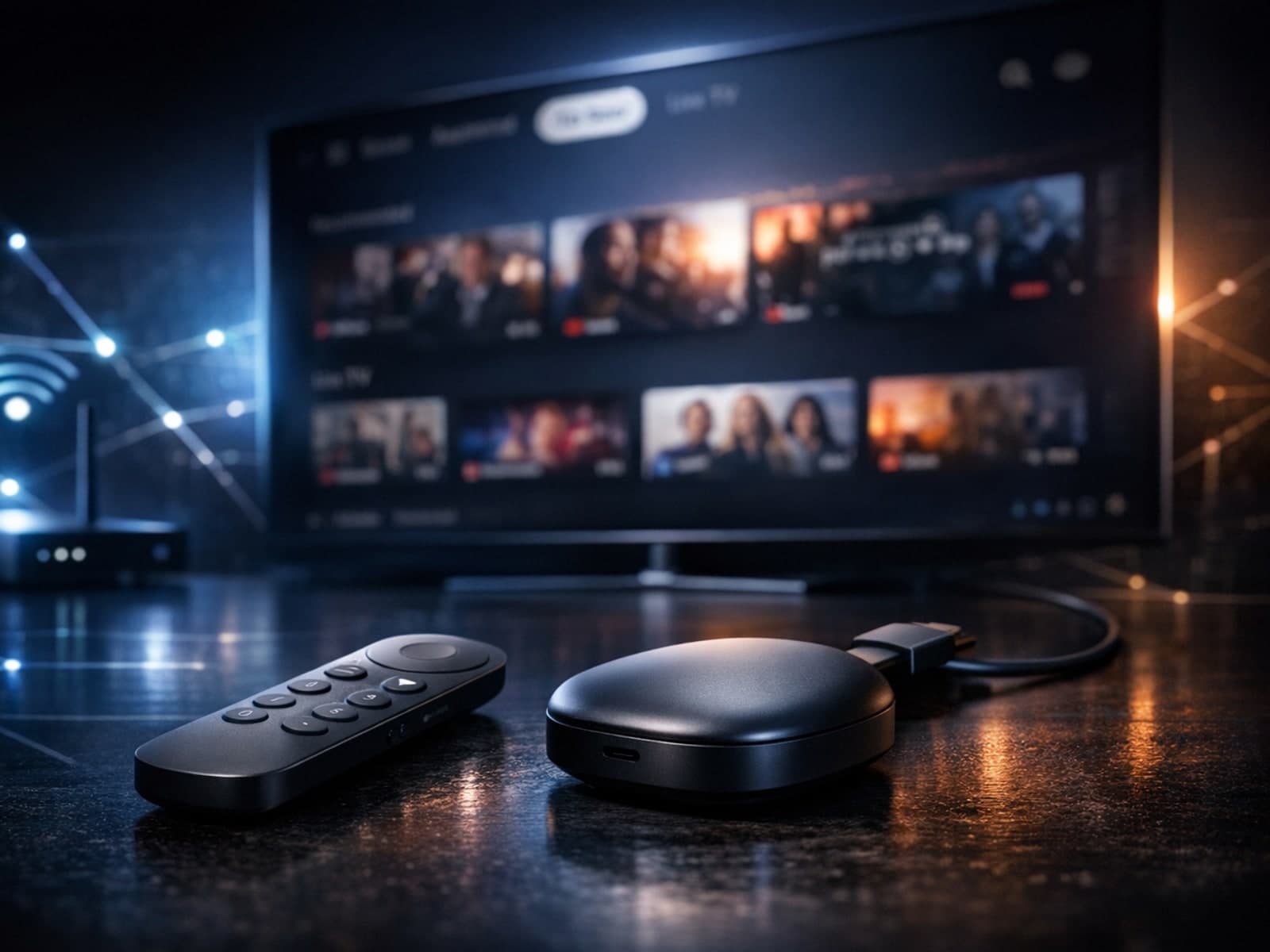
The Google TV Streamer is a compact device that transforms any compatible television into a smart entertainment hub by integrating streaming apps, live TV, and personalized content recommendations in one place.
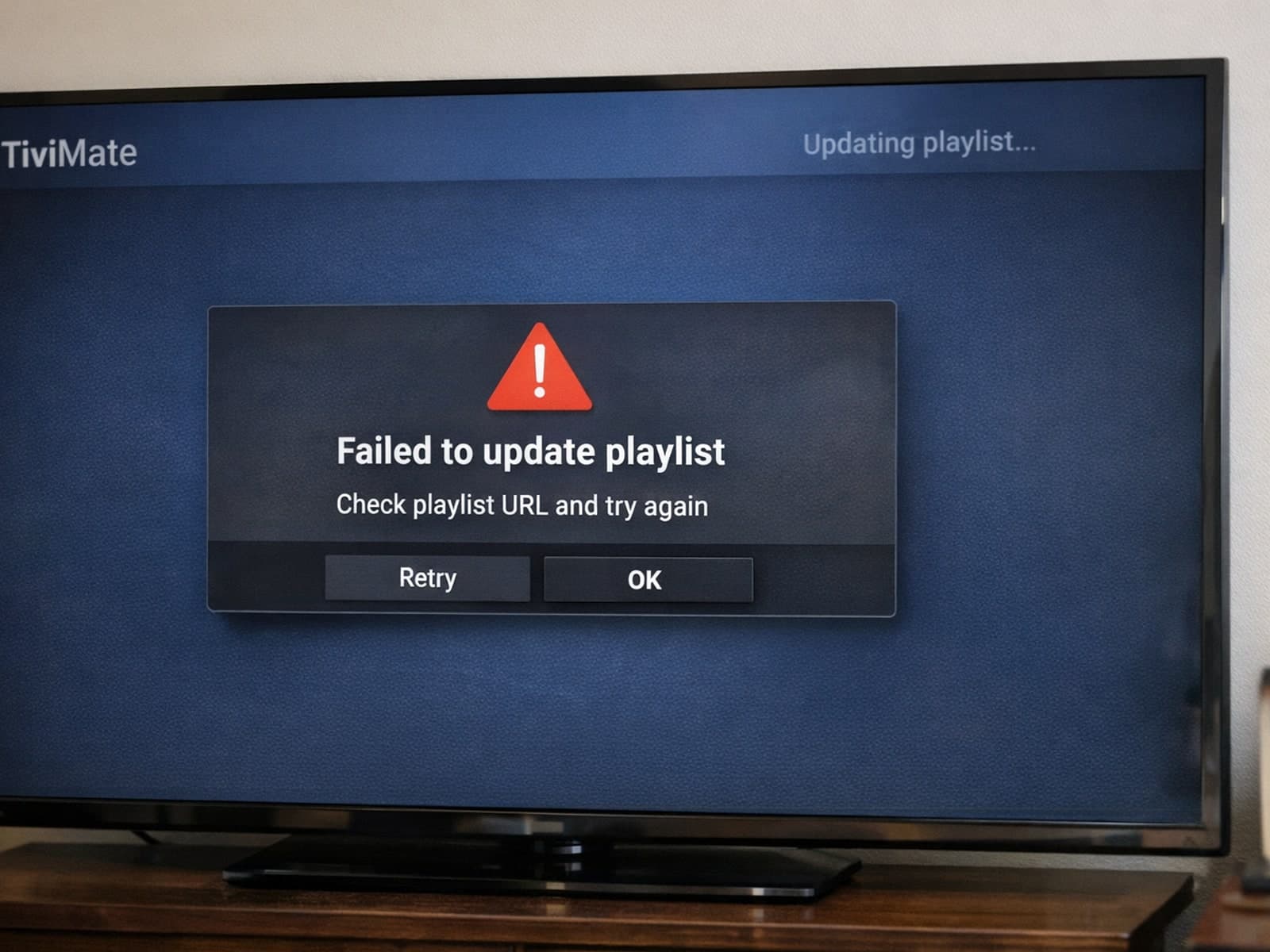
If your TiviMate playlist isn't updating after you hit refresh, it usually means the app isn't able to download or recognize the latest version of your playlist.
IPTV, short for Internet Protocol Television, is a method of delivering television content over the internet rather than traditional broadcast or cable formats. Many users wonder: is IPTV legal?
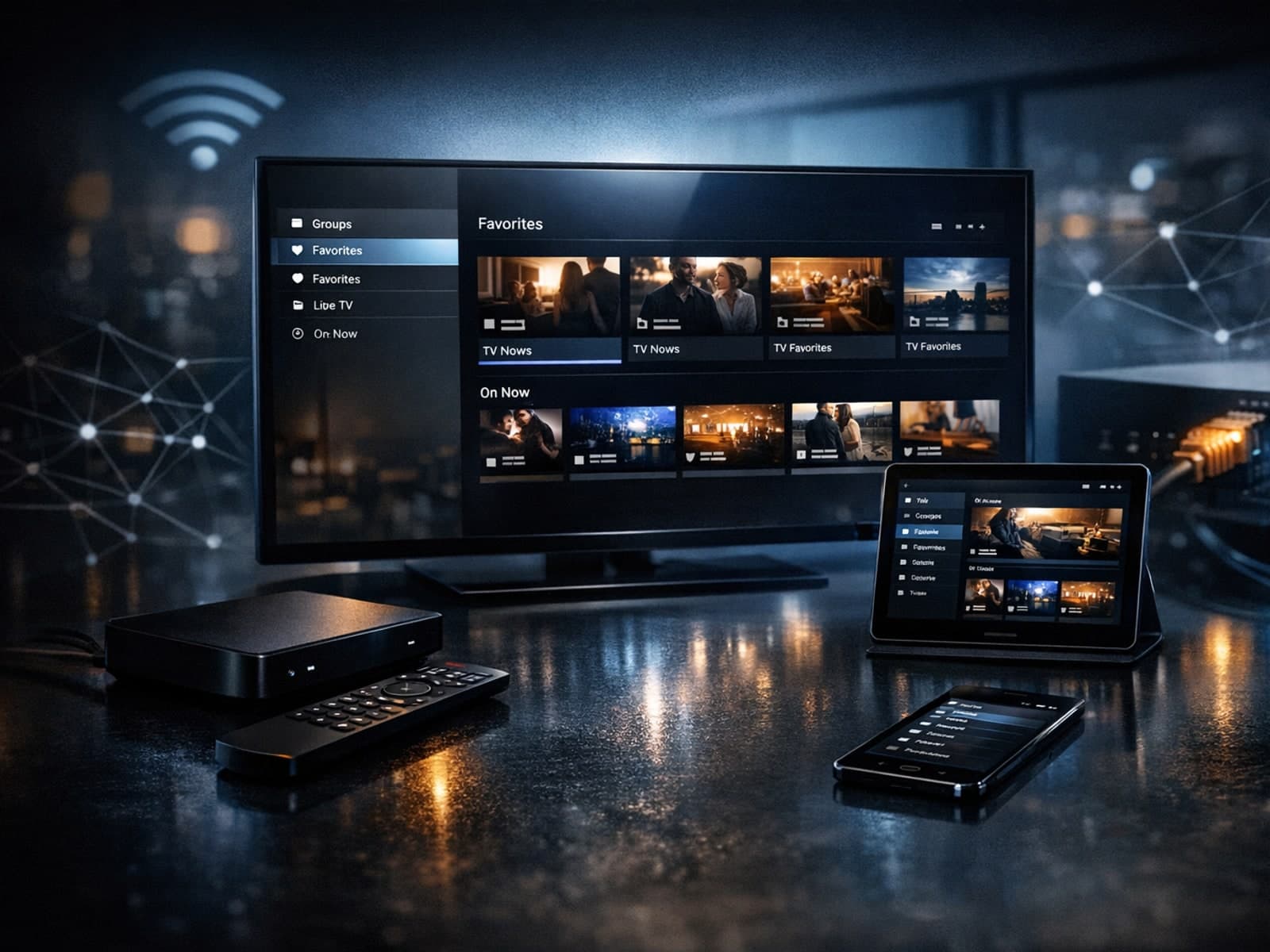
Organizing favorites and groups in TiviMate helps IPTV users streamline channel navigation and create personalized viewing experiences.
IPTV freezing during channel switching happens when the video abruptly pauses or the interface becomes unresponsive just as you change channels.
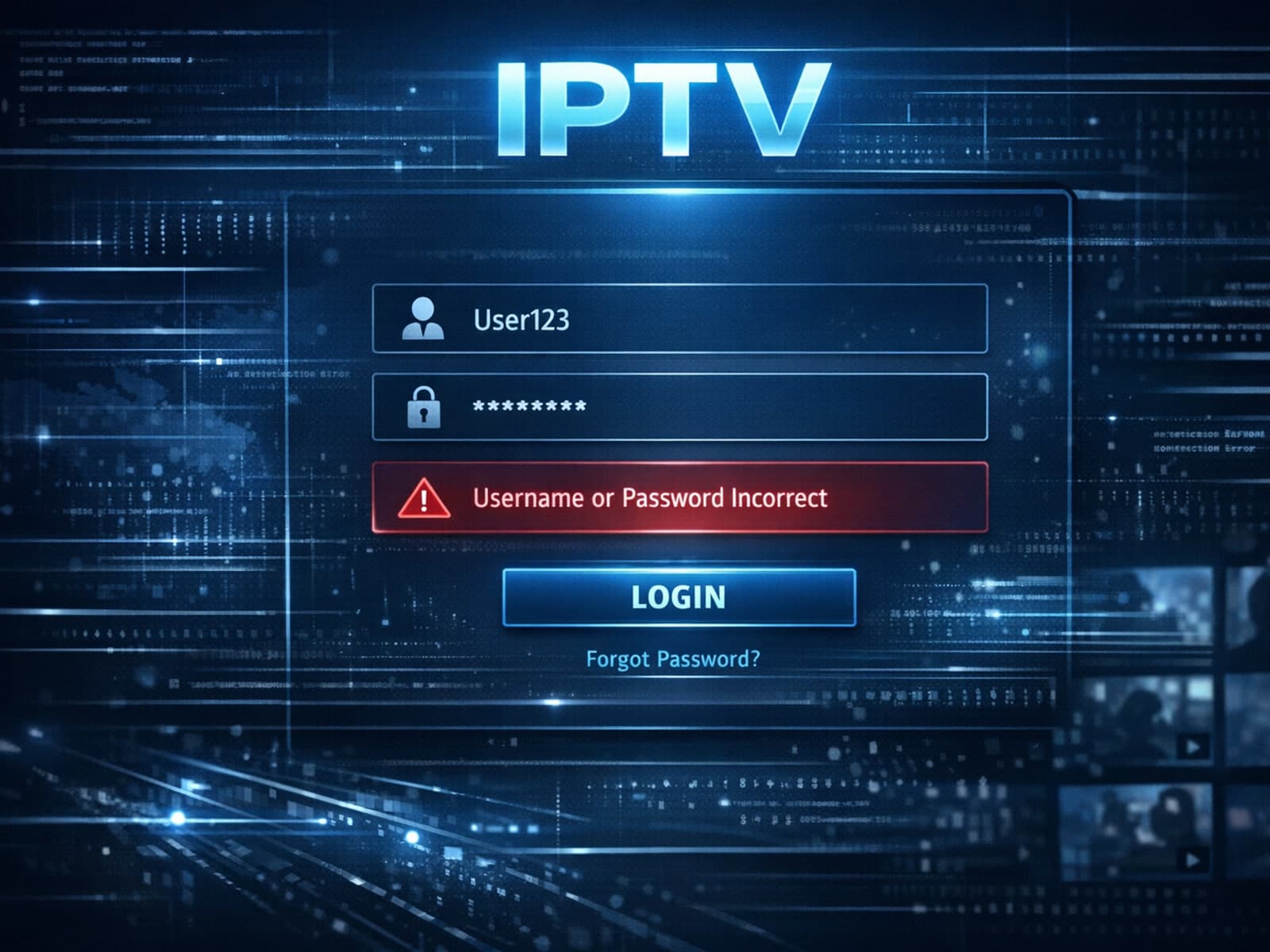
If you encounter an error saying "username password incorrect" when logging into Xtream Codes, it means the credentials provided do not authenticate successfully with the server.
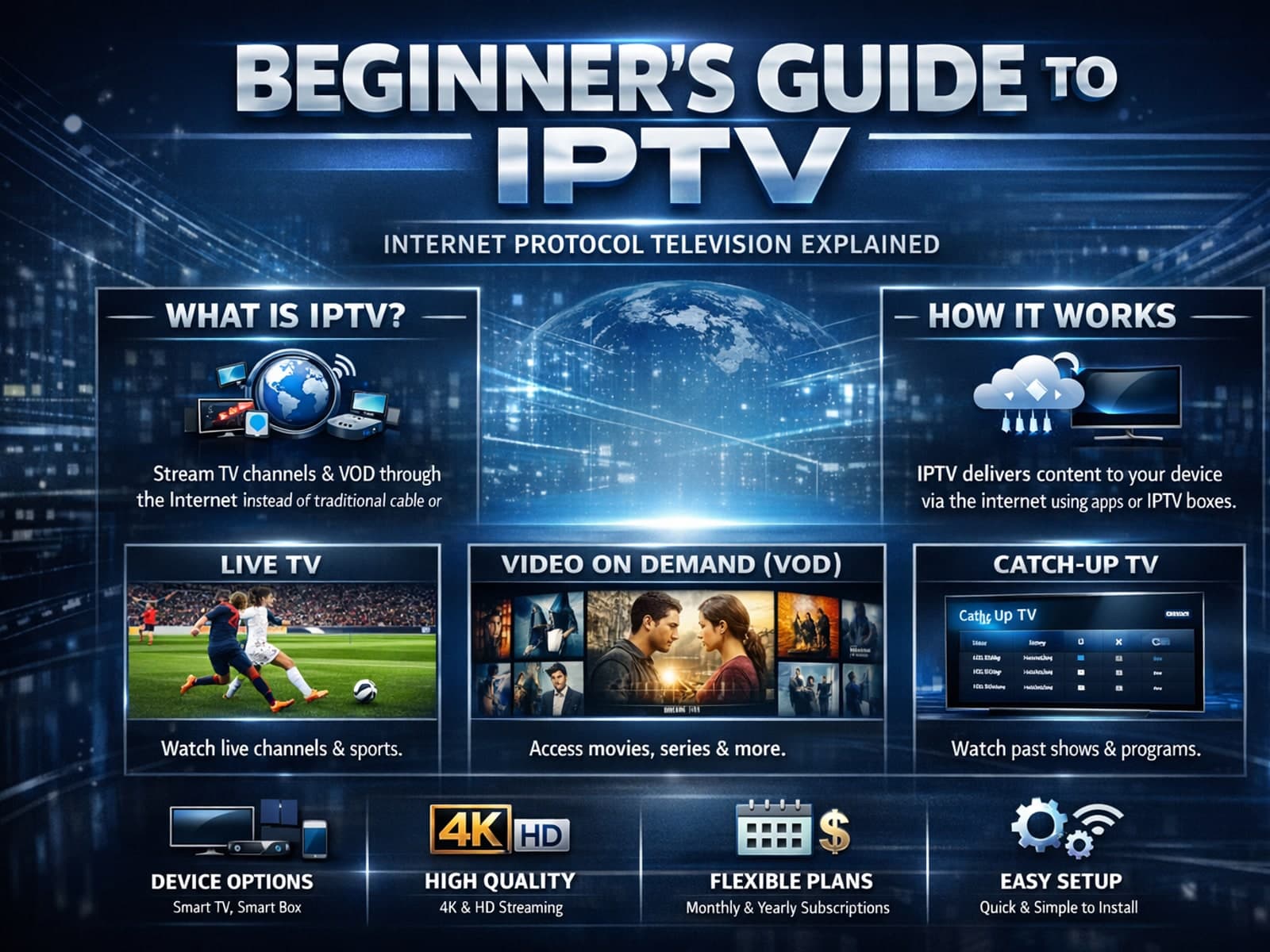
IPTV, or Internet Protocol Television, is a method of delivering TV content over the internet rather than traditional satellite or cable.