
EPG Time Offset Wrong in TiviMate: How to Fix Incorrect Program Times

Quick answer
When your program guide on TiviMate shows wrong times—for instance, programs starting hours earlier or later than they actually air—it's often due to an incorrect EPG (Electronic Program Guide) time offset setting. This offset adjusts the displayed schedule to align with your...
Reviewed Against
• TiviMate playlist, EPG, and player-setting workflows
• XMLTV guide imports, refresh timing, and channel-guide matching
• Server-URL formatting, HTTP response handling, and account-entry failure patterns
Applies To
• TiviMate setups on Android TV, Google TV, or Fire OS style streaming devices
• Guide data issues such as missing listings, stale guide refreshes, or wrong time offsets
• Errors caused by malformed URLs, wrong credentials, expired tokens, or unreachable playlist endpoints
Does not apply when
• Your app uses a different menu layout or naming scheme than TiviMate.
• The stream itself will not play at all and you still need to verify login or playlist access.
• The provider confirms the service is down or the account has been deliberately blocked upstream.
Corroborating Resources
XMLTV file format referenceUseful when the issue comes from guide-source formatting, channel mapping, or XMLTV data freshness.
HTTP response status codesUseful when an IPTV app surfaces 401, 403, 404, or 5xx style errors during login or playlist refreshes.
URL structure referenceHelpful for checking server URLs, source links, and path/query mistakes in portal or playlist setups.
Topic Cluster
Part of the EPG cluster
Guide data problems, XMLTV and playlist matching, time-offset fixes, and TiviMate EPG recovery paths. This page sits in troubleshoot and fix for that topic path.
Start here in this topic
On this page
EPG Time Offset Wrong in TiviMate: How to Fix Incorrect Program Times
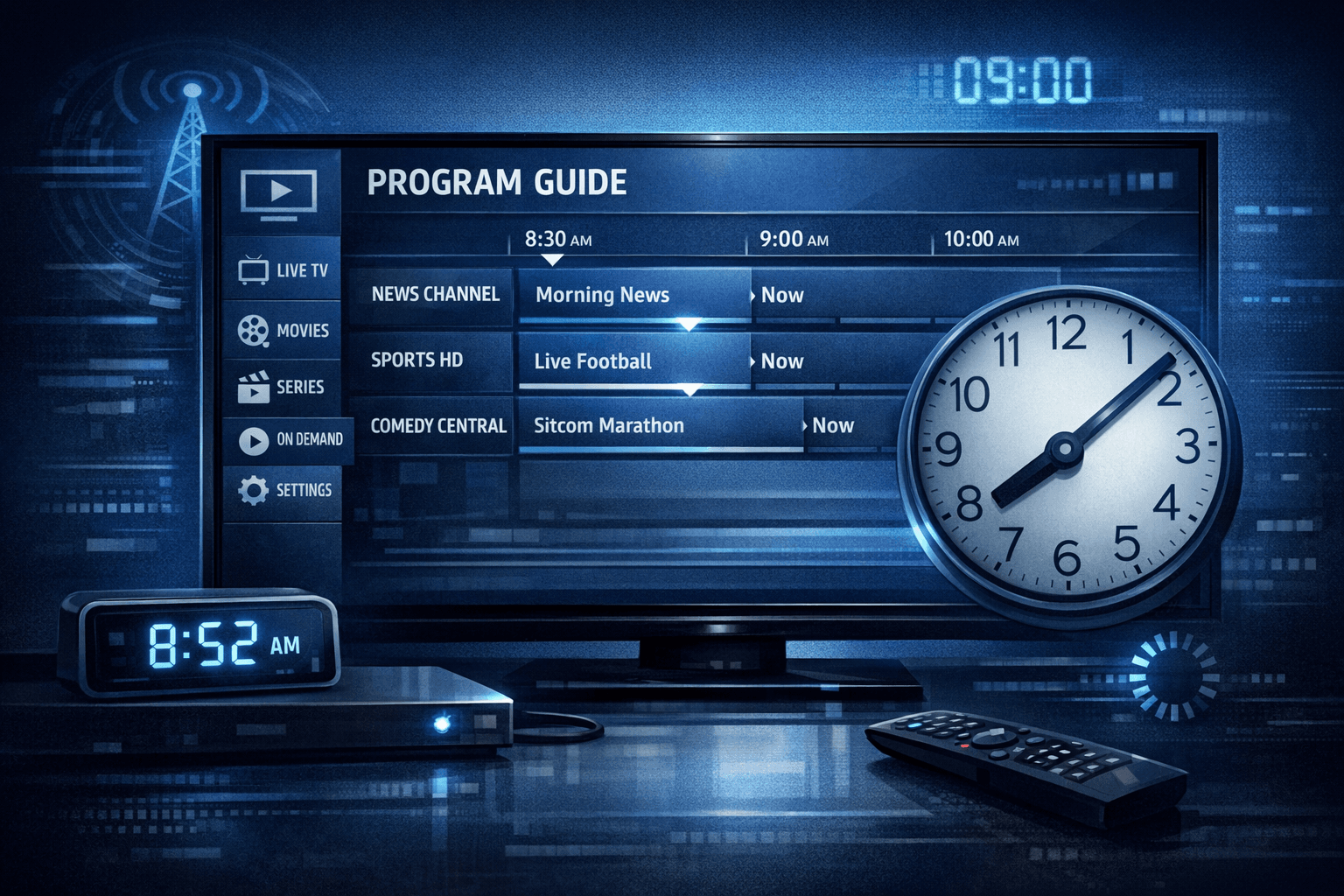
When your program guide on TiviMate shows wrong times—for instance, programs starting hours earlier or later than they actually air—it's often due to an incorrect EPG (Electronic Program Guide) time offset setting. This offset adjusts the displayed schedule to align with your local timezone by shifting the timing data received from your IPTV provider. Fixing this offset ensures the program listings in TiviMate match real-world broadcast times.
If you notice your EPG is out of sync, this article will help you understand why and how to correct the time offset specifically within TiviMate.
What you'll learn
- What EPG time offset means in TiviMate and why it's needed
- How to identify when the offset is incorrect
- Step-by-step method to adjust EPG time offset in TiviMate
- Common mistakes that affect EPG timing
- When this guide applies and when to look elsewhere for troubleshooting
Understanding EPG Time Offset in TiviMate
What Is EPG Time Offset?
EPG time offset is a manual or automatic adjustment that shifts the timing of all program listings in an Electronic Program Guide. IPTV streams often deliver EPG data based on the provider's timezone. If that timezone doesn't match your local timezone, the displayed program start and end times will be incorrect.
TiviMate includes a feature to compensate for this difference by shifting the EPG time forward or backward, in hours, so the guide aligns properly.
Why Does TiviMate Need This Offset?
IPTV providers may supply EPG data based on a central timezone that differs from where you watch. For example, a provider in GMT might serve channels to users in GMT-5. Without adjusting the EPG time offset, the guide would show programs starting five hours off from your actual time.
How to Detect an Incorrect EPG Time Offset
Signs your EPG time offset is wrong include:
- Program start and end times systematically too early or too late (for example, all programs shifted by 1 or more hours)
- Show titles not matching currently airing content
- Recordings or reminders firing at unexpected times when configured through the guide
To confirm, compare the listed program times with the actual broadcast schedule from your IPTV provider or channel website.
Adjusting EPG Time Offset in TiviMate
Follow these steps to fix your EPG timing:
- Open TiviMate app on your device.
- Navigate to the Settings menu (usually accessible via the hamburger menu or gear icon).
- Select the EPG or Guide option in settings.
- Find the "EPG Time Offset" setting. This may be under timestamps, timezones, or advanced EPG options.
- Adjust the offset by adding or subtracting hours. For example, if guide times are 2 hours ahead, subtract 2 hours.
- Save your changes.
- Go back and refresh or reload your guide data to apply the offset.
Test whether the guide times now align with real broadcast times.
Common Mistakes Causing EPG Time Offset Issues
- Not refreshing the EPG after changing settings: Always reload the guide after adjusting the offset.
- Assuming device time alone fixes offsets: TiviMate uses IPTV feed time; your device clock won't fix offset mismatches.
- Multiple conflicting offsets: If your IPTV playlist or provider app also sets offsets, those may conflict with TiviMate settings.
- Using outdated playlist or EPG sources: Old or cached data can misrepresent times.
When This Guide Applies and When You May Need Different Help
Applies To:
- Users of the TiviMate IPTV app on Android or Fire TV devices
- IPTV services providing EPG data with timezones differing from your local time
- Situations where program times consistently show incorrect schedules across all channels
When To Try Other Troubleshooting:
- If only a few channels show wrong times, it could be a specific channel EPG data issue from your provider.
- If guide data fails to load at all or shows errors, review connectivity or playlist problems instead.
- For device-specific time issues, such as incorrect system clock, fix your device date and time first.
- See guides on TiviMate playlist updating or EPG loading errors if those symptoms appear.
FAQ
What if adjusting EPG offset doesn’t fix my guide times?
Check that your IPTV provider’s EPG data is accurate and current. Sometimes the source EPG has no timezone data or is incorrect. You may need to contact your provider or try a different EPG source.
Can I set fractional hour offsets in TiviMate?
TiviMate's EPG time offset typically works in whole-hour increments, so half-hour or 15-minute offsets may not be possible directly.
Will correcting EPG offset affect recordings scheduled via TiviMate?
Yes, having the correct offset ensures recordings start and stop at the proper times according to the program guide.
Is device timezone important for EPG offset?
Device timezone accuracy is important but does not replace proper EPG time offset settings in TiviMate, since EPG data timestamps can be fixed in the playlist/provider.
Summary Checklist: Fixing EPG Time Offset in TiviMate
| Step | Action | Result |
|---|---|---|
| 1 | Confirm EPG timing mismatch | Verify offset needed |
| 2 | Open TiviMate EPG settings | Access guide adjustment |
| 3 | Adjust EPG time offset hours | Correct program guide timing |
| 4 | Save and refresh guide data | Apply updated offset |
| 5 | Verify program times vs. live | Confirm proper synchronization |
Applying these targeted steps addresses wrong EPG time offset specifically in TiviMate rather than broad IPTV guide issues.
For further related guidance, see our articles on How to Fix Channel Logos Missing in TiviMate, TiviMate Playlist Not Updating After Refresh: Causes and Fixes, and the EPG topic overview.
Adjusting EPG time offset in TiviMate empowers you to enjoy an accurate program guide and better streaming experience without confusion or missed shows.
Keep exploring
More explainers that connect naturally to this setup, workflow, or troubleshooting path.
TiviMate is a popular IPTV player app for Android TV and similar devices, known for its advanced channel management options. Organizing favorites and groups in TiviMate lets you customize your IPTV watching experience by categorizing.

When you switch channels on your IPTV service and the screen freezes or lags, it’s frustrating and disrupts your viewing experience. IPTV freezing during channel switching is most often caused by network delays, buffering, or the IPTV.

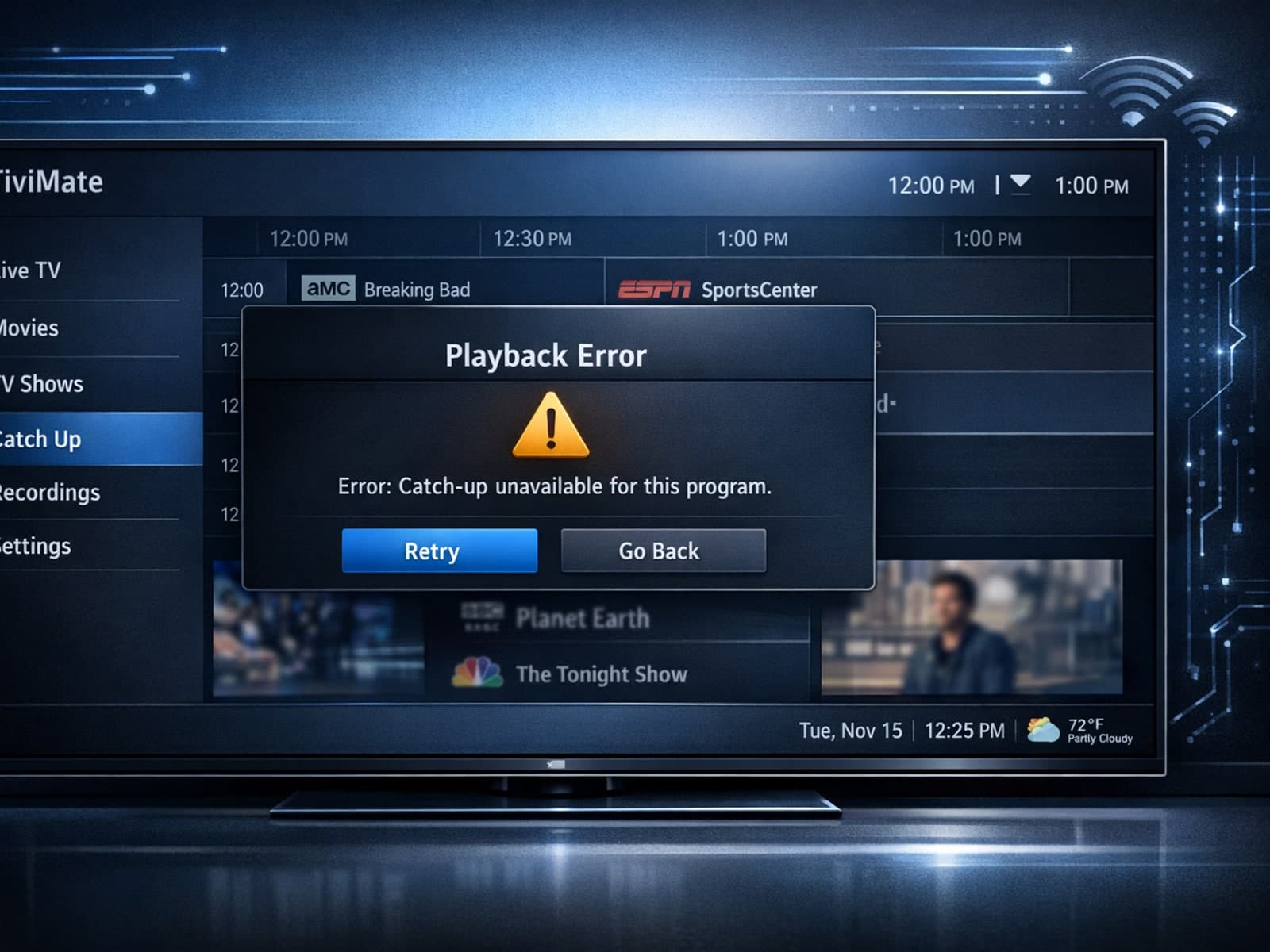
If your catch-up feature in TiviMate isn’t working, the fundamental reasons often lie in your IPTV playlist source or server configuration rather than the app itself.
