
EPG Time Offset Wrong in TiviMate: Causes and How to Fix It

Quick answer
If you use TiviMate — a popular IPTV player for Android devices — you may sometimes notice that the electronic program guide (EPG) shows program times that don’t match your local time. This mismatch happens when the EPG time offset is wrong, causing TV shows and events to appe...
Reviewed Against
• TiviMate playlist, EPG, and player-setting workflows
• XMLTV guide imports, refresh timing, and channel-guide matching
Applies To
• TiviMate setups on Android TV, Google TV, or Fire OS style streaming devices
• Guide data issues such as missing listings, stale guide refreshes, or wrong time offsets
Does not apply when
• Your app uses a different menu layout or naming scheme than TiviMate.
• The stream itself will not play at all and you still need to verify login or playlist access.
Corroborating Resources
XMLTV file format referenceUseful when the issue comes from guide-source formatting, channel mapping, or XMLTV data freshness.
Topic Cluster
Part of the EPG cluster
Guide data problems, XMLTV and playlist matching, time-offset fixes, and TiviMate EPG recovery paths. This page sits in troubleshoot and fix for that topic path.
Start here in this topic
On this page
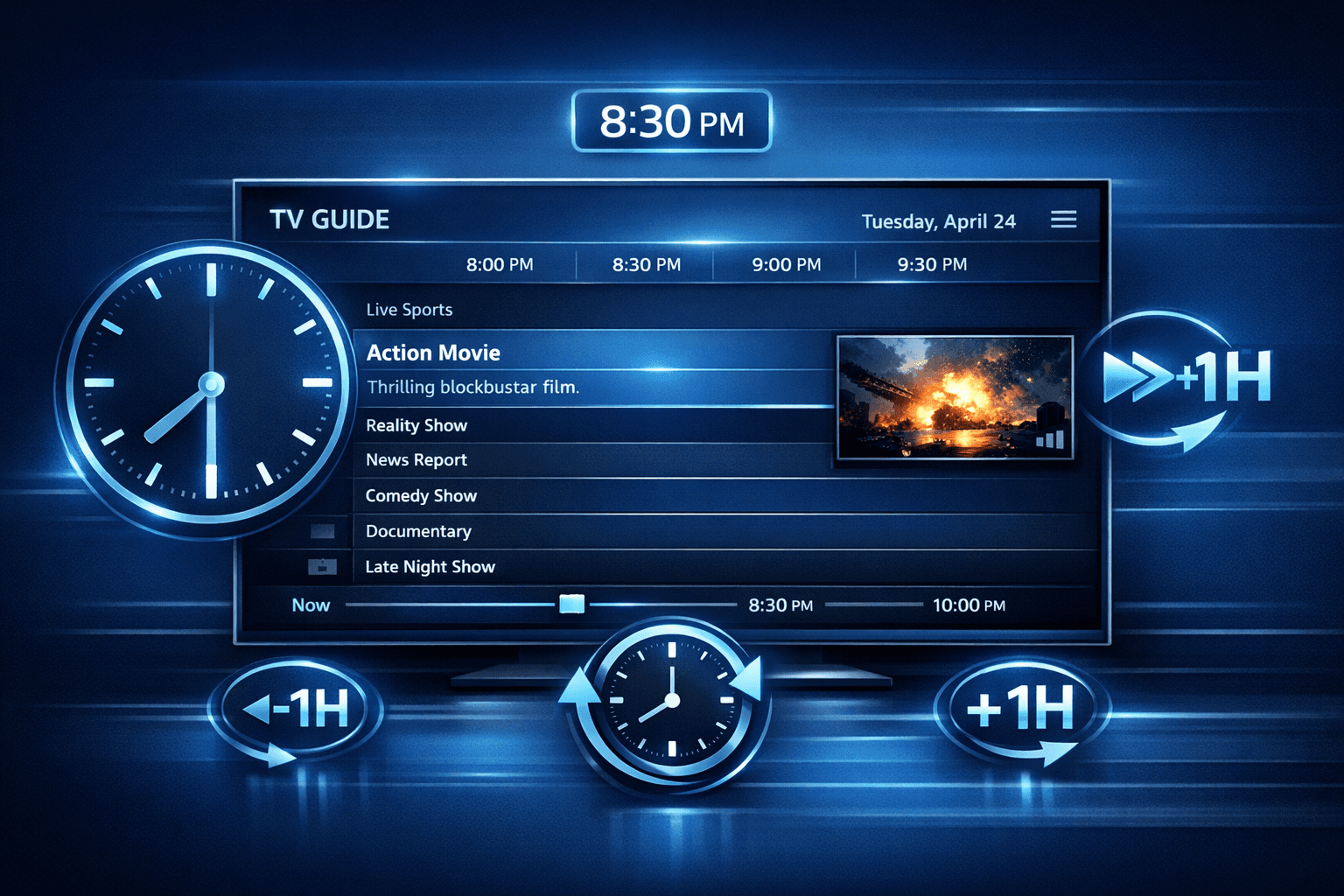
EPG Time Offset Wrong in TiviMate: Causes and How to Fix It
If you use TiviMate — a popular IPTV player for Android devices — you may sometimes notice that the electronic program guide (EPG) shows program times that don’t match your local time. This mismatch happens when the EPG time offset is wrong, causing TV shows and events to appear at incorrect hours.
Fixing the EPG time offset ensures your program schedule aligns perfectly with actual broadcast times, making it easier to watch shows live or record them on time.
What you'll learn
- What EPG time offset means in TiviMate
- Common causes of wrong time offset issues
- How to find and adjust the offset settings
- When different troubleshooting applies
- Tips to prevent or verify correct timing
Understanding EPG Time Offset in TiviMate
Electronic Program Guide (EPG) data provides the schedule of TV shows and channels, typically delivered by your IPTV source as XML or JSON data. However, EPG times represent the broadcast start and end times in a timezone referenced by the source, which may not match the timezone of your back-end servers, IPTV provider, or your device.
EPG time offset is the number of hours (and sometimes minutes) you add or subtract from the schedule times to align the guide with your local time.
For example, if a channel broadcasts at 8 PM GMT but you live in GMT+2, you must apply a +2 hour offset so the program shows as starting at 10 PM local time.
TiviMate lets you manually adjust this offset if the displayed EPG times do not reflect your timezone correctly.
Common Causes of Wrong EPG Time Offset
1. IPTV Provider EPG Source Timezone Mismatch
Not all IPTV providers configure their EPG data with timezone info that matches the streams exactly. Sometimes, EPG schedules are compiled in UTC/GMT but streams are in a different timezone or vice versa.
2. Device or Regional Settings Misalignment
TiviMate relies on your device clock settings as a baseline. If your Android device has incorrect timezone or date/time settings, it can throw off the perceived offset.
3. Incorrect TiviMate EPG Offset Configuration
If you or someone else previously adjusted the EPG offset in TiviMate settings incorrectly, this causes all schedule times to shift.
4. Daylight Saving Time (DST) Impact
If the EPG source does not account for daylight saving changes or your device shifts time but the offset remains static, the guide times may appear off by an hour or more.
5. Cached Old EPG Data
EPG info cached locally can retain outdated offset data until manually refreshed or cleared.
How to Check and Adjust EPG Time Offset in TiviMate
Step 1: Confirm Your Device Date & Time Settings
Ensure your Android device’s date, time, and timezone are accurate and set to automatic if possible.
Step 2: Access EPG Settings in TiviMate
- Open the TiviMate app.
- Go to Settings from the main menu.
- Select EPG Settings (this controls guide behavior).
Step 3: Locate Time Offset Option
Within EPG Settings, find the setting labeled EPG Time Offset or similar.
Step 4: Adjust the Offset
- If your EPG runs behind local time, increase the offset in positive hours.
- If the EPG shows ahead, adjust the offset negatively.
For example, if the guide is consistently 1 hour behind your actual channel time, set offset to +1.
Step 5: Save and Refresh EPG
After adjustment, save settings and manually refresh your EPG data in the app.
Step 6: Verify Program Times
Check multiple channels and programs to confirm the new times match real broadcasts.
Troubleshooting and Common Mistakes
- Adjusting offset in wrong direction: If the guide shifts further, try the opposite positive/negative offset.
- Forgetting to refresh EPG data: Changes won’t appear until the data reloads.
- Confusing device clock with EPG offset: Ensure device time is correct before changing offset.
- Ignoring DST considerations: Review if the mismatch happens only during daylight saving transitions.
If problems persist, test with a different EPG source or contact your IPTV provider.
Who Should Use This Guide?
This troubleshooting applies to TiviMate users who see their program guide times incorrectly offset on any Android device where TiviMate is installed.
When this guide might not help:
- If you use another IPTV player, consult device-specific instructions.
- For hardware-based IPTV boxes with fixed firmware offsets, manual app changes might not apply.
- If your IPTV provider supplies no EPG or uses proprietary schedule systems, offset adjustments in TiviMate may have limited effect.
Preventing EPG Time Offset Issues
- Keep your Android device's clock set to automatic network time.
- Refresh your EPG data regularly.
- Use reliable IPTV providers with accurate timezone-aware EPG feeds.
- Monitor daylight saving changes yearly and adjust offsets temporarily if needed.
FAQ
What does EPG time offset mean in TiviMate?
It is a manual setting allowing you to shift the displayed program times forward or backward to match your local timezone.
Why is the EPG time offset wrong in my TiviMate app?
Because the EPG data and your device time are in different time zones or due to incorrect offset configuration.
Can I fix EPG time offset issues without changing the IPTV playlist?
Yes, TiviMate’s built-in time offset setting lets you correct this on the app level.
Is the EPG time offset issue the same across all devices?
No, it varies based on device time settings and IPTV source.
When should I consider using a different EPG source?
If offset adjustments don’t fix mismatches, the EPG source may have incorrect timezone data.
| Key Step | Purpose |
|---|---|
| Check device clock | Ensures base time is correct |
| Locate EPG offset setting | Access manual time adjustment |
| Adjust offset positively/negatively | Correct the displayed start times |
| Refresh EPG data | Apply new settings |
| Verify schedule times | Confirm fix worked successfully |
For users facing EPG source URL issues or playlist refresh problems, consider reading our TiviMate EPG Source URL Not Working and TiviMate Playlist Not Updating After Refresh articles.
Keep exploring
More explainers that connect naturally to this setup, workflow, or troubleshooting path.
Xtream Codes login can outperform M3U playlists by providing faster channel loading, better playlist management, and improved metadata support in IPTV apps.

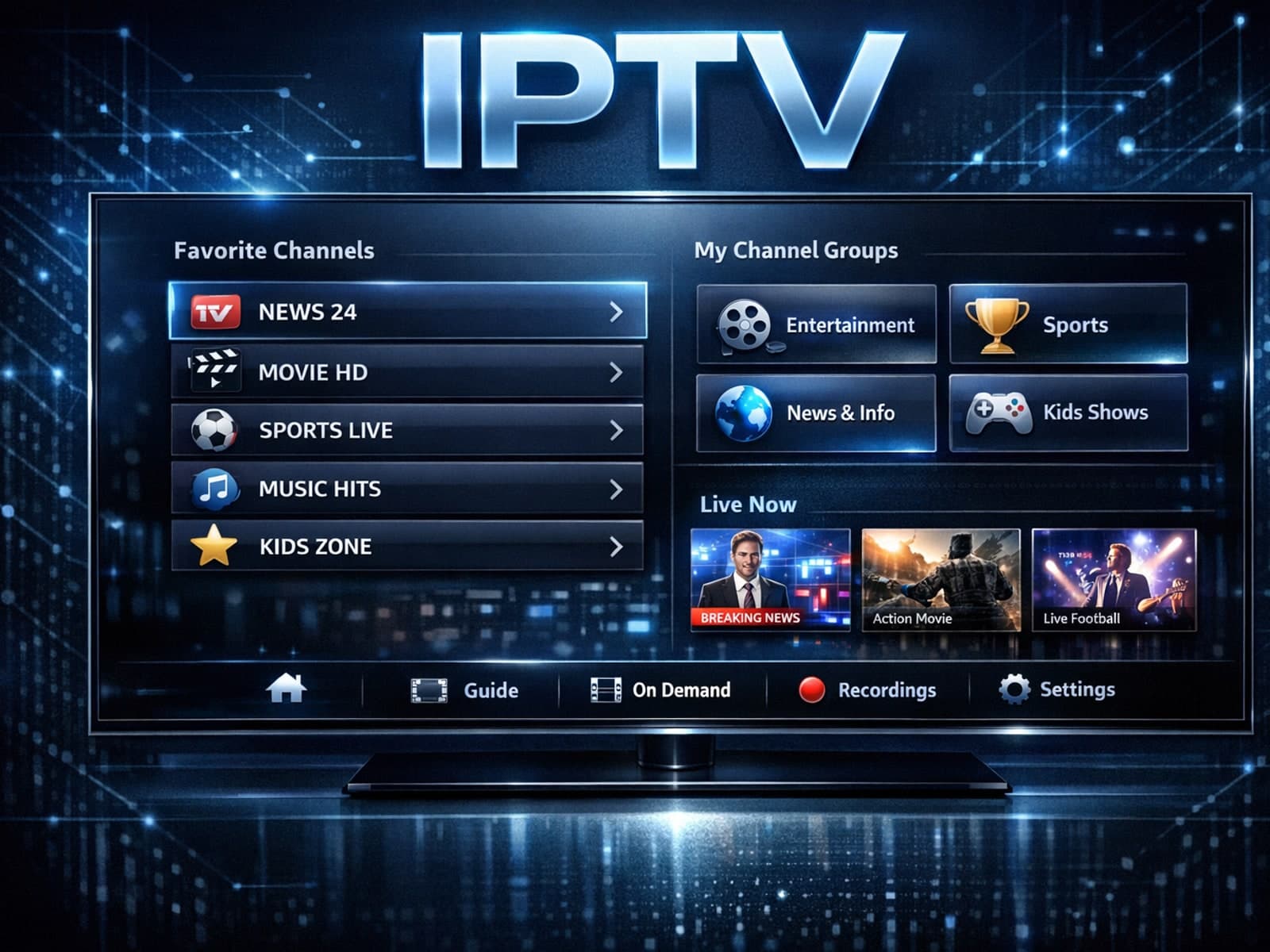
Organizing favorites and groups in TiviMate makes navigating large IPTV channel lists more intuitive and personalized. TiviMate, a popular IPTV player app for Android TV and Fire TV devices, provides features that let you categorize.

When you switch channels on your IPTV service, the stream sometimes freezes or stalls. This interruption usually happens because your device or app needs to buffer the new channel stream, but something delays or disrupts that process.
