
Topic hub
Firestick
Firestick setup choices, network accessories, storage limits, and playback tuning for IPTV use.
Best next questions
Start here
Start hereThese guides do the quickest job of orienting you before you branch into narrower troubleshooting or comparison pages.
Troubleshoot and fix
Start here when something fails, stalls, or behaves differently than expected.
Using a VPN (Virtual Private Network) on your Amazon Firestick can sometimes slow down IPTV streaming, resulting in frustrating buffering issues.

When you use a VPN (Virtual Private Network) on your Amazon Firestick to watch IPTV (Internet Protocol Television), you might experience buffering — pauses or delays in streaming where the video freezes to load more data.

Experiencing buffering when streaming IPTV on your Firestick can be frustrating. Buffering is the delay or pause that occurs when video streams pause to load.
Compare options
Useful when you are choosing a format, workflow, device, or connection path.
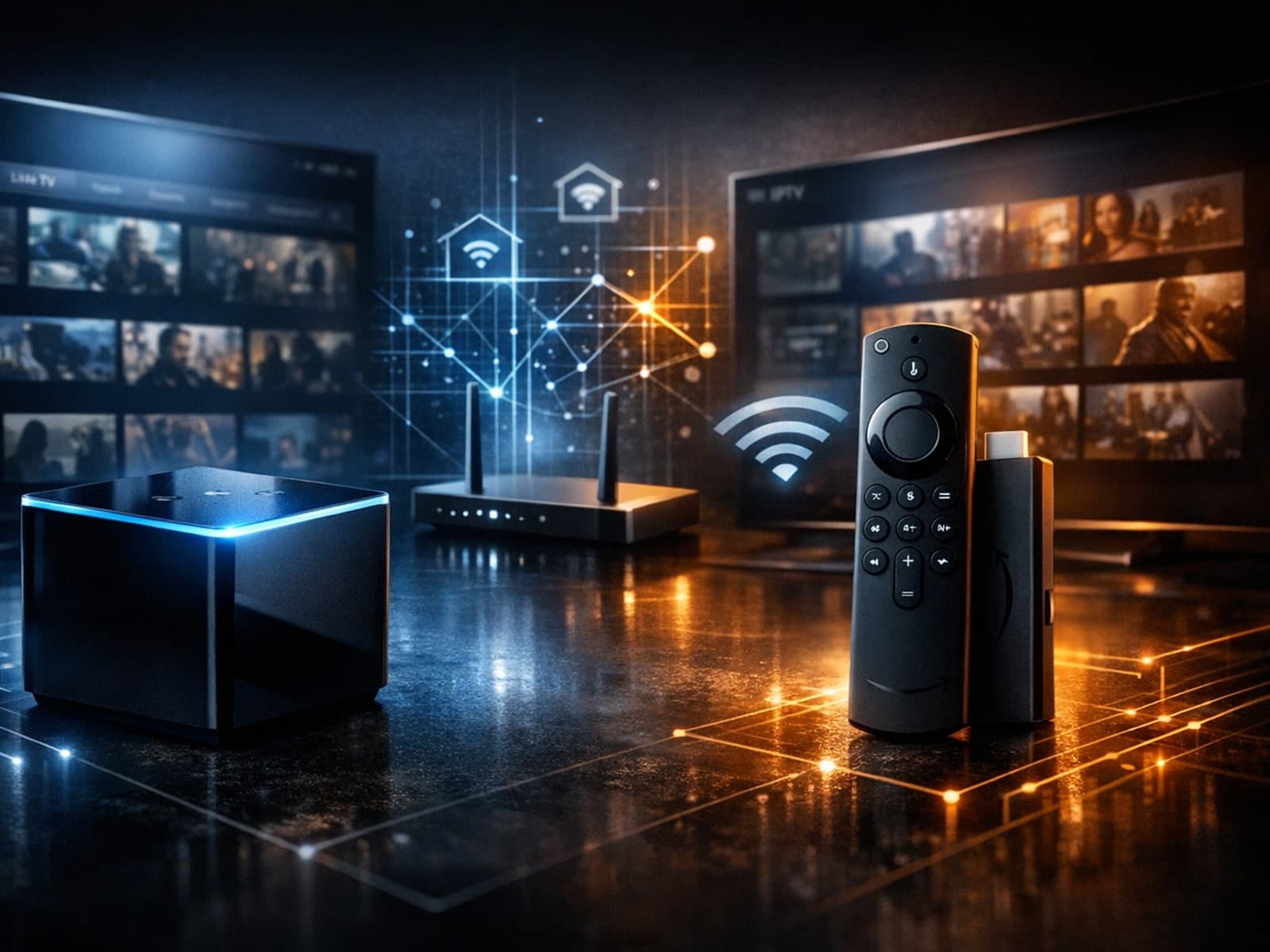
When deciding between the Fire TV Cube and the Fire TV Stick 4K Max for IPTV streaming, understanding their differences in hardware and network capabilities is crucial.
Setup and decisions
Guides for configuration choices, player setup, and getting the right inputs in place.
When watching IPTV on your Firestick, the speed and reliability of how your device connects to IPTV servers greatly affect stream quality.

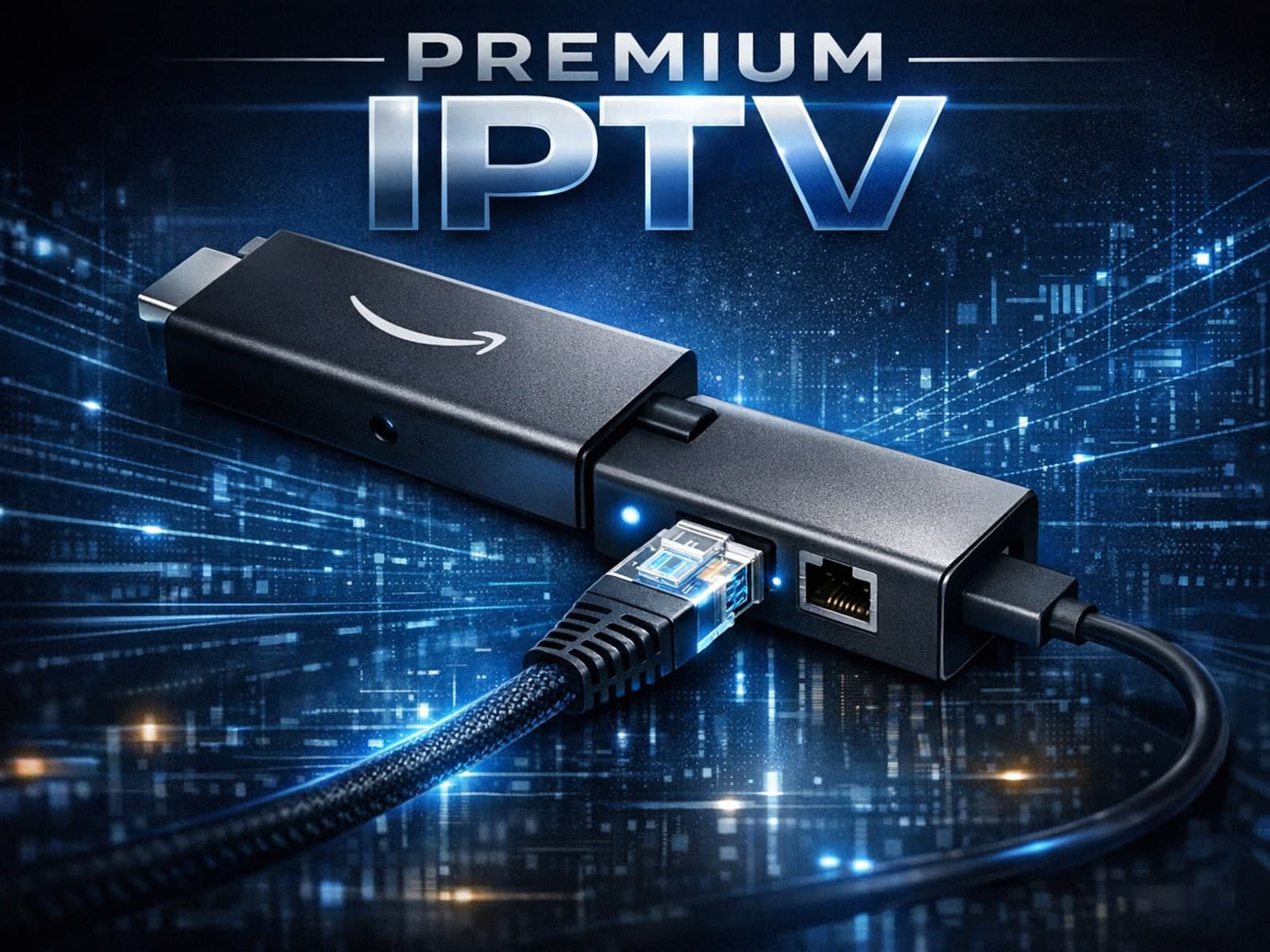
Using an Ethernet adapter with your Fire TV Stick is the most reliable way to ensure a stable, wired internet connection for streaming.

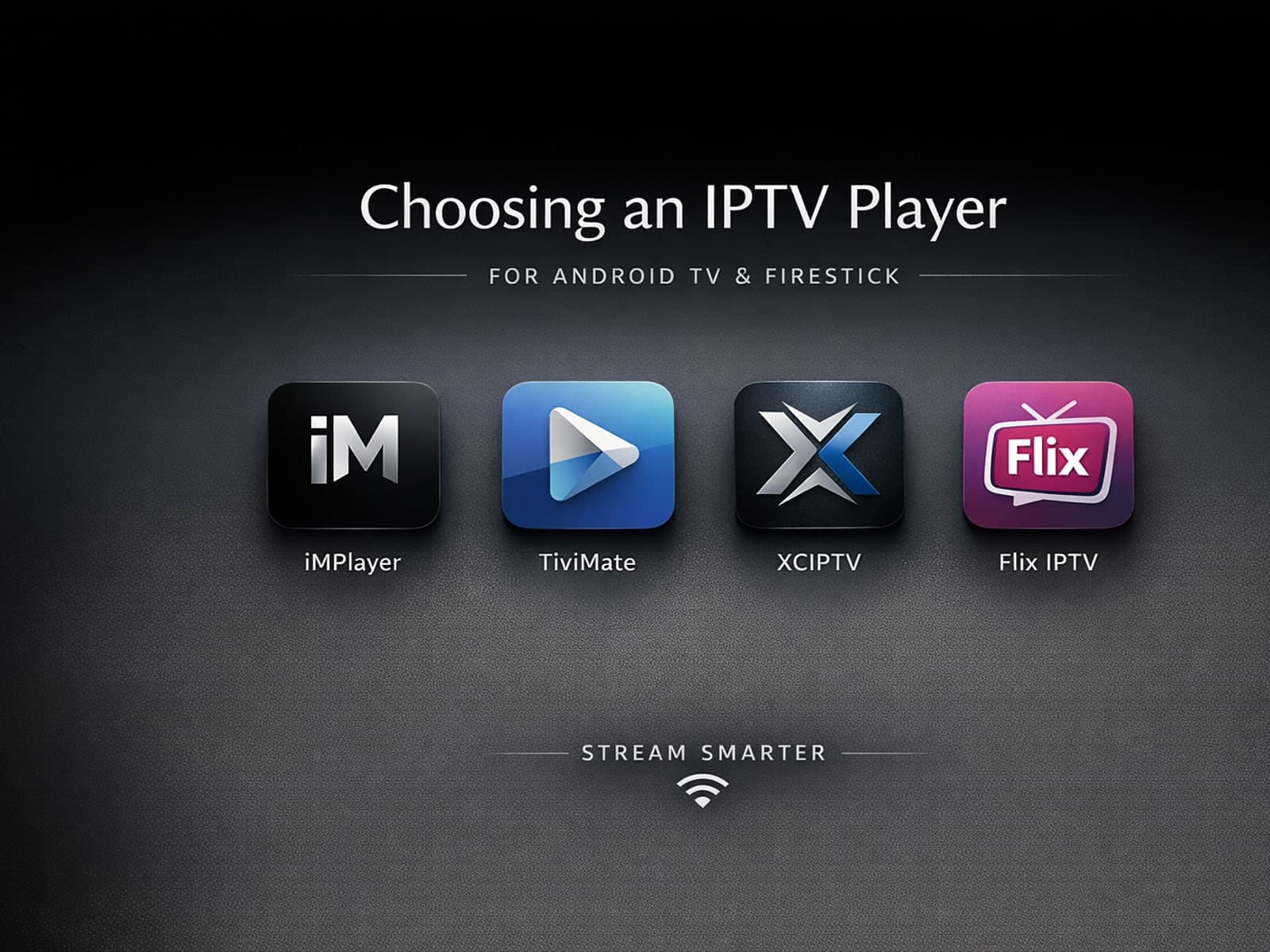
Selecting an appropriate IPTV player for your Android TV or Firestick device is essential for seamless streaming of IPTV content. IPTV players are specialized applications designed to receive and decode IPTV streams, allowing you to watch.