
Topic hub
Network Optimization
Practical network changes that improve IPTV stability, from Ethernet choices to Wi-Fi tradeoffs and local congestion fixes.
Best next questions
Start here
Start hereThese guides do the quickest job of orienting you before you branch into narrower troubleshooting or comparison pages.
Troubleshoot and fix
Start here when something fails, stalls, or behaves differently than expected.
When streaming IPTV on a Fire TV Stick, selecting the right Wi-Fi settings is crucial for smooth playback and minimal buffering. The best Wi-Fi configuration includes using the 5 GHz band where possible, choosing a less congested Wi-Fi.

Experiencing buffering when streaming IPTV on your Firestick can be frustrating. Buffering is the delay or pause that occurs when video streams pause to load.

Devices and network gear
Hardware, connectivity, and performance tradeoffs that affect playback quality.
When streaming IPTV (Internet Protocol Television) on a Fire TV Stick, having optimal WiFi settings is crucial to minimize buffering, latency, and improve video quality.
Optimizing WiFi settings on your Fire TV Stick is crucial for a stable and high-quality IPTV streaming experience. IPTV (Internet Protocol Television) requires consistent network speeds, minimal latency, and low interference to stream live.

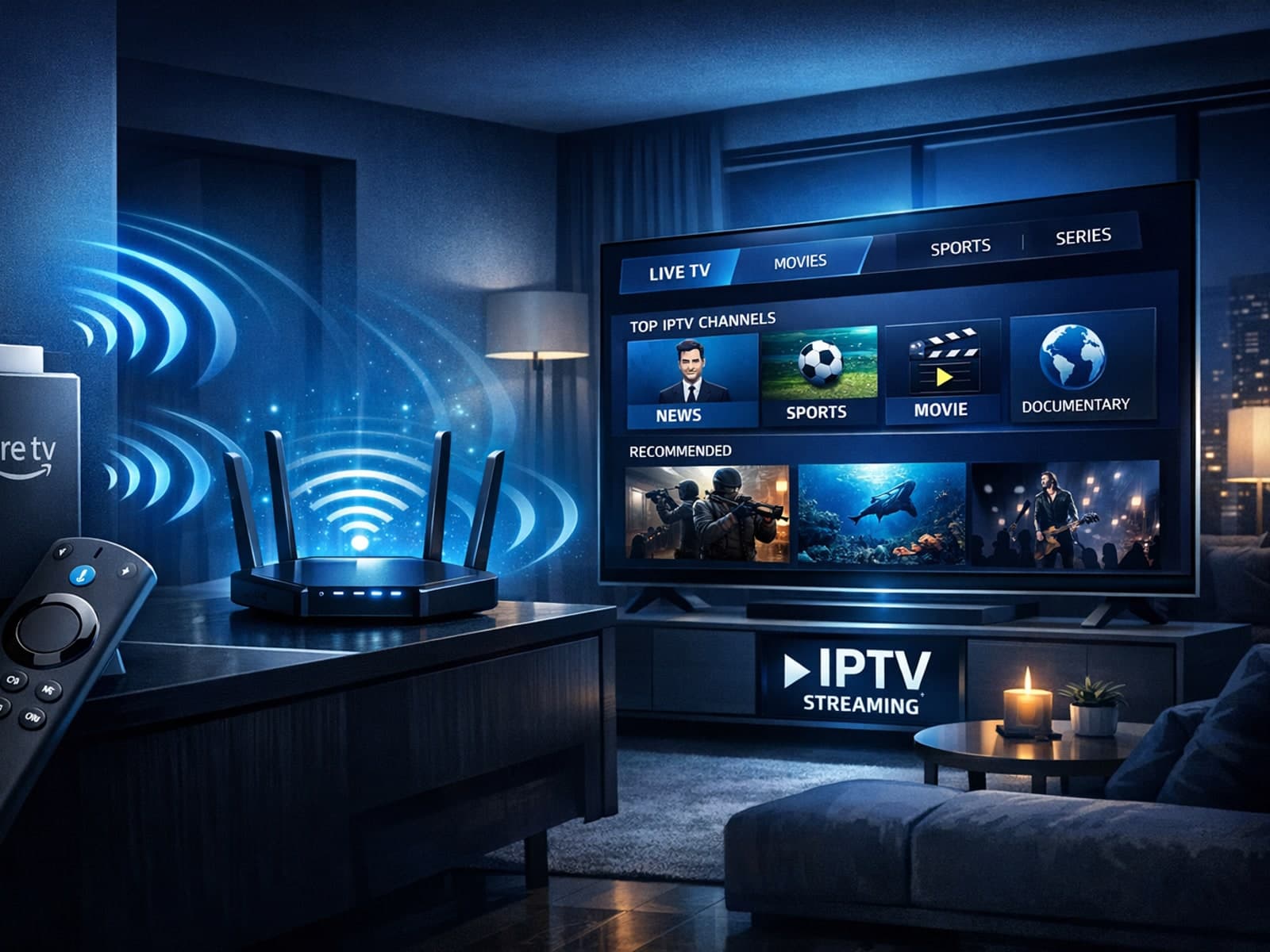
To achieve smooth IPTV streaming on your Fire TV Stick, optimizing your WiFi settings is essential. The Fire TV Stick relies heavily on a stable and fast WiFi connection because IPTV streams live video data continuously.