
Contributor profile
Marcus Bell
Senior Contributor Specializing in Buffering and Network Stability
Marcus Bell is a seasoned network analyst and writer focused on diagnosing IPTV buffering issues, optimizing DNS configurations, and enhancing home Wi-Fi reliability for seamless streaming experiences.

Marcus Bell brings over a decade of experience in network analysis and troubleshooting, honing expertise in IPTV technologies and home networking. His work centers on identifying root causes of streaming interruptions and practical solutions.
With a background in computer networking and system administration, Marcus provides clear, actionable advice for both consumers and technical audiences. He breaks down complex concepts related to DNS behavior and network performance.
A regular contributor to IPTV Explained, Marcus has helped thousands of readers improve their streaming setups by focusing on ISP bottlenecks, Wi-Fi stability, and reliable buffering fixes.
- Expertise in diagnosing buffering problems and recommending tactical fixes
- In-depth understanding of DNS troubleshooting techniques
- Guidance on maintaining home network reliability and minimizing ISP-induced issues
Articles by Marcus Bell
Published explainers currently attributed to this contributor.
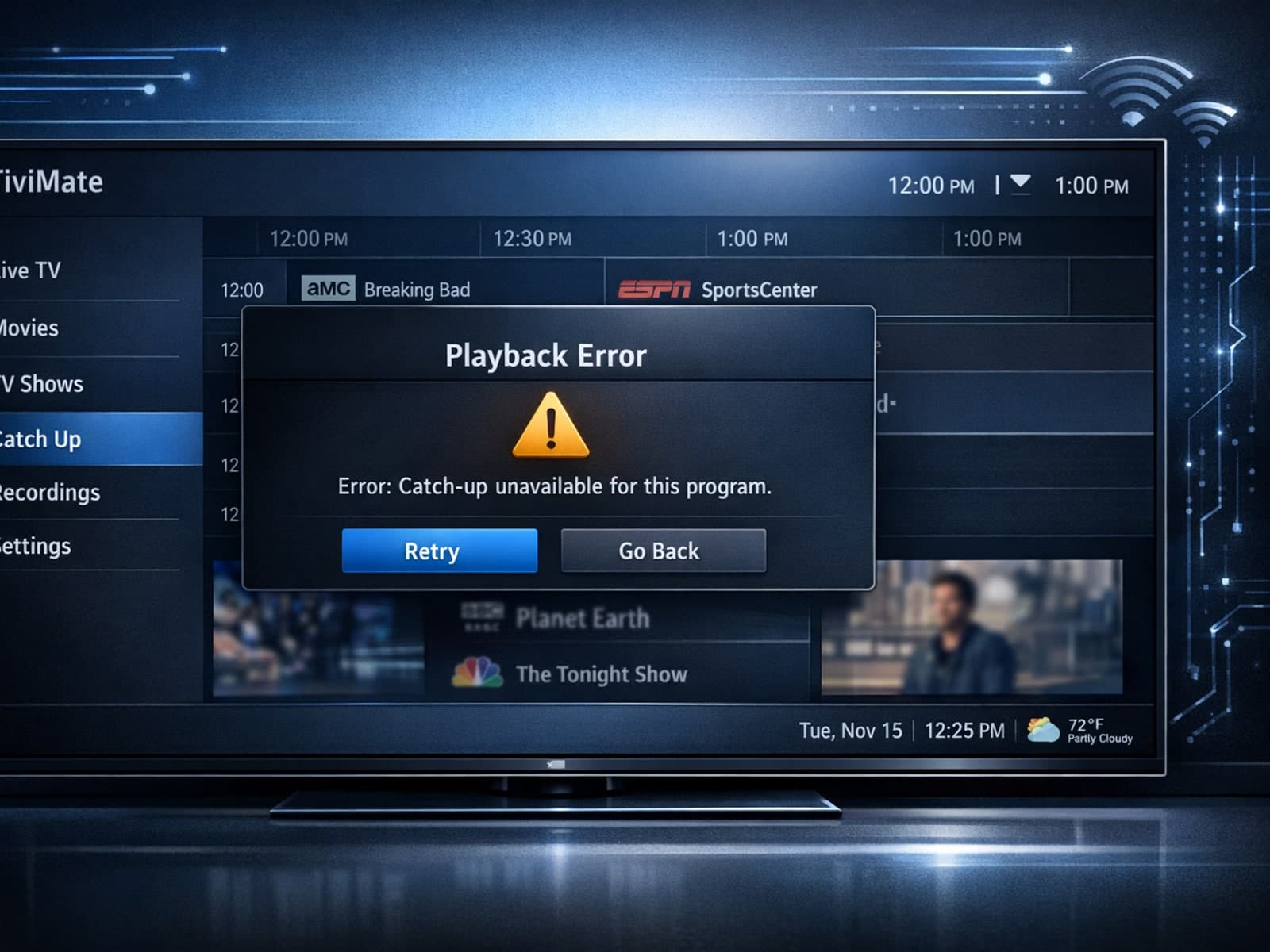
If your catch-up feature in TiviMate isn’t working, the fundamental reasons often lie in your IPTV playlist source or server configuration rather than the app itself.

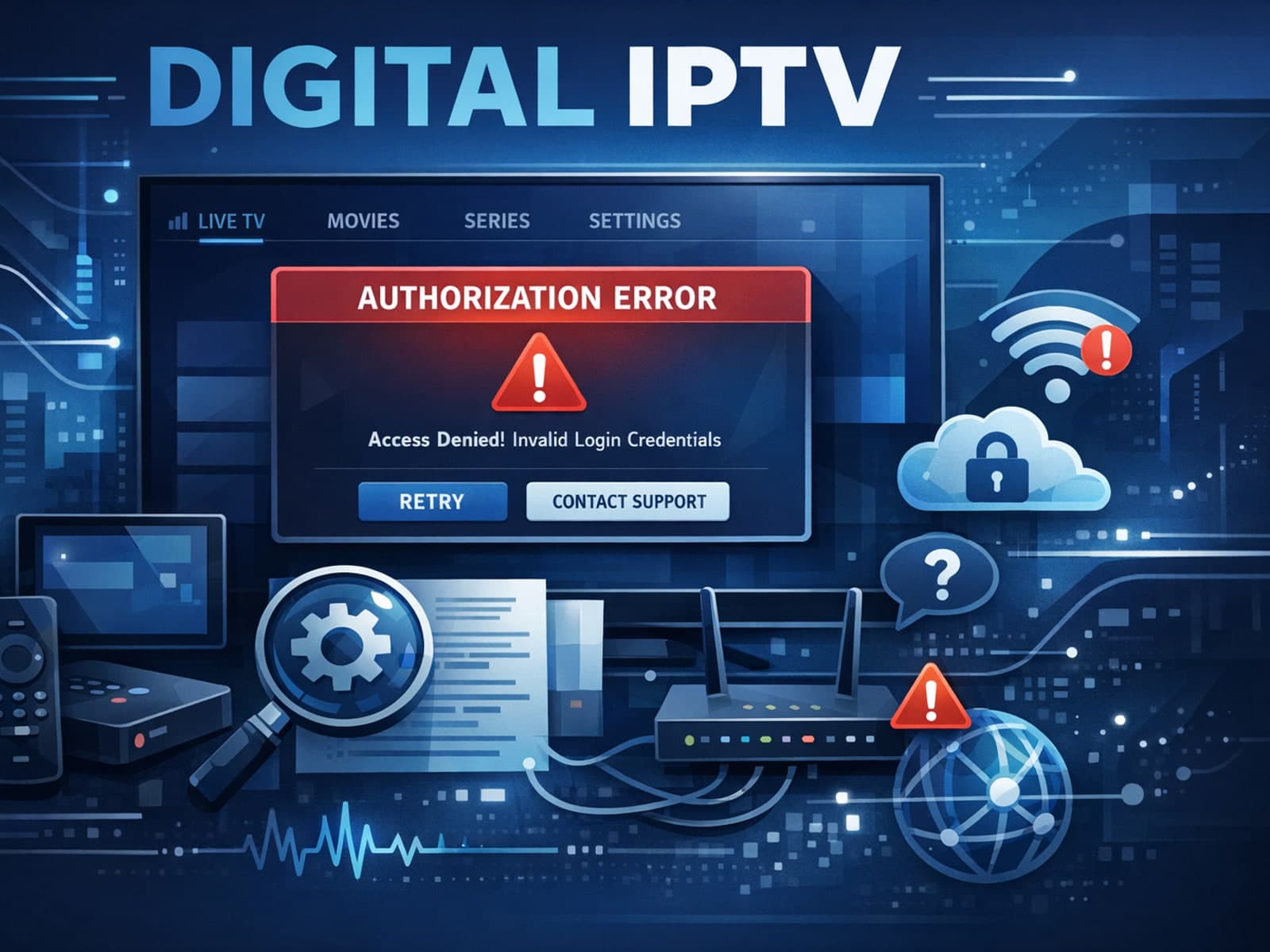
When you see the "Xtream Codes authorization failed" message on TiviMate, it means the app currently cannot verify your IPTV login credentials with the IPTV provider’s server. This prevents access to the channel list or streaming content.
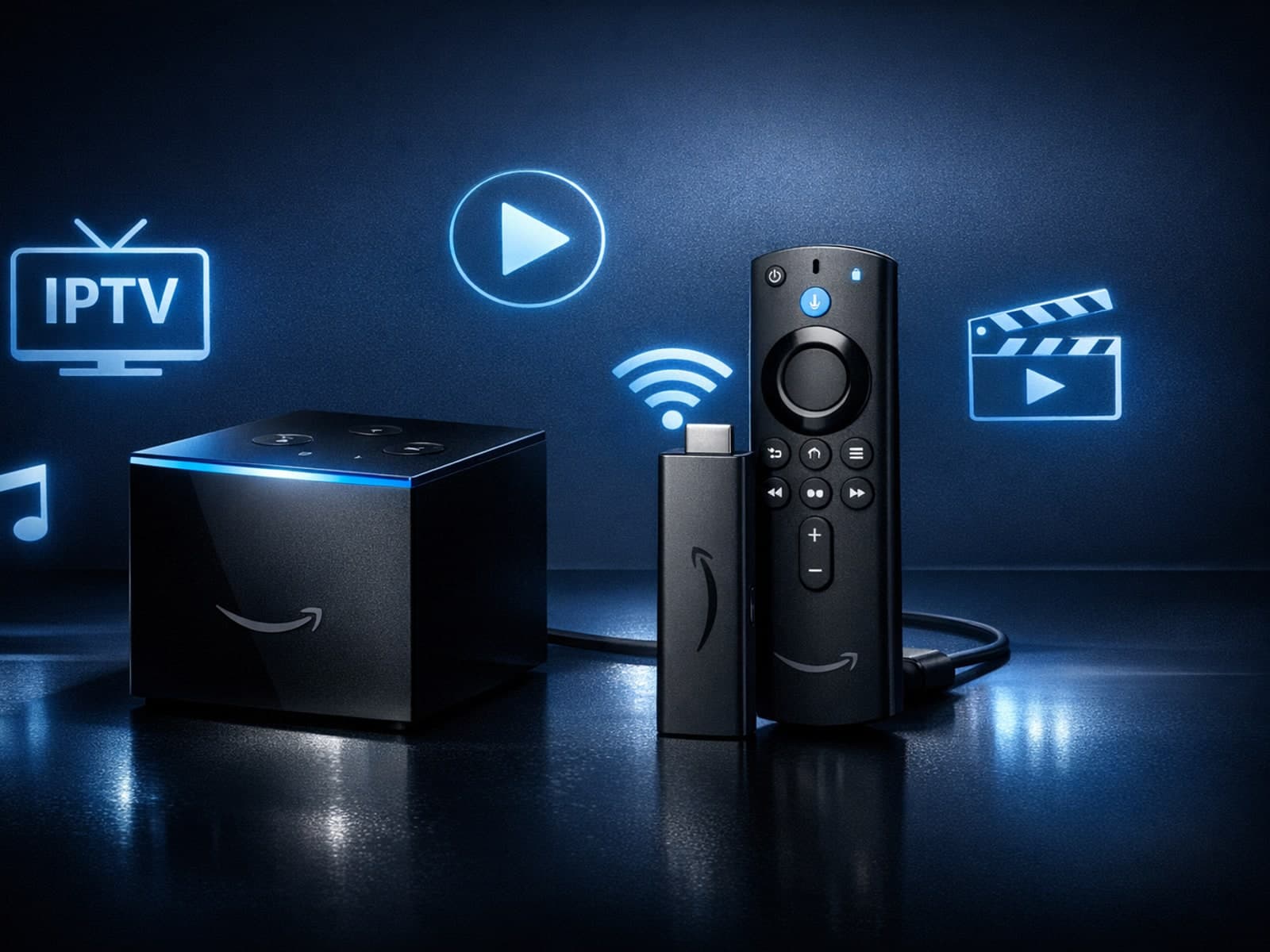
If you're choosing between the Fire TV Cube and the Fire TV Stick 4K Max for your IPTV setup, it's important to understand their differences beyond just their names.
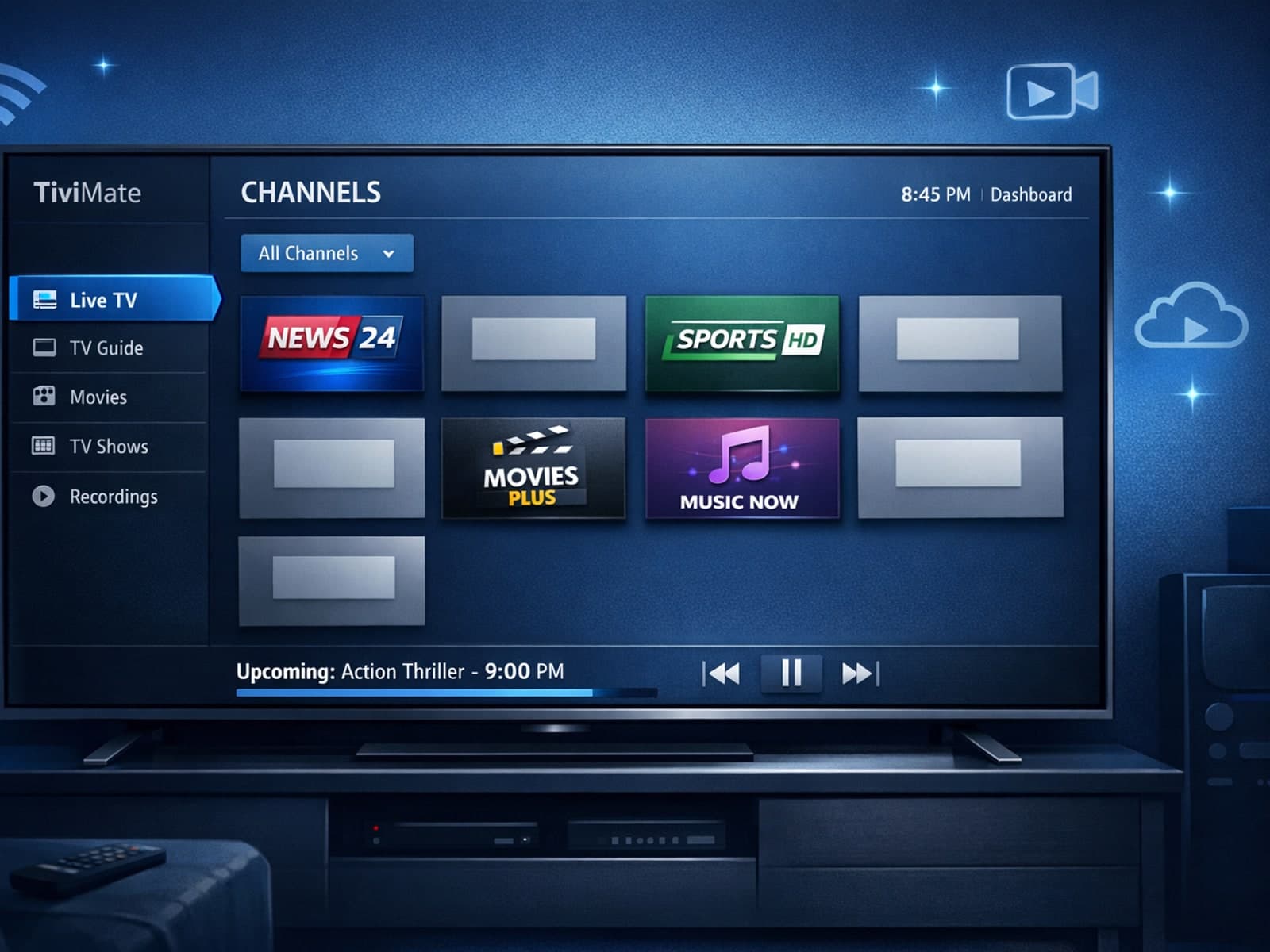
Missing channel logos in TiviMate can be frustrating because they make channel navigation less intuitive and reduce the overall viewing experience.
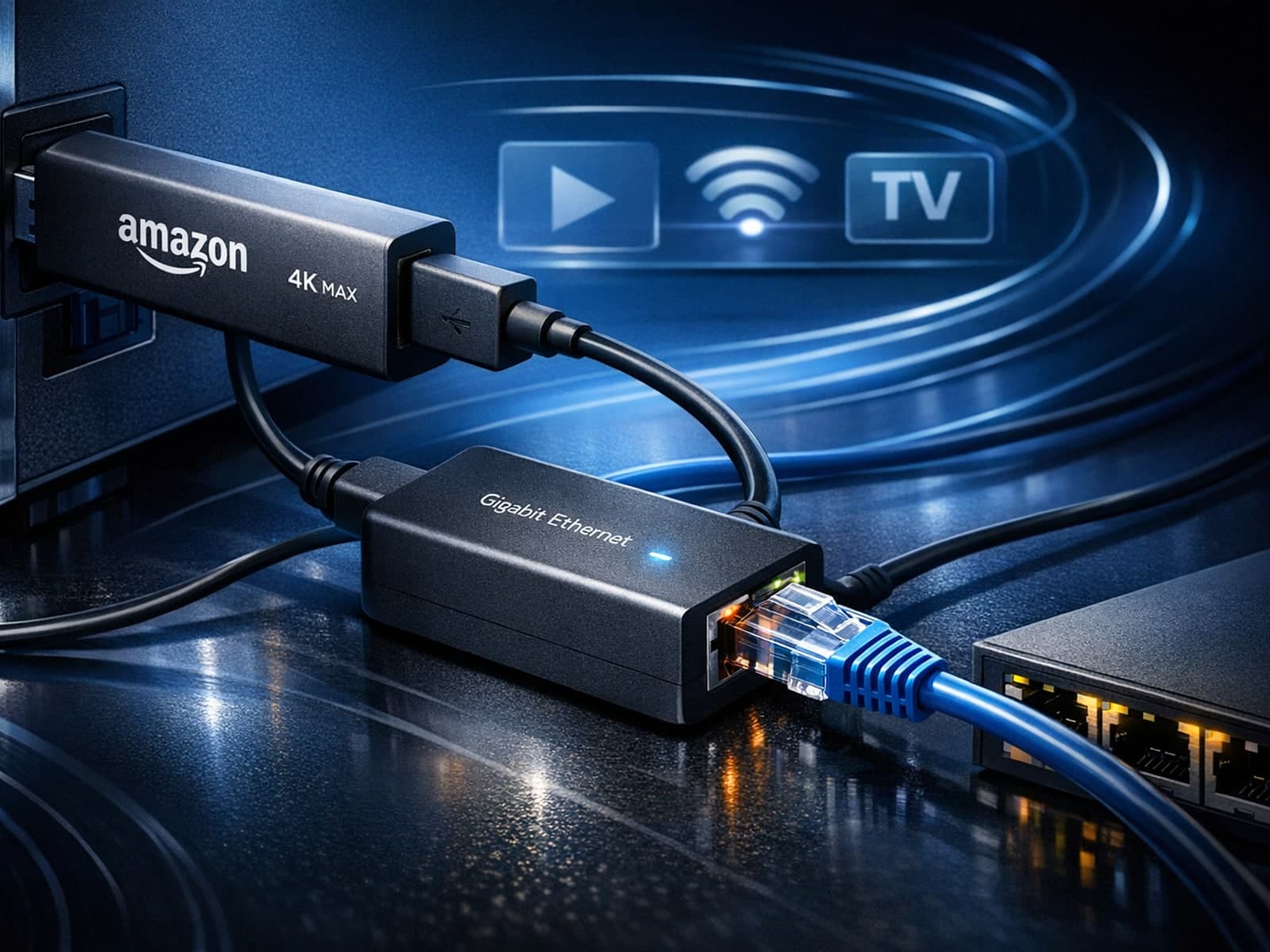
Using a wired Ethernet connection with your Fire TV Stick 4K Max can improve streaming stability and speed, reducing buffering and lag. However, not all Ethernet adapters are compatible with this device.
If your TiviMate playlist isn't updating after you press refresh, it usually indicates issues with the playlist source, connectivity, or app functionality.
When you encounter an "Xtream Codes username password incorrect" error, it means the IPTV client app is unable to authenticate your login credentials with the server.
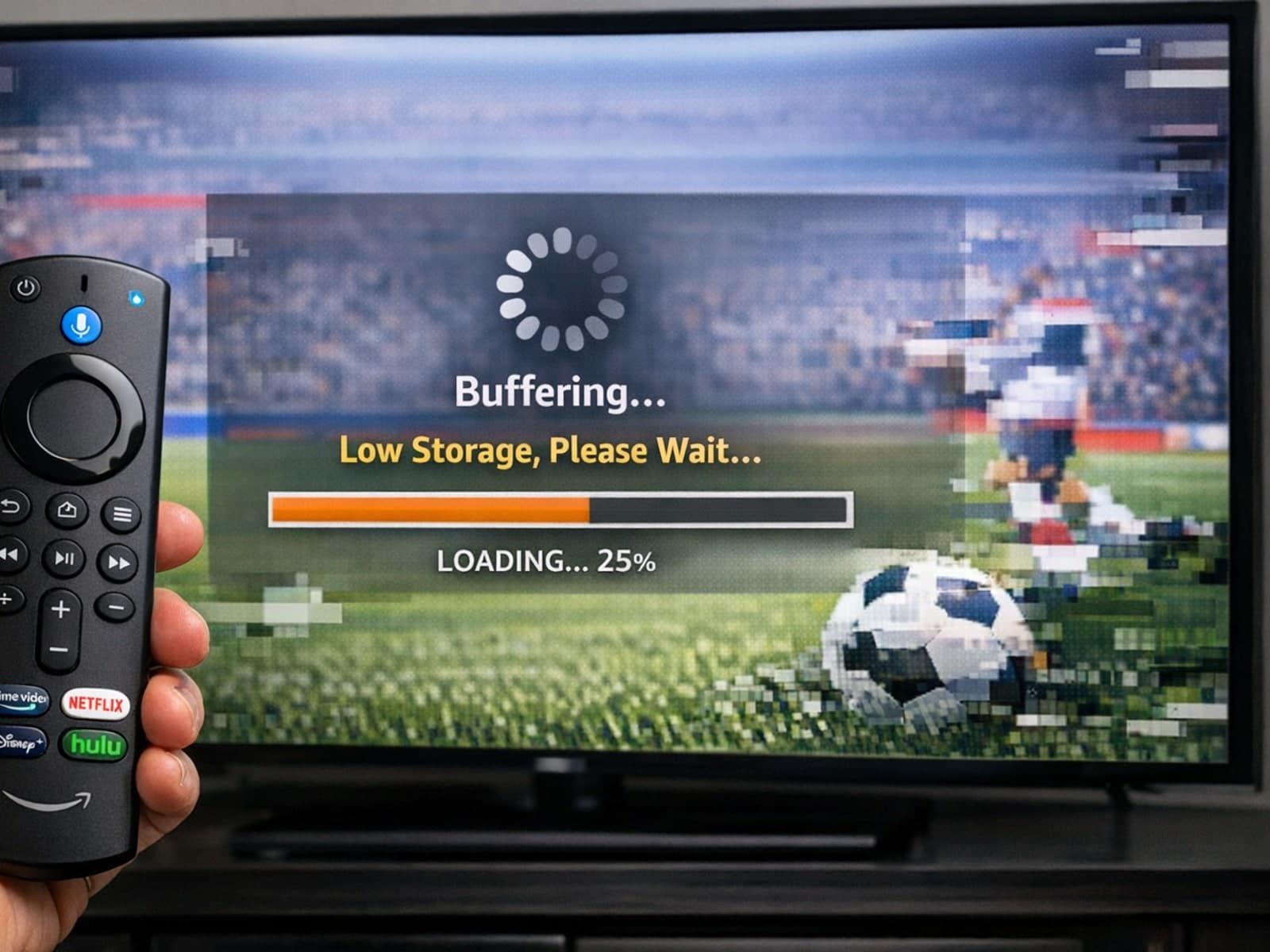
If your IPTV streams frequently lag or buffer on a Fire TV Stick, one common cause is the device's limited storage. Fire TV Sticks have modest internal storage primarily designed for the operating system and apps.
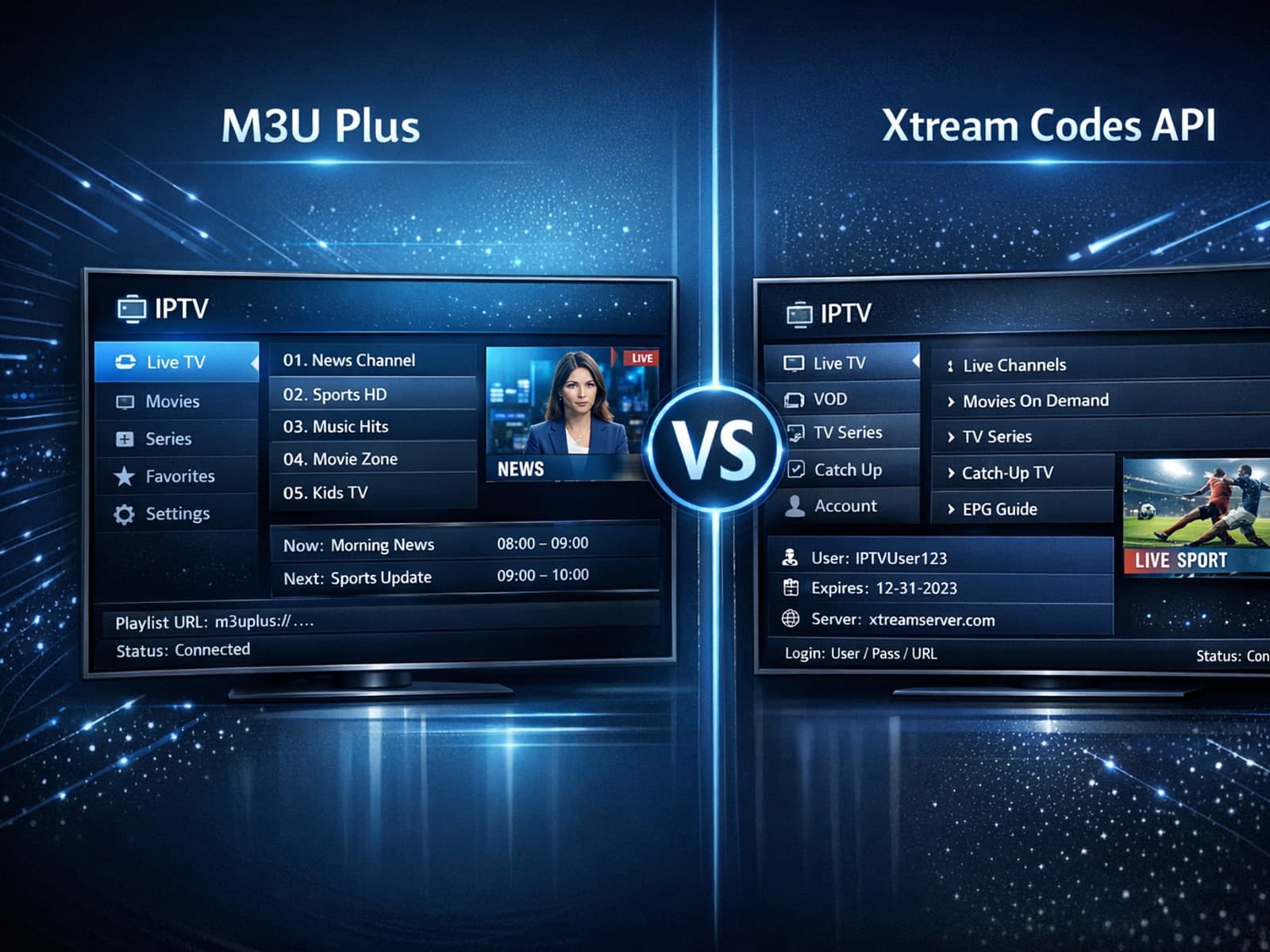
When managing IPTV playlists, users often face two popular methods for obtaining and refreshing their channels: M3U Plus URLs and the Xtream Codes API.
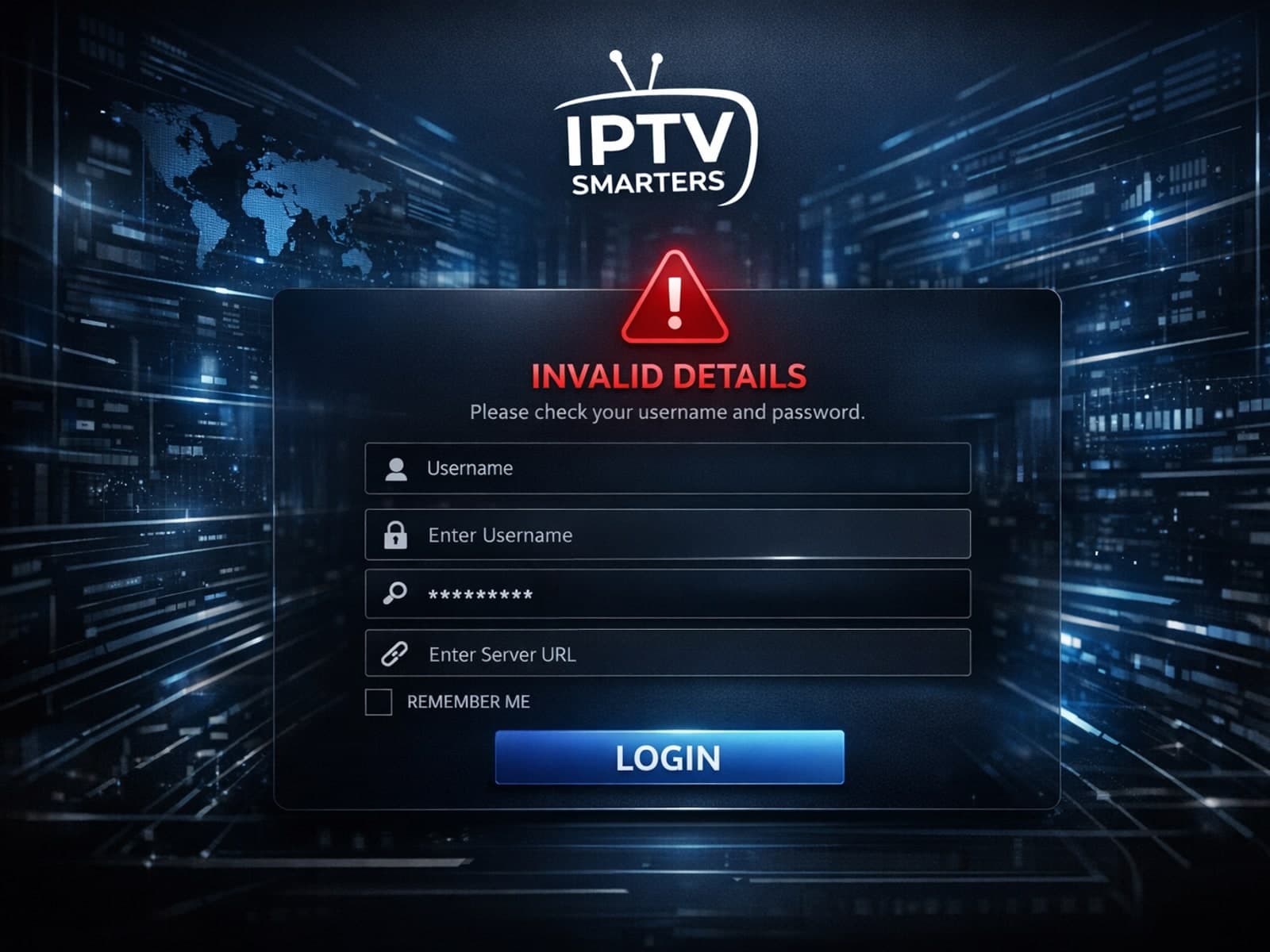
When you see the Invalid Details error on IPTV Smarters, it means the app cannot verify your login information. This usually happens if your username, password, or playlist URL is incorrect or outdated.

When it comes to updating IPTV playlists, two common methods are M3U Plus and the Xtream Codes API. Both serve to refresh the channel lists and program information delivered to IPTV apps, but they do so in different ways.
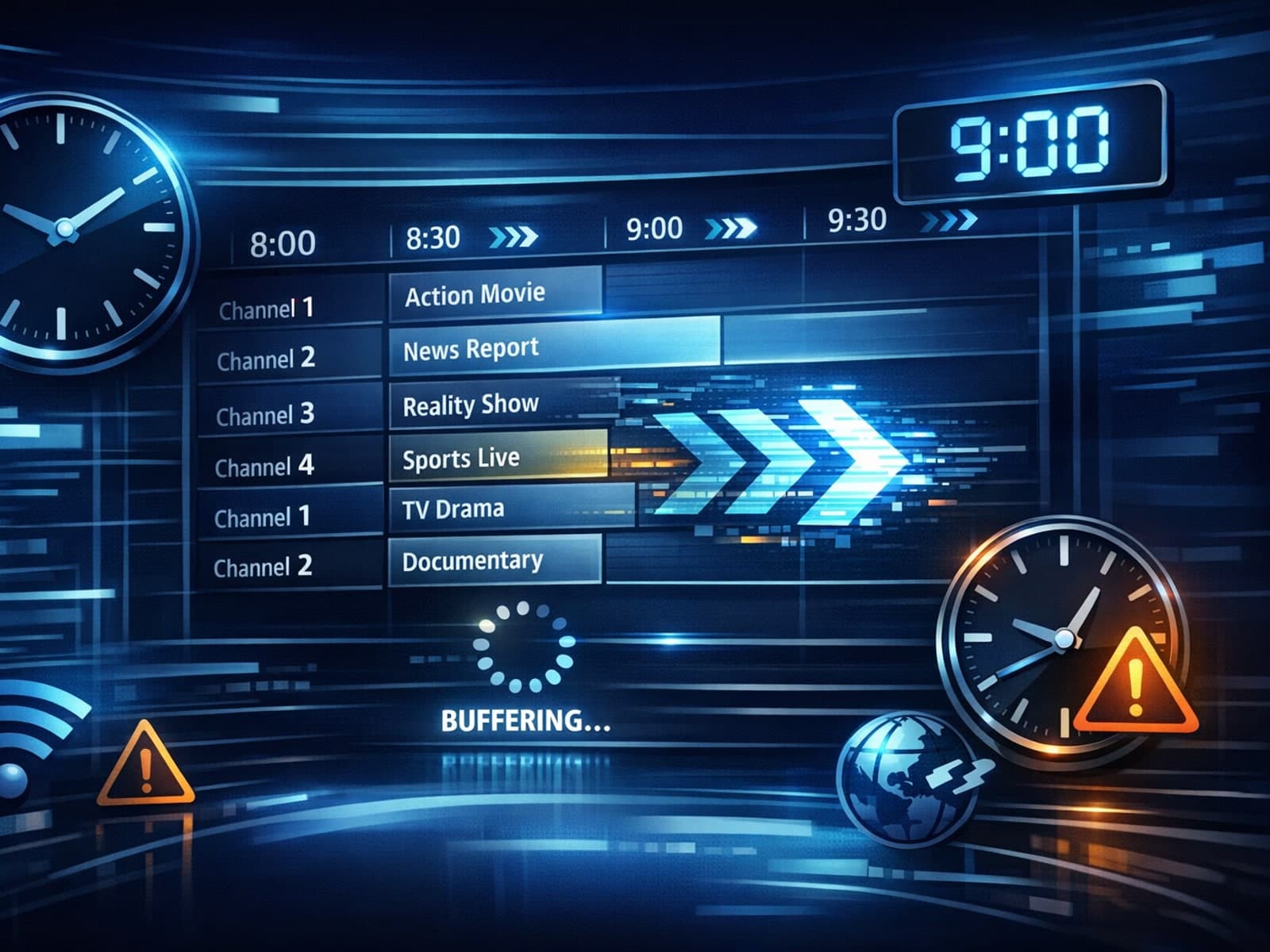
If your TiviMate electronic program guide (EPG) is showing program times that do not align with the actual broadcast schedules, you are encountering an "EPG time offset" issue.
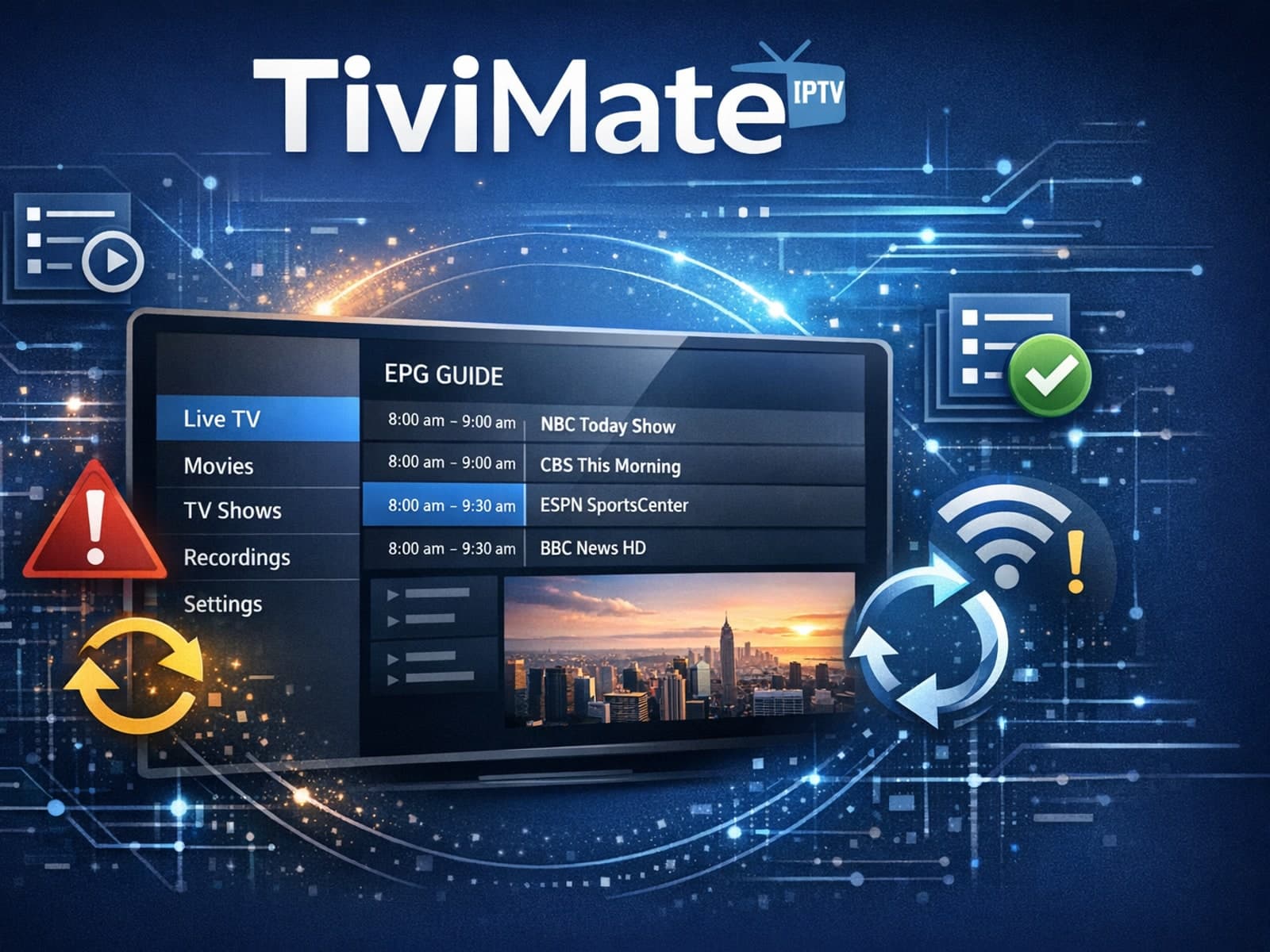
If your TiviMate playlist is not updating after hitting the refresh button, it means the app is unable to download or load the latest channel list from the playlist source.
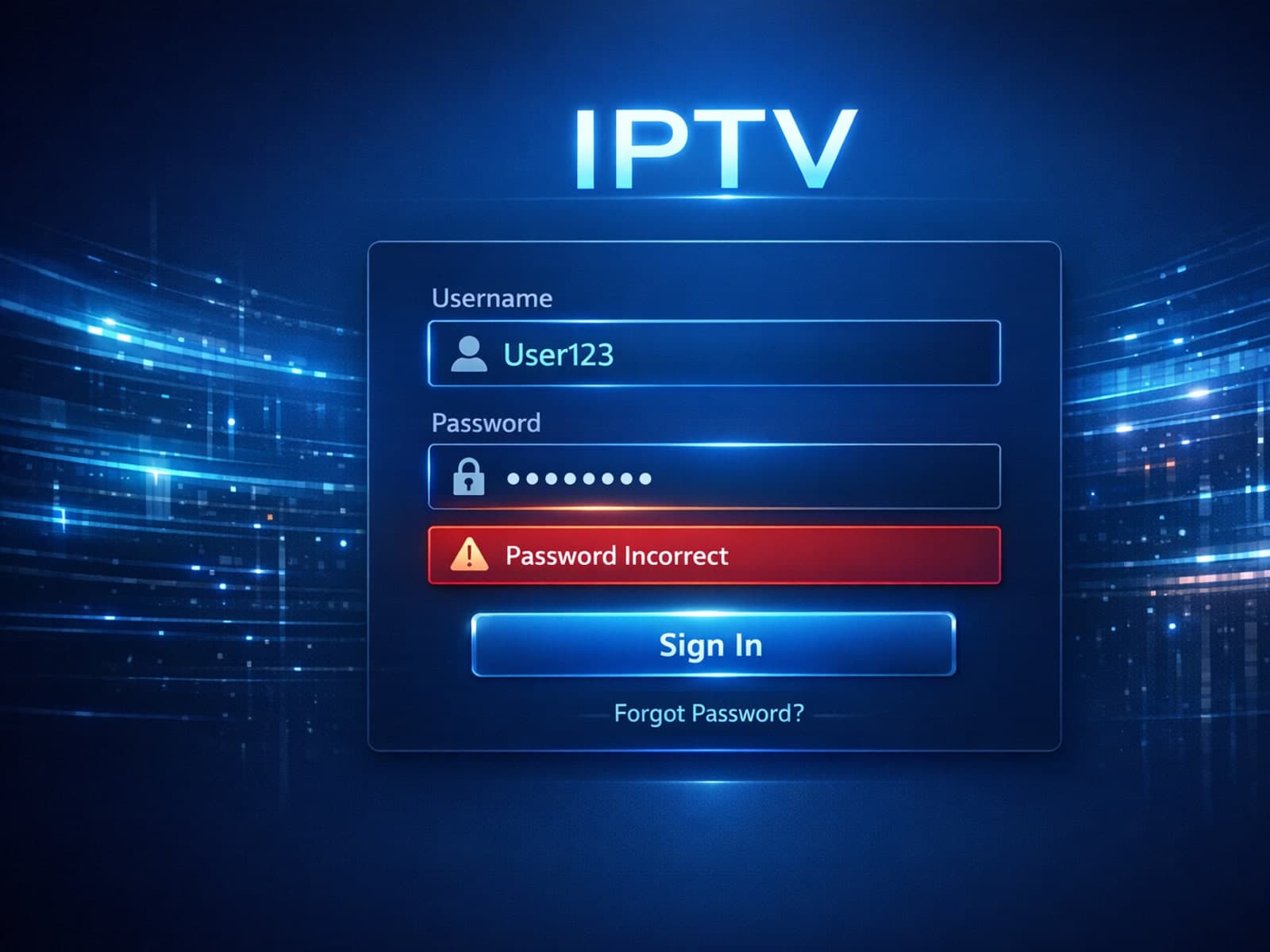
If you're encountering an "Xtream Codes username password incorrect" error, it means the IPTV app cannot verify your login credentials with the service provider's server.
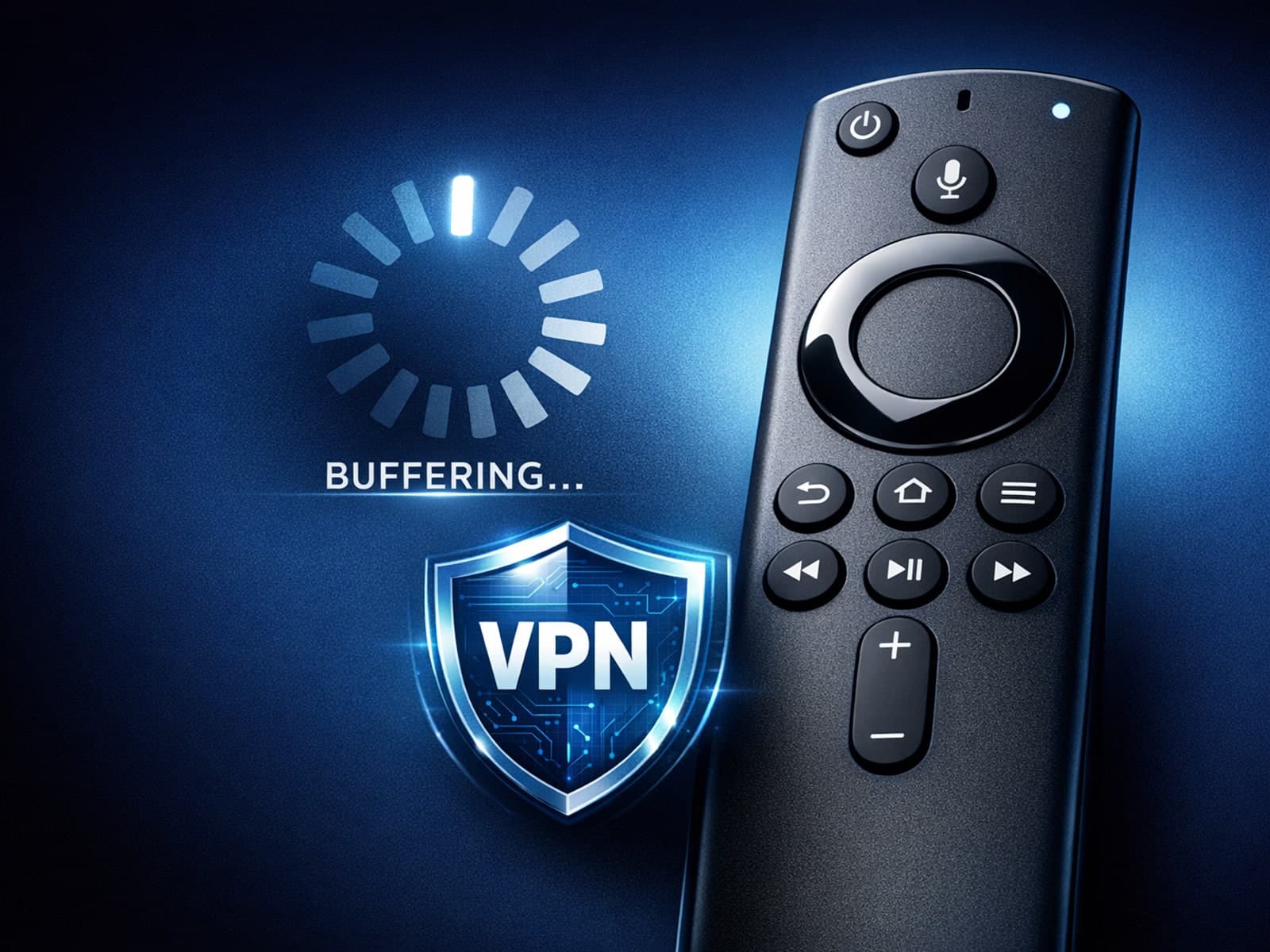
When you use a VPN (Virtual Private Network) on your Amazon Firestick to watch IPTV (Internet Protocol Television), you might experience buffering — pauses or delays in streaming where the video freezes to load more data.
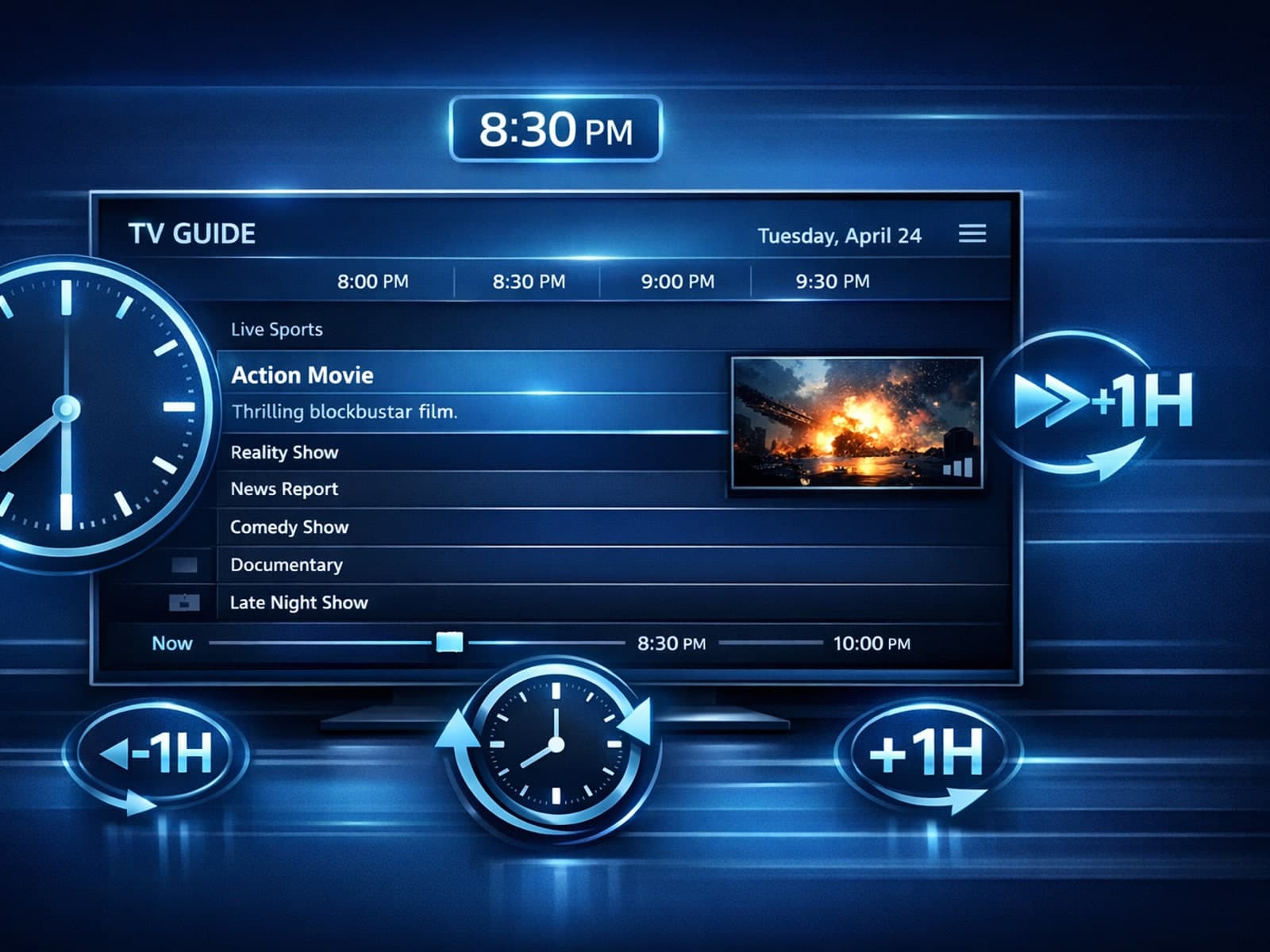
If you use TiviMate — a popular IPTV player for Android devices — you may sometimes notice that the electronic program guide (EPG) shows program times that don’t match your local time.
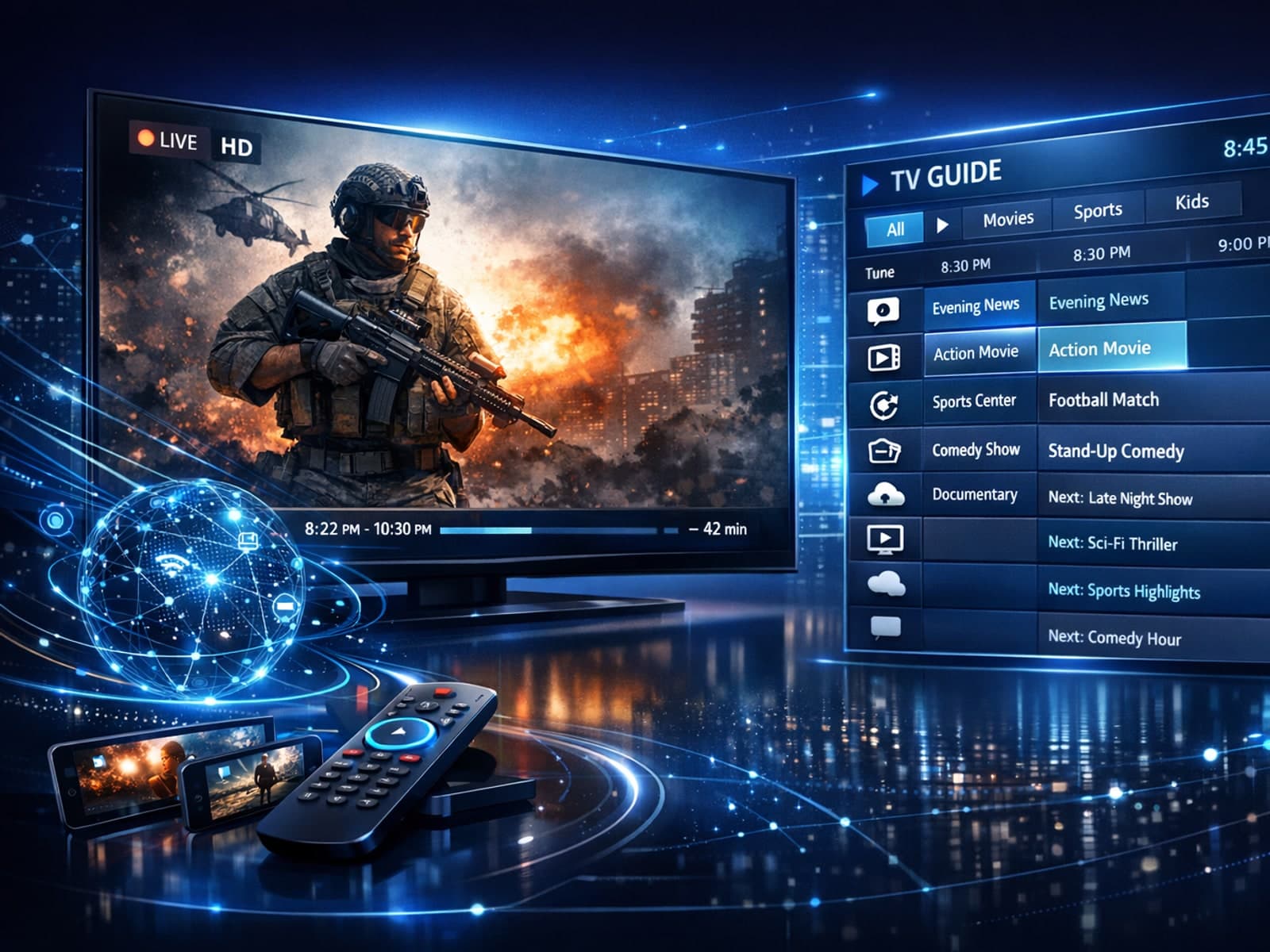
If your TiviMate electronic program guide (EPG) source URL is not working, it means the app cannot fetch or display the expected channel schedule data from the address you provided.
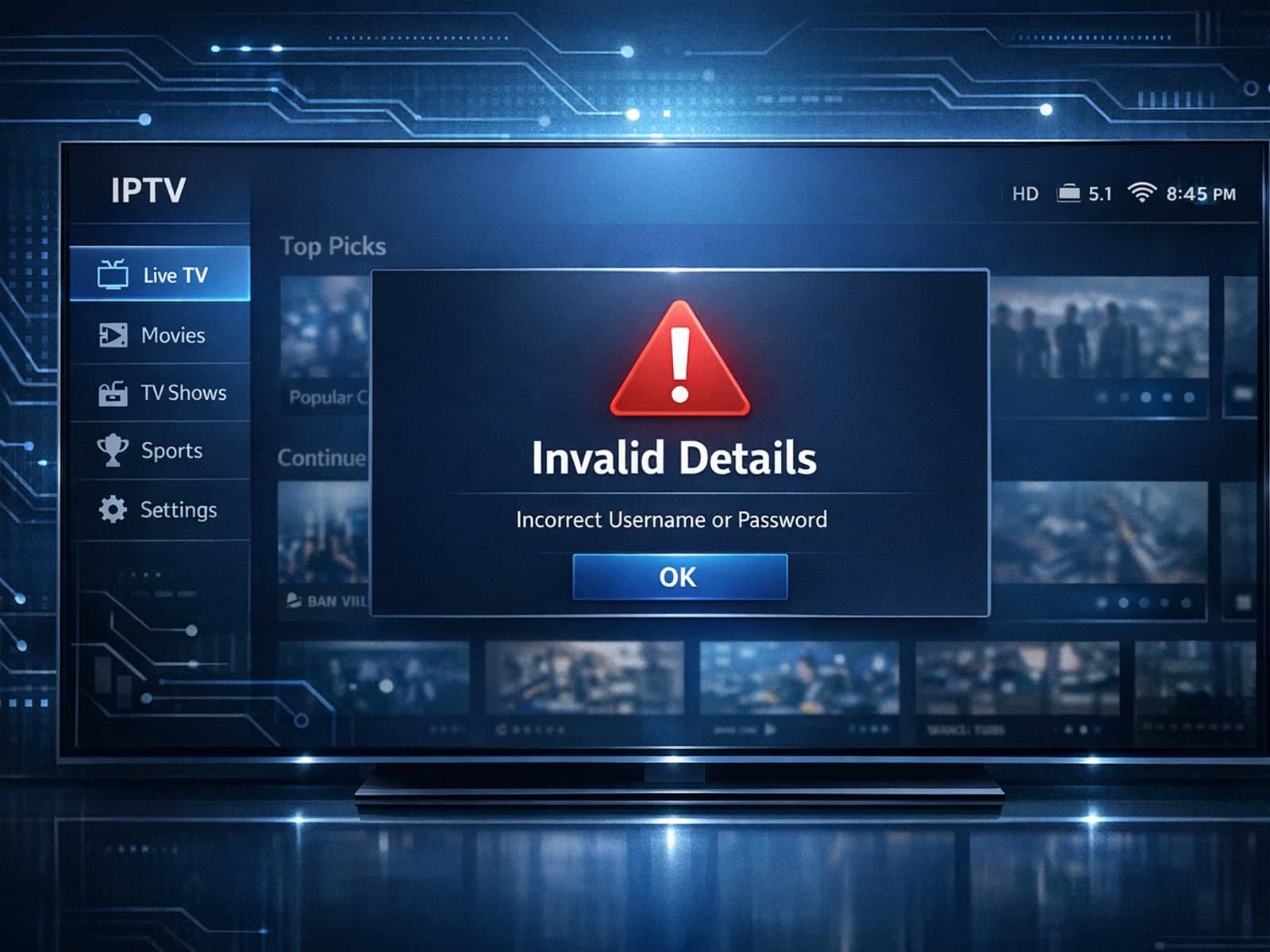
When using IPTV Smarters, encountering an "Invalid Details" error usually means the app cannot authenticate your login information with your IPTV provider.
When deciding between the Fire TV Cube and the Fire TV Stick 4K Max for IPTV streaming, the choice mainly comes down to your need for processing power, voice control convenience, and connection options.
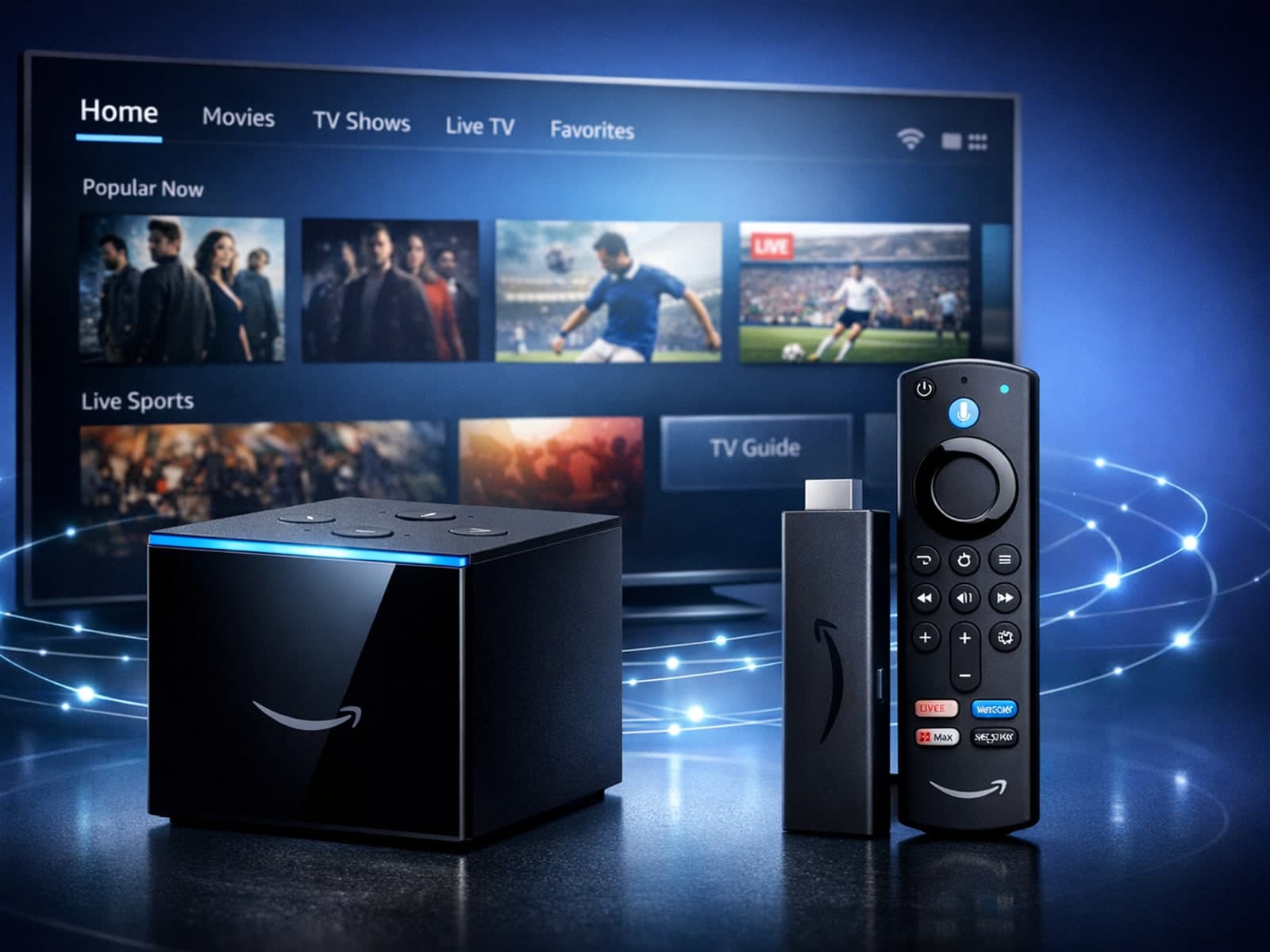
When choosing between the Amazon Fire TV Cube and the Fire TV Stick 4K Max specifically for IPTV streaming, both devices can deliver smooth playback of IPTV content.
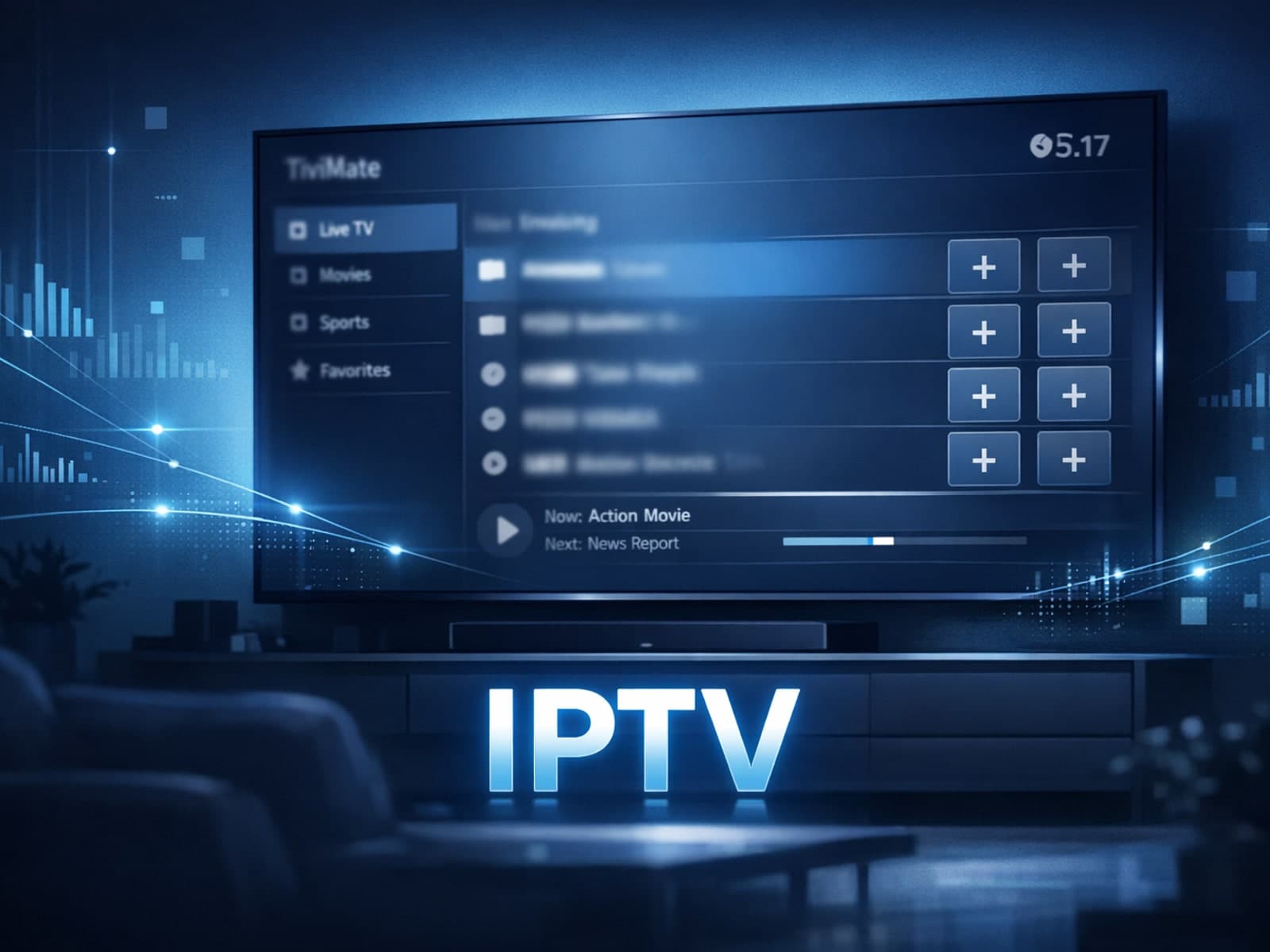
If your channel logos are not showing in TiviMate, the issue most often lies with your IPTV playlist or its logo URL setup. TiviMate depends on channel logos provided within the playlist or attached EPG (Electronic Program Guide) sources.
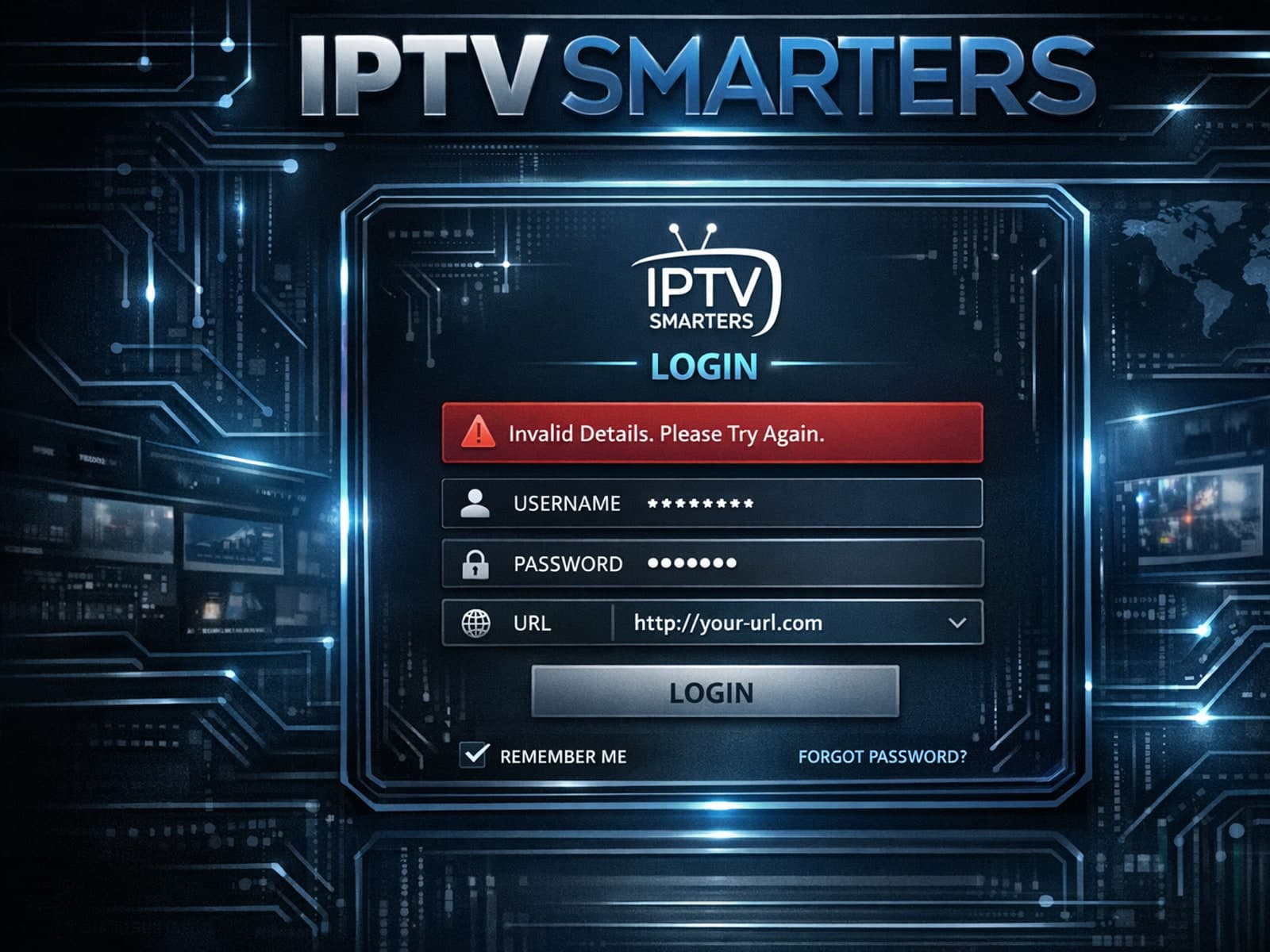
If you're encountering the "Invalid Details" error on the IPTV Smarters app, it means the login credentials you entered are rejected by your IPTV service.
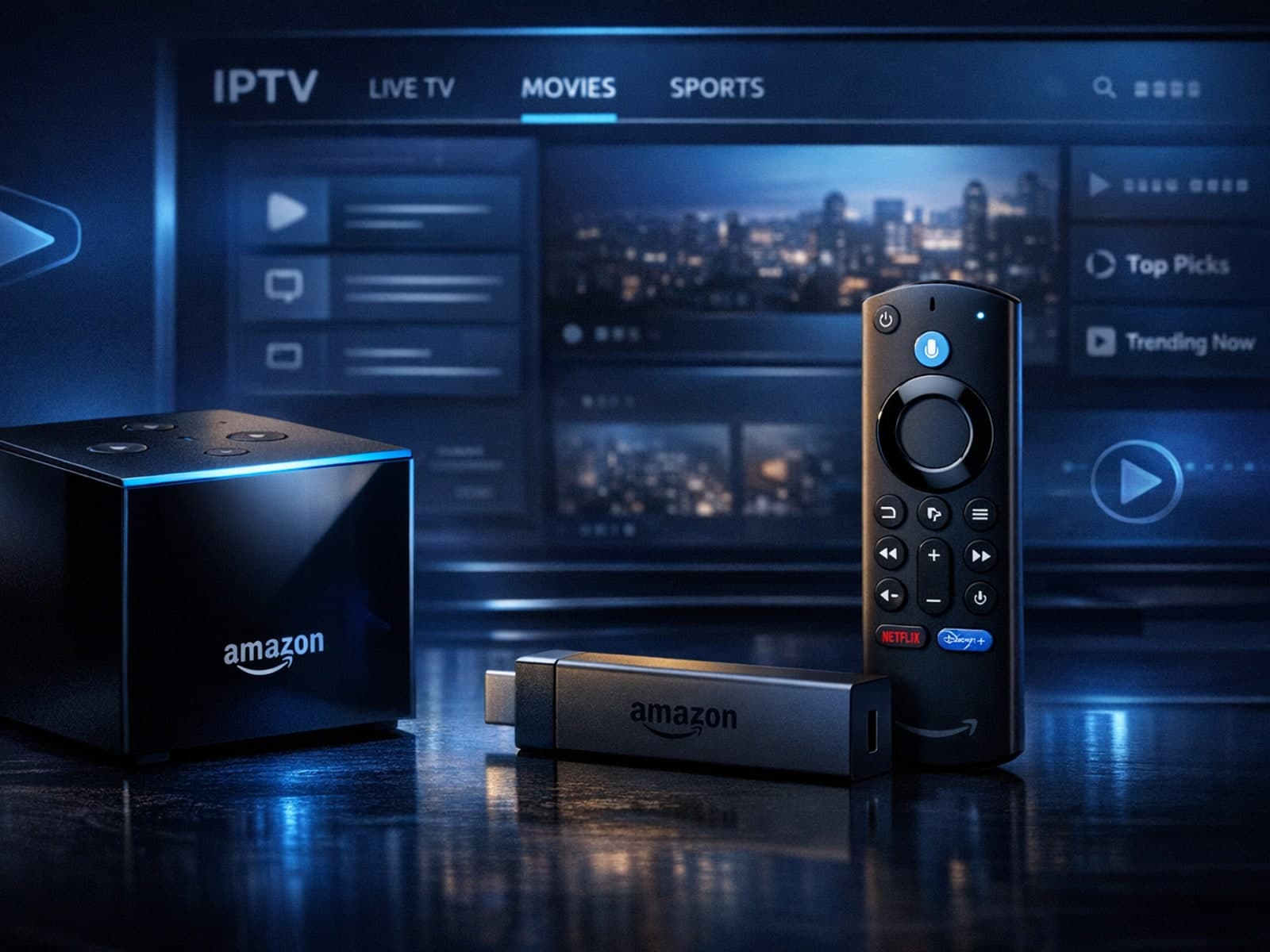
If you're choosing between the Amazon Fire TV Cube and the Fire TV Stick 4K Max specifically for IPTV streaming, it's important to understand how their hardware and features impact IPTV performance.
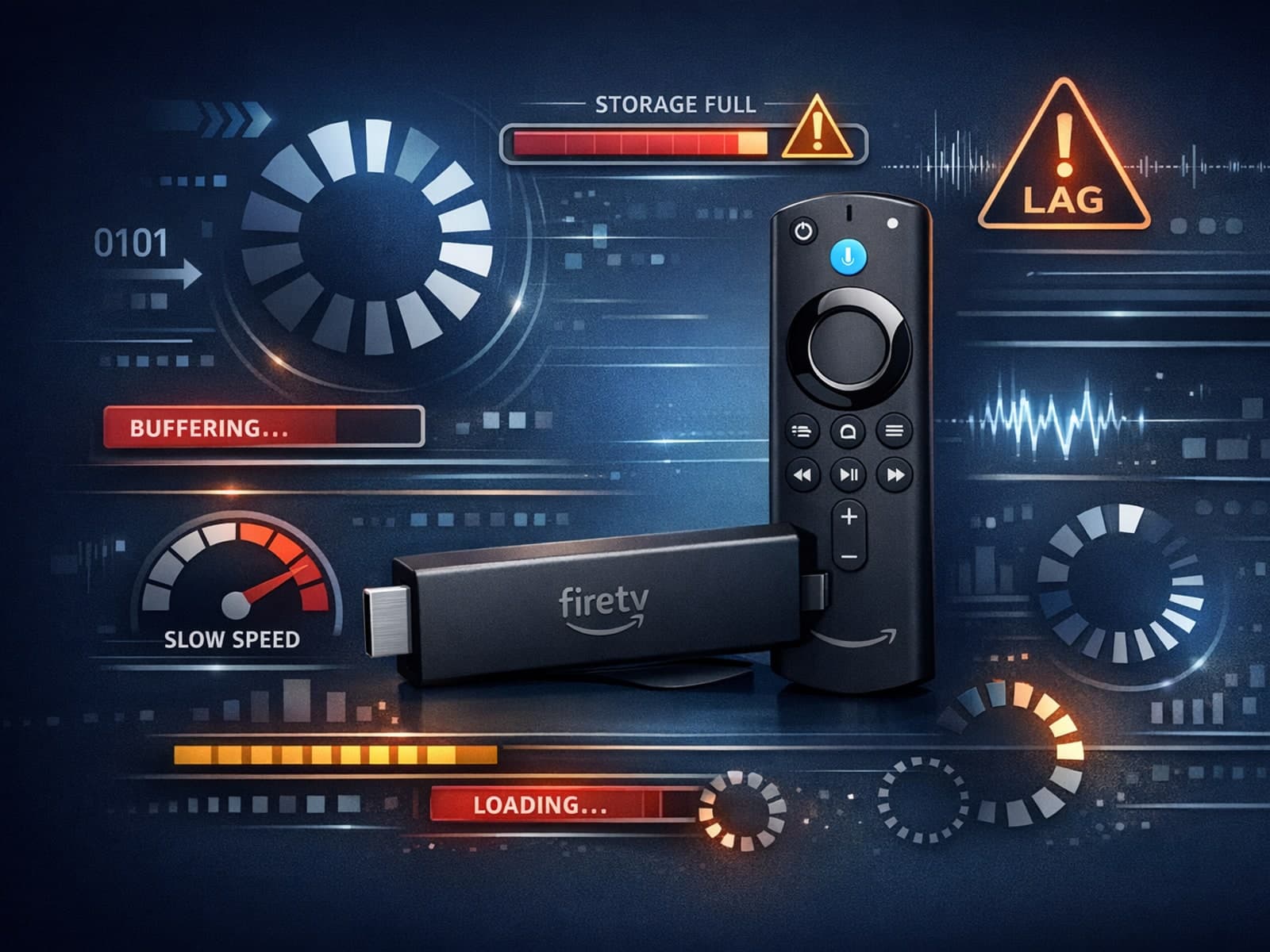
If your IPTV streams on Fire TV Stick are lagging or buffering unexpectedly, one often overlooked cause is storage constraints on the device.
If you're using a Fire TV Stick to stream IPTV and experiencing buffering or poor stream quality, your WiFi setup could be a key factor.
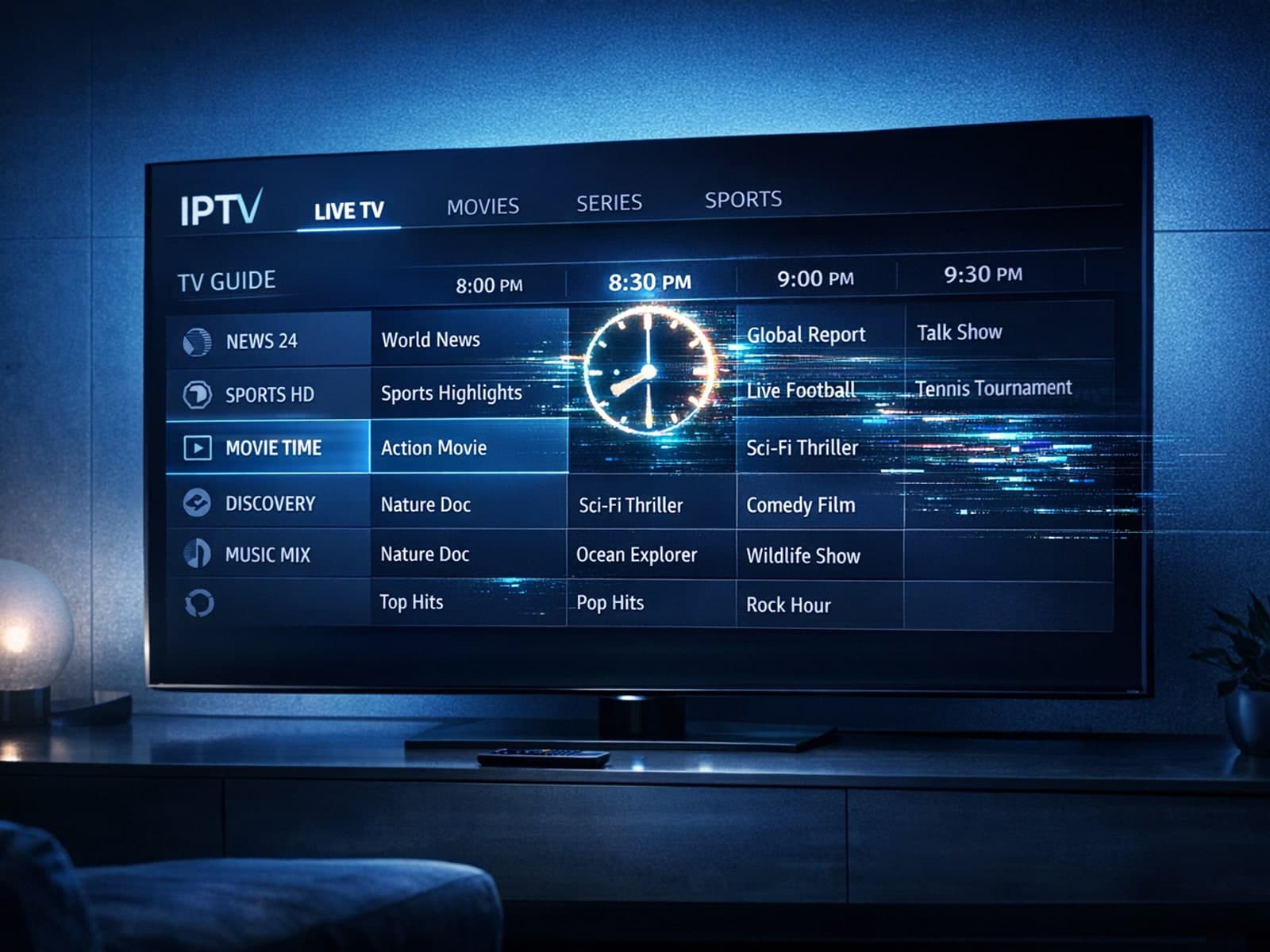
If your TiviMate app shows an electronic program guide (EPG) with program times that don’t align with your local time, the issue is likely the EPG time offset setting.
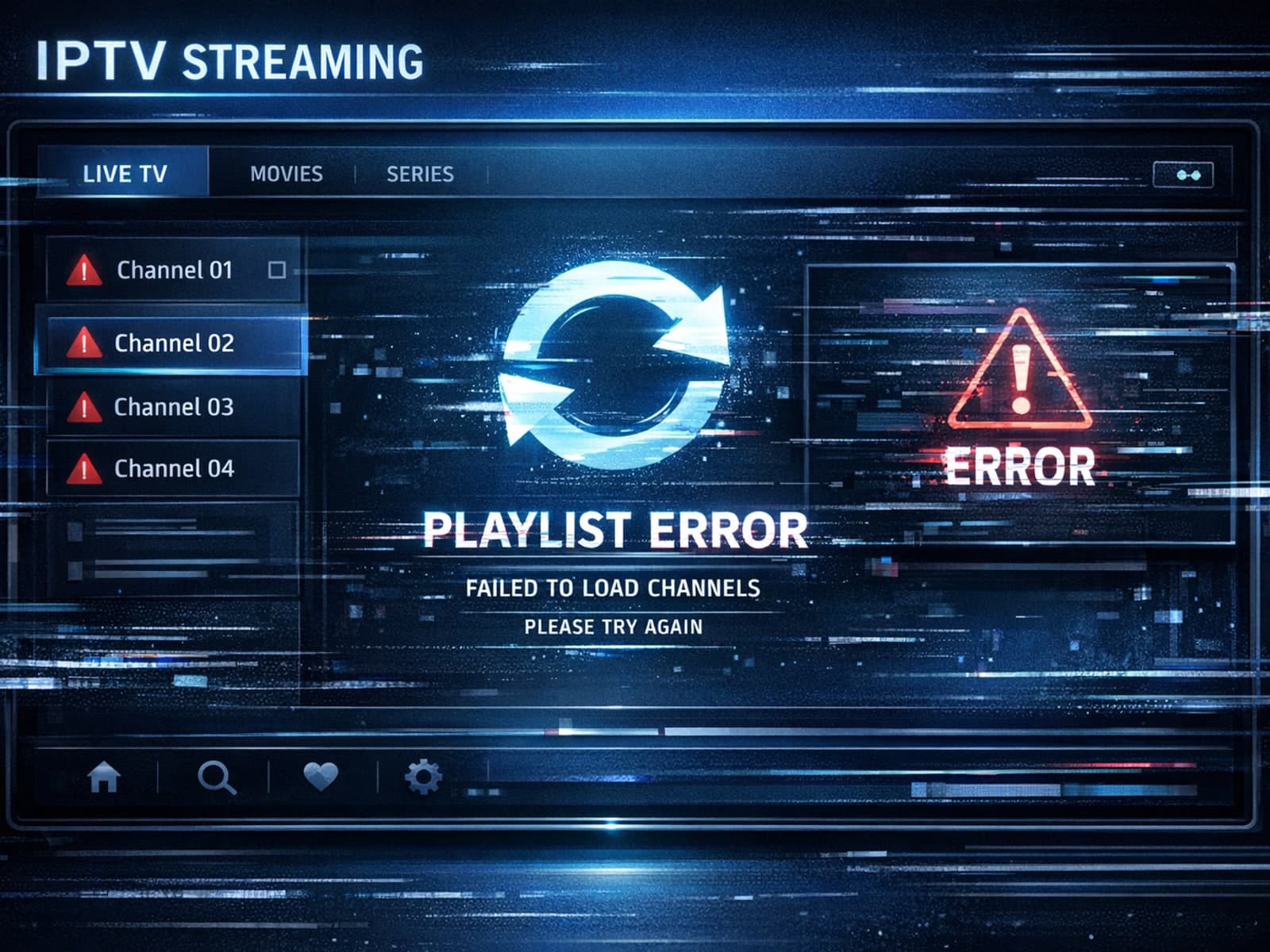
When you hit "refresh" in TiviMate but your playlist doesn't update, it can be frustrating. Simply put, a playlist not updating means the app isn't downloading the latest channel list or program data from your IPTV source.
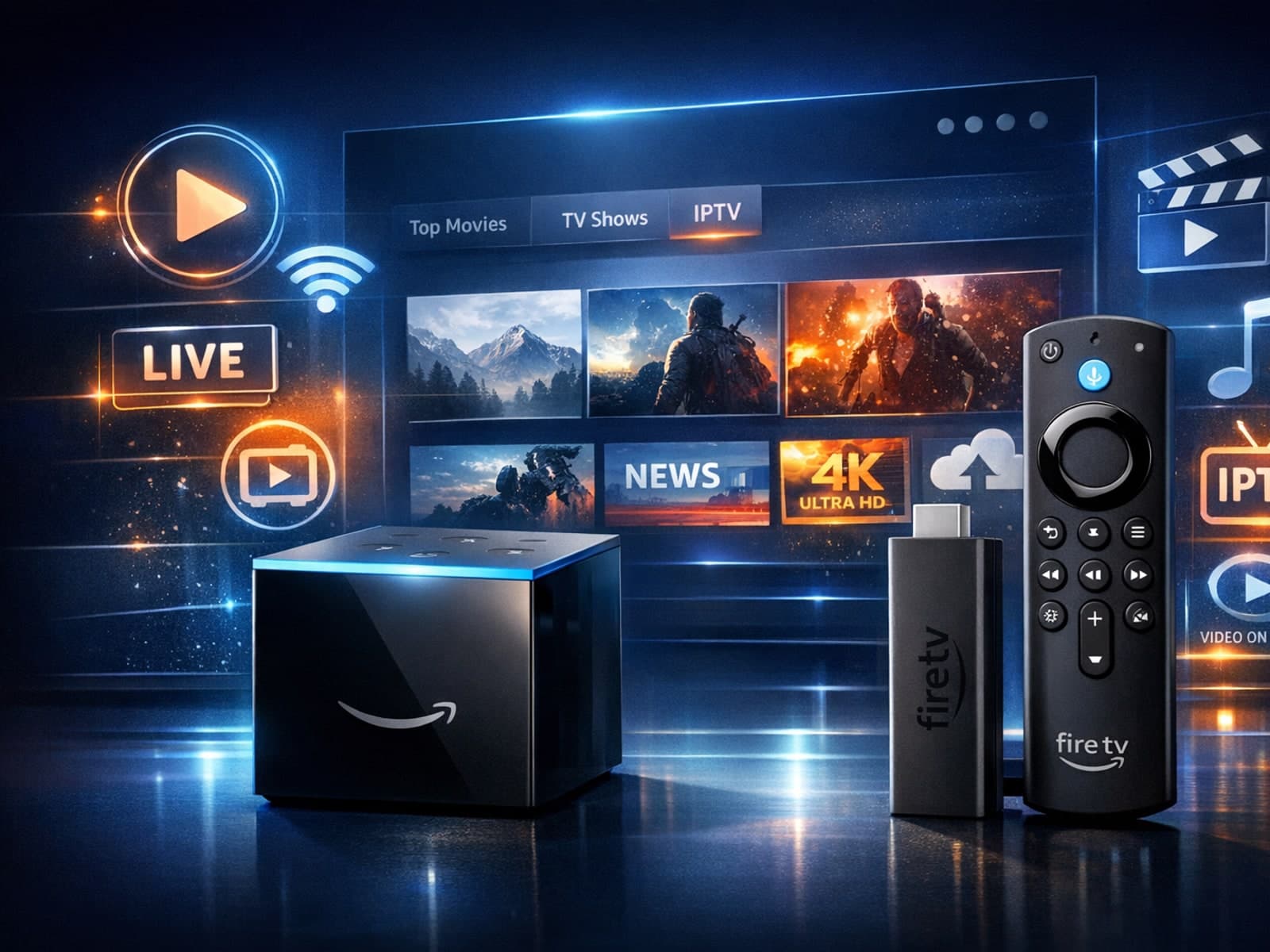
When choosing a device to stream IPTV, many users compare Amazon's Fire TV Cube and Fire TV Stick 4K Max. Both support IPTV apps like TiviMate and IPTV Smarters and offer 4K streaming, but their hardware and features differ.
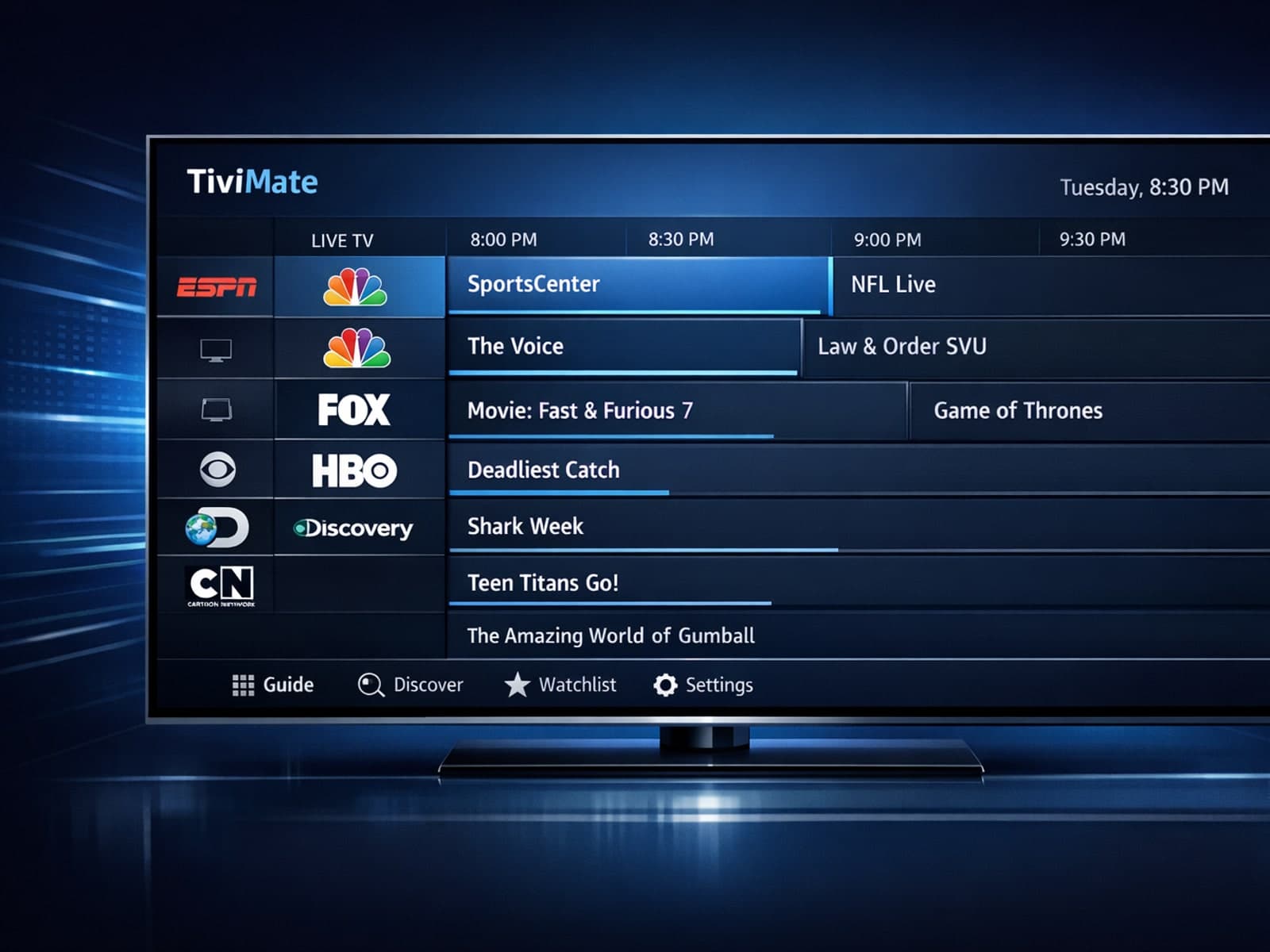
If you notice that channel logos are missing in your TiviMate app, the problem usually stems from the playlist you use or the app’s data handling.
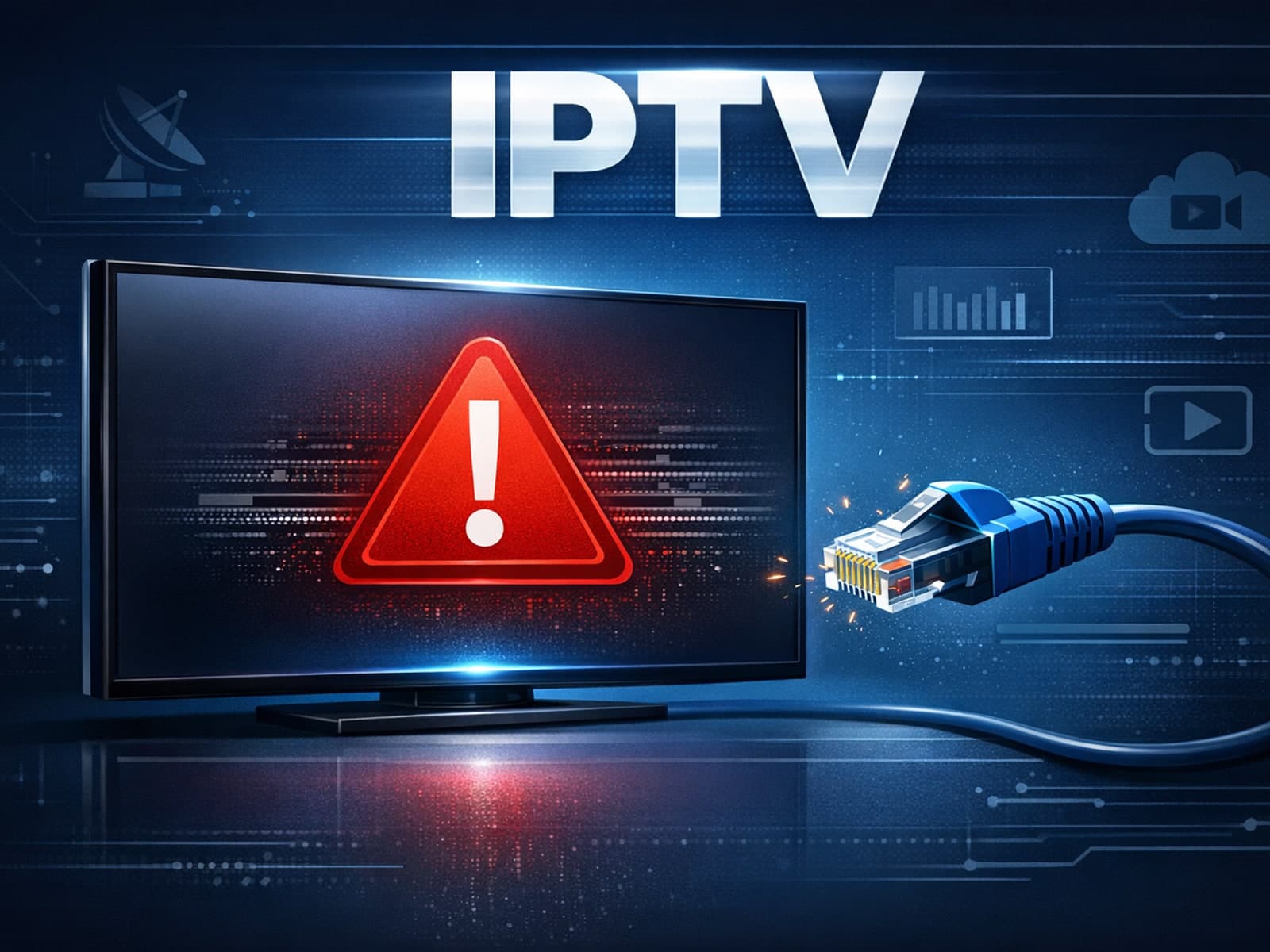
If your TiviMate EPG (Electronic Program Guide) source URL isn’t working, it means the app cannot load the program schedule data from that link. This prevents you from seeing the channel lineup and show times inside TiviMate.
If you're using a Fire TV Stick to stream IPTV content, optimizing your WiFi settings is key to achieving smooth, high-quality video playback.
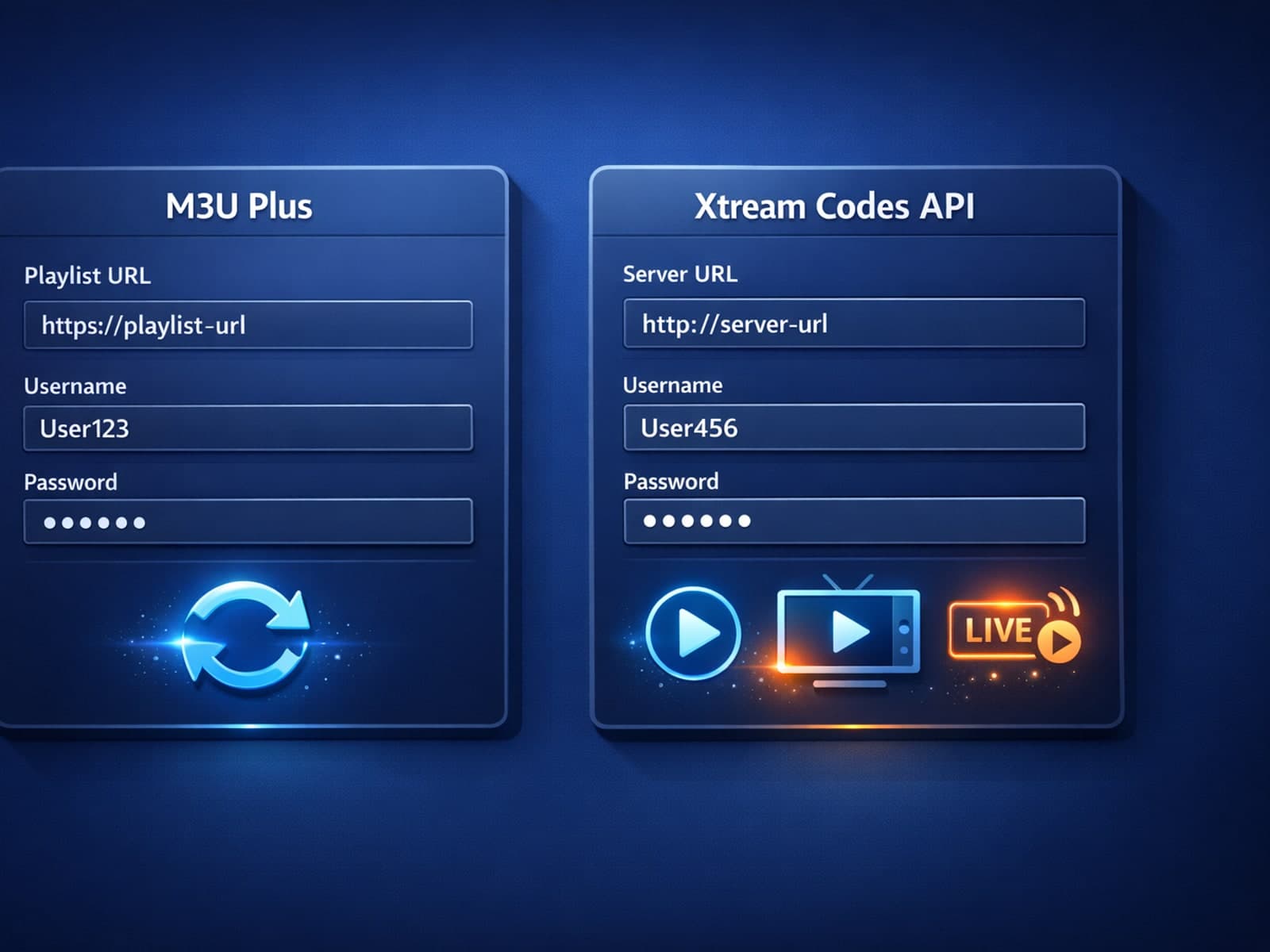
When managing IPTV playlists, keeping your channel list updated seamlessly is essential. Two common methods for updating IPTV playlists are M3U Plus and Xtream Codes API.
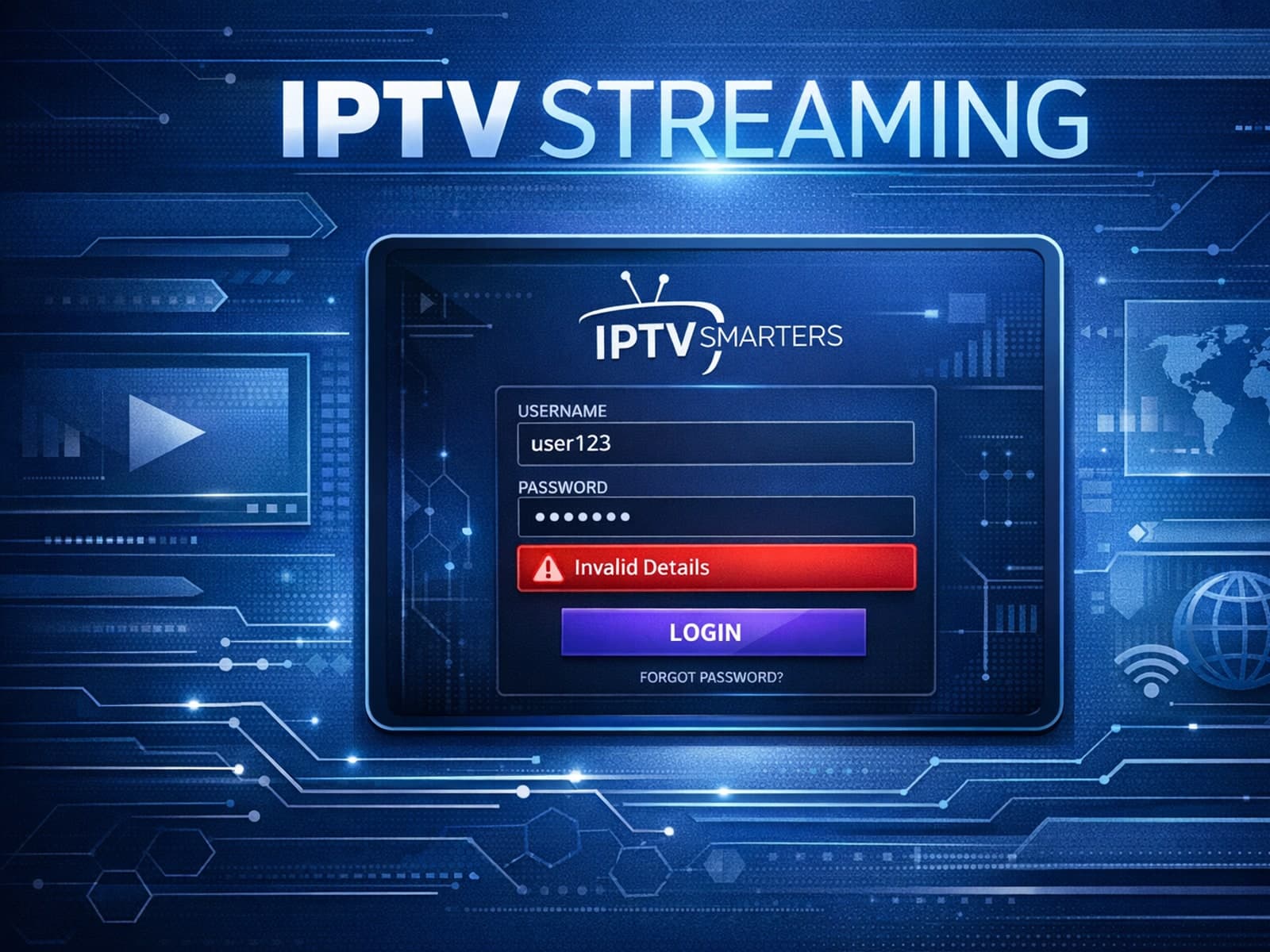
The "Invalid Details" error in IPTV Smarters occurs when your login credentials or subscription information are rejected during app authentication.
If you're noticing that channel logos are missing while using TiviMate, it's usually due to outdated or incompatible logo sources, playlist formatting issues, or caching problems.
Experiencing IPTV lag on your Fire TV Stick can often be traced back to storage issues. When device storage runs low or becomes cluttered, IPTV apps may struggle to cache data and process streaming efficiently, causing buffering, freezing.
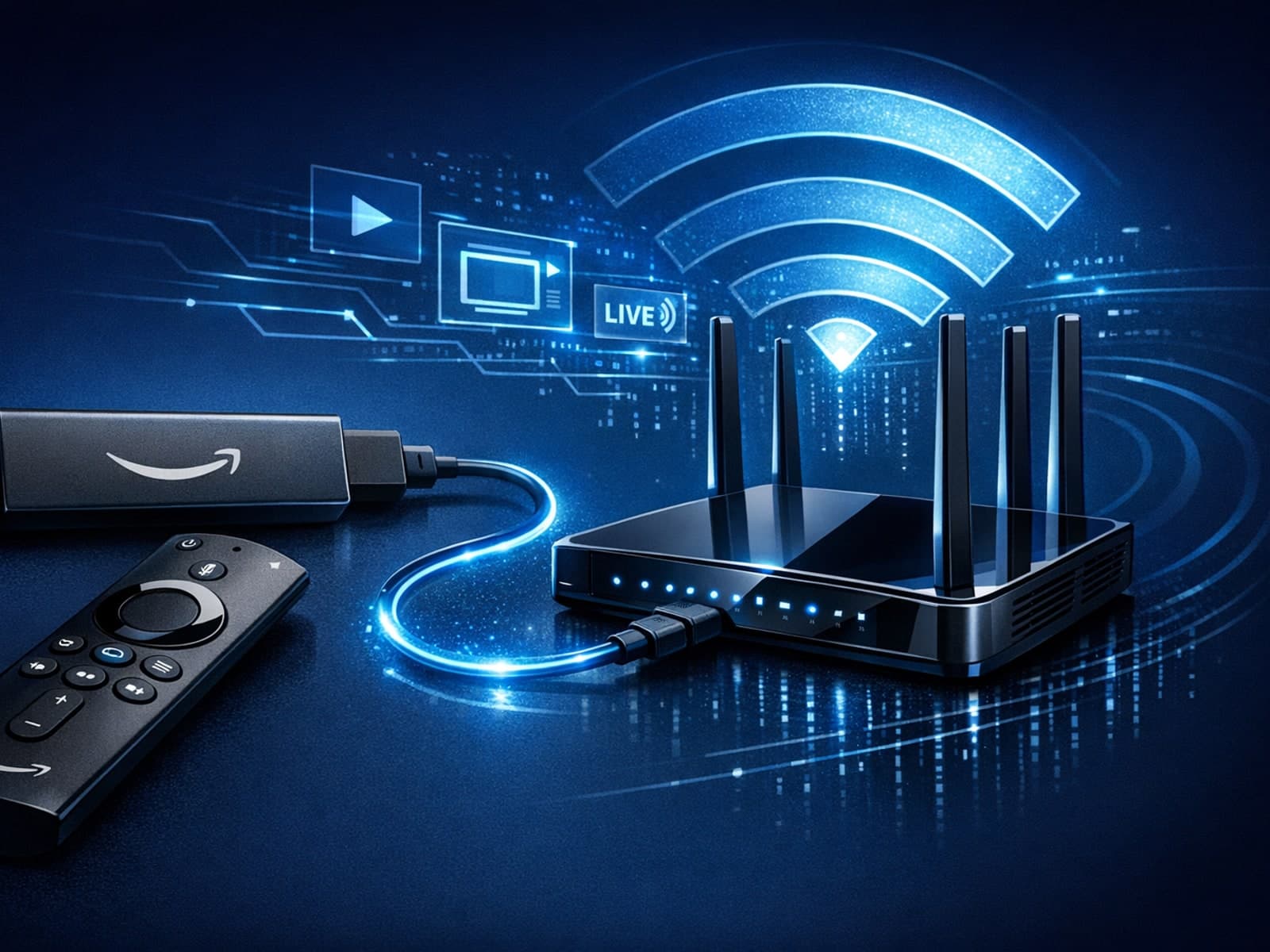
The best Wi-Fi settings for IPTV on your Fire TV Stick can significantly improve streaming quality by minimizing buffering, reducing lag, and avoiding disconnections.
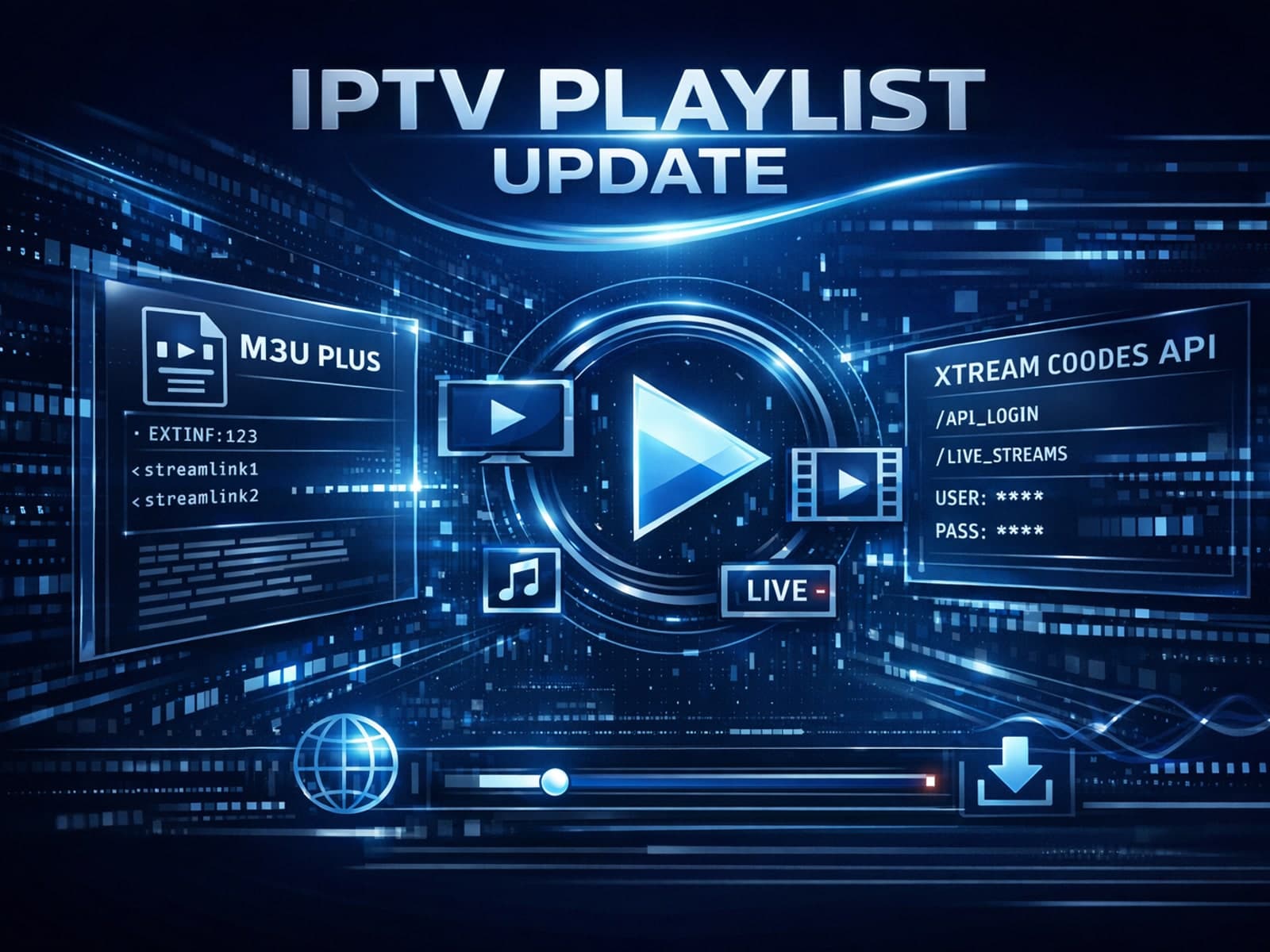
When managing IPTV playlists, users often encounter two primary update formats: M3U Plus and Xtream Codes API. Both methods are widely used to refresh channel lists, catch up on schedule changes, and maintain smooth streaming.
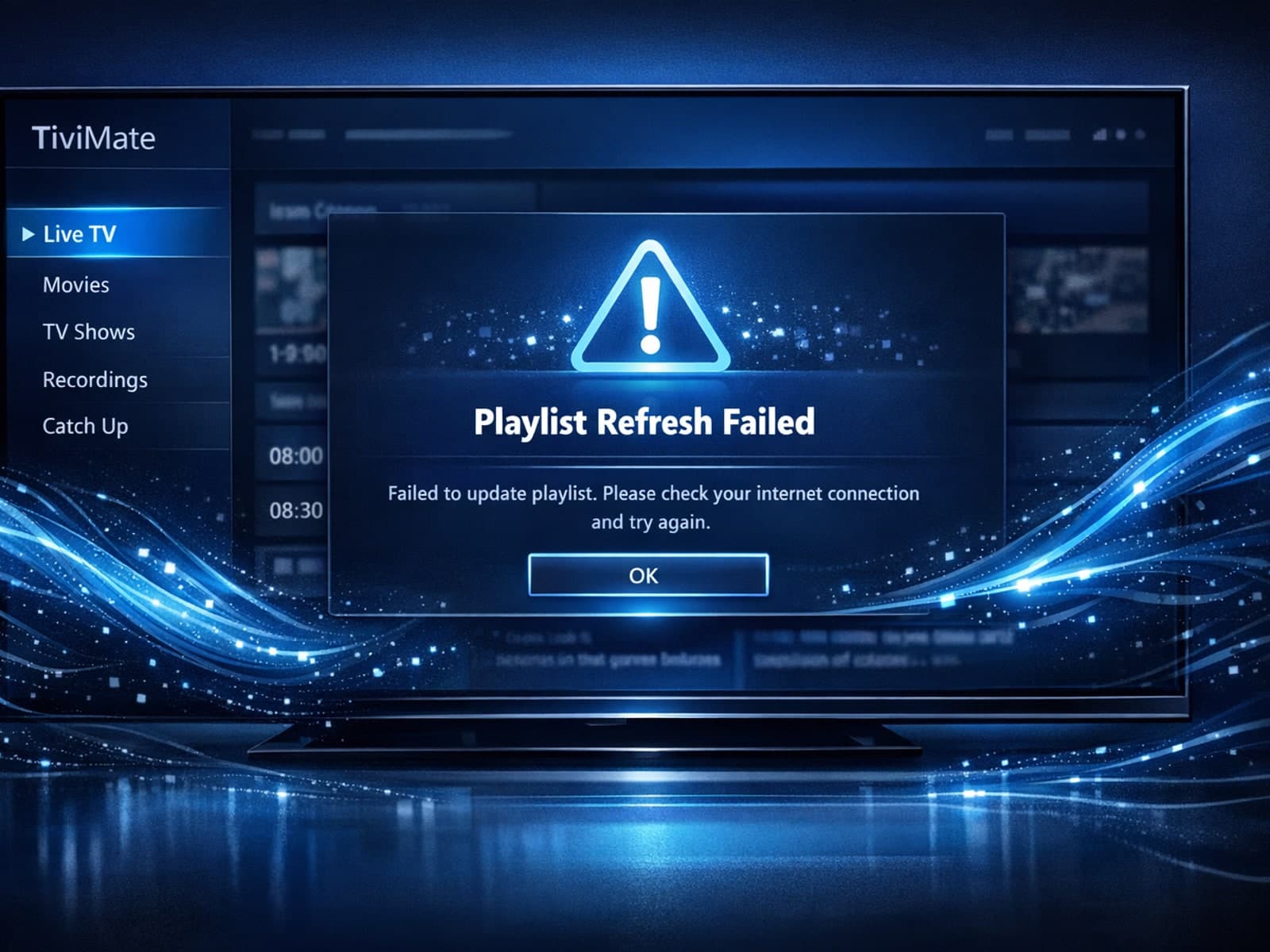
If you use TiviMate, a popular IPTV player for Android TV and related devices, you may sometimes find that your playlist doesn't update even after you hit the refresh button.
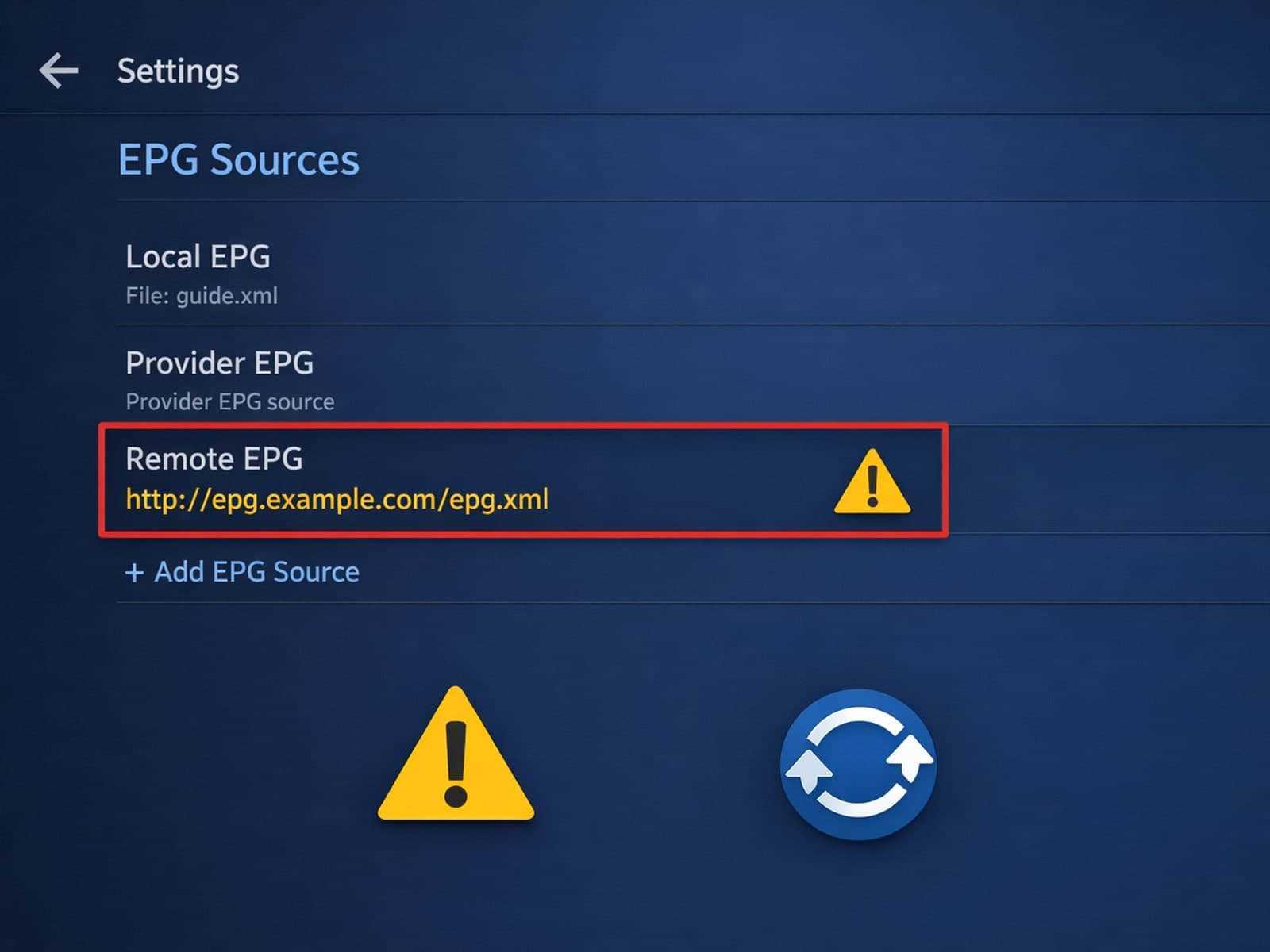
If your TiviMate electronic program guide (EPG) source URL is not working, it means the app cannot download or parse the program data needed to display TV schedules.
Optimizing WiFi settings on your Fire TV Stick can significantly improve IPTV streaming quality by reducing buffering, preventing lag, and enhancing video clarity.
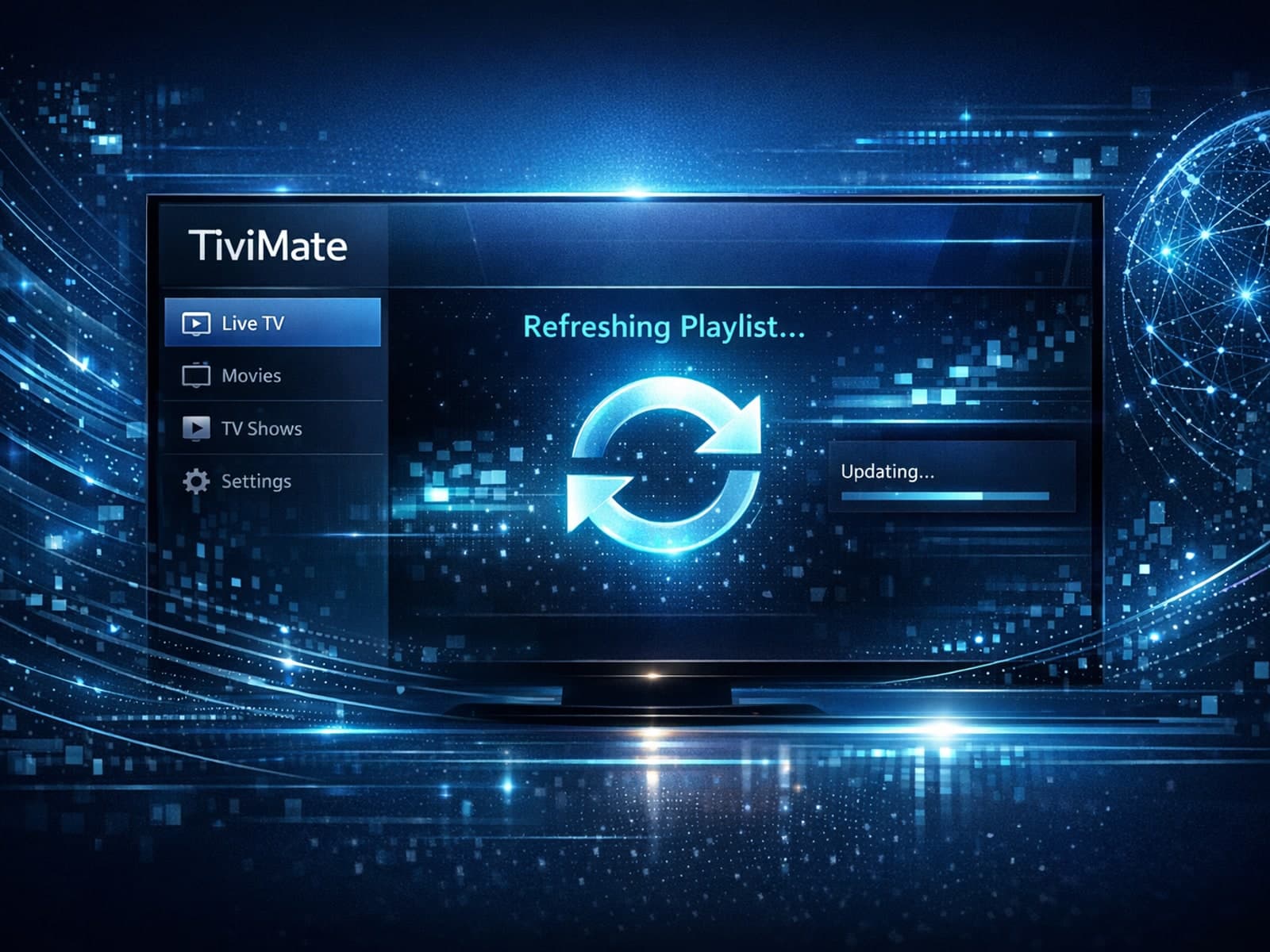
If your TiviMate playlist is not updating after you try to refresh it, the issue often stems from factors such as a wrong or inactive playlist URL, app cache problems, or a poor internet connection.
If your IPTV streaming experience on a Fire TV Stick feels slow or frequently buffers, storage issues are often the culprit. When the Fire TV Stick's internal storage runs low, it cannot effectively cache or buffer streaming data, which is.
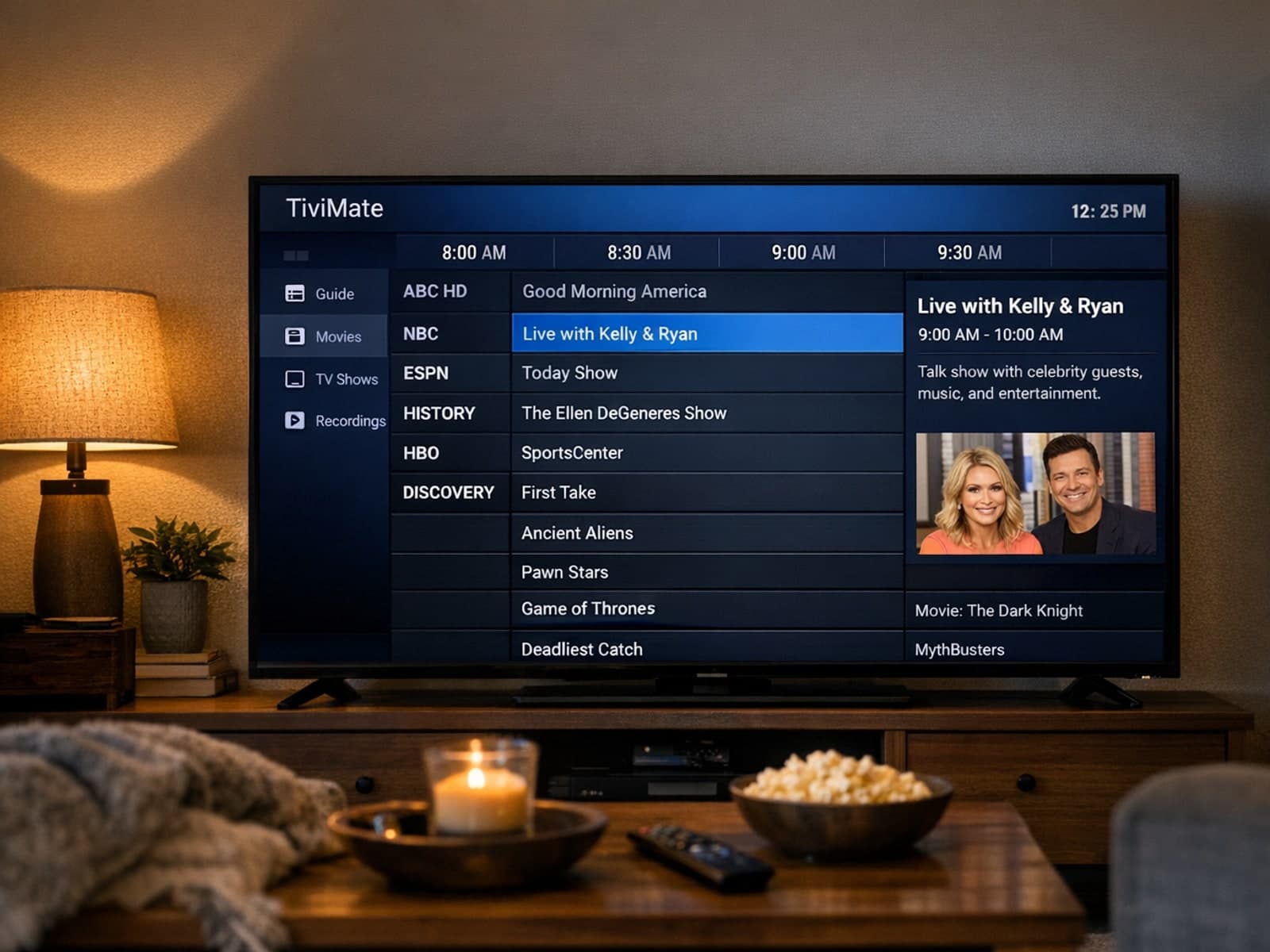
If you're using TiviMate for IPTV and notice that the Electronic Program Guide (EPG) shows incorrect times—programs appearing early or late—this means the EPG time offset is wrong.
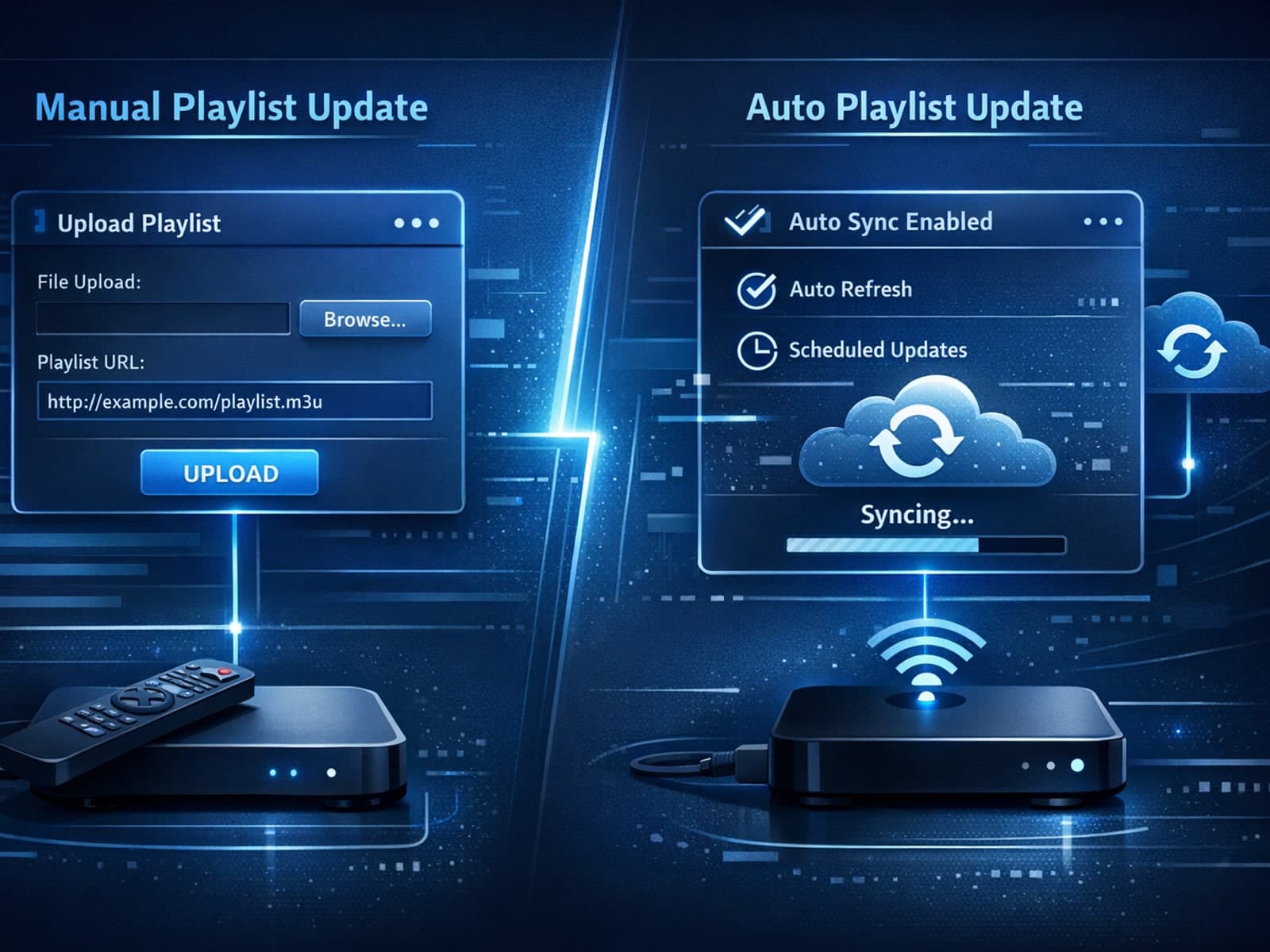
When managing IPTV playlists, especially for live channel updates and Electronic Program Guide (EPG) data, two common formats stand out: M3U Plus and Xtream Codes API.
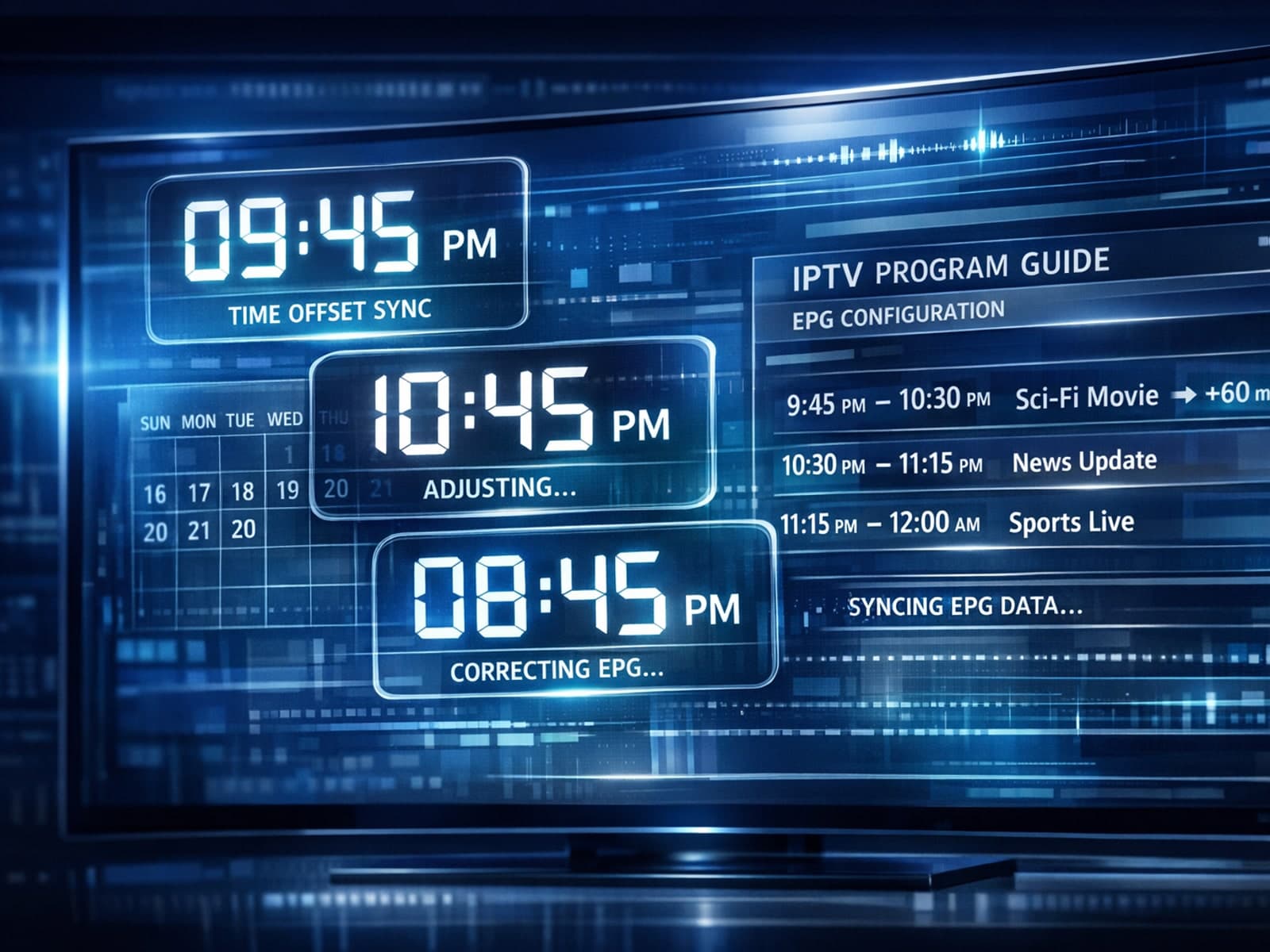
If the electronic program guide (EPG) in your TiviMate app shows the wrong time for TV programs, it means the EPG time offset is set incorrectly.
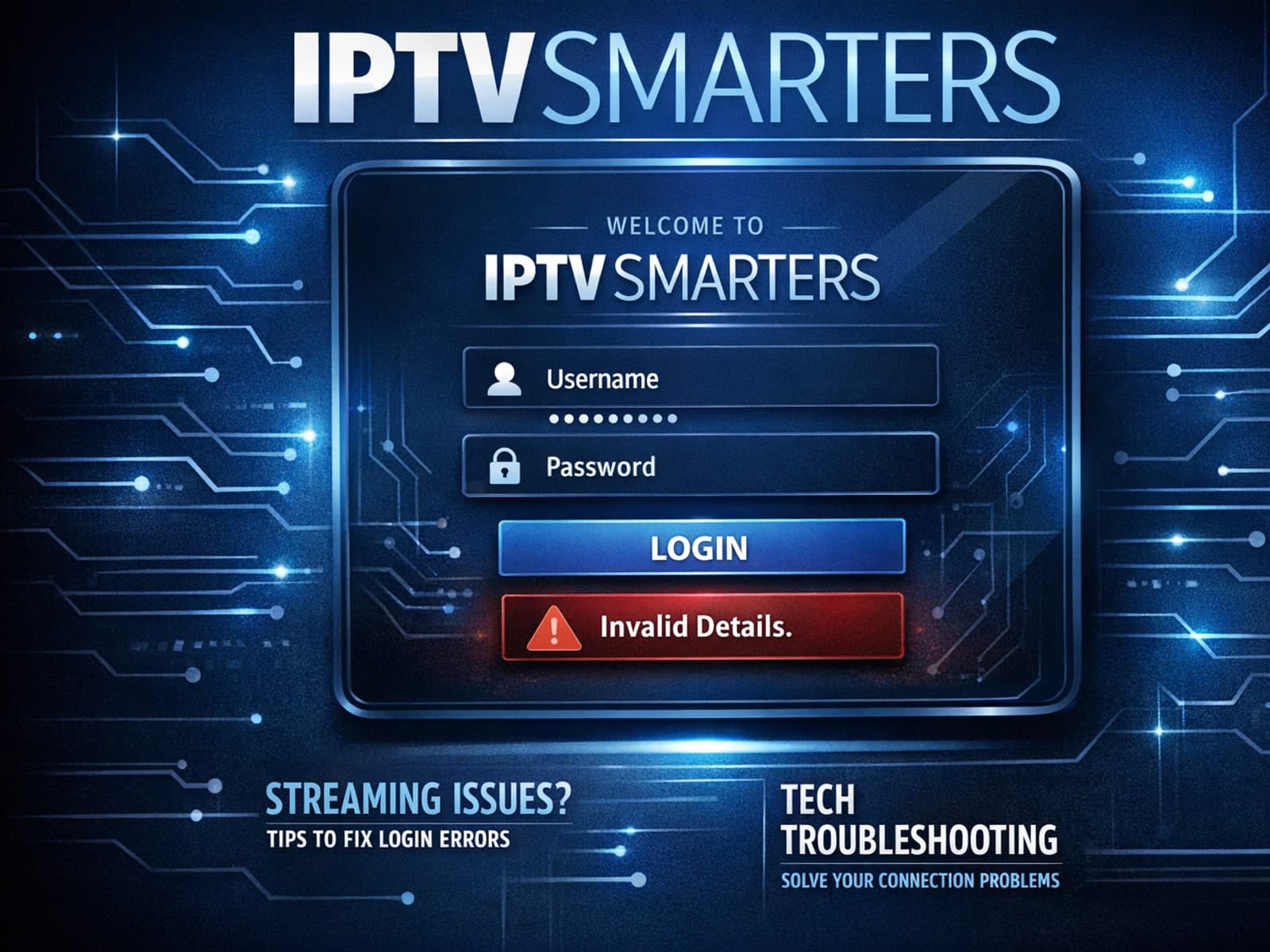
The "Invalid Details" error in IPTV Smarters appears when your login information is rejected by the app. It typically means one or more of your IPTV service credentials—a username, password, or server URL—are incorrect or not recognized.
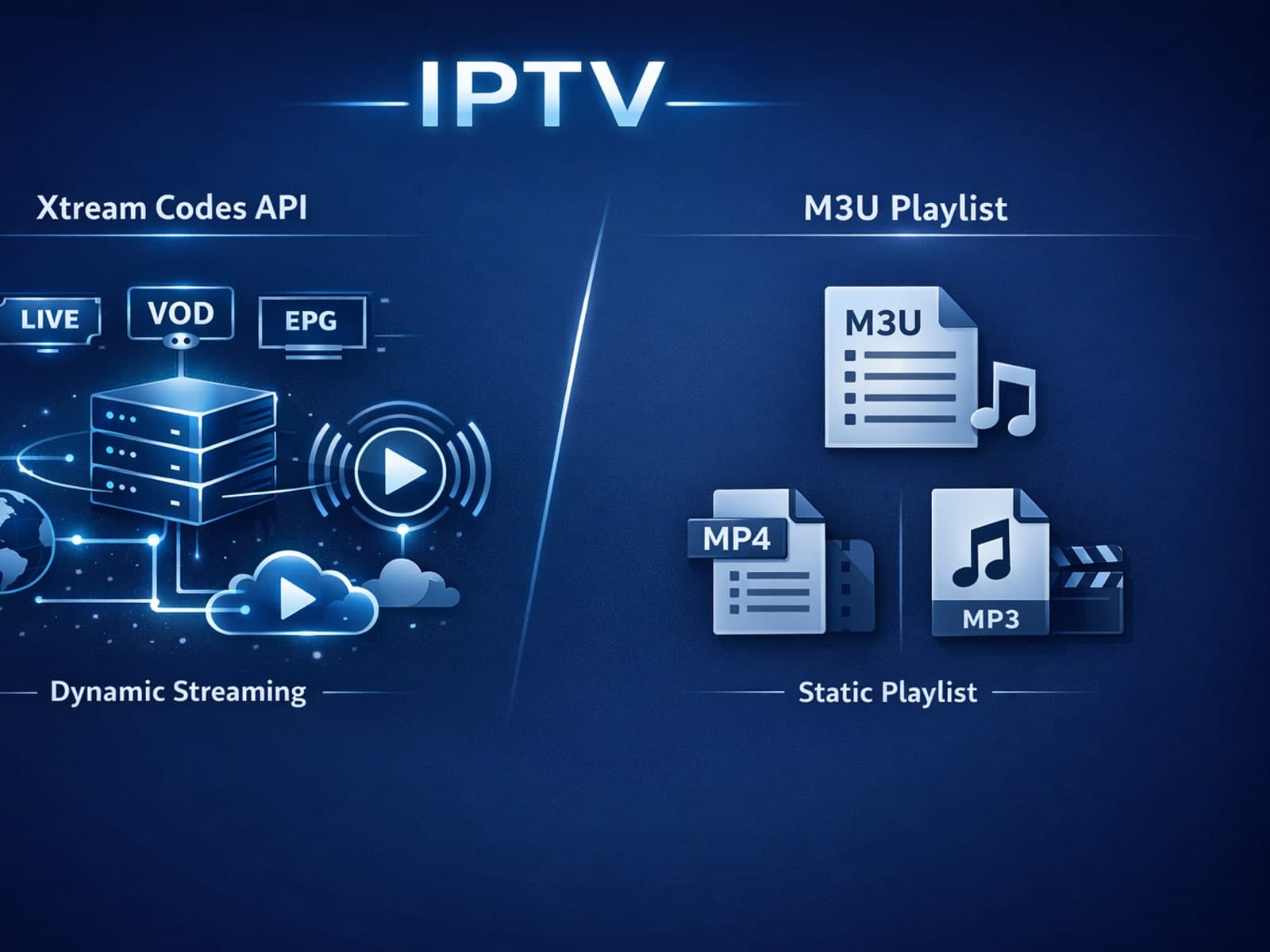
When deciding between Xtream Codes and M3U for IPTV streaming, Xtream Codes often works better if you want dynamic playlist updates, integrated Electronic Program Guide (EPG), and more reliable user authentication.
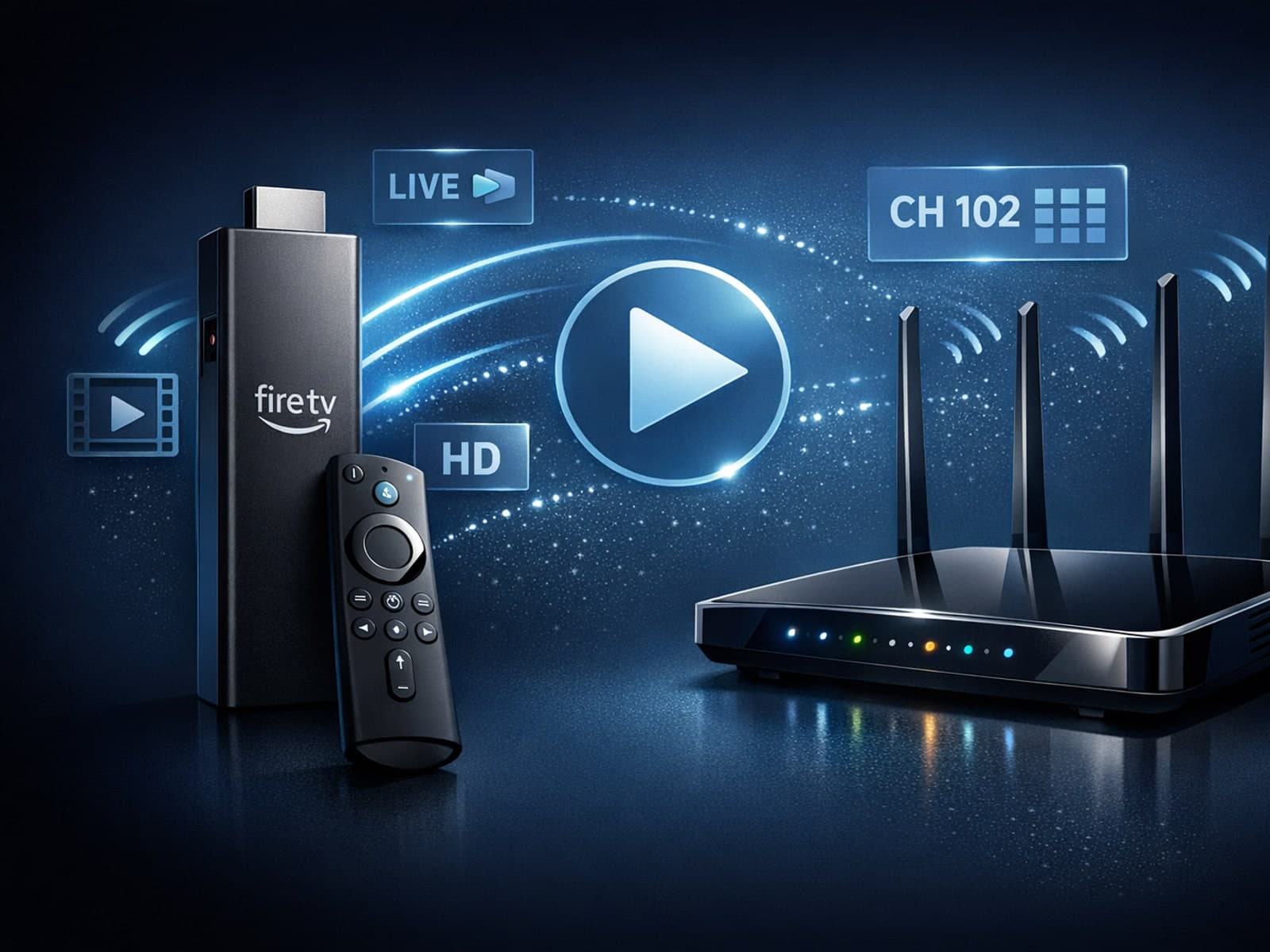
Optimizing WiFi settings on your Fire TV Stick is crucial for a stable and high-quality IPTV streaming experience. IPTV (Internet Protocol Television) requires consistent network speeds, minimal latency, and low interference to stream live.
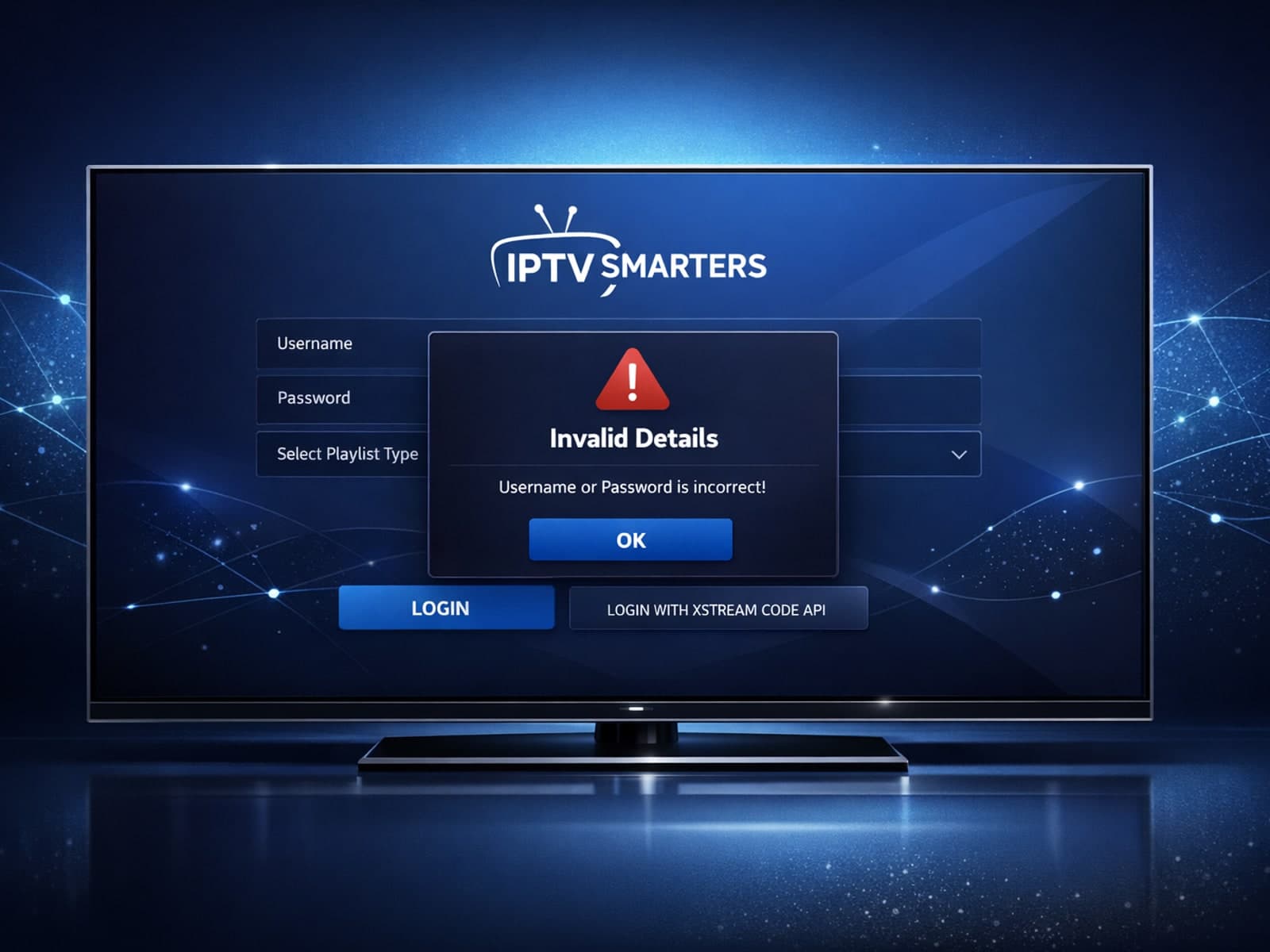
The “Invalid Details” error in IPTV Smarters occurs when the app cannot authenticate your login credentials or server URL with your IPTV service.
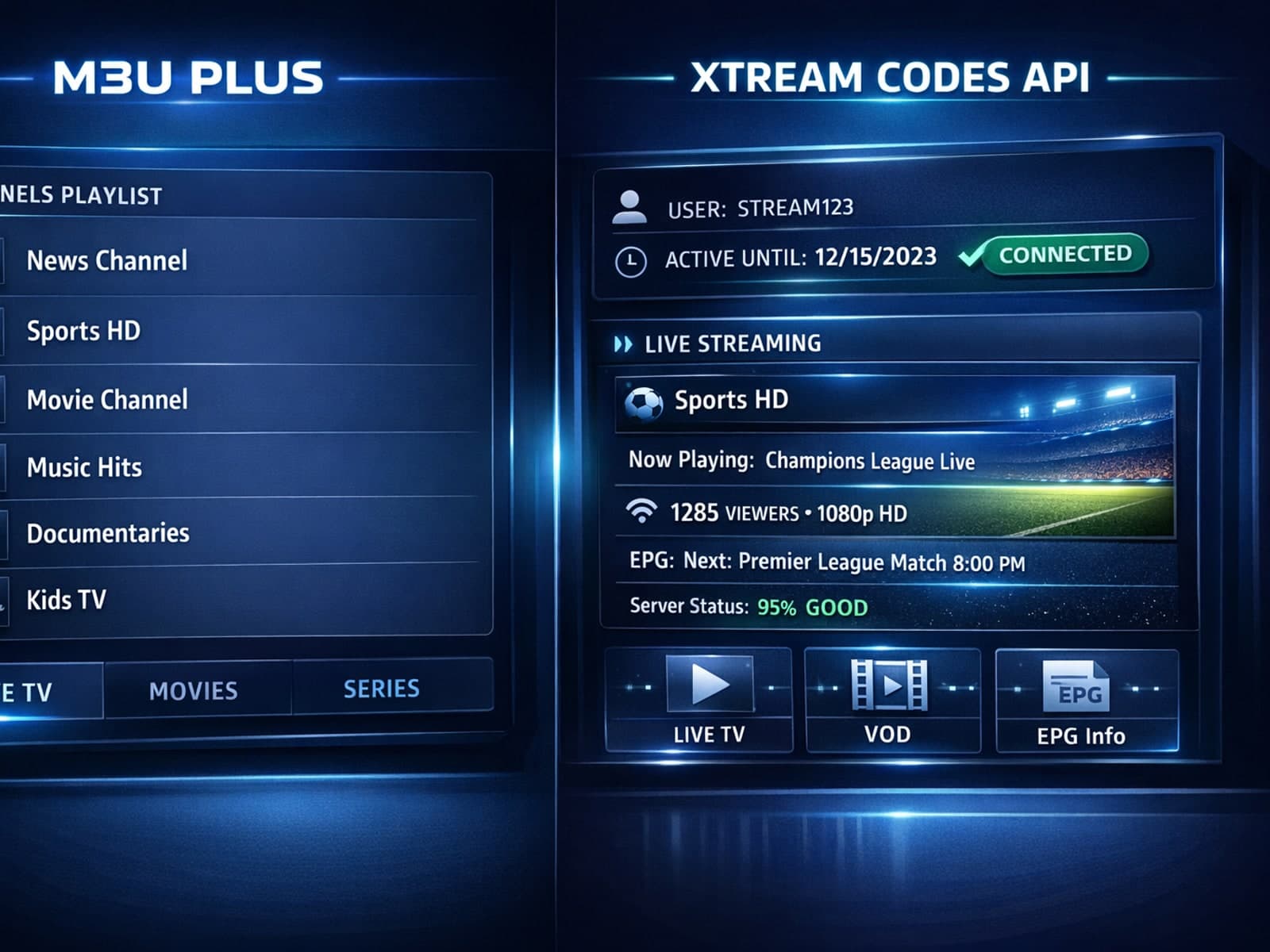
When managing IPTV playlists, choosing between M3U Plus and Xtream Codes API for playlist updates often shapes your viewing experience.
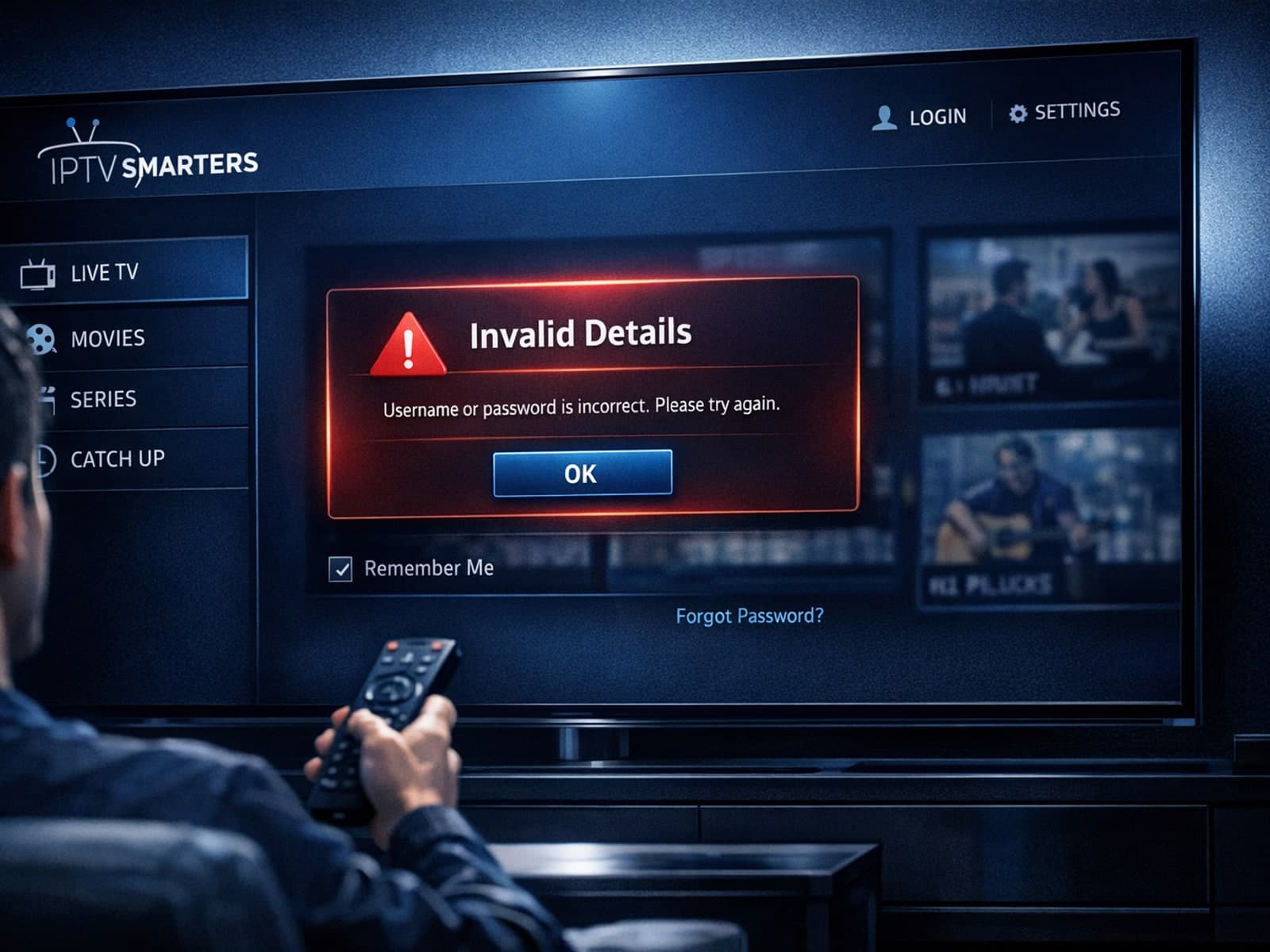
If you see the "Invalid Details" error when logging into your IPTV Smarters app, it means the app cannot authenticate your login credentials with your IPTV service provider.
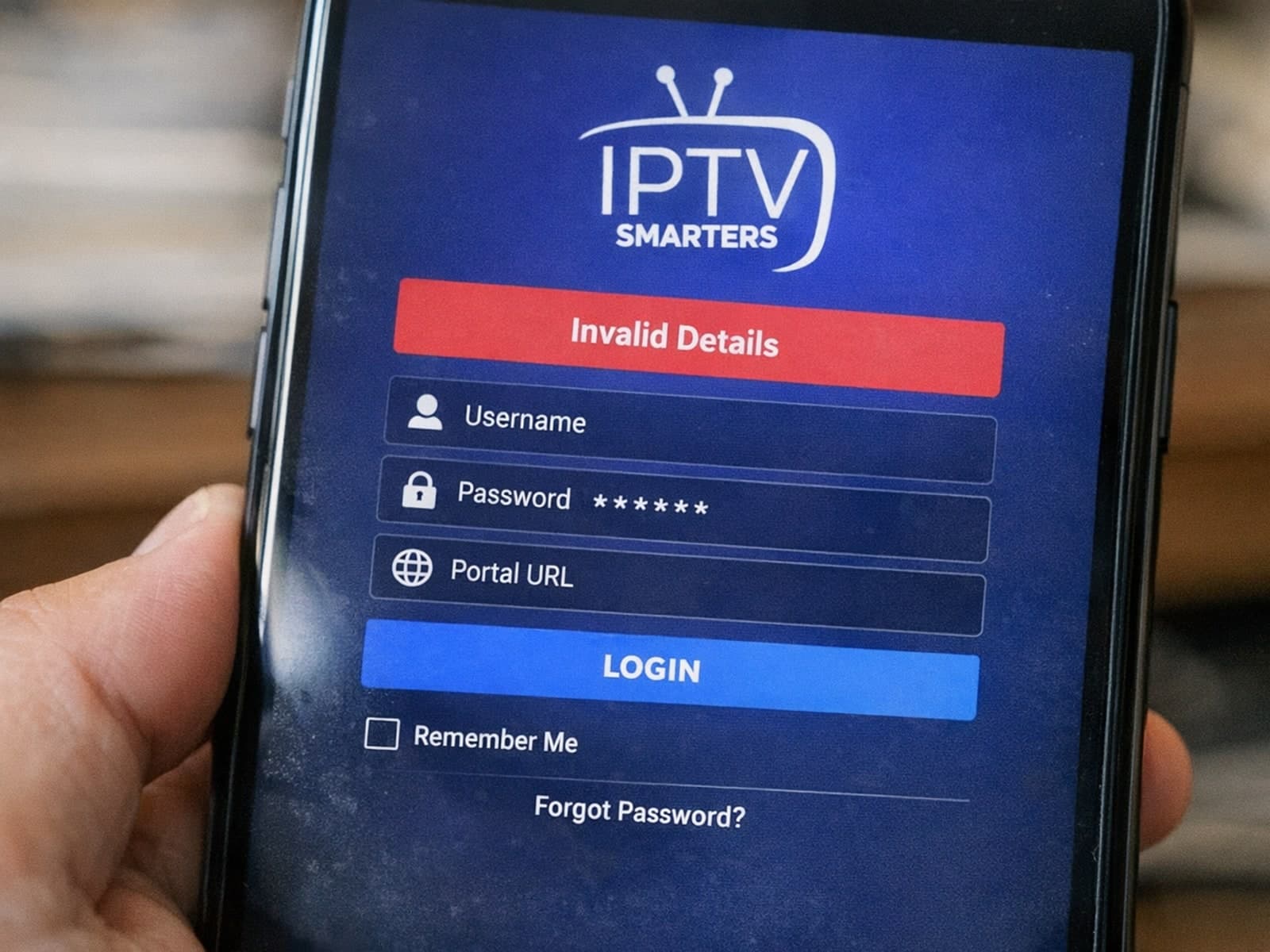
The "Invalid Details" error in IPTV Smarters is a common login issue indicating that the app could not verify your provided credentials.
IPTV, short for Internet Protocol Television, is a method of delivering television content over the internet rather than traditional broadcast or cable formats. Many users wonder: is IPTV legal?
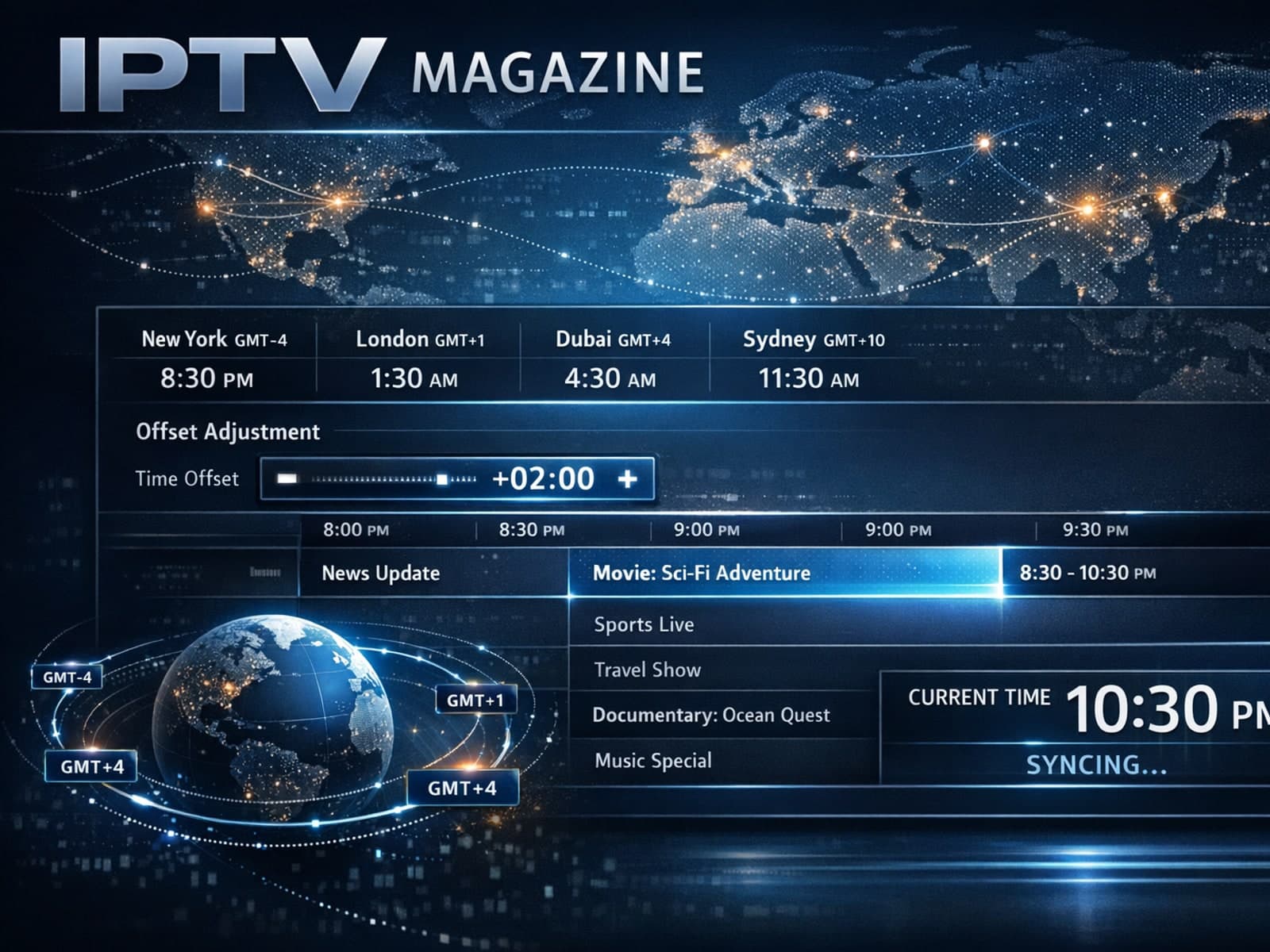
The electronic program guide (EPG) in TiviMate provides scheduled TV program details for IPTV channels. Sometimes, users notice that the times displayed for shows are offset incorrectly — for example, a show listed to start at 8 PM.
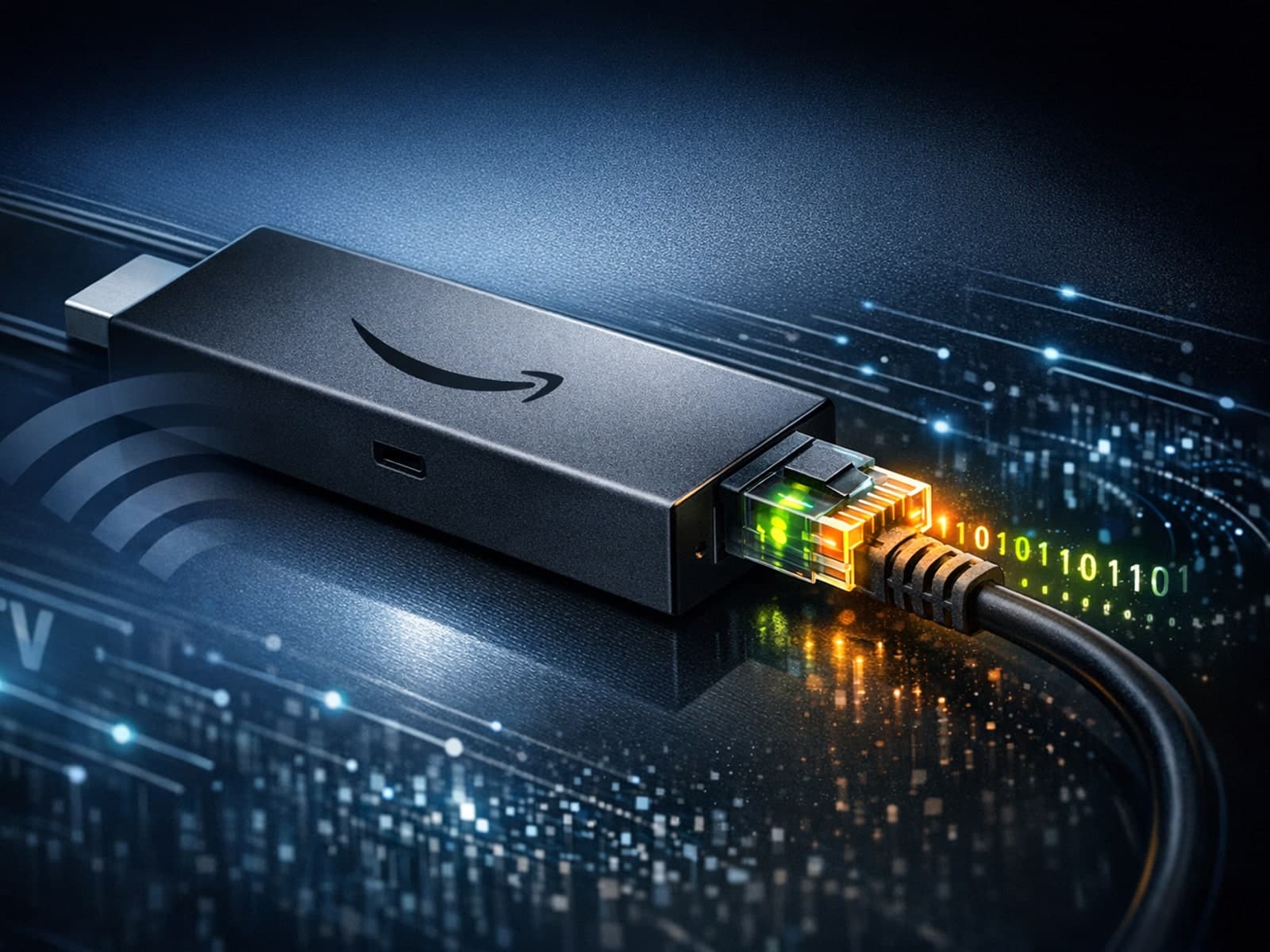
When streaming IPTV on a Fire TV Stick, the question of whether to use an Ethernet or WiFi connection frequently arises. Ethernet offers a wired connection using a physical cable, while WiFi is a wireless network connection.
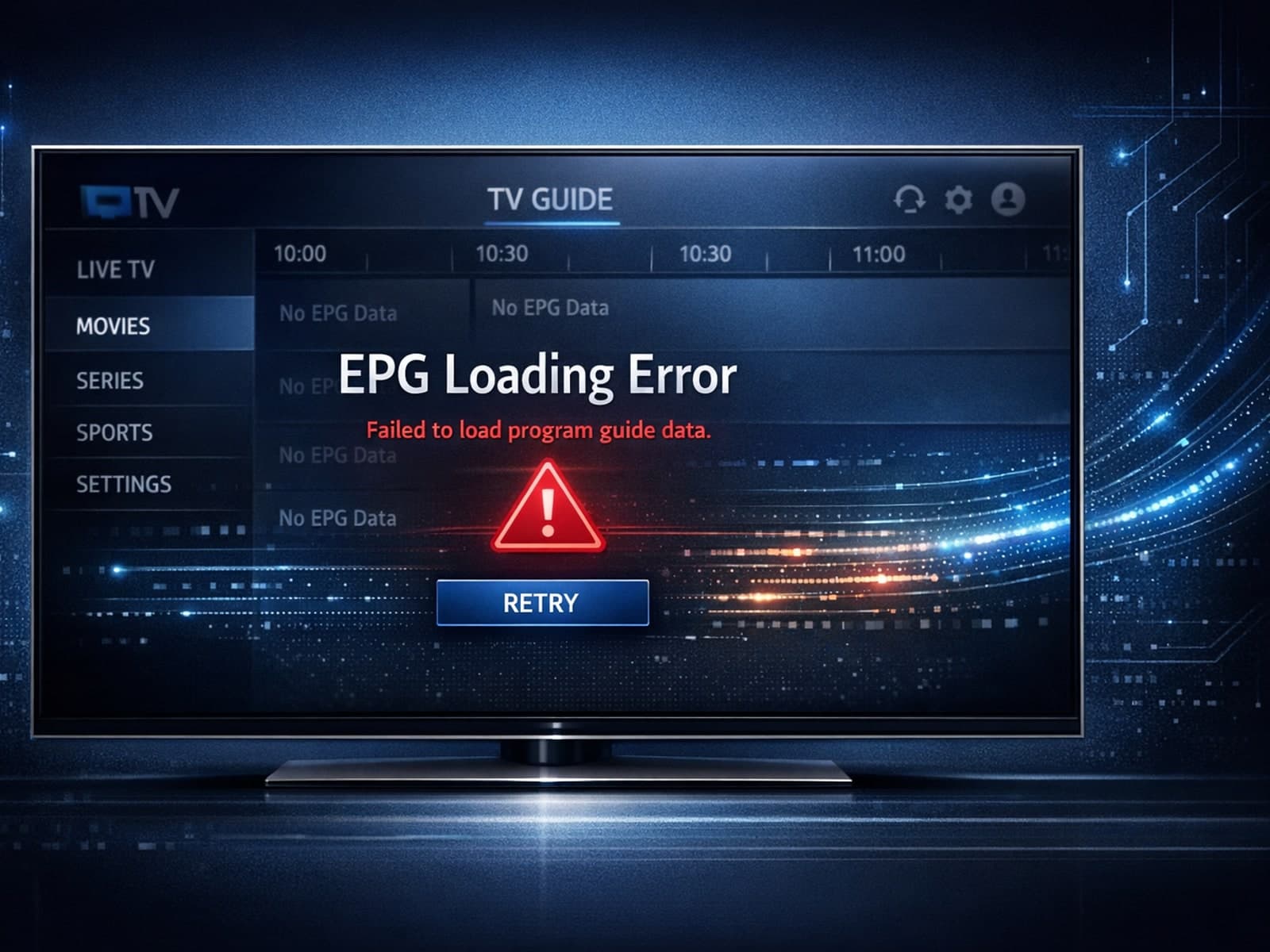
When the Electronic Program Guide (EPG) fails to load in the TiviMate app, it means that the schedule and program information for your IPTV channels are not appearing.
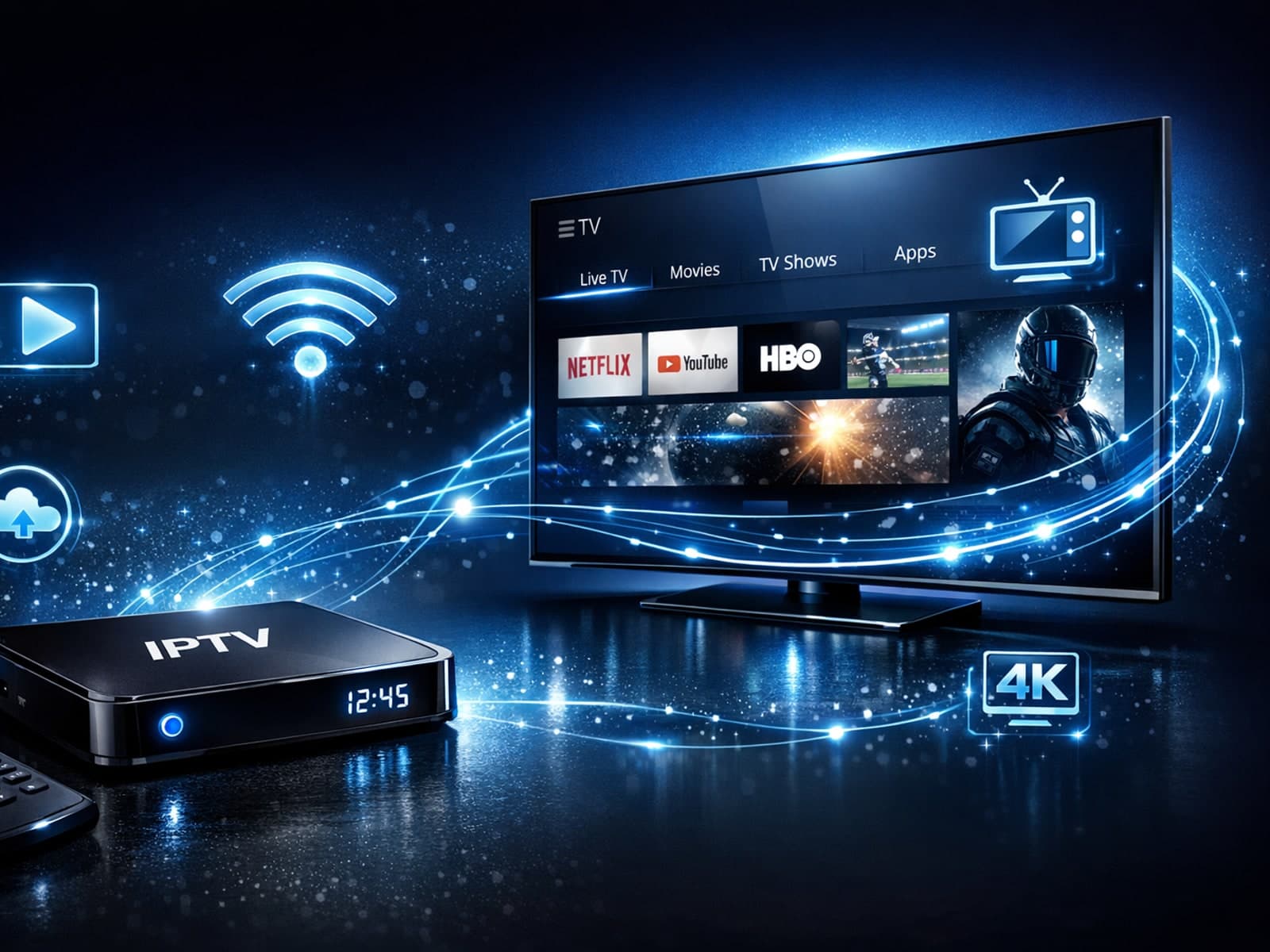
Stable IPTV playback hinges largely on the hardware you use. Whether you're streaming through a smart TV, a set-top box, or a streaming stick, certain hardware characteristics significantly affect your viewing experience.
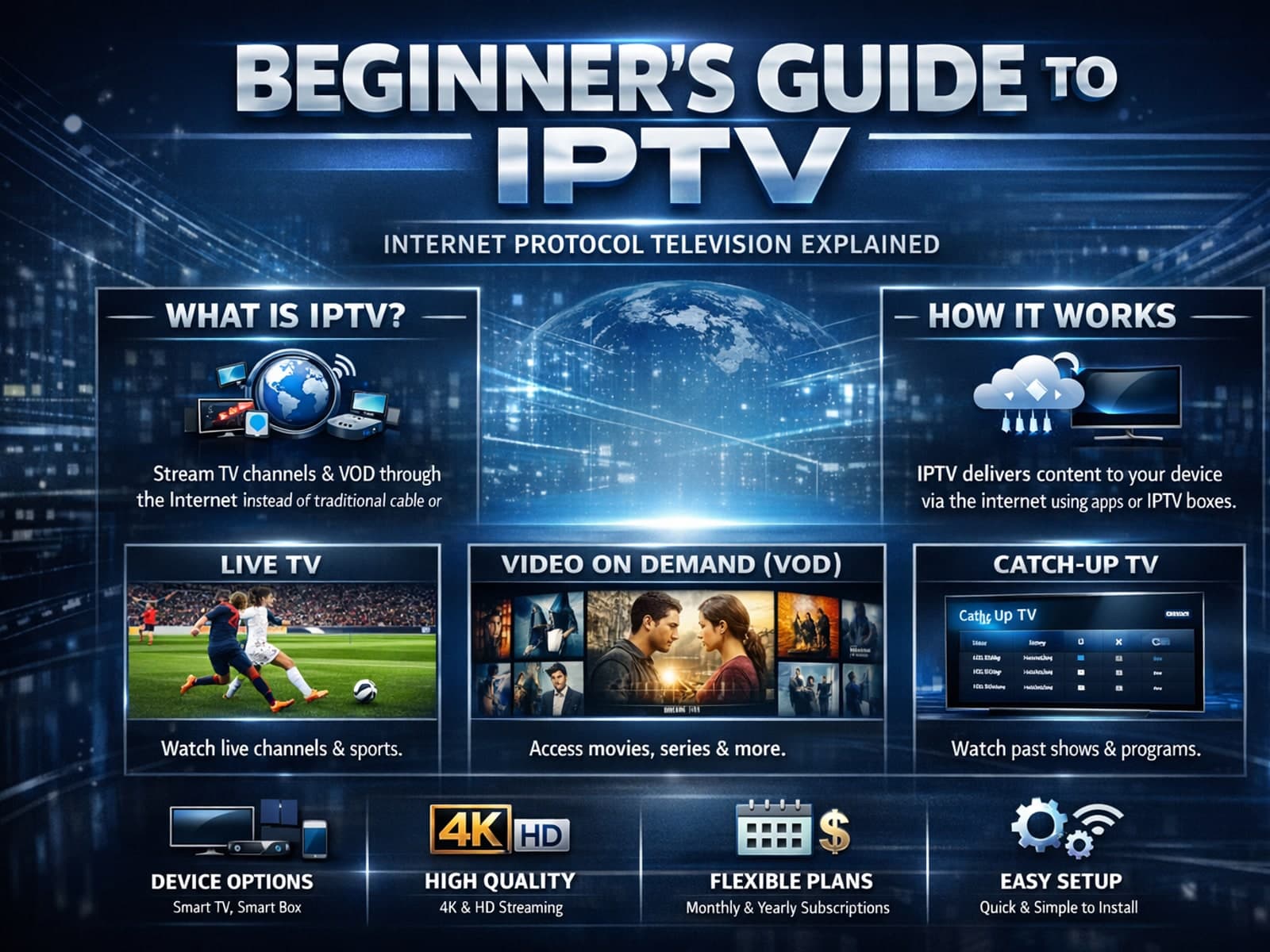
IPTV, or Internet Protocol Television, is a method of delivering TV content over the internet rather than traditional satellite or cable.