
TiviMate EPG Source URL Not Working: Troubleshooting and Fixes

Quick answer
If your TiviMate EPG (Electronic Program Guide) source URL isn’t working, it means the app cannot load the program schedule data from that link. This prevents you from seeing the channel lineup and show times inside TiviMate. The cause is usually a problem with the URL itself,...
Reviewed Against
• TiviMate playlist, EPG, and player-setting workflows
• XMLTV guide imports, refresh timing, and channel-guide matching
• Server-URL formatting, HTTP response handling, and account-entry failure patterns
Applies To
• TiviMate setups on Android TV, Google TV, or Fire OS style streaming devices
• Guide data issues such as missing listings, stale guide refreshes, or wrong time offsets
• Errors caused by malformed URLs, wrong credentials, expired tokens, or unreachable playlist endpoints
Does not apply when
• Your app uses a different menu layout or naming scheme than TiviMate.
• The stream itself will not play at all and you still need to verify login or playlist access.
• The provider confirms the service is down or the account has been deliberately blocked upstream.
Corroborating Resources
XMLTV file format referenceUseful when the issue comes from guide-source formatting, channel mapping, or XMLTV data freshness.
HTTP response status codesUseful when an IPTV app surfaces 401, 403, 404, or 5xx style errors during login or playlist refreshes.
URL structure referenceHelpful for checking server URLs, source links, and path/query mistakes in portal or playlist setups.
Topic Cluster
Part of the EPG cluster
Guide data problems, XMLTV and playlist matching, time-offset fixes, and TiviMate EPG recovery paths. This page sits in troubleshoot and fix for that topic path.
Start here in this topic
On this page
Why Your TiviMate EPG Source URL Is Not Working and How to Fix It
If your TiviMate EPG (Electronic Program Guide) source URL isn’t working, it means the app cannot load the program schedule data from that link. This prevents you from seeing the channel lineup and show times inside TiviMate. The cause is usually a problem with the URL itself, the network connection, or compatibility between the EPG data format and TiviMate.
This article explains how to identify why your EPG URL is failing and exactly what to do to restore your TV guide information in TiviMate.
What you'll learn
- How to verify and validate your EPG source URL
- Checking and troubleshooting your internet connection
- Understanding EPG formats compatible with TiviMate
- Common mistakes that cause EPG URLs to fail
- Step-by-step fixes to restore your TiviMate program guide
Understanding TiviMate EPG Source URLs
What is an EPG Source URL?
An EPG source URL is a link to a file or service that provides TV program listings data. This data is usually in XMLTV format — a popular XML-based standard for TV guide metadata. TiviMate fetches this data using the URL you enter, then displays the program list for each channel.
If the URL is missing, incorrect, or the server isn’t responding, TiviMate can’t load the guide.
Supported EPG Formats
Currently, TiviMate works best with XMLTV formatted data for EPG. Some providers offer JSON or other formats, which may not be compatible. Make sure your source is XMLTV or a provider with confirmed support.
Quick Checks: Is Your EPG URL Correct and Accessible?
Before digging deeper, perform these preliminary checks:
- Verify URL accuracy: A single typo or missing character can cause failure. Copy-paste carefully.
- Test in browser: Paste your EPG URL into a desktop or mobile browser. A successful XML file download or data display means the URL is live.
- Check provider status: If the URL fails in a browser, the source or server may be down. Contact your provider or check their website for status.
Troubleshooting Network and Device Issues
Check Your Internet Connection
A stable internet connection is essential. Confirm:
- Your device running TiviMate is connected to WiFi or Ethernet.
- Other apps or browsers can access the internet.
- Restart your router if connection seems unstable.
App-Specific Cache and Update
TiviMate may cache an old or broken source. To refresh:
- Clear TiviMate cache/data via device settings.
- Restart the TiviMate app.
- Ensure you have the latest TiviMate version installed.
Older versions may have bugs affecting EPG loading.
Common Mistakes With EPG Sources and How to Avoid Them
- Using expired or outdated EPG URLs
- Copying URLs with hidden spaces or broken characters
- Attempting to use incompatible formats (non-XMLTV)
- Ignoring time zone differences causing program list mismatches
Tip: Always keep your guide source updated and verified by your IPTV provider.
Step-by-Step Fix: Restore Your TiviMate EPG Source URL
Follow these steps in sequence for the best results:
- Confirm the URL is correct: Re-copy from your provider’s latest instructions.
- Test it outside TiviMate: Use a browser or an IPTV app that can test EPG URLs.
- Check your internet connection: Make sure it is working without restrictions (no VPN or firewall blocking).
- Remove and re-add the EPG source: In TiviMate, go to Settings > EPG and delete the failing source, then add it again.
- Clear TiviMate cache: Restart app or device after clearing cache to force reload.
- Update or reinstall TiviMate: Sometimes a fresh install fixes unexpected bugs.
- Try an alternative EPG URL: If possible, test with a different, confirmed XMLTV source.
- Contact your EPG provider: If none of the above work, the source may be offline or changed.
When This Guidance Applies and When Not
This troubleshooting path applies specifically to:
- TiviMate app users adding or updating EPG via URL
- XMLTV-based EPG sources
It does not cover:
- IPTV providers supplying integrated EPG within playlists (no manual URL needed)
- Device-specific EPG issues on Android TV boxes, Fire TV devices with custom EPG apps
- Problems with Xtream Codes or M3U Plus API EPG methods (which have different login flows)
For those scenarios, see related guides on M3U Plus vs Xtream Codes API or Authorization Error troubleshooting.
FAQs
What does EPG stand for in TiviMate?
EPG means Electronic Program Guide, showing TV schedules.
Why does my TiviMate EPG URL show no data?
Wrong URL, server down, or network trouble usually causes this.
Can TiviMate use any EPG source URL?
It mainly supports XMLTV format URLs.
How do I know if an EPG URL is valid?
Test it in a browser or IPTV app to see if it loads program data.
Conclusion
A non-working TiviMate EPG source URL usually boils down to URL errors, network connectivity, or incompatible data formats. By methodically verifying your source URL, checking your internet, refreshing TiviMate settings, and ensuring compatibility, you can restore your program guide quickly. When persistent issues arise, contacting the EPG provider or testing alternative XMLTV sources will help maintain uninterrupted TV scheduling in TiviMate.
| Common Problems | Quick Fixes |
|---|---|
| Typo in EPG URL | Re-enter URL carefully |
| Network issues | Check and restart router |
| Unsupported EPG Format | Use XMLTV source only |
| TiviMate cache holding old data | Clear cache and restart app/device |
For further help, see TiviMate Playlist Not Updating After Refresh and How to Fix Channel Logos Missing in TiviMate.
Frequently Asked Questions
What does EPG stand for in TiviMate?
EPG stands for Electronic Program Guide, which provides a TV schedule and program information.
Why does my TiviMate EPG URL show no data?
This can happen if the URL is incorrect, expired, the server is down, or there are network issues.
Can TiviMate use any EPG source URL?
TiviMate supports EPG sources in XMLTV format. Other formats or incompatible URLs won't work properly.
How do I know if an EPG URL is valid?
You can test the URL in a web browser or other IPTV apps that accept EPG URLs to check if data loads correctly.
Keep exploring
More explainers that connect naturally to this setup, workflow, or troubleshooting path.
If you notice that channel logos are missing in TiviMate, the most common causes include outdated or incompatible playlists, cached data corruption, or insufficient metadata from your IPTV provider.

TiviMate is a popular IPTV player app for Android TV and similar devices, known for its advanced channel management options. Organizing favorites and groups in TiviMate lets you customize your IPTV watching experience by categorizing.
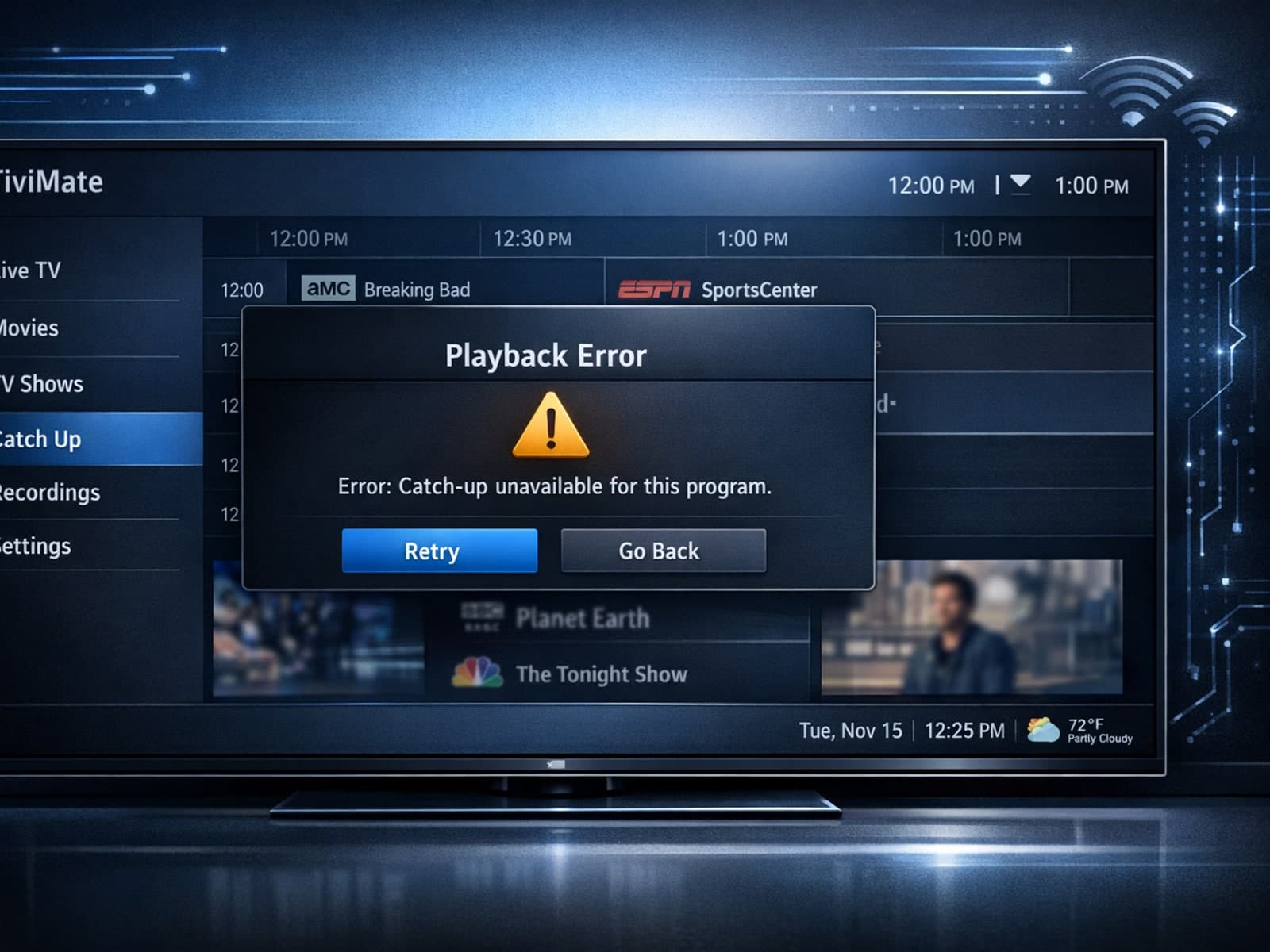
If your catch-up feature in TiviMate isn’t working, the fundamental reasons often lie in your IPTV playlist source or server configuration rather than the app itself.
