
M3U Plus vs Xtream Codes API for Playlist Updates

Quick answer
When managing IPTV playlists, keeping your channel list updated seamlessly is essential. Two common methods for updating IPTV playlists are M3U Plus and Xtream Codes API. Each offers a distinct approach to retrieving and refreshing playlist data.
Reviewed Against
• Xtream Codes username, password, and server-URL login flows
• M3U and M3U Plus playlist URLs, refreshes, and import behavior
• Server-URL formatting, HTTP response handling, and account-entry failure patterns
Applies To
• Portal-style logins that need a server URL plus account credentials
• Playlist-based IPTV setups that rely on M3U or M3U Plus links for channel data
• Errors caused by malformed URLs, wrong credentials, expired tokens, or unreachable playlist endpoints
Does not apply when
• You are using only an M3U playlist URL with no Xtream-style portal login at all.
• Your app is using a portal or stalker-style workflow instead of a playlist URL.
• The provider confirms the service is down or the account has been deliberately blocked upstream.
Corroborating Resources
HTTP response status codesUseful when an IPTV app surfaces 401, 403, 404, or 5xx style errors during login or playlist refreshes.
URL structure referenceHelpful for checking server URLs, source links, and path/query mistakes in portal or playlist setups.
Topic Cluster
Part of the IPTV cluster
Browse practical IPTV articles about IPTV, including setup choices, troubleshooting paths, and follow-on guides. This page sits in compare options for that topic path.
On this page
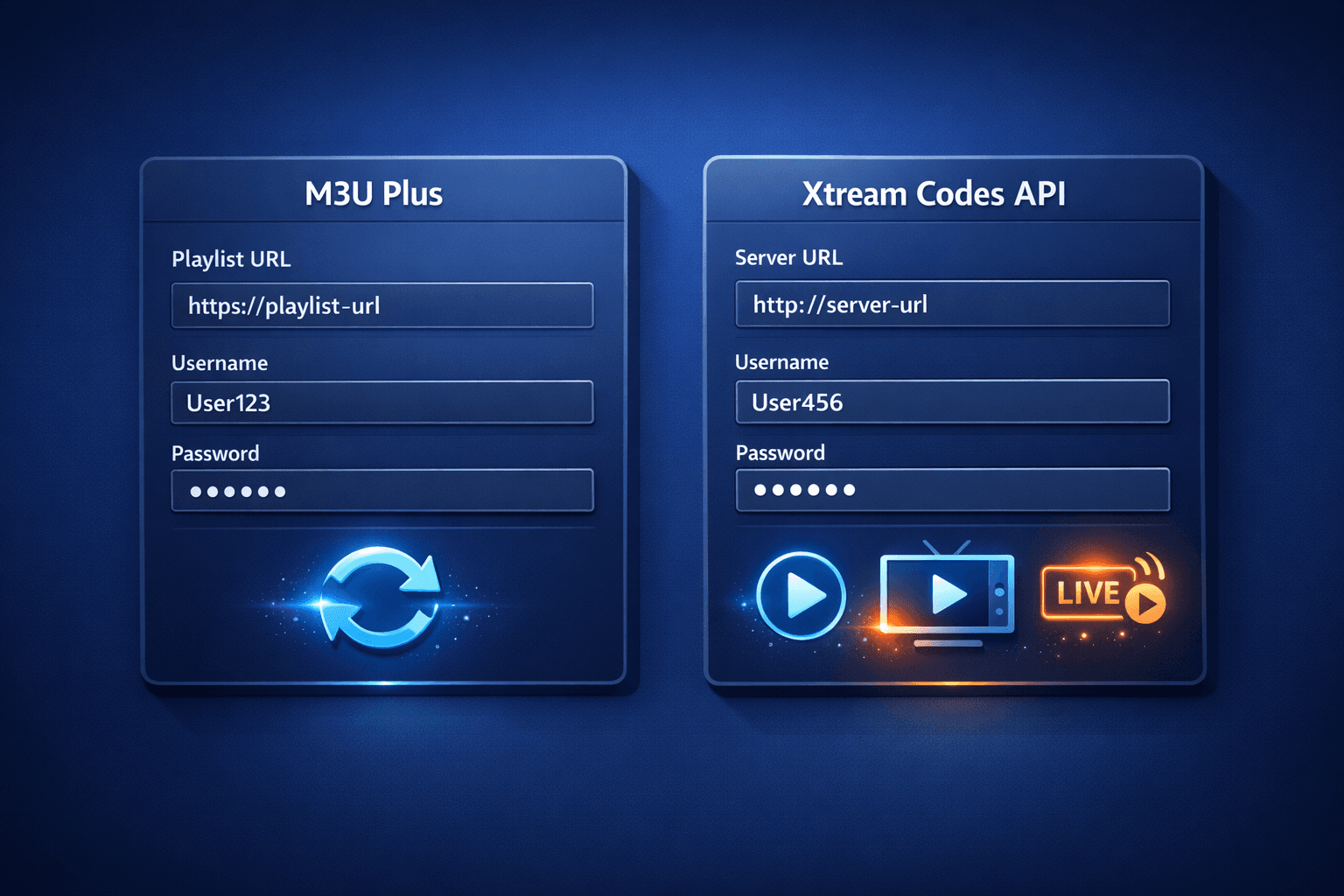
M3U Plus vs Xtream Codes API for Playlist Updates
When managing IPTV playlists, keeping your channel list updated seamlessly is essential. Two common methods for updating IPTV playlists are M3U Plus and Xtream Codes API. Each offers a distinct approach to retrieving and refreshing playlist data.
This article breaks down the key differences between M3U Plus and Xtream Codes API with respect to playlist updates, helping you understand which method suits your IPTV setup.
What you'll learn
- How M3U Plus and Xtream Codes API update playlists
- Setup requirements for each method
- Strengths and limitations of both
- Common errors during updates
- When to choose one method over the other
Understanding M3U Plus Playlist Updates
What is M3U Plus?
M3U Plus extends the traditional M3U playlist format by allowing additional parameters in the playlist URL. These parameters often include:
- Automatic refresh intervals
- Channel filtering options
- Authentication tokens
When you use M3U Plus, your IPTV app fetches a playlist URL — typically ending with .m3u or .m3u8 — which contains links to streams plus metadata. The URL might contain query strings that instruct the server or app about update behavior.
How M3U Plus Updates Work
Updating with M3U Plus generally involves:
- The IPTV app sending an HTTP(S) request to the playlist URL.
- The server responding with a new M3U file containing the latest channel list.
- The app replacing or merging this updated playlist data with the existing one.
Usually, apps have a "refresh playlist" option that reloads this URL, or auto-refresh settings tied to the URL's update parameters.
Setup Inputs
- A valid M3U Plus URL with access credentials embedded (username/password may be included in the URL or delivered via token parameters).
- Optionally, query parameters signaling update frequency.
Understanding Xtream Codes API for Playlist Updates
What is Xtream Codes API?
Xtream Codes API is a backend service and protocol used by many IPTV providers. Rather than downloading a static playlist file, the app logs in with credentials (username, password, and server URL) to request playlist data dynamically.
This system provides:
- Real-time access to live TV, VOD, and catch-up content
- Dynamic updates without changing URLs
- Authentication-based control
How Xtream Codes API Updates Work
When you configure your IPTV app with Xtream Codes credentials:
- The app authenticates using the username, password, and server URL.
- It sends API requests for channel lists, EPG data, and stream URLs.
- The server responds with structured data, often JSON or XML.
- The app updates channel lists on demand or on refresh without needing a new URL.
Setup Inputs
- Server URL (usually an IP or domain)
- Username and password
- Optional parameters such as buffer size or EPG intervals
Comparing Setup, Strengths, and Limitations
| Feature | M3U Plus | Xtream Codes API |
|---|---|---|
| Input Method | Playlist URL with embedded parameters | Server URL + username + password |
| Update Frequency | URL reload or app refresh triggers update | API calls provide near real-time updates |
| Content Types | Live channels, usually static lists | Live, VOD, catch-up with dynamic access |
| Authentication | Often token or basic auth in URL | Full login credentials with session management |
| Complexity | Simple to configure via URL | Requires multiple fields and server compatibility |
| Common Issues | Cache delays, incorrect URL formatting | Authentication failure, API downtime |
| Best Use Cases | Simpler IPTV services, apps supporting M3U | IPTV providers with dynamic content and strong backend APIs |
Common Troubleshooting and Mistakes
For M3U Plus
- Invalid URL format: Missing or misplaced parameters cause playlist fetch failures.
- Outdated caches: The app or DNS might cache the playlist, delaying updates.
- Expired tokens: Access tokens embedded in URLs can expire.
For Xtream Codes API
- Incorrect credentials: Typing errors in username, password, or server URL.
- Server downtime: The API may be temporarily unavailable.
- Unsupported app: Not all IPTV apps support Xtream Codes API.
Troubleshooting Checklist
- Double-check URLs and credentials.
- Refresh playlists manually before assuming issues.
- Clear app cache if updates appear stale.
- Confirm your IPTV provider supports the chosen update method.
Who This Guide Applies To
- Users of IPTV apps like TiviMate, IPTV Smarters, or similar that offer playlist update options.
- Subscribers with direct access to playlist URLs or API credentials.
If your IPTV app or service uses a custom or proprietary protocol outside M3U or Xtream Codes API, you will need device-specific guides.
Choosing Between M3U Plus and Xtream Codes API
Decision Checklist
- Does your IPTV provider give you a playlist URL or credentials?
- Do you require real-time content updates or mainly use static playlists?
- Does your app support Xtream Codes API login?
- Are you experiencing frequent update delays or authentication errors?
Practical Recommendations
- Use M3U Plus when your provider supplies a single playlist URL and your app refreshes playlists reliably.
- Prefer Xtream Codes API for dynamic content access, smoother live and catch-up streaming, and when your IPTV service supports API authentication.
FAQ
Q: Can I switch between M3U Plus and Xtream Codes API easily?
A: Most IPTV apps allow only one playlist update method at a time. Switching requires changing settings and may need re-entering credentials.
Q: Which method uses less data?
A: Xtream Codes API can be more efficient by requesting only updated content, but usage varies by implementation.
Q: What if my playlist won't update?
A: Check credentials or URL validity, clear app cache, and verify your IPTV provider's status.
Conclusion
Choosing between M3U Plus and Xtream Codes API for updating IPTV playlists hinges on your IPTV service and app capabilities. M3U Plus offers straightforward playlist URL refreshes suitable for simpler setups, while Xtream Codes API enables dynamic, credential-based updates ideal for real-time content streaming. Understanding your IPTV provider's support and your app's compatibility ensures smooth playlist management and uninterrupted viewing.
For more detail on related issues like playlist refreshing errors or channel logo fixes, see our guides on TiviMate Playlist Not Updating After Refresh and How to Fix Channel Logos Missing in TiviMate.
Frequently Asked Questions
What is the main difference between M3U Plus and Xtream Codes API for playlist updates?
M3U Plus uses extended playlist URLs with embedded update parameters, while Xtream Codes API uses dedicated login credentials and API calls for dynamic playlist management.
Can I use both M3U Plus and Xtream Codes API together?
Generally, IPTV apps support one primary playlist update method at a time; mixing both is uncommon and usually not supported directly in the same app.
Which method provides faster playlist updates?
Xtream Codes API typically offers more efficient and quicker updates since it communicates directly with the IPTV server backend rather than relying on periodic URL reloads.
Are there troubleshooting differences between the two methods?
Yes, M3U Plus issues often relate to URL formatting or caching, while Xtream Codes API issues more commonly involve authentication errors or API downtime.
Who should prefer Xtream Codes API over M3U Plus?
Users with IPTV services providing username/password access and real-time content management usually benefit more from Xtream Codes API.
Keep exploring
More explainers that connect naturally to this setup, workflow, or troubleshooting path.
When you switch channels on your IPTV service and the screen freezes or lags, it’s frustrating and disrupts your viewing experience. IPTV freezing during channel switching is most often caused by network delays, buffering, or the IPTV.

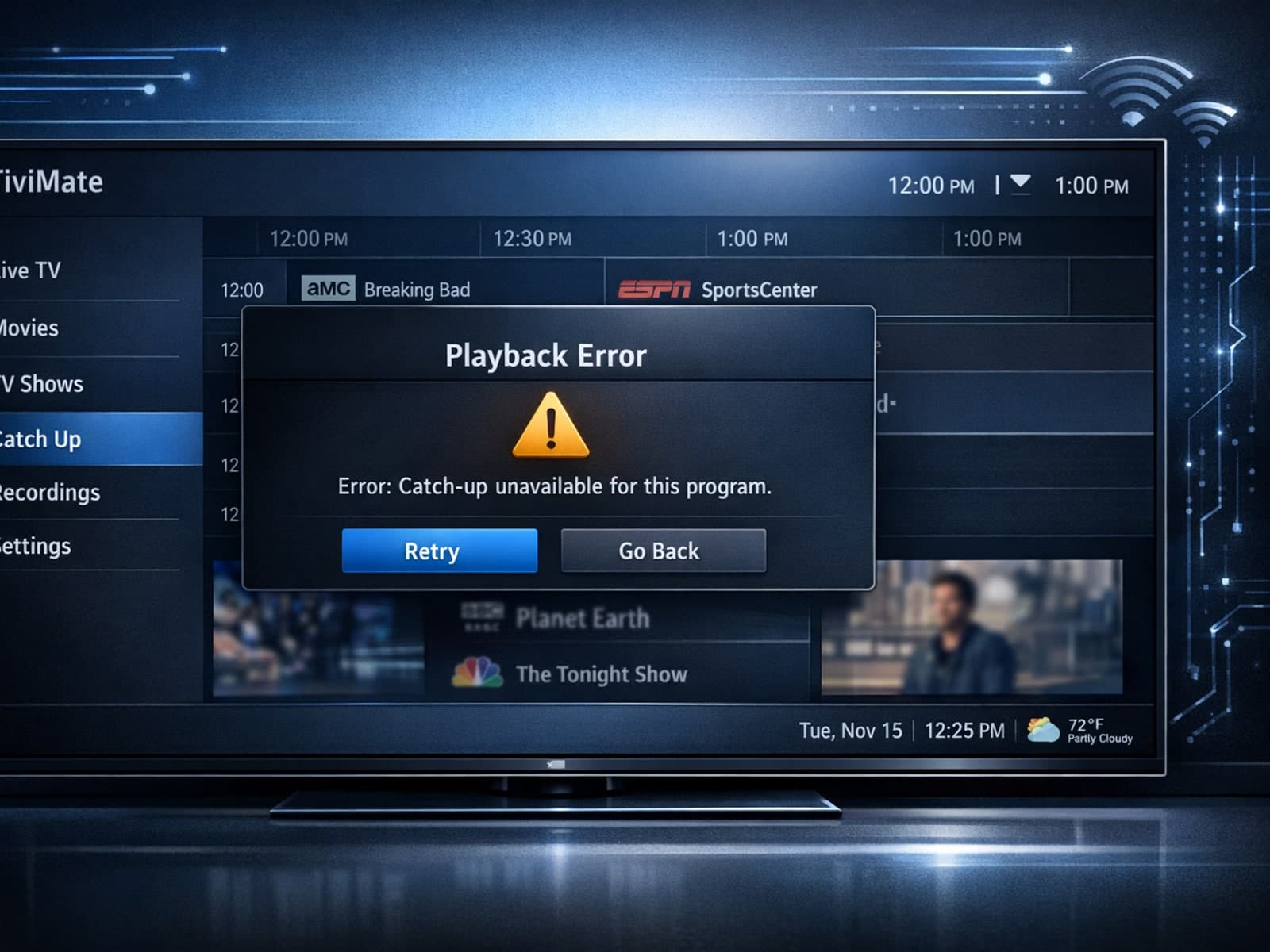
If your catch-up feature in TiviMate isn’t working, the fundamental reasons often lie in your IPTV playlist source or server configuration rather than the app itself.

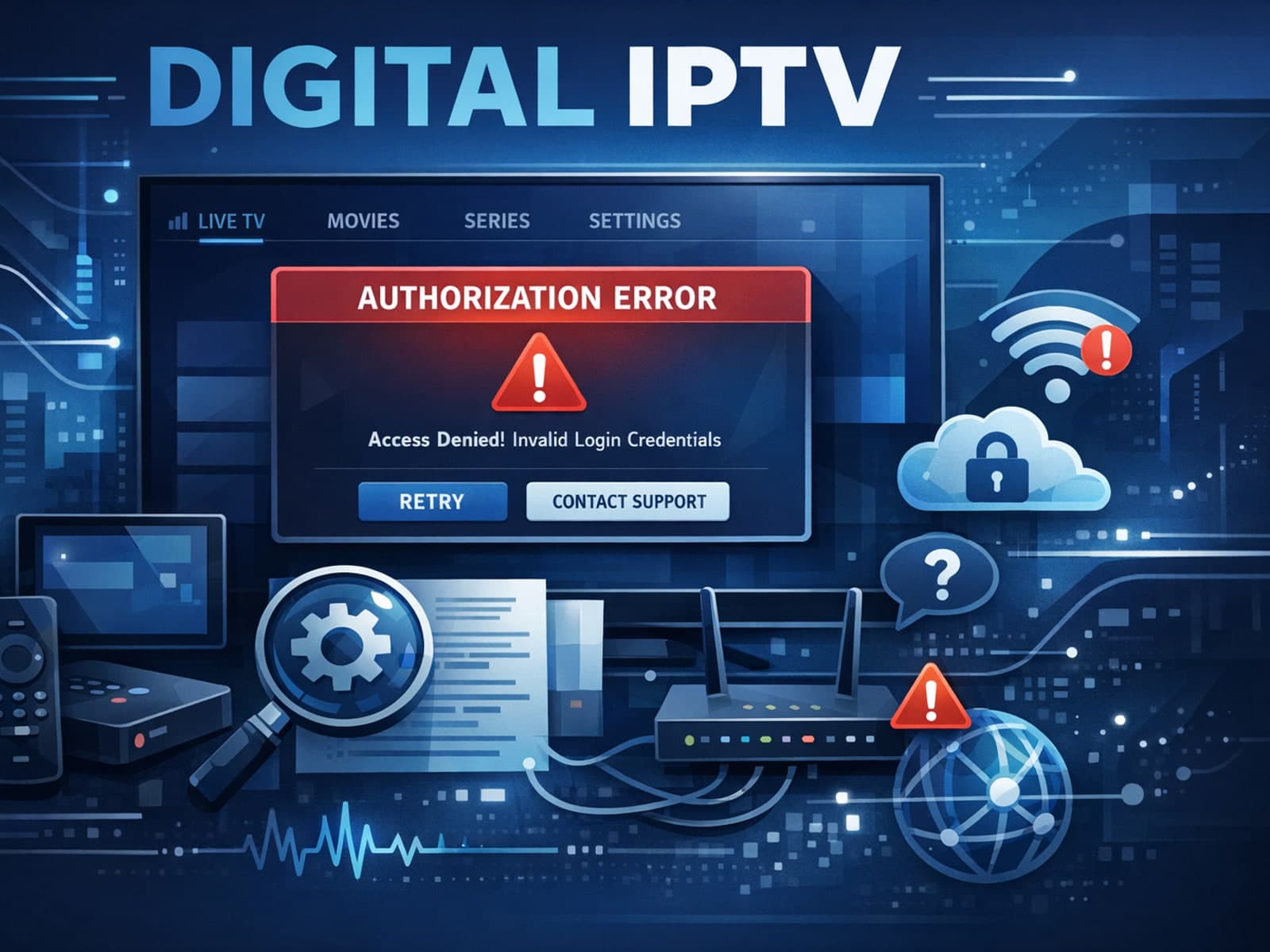
When you see the "Xtream Codes authorization failed" message on TiviMate, it means the app currently cannot verify your IPTV login credentials with the IPTV provider’s server. This prevents access to the channel list or streaming content.