
Latest dispatch

When Xtream Codes Works Better Than M3U for IPTV Playback

For IPTV users deciding between Xtream Codes format and M3U playlists, understanding when Xtream Codes works better is key. Simply put, Xtream Codes works better than M3U playlists when your IPTV service offers secure login credentials.

Portrait headshot of Elena Navarro
Elena NavarroIPTV Setup Specialist | Player Configuration & Playlist Hygiene Guru
Illustration comparing Xtream Codes and M3U playlist IPTV streaming methods

From the archive

Recent explainers

Fresh IPTV setup notes, troubleshooting guides, and feature breakdowns.

View all

TiviMate is a popular IPTV player app for Android TV and similar devices, known for its advanced channel management options. Organizing favorites and groups in TiviMate lets you customize your IPTV watching experience by categorizing.

Portrait headshot of Priya Desai
Priya Desai
Smart TV showing IPTV streaming interface with frozen screen during channel change

When you switch channels on your IPTV service and the screen freezes or lags, it’s frustrating and disrupts your viewing experience. IPTV freezing during channel switching is most often caused by network delays, buffering, or the IPTV.

Portrait headshot of Jonah Reeves
Jonah Reeves
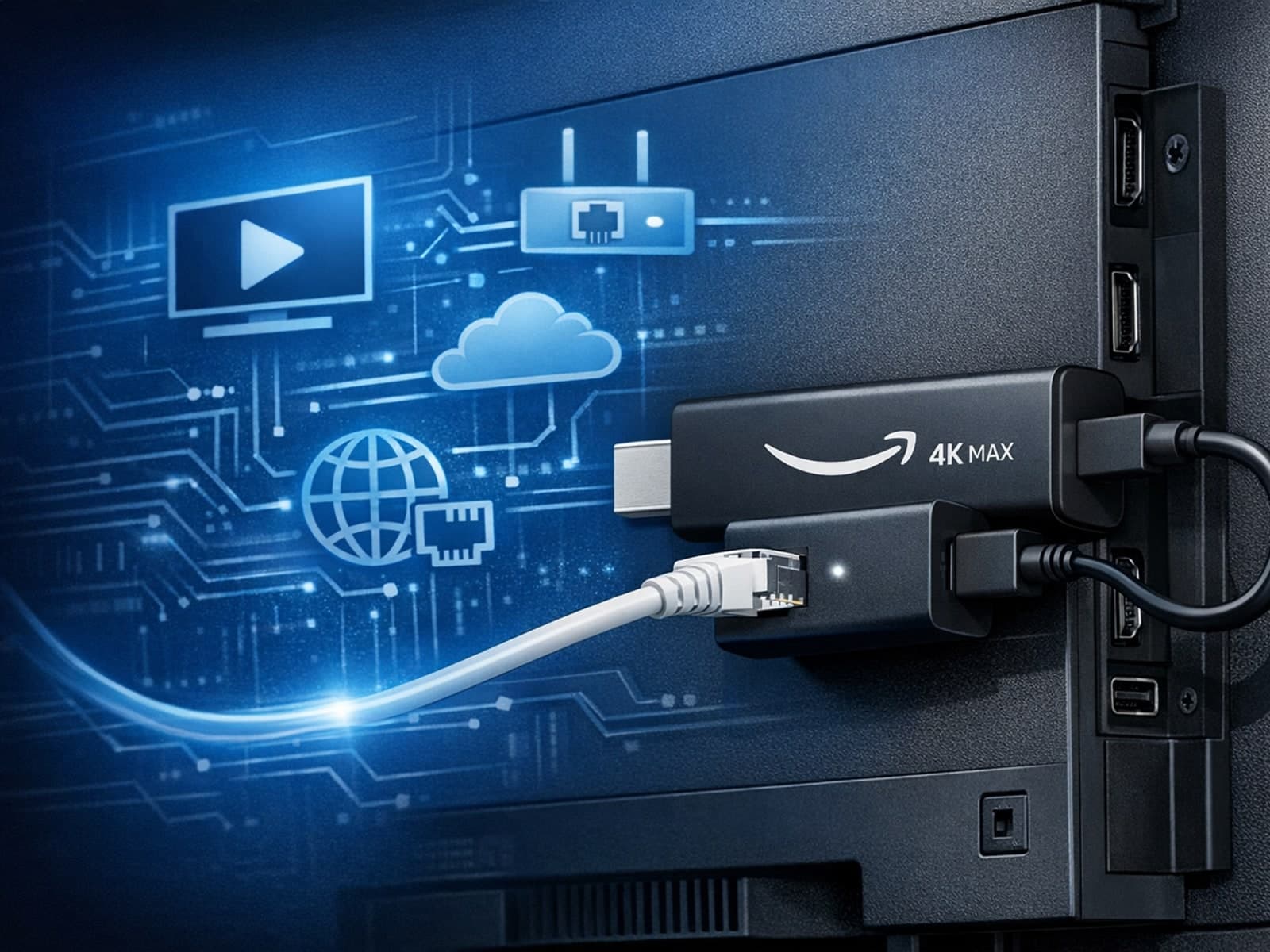
Fire TV Stick 4K Max connected to an Ethernet adapter with streaming interface on TV screen

The Amazon Fire TV Stick 4K Max offers a powerful streaming experience with improved hardware and faster Wi-Fi connectivity. However, some users prefer the stability and reliability of a wired Ethernet connection over Wi-Fi.
Portrait headshot of Jonah Reeves
Jonah Reeves
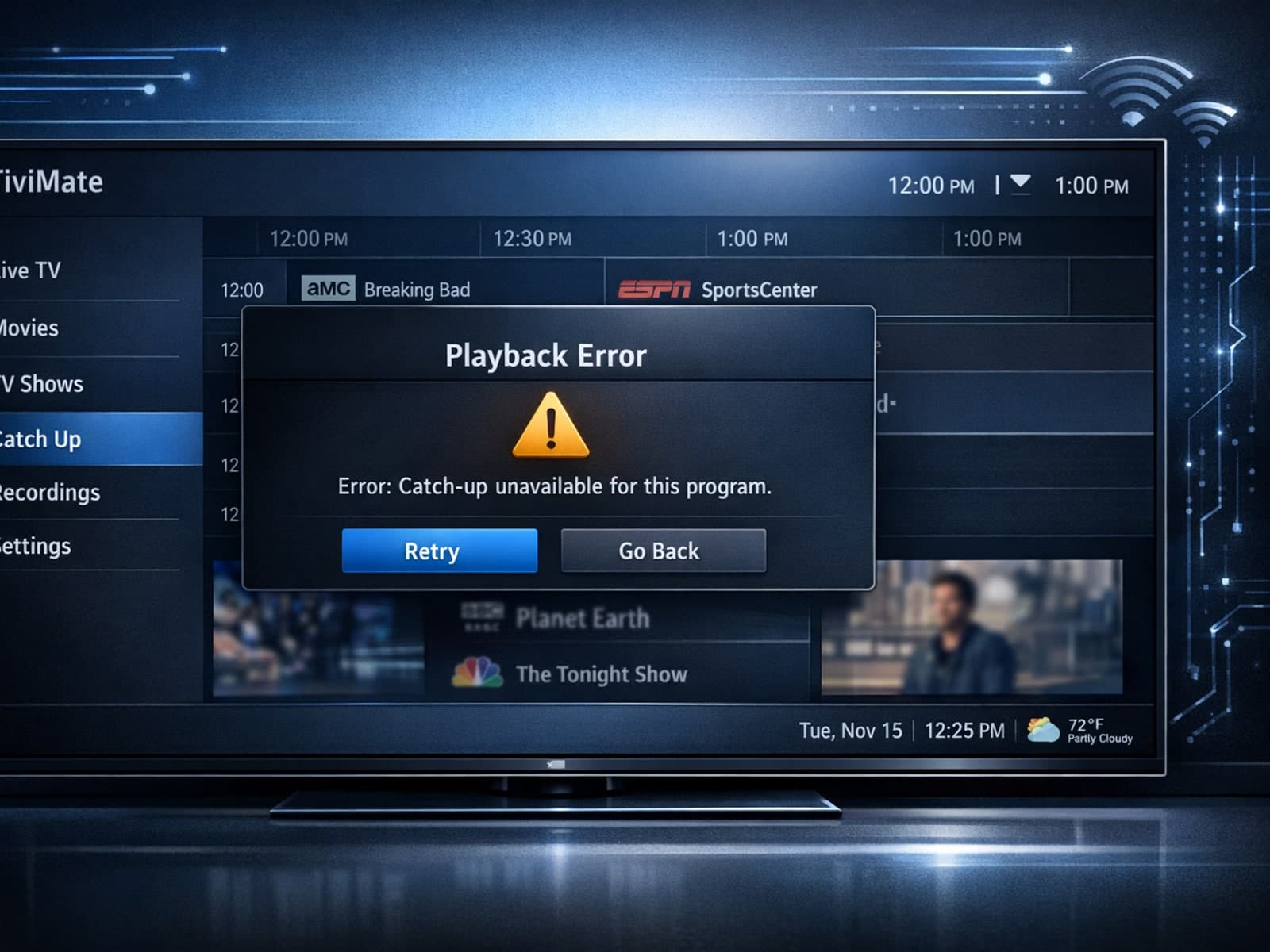
TiviMate app interface showing IPTV catch-up feature troubleshooting

If your catch-up feature in TiviMate isn’t working, the fundamental reasons often lie in your IPTV playlist source or server configuration rather than the app itself.

Portrait headshot of Marcus Bell
Marcus Bell
TiviMate app showing Xtream Codes authorization failed error message

When you see the "Xtream Codes authorization failed" message on TiviMate, it means the app currently cannot verify your IPTV login credentials with the IPTV provider’s server. This prevents access to the channel list or streaming content.
Portrait headshot of Marcus Bell
Marcus Bell
Digital illustration of a streaming app interface with an error icon on a dark blue IPTV-themed background

When your M3U playlist fails to load in IPTV Smarters, it usually means the app cannot retrieve or read the playlist file correctly. This stops your channels from appearing and prevents streaming.

Portrait headshot of Priya Desai
Priya Desai

Browse by subject

Popular topics

Jump straight into the corners of IPTV you care about most.

View all topics
404 error (1)5 GHz Band (1)5 GHz Wi-Fi (1)5 GHz WiFi (4)512 error (1)Amazon Fire TV (8)Android TV (4)Authorization Error (3)Catch-up (2)Channel Groups (8)Channel Logos (15)Chromecast (1)EPG (36)EPG Source URL (1)EPG URL (6)Electronic Program Guide (1)Ethernet (1)Favorites (9)Fire TV (10)Fire TV Cube (15)Fire TV Troubleshooting (1)Fire TV optimization (1)Google TV (1)Guide Offset (1)Guide Troubleshooting (1)Home Network (1)IPTV Apps (3)IPTV Errors (1)IPTV Guide (1)IPTV Login (4)IPTV Login Issues (2)IPTV Player (1)IPTV Players (1)IPTV Smarters (21)IPTV Subscription (1)IPTV Troubleshooting (38)IPTV app errors (1)IPTV authentication (1)IPTV credentials (1)IPTV lag (2)IPTV playlist (2)IPTV streaming (7)Internet (1)Invalid Details (11)Invalid Details Error (3)Lag (1)Live TV (1)Login (1)M3U Playlists (1)M3U Plus (15)M3U URL (1)M3U playlist (4)Media Player (2)Metadata (1)Network (7)Network Configuration (2)Network Setup (1)Networking (1)Playlist (25)Playlist Formats (2)Playlist Management (6)Playlist Metadata (1)Playlist Troubleshooting (6)Privacy (1)Program Guide (2)Quality of Service (1)Smart TV (1)Storage (4)Storage Issues (6)Storage management (3)Streaming Apps (1)Streaming Device (1)Streaming Devices (11)Streaming Optimization (4)Streaming Performance (3)Streaming Quality (2)Streaming Technology (1)Streaming Troubleshoot (1)Streaming buffering (1)Subscription Issues (1)Tech (1)Tech Basics (3)Technology Guides (2)Time Offset (16)TiviMate (77)Troubleshooting (48)VPN (9)Wi-Fi (1)Wi-Fi Optimization (1)Wi-Fi Settings (2)WiFi (6)WiFi Optimization (2)WiFi Settings (3)WiFi Setup (1)Windows (1)XMLTV (3)Xtream Codes API (17)authentication (4)buffering (22)cache clearing (7)channel switching (2)channel-organization (1)configuration (1)copyright (1)dns (2)ethernet adapter (2)fire os (2)fire tv comparison (1)fire tv stick (33)fire tv stick 4k max (14)firestick (13)freezing (1)groups (1)guide (1)guide correction (2)guide-timing (1)hardware (2)home-entertainment (2)internet-tv (3)ip technology (1)iptv (167)iptv login error (1)iptv setup (1)iptv-epg (1)iptv-playlists (3)legality (1)live-streaming (1)login error (14)login errors (2)login troubleshooting (1)m3u (21)media-services (2)network optimization (7)network stability (1)network-settings (2)playlist URL (4)playlist errors (1)playlist loading (1)playlist refresh (3)playlist update (10)playlist updates (14)playlists (1)refresh (6)refresh issue (1)server URL (2)streaming (43)streaming errors (1)streaming formats (2)streaming issues (1)streaming lag (4)streaming problems (1)streaming setup (1)streaming troubleshooting (7)subscription status (1)updates (1)usb c ethernet (1)user-interface (1)username password (1)username password incorrect (2)wired internet (1)xtream codes login (1)xtream-codes (33)