
Topic hub
WiFi
Browse practical IPTV articles about WiFi, including setup choices, troubleshooting paths, and follow-on guides.
Compare options
Useful when you are choosing a format, workflow, device, or connection path.
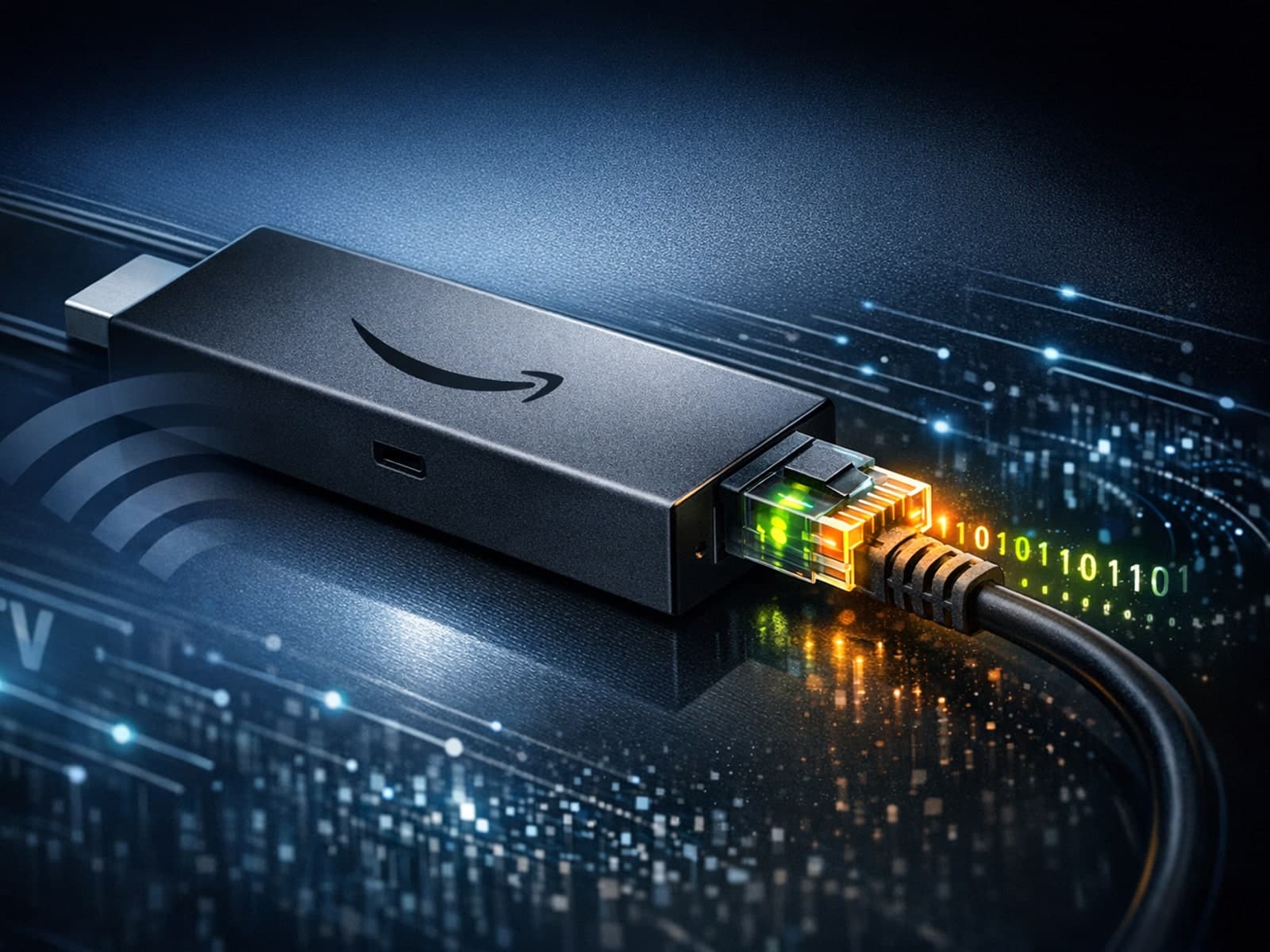
When streaming IPTV on a Fire TV Stick, the question of whether to use an Ethernet or WiFi connection frequently arises. Ethernet offers a wired connection using a physical cable, while WiFi is a wireless network connection.

Devices and network gear
Hardware, connectivity, and performance tradeoffs that affect playback quality.
Optimizing WiFi settings on your Fire TV Stick can significantly improve IPTV streaming quality by reducing buffering, preventing lag, and enhancing video clarity.
When streaming IPTV (Internet Protocol Television) on a Fire TV Stick, having optimal WiFi settings is crucial to minimize buffering, latency, and improve video quality.

To get the best streaming experience with IPTV apps on your Fire TV Stick, setting up your WiFi network properly is crucial. This means choosing the right WiFi frequency band, optimizing your network settings like IP and DNS, and ensuring.

Optimizing WiFi settings on your Fire TV Stick is crucial for a stable and high-quality IPTV streaming experience. IPTV (Internet Protocol Television) requires consistent network speeds, minimal latency, and low interference to stream live.
To achieve smooth IPTV streaming on your Fire TV Stick, optimizing your WiFi settings is essential. The Fire TV Stick relies heavily on a stable and fast WiFi connection because IPTV streams live video data continuously.