
Topic hub
Cache Clearing
Browse practical IPTV articles about cache clearing, including setup choices, troubleshooting paths, and follow-on guides.
Troubleshoot and fix
Start here when something fails, stalls, or behaves differently than expected.
Limited storage on Fire TV Stick can cause IPTV lag by restricting app cache and performance. Clearing cache, uninstalling unused apps, and restarting helps smooth playback.

If your IPTV streams on Fire TV Stick lag, buffering often or stuttering, a common but overlooked cause is storage-related performance issues.

If you are experiencing lag or buffering issues while streaming IPTV on your Fire TV Stick, one common but often overlooked cause is storage limitations on the device.
If you notice that channel logos are missing in TiviMate, it usually means the app is not receiving or correctly displaying the logo images from your IPTV playlist.

More in this topic
Additional guides that connect to this hub without fitting a narrower troubleshooting or comparison bucket.
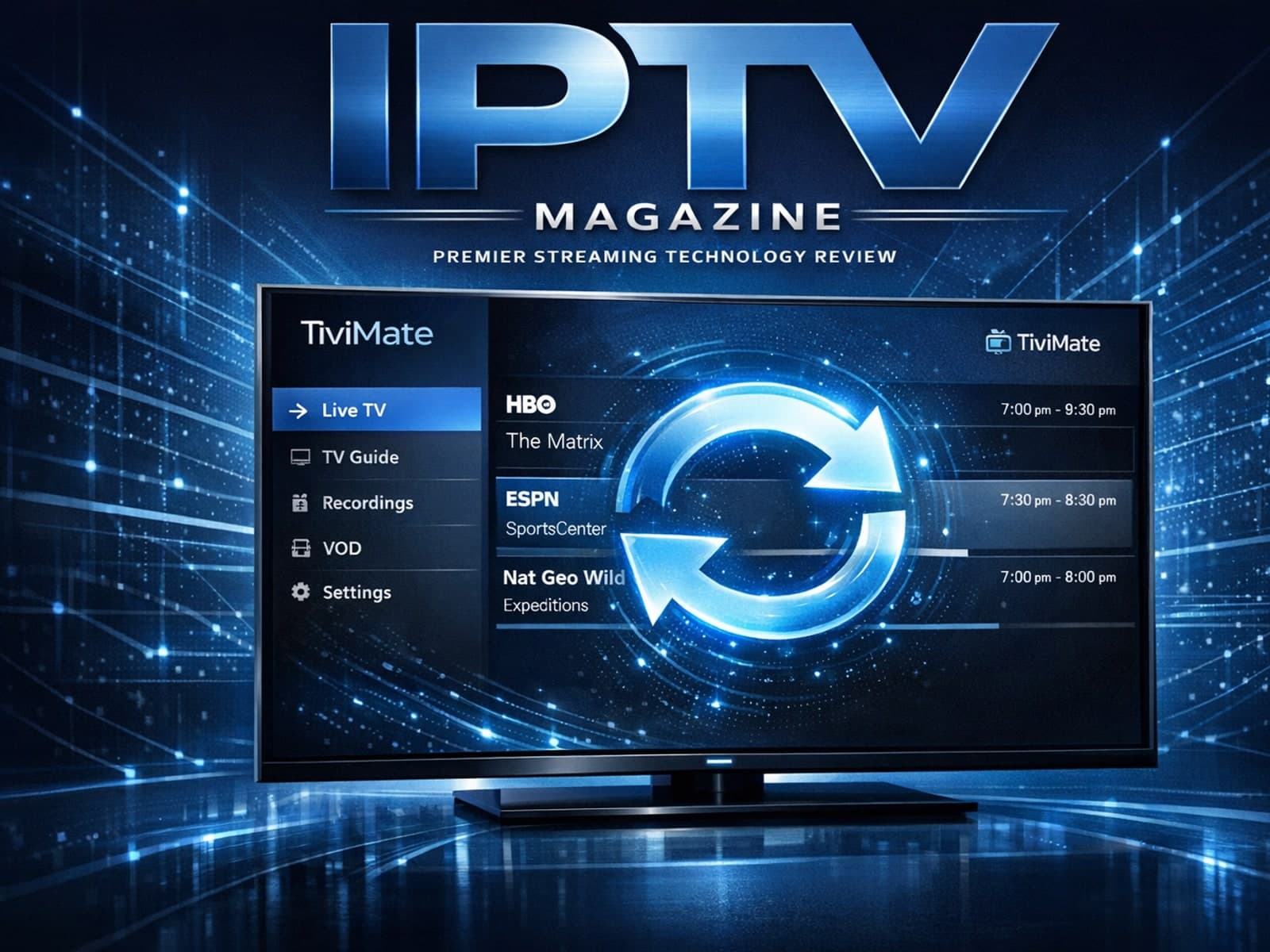
If your TiviMate playlist does not update after hitting the refresh button, it's usually due to issues like playlist URL problems, app cache conflicts, or network connectivity failures.
If your TiviMate playlist isn't updating after you hit refresh, it can be frustrating when channels, content, or schedules don't appear as expected.
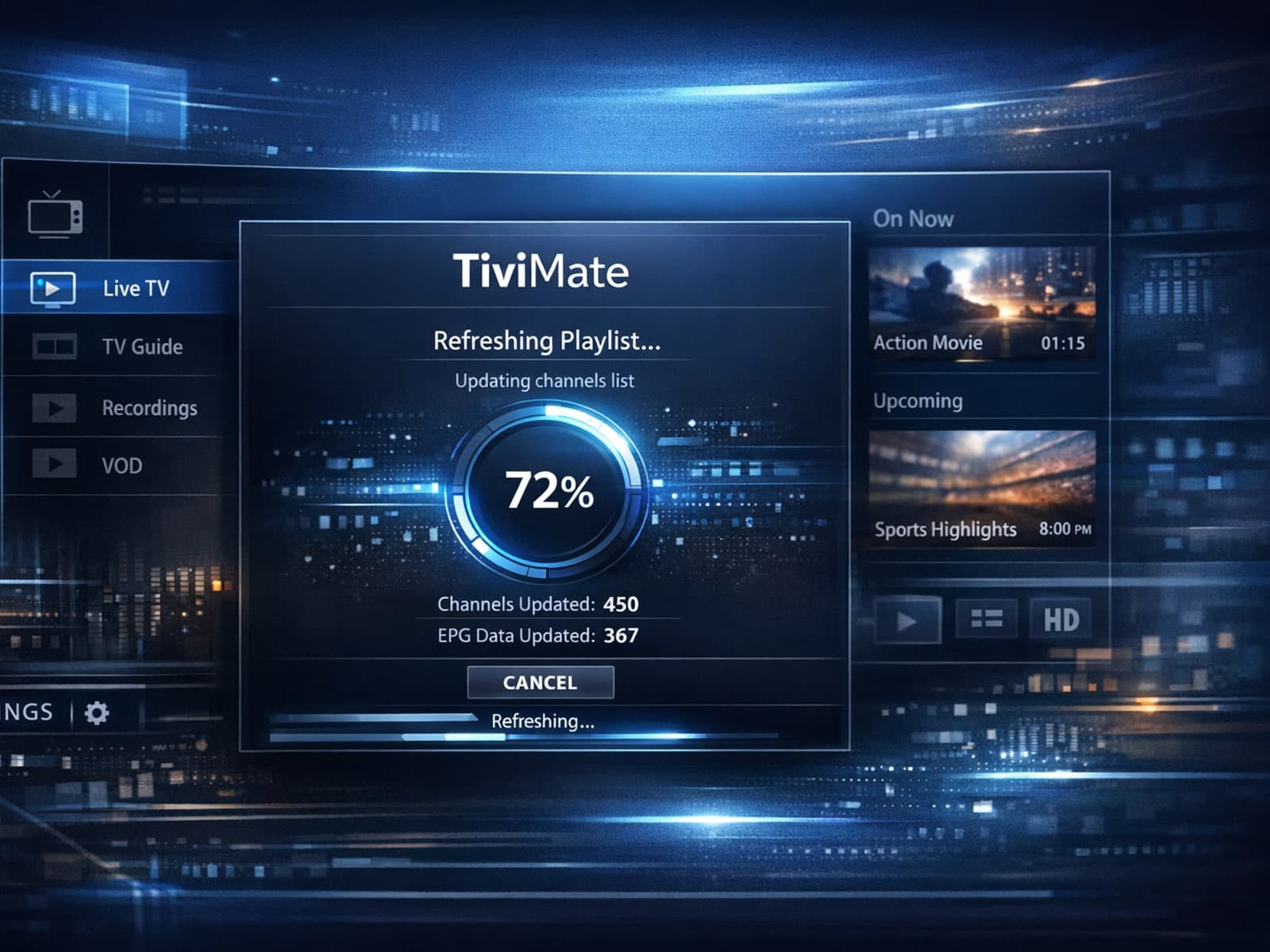
If your TiviMate playlist is not updating after you try to refresh it, you’re encountering a common but fixable problem in IPTV streaming.