
When Xtream Codes Works Better Than M3U for IPTV Playback

Quick answer
For IPTV users deciding between Xtream Codes format and M3U playlists, understanding when Xtream Codes works better is key. Simply put, Xtream Codes works better than M3U playlists when your IPTV service offers secure login credentials with dynamic content updates and reliable...
Reviewed Against
• Xtream Codes username, password, and server-URL login flows
• M3U and M3U Plus playlist URLs, refreshes, and import behavior
• Server-URL formatting, HTTP response handling, and account-entry failure patterns
Applies To
• Portal-style logins that need a server URL plus account credentials
• Playlist-based IPTV setups that rely on M3U or M3U Plus links for channel data
• Errors caused by malformed URLs, wrong credentials, expired tokens, or unreachable playlist endpoints
Does not apply when
• You are using only an M3U playlist URL with no Xtream-style portal login at all.
• Your app is using a portal or stalker-style workflow instead of a playlist URL.
• The provider confirms the service is down or the account has been deliberately blocked upstream.
Corroborating Resources
HTTP response status codesUseful when an IPTV app surfaces 401, 403, 404, or 5xx style errors during login or playlist refreshes.
URL structure referenceHelpful for checking server URLs, source links, and path/query mistakes in portal or playlist setups.
Topic Cluster
Part of the Xtream Codes cluster
Login errors, URL format confusion, authorization failures, and when Xtream Codes makes more sense than M3U. This page sits in compare options for that topic path.
Start here in this topic
On this page

When Xtream Codes Works Better Than M3U for IPTV Playback
For IPTV users deciding between Xtream Codes format and M3U playlists, understanding when Xtream Codes works better is key. Simply put, Xtream Codes works better than M3U playlists when your IPTV service offers secure login credentials with dynamic content updates and reliable electronic program guide (EPG) integration. It improves user experience by maintaining up-to-date channel lists, providing advanced user authentication, and supporting more interactive features.
What you'll learn
- The fundamental differences between Xtream Codes and M3U playlists
- How Xtream Codes improves dynamic content management
- Benefits of integrated EPG with Xtream Codes
- Challenges and troubleshooting for each format
- When and why Xtream Codes is preferable for IPTV apps
Understanding Xtream Codes and M3U Playlists
What Is an M3U Playlist?
An M3U playlist is a plain text file that lists IPTV channel streams as URLs. It can be a static link or local file loaded into IPTV player apps. Each entry usually contains channel names and streaming links but lacks built-in authentication and automatic updates. M3U is widely supported due to its simplicity.
What Is Xtream Codes?
Xtream Codes is a protocol used in IPTV services that requires clients to log in with a server URL, username, and password. It goes beyond a simple playlist by enabling dynamic channel lists, live updates, and built-in access control. It also supports EPG (electronic program guide) data more reliably than many M3U implementations.
How Xtream Codes Enables Dynamic Content Management
One of Xtream Codes' strongest features is its real-time management of content. When using Xtream Codes, the IPTV client connects with a server via authenticated credentials, allowing the server to push channel updates automatically. This dynamic approach eliminates the need for users to frequently reload or replace static M3U files.
- Channel additions, removals, and changes happen seamlessly.
- Stream URLs and authentication tokens can refresh without user input.
- Providers can enforce geographic restrictions or user limitations.
This dynamic content management improves user convenience and reduces broken streams compared to M3U playlists, which often require manual intervention for updates.
Benefits of Integrated EPG with Xtream Codes
The Electronic Program Guide (EPG) provides scheduling and metadata for TV channels, an important feature for IPTV users. While M3U playlists can reference separate EPG XML files, their integration is frequently static and prone to mismatch.
Xtream Codes, by design, facilitates tighter EPG integration:
- EPG data is usually tied directly to channels via the server login.
- Updates to programming schedules happen dynamically alongside channel lists.
- Supports extended metadata like descriptions, posters, and timeshift options.
This integration results in a more synchronized viewing experience.
User Authentication and Security Advantages
Xtream Codes Authentication
Xtream Codes requires a username and password alongside a server URL. This authentication supports:
- Secure access control limiting streams to registered users.
- Individual user tracking by IPTV providers.
- Prevention of unauthorized sharing of playlists.
M3U Authorization
M3U playlists usually do not include authentication, or if they do, it's embedded in the stream URL. This approach:
- Is less flexible for managing users.
- Can lead to outdated or unauthorized streams being shared.
Therefore, Xtream Codes provides an advantage in managing who can watch the content.
Troubleshooting Common Issues and Knowing When to Use Each Format
Common Xtream Codes Troubleshooting Mistakes
- Entering incorrect server or login details: Authorization failures are common and require verifying credentials.
- Using outdated Xtream Codes URLs: These URLs can expire or be disabled by providers.
- Ignoring EPG sync issues: When EPG doesn’t load, checking server status is essential.
Common M3U Troubleshooting Mistakes
- Using broken or stale playlist URLs: M3U playlists often become outdated.
- Ignoring format errors in playlist files: Corrupt or partial files cause loading errors.
- Failing to sync EPG separately: M3U usually needs manual EPG links.
When To Follow Different Troubleshooting Paths
- If you are using an IPTV app login screen with username and password fields, focus on Xtream Codes troubleshooting guides.
- If you load a simple URL or file without login data, concentrate on M3U playlist troubleshooting.
- Device-specific issues (like on Fire TV or Android TV) often require additional troubleshooting steps; refer to dedicated guides in those cases.
Comparing Xtream Codes and M3U for IPTV Playback
| Feature | Xtream Codes | M3U Playlist |
|---|---|---|
| Authentication | Required (server + credentials) | Usually none or embedded in URL |
| Content Updates | Dynamic via server | Static, manual updates needed |
| EPG Integration | Built-in, auto-sync | Separate, manual link required |
| User Access Control | Strong | Weak or none |
| Ease of Setup | Slightly more complex | Simple (URL or file load) |
| Reliability of Streams | Generally higher due to updates | Variable, often stale links |
Summary Checklist: When Xtream Codes Works Better
- You want automatic channel and EPG updates without manual playlist changes.
- Your IPTV provider supplies login credentials with a server URL.
- You require secure user authentication to access your IPTV streams.
- You seek more reliable synchronization of program guides.
- You prefer having the IPTV provider control access and manage content dynamically.
Frequently Asked Questions
What is the main difference between Xtream Codes and M3U playlists?
Xtream Codes uses server login credentials enabling dynamic, authenticated content delivery. M3U is a static list of stream URLs without built-in authentication.
Can I use both Xtream Codes and M3U in the same IPTV app?
Many IPTV apps support both formats but usually require loading them separately based on your provider’s supply method.
Why would Xtream Codes provide a better experience than M3U?
Because it allows live updates, secure access, and reliable EPG, reducing broken streams and manual maintenance.
When should I troubleshoot differently for Xtream Codes than for M3U?
Authorization and login are unique to Xtream Codes, whereas playlist format or URL validity issues mainly affect M3U.
Is Xtream Codes still widely supported?
Though some services have deprecated it, many IPTV providers and apps continue to support it due to its management advantages.
Conclusion
Xtream Codes works better than M3U playlists for IPTV users who value dynamic content updates, integrated EPG synchronization, and secure authentication. While M3U playlists remain popular for their simplicity, Xtream Codes enhances the IPTV experience by reducing maintenance efforts and improving content reliability. Knowing your IPTV provider's delivery format and the strengths of each helps you choose the right setup and troubleshooting approach for seamless streaming.
For detailed troubleshooting, see our articles on Xtream Codes authorization failures and M3U playlist loading issues.
Also, read about why IPTV freezes during channel switching, which can sometimes relate to playlist format handling.
Additional Resources
- How to Fix Catch-Up Not Working in TiviMate
- Why IPTV Freezes During Channel Switching: Causes and Fixes
Step-by-step process
- Identify your IPTV provider's content delivery format (Xtream Codes or M3U).
- Input credentials or playlist URL into your IPTV app accordingly.
- For Xtream Codes, enter server URL, username, and password in the dedicated login fields.
- For M3U, load the playlist URL or file directly into the app's playlist manager.
- Verify electronic program guide (EPG) data loads correctly and matches channels.
- Test channel streaming performance and stability.
- Troubleshoot connection or authorization errors based on the login method used.
Keep exploring
More explainers that connect naturally to this setup, workflow, or troubleshooting path.
TiviMate is a popular IPTV player app for Android TV and similar devices, known for its advanced channel management options. Organizing favorites and groups in TiviMate lets you customize your IPTV watching experience by categorizing.

When you switch channels on your IPTV service and the screen freezes or lags, it’s frustrating and disrupts your viewing experience. IPTV freezing during channel switching is most often caused by network delays, buffering, or the IPTV.

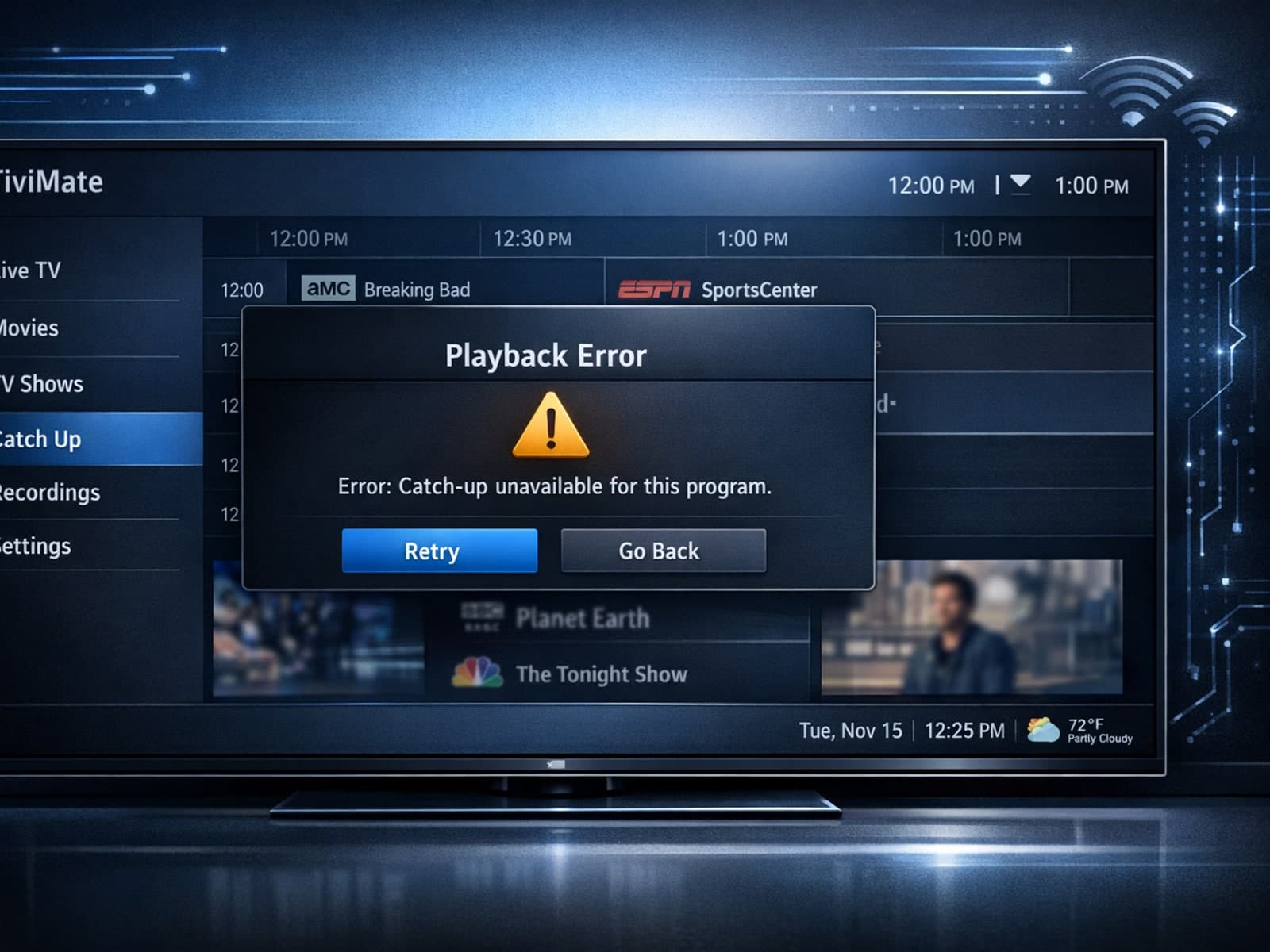
If your catch-up feature in TiviMate isn’t working, the fundamental reasons often lie in your IPTV playlist source or server configuration rather than the app itself.
