
Topic hub
Network
Practical network changes that improve IPTV stability, from Ethernet choices to Wi-Fi tradeoffs and local congestion fixes.
Best next questions
Troubleshoot and fix
Start here when something fails, stalls, or behaves differently than expected.
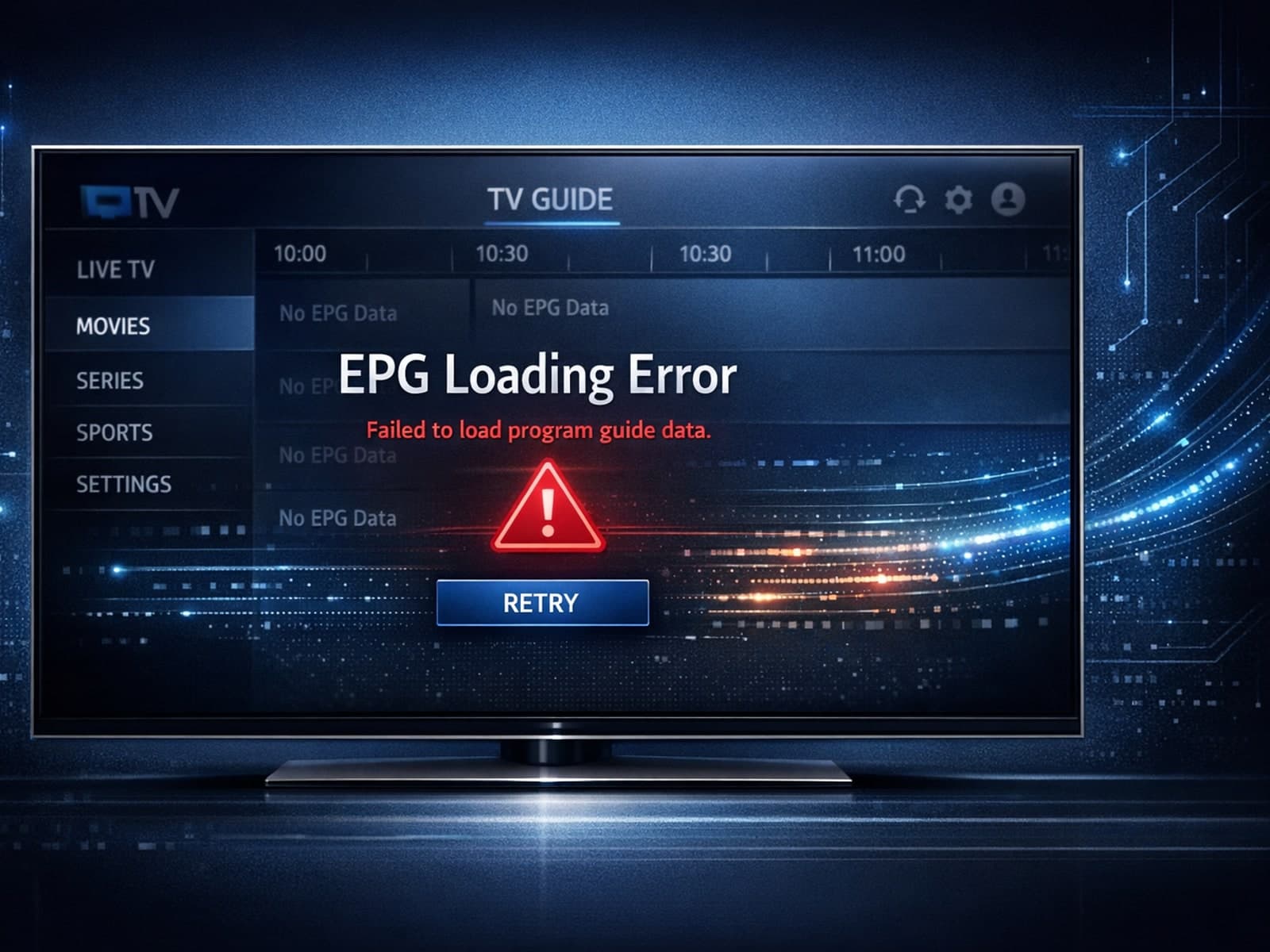
When the Electronic Program Guide (EPG) fails to load in the TiviMate app, it means that the schedule and program information for your IPTV channels are not appearing.

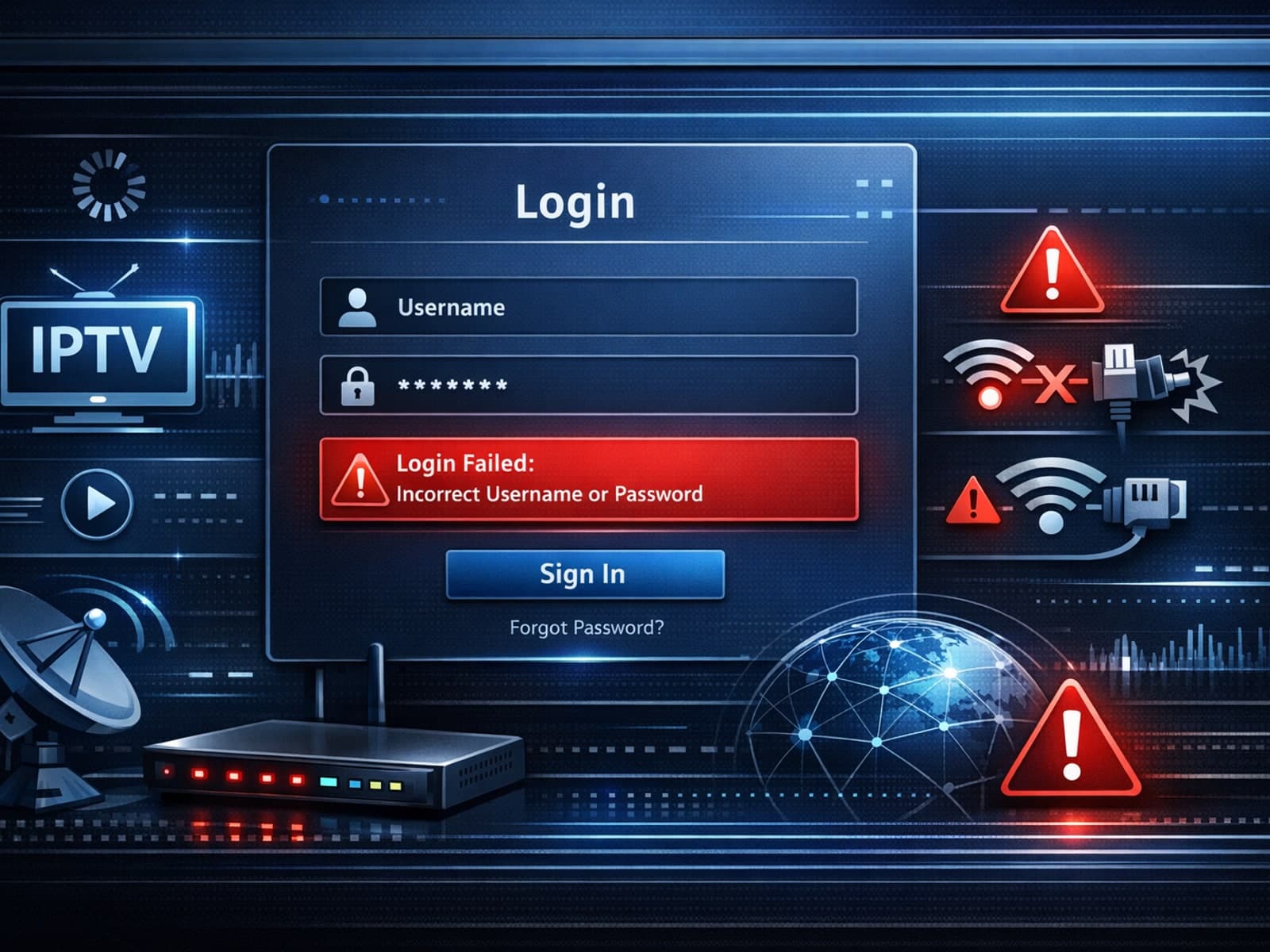
When you encounter "Xtream Codes login failed" errors, it means your IPTV client cannot successfully authenticate your credentials with the Xtream Codes server.

Compare options
Useful when you are choosing a format, workflow, device, or connection path.
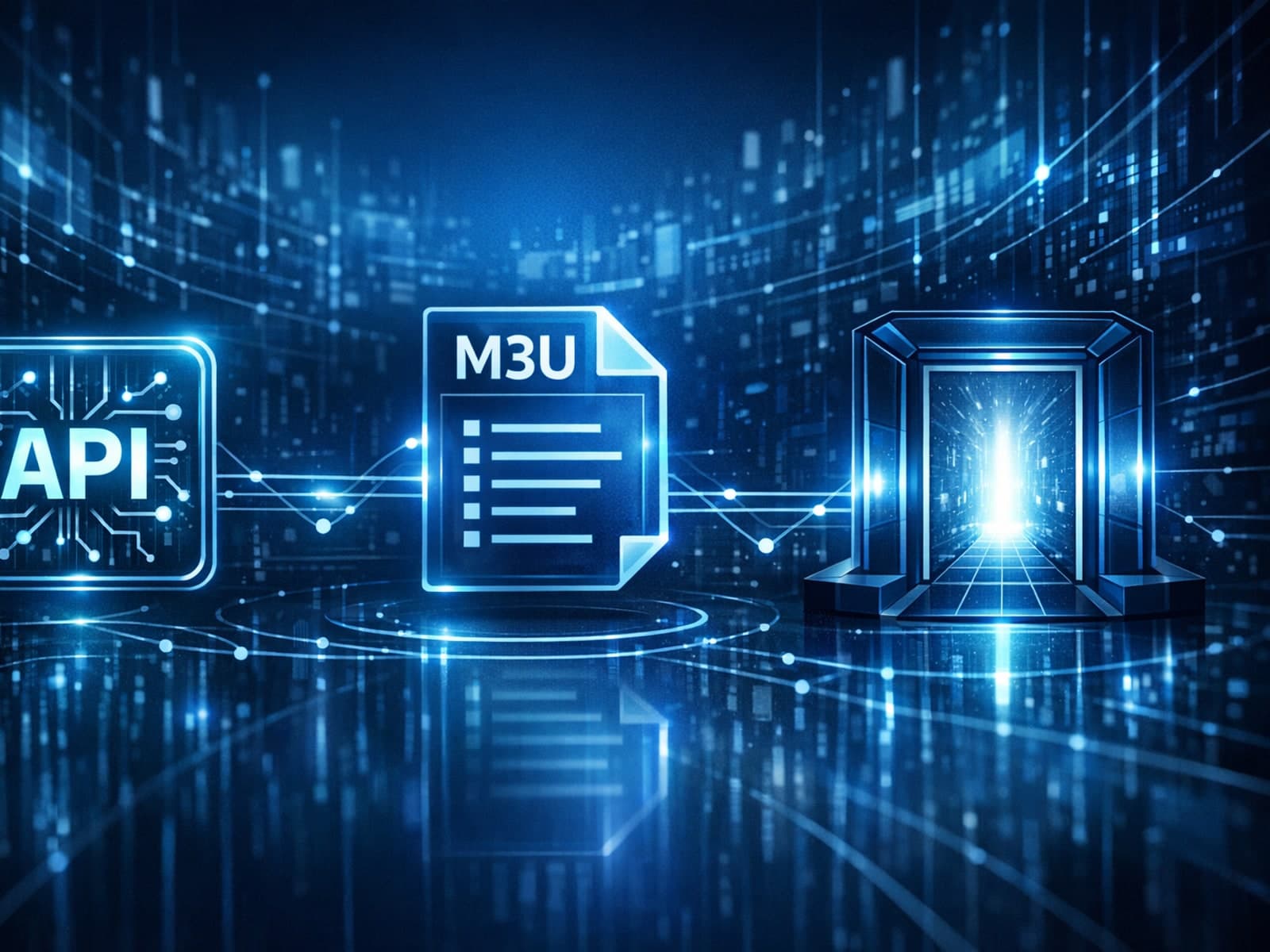
IPTV services commonly use different methods to provide access to video streams. Among the popular ones are Xtream Codes, M3U playlists, and Stalker Portal.

Devices and network gear
Hardware, connectivity, and performance tradeoffs that affect playback quality.
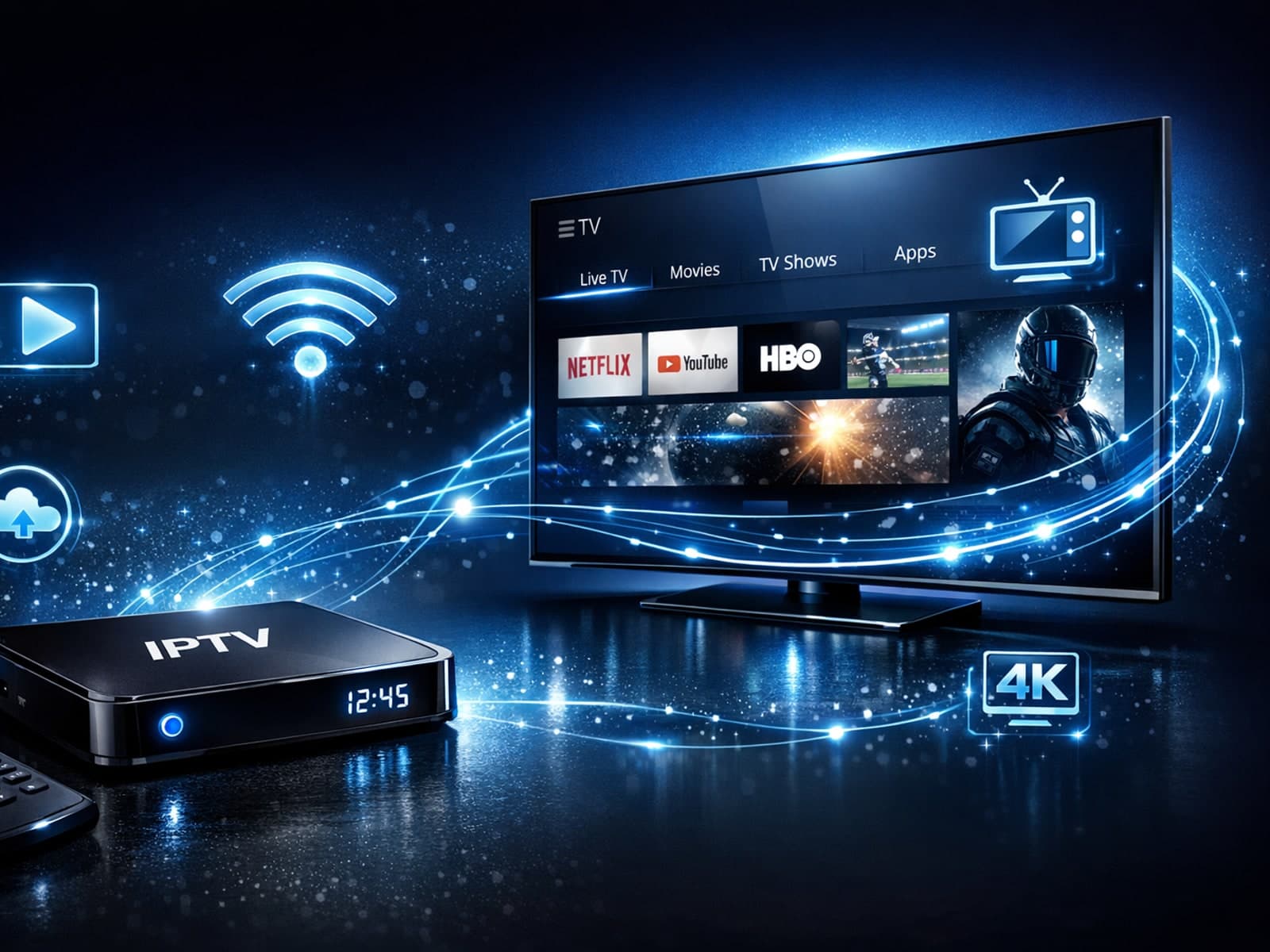
Stable IPTV playback hinges largely on the hardware you use. Whether you're streaming through a smart TV, a set-top box, or a streaming stick, certain hardware characteristics significantly affect your viewing experience.
More in this topic
Additional guides that connect to this hub without fitting a narrower troubleshooting or comparison bucket.

When you switch channels on your IPTV service, the stream sometimes freezes or stalls. This interruption usually happens because your device or app needs to buffer the new channel stream, but something delays or disrupts that process.

If your IPTV service frequently freezes when you switch channels, the cause is usually buffering delays triggered by network performance, streaming server responses, or your device's ability to handle data quickly.
IPTV freezing during channel switching happens when the video abruptly pauses or the interface becomes unresponsive just as you change channels.