
Differences Between Xtream Codes, M3U, and Stalker Portal IPTV Playlists and Logins

Quick answer
IPTV services commonly use different methods to provide access to video streams. Among the popular ones are Xtream Codes, M3U playlists, and Stalker Portal. Each represents a unique approach to organizing, accessing, and authenticating IPTV streams. Understanding these differe...
Reviewed Against
• Xtream Codes username, password, and server-URL login flows
• M3U and M3U Plus playlist URLs, refreshes, and import behavior
• Home-network checks such as Wi-Fi strength, Ethernet fallback, DNS changes, congestion, and local storage pressure
Applies To
• Portal-style logins that need a server URL plus account credentials
• Playlist-based IPTV setups that rely on M3U or M3U Plus links for channel data
• Playback problems that change with connection quality, device load, app cache state, or time of day
Does not apply when
• You are using only an M3U playlist URL with no Xtream-style portal login at all.
• Your app is using a portal or stalker-style workflow instead of a playlist URL.
• Only one channel, event, or provider-side endpoint is failing while the rest of the service stays stable.
Corroborating Resources
Android TV video and game troubleshootingUseful for Wi-Fi, updates, app cache, and playback troubleshooting steps that also mirror IPTV failure paths.
Android TV storage helpHelpful when playback issues point to low storage, cache pressure, or app-data cleanup decisions.
HTTP response status codesUseful when an IPTV app surfaces 401, 403, 404, or 5xx style errors during login or playlist refreshes.
URL structure referenceHelpful for checking server URLs, source links, and path/query mistakes in portal or playlist setups.
Topic Cluster
Part of the IPTV cluster
Browse practical IPTV articles about IPTV, including setup choices, troubleshooting paths, and follow-on guides. This page sits in compare options for that topic path.
On this page
Differences Between Xtream Codes, M3U, and Stalker Portal IPTV Playlists and Logins
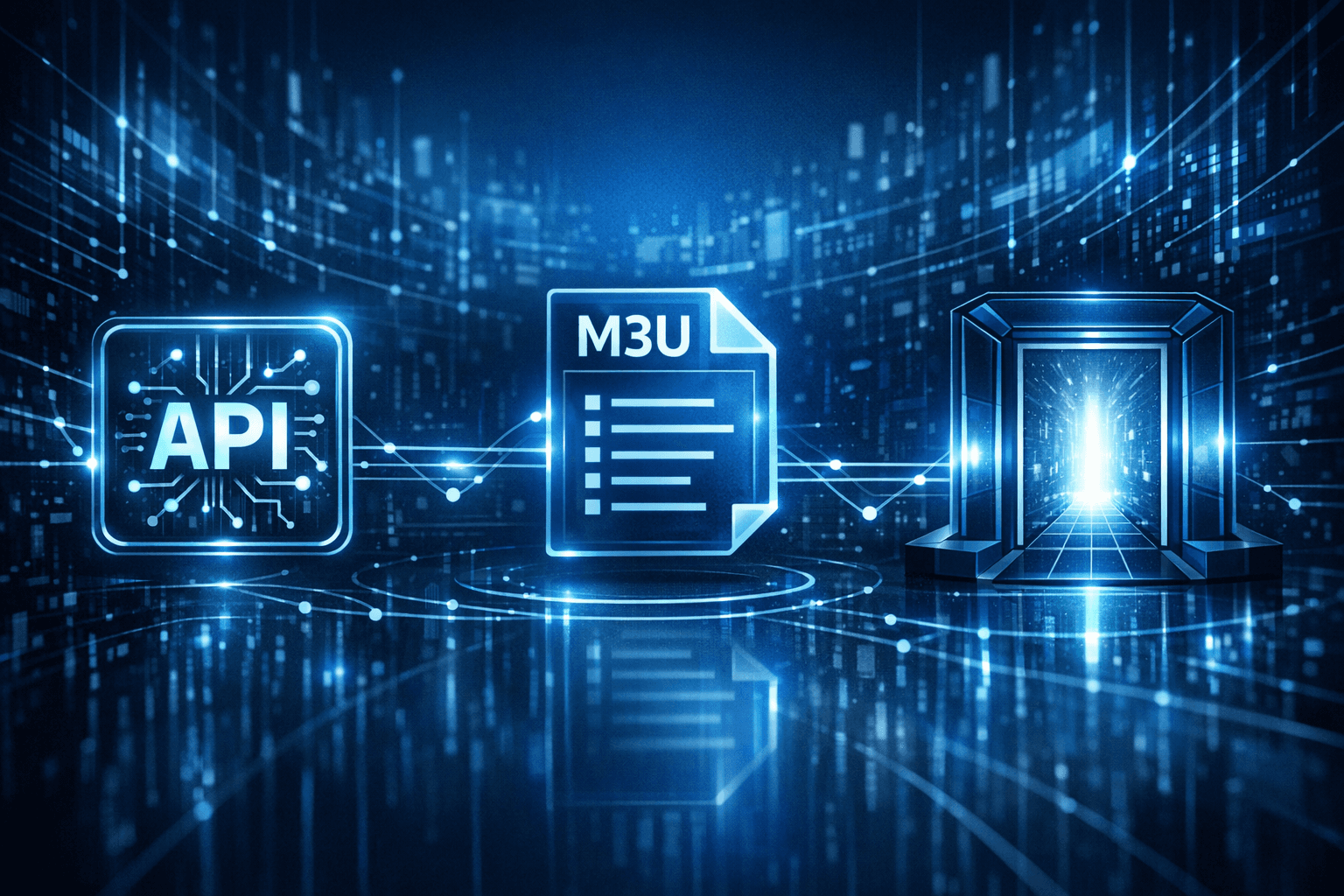
IPTV services commonly use different methods to provide access to video streams. Among the popular ones are Xtream Codes, M3U playlists, and Stalker Portal. Each represents a unique approach to organizing, accessing, and authenticating IPTV streams. Understanding these differences can help you configure your IPTV player correctly and troubleshoot issues with your service.
What you'll learn
- The basic function and format of Xtream Codes, M3U playlists, and Stalker Portal
- How each method is used to access IPTV content
- Compatibility considerations with IPTV players
- Common issues faced with each playlist type and troubleshooting tips
Overview of IPTV Playlist and Login Methods
What is Xtream Codes?
Xtream Codes is a protocol originally developed as a middleware solution for IPTV providers. It enables users to log in using a username, password, and server URL, and then access a structured list of channels, video on demand, and other services via an API endpoint.
This system is popular because it combines authentication and playlist delivery into a single streamlined process. IPTV players that support Xtream Codes can interact with this API to retrieve updated lists and metadata dynamically.
What is an M3U Playlist?
An M3U playlist is a simple, text-based file that lists multimedia stream URLs with associated metadata like channel names and stream types. The M3U format is widely used for IPTV because it's lightweight and broadly compatible.
Users simply load an M3U file or URL into their IPTV player, which then parses the file and streams the listed channels directly. M3U playlists can be static files or dynamically generated by providers.
What is Stalker Portal?
Stalker Portal is middleware software that offers a web interface and app-based platform supporting IPTV and video streaming services. The portal acts as a gateway requiring user authentication and offers playlist access, billing, user management, and streaming.
Users log in to a dedicated URL or IP address and access channels and video libraries. Stalker Portal delivers playlists and content tailored per user credentials, often requiring compatible clients (like MAG boxes or apps that support Stalker protocols).
Key Differences and Comparisons
| Feature | Xtream Codes | M3U Playlist | Stalker Portal |
|---|---|---|---|
| Format Type | API-based login and playlist access | Text file listing URLs | Middleware portal with client login |
| Authentication | Requires username, password, URL | Usually no authentication (may use URL tokens) | Login via portal credentials |
| Dynamic Content Update | Yes, updated via API | Depends on playlist refreshing method | Dynamic, managed by portal |
| Compatibility | Supported in specific IPTV apps | Supported in most IPTV players | Requires Stalker Portal compatible clients |
| User Management | Provider controlled | Typically no user management | Full user and billing management |
| Device Types | Apps on Android, iOS, various boxes | Wide - mobile, TV apps, PC players | Mainly dedicated set-top boxes and some apps |
Practical Implications
Choosing the Right Method
For most users, the choice depends on the IPTV provider's setup and the compatibility of their playback devices. M3U playlists are easy and flexible but may lack authentication and dynamic updating. Xtream Codes offers a more integrated experience with updated streams but requires players supporting its API.
Stalker Portal is suited for users with providers offering this middleware service and usually requires specific devices or apps.
Common Troubleshooting Scenarios
Xtream Codes
- Incorrect username/password or server URL
- IP blocking or expired subscription
- Player not supporting Xtream Codes API
M3U Playlists
- Outdated or invalid playlist URLs
- Streams not loading due to server issues
- Playlist syntax errors
Stalker Portal
- Login failures from wrong credentials
- Unsupported device or app
- Server downtime or maintenance
Detailed device or player selection guides can help avoid compatibility pitfalls (see Choosing an IPTV Player for Android TV and Firestick).
Troubleshooting Common Mistakes
Using the wrong login credentials or playlist type for your IPTV application
Not refreshing the M3U playlist regularly
Attempting to use Stalker Portal with incompatible players
Assuming all IPTV players support all playlist types
Confirm compatibility and follow provider instructions carefully to set up your IPTV access correctly.
FAQ
What is Xtream Codes in IPTV?
Xtream Codes is an API protocol allowing authenticated access to IPTV content with dynamic playlist retrieval.
How does an M3U playlist work?
An M3U playlist is a text file that lists streaming URLs that IPTV players use to directly play video content.
What is Stalker Portal used for in IPTV?
Stalker Portal provides a login interface and streaming middleware organizing IPTV services with user management.
Can I use the same IPTV player for all three playlist types?
Not always. Some IPTV players support multiple formats, while others are specialized.
Why am I getting login errors with Xtream Codes?
Login errors often arise from incorrect credentials, expired service, or IP restrictions in the Xtream Codes system.
Conclusion
Knowing the differences between Xtream Codes, M3U playlists, and Stalker Portal helps IPTV users make informed choices about their streaming setup. Each method has unique formats, use cases, and device compatibility. Matching your IPTV provider's delivery method to a supporting player and understanding common troubleshooting steps can significantly improve your streaming experience.
For further reading, explore articles on a clear introduction to IPTV and how to fix buffering.
Next articles worth reading
If you are deciding how to log in or troubleshoot a playlist format, these pages take each format-specific problem further:
Keep exploring
More explainers that connect naturally to this setup, workflow, or troubleshooting path.

When it comes to updating IPTV playlists, two common methods are M3U Plus and the Xtream Codes API. Both serve to refresh the channel lists and program information delivered to IPTV apps, but they do so in different ways.

If your TiviMate electronic program guide (EPG) is showing program times that do not align with the actual broadcast schedules, you are encountering an "EPG time offset" issue.

When you use a VPN (Virtual Private Network) on your Amazon Firestick to watch IPTV (Internet Protocol Television), you might experience buffering — pauses or delays in streaming where the video freezes to load more data.