
M3U Plus vs Xtream Codes API for IPTV Playlist Updates

Quick answer
When it comes to updating IPTV playlists, two common methods are M3U Plus and the Xtream Codes API. Both serve to refresh the channel lists and program information delivered to IPTV apps, but they do so in different ways. Understanding their differences helps IPTV users or ser...
Reviewed Against
• Xtream Codes username, password, and server-URL login flows
• M3U and M3U Plus playlist URLs, refreshes, and import behavior
• Server-URL formatting, HTTP response handling, and account-entry failure patterns
Applies To
• Portal-style logins that need a server URL plus account credentials
• Playlist-based IPTV setups that rely on M3U or M3U Plus links for channel data
• Errors caused by malformed URLs, wrong credentials, expired tokens, or unreachable playlist endpoints
Does not apply when
• You are using only an M3U playlist URL with no Xtream-style portal login at all.
• Your app is using a portal or stalker-style workflow instead of a playlist URL.
• The provider confirms the service is down or the account has been deliberately blocked upstream.
Corroborating Resources
HTTP response status codesUseful when an IPTV app surfaces 401, 403, 404, or 5xx style errors during login or playlist refreshes.
URL structure referenceHelpful for checking server URLs, source links, and path/query mistakes in portal or playlist setups.
Topic Cluster
Part of the IPTV cluster
Browse practical IPTV articles about IPTV, including setup choices, troubleshooting paths, and follow-on guides. This page sits in compare options for that topic path.
On this page

M3U Plus vs Xtream Codes API for IPTV Playlist Updates
When it comes to updating IPTV playlists, two common methods are M3U Plus and the Xtream Codes API. Both serve to refresh the channel lists and program information delivered to IPTV apps, but they do so in different ways. Understanding their differences helps IPTV users or service integrators decide which method fits their needs for reliability, features, and ease of use.
In simple terms:
- M3U Plus is a playlist format that offers an extended, enhanced M3U file with extra tags to improve metadata and update capabilities.
- Xtream Codes API is a server-side interface that requires user authentication and provides dynamic playlist information including live TV, video on demand (VOD), and catch-up TV.
You’ll often find IPTV services offering both options to their customers. This article compares these two approaches to updating IPTV playlists to clarify their strengths, limitations, and typical use cases.
What you'll learn
- The technical differences between M3U Plus and Xtream Codes API
- How each method updates playlists and metadata
- Setup requirements and compatibility considerations
- Common troubleshooting tips for playlist update failures
- When to choose one over the other based on your IPTV setup
What are M3U Plus and Xtream Codes API?
Understanding M3U Plus
M3U is a plain text file format that lists multimedia streams with URLs and metadata. M3U Plus extends this format by adding extra tags to include channel logos, categories, EPG links, and update instructions. IPTV applications supporting M3U Plus can parse these tags to present richer channel information and periodically reload the playlist from a specified URL.
Understanding Xtream Codes API
Xtream Codes API is a middleware platform that presents IPTV data through a secured HTTP API endpoint. Instead of a static playlist file, clients authenticate with username, password, and a server URL to receive streaming links, channel data, EPG, and VOD content dynamically. It also supports session and user management features.
How Playlist Updates Differ
M3U Plus Update Workflow
- The IPTV client accesses a URL pointing to an M3U Plus playlist.
- The M3U Plus file includes a URL for reloading or updating the playlist.
- The app refreshes the playlist by fetching the updated M3U Plus file periodically or on user demand.
- Metadata and stream URLs update according to what the IPTV provider sends.
Xtream Codes API Update Workflow
- The IPTV client authenticates with a username and password.
- The client queries specific API endpoints to retrieve live streams, VOD, and EPG.
- Playlists are dynamically generated based on user credentials, permissions, and server status.
- Updates can reflect real-time channel availability and content changes.
Setup and Compatibility
| Aspect | M3U Plus | Xtream Codes API |
|---|---|---|
| Input Required | Playlist URL | API URL + Username + Password |
| Supported By | Most IPTV apps including TiviMate, VLC | IPTV Smarters, TiviMate (partial), other specialized clients |
| Metadata Support | Basic channel names, logos, EPG URLs | Full dynamic EPG, VOD metadata, catch-up support |
| Reliability | Depends on playlist file updates and server speed | Generally more reliable with active server-side management |
| Complexity | Easy to implement, no auth needed | Requires login credentials and authentication |
| Typical Use Case | Simple IPTV services or static playlists | Professional IPTV services with user management |
Troubleshooting Common Playlist Update Issues
Troubleshooting M3U Plus Updates
- Playlist not updating: Confirm the M3U Plus URL is correct and accessible.
- Outdated channel list: Check if IPTV provider updated the playlist recently or if the app caches playlist aggressively.
- Metadata missing: Ensure the playlist includes correct tags for logos and EPG URLs.
Troubleshooting Xtream Codes API Logins
- Login failures: Verify username, password, and server URL accuracy.
- Authorization errors: Confirm subscription status and server availability.
- Incomplete channel data: Contact IPTV provider, as API depends on backend data quality.
When to Choose a Different Troubleshooting Path or Guide
If you use a specific IPTV app like IPTV Smarters, or device platforms like Fire TV, consult device-specific guides for playlist update errors, as those may involve app-side bugs or network restrictions. For example, see our Xtream Codes API login troubleshooting and TiviMate playlist refresh issues for app-specific solutions.
Deciding Between M3U Plus and Xtream Codes API
| Factor | Choose M3U Plus if... | Choose Xtream Codes API if... |
|---|---|---|
| You prefer simple setup | You want direct URL access without login details | You have login credentials and want advanced features |
| Metadata needs are basic | Your service provides static playlists | You need live EPG, VOD, and catch-up support |
| App compatibility | Your IPTV app does not support Xtream Codes API | Your IPTV app supports API and requires it |
| Stream update frequency | Your playlist updates infrequently | You want near real-time updates and user control |
Conclusion
M3U Plus and Xtream Codes API serve related but distinct roles in IPTV playlist updating. M3U Plus is simpler and widely compatible, suitable for users who want basic channel updates without authentication. Xtream Codes API provides more dynamic content delivery with richer metadata but requires login credentials and compatible IPTV apps.
Your choice depends on your IPTV provider's offerings, your app's support, and your desire for update speed and feature richness. Understanding both methods helps you optimize your IPTV experience and quickly resolve update issues.
For troubleshooting logs and login errors, refer to our guides on Xtream Codes API login issues and playlist update failures in TiviMate.
Step-by-step process
- Identify your IPTV playlist update needs: frequency, reliability, and device support.
- Check if your IPTV service provides M3U Plus or Xtream Codes API credentials.
- Test playlist updates on your IPTV player app with both M3U Plus and Xtream Codes API if available.
- Compare update speed, error frequency, and metadata completeness for each method.
- Choose the method that balances your reliability and feature requirements.
- If issues arise, troubleshoot using targeted steps depending on chosen method (see troubleshooting section).
Frequently Asked Questions
What is the main difference between M3U Plus and Xtream Codes API?
M3U Plus is an enhanced playlist format for direct URL-based updates, while Xtream Codes API uses user authentication to access dynamic playlists and additional metadata.
Which update method is more reliable?
Xtream Codes API generally offers faster, more consistent updates and richer metadata; M3U Plus is simpler but can be less dynamic depending on the IPTV provider.
Can all IPTV apps use both M3U Plus and Xtream Codes API?
No. Support depends on the IPTV app. Some apps only support M3U or Xtream Codes API. Verify your player’s compatibility before choosing.
Why might playlist updates fail using Xtream Codes API?
Common causes include incorrect login credentials, expired subscriptions, or server issues from the IPTV provider’s side.
Keep exploring
More explainers that connect naturally to this setup, workflow, or troubleshooting path.
When choosing a device specifically for IPTV streaming, the Amazon Fire TV Cube and Fire TV Stick 4K Max are two popular options. Both devices support 4K streaming and run Amazon’s Fire OS with access to IPTV apps like TiviMate and IPTV.


Missing channel logos in TiviMate is a common issue that often stems from problems with your IPTV playlist or Electronic Program Guide (EPG) data.
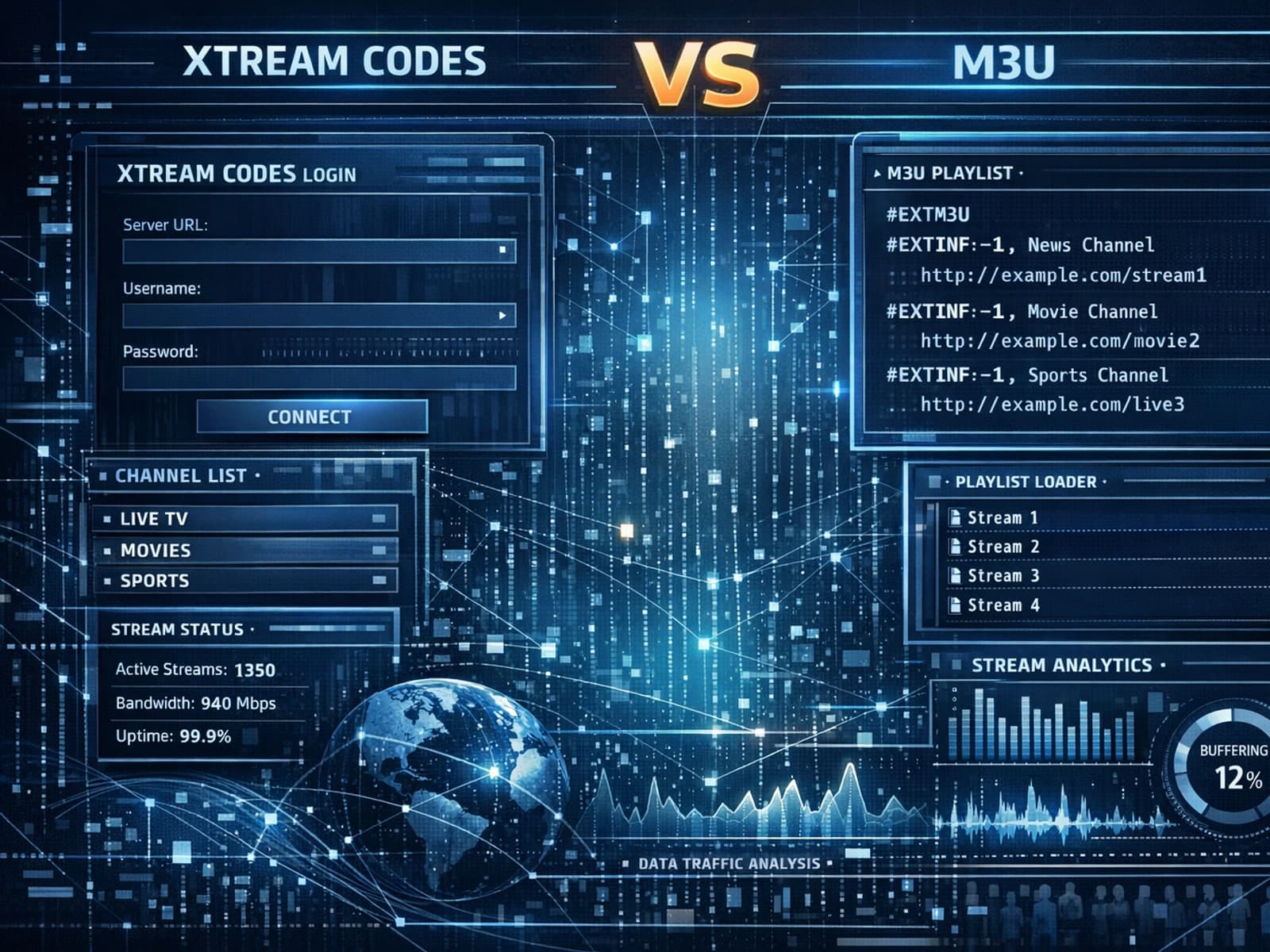
Xtream Codes often works better than M3U for IPTV users who need dynamic playlist management, faster channel updates, richer metadata integration, and controlled access to streaming content.
