
When Xtream Codes Works Better Than M3U for IPTV Playback

Quick answer
Xtream Codes often works better than M3U for IPTV users who need dynamic playlist management, faster channel updates, richer metadata integration, and controlled access to streaming content. Unlike static M3U playlists, Xtream Codes provides a dynamic interface with user authe...
Reviewed Against
• Xtream Codes username, password, and server-URL login flows
• M3U and M3U Plus playlist URLs, refreshes, and import behavior
• Server-URL formatting, HTTP response handling, and account-entry failure patterns
Applies To
• Portal-style logins that need a server URL plus account credentials
• Playlist-based IPTV setups that rely on M3U or M3U Plus links for channel data
• Errors caused by malformed URLs, wrong credentials, expired tokens, or unreachable playlist endpoints
Does not apply when
• You are using only an M3U playlist URL with no Xtream-style portal login at all.
• Your app is using a portal or stalker-style workflow instead of a playlist URL.
• The provider confirms the service is down or the account has been deliberately blocked upstream.
Corroborating Resources
HTTP response status codesUseful when an IPTV app surfaces 401, 403, 404, or 5xx style errors during login or playlist refreshes.
URL structure referenceHelpful for checking server URLs, source links, and path/query mistakes in portal or playlist setups.
Topic Cluster
Part of the Xtream Codes cluster
Login errors, URL format confusion, authorization failures, and when Xtream Codes makes more sense than M3U. This page sits in compare options for that topic path.
Start here in this topic
On this page
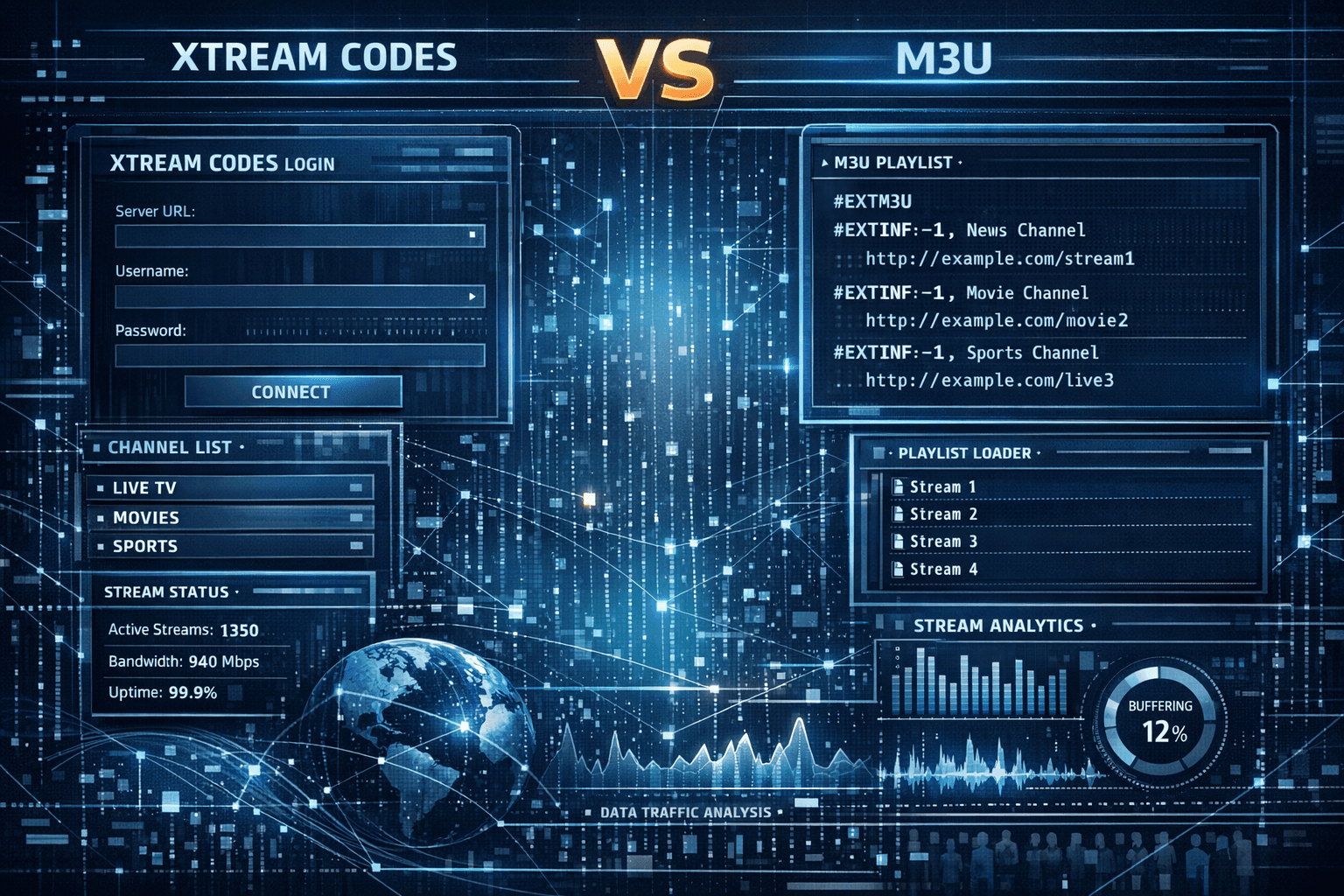
When Xtream Codes Works Better Than M3U for IPTV Playback
Xtream Codes often works better than M3U for IPTV users who need dynamic playlist management, faster channel updates, richer metadata integration, and controlled access to streaming content. Unlike static M3U playlists, Xtream Codes provides a dynamic interface with user authentication, real-time channel data, and built-in electronic program guide (EPG) support, leading to a smoother and more flexible viewing experience.
This article explains precisely when and why Xtream Codes offers advantages over M3U playlists, especially for IPTV apps and services that support both.
What you'll learn
- The fundamental differences between Xtream Codes and M3U formats
- How Xtream Codes improves playlist dynamism and metadata handling
- When authentication and stream protection require Xtream Codes
- Impact on user experience including channel switching and EPG data
- Practical troubleshooting tips when using Xtream Codes
Understanding Xtream Codes and M3U: Key Differences
What is an M3U playlist?
An M3U playlist is a plain text file listing IPTV stream URLs with optional metadata like channel names and logos. It is static — once created, the list of channels and stream links do not change until you manually update or reload the file.
What is Xtream Codes?
Xtream Codes is a streaming portal and API system IPTV providers use to deliver dynamic playlists and related data through a login system. Instead of a file URL, users supply a username, password, and server address. The IPTV app then retrieves live playlist information, EPG schedules, and channel categories.
The key difference is the dynamic nature and authentication: Xtream Codes authenticates users and updates content automatically; M3U is a static file anyone with the URL can open.
Why Xtream Codes Typically Works Better
Dynamic Playlists and Faster Updates
With Xtream Codes, the IPTV provider controls the playlists on the server side, allowing changes without requiring the user to manually download a new M3U file. Channels can be added, removed, or reordered dynamically. This results in:
- Instant channel updates without user action
- Ability to fix or refresh broken streams centrally
Conversely, M3U users must download updated playlist files to see any changes.
Enhanced Metadata and EPG Support
Xtream Codes supports integration of detailed metadata beyond just channel names, including:
- Channel grouping and categories
- Electronic Program Guide (EPG) data which updates program schedules in real time
- Interactive features like catch-up TV or video-on-demand sections, if the provider offers them
Static M3U files lack this integrated dynamic EPG support and grouping, which can reduce the user experience.
Authentication and Access Control
Xtream Codes requires a username and password, meaning streams are restricted to authorized users. This enables providers to:
- Protect their content and manage subscriptions
- Track user activity and enforce limits
M3U URLs are often publicly accessible, raising concerns over unauthorized sharing or access.
When Xtream Codes May Not Be Necessary
- Simple static playlists: If you only need a small list of stable streams without frequent updates or EPG, an M3U might suffice.
- Compatibility limitations: Some IPTV apps do not support Xtream Codes logins and only accept M3U links.
- Offline or limited environments: If authentication is a hurdle or connectivity to the Xtream Codes server is unstable, M3U files provide simpler access.
Optimizing Your IPTV Setup with Xtream Codes
To get the best from Xtream Codes, follow this setup process:
- Obtain valid Xtream Codes credentials (username, password, server URL) from your IPTV provider.
- Use an IPTV app that explicitly supports Xtream Codes login (such as TiviMate, IPTV Smarters).
- Enter the credentials in the app’s Xtream Codes login section rather than using a generic M3U URL.
- Explore the app’s features to use channel categories, electronic program guides, and dynamic playlists.
- Monitor for any updates pushed through the portal, which will happen automatically.
Troubleshooting Common Xtream Codes Issues
Frequent login or authorization errors
- Double-check usernames, passwords, and URLs for typos.
- Confirm subscription status with your provider.
- Refer to app-specific troubleshooting guides, such as Xtream Codes Authorization Failed in TiviMate: Causes and Fixes.
Channels not updating or missing EPG
- Ensure the IPTV app supports EPG loading from Xtream Codes.
- Restart the app or refresh playlists manually if available.
- Contact provider if missing or outdated data persists.
Slow channel switching or buffering
- Verify internet connection speed.
- Check if the issue is network-related or provider-side.
- See Why IPTV Freezes During Channel Switching and How to Fix It for performance tips.
When to try M3U troubleshooting instead
If your IPTV app does not support Xtream Codes or the provider only supplies M3U files, this guidance will not apply. Instead:
- Focus on M3U playlist management (upload, update, edit).
- Address app compatibility and buffering issues related to static streams.
Feature Comparison: Xtream Codes vs M3U
| Feature | Xtream Codes | M3U Playlist |
|---|---|---|
| Dynamic playlist updates | Yes, automatic server-side updates | No, must manually update files |
| Authentication required | Yes, username/password needed | No, files are accessible via URL |
| Electronic Program Guide | Yes, integrated | Usually no, or separate files |
| Channel grouping | Supported via API | Limited or manual via file syntax |
| Metadata richness | High, includes logos and categories | Basic, limited to names and URLs |
| App support | Requires Xtream Codes-compatible app | Nearly universal support |
Who This Guidance Applies To
This article is aimed at IPTV users who:
- Have access to IPTV services that offer both Xtream Code credentials and M3U playlists.
- Use IPTV apps on Android TV, Fire TV, or similar platforms supporting Xtream Code logins.
- Want to understand when to prefer a dynamic login over static file use for better performance.
If your IPTV provider only delivers M3U files or your app does not support Xtream Code authentication, follow a different tutorial focused on M3U playlist management instead.
FAQ
Q: What if my IPTV app doesn’t support Xtream Codes?
A: You must use M3U playlists or switch to a compatible app like TiviMate or IPTV Smarters.
Q: Does Xtream Codes use more data than M3U?
A: Slightly more during playlist and EPG updates, but streaming data usage is similar.
Q: Can I convert an M3U playlist to Xtream Codes?
A: No, Xtream Codes is a server-based API system controlled by the IPTV provider.
Q: Are Xtream Codes credentials secure?
A: Yes, if provided by a reputable IPTV provider and kept private.
Q: How do I know if my IPTV provider requires Xtream Codes?
A: They will provide credentials and instructions for login rather than a static playlist URL.
Conclusion
Xtream Codes works better than M3U when IPTV users need dynamic playlist management, integrated program guides, secure authentication, and faster channel updates without manual playlist file edits. While M3U playlists remain simple and broadly compatible, they lack the flexibility and feature richness of Xtream Codes.
Choosing Xtream Codes when supported by your IPTV provider and app leads to a smoother, more interactive streaming experience, especially for users seeking categorized channels and up-to-date program scheduling. When static simplicity suffices or app compatibility limits you, M3U remains a reliable fallback.
For further troubleshooting, check our detailed guides on Xtream Codes authorization and IPTV app performance.
Frequently Asked Questions
What is Xtream Codes in IPTV?
Xtream Codes is a login system and API used by IPTV providers to deliver dynamic playlists, EPG data, and stream authentication instead of static M3U URLs.
How is M3U different from Xtream Codes?
M3U files are static playlist files listing IPTV streams, while Xtream Codes provides a dynamic interface that includes authentication, metadata, and real-time channel updates.
When should I use Xtream Codes over M3U?
Use Xtream Codes when you want dynamic playlist updates, enhanced channel metadata, or when your IPTV provider requires authenticated access to streams.
Can all IPTV apps use both M3U and Xtream Codes?
Not all IPTV apps support Xtream Codes login, while nearly all support M3U playlists, so app compatibility affects which method you can use.
What should I do if Xtream Codes login fails?
Check your username, password, and server URL carefully, ensure your IPTV provider is active, and consult app-specific troubleshooting guides for Xtream Codes authentication issues.
Keep exploring
More explainers that connect naturally to this setup, workflow, or troubleshooting path.
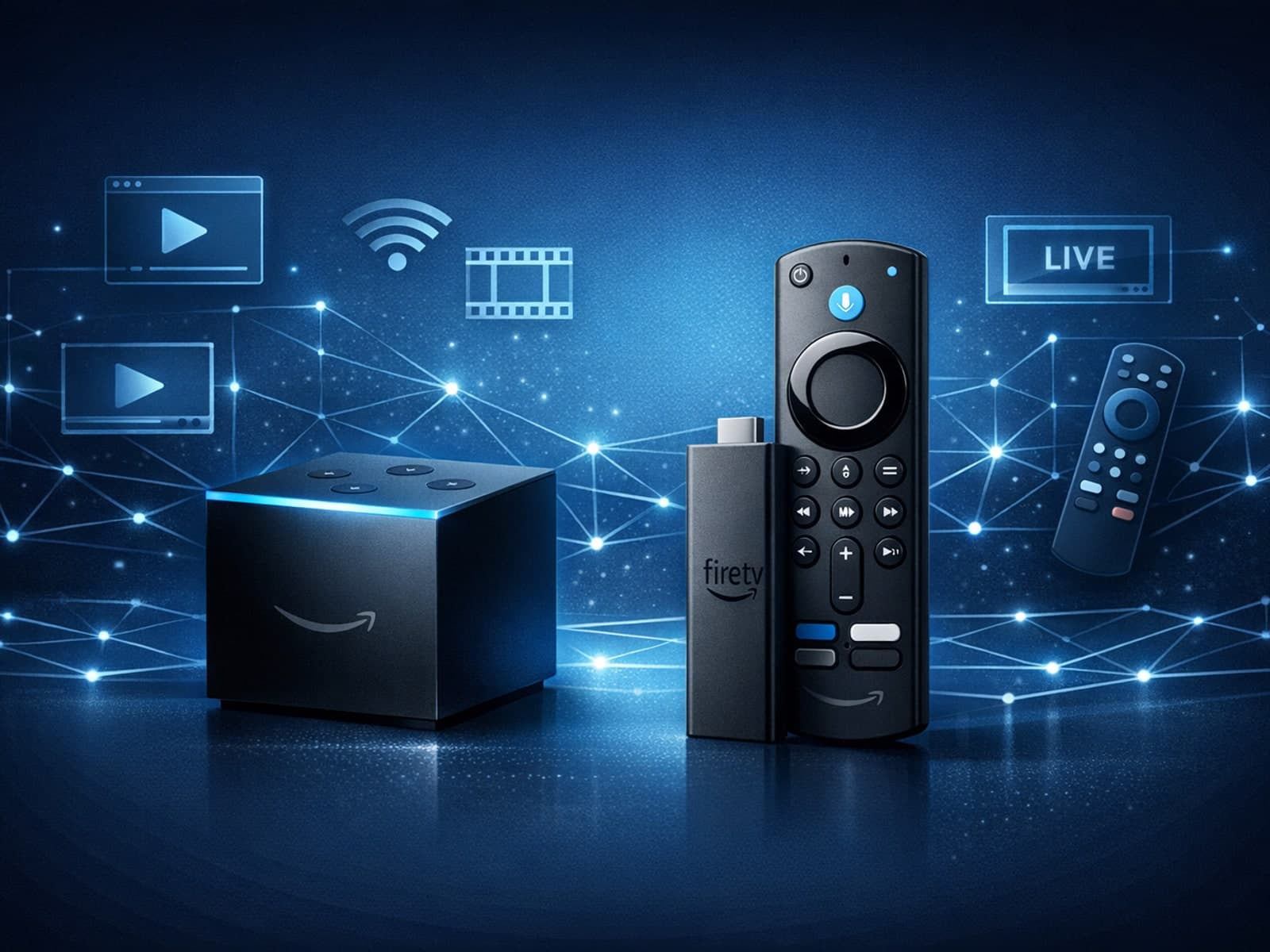
When choosing a device specifically for IPTV streaming, the Amazon Fire TV Cube and Fire TV Stick 4K Max are two popular options. Both devices support 4K streaming and run Amazon’s Fire OS with access to IPTV apps like TiviMate and IPTV.

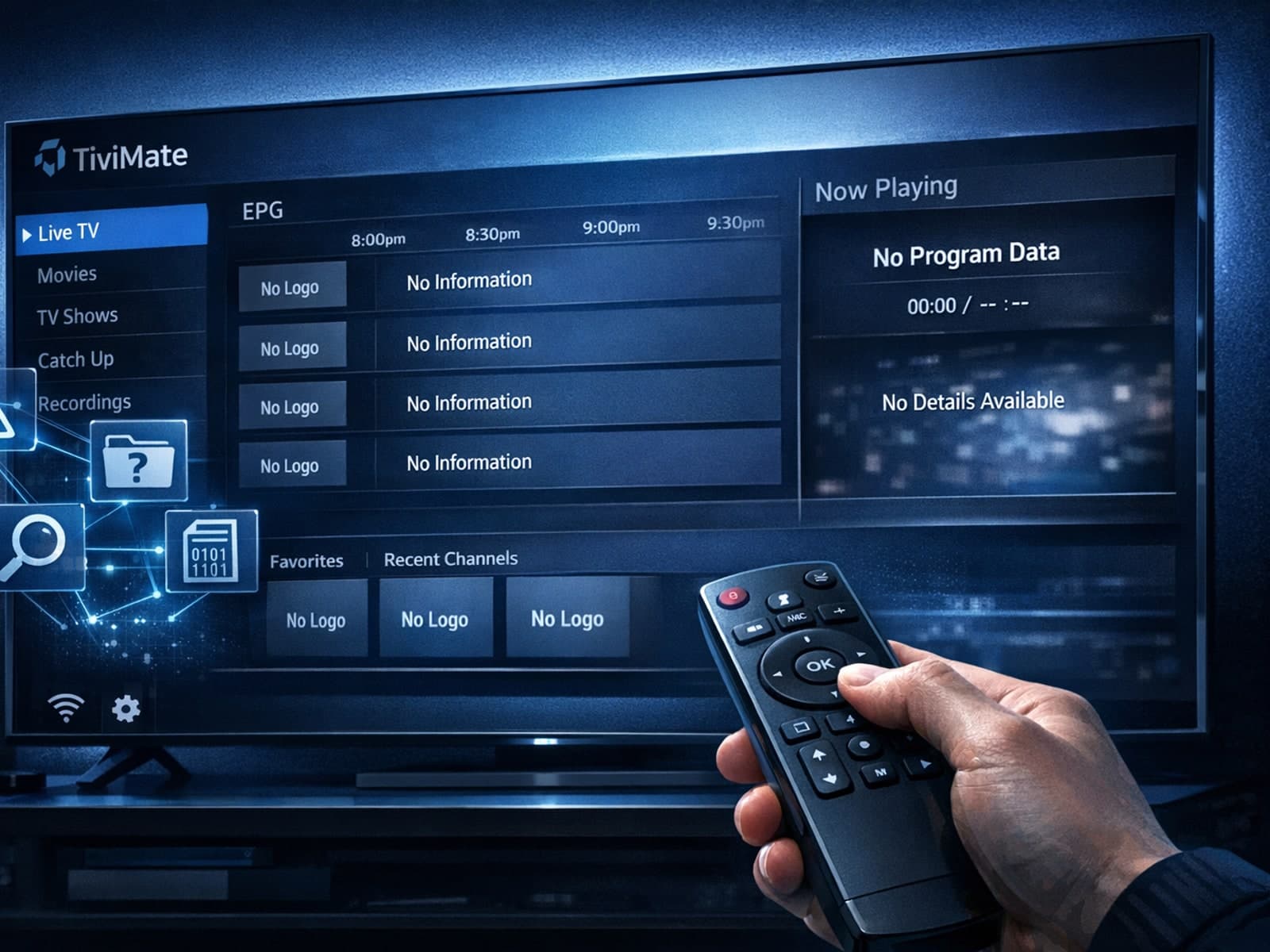
Missing channel logos in TiviMate is a common issue that often stems from problems with your IPTV playlist or Electronic Program Guide (EPG) data.
Organizing favorites and groups in TiviMate enables faster access to your preferred IPTV channels and a more streamlined navigation experience.
