
Xtream Codes Authorization Failed in TiviMate: Causes and Fixes

Quick answer
If you're encountering the "Xtream Codes authorization failed" error in TiviMate, it means the IPTV app cannot verify your login credentials with the IPTV server. This prevents TiviMate from accessing your IPTV lineup. Common causes include incorrect username or password, serv...
Reviewed Against
• TiviMate playlist, EPG, and player-setting workflows
• Xtream Codes username, password, and server-URL login flows
• Server-URL formatting, HTTP response handling, and account-entry failure patterns
Applies To
• TiviMate setups on Android TV, Google TV, or Fire OS style streaming devices
• Portal-style logins that need a server URL plus account credentials
• Errors caused by malformed URLs, wrong credentials, expired tokens, or unreachable playlist endpoints
Does not apply when
• Your app uses a different menu layout or naming scheme than TiviMate.
• You are using only an M3U playlist URL with no Xtream-style portal login at all.
• The provider confirms the service is down or the account has been deliberately blocked upstream.
Corroborating Resources
HTTP response status codesUseful when an IPTV app surfaces 401, 403, 404, or 5xx style errors during login or playlist refreshes.
URL structure referenceHelpful for checking server URLs, source links, and path/query mistakes in portal or playlist setups.
Topic Cluster
Part of the Xtream Codes cluster
Login errors, URL format confusion, authorization failures, and when Xtream Codes makes more sense than M3U. This page sits in troubleshoot and fix for that topic path.
Start here in this topic
On this page
Xtream Codes Authorization Failed in TiviMate: Causes and Fixes
If you're encountering the "Xtream Codes authorization failed" error in TiviMate, it means the IPTV app cannot verify your login credentials with the IPTV server. This prevents TiviMate from accessing your IPTV lineup. Common causes include incorrect username or password, server outages, or outdated app versions. This article guides you through step-by-step methods to identify and resolve this issue efficiently.
What you'll learn
- Why Xtream Codes authorization can fail in TiviMate
- How to verify your API username, password, and server URL
- How to confirm your IPTV subscription and server status
- Troubleshooting app and network issues affecting authorization
- When to contact your IPTV provider
Understanding Xtream Codes Authorization in TiviMate
Xtream Codes is a popular IPTV API format for managing access to live TV streams. When you enter your IPTV provider's credentials and server URL into TiviMate, the app attempts to authenticate via the Xtream Codes API. A successful authorization means your credentials matched an active subscription on the server.
Failure to authorize means the app couldn't verify these credentials or access the server. This can result in errors like "authorization failed" or "invalid login details." Knowing this helps focus troubleshooting on login information, server accessibility, or app compatibility.
How to Verify and Correct Your Xtream Codes API Credentials
Check API Username and Password
- Navigate to your IPTV provider's dashboard or registration email to find the API username and password.
- Ensure no extra spaces or typos.
- Re-enter the details in TiviMate carefully.
Confirm Your Server URL
- The server URL ties your credentials to the IPTV server.
- Verify that you have the full correct URL, starting with http or https.
- Check if your provider has recently changed or updated it.
Step-by-Step:
- Open TiviMate and go to Add Playlist.
- Choose Xtream Codes Login.
- Enter the server URL, username, and password exactly as provided.
- Submit and observe if authorization succeeds.
These details are the most frequent cause of failures and require methodical checking.
Checking IPTV Server Status and Your Subscription
Sometimes the cause is external to your device or app.
Server Downtime
- IPTV servers occasionally undergo maintenance or outages.
- Use your provider’s social media, website, or status pages to confirm if the server is operational.
Subscription Status
- Validate your subscription is active and not expired or suspended.
- Most IPTV providers disable access if payment issues occur.
If the server is down or your account inactive, authorization will fail regardless of correct data.
App and Device Troubleshooting for Authorization Failures
Restart and Update
- Restart TiviMate and your streaming device to clear temporary glitches.
- Make sure TiviMate is at its latest version from the app store.
Internet Connectivity
- Authorization requires an active internet connection.
- Check your network speed and stability; slow or intermittent Wi-Fi can cause failures.
Clear TiviMate Cache
- Cached corrupt data can interfere.
- On your device, clear the TiviMate app cache via settings, then try again.
Common Mistakes Leading to Authorization Errors
- Copying wrong API password (sometimes API password differs from the website login).
- Using expired or disabled IPTV accounts.
- Entering an incomplete or incorrect server URL.
- Failing to update TiviMate causing protocol incompatibility.
Always double-check these elements before escalating troubleshooting.
Who This Guide Applies To
- Users logging into TiviMate using the Xtream Codes API method.
- IPTV subscribers with credentials provided by their service provider.
When to Try Different Troubleshooting
- If you use M3U playlists instead of Xtream Codes, this guide does not apply.
- For device-specific issues (e.g., Fire TV Stick network problems), see device-focused guides.
- If the app crashes or won’t launch at all, address those symptoms separately.
Summary Checklist: Fixing Xtream Codes Authorization Failed in TiviMate
| Step | Action | Purpose |
|---|---|---|
| 1 | Verify API username and password | Correct login details |
| 2 | Confirm IPTV server URL is accurate | Proper server endpoint |
| 3 | Check subscription and server status | Account and server validity |
| 4 | Restart app and device, update TiviMate | Clear bugs and maintain compatibility |
| 5 | Test network connection | Ensure stable internet access |
| 6 | Clear app cache | Remove corrupted data |
| 7 | Contact IPTV provider if persistent issues | Confirm account/server side problems |
Frequently Asked Questions
Q: What does 'Xtream Codes authorization failed' mean in TiviMate?
A: It means TiviMate cannot verify your login credentials with the IPTV server, so access to streams is denied.
Q: Can incorrect username or password cause this error?
A: Yes, incorrect or misspelled API username or password often triggers the authorization failure.
Q: Does server downtime affect Xtream Codes authorization?
A: Yes, if the IPTV server is down or unreachable, you may get authorization errors even with correct credentials.
Q: Should I update TiviMate to fix authorization errors?
A: Keeping TiviMate updated ensures compatibility with IPTV servers and can fix bugs causing authorization failures.
Q: Who should I contact if the error persists?
A: If troubleshooting fails, contact your IPTV provider to verify your account status and server details.
Conclusion
"Xtream Codes authorization failed" errors in TiviMate typically stem from incorrect API login details, server issues, or app problems. By systematically confirming your API username, password, and server URL, checking subscription and server status, and ensuring TiviMate and your device are properly updated and connected, you can resolve most authorization failures. If issues persist, reaching out to your IPTV provider is the final step to uncover account or server-side problems.
For more detailed help with related TiviMate issues, explore How to Fix Catch-Up Not Working in TiviMate or understand When Xtream Codes Works Better Than M3U for IPTV Playback. Additionally, troubleshooting general authorization errors can be informed by the Authorization Error topic.
Frequently Asked Questions
What does 'Xtream Codes authorization failed' mean in TiviMate?
It means TiviMate cannot verify your login credentials with the IPTV server, so access to streams is denied.
Can incorrect username or password cause this error?
Yes, incorrect or misspelled API username or password often triggers the authorization failure.
Does server downtime affect Xtream Codes authorization?
Yes, if the IPTV server is down or unreachable, you may get authorization errors even with correct credentials.
Should I update TiviMate to fix authorization errors?
Keeping TiviMate updated ensures compatibility with IPTV servers and can fix bugs causing authorization failures.
Who should I contact if the error persists?
If troubleshooting fails, contact your IPTV provider to verify your account status and server details.
Keep exploring
More explainers that connect naturally to this setup, workflow, or troubleshooting path.
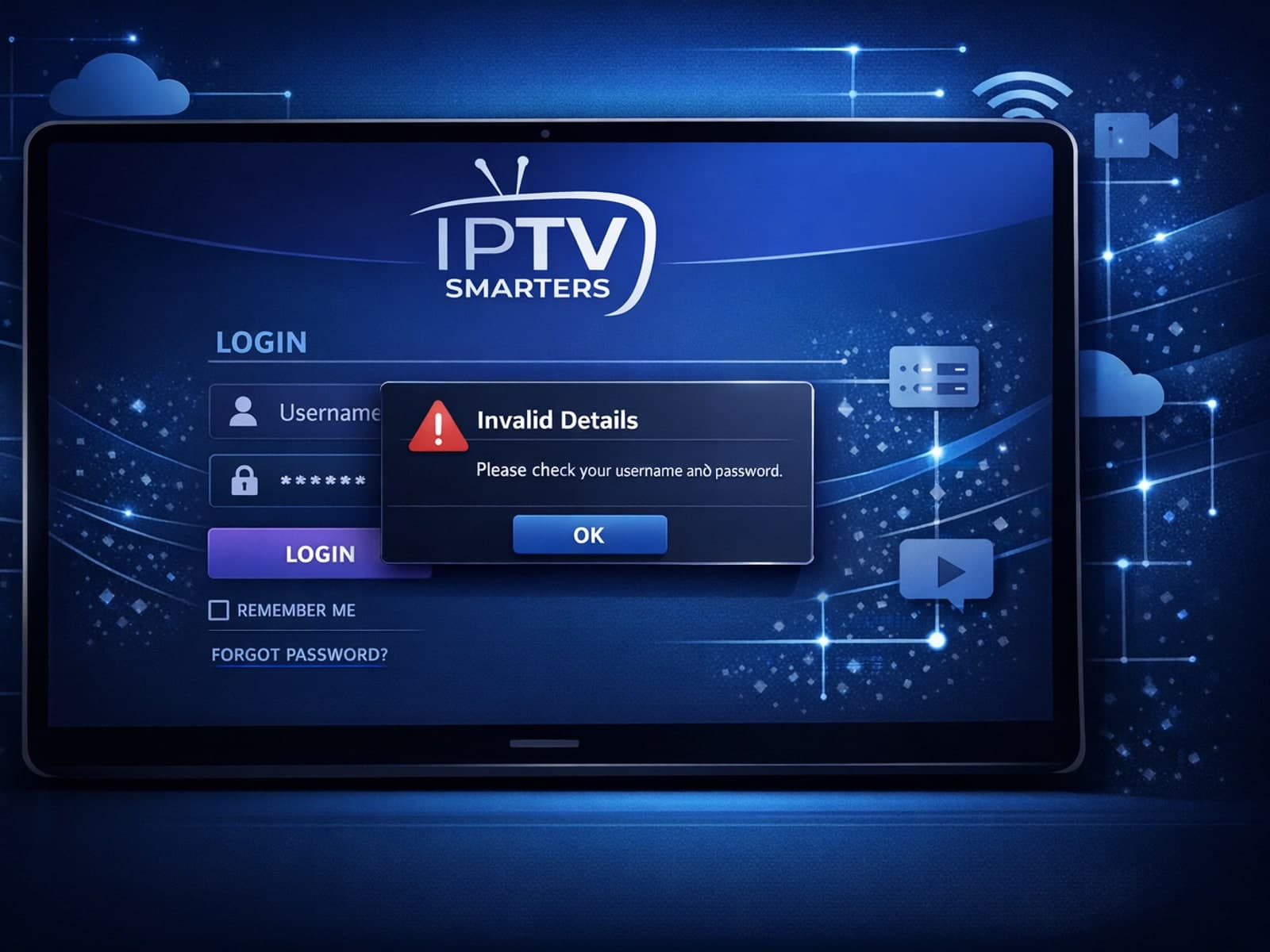
When you see the "Invalid Details" error in IPTV Smarters, it means the app has rejected your login credentials — your username, password, or server URL don't match what the IPTV service requires.

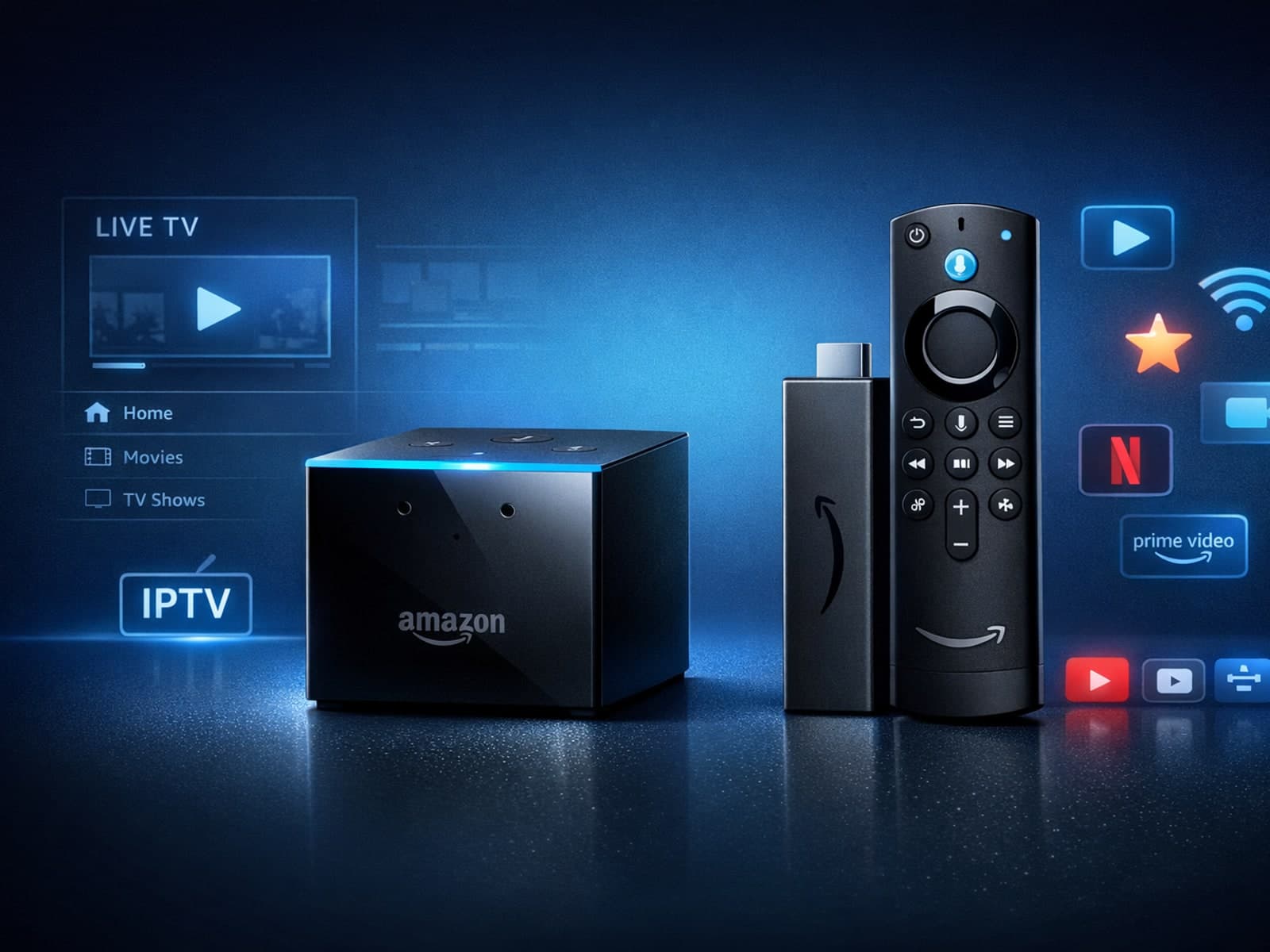
If you're deciding between the Fire TV Cube and the Fire TV Stick 4K Max for watching IPTV (Internet Protocol Television), this comparison breaks down how each device matches IPTV demands.

If you notice that channel logos are missing in TiviMate, the most common causes include outdated or incompatible playlists, cached data corruption, or insufficient metadata from your IPTV provider.