
Fire TV Cube vs Fire TV Stick 4K Max for IPTV: Performance, Setup, and Best Uses

Quick answer
If you're deciding between the Fire TV Cube and the Fire TV Stick 4K Max for watching IPTV (Internet Protocol Television), this comparison breaks down how each device matches IPTV demands. Both devices support 4K HDR streaming but have key hardware and usability differences th...
Reviewed Against
• Fire TV and Fire OS device capabilities, networking, and storage limits
Applies To
• Fire TV Stick, Fire TV Cube, and Fire OS playback or networking questions
Does not apply when
• You are troubleshooting a smart-TV app or set-top box with a different hardware and settings path.
Corroborating Resources
Fire TV device specifications overviewHelpful for checking Fire TV hardware families, platform differences, and device-level constraints.
Fire TV streaming media player specsUseful for codec, storage, Wi-Fi, and Ethernet-adapter expectations on Fire TV sticks and boxes.
Topic Cluster
Part of the Amazon Fire TV cluster
Browse practical IPTV articles about Amazon Fire TV, including setup choices, troubleshooting paths, and follow-on guides. This page sits in compare options for that topic path.
On this page
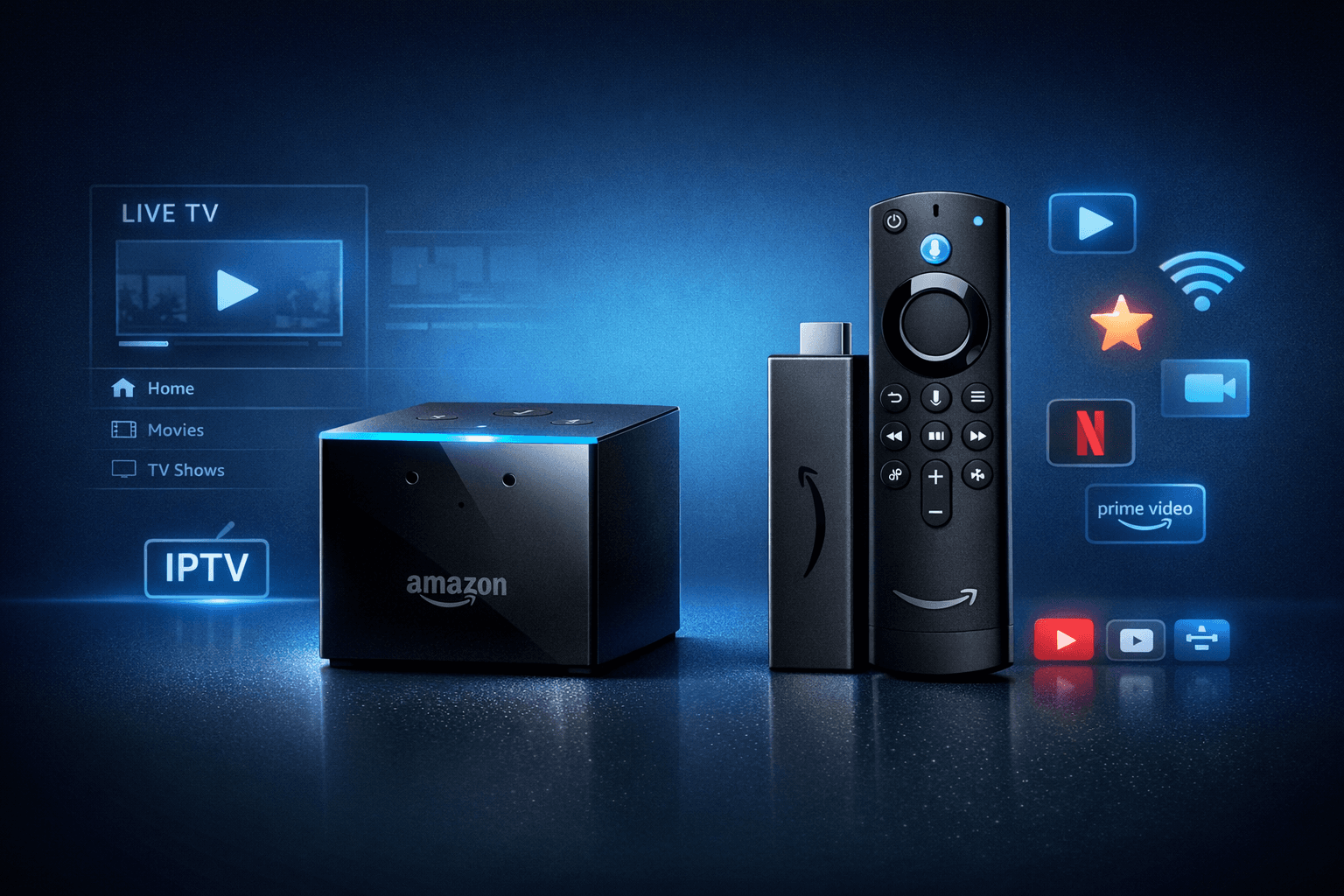
Fire TV Cube vs Fire TV Stick 4K Max for IPTV: Performance, Setup, and Best Uses
If you're deciding between the Fire TV Cube and the Fire TV Stick 4K Max for watching IPTV (Internet Protocol Television), this comparison breaks down how each device matches IPTV demands. Both devices support 4K HDR streaming but have key hardware and usability differences that impact IPTV setup, navigation, and performance.
Both devices work well for IPTV apps like TiviMate and IPTV Smarters, but choosing the right one depends on your preferences for setup flexibility, remote control features, and network connection options.
What you'll learn
- Core hardware differences affecting IPTV streaming and responsiveness
- Setup inputs including network connectivity and IPTV app installation
- Real-world IPTV streaming performance comparison
- Troubleshooting and common issues specific to each device
- Choosing the best device based on IPTV use cases
Hardware and Processing Differences Impacting IPTV
Fire TV Cube: Power and Voice Integration
The Fire TV Cube combines a powerful 1.8 GHz hexa-core processor with 2 GB RAM, enabling snappy app launches and smooth multitasking. The built-in far-field microphones allow hands-free Alexa voice control, useful for navigating IPTV interfaces without remote input.
This processing headroom helps with UIs laden with channel lineups, guide data, and quick channel switching.
Fire TV Stick 4K Max: Compact, Efficient, and Capable
The Fire TV Stick 4K Max sports a 1.8 GHz quad-core processor and 2 GB RAM. While slightly less powerful than the Cube, it's designed for efficient 4K HDR playback and supports Wi-Fi 6.
For IPTV, it delivers solid performance but relies on the remote's microphone for voice commands instead of always-on listening.
What This Means for IPTV Users
A more powerful processor in the Cube can reduce interface lag in demanding IPTV apps and improve multitasking. The Stick 4K Max is often sufficient for smooth IPTV channel switching and playback but might be slower with heavy guide interfaces.
Setup Inputs: Network Connectivity and IPTV App Installation
Network Connectivity
| Feature | Fire TV Cube | Fire TV Stick 4K Max |
|---|---|---|
| Wi-Fi | Dual-band Wi-Fi 5 (802.11ac) | Dual-band Wi-Fi 6 (802.11ax) |
| Ethernet | Built-in Ethernet via adapter (USB-C port) | Ethernet adapter required (via USB-C port) |
Both devices support wired Ethernet connections through compatible adapters to ensure stable streaming—critical for IPTV.
IPTV App Installation
Installing IPTV apps such as TiviMate or IPTV Smarters is straightforward on both devices via the Amazon Appstore.
- Navigate to the search on your Fire TV device.
- Find your IPTV app.
- Download and install.
- Launch and enter your IPTV credentials or playlist URL.
Summary Table: Setup Inputs
| Setup Aspect | Fire TV Cube | Fire TV Stick 4K Max |
|---|---|---|
| Network Support | Wi-Fi 5, Ethernet adapter via USB-C | Wi-Fi 6, Ethernet adapter via USB-C |
| Remote | Alexa Voice Remote, always-listening mics | Alexa Voice Remote (mic on remote) |
| Ports | USB-C (for power & Ethernet adapter) | USB-C (power & Ethernet adapter) |
IPTV Streaming Performance: What to Expect
Video Playback
Both devices support HDR10, HDR10+, Dolby Vision, and 4K resolution. IPTV video quality depends mainly on your source, but the devices decode streams efficiently.
Channel Switching and Responsiveness
The Cube’s faster processor offers quicker channel switching, reducing buffering delays. The Stick 4K Max performs well but can be slightly slower with large IPTV playlists or guide-heavy apps.
Voice Control for IPTV Navigation
The Cube’s built-in mics enable hands-free controls, helping quickly change channels or open apps without the remote. The Stick 4K Max requires holding the remote's voice button.
Summary
| Performance Factor | Fire TV Cube | Fire TV Stick 4K Max |
|---|---|---|
| Channel Switching Speed | Faster in high-demand apps | Slightly slower with large playlists |
| Voice Control | Hands-free Alexa built-in | Remote button voice control |
| 4K HDR Playback | Smooth, hardware accelerated | Smooth, hardware accelerated |
Troubleshooting and Common IPTV Issues per Device
Common Issues
- Network drops causing buffering: Check Ethernet or Wi-Fi signal.
- App crashes or freezes: Restart device, clear app cache.
- Authorization errors: Verify IPTV credentials.
Device-Specific Tips
Fire TV Cube
- If voice commands don't respond, check microphone privacy settings.
- Ensure the Cube firmware is up to date for best IPTV app compatibility.
Fire TV Stick 4K Max
- For Ethernet adapter issues, confirm compatibility with your adapter model (see compatibility guide).
- If voice remote commands fail, verify remote batteries and Bluetooth pairing.
When to Choose a Device-Specific Guide
If your IPTV app is not loading M3U playlists, refer to specialized fixes such as M3U Playlist Not Loading. For channel logos or guide issues, dedicated guides for TiviMate may help.
Who Should Choose Fire TV Cube or Fire TV Stick 4K Max for IPTV?
| Use Case/Preference | Choose Fire TV Cube | Choose Fire TV Stick 4K Max |
|---|---|---|
| Need hands-free Alexa voice control | Yes | No |
| Prioritize fastest channel switching | Yes | Not critical, Stick is adequate |
| Use Ethernet extensively for stable streaming | Preferred (built-in Ethernet adapter support) | Good if Ethernet adapter compatibility confirmed |
| Budget-conscious, smaller form factor | Larger, higher cost | Smaller, more affordable |
| Use IPTV apps lightly or casually | Overkill | Better value |
Conclusion
For IPTV streaming, the Fire TV Cube offers a more powerful processor and built-in hands-free Alexa, delivering a more responsive and convenient experience especially if you heavily rely on voice navigation or Ethernet connections. The Fire TV Stick 4K Max, meanwhile, delivers strong 4K IPTV playback and supports Wi-Fi 6 in a compact, budget-friendly design that meets the needs of most IPTV fans.
Choosing between them depends on your IPTV usage style, network setup, and preference for voice control. Both offer solid IPTV app support, so consider your budget and desired streaming experience when deciding.
FAQ
Does the Fire TV Cube offer better IPTV performance than the Stick 4K Max?
Yes, the Cube’s faster processor and hands-free Alexa provide smoother IPTV navigation, but the Stick 4K Max remains capable for most IPTV streaming.
Can I use an Ethernet connection with both devices?
Yes, both support Ethernet adapters for wired connections; verify adapter compatibility especially for the Stick 4K Max.
Is there a significant difference in video quality between them?
No, both support 4K HDR well; video quality mostly depends on your IPTV source.
Which device is better for voice commands?
The Fire TV Cube, with its built-in microphones, offers true hands-free Alexa control, unlike the Stick that requires remote button presses.
Comparison Checklist
| Feature | Fire TV Cube | Fire TV Stick 4K Max |
|---|---|---|
| Processor | Hexa-core 1.8 GHz | Quad-core 1.8 GHz |
| RAM | 2 GB | 2 GB |
| Voice Control | Built-in Alexa (hands-free) | Remote Alexa (push-to-talk) |
| Network | Wi-Fi 5 + Ethernet adapter support | Wi-Fi 6 + Ethernet adapter support |
| 4K HDR Support | Yes | Yes |
| Price Range | Higher | Lower |
Suggested Internal Resources
- Ethernet Adapter Compatibility for Fire TV Stick 4K Max
- Why IPTV Freezes During Channel Switching: Causes and Fixes
- How to Organize Favorites and Groups in TiviMate
Keep exploring
More explainers that connect naturally to this setup, workflow, or troubleshooting path.
If you notice that channel logos are missing in TiviMate, the most common causes include outdated or incompatible playlists, cached data corruption, or insufficient metadata from your IPTV provider.

For IPTV users deciding between Xtream Codes format and M3U playlists, understanding when Xtream Codes works better is key. Simply put, Xtream Codes works better than M3U playlists when your IPTV service offers secure login credentials.

TiviMate is a popular IPTV player app for Android TV and similar devices, known for its advanced channel management options. Organizing favorites and groups in TiviMate lets you customize your IPTV watching experience by categorizing.