
Fire TV Cube vs Fire TV Stick 4K Max for IPTV: Performance and Features Compared

Quick answer
If you're choosing between the Fire TV Cube and the Fire TV Stick 4K Max for your IPTV setup, it's important to understand their differences beyond just their names. Both devices support 4K streaming and run Amazon's Fire OS, but they offer distinct hardware capabilities and c...
Reviewed Against
• Fire TV and Fire OS device capabilities, networking, and storage limits
Applies To
• Fire TV Stick, Fire TV Cube, and Fire OS playback or networking questions
Does not apply when
• You are troubleshooting a smart-TV app or set-top box with a different hardware and settings path.
Corroborating Resources
Fire TV device specifications overviewHelpful for checking Fire TV hardware families, platform differences, and device-level constraints.
Fire TV streaming media player specsUseful for codec, storage, Wi-Fi, and Ethernet-adapter expectations on Fire TV sticks and boxes.
Topic Cluster
Part of the Amazon Fire TV cluster
Browse practical IPTV articles about Amazon Fire TV, including setup choices, troubleshooting paths, and follow-on guides. This page sits in compare options for that topic path.
On this page
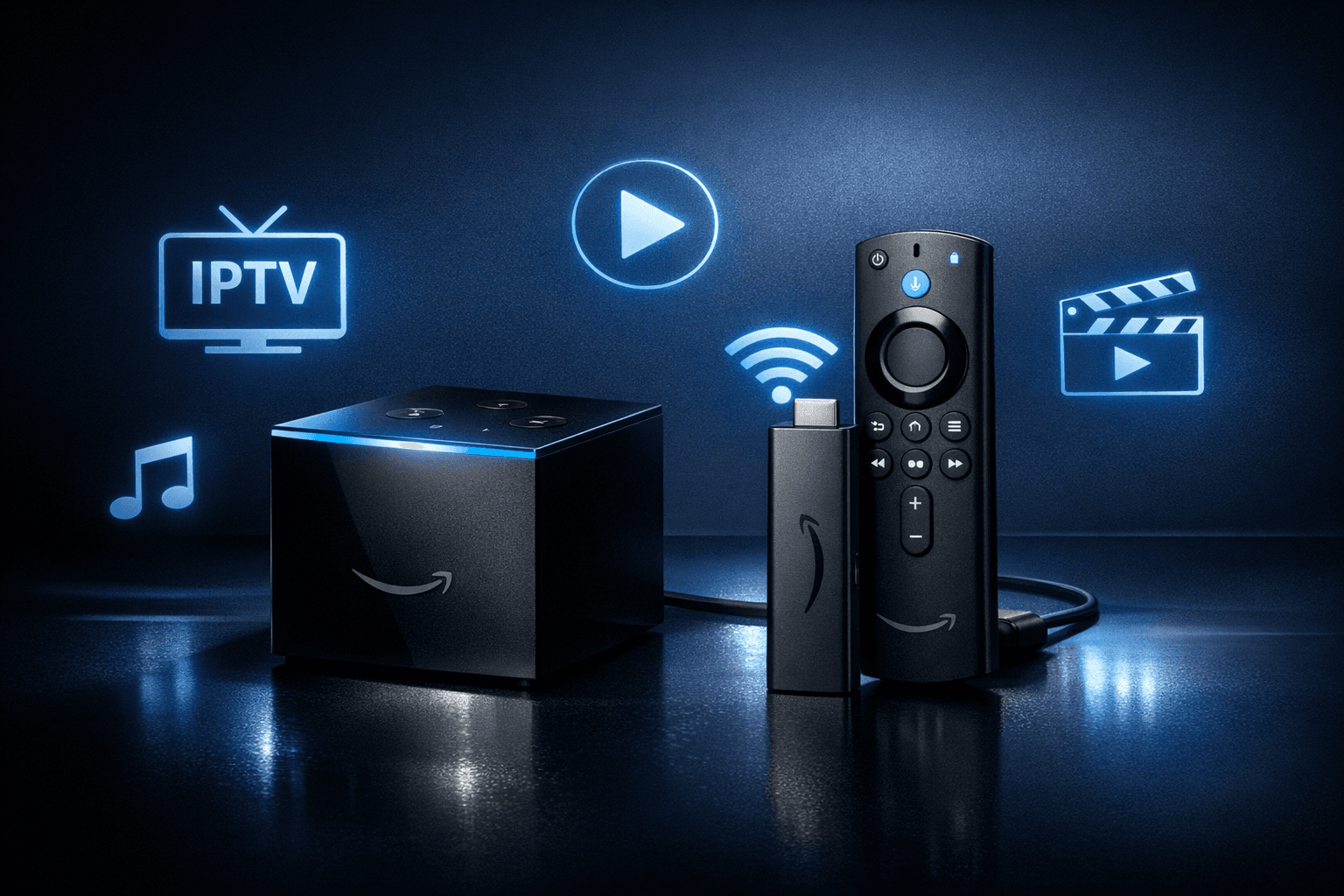
Fire TV Cube vs Fire TV Stick 4K Max for IPTV: Performance and Features Compared
If you're choosing between the Fire TV Cube and the Fire TV Stick 4K Max for your IPTV setup, it's important to understand their differences beyond just their names. Both devices support 4K streaming and run Amazon's Fire OS, but they offer distinct hardware capabilities and connectivity features that can affect your IPTV experience.
In short: The Fire TV Cube provides faster processing power, integrated smart home voice control, and built-in Ethernet support, making it ideal for users seeking the most responsive IPTV experience and smart home integration. The Fire TV Stick 4K Max is a compact, budget-friendly device with strong 4K streaming performance, suitable for most IPTV use cases, especially where space or budget is a concern.
What you'll learn
- Key hardware and connectivity differences between the Fire TV Cube and Fire TV Stick 4K Max
- How these differences impact IPTV streaming performance
- Setup and network considerations specific to IPTV
- Common troubleshooting steps for IPTV on these Fire TV devices
- Recommendations on which device suits particular IPTV user needs
Core Hardware Comparisons Relevant to IPTV
When streaming IPTV (Internet Protocol Television), the device's CPU, RAM, and network interfaces directly influence playback quality, buffering, and responsiveness.
Processor and RAM
-
Fire TV Cube: Equipped with a hexa-core processor and 2 GB of RAM, the Cube handles heavy apps and multitasking better. This can benefit IPTV apps that use complex EPGs (Electronic Program Guides) or catch-up functions.
-
Fire TV Stick 4K Max: Features a quad-core processor with 2 GB RAM, which still offers excellent performance for most IPTV apps, though it might be slightly less snappy in app loading or multitasking compared to the Cube.
Network Connectivity
-
Fire TV Cube: Has built-in Ethernet port for wired internet connection, which reduces buffering risk and adds stability to IPTV streams. Also supports dual-band Wi-Fi with 802.11ac support.
-
Fire TV Stick 4K Max: No native Ethernet port but supports dual-band (2.4 GHz and 5 GHz) Wi-Fi 6 (802.11ax) for faster wireless speeds. Compatible Ethernet adapters can be purchased separately for wired connections.
Smart Home Integration
-
The Cube includes an integrated far-field microphone array with Alexa voice assistant that controls not only media but smart home devices, which might be a plus if you want voice control integrated with your IPTV.
-
The Stick 4K Max also supports Alexa, but requires the remote or external Echo devices for voice input.
How These Differences Affect IPTV Streaming
Streaming Quality and Buffering
-
Wired Ethernet on the Cube generally ensures a more stable IPTV stream, especially beneficial for high-bitrate 4K IPTV channels or in Wi-Fi congested environments.
-
The Stick 4K Max’s Wi-Fi 6 support may outperform older Wi-Fi adapters and can handle 4K IPTV well if your router and network are similarly upgraded.
App Compatibility and Responsiveness
-
Both devices support popular IPTV apps like TiviMate, IPTV Smarters, and others via the Amazon Appstore.
-
The Cube’s stronger processor can reduce lag when switching channels or loading EPG data in heavy IPTV apps.
Voice Control and Convenience
-
Voice commands via the Cube’s built-in microphones can streamline IPTV navigation and channel switching.
-
With the Stick 4K Max, voice commands require the remote or external Alexa device, which may be less convenient but functionally similar.
Setting Up Your Fire TV Device for IPTV Streaming
When using either device for IPTV, a correct setup is essential to ensure smooth playback and usability.
Steps to set up IPTV on Fire TV Cube or Stick 4K Max:
- Plug your Fire TV device into the TV’s HDMI port and connect to power.
- Complete the initial Amazon Fire OS setup, connecting to your Wi-Fi or Ethernet network.
- Access the Amazon Appstore and download your preferred IPTV app (e.g., TiviMate, IPTV Smarters).
- Launch the IPTV app and enter your IPTV service details (such as playlist URL or Xtream Codes login).
- Adjust IPTV app settings for video quality and buffering features based on your network performance.
You may also want to consider enabling developer options to sideload IPTV apps not available on the Amazon Appstore, but this requires additional caution.
Troubleshooting IPTV Playback on Fire TV Devices
Common IPTV Playback Issues and Fixes
| Problem | Possible Cause | Solution |
|---|---|---|
| Buffering or Freezing | Network congestion or weak signal | Use Ethernet on Cube or close to router; consider Ethernet adapter for Stick 4K Max; see Ethernet Adapter Compatibility for Fire TV Stick 4K Max |
| Channel Switching Lag | Limited device CPU power or IPTV app issues | Restart device; clear IPTV app cache; update to latest app version |
| IPTV App Not Launching | Corrupt app install or Fire OS glitches | Reinstall app; restart Fire TV; check for OS updates |
When to Use Device-Specific Guides or Other Troubleshooting Paths
- If your IPTV issues persist despite network and app fixes, consult device-focused troubleshooting based on model (Cube or Stick).
- For issues with specific IPTV apps or playlist authorization errors, follow guides tailored for IPTV app errors.
- For network-related errors, such as poor Wi-Fi or DNS problems, review general Amazon Fire TV network troubleshooting.
Which Device Makes More Sense for Your IPTV Needs?
| Feature | Fire TV Cube | Fire TV Stick 4K Max |
|---|---|---|
| Price | Higher cost | More affordable |
| Built-in Ethernet | Yes (wired stable connection) | No (requires separate adapter) |
| Wi-Fi Support | Dual-band 802.11ac | Dual-band Wi-Fi 6 (newer standard) |
| Processor Performance | Hexa-core, better for apps & multitasking | Quad-core, fast for most IPTV tasks |
| Smart Home Features | Advanced built-in Alexa & IR blaster | Alexa through remote, no IR blaster |
| Form Factor | Larger, needs more space | Small and portable |
| Best for IPTV Use | Users wanting highest performance, stable Ethernet | Budget-conscious users with strong Wi-Fi |
FAQs
Is the Fire TV Cube better than the Fire TV Stick 4K Max for IPTV?
The Cube offers faster hardware and built-in Ethernet, benefiting IPTV streaming stability and app performance. However, the Stick 4K Max provides excellent 4K streaming on Wi-Fi 6 at a lower price.
Can I use an Ethernet adapter with the Fire TV Stick 4K Max?
Yes, compatible USB-C Ethernet adapters can provide wired network access to the Stick 4K Max, improving IPTV stream stability.
Do both devices support popular IPTV apps?
Yes, both devices run Fire OS and support major IPTV players from the Amazon Appstore.
Which device handles 4K IPTV streams better?
Both support 4K streaming, but Cube’s processor and Ethernet make it more consistently smooth under demanding IPTV scenarios.
Conclusion
Choosing between the Fire TV Cube and Fire TV Stick 4K Max for IPTV streaming depends on your priorities. If you want the fastest response, integrated Ethernet, and smart home voice control, the Fire TV Cube is ideal. For excellent 4K IPTV streaming with modern Wi-Fi and a smaller price, the Fire TV Stick 4K Max is a solid choice. For most IPTV users, both devices will provide satisfying performance, but your network setup and budget will be the deciding factors.
For detailed network considerations with the Stick 4K Max, see our guide on Ethernet Adapter Compatibility for Fire TV Stick 4K Max.
For more IPTV troubleshooting related to freezing and channel switching, consult Why IPTV Freezes During Channel Switching and How to Fix It.
Optimize your IPTV setup by choosing the Fire TV device that best fits your streaming habits and home environment.
Tags: ["Fire TV","IPTV","Streaming Devices","Amazon Fire TV","Media Player"]
Frequently Asked Questions
Is the Fire TV Cube better than the Fire TV Stick 4K Max for IPTV?
The Fire TV Cube has a faster processor and built-in smart home controls, which can improve IPTV navigation and multitasking, but the Stick 4K Max offers excellent performance at a lower price point, making it suitable for most IPTV users.
Can both devices handle 4K IPTV streaming?
Yes, both the Fire TV Cube and Fire TV Stick 4K Max support 4K streaming at up to 60 fps, making them capable of smooth IPTV 4K playback where your IPTV service and internet connection allow.
Do these devices support Ethernet for more reliable IPTV streaming?
The Fire TV Cube has a built-in Ethernet adapter, while the Fire TV Stick 4K Max requires a separate compatible Ethernet adapter to connect via wired network, which can improve streaming stability.
Keep exploring
More explainers that connect naturally to this setup, workflow, or troubleshooting path.
Missing channel logos in TiviMate can be frustrating because they make channel navigation less intuitive and reduce the overall viewing experience.

Xtream Codes login can outperform M3U playlists by providing faster channel loading, better playlist management, and improved metadata support in IPTV apps.

Organizing favorites and groups in TiviMate makes navigating large IPTV channel lists more intuitive and personalized. TiviMate, a popular IPTV player app for Android TV and Fire TV devices, provides features that let you categorize.