
Fire TV Cube vs Fire TV Stick 4K Max for IPTV: Key Differences for Streaming Quality

Quick answer
If you're choosing between the Amazon Fire TV Cube and the Fire TV Stick 4K Max specifically for IPTV streaming, it's important to understand how their hardware and features impact IPTV performance. Both devices support 4K streaming and popular IPTV apps, but differences in pr...
Reviewed Against
• Fire TV and Fire OS device capabilities, networking, and storage limits
Applies To
• Fire TV Stick, Fire TV Cube, and Fire OS playback or networking questions
Does not apply when
• You are troubleshooting a smart-TV app or set-top box with a different hardware and settings path.
Corroborating Resources
Fire TV device specifications overviewHelpful for checking Fire TV hardware families, platform differences, and device-level constraints.
Fire TV streaming media player specsUseful for codec, storage, Wi-Fi, and Ethernet-adapter expectations on Fire TV sticks and boxes.
Topic Cluster
Part of the Amazon Fire TV cluster
Browse practical IPTV articles about Amazon Fire TV, including setup choices, troubleshooting paths, and follow-on guides. This page sits in compare options for that topic path.
On this page
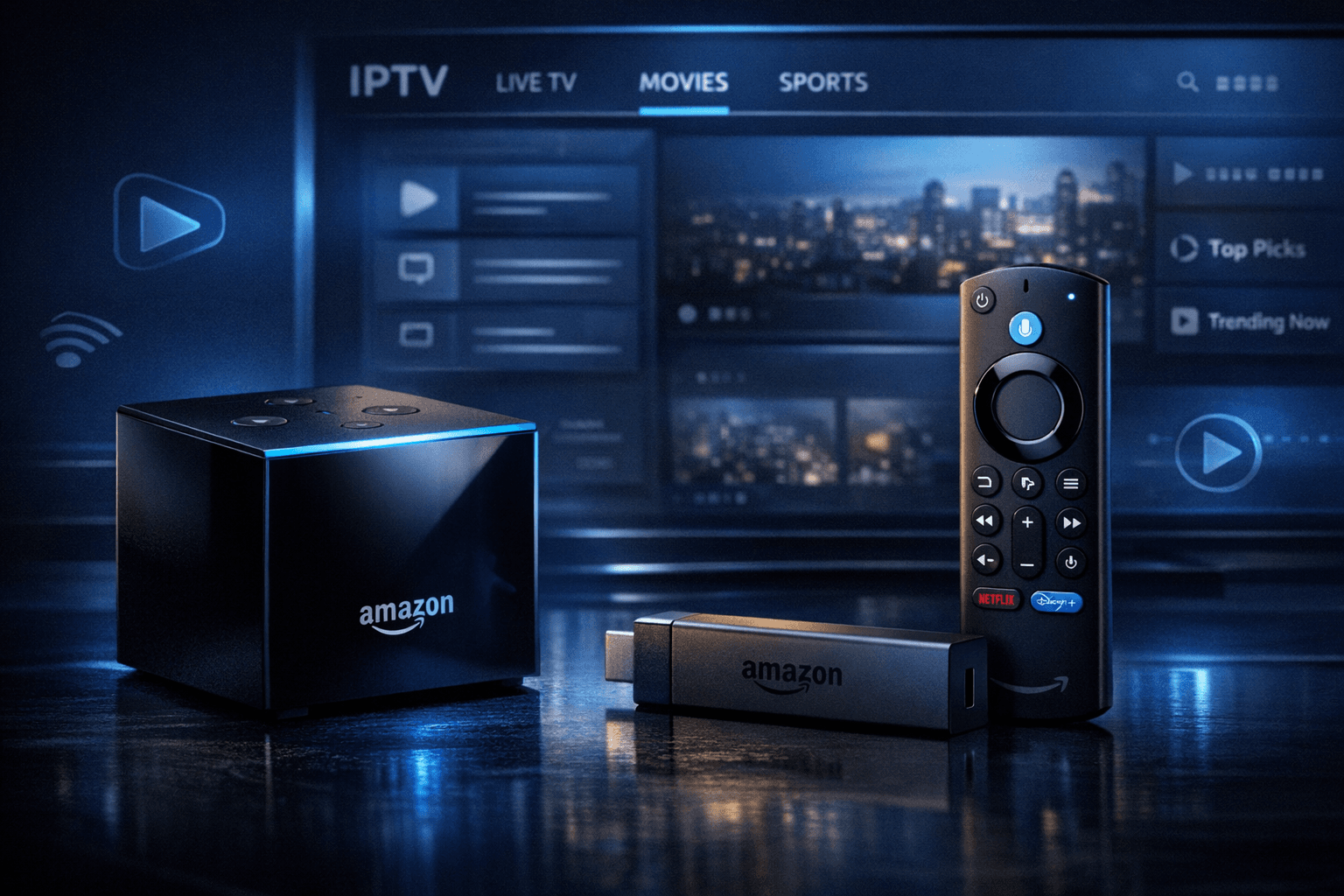
Fire TV Cube vs Fire TV Stick 4K Max for IPTV: Key Differences for Streaming Quality
If you're choosing between the Amazon Fire TV Cube and the Fire TV Stick 4K Max specifically for IPTV streaming, it's important to understand how their hardware and features impact IPTV performance. Both devices support 4K streaming and popular IPTV apps, but differences in processor, connectivity options, and ergonomics can affect your IPTV experience.
In plain terms, the Fire TV Cube offers more powerful hardware with built-in Ethernet and hands-free voice control, while the Fire TV Stick 4K Max supports the latest Wi-Fi 6 wireless standard and typically costs less. Your best choice depends on your home network setup, IPTV app needs, and budget.
What you'll learn
- Key hardware differences between Fire TV Cube and Fire TV Stick 4K Max
- How each device handles IPTV streaming and common IPTV apps
- Impact of wired vs wireless connections for IPTV
- Setup steps specifically for IPTV on each device
- Troubleshooting IPTV issues related to each device
- When to choose one device over the other based on IPTV use
Hardware Comparison: Processing Power and Connectivity
Processing Power
The Fire TV Cube is equipped with a Hexa-core processor (4x 2.2 GHz + 2x 1.9 GHz), providing smooth multitasking and better handling of app-heavy use including IPTV. The Fire TV Stick 4K Max features a quad-core 1.8 GHz CPU, sufficient for IPTV but slightly less powerful.
For IPTV apps that require fast channel switching and smooth EPG (Electronic Program Guide) rendering, the Cube’s extra cores and speed can result in a snappier experience, especially with advanced IPTV solutions like TiviMate.
Network Connectivity
- Fire TV Cube: Has an integrated Gigabit Ethernet port (on second-gen models) for wired connections, which provide the most reliable IPTV streaming.
- Fire TV Stick 4K Max: Lacks a native Ethernet port but supports Wi-Fi 6 (802.11ax) dual-band (2.4 GHz and 5 GHz) for faster wireless streaming.
If your home IPTV setup includes a wired Ethernet, the Cube’s built-in port simplifies installation and reduces latency and buffering risks.
| Feature | Fire TV Cube | Fire TV Stick 4K Max |
|---|---|---|
| Processor | Hexa-core 2.2 GHz + 1.9 GHz cores | Quad-core 1.8 GHz |
| Wired Ethernet Port | Yes (1Gbps native) | No (adapter required) |
| Wireless Standards | Wi-Fi 5 (802.11ac) dual-band | Wi-Fi 6 (802.11ax) dual-band |
| Voice Control | Hands-free Alexa built-in | Alexa support via remote, no hands-free |
IPTV App Compatibility and Performance
Both devices run Amazon’s Fire OS and support mainstream IPTV apps like IPTV Smarters, TiviMate, Perfect Player, and others available from the Amazon Appstore or via sideloading.
IPTV Streaming Experience
- Fire TV Cube: The extra CPU power and Ethernet reduce buffering and improve channel switching speed. Hands-free voice lets users launch IPTV apps or control volume without the remote.
- Fire TV Stick 4K Max: Wi-Fi 6 offers improved wireless throughput, which helps IPTV streaming if your router supports it. Occasional buffering may occur on congested or weak wireless networks.
EPG and Multi-Streaming
Advanced IPTV users often use apps with multi-instance playback or large EPG data. The Cube handles these tasks more fluidly due to its processor.
Setup and Configuration Steps for IPTV
Setting up IPTV on either device follows similar steps:
- Plug your Fire TV Cube or Fire TV Stick 4K Max into your TV’s HDMI port.
- Connect the device to power.
- Connect to your home internet (Ethernet for Cube if preferred, otherwise Wi-Fi).
- Use the remote to navigate to the Amazon Appstore.
- Download your chosen IPTV app.
- Open the IPTV app and enter your IPTV service credentials or playlist URL.
- Adjust video quality and EPG settings as needed for optimal viewing.
Troubleshooting Common IPTV Issues on Fire TV Cube and Fire TV Stick 4K Max
Buffering and Lag
- For Cube: Check if Ethernet cable is securely connected. Ethernet connection usually helps avoid buffering.
- For Stick 4K Max: Verify strong Wi-Fi signal, connect on 5 GHz band if possible.
App Crashes or Slowness
- Clear cache of the IPTV app via Fire TV Settings > Applications.
- Restart the device or perform a soft reset.
Connectivity Errors
- Double-check IPTV service credentials.
- Restart your router.
When to Use Device-Specific Support
- If issues come from purely IPTV credentials or app related errors, consult IPTV-specific troubleshooting guides.
- For network or device storage problems affecting IPTV, see guides on Wi-Fi optimization or Fire TV storage management.
When to Choose Fire TV Cube or Fire TV Stick 4K Max for IPTV
| Consideration | Fire TV Cube | Fire TV Stick 4K Max |
|---|---|---|
| Wired Ethernet Required | Best choice, native support | Requires adapter |
| Strong Wi-Fi 6 Wireless Available | Good, but Wi-Fi 5 | Best wireless performance |
| Hands-Free Voice Control | Yes | No |
| Budget Constraints | Higher price point | More affordable |
| Performance Demand (heavy usage) | Better for multitasking IPTV and EPG | Adequate for average IPTV user |
FAQ
Is Fire TV Cube better than Fire TV Stick 4K Max for IPTV?
The cube's more powerful CPU and Ethernet port give it an edge for stable IPTV performance, but the Stick 4K Max’s Wi-Fi 6 capability offers strong wireless streaming with a smaller cost.
Can both devices handle 4K IPTV channels?
Yes, both fully support 4K video and HDR standards common in IPTV streams.
Does Fire TV Stick 4K Max work well over Wi-Fi for IPTV?
Yes, especially on Wi-Fi 6 routers, but it may suffer in congested or weak signal environments.
Is Ethernet connection critical for IPTV on these devices?
Ethernet often provides the most stable IPTV experience, especially with higher bitrate or 4K streams.
Conclusion
For IPTV streaming, the Fire TV Cube and Fire TV Stick 4K Max both offer strong options tailored to different network environments and budgets. Choose Fire TV Cube if you desire wired Ethernet, hands-free Alexa control, or more processing power for advanced IPTV apps. Opt for Fire TV Stick 4K Max if you prefer cutting-edge Wi-Fi 6 wireless performance at a lower cost and mostly wireless IPTV setups. This focused comparison helps IPTV users align their streaming setup with their network and performance needs for the best experience.
Suggested internal links
- Firestick VPN Causing IPTV Buffering: How to Diagnose and Fix Delays
- Best WiFi Settings for IPTV on Fire TV Stick to Reduce Buffering
- Fire TV Stick Storage Issues Causing IPTV Lag: Fixes and Tips
- Amazon Fire TV
Tags
"IPTV","Fire TV Cube","Fire TV Stick 4K Max","Streaming Devices","Amazon Fire TV"
Frequently Asked Questions
Is Fire TV Cube better than Fire TV Stick 4K Max for IPTV?
Fire TV Cube offers hands-free voice control and potentially stronger processing for IPTV, but Fire TV Stick 4K Max generally provides similar streaming quality at a lower price.
Can both devices handle 4K IPTV content?
Yes, both devices support 4K streaming and HDR formats, suitable for high-definition IPTV channels if your internet connection is adequate.
Does Fire TV Cube support wired Ethernet better than Fire TV Stick 4K Max?
Fire TV Cube includes a built-in Ethernet port and supports wired connections natively, while Fire TV Stick 4K Max requires a separate Ethernet adapter for wired connectivity.
Which device has better Wi-Fi performance for IPTV streaming?
Fire TV Stick 4K Max features Wi-Fi 6 support, providing faster wireless speeds and improved reliability compared to Fire TV Cube’s Wi-Fi 5.
Keep exploring
More explainers that connect naturally to this setup, workflow, or troubleshooting path.
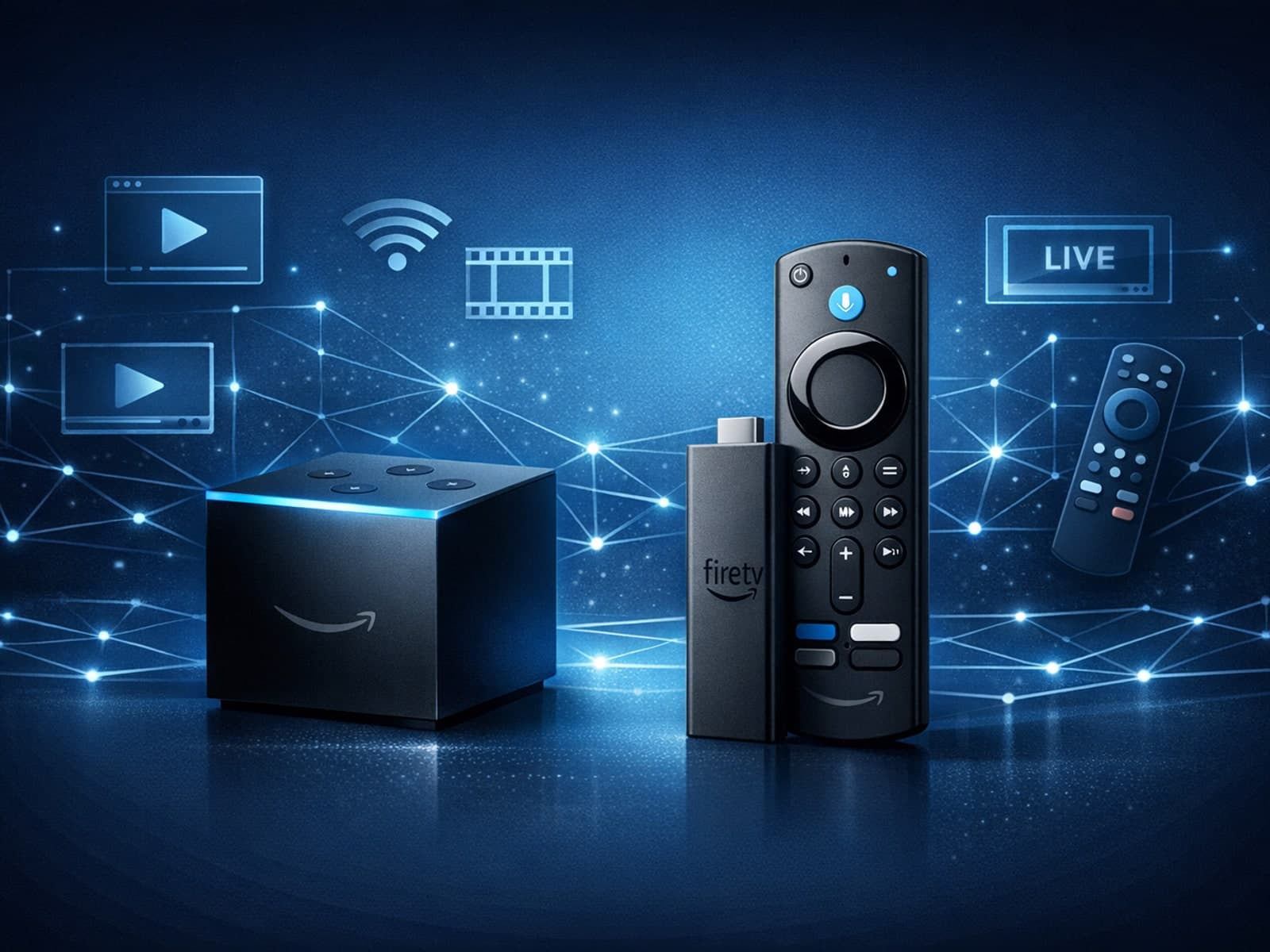
When choosing a device specifically for IPTV streaming, the Amazon Fire TV Cube and Fire TV Stick 4K Max are two popular options. Both devices support 4K streaming and run Amazon’s Fire OS with access to IPTV apps like TiviMate and IPTV.

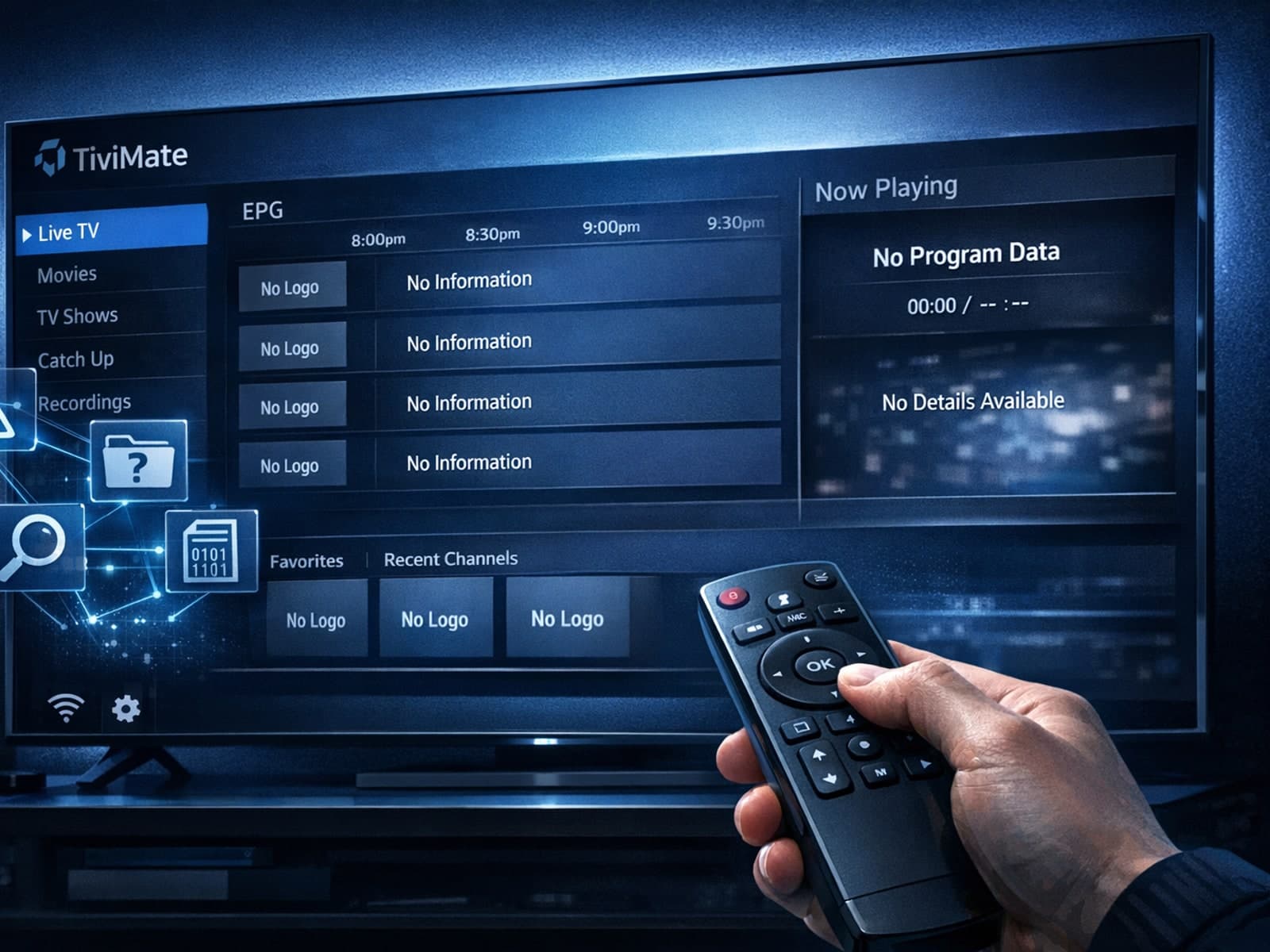
Missing channel logos in TiviMate is a common issue that often stems from problems with your IPTV playlist or Electronic Program Guide (EPG) data.
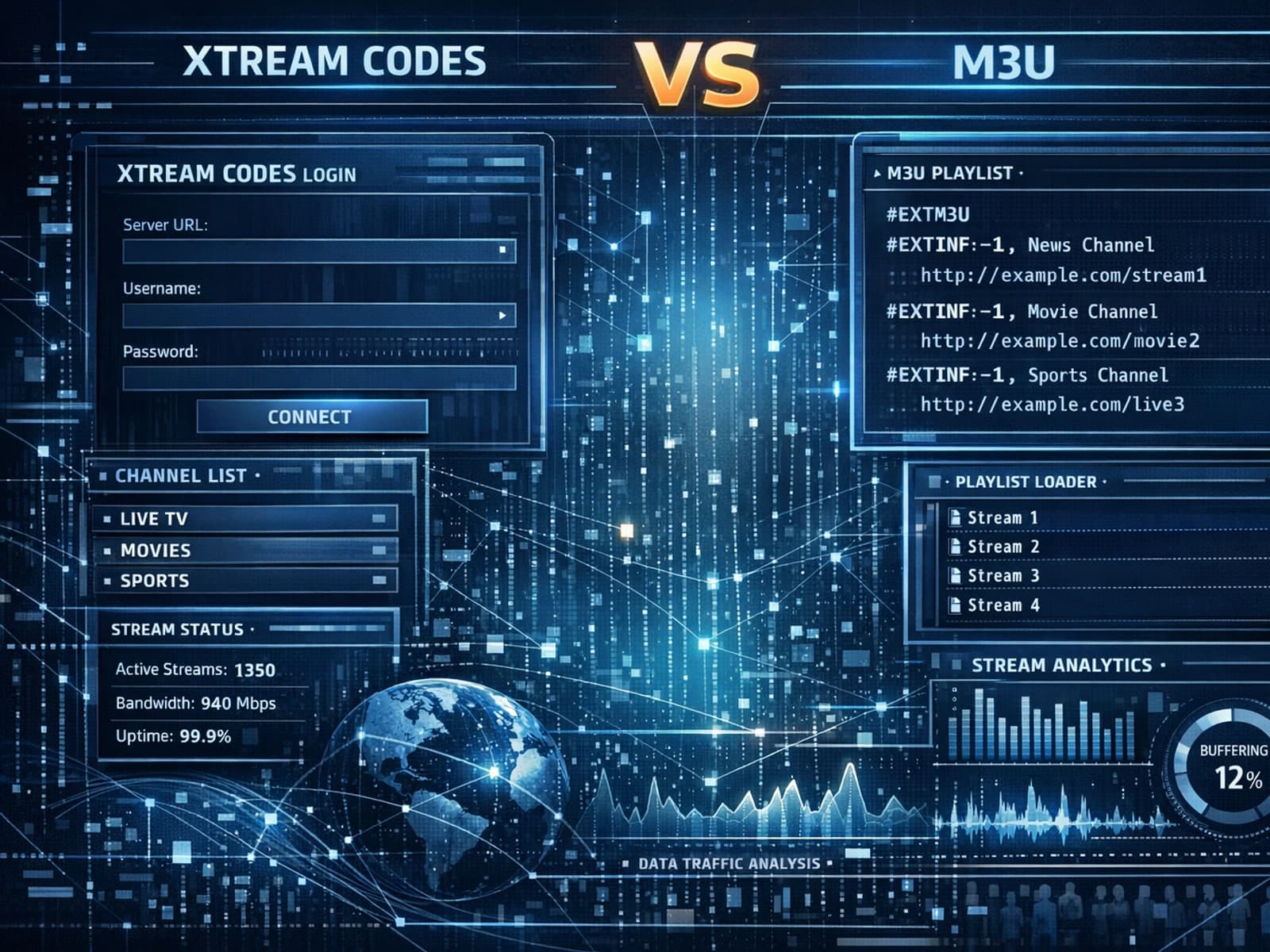
Xtream Codes often works better than M3U for IPTV users who need dynamic playlist management, faster channel updates, richer metadata integration, and controlled access to streaming content.
