
Firestick VPN Causing IPTV Buffering: How to Diagnose and Fix Delays

Quick answer
Using a VPN on your Firestick can protect your privacy and unlock content, but it sometimes causes IPTV streaming to buffer or lag. This buffering happens when your VPN slows down or interrupts the data needed to stream TV live. Fortunately, most buffering issues tied to VPN u...
Reviewed Against
• Fire TV and Fire OS device capabilities, networking, and storage limits
• Home-network checks such as Wi-Fi strength, Ethernet fallback, DNS changes, congestion, and local storage pressure
Applies To
• Fire TV Stick, Fire TV Cube, and Fire OS playback or networking questions
• Playback problems that change with connection quality, device load, app cache state, or time of day
Does not apply when
• You are troubleshooting a smart-TV app or set-top box with a different hardware and settings path.
• Only one channel, event, or provider-side endpoint is failing while the rest of the service stays stable.
Corroborating Resources
Fire TV device specifications overviewHelpful for checking Fire TV hardware families, platform differences, and device-level constraints.
Fire TV streaming media player specsUseful for codec, storage, Wi-Fi, and Ethernet-adapter expectations on Fire TV sticks and boxes.
Android TV video and game troubleshootingUseful for Wi-Fi, updates, app cache, and playback troubleshooting steps that also mirror IPTV failure paths.
Android TV storage helpHelpful when playback issues point to low storage, cache pressure, or app-data cleanup decisions.
Topic Cluster
Part of the Buffering cluster
Buffering fixes, network bottlenecks, device slowdowns, and the fastest checks to stabilize IPTV playback. This page sits in troubleshoot and fix for that topic path.
Start here in this topic
On this page
Firestick VPN Causing IPTV Buffering: How to Diagnose and Fix Delays
Using a VPN on your Firestick can protect your privacy and unlock content, but it sometimes causes IPTV streaming to buffer or lag. This buffering happens when your VPN slows down or interrupts the data needed to stream TV live. Fortunately, most buffering issues tied to VPN use on Fire TV Sticks can be traced and fixed by checking VPN servers, speeds, protocols, and device settings.
What you'll learn
- Why VPNs can cause IPTV buffering on Firestick
- How to test and compare speeds with and without VPN
- Adjusting VPN settings to improve streaming
- Troubleshooting common VPN-related causes of buffering
- When to consider alternatives or device-specific fixes
Why VPN Use on Firestick Can Cause IPTV Buffering
A VPN (Virtual Private Network) encrypts your internet traffic and routes it through a server that may be far from your physical location. This process adds steps and network latency (delay) that can reduce your effective streaming speed. IPTV streams require steady and sufficient bandwidth, so any added lag or throttling can cause buffering.
VPN Server Distance and Congestion
The farther away the VPN server, the longer it takes for data to travel back and forth. Also, popular VPN servers with many users can become congested, lowering speeds for everyone connected.
VPN Protocol and Encryption Overhead
VPNs use different protocols (like OpenVPN, IKEv2, WireGuard) to secure data. Some are faster but less secure; others prioritize encryption but add delay. Higher encryption levels may slow data transfer enough to cause buffering.
Device and Network Limitations
Firestick hardware has modest processing power. Running a VPN client app in the background consumes CPU resources and memory, which can slow down streaming apps, especially if storage is nearly full or the Firestick is overheating.
How to Test If Your VPN Is Slowing IPTV on Firestick
Testing your internet speed before and after enabling your VPN is the quickest way to confirm if the VPN causes buffering.
Steps:
- Use a speed test service that works on Firestick (such as the Speedtest app by Ookla available in the Amazon Appstore).
- Run a speed test with your VPN disabled to get a baseline download speed.
- Enable your VPN and connect to your usual server.
- Run the test again using the same speed testing app.
- Compare results; if VPN speeds are significantly lower, it's likely contributing to IPTV buffering.
If you see a major drop, proceed to optimizing your VPN settings.
Optimizing VPN Settings to Reduce IPTV Buffering
Many VPN apps let you customize how data is routed and encrypted. Adjusting these settings can improve speeds.
Change to a Closer or Less Crowded VPN Server
Switch to a VPN server closer to your location or one specified for streaming if your provider offers it. Closer servers mean lower latency, resulting in smoother IPTV playback.
Select a Faster VPN Protocol
Protocols like WireGuard and IKEv2 are often faster than traditional OpenVPN. Check your VPN app settings and switch to a faster protocol supported by your provider.
Lower the Encryption Level
Some VPN apps allow you to reduce encryption strength which can boost speed. Only do this if you are comfortable with slightly reduced security for better performance.
Enable or Disable Split Tunneling
Split tunneling lets you choose which apps use the VPN. Routing only IPTV apps through your VPN can improve overall speed and reduce buffering.
Firestick Maintenance Tips to Improve Streaming with VPN
Sometimes buffering occurs due to device issues independent from VPN settings.
- Restart Your Firestick: Clear temporary system glitches affecting network performance.
- Free Up Storage: If your Firestick's storage is near capacity, uninstall unused apps to free resources.
- Close Background Apps: Running many apps can degrade VPN and IPTV app performance.
- Update All Apps and Fire OS: Ensure you have the latest software updates for optimal compatibility and efficiency.
Refer to our article on Fire TV Stick Storage Issues Causing IPTV Lag: Fixes and Tips for detailed maintenance instructions.
When to Consider Alternative Troubleshooting or Devices
This guidance focuses on VPN buffering issues on Fire TV Stick models (such as Firestick 4K and Fire TV Stick Lite). If you use a different IPTV player app than the Firestick VPN app integration or a different VPN setup (router-level VPN, PC hotspot), buffering causes and fixes may differ.
Also, if you suspect your local WiFi or internet provider speeds are the issue, check out Best WiFi Settings for IPTV on Fire TV Stick to Reduce Buffering.
If problems persist, consider upgrading to a Fire TV Cube or Fire TV Stick 4K Max, which have faster processors and more memory, potentially improving VPN-handled streaming. See Fire TV Cube vs Fire TV Stick 4K Max for IPTV: Key Differences and Use.
Troubleshooting Common Mistakes When Using VPN on Firestick for IPTV
- *Not testing speeds*: Always test with VPN on and off to identify if the VPN is the bottleneck.
- *Using distant VPN servers*: Avoid servers far from your physical location.
- *Running outdated VPN apps*: Always keep VPN software updated.
- *Ignoring Firestick storage limits*: Full storage can degrade performance.
- *Streaming on crowded WiFi bands*: Prefer 5 GHz WiFi over 2.4 GHz for better speed with VPN.
Quick Troubleshooting Checklist
| Issue | Quick Fix |
|---|---|
| IPTV buffering with VPN | Switch VPN server to closer one |
| Slow VPN speeds | Change VPN protocol to faster option |
| Firestick lagging overall | Restart Firestick and clear storage |
| VPN app unresponsive | Update or reinstall VPN app |
Frequently Asked Questions
Why does using a VPN on Firestick cause IPTV buffering?
VPNs add extra routing and encryption layers which slow down data transfer, causing playback interruptions if speeds drop too low.
Can changing VPN servers fix IPTV buffering on Firestick?
Yes, switching to a less congested or geographically closer server usually improves speed and reduces buffering.
Is it better to use 5 GHz WiFi with VPN to reduce buffering on Firestick?
Yes, 5 GHz WiFi provides higher throughput and less interference than 2.4 GHz, helping maintain streaming quality when using VPN.
Should I disable VPN if IPTV keeps buffering on Firestick?
Try optimizing VPN settings first; disabling it removes privacy and security benefits. Only disable if necessary after tests.
Conclusion
VPNs can cause IPTV buffering on Firestick primarily due to added latency, slower server speeds, and encryption overhead. By testing speeds, switching VPN servers, changing VPN protocols, and maintaining your Firestick device, you can reduce or eliminate buffering. Understanding these factors will help you enjoy smooth IPTV streaming while protecting your online privacy.
For more device-specific tips, explore our related articles on Firestick streaming issues and IPTV app troubleshooting.
Keep exploring
More explainers that connect naturally to this setup, workflow, or troubleshooting path.
When choosing a device specifically for IPTV streaming, the Amazon Fire TV Cube and Fire TV Stick 4K Max are two popular options. Both devices support 4K streaming and run Amazon’s Fire OS with access to IPTV apps like TiviMate and IPTV.

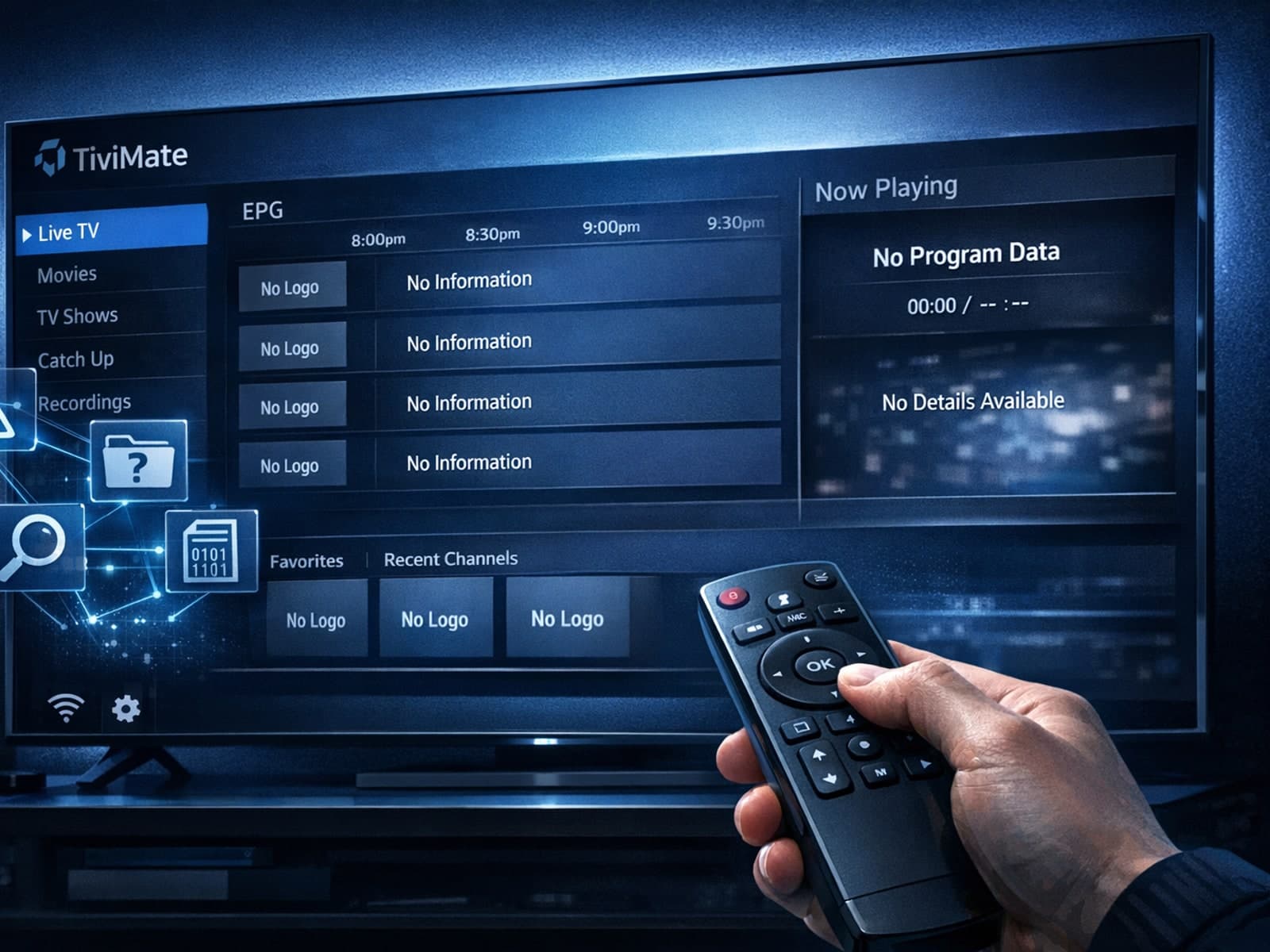
Missing channel logos in TiviMate is a common issue that often stems from problems with your IPTV playlist or Electronic Program Guide (EPG) data.
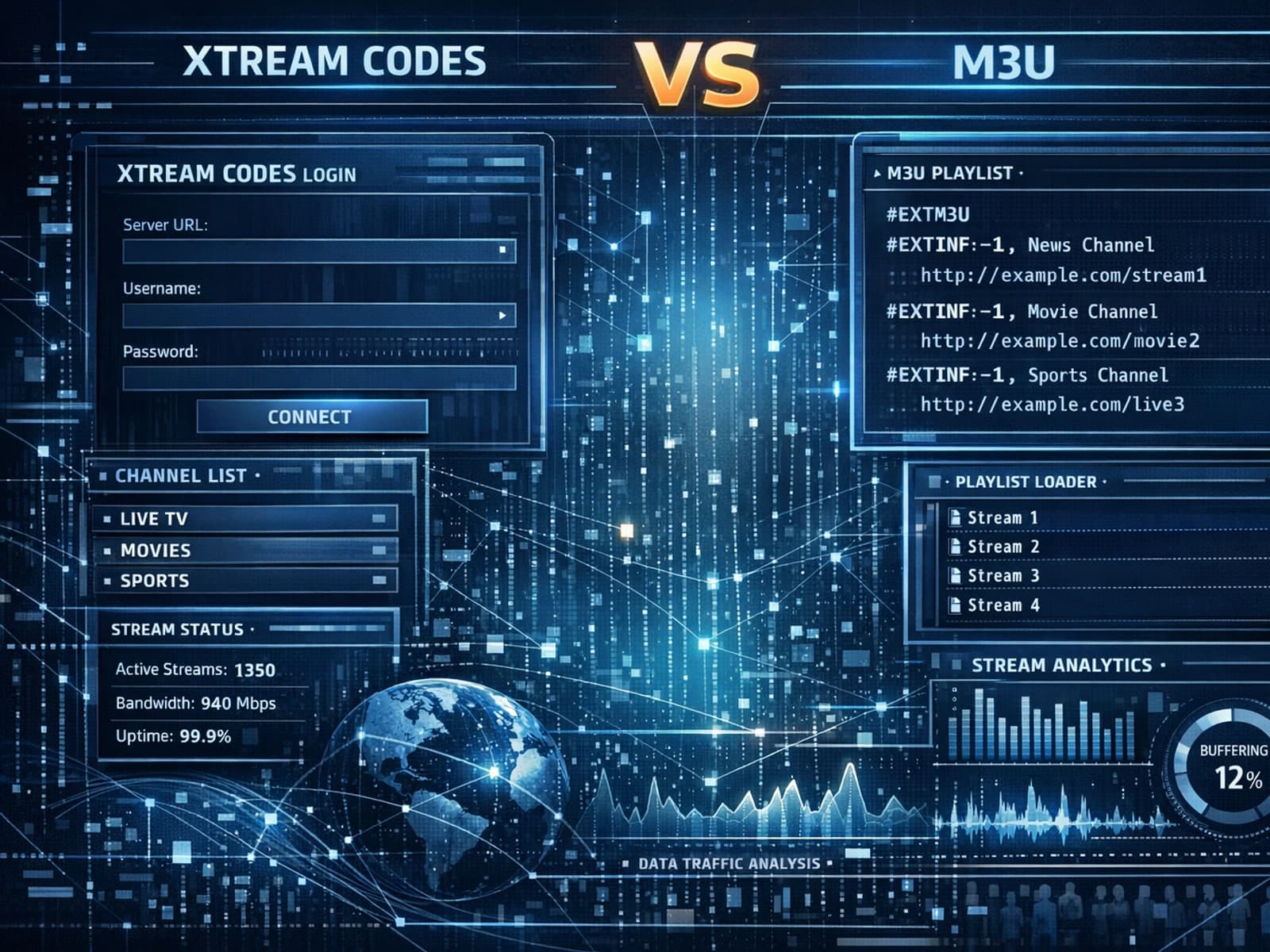
Xtream Codes often works better than M3U for IPTV users who need dynamic playlist management, faster channel updates, richer metadata integration, and controlled access to streaming content.
