
Fire TV Cube vs Fire TV Stick 4K Max for IPTV: Key Differences and Use

Quick answer
When choosing a device to stream IPTV, many users compare Amazon's Fire TV Cube and Fire TV Stick 4K Max. Both support IPTV apps like TiviMate and IPTV Smarters and offer 4K streaming, but their hardware and features differ. The Fire TV Cube excels with hands-free Alexa voice...
Reviewed Against
• TiviMate playlist, EPG, and player-setting workflows
• IPTV Smarters login, playlist, and account-entry screens
• Fire TV and Fire OS device capabilities, networking, and storage limits
Applies To
• TiviMate setups on Android TV, Google TV, or Fire OS style streaming devices
• IPTV Smarters sign-in, playlist import, or account-detail errors
• Fire TV Stick, Fire TV Cube, and Fire OS playback or networking questions
Does not apply when
• Your app uses a different menu layout or naming scheme than TiviMate.
• The account itself is disabled or expired on the provider side.
• You are troubleshooting a smart-TV app or set-top box with a different hardware and settings path.
Corroborating Resources
Fire TV device specifications overviewHelpful for checking Fire TV hardware families, platform differences, and device-level constraints.
Fire TV streaming media player specsUseful for codec, storage, Wi-Fi, and Ethernet-adapter expectations on Fire TV sticks and boxes.
Topic Cluster
Part of the Fire TV Cube cluster
Browse practical IPTV articles about Fire TV Cube, including setup choices, troubleshooting paths, and follow-on guides. This page sits in compare options for that topic path.
On this page
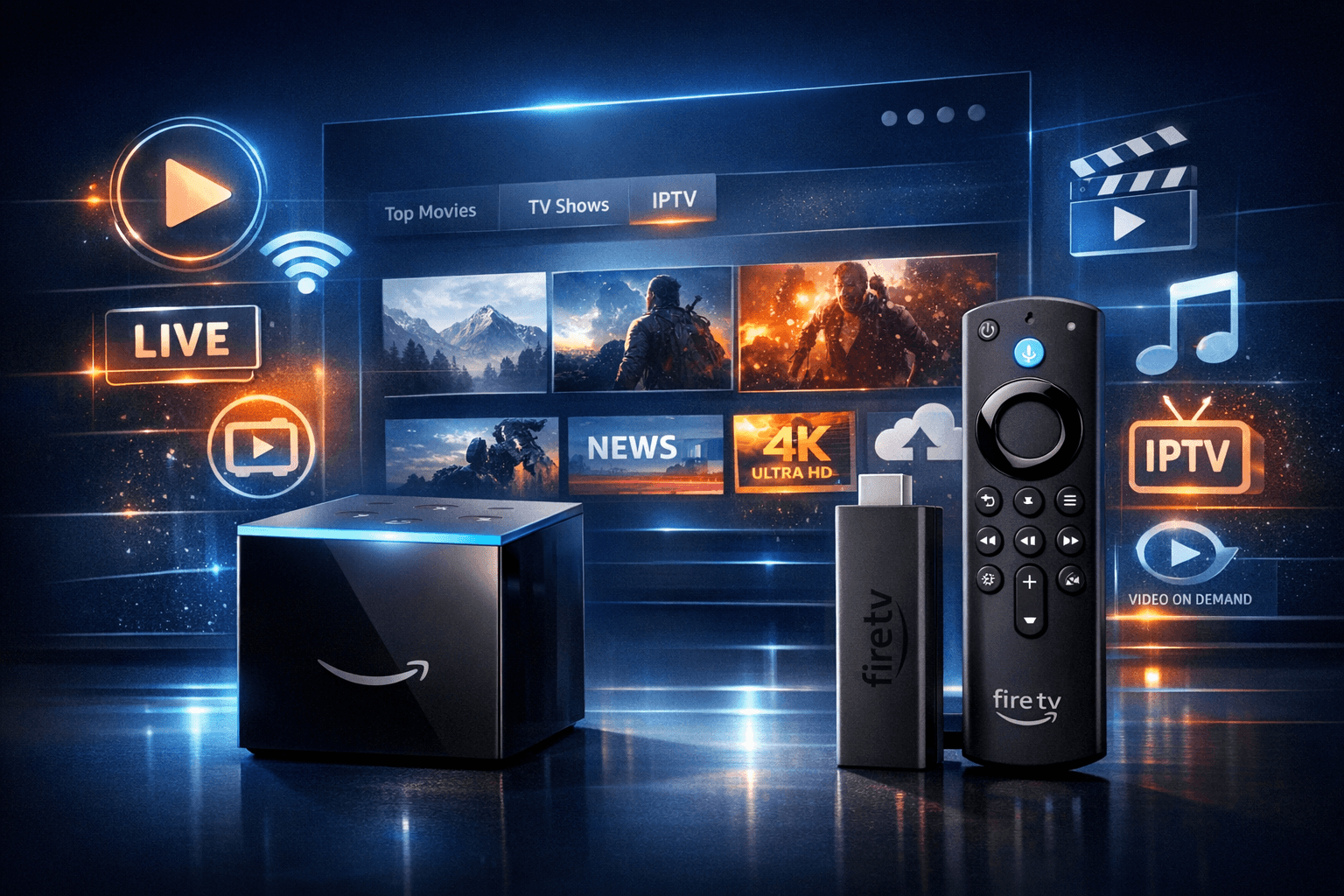
Fire TV Cube vs Fire TV Stick 4K Max for IPTV: Key Differences and Use
When choosing a device to stream IPTV, many users compare Amazon's Fire TV Cube and Fire TV Stick 4K Max. Both support IPTV apps like TiviMate and IPTV Smarters and offer 4K streaming, but their hardware and features differ. The Fire TV Cube excels with hands-free Alexa voice control and Ethernet connectivity, which can improve IPTV usability and buffering. In contrast, the Fire TV Stick 4K Max provides similar 4K quality at a lower price point but relies on Wi-Fi and a slightly less powerful processor.
This comparison helps you decide which device aligns with your IPTV needs, budget, and viewing habits.
What you'll learn
- How hardware differences affect IPTV streaming performance
- The role of connectivity options for smooth IPTV playback
- Benefits of hands-free Alexa control with IPTV apps
- Setup and optimization tips for each device
- When to prefer one device over the other for IPTV use
IPTV Streaming Performance: Processor and Hardware Impact
Processor Specifications and IPTV Playback
Fire TV Cube features the more powerful Hexa-core processor (up to 2.2 GHz), whereas the Fire TV Stick 4K Max uses a Quad-core 1.8 GHz chip. This means the Cube can handle more intensive processing tasks and multitasking, beneficial when streaming IPTV apps that use complex EPG (electronic program guide) overlays or larger playlists.
For users running multiple IPTV apps or using picture-in-picture features, the Cube's stronger CPU provides smoother navigation and app responsiveness.
RAM and Storage Considerations
Both devices offer 2 GB of RAM and 8 GB of storage, sufficient for installing IPTV apps and storing cached data. However, heavy users who download many apps or record content (if their IPTV service supports it) should monitor storage usage.
Although equal in RAM, the Cube’s CPU strength helps manage tasks more efficiently, resulting in fewer slowdowns.
Connectivity Options: Wi-Fi vs Ethernet for IPTV
Wired Ethernet on Fire TV Cube
A crucial advantage of the Fire TV Cube is its built-in Gigabit Ethernet port. Ethernet provides more stable, interference-free internet connections compared to Wi-Fi, which is important for IPTV streaming because buffering often results from unstable connections.
Using Ethernet minimizes packet loss and improves IPTV stream stability, particularly in congested or Wi-Fi noisy environments.
Wi-Fi on Fire TV Stick 4K Max
The Fire TV Stick 4K Max relies exclusively on Wi-Fi but supports dual-band 2.4 GHz and 5 GHz connections. The 5 GHz band offers faster speeds and lower latency suitable for IPTV but has a shorter range.
Users should ensure a strong 5 GHz Wi-Fi signal for the best IPTV experience on the Stick.
When to Choose Based on Network
If your viewing area has excellent Wi-Fi coverage and bandwidth, the 4K Max is sufficient. For homes with spotty Wi-Fi or preference for wired connections, the Cube is preferable.
Hands-Free Alexa Control and IPTV Navigation
Alexa Built-in on Fire TV Cube
The Fire TV Cube includes far-field microphones enabling hands-free Alexa voice control. This means you can operate IPTV apps, launch channels, change volume, or switch playlists solely by voice, without the remote.
This can speed up channel surfing and reduces the hassle of using on-screen controls.
Fire TV Stick 4K Max Remote Control
While the 4K Max supports Alexa voice via the remote, voice input requires pressing a button. This is slightly less convenient compared to the Cube but still efficient for most users.
Impact on IPTV Use
For users who value seamless voice navigation and accessibility, the Cube’s hands-free control enhances IPTV interaction, especially if navigating multiple playlists or complex EPGs.
Setup and Optimization for IPTV Streaming
General IPTV Setup Steps
- Connect your Fire TV device to your TV and power it on.
- Connect to the internet—via Ethernet for Cube or Wi-Fi for Stick 4K Max.
- Install your IPTV app from the Amazon Appstore (e.g., TiviMate, IPTV Smarters).
- Enter your IPTV service credentials or M3U playlist URL.
- Adjust IPTV app settings for optimal performance, such as buffer size and video resolution.
Specific Tips for Fire TV Cube
- Use the Ethernet cable for stable connection.
- Enable hands-free Alexa by configuring voice settings.
- Update device software regularly to maintain app compatibility.
Specific Tips for Fire TV Stick 4K Max
- Use 5 GHz Wi-Fi for best speed.
- Minimize Wi-Fi interference by placing the router near the device or using a Wi-Fi extender.
- Clear app cache if buffering or lag occurs.
Troubleshooting Common IPTV Issues by Device
Buffering and Lag
- Fire TV Cube: Verify Ethernet cable integrity and network speed.
- Fire TV Stick 4K Max: Test Wi-Fi signal strength. Reposition router or device if weak.
App Crashes or Freezes
- Clear IPTV app cache and data.
- Restart device.
- Ensure latest IPTV app and Fire OS updates.
Voice Control Not Responding (Cube)
- Confirm microphone access is enabled.
- Check Alexa app settings and device registration.
When This Guide Applies
This comparison focuses on streaming IPTV apps that run on Fire OS (Amazon devices) and the most common models: Fire TV Cube (2nd generation or later) and Fire TV Stick 4K Max.
If you use different models (e.g., Fire TV Stick Lite, Fire TV Stick 4K original), or different IPTV protocols (e.g., native smart TV IPTV apps without Fire TV), consult device-specific guides.
Also, if your IPTV requires specialized hardware decoding or encrypted streams, ensure compatibility with your chosen device.
Comparison Table
| Feature | Fire TV Cube | Fire TV Stick 4K Max |
|---|---|---|
| Processor | Hexa-core up to 2.2 GHz | Quad-core 1.8 GHz |
| RAM | 2 GB | 2 GB |
| Storage | 8 GB | 8 GB |
| Network Connectivity | Ethernet + Dual-band Wi-Fi | Dual-band Wi-Fi only |
| Alexa Voice Control | Hands-free (far-field mics built-in) | Voice with remote button press |
| Price Range | Higher | Lower |
| Strengths | Ethernet for stable streaming, better CPU, hands-free Alexa | Affordable, compact, capable 4K streaming |
| Limitations | Higher price, larger size | No Ethernet, less powerful CPU |
| Best For | Users needing robust network and voice control | Budget-conscious users with good Wi-Fi |
Conclusion
For IPTV users weighing Fire TV Cube vs Fire TV Stick 4K Max, consider your network environment and user interface preferences. The Cube offers stronger hardware, wired Ethernet for stability, and hands-free Alexa control, making it ideal for users with complex playlists and spotty Wi-Fi. The Fire TV Stick 4K Max provides excellent 4K IPTV streaming at a lower cost but depends on Wi-Fi and requires remote interaction for voice commands.
Choose the device that fits your IPTV service requirements, home network setup, and budget for the best overall viewing experience.
Further Reading
- Fire TV Stick Storage Issues Causing IPTV Lag: Fixes and Optimization
- Best WiFi Settings for IPTV on Fire TV Stick
- TiviMate EPG Source URL Not Working: Troubleshooting and Fixes
- How to Fix Channel Logos Missing in TiviMate
FAQ
Can both Fire TV Cube and Fire TV Stick 4K Max run IPTV apps like TiviMate?
Yes, both devices support popular IPTV apps such as TiviMate and IPTV Smarters. The choice depends on performance needs and available connectivity.
Is the Fire TV Cube better for IPTV buffering issues?
The Fire TV Cube's faster processor and Ethernet port may reduce buffering on slower Wi-Fi networks, but optimal network setup is essential for smooth IPTV.
Do I need a newer IPTV app version for Fire TV Stick 4K Max?
The Fire TV Stick 4K Max supports the latest Fire OS versions, ensuring compatibility with current IPTV apps without needing older versions.
Which device offers better voice control for IPTV?
Fire TV Cube has hands-free Alexa voice control with built-in microphones, allowing voice commands without a remote, which can enhance IPTV navigation.
What are the main limitations when using Fire TV Stick 4K Max for IPTV?
Limitations include reliance on Wi-Fi (no Ethernet port), slightly less powerful processor than the Cube, and absence of hands-free Alexa control.
Keep exploring
More explainers that connect naturally to this setup, workflow, or troubleshooting path.
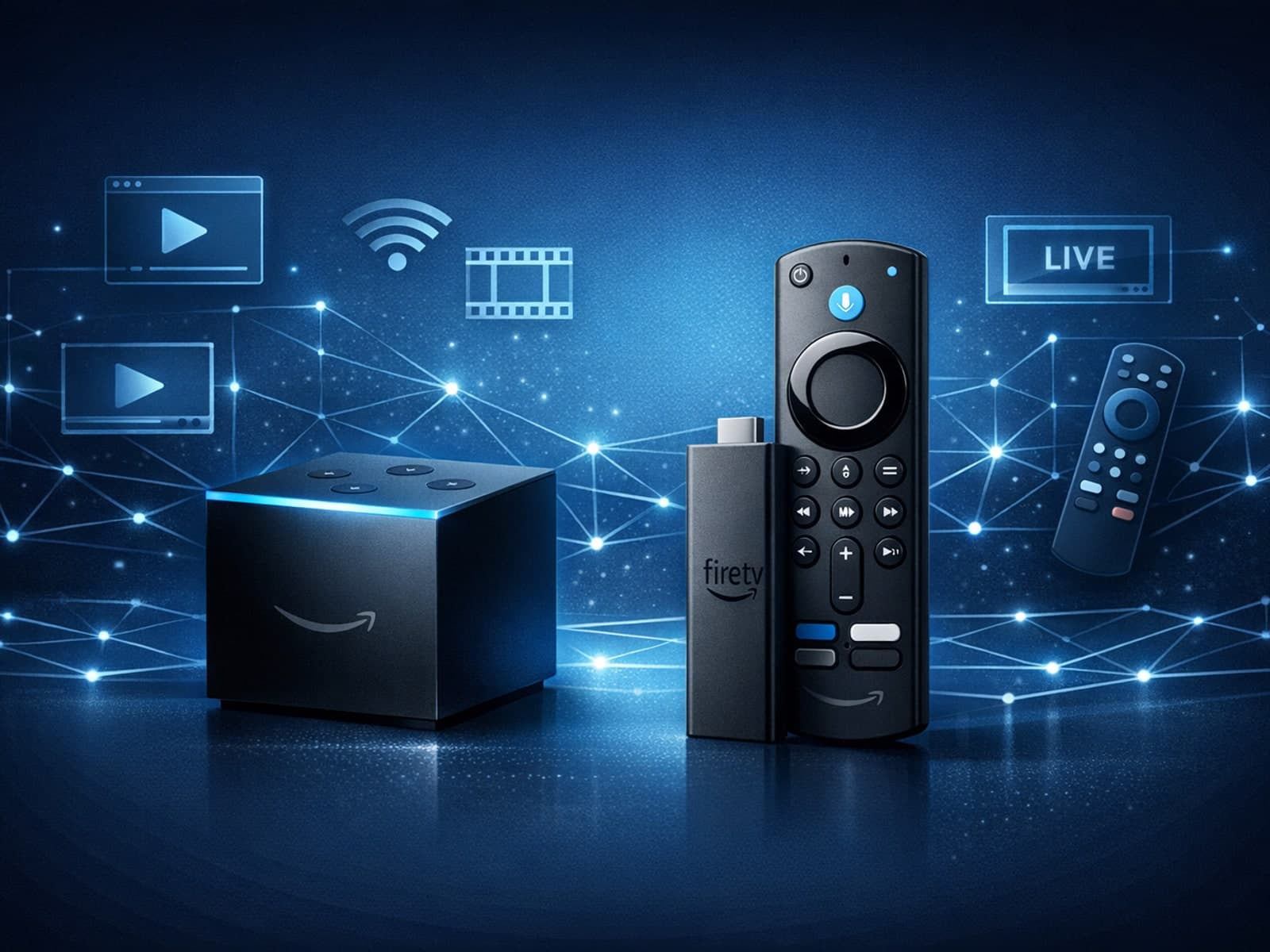
When choosing a device specifically for IPTV streaming, the Amazon Fire TV Cube and Fire TV Stick 4K Max are two popular options. Both devices support 4K streaming and run Amazon’s Fire OS with access to IPTV apps like TiviMate and IPTV.

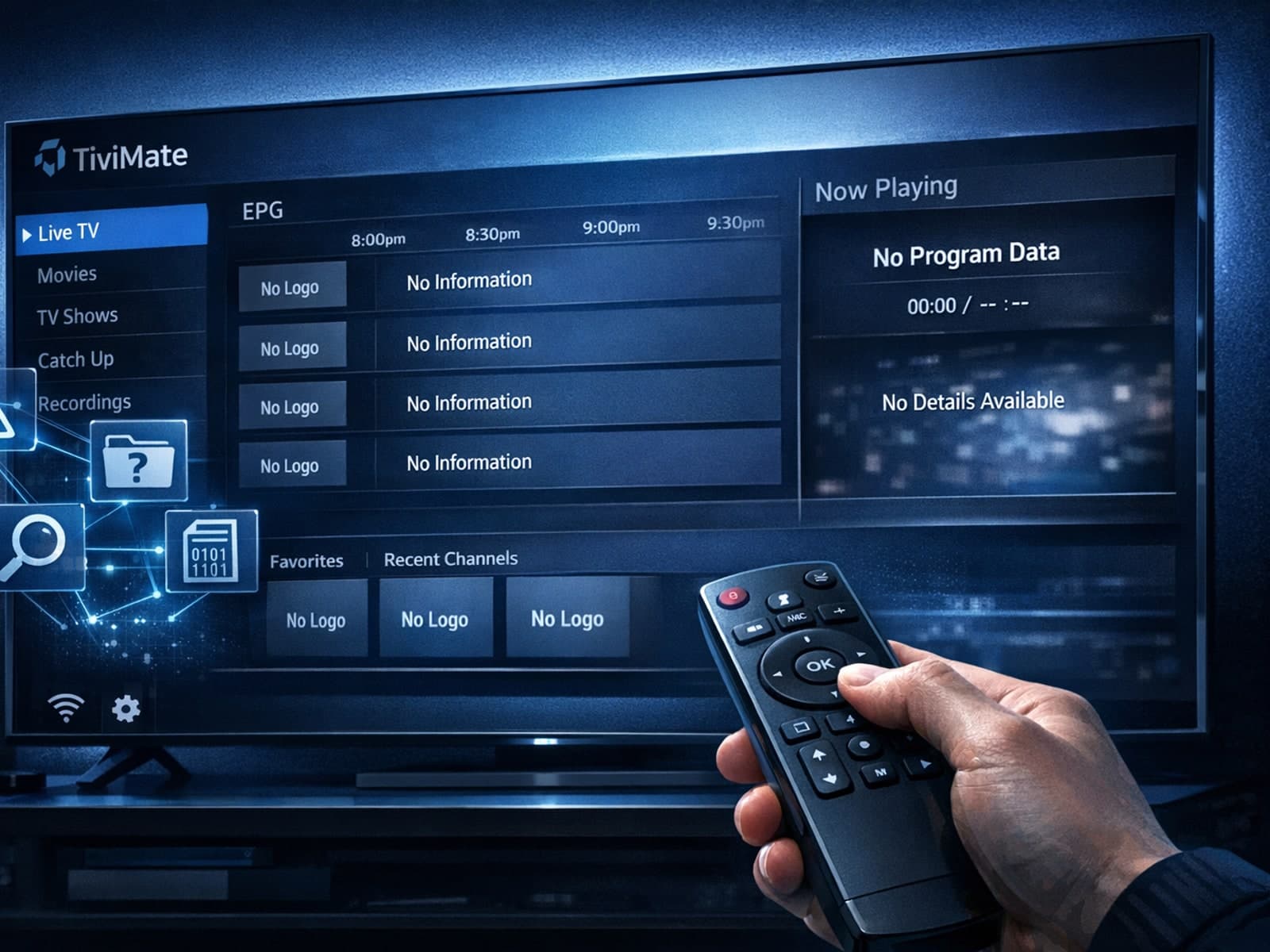
Missing channel logos in TiviMate is a common issue that often stems from problems with your IPTV playlist or Electronic Program Guide (EPG) data.
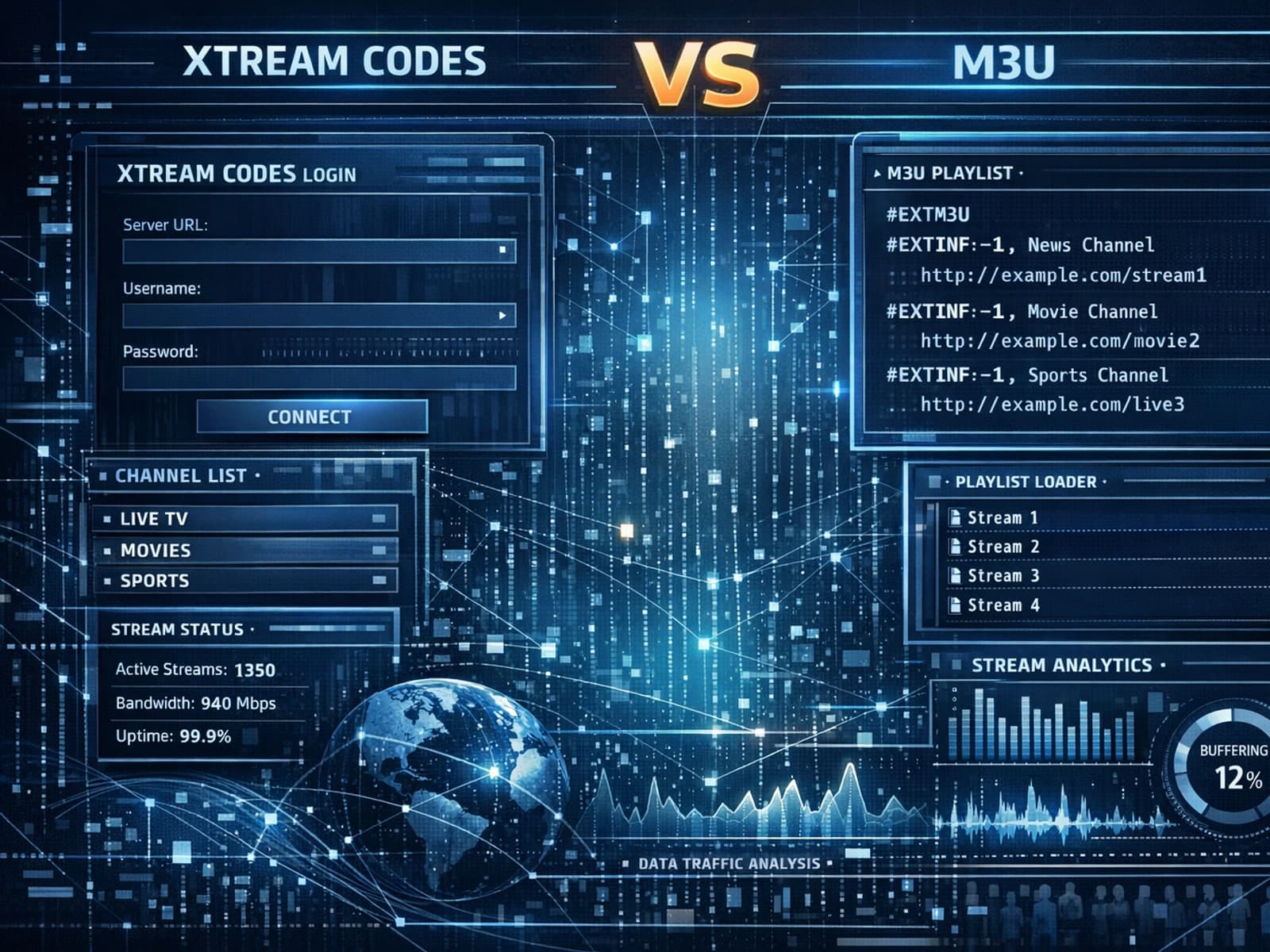
Xtream Codes often works better than M3U for IPTV users who need dynamic playlist management, faster channel updates, richer metadata integration, and controlled access to streaming content.
