
Fire TV Cube vs Fire TV Stick 4K Max for IPTV

Quick answer
When choosing an Amazon Fire TV device for IPTV streaming, two popular options are the Fire TV Cube and the Fire TV Stick 4K Max. Both devices support IPTV apps and 4K streaming, but they differ in hardware, features, and user experience. This comparison helps you decide which...
Reviewed Against
• Fire TV and Fire OS device capabilities, networking, and storage limits
Applies To
• Fire TV Stick, Fire TV Cube, and Fire OS playback or networking questions
Does not apply when
• You are troubleshooting a smart-TV app or set-top box with a different hardware and settings path.
Corroborating Resources
Fire TV device specifications overviewHelpful for checking Fire TV hardware families, platform differences, and device-level constraints.
Fire TV streaming media player specsUseful for codec, storage, Wi-Fi, and Ethernet-adapter expectations on Fire TV sticks and boxes.
Topic Cluster
Part of the Fire TV Cube cluster
Browse practical IPTV articles about Fire TV Cube, including setup choices, troubleshooting paths, and follow-on guides. This page sits in compare options for that topic path.
On this page
Introduction
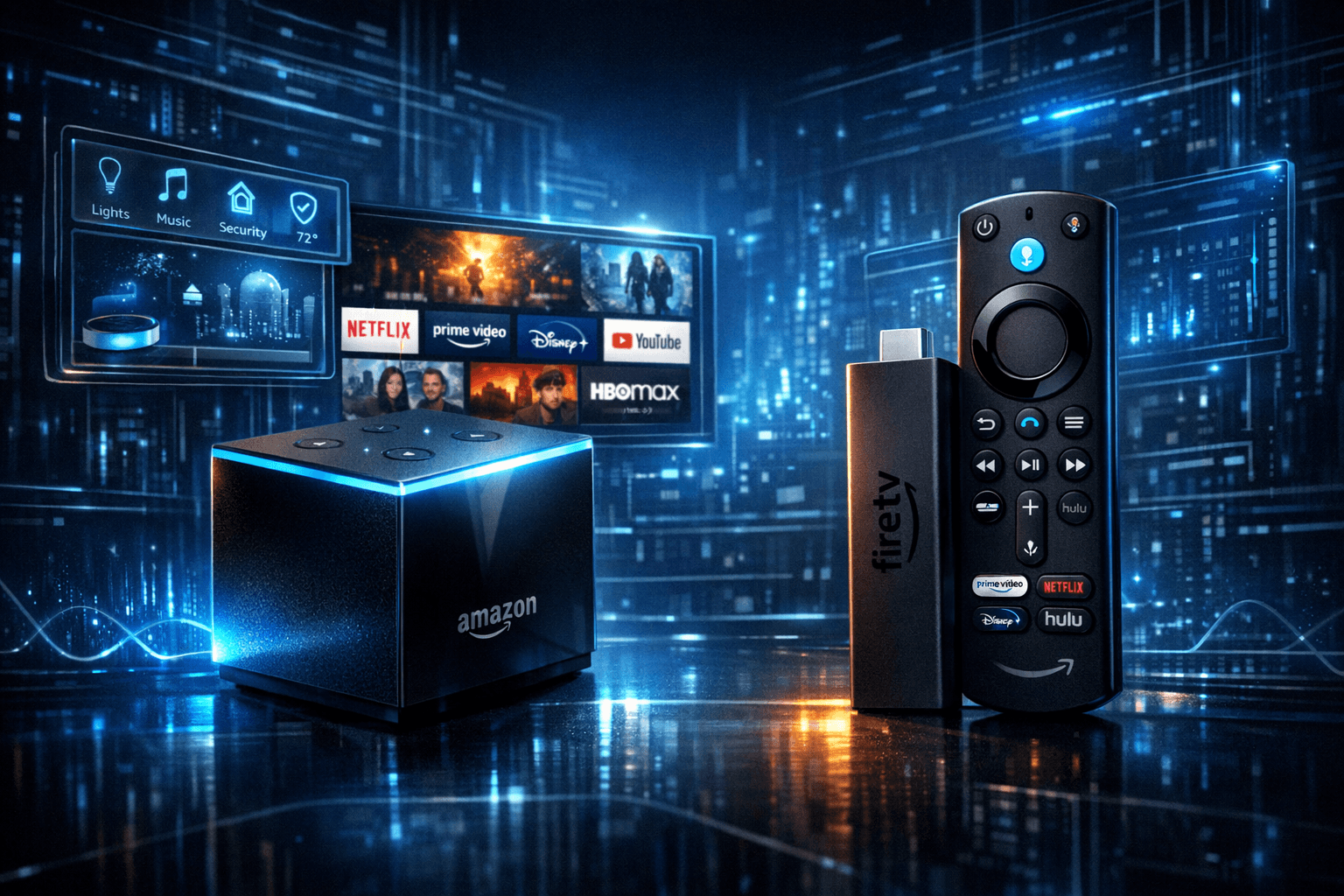
When choosing an Amazon Fire TV device for IPTV streaming, two popular options are the Fire TV Cube and the Fire TV Stick 4K Max. Both devices support IPTV apps and 4K streaming, but they differ in hardware, features, and user experience. This comparison helps you decide which device suits your IPTV needs and budget.
What you'll learn
- Key hardware differences impacting IPTV performance
- Setup and connectivity options relevant to IPTV
- How voice controls differ between devices during IPTV use
- When each device is the better choice for specific IPTV scenarios
- Common issues and troubleshooting tips
Hardware Comparison: Performance and Media Support
Processor and Memory
The Fire TV Cube is powered by a Hexa-core processor (four cores at 2.2 GHz and two cores at 1.9 GHz) paired with 2 GB RAM, providing faster app launch and smoother multitasking. This can improve IPTV app responsiveness especially when switching channels or loading large playlists.
The Fire TV Stick 4K Max uses a quad-core 1.8 GHz processor with 2 GB RAM. While slightly less powerful, it still supports smooth 4K streaming for most IPTV services.
Storage and App Performance
Both devices have limited internal storage (~8 GB usable), sufficient for IPTV apps but not for large offline content. The Cube’s faster processor can better handle multiple background processes, reducing IPTV app lag.
Supported Video Formats
Both support common IPTV streaming formats including H.265 (HEVC), H.264, and Dolby Vision HDR profiles, ensuring compatible playback for modern IPTV content.
Connectivity and Setup Variations Impacting IPTV
Network Connectivity
- Fire TV Cube: Supports dual-band WiFi (2.4 GHz and 5 GHz) and includes an Ethernet adapter port via USB for wired internet — advantageous for stable IPTV streaming.
- Fire TV Stick 4K Max: Supports dual-band WiFi (2.4 GHz and 5 GHz) but requires a separate USB-to-Ethernet adapter if using wired connections.
HDMI and Power
Both devices plug into the TV’s HDMI port and require USB power. The Cube comes with a dedicated power adapter and can control other devices via IR.
Setting Up IPTV Apps
Setup involves downloading your IPTV app (e.g., TiviMate, IPTV Smarters) from the Amazon App Store, entering your IPTV service details (username, password, or playlist URL), and configuring preferences. Both devices follow this standard installation process identically.
Voice Control and User Interface Differences for IPTV
Alexa Integration
- Fire TV Cube: Features hands-free Alexa voice control, allowing you to command playback, switch IPTV channels, and launch apps without using the remote.
- Fire TV Stick 4K Max: Supports Alexa through the remote's microphone button; voice commands require pressing the button first.
Remote Controls
Both come with Alexa-enabled remotes, but the Cube’s IR and microphone array add smart home control advantages.
When to Choose Fire TV Cube or Fire TV Stick 4K Max for IPTV
| Feature | Fire TV Cube | Fire TV Stick 4K Max |
|---|---|---|
| Performance | Faster processor, better multitasking | Adequate for smooth 4K IPTV streaming |
| Network options | Built-in Ethernet adapter support | WiFi only natively, Ethernet via adapter |
| Voice control | Hands-free Alexa, no remote needed | Alexa via remote button press |
| Price | Higher price point | More affordable |
| Best for | Power users, smart home setups | Budget-conscious, casual IPTV viewers |
Common IPTV Troubleshooting and Mistakes
Troubleshooting IPTV Streaming on Fire TV Devices
- Buffering or Lag: Check your WiFi speed (5 GHz band recommended). The Cube’s Ethernet capability may reduce buffering.
- App Crashes or Slow Loading: Restart the device or clear IPTV app cache.
- Remote Issues: Ensure remote batteries are fresh; Cube’s hands-free can be a fallback.
Common User Mistakes
- Using 2.4 GHz WiFi band exclusively, which is prone to interference.
- Overloading apps by running many IPTV sources simultaneously.
- Not updating the Fire OS and IPTV apps regularly.
Who This Comparison Applies To
This guide targets users setting up IPTV apps on Fire TV Cube or Fire TV Stick 4K Max specifically. If you use a third-party IPTV app with different device requirements or wish to set up IPTV on other Fire TV models (e.g., Fire TV Stick Lite), consult device-specific troubleshooting resources.
Conclusion
For IPTV streaming, the Fire TV Cube offers superior performance, hands-free voice controls, and stable wired internet options, making it ideal for power users and smart home enthusiasts. The Fire TV Stick 4K Max meets most IPTV needs effectively at a lower price with solid 4K support. Choose based on your budget, desired features, and your home network setup to maximize IPTV viewing quality.
Additional Resources
- Firestick VPN Causing IPTV Buffering: Causes and Fixes
- Best WiFi Settings for IPTV on Fire TV Stick to Reduce Buffering
- Fire TV Stick Storage Issues Causing IPTV Lag
- Amazon Fire TV topic
FAQ
Which device offers better performance for IPTV streaming?
The Fire TV Cube's more powerful processor generally provides smoother IPTV playback and faster app responsiveness.
Can I use voice control to operate my IPTV app on these devices?
Yes. The Cube offers hands-free Alexa voice control; the Stick 4K Max supports Alexa via remote button.
Is the Stick 4K Max good enough for IPTV?
For most users streaming 4K IPTV content, the Stick 4K Max is sufficient and cost-effective.
Does the Fire TV Cube support wired internet for IPTV?
Yes. The Cube supports Ethernet adapters for a more stable IPTV connection.
Are there storage concerns affecting IPTV app performance?
Both have limited storage; the Cube's faster processor helps maintain smooth app performance despite storage limits.
Fire TV Cube vs Fire TV Stick 4K Max Comparison Checklist
| Criterion | Fire TV Cube | Fire TV Stick 4K Max |
|---|---|---|
| Processor | Hexa-core, faster multitasking | Quad-core, efficient |
| RAM | 2 GB | 2 GB |
| Ethernet Support | Yes, via built-in adapter | No (third-party adapter needed) |
| Voice Control | Hands-free Alexa | Alexa via remote button |
| Price | Higher | Lower |
| IPTV Apps Support | Full | Full |
Choose based on performance needs, preference for hands-free control, and network setup for optimized IPTV.
Step-by-step process
- Connect the Fire TV Cube or Fire TV Stick 4K Max to your TV via HDMI port.
- Connect the device to your home WiFi network or via Ethernet (Fire TV Cube supports Ethernet adapter).
- Access the Amazon App Store and download your IPTV app (e.g., TiviMate or IPTV Smarters).
- Enter your IPTV credentials or load your IPTV playlist within the IPTV app.
- Adjust IPTV app settings such as video quality, captions, and EPG if applicable.
- Use voice commands with Alexa on Fire TV Cube or Fire TV remote to control playback and channel navigation.
- Troubleshoot any streaming issues by checking network speeds and restarting your Fire TV device if necessary.
Frequently Asked Questions
Which device offers better performance for IPTV streaming?
The Fire TV Cube has a faster processor and more RAM, which generally provides smoother IPTV streaming and quicker app loading times than the Stick 4K Max.
Can I use voice control to operate my IPTV app on these devices?
Yes. The Fire TV Cube has hands-free Alexa voice control built-in, while the Stick 4K Max supports Alexa via remote button press.
Is the Fire TV Stick 4K Max sufficient for most IPTV needs?
For standard IPTV streaming including 4K content, the Stick 4K Max is typically sufficient and more cost-effective.
Does the Fire TV Cube support wired internet connections for IPTV?
Yes, the Fire TV Cube supports Ethernet adapters for wired connections, which can improve IPTV streaming stability.
Are there storage differences affecting IPTV app performance?
Both devices have limited internal storage, but the Cube’s faster processor helps mitigate performance issues when using multiple IPTV apps.
Keep exploring
More explainers that connect naturally to this setup, workflow, or troubleshooting path.
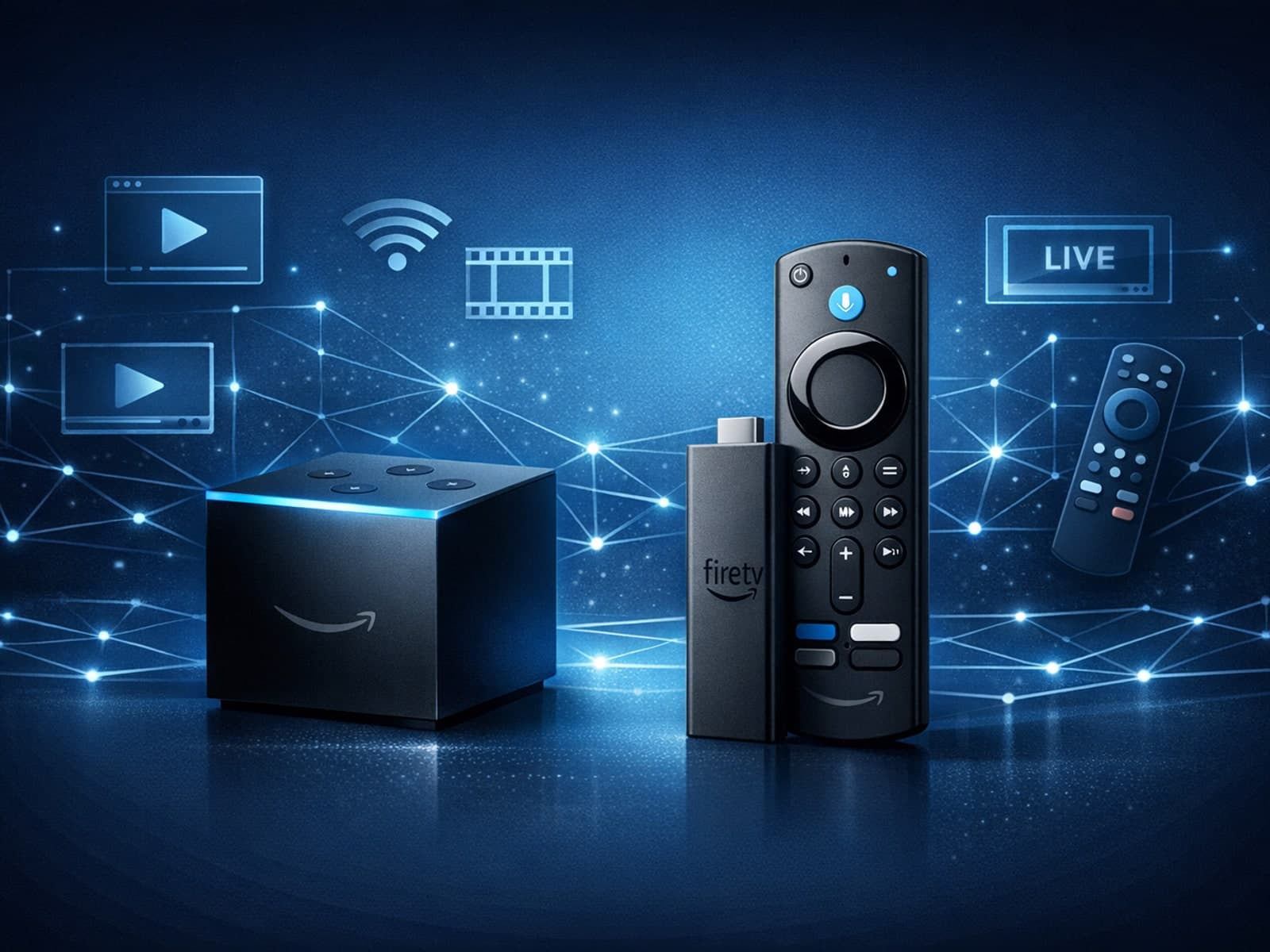
When choosing a device specifically for IPTV streaming, the Amazon Fire TV Cube and Fire TV Stick 4K Max are two popular options. Both devices support 4K streaming and run Amazon’s Fire OS with access to IPTV apps like TiviMate and IPTV.

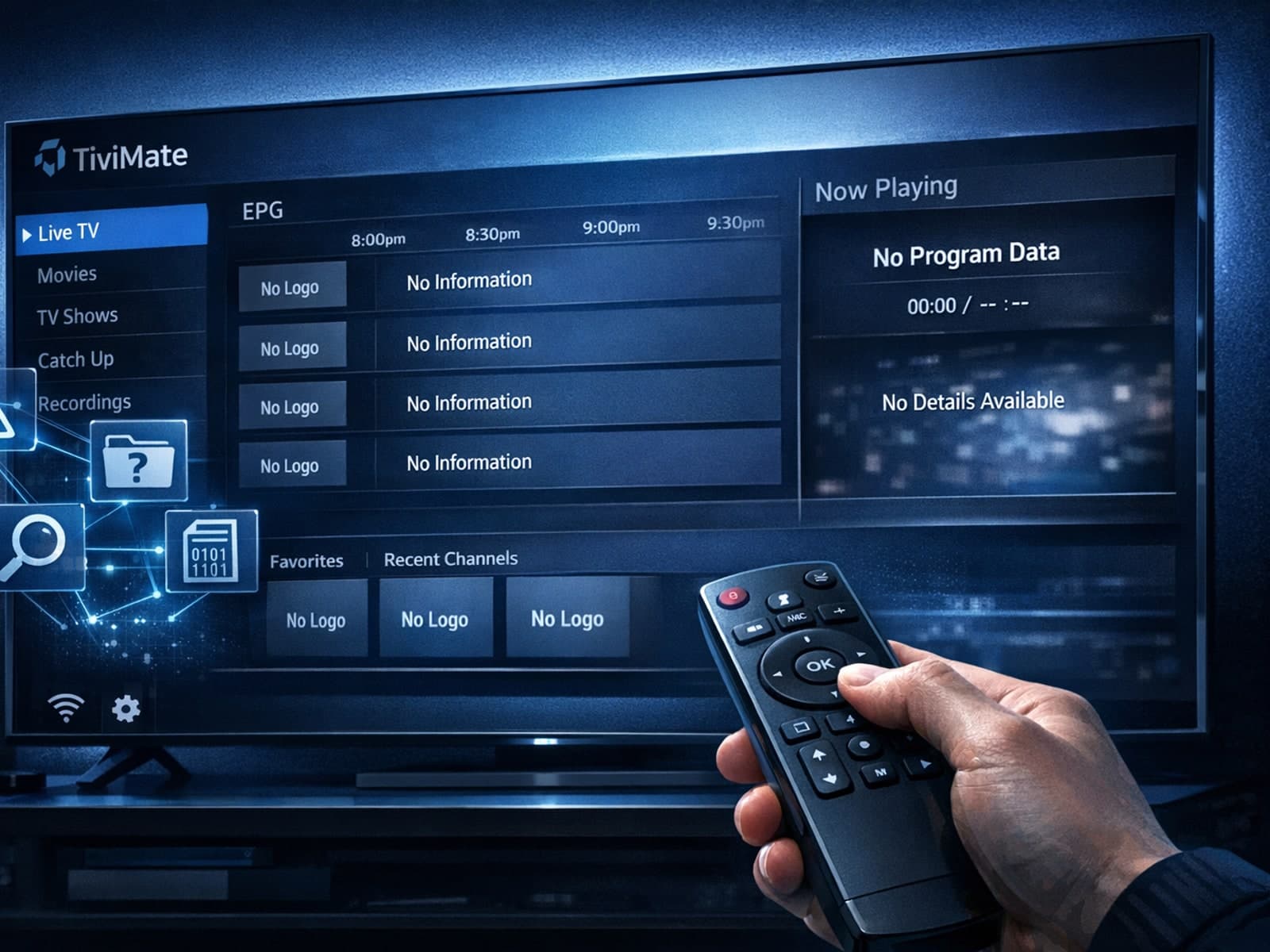
Missing channel logos in TiviMate is a common issue that often stems from problems with your IPTV playlist or Electronic Program Guide (EPG) data.
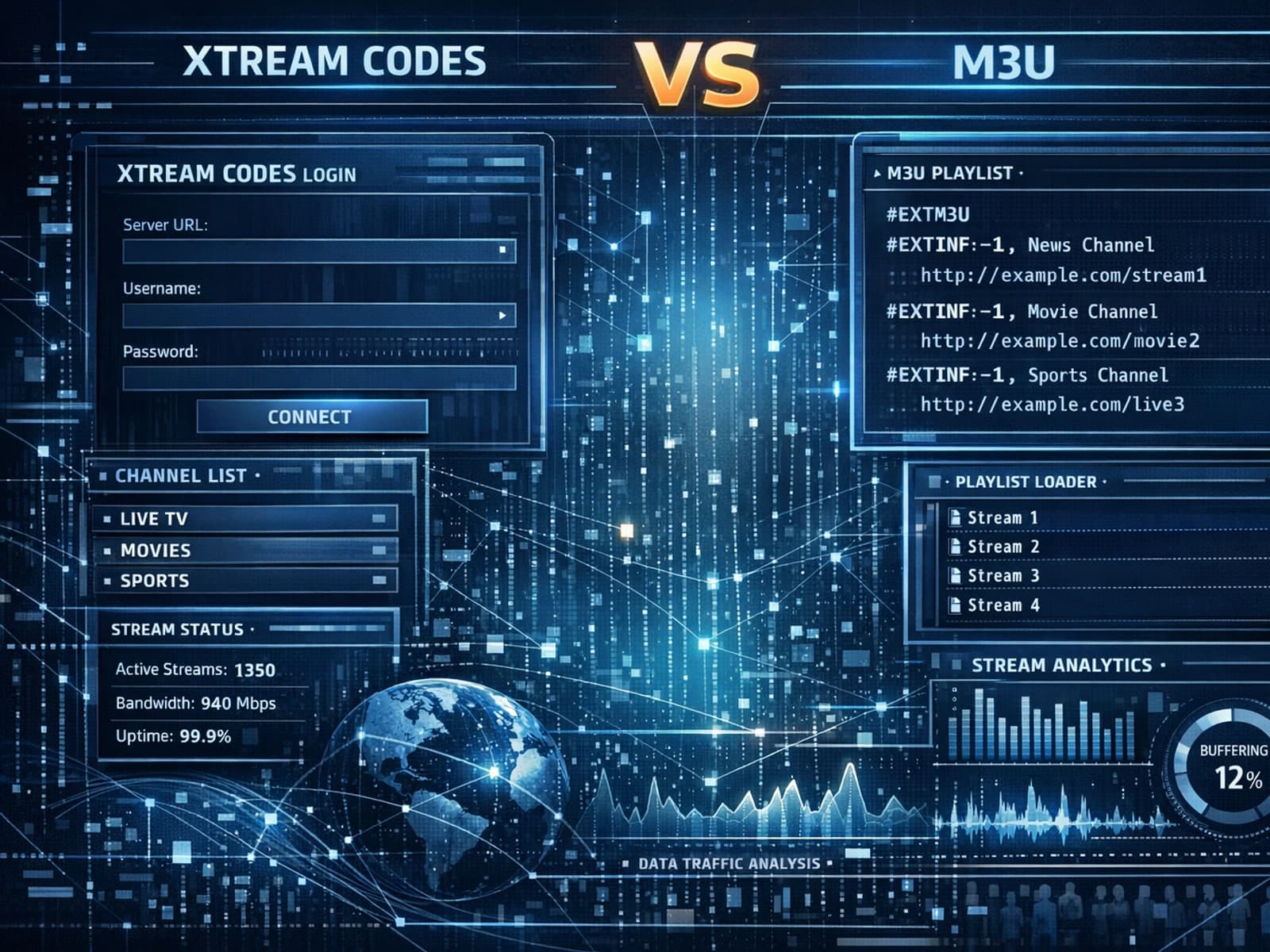
Xtream Codes often works better than M3U for IPTV users who need dynamic playlist management, faster channel updates, richer metadata integration, and controlled access to streaming content.
