
Firestick VPN Causing IPTV Buffering: Causes and Fixes

Quick answer
Using a VPN (Virtual Private Network) on your Amazon Firestick can sometimes slow down IPTV streaming, resulting in frustrating buffering issues. This happens because VPNs route your internet traffic through extra servers and encrypt it, which can affect your connection speed...
Reviewed Against
• Fire TV and Fire OS device capabilities, networking, and storage limits
• Home-network checks such as Wi-Fi strength, Ethernet fallback, DNS changes, congestion, and local storage pressure
Applies To
• Fire TV Stick, Fire TV Cube, and Fire OS playback or networking questions
• Playback problems that change with connection quality, device load, app cache state, or time of day
Does not apply when
• You are troubleshooting a smart-TV app or set-top box with a different hardware and settings path.
• Only one channel, event, or provider-side endpoint is failing while the rest of the service stays stable.
Corroborating Resources
Fire TV device specifications overviewHelpful for checking Fire TV hardware families, platform differences, and device-level constraints.
Fire TV streaming media player specsUseful for codec, storage, Wi-Fi, and Ethernet-adapter expectations on Fire TV sticks and boxes.
Android TV video and game troubleshootingUseful for Wi-Fi, updates, app cache, and playback troubleshooting steps that also mirror IPTV failure paths.
Android TV storage helpHelpful when playback issues point to low storage, cache pressure, or app-data cleanup decisions.
Topic Cluster
Part of the Buffering cluster
Buffering fixes, network bottlenecks, device slowdowns, and the fastest checks to stabilize IPTV playback. This page sits in troubleshoot and fix for that topic path.
Start here in this topic
On this page
Firestick VPN Causing IPTV Buffering: Causes and Fixes
Using a VPN (Virtual Private Network) on your Amazon Firestick can sometimes slow down IPTV streaming, resulting in frustrating buffering issues. This happens because VPNs route your internet traffic through extra servers and encrypt it, which can affect your connection speed and latency.
This article explains why VPN usage on Firestick often causes IPTV buffering, how to diagnose the issue accurately, and practical steps to reduce or eliminate buffering without giving up your VPN's privacy benefits.
What you'll learn
- Why VPNs on Firestick impact IPTV streaming speed
- How to identify if the VPN is causing buffering
- Which VPN settings or server choices improve IPTV playback
- Practical troubleshooting steps specific to Firestick VPN and IPTV
- When to consider alternative solutions or device-specific fixes
Why Does a Firestick VPN Cause IPTV Buffering?
VPNs add routing complexity and encryption overhead
VPNs create a secure, encrypted tunnel to another server before your data reaches the internet. This adds what is called "latency" — the delay between sending and receiving data — because your internet traffic makes a detour through the VPN server. Additionally, encryption and decryption require processing power and can reduce throughput speed.
On Firestick, which has limited processing power compared to desktop computers, this can increase buffering times especially when streaming IPTV, which requires fast and stable continuous data flow.
VPN server location matters
If your VPN server is far from your real location or from the IPTV server, your data travels longer distances, causing higher latency and slower speeds. This can directly impact IPTV playback smoothness.
VPN protocol influences speed
VPN apps use different network protocols to encrypt and route traffic, such as OpenVPN, WireGuard, or IKEv2. Protocols vary in security level and speed. Some are better optimized for streaming while others prioritize maximum security but are slower.
How to Confirm Your VPN Causes IPTV Buffering on Firestick
Step 1: Test IPTV playback without VPN active
Turn off your VPN on the Firestick and stream the same IPTV channel or content. If buffering disappears or reduces significantly, your VPN is likely the cause.
Step 2: Measure internet speed with and without VPN
Use an internet speed test app compatible with Firestick or test speed on another device connected to the same network. Compare speeds with VPN enabled and disabled. A big drop with VPN on suggests it is causing slowdowns.
Step 3: Check VPN server proximity
Open your VPN app on Firestick and note your connected server's location. Switch to a server geographically closer to you or to the IPTV server/region you want to access and see if buffering improves.
Firestick VPN Settings to Improve IPTV Buffering
Change to a faster VPN protocol
Within your VPN app settings, look for options to change the VPN protocol. Switching to WireGuard or IKEv2 often improves speed compared to OpenVPN.
Enable split tunneling (if supported)
Split tunneling lets you route only certain apps through the VPN. If your VPN app and Firestick support this, exclude your IPTV app from VPN to stream directly without VPN-related lag.
Lower encryption level (with caution)
Some VPN apps let you choose encryption strength. Lower encryption can reduce CPU load and improve speed but sacrifices some security.
Update or reinstall VPN app
Older versions may have bugs or performance issues. Verify you have the latest update.
Network and Firestick Specific Troubleshooting
Restart Firestick and networking equipment
Power cycling clears temporary issues in network routing or device caches.
Check WiFi band and signal strength
Firestick often works better on the 5 GHz WiFi band due to less interference and higher speeds. Move closer to your router or use an Ethernet adapter if possible.
Refer to Best WiFi Settings for IPTV on Fire TV Stick to Reduce Buffering for detailed WiFi optimization guidance.
Watch Firestick storage usage
Low storage or high CPU load on Firestick can indirectly cause buffering. Check storage space and active apps.
See Fire TV Stick Storage Issues Causing IPTV Lag for problems caused by storage limits.
When to Consider Different Troubleshooting or Devices
- If your IPTV provider’s server is slow or overloaded, VPN changes won't help.
- If you use an IPTV app with built-in VPN or network management, troubleshoot inside that app separately.
- For non-Firestick devices or IPTV apps not on Firestick, this guide’s exact steps may not fully apply.
- For hardware differences, consult guides like Fire TV Cube vs Fire TV Stick 4K Max for IPTV to determine better devices for IPTV with VPN.
Common Mistakes to Avoid
- Assuming all VPNs equally affect streaming; some VPN providers optimize for fast streaming with streaming-dedicated servers.
- Using VPN servers in faraway countries causing avoidable latency.
- Overlooking Firestick WiFi band selection which often causes more buffering than VPN.
- Relying solely on VPN for IPTV region access instead of proper IPTV playlist configurations.
Summary Checklist for Reducing VPN Buffering on Firestick IPTV
| Step | Description | Why? |
|---|---|---|
| 1. Confirm VPN causes buffering | Test with VPN off and compare | Identify root cause |
| 2. Switch VPN server location | Use a closer or streaming optimized server | Reduce latency |
| 3. Change VPN protocol | Prefer WireGuard or IKEv2 over OpenVPN | Faster and more efficient |
| 4. Use split tunneling | Exclude IPTV app from VPN tunnel (if possible) | Avoid VPN slowdown |
| 5. Optimize Firestick WiFi | Use strong 5 GHz connection or Ethernet | Improve base internet speed |
| 6. Restart devices | Reboot Firestick and router to clear errors | Refresh network connections |
Frequently Asked Questions
Does using any VPN on Firestick always cause IPTV buffering?
No. VPN impact varies by server choice, protocol, and speed. Some VPNs with streaming-optimized servers cause minimal buffering.
Can switching VPN servers fix buffering?
Yes. Choosing a server closer to your location or IPTV server reduces latency and improves streaming quality.
Is it safe to disable VPN while streaming IPTV?
Only for testing. Disabling VPN removes encryption and privacy protections which may expose your traffic.
Can VPN protocol settings affect IPTV buffering?
Yes. Faster protocols like WireGuard provide better streaming speed compared to older protocols like OpenVPN.
Does IPTV buffering always mean Firestick hardware issues?
No. Buffering usually relates to network or VPN factors rather than Firestick hardware limitations.
Conclusion
VPNs on Firestick often cause IPTV buffering due to added routing delays, encryption overhead, and server location mismatches. By carefully diagnosing the cause and applying optimized VPN settings, such as changing servers, updating protocols, or using split tunneling, you can minimize or eliminate buffering without losing VPN benefits. Also, ensure your Firestick network setup is sound with strong WiFi or Ethernet connections. These focused steps help you enjoy secure and smooth IPTV streaming on Firestick with a VPN.
For more network performance tips, see Best WiFi Settings for IPTV on Fire TV Stick to Reduce Buffering. If you continue experiencing issues, you might also explore Firestick hardware considerations in Fire TV Cube vs Fire TV Stick 4K Max for IPTV: Differences and Best Use.
Step-by-step process
- Check your VPN server location and switch to a nearby server to reduce latency.
- Test Firestick internet speed with and without VPN to assess speed impact.
- Lower VPN encryption or switch protocols if supported by your VPN app.
- Exclude IPTV apps from VPN (split tunneling) if your VPN and Firestick support it.
- Update or reinstall your VPN app and your IPTV app to fix potential software conflicts.
- Restart your Firestick and networking equipment to clear temporary issues.
- If buffering persists, try disabling your VPN temporarily to confirm if VPN causes the lag.
Keep exploring
More explainers that connect naturally to this setup, workflow, or troubleshooting path.
When choosing a device specifically for IPTV streaming, the Amazon Fire TV Cube and Fire TV Stick 4K Max are two popular options. Both devices support 4K streaming and run Amazon’s Fire OS with access to IPTV apps like TiviMate and IPTV.

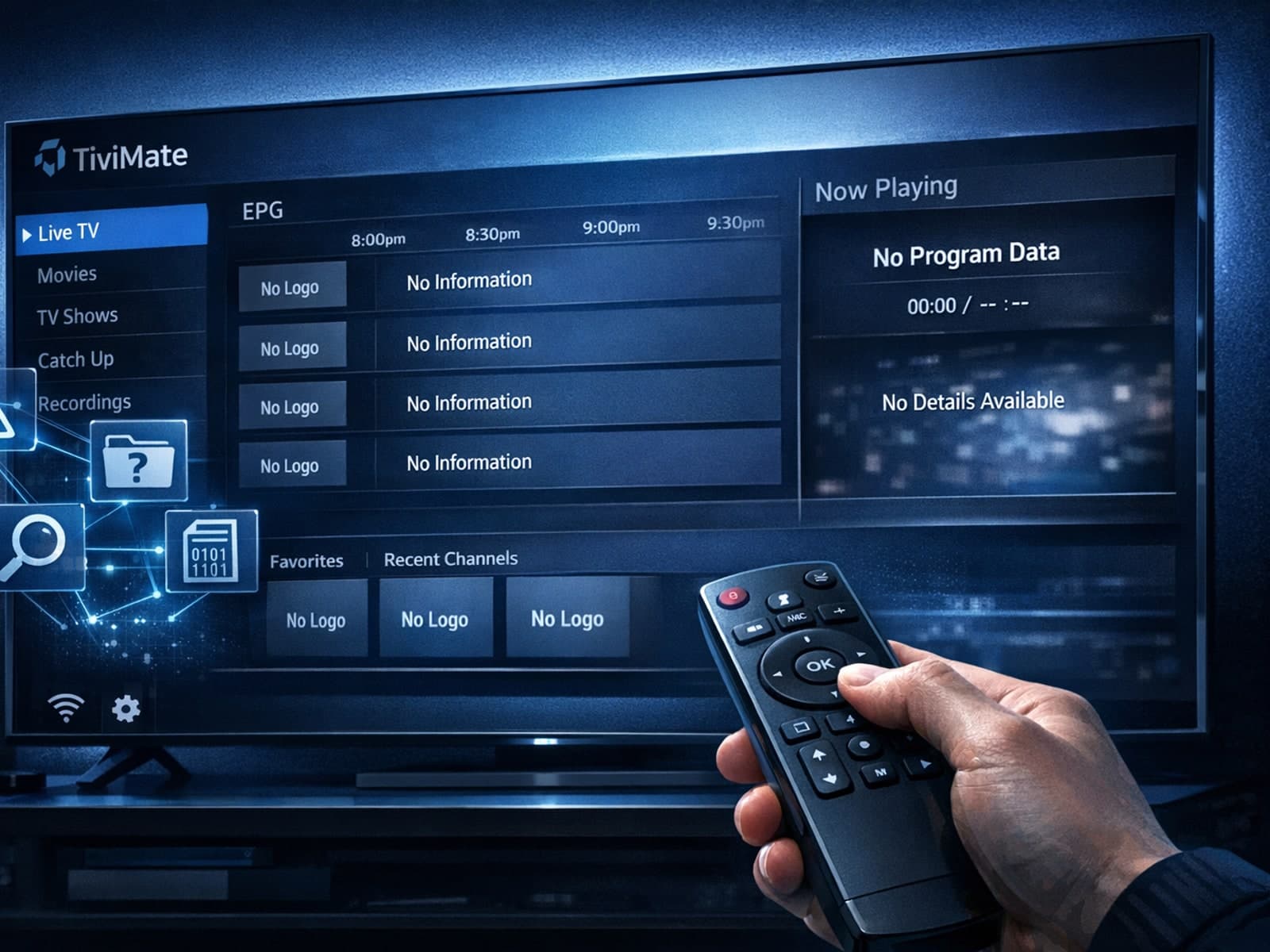
Missing channel logos in TiviMate is a common issue that often stems from problems with your IPTV playlist or Electronic Program Guide (EPG) data.
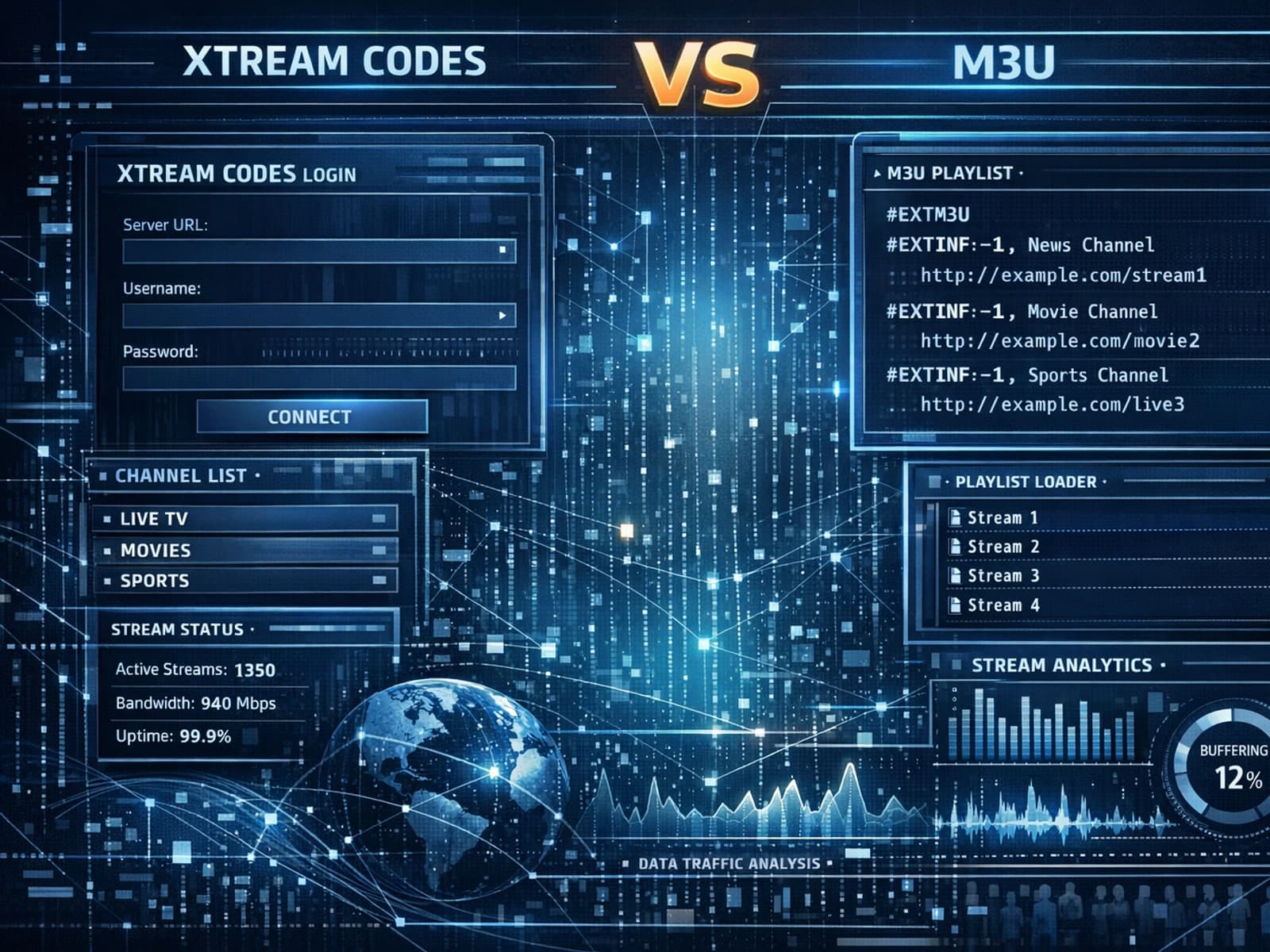
Xtream Codes often works better than M3U for IPTV users who need dynamic playlist management, faster channel updates, richer metadata integration, and controlled access to streaming content.
