
IPTV Smarters Invalid Details Error: Causes and Fixes

Quick answer
When you see the "Invalid Details" error in IPTV Smarters, it means the app has rejected your login credentials — your username, password, or server URL don't match what the IPTV service requires. This is a common but straightforward issue: IPTV Smarters checks these details a...
Reviewed Against
• IPTV Smarters login, playlist, and account-entry screens
• Server-URL formatting, HTTP response handling, and account-entry failure patterns
Applies To
• IPTV Smarters sign-in, playlist import, or account-detail errors
• Errors caused by malformed URLs, wrong credentials, expired tokens, or unreachable playlist endpoints
Does not apply when
• The account itself is disabled or expired on the provider side.
• The provider confirms the service is down or the account has been deliberately blocked upstream.
Corroborating Resources
HTTP response status codesUseful when an IPTV app surfaces 401, 403, 404, or 5xx style errors during login or playlist refreshes.
URL structure referenceHelpful for checking server URLs, source links, and path/query mistakes in portal or playlist setups.
Topic Cluster
Part of the Xtream Codes cluster
Login errors, URL format confusion, authorization failures, and when Xtream Codes makes more sense than M3U. This page sits in troubleshoot and fix for that topic path.
Start here in this topic
On this page
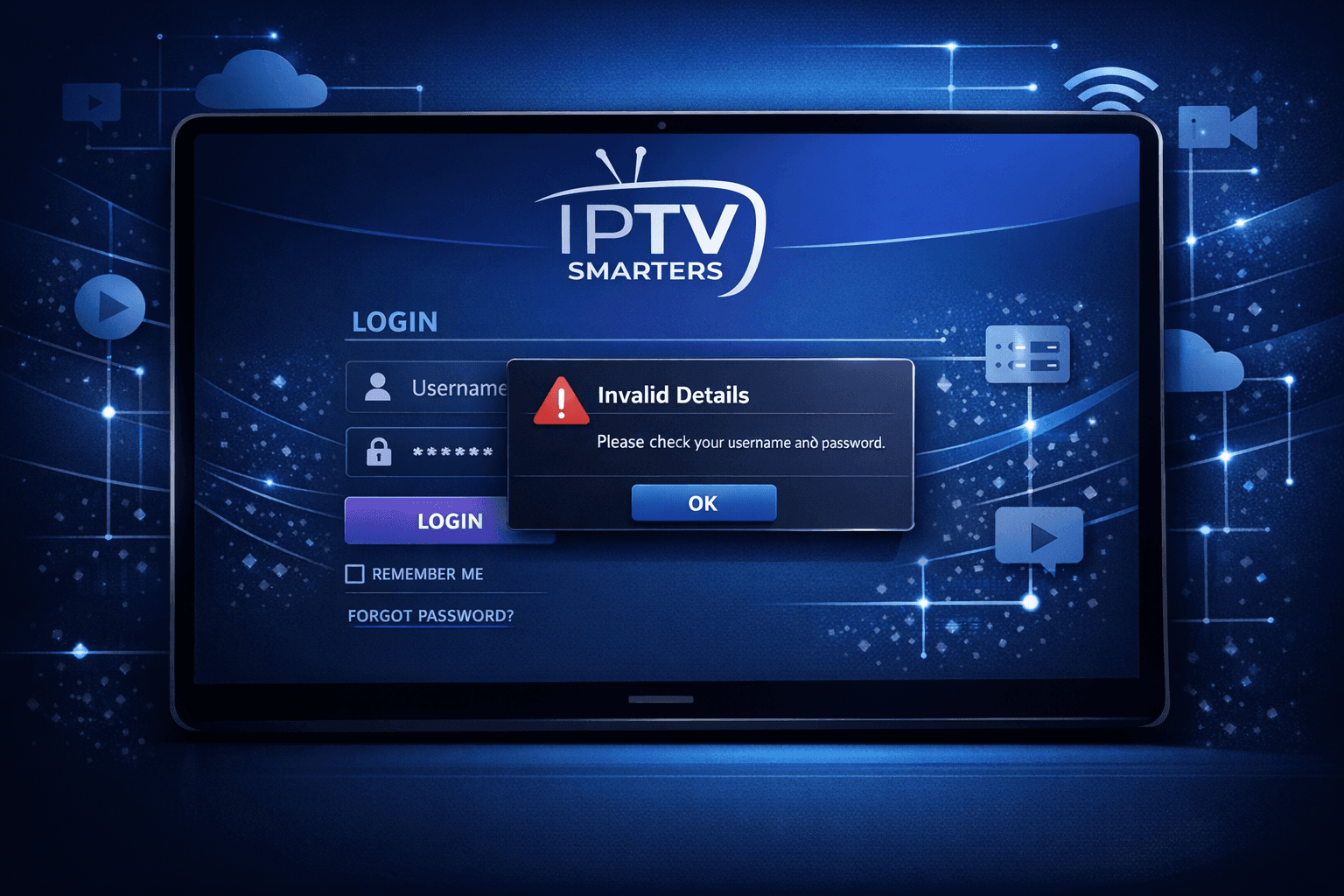
IPTV Smarters Invalid Details Error Explained
When you see the "Invalid Details" error in IPTV Smarters, it means the app has rejected your login credentials — your username, password, or server URL don't match what the IPTV service requires. This is a common but straightforward issue: IPTV Smarters checks these details against the server, and if there's any mismatch or error, it won't allow access.
Resolving this error mainly involves verifying and correcting your login information and making sure you're using the proper login method prescribed by your IPTV provider.
What you'll learn
- What triggers the "Invalid Details" error in IPTV Smarters
- How to verify your IPTV account login credentials precisely
- The importance of selecting the correct login type
- Practical steps to fix common input mistakes
- When the issue indicates a larger account or service problem
Why IPTV Smarters Shows "Invalid Details"
IPTV Smarters supports different login formats, commonly Xtream Codes API credentials or M3U playlist URLs. The "Invalid Details" error occurs when:
- You enter a wrong username or password
- The server URL is incorrect or has changed
- You enter credentials into the wrong login mode (e.g., use M3U URL login when your service requires Xtream Codes login)
- Your account has expired, been disabled, or suspended
- There is a temporary server or network issue
Because IPTV Smarters validates details against the IPTV service backend, any mismatch or communication failure leads to this error.
How to Check IPTV Smarters Login Credentials Accurately
Before trying elaborate fixes, first confirm you have the correct information from your IPTV provider. Follow these key checks:
- Username and Password: These are case-sensitive. Make sure there are no typos, extra spaces, or missing characters when you type them.
- Server URL: This usually looks like
http://provider-domain.com:portor an IP address with port. Verify the entire string matches what you were provided. - Login Type: IPTV Smarters offers distinct login options. Choose Xtream Codes API login if you have username, password, and URL parameters separately; opt for M3U URL login only if you have a complete M3U playlist link.
Tip: Copy-paste credentials carefully from your source and avoid manual retyping to reduce errors.
Correcting the Most Common Input Mistakes
Even simple mistakes cause "Invalid Details" errors. Watch out for:
- Spaces before or after entries: Sometimes a space sneaks in when pasting credentials.
- Confusing similar characters: For example, letter 'O' vs zero '0', lowercase 'l' vs capital 'I'.
- Outdated Credentials: Some providers change passwords or URLs periodically.
- Wrong input field: Entering the URL in the password field or vice versa.
Use a plain text editor to paste and examine your credentials for accidental errors, then re-enter carefully.
Step-by-Step Fix for Invalid Details Error in IPTV Smarters
Here is a practical process to fix this specific error:
- Open IPTV Smarters and exit your current profile.
- Select "Add New User" or "Login" option.
- Choose the correct login type — Xtream Codes API or M3U URL — according to your service info.
- Input your username, password, and server URL exactly, avoiding extra spaces.
- Double-check the entries carefully.
- Submit and wait for login success.
- If error persists, restart the IPTV Smarters app and your device to clear cached credentials.
- Contact your IPTV provider to verify your account status and obtain fresh credentials if needed.
Who Should Use This Guide and When to Seek Different Help
This troubleshooting advice applies to users of IPTV Smarters app on Android TV, Fire TV, Android phones/tablets, or compatible devices who are logging in with Xtream Codes API or M3U URLs.
If you're using other IPTV apps like TiviMate, Perfect Player, or if your login error states something different (e.g., "authorization failed" or server 404 errors), consult app-specific guides or provider documentation.
Also, if you installed IPTV Smarters on specialized devices like MAG boxes or Enigma2, login details may require device-specific handling.
Common Mistakes That Lead to Persistent "Invalid Details" Errors
- Copying outdated playlists or credentials saved from previous months
- Using username/password for one IPTV service but trying to log into a different provider's server
- Selecting the wrong login method in IPTV Smarters
- Typographical errors, particularly in server URLs or passwords
Avoid these by confirming all info with your IPTV provider and carefully checking before logging in.
When The Problem Is On The IPTV Provider Side
If you have triple-checked your credentials, followed the right login method, and still experience issues:
- Confirm your IPTV subscription is active.
- Ask your service provider if their servers are operational or undergoing maintenance.
- Request a reset or reissue of your login details.
Sometimes providers impose usage limits or suspend accounts due to non-payment, causing failed logins.
Helpful Comparison: Login Type vs. Common Errors
| Login Type | Typical Credentials | Common "Invalid Details" Causes |
|---|---|---|
| Xtream Codes API | Separate Username, Password, and Server URL | Typing errors, wrong login mode, expired details |
| M3U Playlist URL | Complete URL with embedded token or credentials | Using in wrong mode, copy-paste mistakes |
FAQ
Q: Can changing my device solve invalid details errors?
A: Usually no. The error is related to login info, not device hardware. Restarting the app or device can fix caching issues but won't fix wrong credentials.
Q: How can I tell if my IPTV account is disabled?
A: Trying to log in on multiple apps can indicate login failure multiple times. Confirm with your IPTV provider directly.
Q: Are IPTV Smarters app updates linked to this error?
A: Outdated apps can have bugs but login errors mostly relate to credentials. Still, keeping the app updated is a good practice.
Q: What if I accidentally subscribed with wrong info?
A: Contact your seller or IPTV provider support to clarify or reset your account credentials.
Conclusion
The IPTV Smarters "Invalid Details" error is a signal that your login credentials don't match what the IPTV server expects. This usually stems from simple input mistakes, wrong choice of login method, or expired subscription details. By carefully verifying username, password, and server URL; choosing the correct login type; and confirming your account status with your IPTV provider, you can resolve this error quickly. Always double-check for typos and avoid mixing login methods. When in doubt, resetting credentials or contacting provider support is a reliable next step.
For more about IPTV login issues, see our article on Xtream Codes authorization failures.
If you encounter other IPTV Smarters errors like authorization failures or playback problems, the troubleshooting paths will differ. This guide focuses strictly on the "Invalid Details" login issue as it relates to IPTV Smarters app credentials.
Frequently Asked Questions
What does 'Invalid Details' mean in IPTV Smarters?
It means the login credentials you entered—such as username, password, or server URL—do not match what the IPTV service expects.
Can a wrong login type cause the error?
Yes. Using the wrong login mode (like selecting M3U URL when you have Xtream Codes info) can result in this error.
Should I reset my IPTV password if I get this error?
If you suspect your password is incorrect or expired, resetting it or verifying with your provider can resolve the issue.
Does device or app version affect 'Invalid Details' errors?
App or device issues are less common causes but may interfere if the app is outdated or corrupted. Restarting or updating can help.
Keep exploring
More explainers that connect naturally to this setup, workflow, or troubleshooting path.
For IPTV users deciding between Xtream Codes format and M3U playlists, understanding when Xtream Codes works better is key. Simply put, Xtream Codes works better than M3U playlists when your IPTV service offers secure login credentials.

If your catch-up feature in TiviMate isn’t working, the fundamental reasons often lie in your IPTV playlist source or server configuration rather than the app itself.

When you see the "Xtream Codes authorization failed" message on TiviMate, it means the app currently cannot verify your IPTV login credentials with the IPTV provider’s server. This prevents access to the channel list or streaming content.