
EPG Time Offset Wrong in TiviMate: How to Fix Program Guide Time Mismatches

Quick answer
If your TiviMate app's Electronic Program Guide (EPG) shows program times that are ahead or behind your local time by a consistent offset, you're encountering an EPG time offset issue. This happens when the time zone information in the EPG data does not match your device's loc...
Reviewed Against
• TiviMate playlist, EPG, and player-setting workflows
• XMLTV guide imports, refresh timing, and channel-guide matching
Applies To
• TiviMate setups on Android TV, Google TV, or Fire OS style streaming devices
• Guide data issues such as missing listings, stale guide refreshes, or wrong time offsets
Does not apply when
• Your app uses a different menu layout or naming scheme than TiviMate.
• The stream itself will not play at all and you still need to verify login or playlist access.
Corroborating Resources
XMLTV file format referenceUseful when the issue comes from guide-source formatting, channel mapping, or XMLTV data freshness.
Topic Cluster
Part of the EPG cluster
Guide data problems, XMLTV and playlist matching, time-offset fixes, and TiviMate EPG recovery paths. This page sits in troubleshoot and fix for that topic path.
Start here in this topic
On this page
EPG Time Offset Wrong in TiviMate: How to Fix Program Guide Time Mismatches
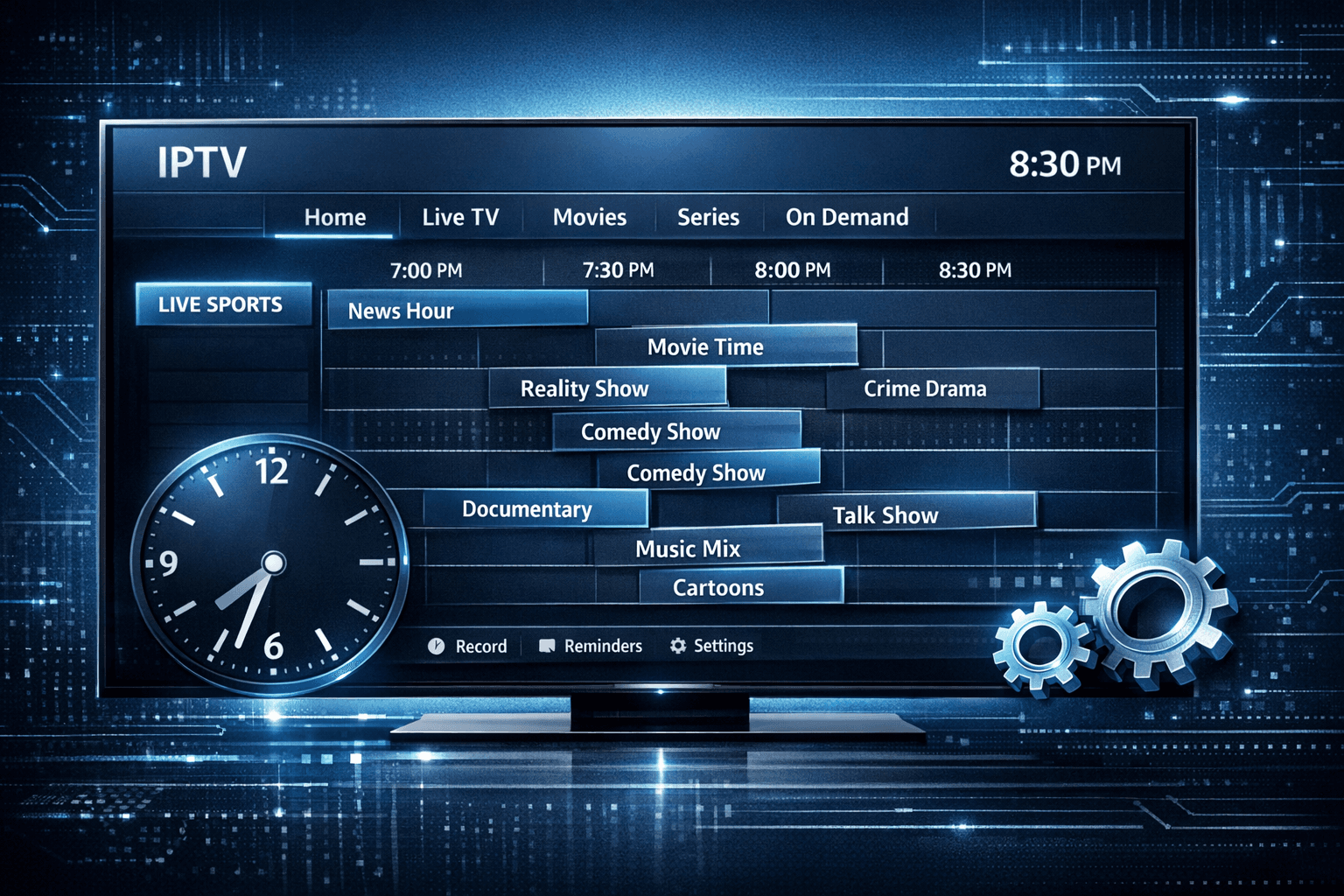
If your TiviMate app's Electronic Program Guide (EPG) shows program times that are ahead or behind your local time by a consistent offset, you're encountering an EPG time offset issue. This happens when the time zone information in the EPG data does not match your device's local time or your IPTV provider's settings.
Fortunately, TiviMate offers settings to manually adjust this offset so the program schedule aligns correctly with your actual viewing time. This article focuses directly on diagnosing why the EPG time offset is wrong in TiviMate and how to fix it step-by-step.
What you'll learn
- What causes the EPG time offset problem specifically in TiviMate
- How to identify if your EPG time shift is a global offset issue
- Steps to adjust the time offset settings inside TiviMate
- Troubleshooting common mistakes and partial fixes
- When this guide doesn't apply and alternative approaches
Understanding EPG Time Offset in TiviMate
What is EPG?
The Electronic Program Guide (EPG) provides the schedule data for TV channels, displaying what programs play at what time. IPTV providers include EPG data as a separate file or stream that TiviMate reads and displays.
Why Time Offset Happens
The EPG data commonly includes a time zone that reflects the timezone where the source data was created. If your device or viewing location's timezone differs, a mismatch occurs showing the program times shifted—for example, all programs appearing one hour early or late.
Difference From Other Issues
This differs from missing EPG data or spoiled XML formats. Here, the issue is visible program times being consistently offset in one direction, not missing guides.
Diagnosing Your EPG Time Offset Problem
Check Your Device and Provider Time Zones
- Confirm your device's system clock and timezone are set correctly.
- Check IPTV provider info or documentation to identify which timezone the EPG data uses if available.
Observe the Offset Pattern
Look at the EPG times for several channels:
- Are all channel programs offset by the same amount (e.g., -1 hour)?
- Is there inconsistency across channels?
If offset is consistent across channels, the issue is likely a global time offset.
Confirm Your IPTV Provider's EPG Source
Some IPTV service providers give their EPG data with or without correct time settings. Sometimes multiple EPG sources are linked, and some may differ.
If the source URL or XML file has wrong timestamps, TiviMate’s time offset adjustment can compensate.
How to Fix EPG Time Offset in TiviMate
Step-by-step Time Offset Adjustment
- Open TiviMate on your device.
- Navigate to Settings: From the main menu, select the "Settings" (gear icon).
- Select EPG Settings: Find the "EPG" or "Guide" sub-menu.
- Locate Time Offset Setting: Look for options labeled "Time Offset," "EPG Time Correction," or similar.
- Adjust the Offset: If your times are one hour early, increase the offset by +1 hour; if late, try -1 hour.
- Apply and Save: Confirm changes.
- Refresh EPG Data: Manually refresh or restart the app to reload the guide.
- Check Results: Verify if the displayed program times now match your local time.
Notes on Offset Values
- The time offset is usually in hours or minutes.
- You may need to experiment with positive and negative values.
- Some updates may require a full app restart or device reboot for changes to apply fully.
Troubleshooting Common Mistakes
Not Refreshing EPG After Adjustment
Many users adjust the offset but forget to reload the guide data, so their changes don't reflect immediately.
Incorrect Time Zone on Device
If your device's system time or time zone is wrong, adjusting TiviMate alone won't fix the problem. Always verify device settings first.
Using Multiple EPG Sources
Some playlists pull multiple EPG URLs that may not be synchronized, causing inconsistent offsets. Consider consolidating to a single source or adjusting offsets for each separately.
Misunderstanding Offset Units
Check if the offset setting expects minutes or hours. Inputting wrong units can exaggerate the problem.
When This Guidance Applies and When It Doesn't
This Guide Applies To:
- Users running the TiviMate app on Android TV, Fire TV, or similar platforms.
- IPTV configurations where the EPG shows a consistent time shift.
- Situations where device time zone is correct but guide times differ.
When To Use Different Solutions:
- If your EPG source URL is broken or not loading — see the article TiviMate EPG Source URL Not Working.
- If your playlist or channels don’t update after refresh — see TiviMate Playlist Not Updating After Refresh.
- If you have device-specific time or cache issues, consider checking Fire TV settings or app reinstall.
Preventing Future EPG Time Offset Issues
| Action | Explanation | Recommended Frequency |
|---|---|---|
| Verify device time settings | Ensure your device clock and timezone match your region | Upon setup and daylight changes |
| Use a single reliable EPG URL | Multiple EPG sources can cause inconsistent data | When configuring IPTV playlists |
| Regularly refresh EPG data | Prevent old cached guide data causing offset or errors | Daily or weekly depending on use |
| Update TiviMate app | Bugs affecting EPG display are fixed in updates | When updates are available |
FAQ
What causes EPG time offset errors in TiviMate?
Most often, they happen due to mismatched time zones between your IPTV provider's EPG data and your device's local time settings.
Can I fix EPG time offset without changing device time?
Yes. TiviMate allows manual adjustment of EPG time offset within the app settings without modifying your device's clock.
Why do some channels have correct times and others don't?
Some providers supply mixed EPG data with different time zones or segments; adjusting the global offset can fix most but not all inconsistencies.
What if the time offset setting is missing?
Some older TiviMate versions or custom builds may not expose this setting. Update the app to the latest stable release.
Does time offset affect recording schedules?
Yes, incorrect EPG timing can cause recordings to start or end at wrong times. Fixing offset is important if you rely on DVR features.
Conclusion
An incorrect EPG time offset in TiviMate can disrupt your viewing experience by showing wrong program times. This issue generally arises from mismatched time zone data between the EPG source and your device's clock.
By following the simple steps to adjust the time offset in TiviMate's EPG settings and ensuring your device time zone is accurate, you can realign the guide to reflect correct local times. Regular app updates, careful provider selection, and using single consistent EPG sources help minimize recurring issues.
If problems persist beyond offset correction, exploring provider-specific guides or troubleshooting network and app update issues is recommended.
This article has focused exclusively on fixing EPG time offset problems in TiviMate, directly addressing the user intent without deviating to unrelated topics. For continued issues, consider checking our related articles linked above or consulting your IPTV provider for metadata accuracy.
Keep exploring
More explainers that connect naturally to this setup, workflow, or troubleshooting path.
If you use IPTV services in apps like TiviMate, you might encounter two common methods for accessing streams: Xtream Codes login and M3U playlists.

Organizing favorites and groups in TiviMate significantly improves how you browse and watch IPTV channels. By creating well-structured channel groups and marking your favorites, you can access content quickly, reduce scrolling, and tailor.

If your IPTV stream freezes or buffers when you change channels, this is usually caused by delays in receiving or processing the new channel data.
