
How to Organize Favorites and Groups in TiviMate

Quick answer
Organizing favorites and groups in TiviMate significantly improves how you browse and watch IPTV channels. By creating well-structured channel groups and marking your favorites, you can access content quickly, reduce scrolling, and tailor your viewing experience to your prefer...
Reviewed Against
• TiviMate playlist, EPG, and player-setting workflows
Applies To
• TiviMate setups on Android TV, Google TV, or Fire OS style streaming devices
Does not apply when
• Your app uses a different menu layout or naming scheme than TiviMate.
Topic Cluster
Part of the TiviMate cluster
TiviMate troubleshooting paths for guide loading, playlist sync issues, login failures, and setup decisions. This page sits in more in this topic for that topic path.
Start here in this topic
How to Organize Favorites and Groups in TiviMate
Organizing favorites and groups in TiviMate significantly improves how you browse and watch IPTV channels. By creating well-structured channel groups and marking your favorites, you can access content quickly, reduce scrolling, and tailor your viewing experience to your preferences. This article explains how to efficiently manage these features within TiviMate with clear steps and useful tips.
What you'll learn
- How to create and manage channel groups in TiviMate
- Steps to add or remove favorites
- How to reorder channels and groups
- Tips for maintaining your organization efficiently
- Common mistakes and troubleshooting specific to favorites and groups
Understanding Favorites and Groups in TiviMate
What Are Channel Groups?
Channel groups in TiviMate are collections of IPTV channels grouped by category, language, genre, or your own classification. This organizational scheme makes finding channels easier instead of scrolling through a long ungrouped list.
What Are Favorites?
Favorites are individual channels you select to create a shortcut list, allowing instant access regardless of the group they belong to. Favorites optimize quick channel switching to your most-watched streams.
Creating and Managing Channel Groups
-
Access the Channels Screen
- Open TiviMate and go to the main 'Channels' interface where all listed IPTV streams appear.
-
Identify Existing Groups
- Channels often come pre-grouped from your playlist provider. You can view these groups to see how your channels are currently categorized.
-
Create New Groups (Custom Groups)
- While TiviMate does not support creating entirely custom groups outside playlist data, you can rename existing groups or rearrange channels within groups locally to mimic custom grouping.
-
Renaming Groups
- Use the options menu (three dots) next to the group name to rename it. This personalizes your channel categories.
-
Remove Channels from Groups
- Not directly possible; channel-group membership reflects your IPTV playlist metadata. Instead, you can hide unwanted channels or exclude groups from your display.
Adding and Organizing Favorites
-
Add a Channel to Favorites
- Highlight the channel, press the menu button or hold select, then choose 'Add to Favorites.' This marks the channel for quick access.
-
Accessing Favorites
- Switch to the 'Favorites' tab for a list of all marked channels regardless of their group.
-
Remove a Channel from Favorites
- In the favorites list, repeat the long-press on the channel and select 'Remove from Favorites.'
-
Reordering Favorites
- TiviMate allows reordering favorites in the favorites tab by selecting 'Edit' and dragging channels into preferred order.
Reordering Channels and Groups
Reordering Within Groups
Although you cannot create groups freely, TiviMate lets you reorder channels inside groups:
- Open the group, select 'Edit,' then drag channels to rearrange their order.
Reordering Groups
As with groups, reordering them depends on playlist metadata, but you can hide less used groups to declutter your interface.
Tips for Efficient Organization
- Prioritize Favorites: Mark channels you watch daily to skip searching.
- Use Renaming: Rename groups for clearer identification fitting your viewing habits.
- Hide Unwanted Groups: Use the settings to hide irrelevant groups and reduce clutter.
- Regular Maintenance: Periodically review favorites and groups to keep your list current.
Common Mistakes and Troubleshooting
-
Assuming Full Custom Group Creation: TiviMate bases groups on your IPTV playlist. You cannot freely create completely new independent groups but can rename and reorder existing ones.
-
Favorites Not Updating: Sometimes, favorites changes don’t show immediately. Refresh your playlist or restart the app if that happens.
-
Confusing Groups and Favorites: Remember, groups categorize channels, favorites bookmark channels from any group.
-
Playlist Overrides: If using multiple playlists, organization might be limited or reset after playlist updates.
When This Guide Applies and When to Use Different Help
- This guidance fits users managing IPTV playlists through the TiviMate app on Android TV or Fire TV devices.
- If you use a different IPTV app or device (e.g., IPTV Smarters or native Smart TV apps), their grouping features vary, requiring separate tutorials.
- Playlist management at the source (M3U or provider portal) affects grouping, so consult provider documentation if groups look incorrect.
FAQ
Can I sync my favorites and groups across devices in TiviMate? Currently, favorites and group settings are saved locally on each device. TiviMate does not support syncing these settings across devices.
Will changing group names affect my IPTV provider's playlist? No, renaming groups within TiviMate is only a local adjustment and does not change the IPTV source playlist.
How do I hide a group I don’t want to see? Go to the groups list, select the group, and use the 'Hide' option to exclude it from view.
Why do my favorite channels sometimes disappear? This can happen if your IPTV playlist updates and removes or changes channel identifiers. Refresh your playlist and re-add favorites if needed.
Conclusion
Organizing favorites and groups in TiviMate is a powerful way to tailor your IPTV experience, ensuring you find and watch channels quickly. By understanding the limitations of group creation, focusing on renaming, reordering, and effectively using favorites, you can streamline navigation and enjoy hassle-free viewing. Regular review and minor maintenance keep your setup efficient and aligned with your preferences.
For continued viewing improvements, consider troubleshooting related playlist update issues or catching up with advanced TiviMate tips linked below.
| Action | Purpose | Notes |
|---|---|---|
| Add channels to Favorites | Quick access | Works independently from groups |
| Rename groups | Personalize channel categories | Does not change playlist data |
| Reorder channels in groups | Prioritize channel listing | Changes only local display order |
| Hide unwanted groups | Declutter interface | Keeps groups but hides from view |
For more on TiviMate issues see:
- TiviMate Playlist Not Updating After Refresh: Causes and Fixes
- How to Fix Catch-Up Not Working in TiviMate
- Xtream Codes Authorization Failed in TiviMate: Causes and Fixes
Also explore our Android TV topic for platform-related optimization advice.
Step-by-step process
- Open TiviMate and navigate to the 'Channels' screen.
- Select a channel to add or edit favorites or groups.
- Use the menu options to create new groups or add channels to existing favorites.
- Rearrange channels within groups by dragging or using menu commands.
- Save your changes and test by browsing your customized favorites and groups.
Frequently Asked Questions
Can I rename my channel groups in TiviMate?
Yes, TiviMate allows you to rename channel groups through the channel or group settings menu to suit your preference.
Is it possible to have a favorite channel appear in multiple groups?
No, in TiviMate each channel can only be assigned to one group, but you can add a channel to your favorites list independently.
Will organizing favorites and groups affect my IPTV playlist source?
No, these organizational changes are local within the TiviMate app and don't alter the original IPTV playlist.
Keep exploring
More explainers that connect naturally to this setup, workflow, or troubleshooting path.

If your IPTV stream freezes or buffers when you change channels, this is usually caused by delays in receiving or processing the new channel data.

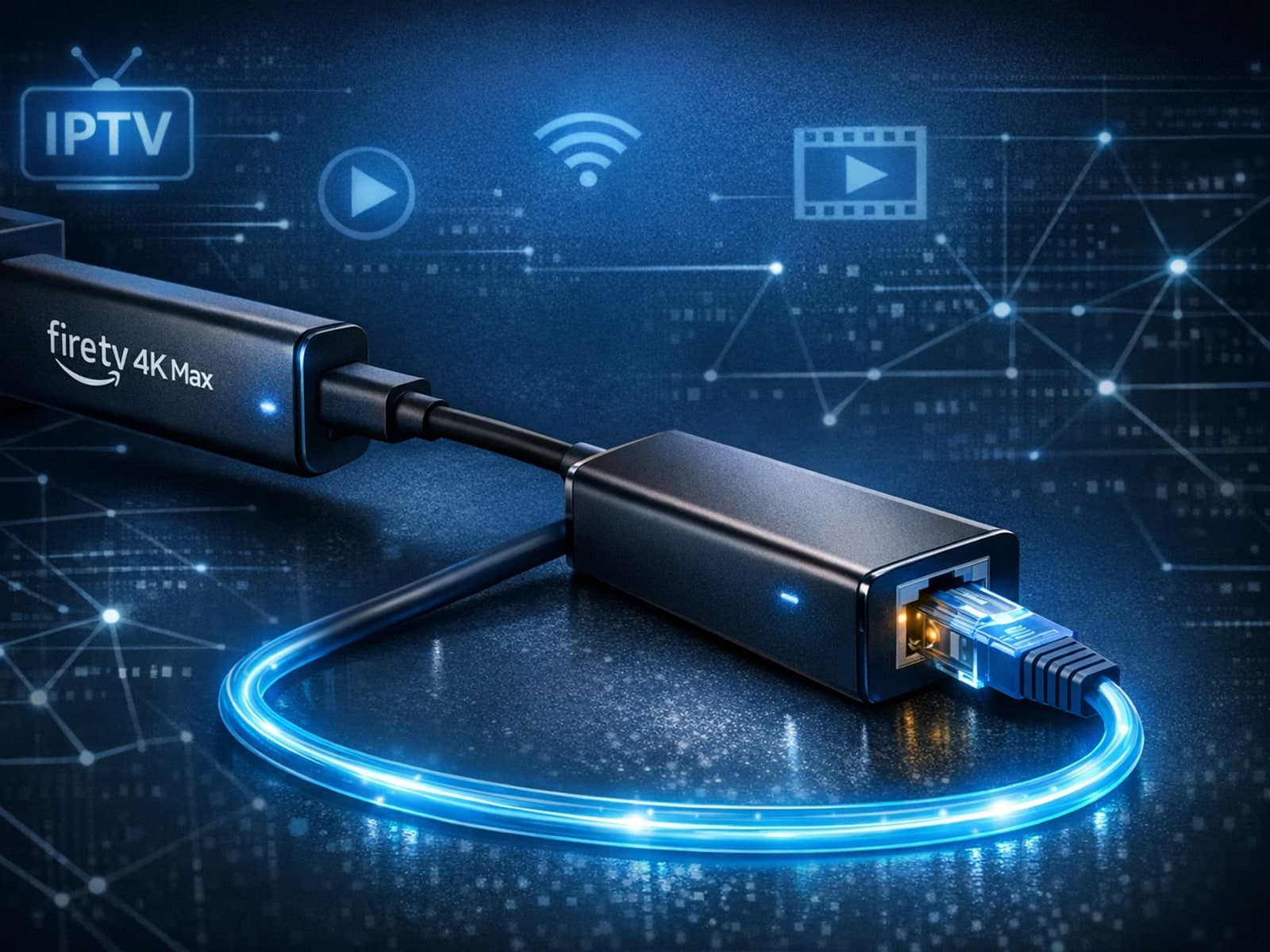
The Fire TV Stick 4K Max supports Ethernet adapters designed to connect through its USB-C port, enabling wired internet access for more reliable streaming.
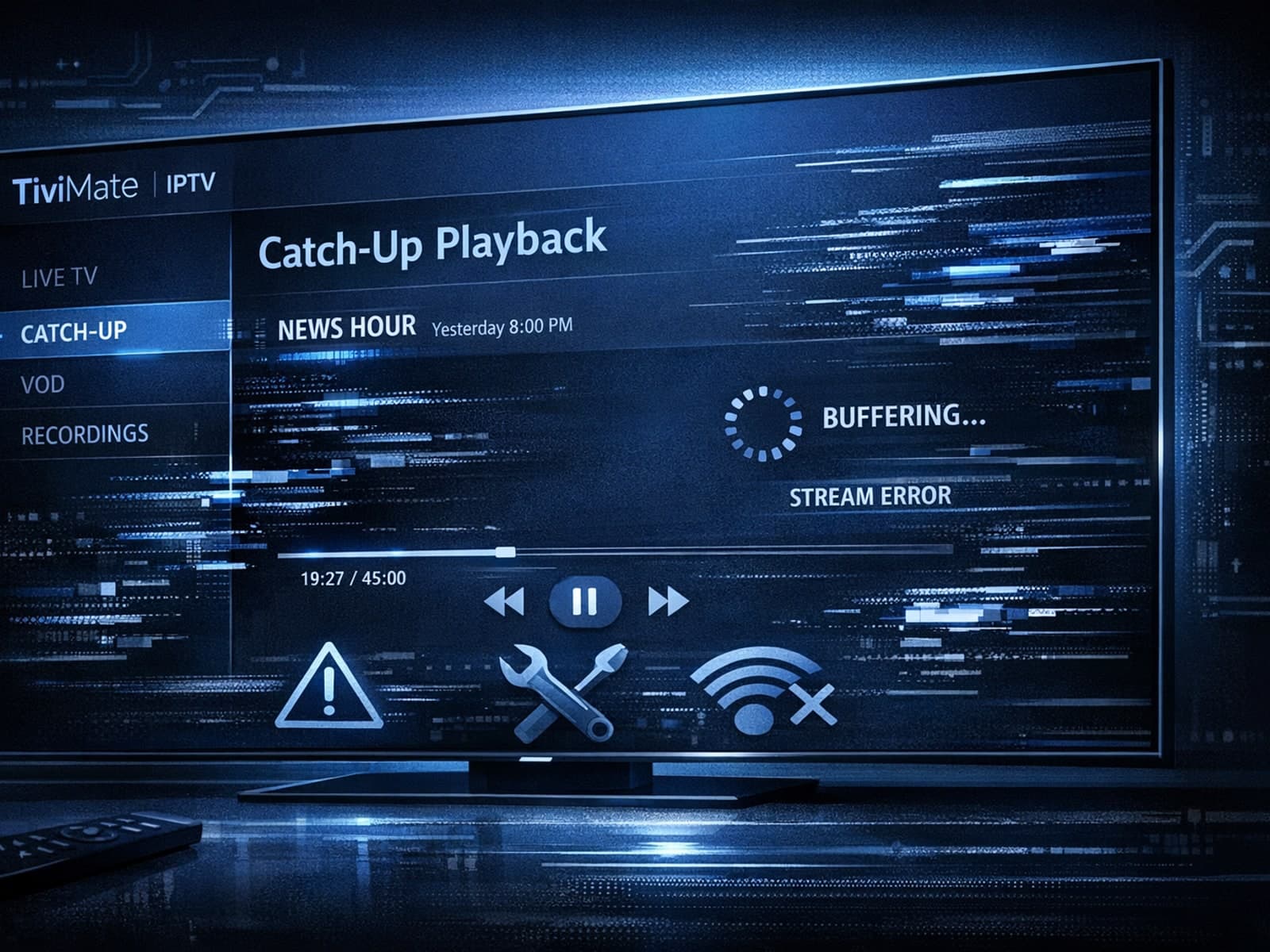
If catch-up (the ability to watch past broadcasts on demand) is not working in your TiviMate app, the issue is usually related to your IPTV playlist's support for catch-up, connection hiccups, or app configuration.
