
How to Fix Catch-Up Not Working in TiviMate: Step-by-Step Solutions

Quick answer
If you use the TiviMate IPTV player, you might occasionally find that the catch-up TV feature isn't working as expected. Catch-up allows you to watch previously aired content on demand, making it a valuable part of your viewing experience. In many cases, fixing catch-up functi...
Reviewed Against
• TiviMate playlist, EPG, and player-setting workflows
• XMLTV guide imports, refresh timing, and channel-guide matching
Applies To
• TiviMate setups on Android TV, Google TV, or Fire OS style streaming devices
• Guide data issues such as missing listings, stale guide refreshes, or wrong time offsets
Does not apply when
• Your app uses a different menu layout or naming scheme than TiviMate.
• The stream itself will not play at all and you still need to verify login or playlist access.
Corroborating Resources
XMLTV file format referenceUseful when the issue comes from guide-source formatting, channel mapping, or XMLTV data freshness.
Topic Cluster
Part of the EPG cluster
Guide data problems, XMLTV and playlist matching, time-offset fixes, and TiviMate EPG recovery paths. This page sits in troubleshoot and fix for that topic path.
Start here in this topic
On this page
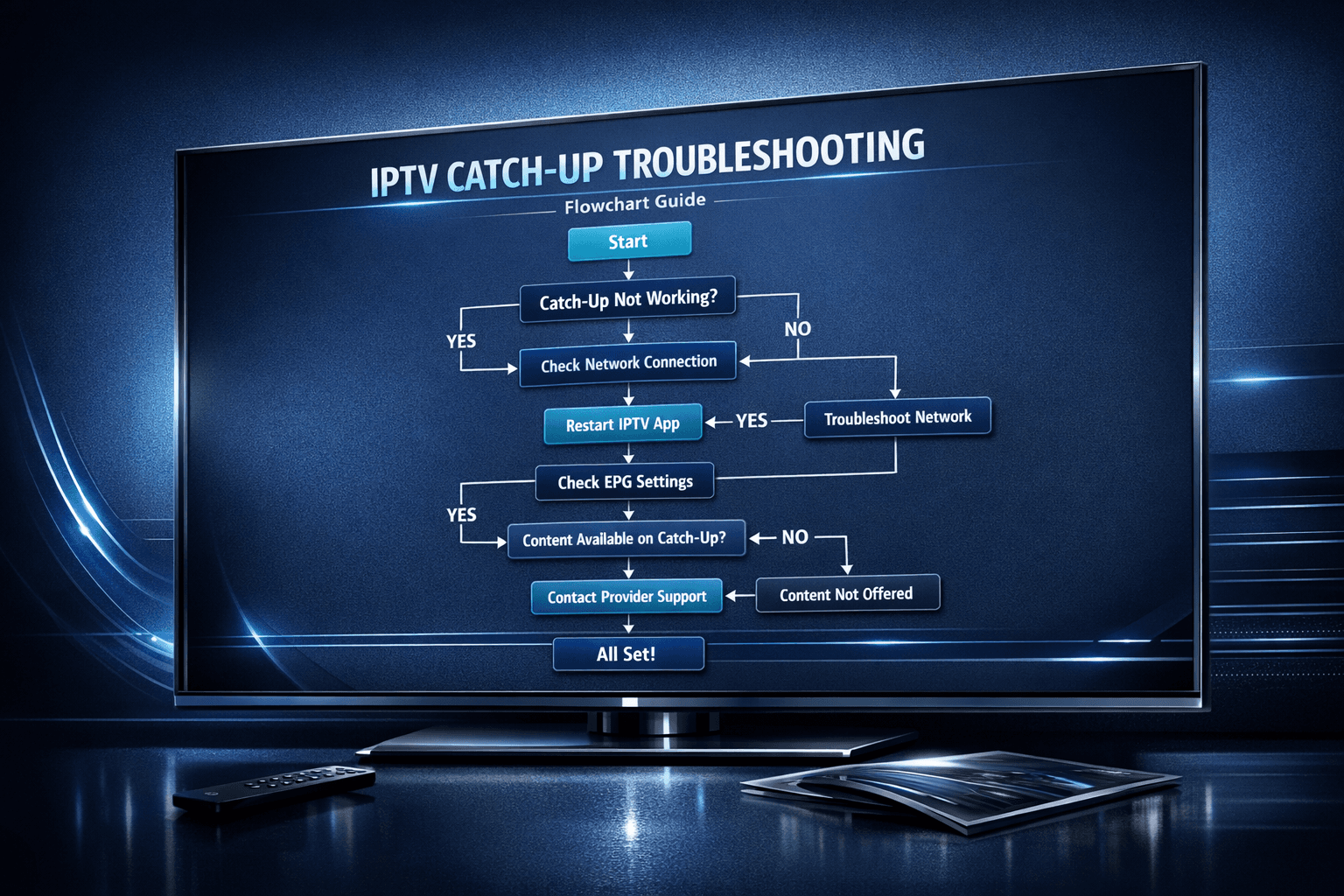
How to Fix Catch-Up Not Working in TiviMate: Step-by-Step Solutions
If you use the TiviMate IPTV player, you might occasionally find that the catch-up TV feature isn't working as expected. Catch-up allows you to watch previously aired content on demand, making it a valuable part of your viewing experience. In many cases, fixing catch-up functionality involves refreshing playlists and EPG data, ensuring your IPTV provider supports catch-up, and adjusting settings in the app. This guide provides a focused, step-by-step approach to resolving catch-up issues in TiviMate.
What you'll learn
- What catch-up TV entails within TiviMate
- How to confirm if your IPTV playlist supports catch-up
- Steps to refresh playlists and EPG data
- Configuring catch-up settings inside TiviMate
- Resolving common issues and troubleshooting tips
Understanding Catch-Up TV in TiviMate
Catch-up TV in TiviMate means the ability to watch shows and other content that aired earlier, typically available through your IPTV provider's servers. It's different from live TV because it relies on time-shifted streaming or stored streams for previous programs.
Why catch-up might not work
- The IPTV playlist (usually M3U or Xtream Codes format) doesn’t include catch-up links.
- Electronic program guide (EPG) data isn’t updated or compatible.
- Incorrect catch-up settings in TiviMate.
- Connectivity or device performance issues.
- IPTV provider doesn’t enable or support catch-up.
Confirming IPTV Source Supports Catch-Up
Not all IPTV providers or playlists include catch-up features. Before deep troubleshooting, verify that your IPTV subscription and playlist actually offer catch-up.
- Check your IPTV provider's documentation or support forum about catch-up availability.
- If using an M3U playlist, confirm it has catch-up URLs or metadata embedded.
- Xtream Codes and similar APIs often have clearer catch-up support.
If your playlist does not support catch-up, no amount of app-side tweaking will enable it.
Refreshing Playlists and EPG Data in TiviMate
Outdated or corrupted playlists and EPG data commonly cause catch-up failures. Here's how to refresh them:
- Open TiviMate and go to Settings.
- Select Playlists & EPG.
- Choose your IPTV playlist and select Refresh Playlist.
- Next, refresh the Electronic Program Guide (EPG) data.
- Wait until the refresh completes to load the latest data.
This process ensures you have up-to-date stream URLs and program metadata, which catch-up depends on.
Configuring Catch-Up Settings in TiviMate
TiviMate includes settings to enable and customize catch-up playback.
How to enable and check catch-up
- Open TiviMate Settings.
- Navigate to Playback Settings > Catch-up.
- Ensure Enable catch-up TV is turned on.
- Set catch-up duration according to your provider’s capabilities (often 7 days is standard).
Also verify in the playlist source settings if there is a URL or parameter for catch-up data; this is especially relevant for Xtream Codes.
Clearing App Data and Restarting Device
Sometimes cached data or app glitches cause catch-up not to work properly.
- On your device, access app settings via the system menu.
- Find TiviMate and select Clear Cache. If problems persist, also select Clear Data (note: this will remove all settings and playlists, so back up if needed).
- Restart the streaming device (Fire TV, Android TV box, etc.) to ensure a clean start.
Troubleshooting Common Mistakes
- Mixing IPTV providers: Ensure the playlist and EPG match the same IPTV provider.
- Old playlist URLs: Use updated M3U or Xtream codes URLs to prevent stale stream data.
- Bandwidth issues: Poor internet can impede catch-up streams, even if live TV works.
- Outdated app version: Use the latest TiviMate release to fix bugs affecting catch-up.
When This Guide Applies and When to Look Elsewhere
This troubleshooting applies only when using TiviMate as your IPTV player with playlists or Xtream Codes login that support catch-up. It does not cover:
- Other IPTV players with distinct how-to processes.
- IPTV sources without catch-up capability.
- Hardware-specific issues unrelated to the app (see device-specific guides).
In those cases, consult your IPTV provider support or device manufacturer’s troubleshooting resources.
Quick Checklist for Catch-Up Fixes in TiviMate
| Step | Purpose |
|---|---|
| Confirm IPTV provider supports catch-up | Verify feature availability |
| Refresh playlist and EPG | Update streams and program data |
| Enable and configure catch-up settings | Turn on feature in TiviMate |
| Clear app cache and data | Remove corrupted or outdated files |
| Restart device | Reset app environment |
| Update TiviMate app | Fix known bugs |
| Contact IPTV provider if needed | Check server-side issues |
Frequently Asked Questions
What is catch-up TV in TiviMate?
Catch-up TV allows watching previously aired programs via your IPTV subscription on demand in TiviMate.
Can I use any IPTV playlist for catch-up?
No, the playlist and provider must support catch-up streams and provide compatible EPG data.
How often should I refresh my playlist and EPG?
Refreshing weekly or after your provider updates content helps maintain catch-up functionality.
Will clearing TiviMate data remove my settings?
Yes, clearing data resets TiviMate to default and deletes playlists and settings.
What if catch-up still doesn't work after all steps?
Contact your IPTV provider to verify catch-up is enabled and servers are functioning properly.
Conclusion
Fixing catch-up not working in TiviMate primarily centers on confirming your IPTV source’s support, refreshing playlists and EPG, and adjusting app settings properly. By following the targeted steps outlined here, you can restore catch-up playback on your device. Always start with quick playlist and EPG refreshes and move to app settings adjustments before deeper troubleshooting. If problems persist beyond these guides, your IPTV provider’s support team is the next best resource.
For related issues, you might find these resources helpful:
- TiviMate Playlist Not Updating After Refresh: Causes and Fixes
- How to Fix Missing Channel Logos in TiviMate
- When Xtream Codes Works Better Than M3U for IPTV Playback
- Why IPTV Freezes During Channel Switching and How to Fix It
Learn more to keep your IPTV experience seamless and enjoyable.
Keep exploring
More explainers that connect naturally to this setup, workflow, or troubleshooting path.
If you've hit "Refresh" in TiviMate but your IPTV playlist doesn't update, you are not alone. This is a common problem that can stem from multiple causes including network hiccups, playlist URL issues, corrupted cache, or server downtime.

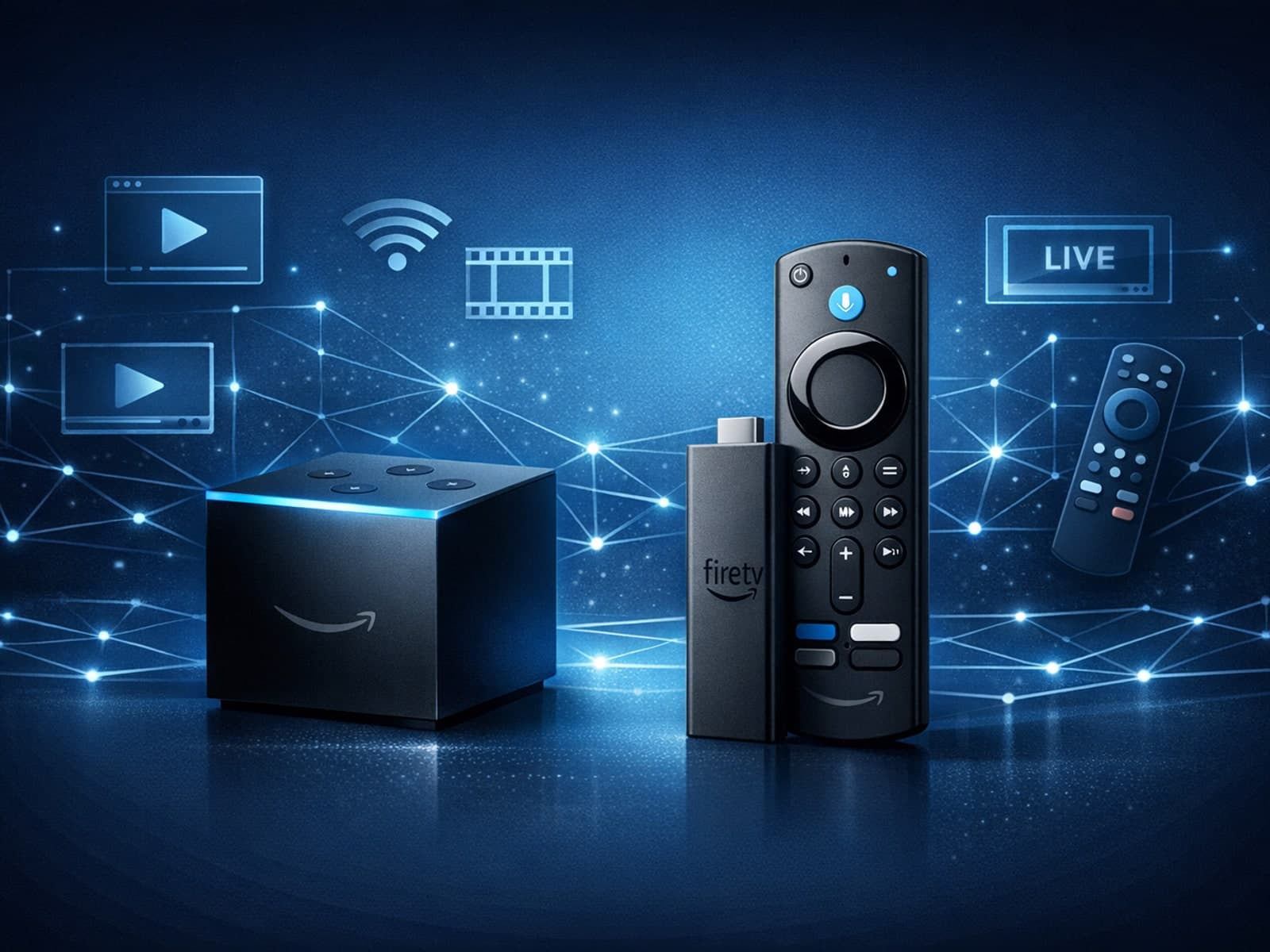
When choosing a device specifically for IPTV streaming, the Amazon Fire TV Cube and Fire TV Stick 4K Max are two popular options. Both devices support 4K streaming and run Amazon’s Fire OS with access to IPTV apps like TiviMate and IPTV.

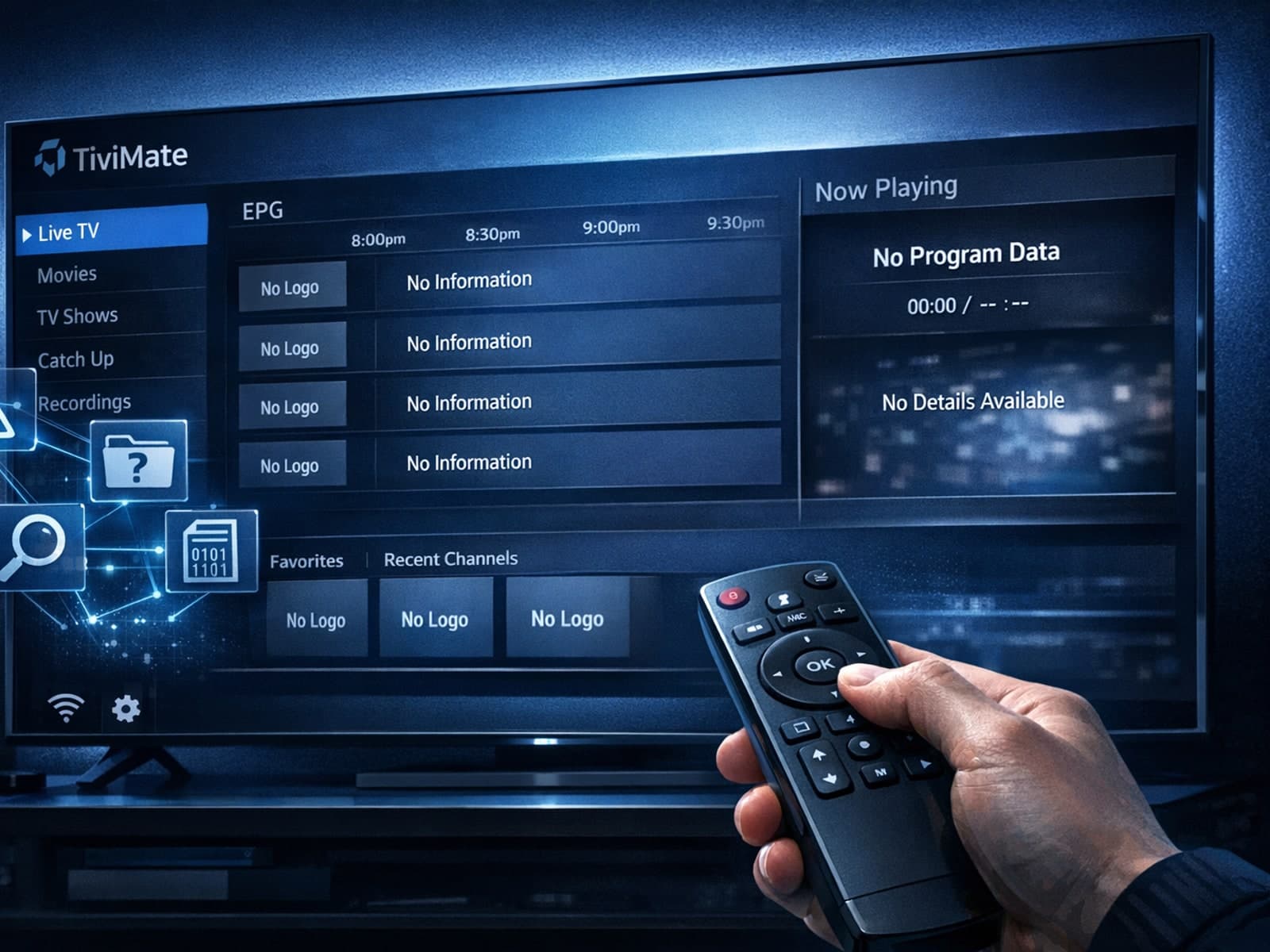
Missing channel logos in TiviMate is a common issue that often stems from problems with your IPTV playlist or Electronic Program Guide (EPG) data.