
EPG Time Offset Wrong in TiviMate: How to Fix It

Quick answer
The electronic program guide (EPG) in TiviMate provides scheduled TV program details for IPTV channels. Sometimes, users notice that the times displayed for shows are offset incorrectly — for example, a show listed to start at 8 PM actually airs at 7 PM or 9 PM according to th...
Reviewed Against
• TiviMate playlist, EPG, and player-setting workflows
• XMLTV guide imports, refresh timing, and channel-guide matching
Applies To
• TiviMate setups on Android TV, Google TV, or Fire OS style streaming devices
• Guide data issues such as missing listings, stale guide refreshes, or wrong time offsets
Does not apply when
• Your app uses a different menu layout or naming scheme than TiviMate.
• The stream itself will not play at all and you still need to verify login or playlist access.
Corroborating Resources
XMLTV file format referenceUseful when the issue comes from guide-source formatting, channel mapping, or XMLTV data freshness.
Topic Cluster
Part of the EPG cluster
Guide data problems, XMLTV and playlist matching, time-offset fixes, and TiviMate EPG recovery paths. This page sits in start here for that topic path.
Start here in this topic
On this page
What is EPG Time Offset and Why It Goes Wrong in TiviMate
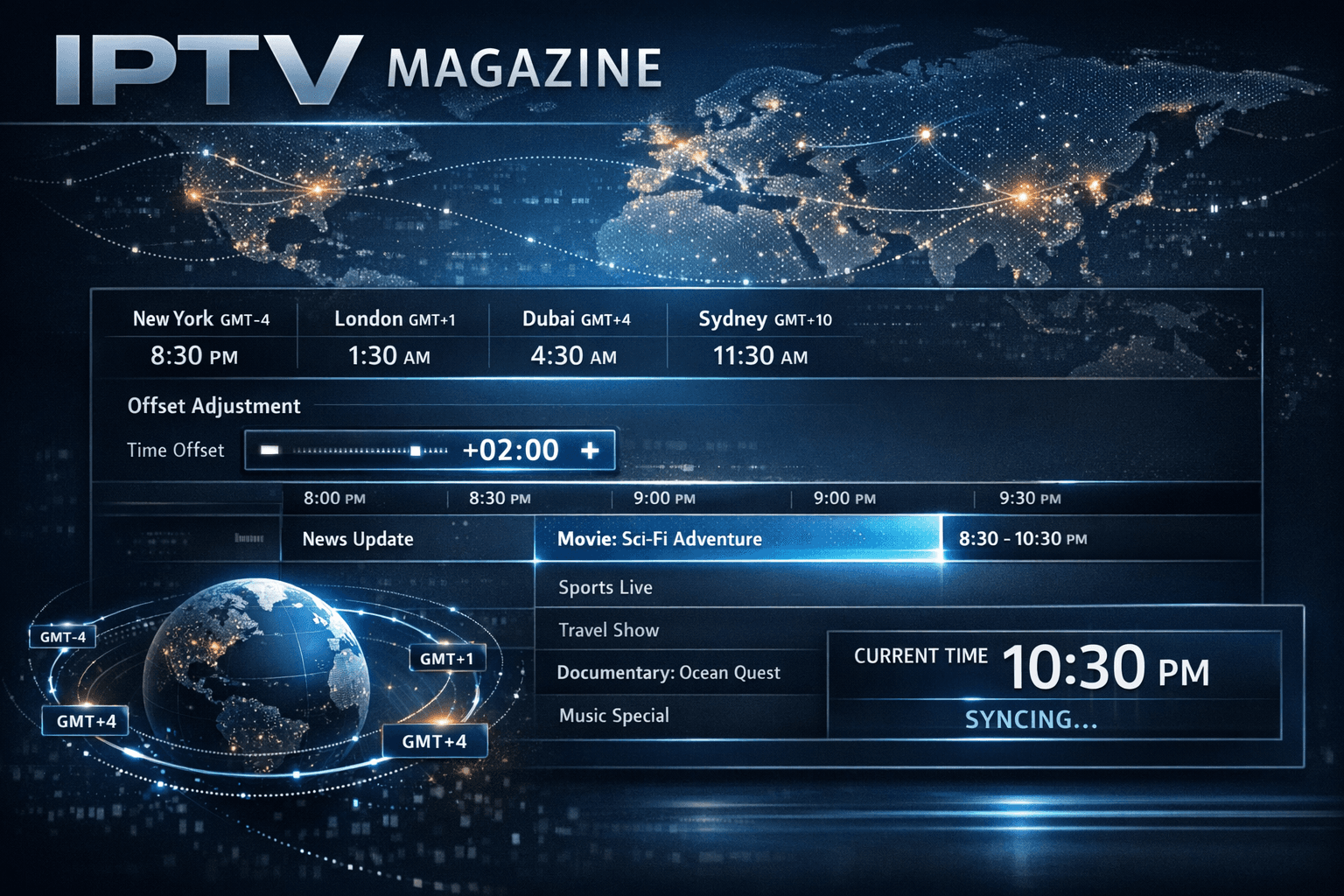
The electronic program guide (EPG) in TiviMate provides scheduled TV program details for IPTV channels. Sometimes, users notice that the times displayed for shows are offset incorrectly — for example, a show listed to start at 8 PM actually airs at 7 PM or 9 PM according to the live stream. This "EPG time offset wrong" issue is common among IPTV users and typically happens due to a mismatch between the EPG data's time zone or scheduling parameters and the local time settings in TiviMate.
At its core, an EPG time offset means the program guide clocks are showing the wrong time relative to your actual viewing time. Fixing this requires adjusting the time offset setting offered in TiviMate or troubleshooting your EPG source metadata.
What you'll learn
- Why EPG times in TiviMate may be offset incorrectly
- How to identify your correct time offset value
- Step-by-step process to set the correct time offset in TiviMate
- Common mistakes that lead to offset errors
- How to verify fixes and prevent repeat issues
Understanding Time Zones and EPG Metadata
EPG data is usually supplied in a universal time format such as UTC (Coordinated Universal Time) or in the broadcast local time zone. The IPTV provider or the service offering the EPG might deliver this data in a timezone different from your own. When TiviMate does not apply an appropriate offset, the program times will appear shifted.
Why broadcasters use UTC or fixed time zones
- UTC standardizes program data internationally.
- Local time zones vary by region.
- EPG providers may not always localize data per user time zone.
If TiviMate doesn't know your local time zone or the EPG source time zone, you must set the offset manually.
How to Determine the Correct EPG Time Offset
Before adjusting settings, you need to figure out how much the program guide is off by. This is usually expressed in whole hours positive or negative.
Methods to determine offset:
-
Compare Live Broadcast with Program Guide:
- Tune into a live channel on TiviMate.
- Note the current actual show airing (on-screen information).
- Check that show's scheduled time in the EPG.
- Calculate the difference in hours and minutes.
-
Check EPG Source Details:
- Some providers document the timezone of their EPG feed.
- Check the URL or metadata for timezone info.
-
Use known time references:
- Use a trusted schedule for the channel available online to compare.
Adjusting EPG Time Offset in TiviMate
TiviMate allows you to apply a manual offset to EPG times through its settings.
Step-by-step adjustment:
- Open the TiviMate app on your device.
- Navigate to Settings (usually a gear icon).
- Select EPG Settings.
- Find the option titled EPG Time Offset or similar.
- Enter the offset value you determined (e.g., +1 or -2).
- Save the settings.
- Reload or refresh the EPG data to test.
Adjust incrementally if the first guess is not exact.
Common Mistakes and Troubleshooting EPG Time Offsets
Mistakes to avoid:
- Assuming EPG times are always UTC without checking.
- Using fractional offsets (e.g., 0.5) in TiviMate versions that only accept whole hours.
- Forgetting to refresh the EPG after changes.
Troubleshooting tips:
- Restart TiviMate or your device after adjusting offsets.
- Verify your device's system time and timezone settings are correct.
- If your EPG source includes local time zone info, try disabling manual offset.
- If the issue persists, check that your IPTV provider’s EPG URL is correctly formatted and up to date.
Preventing Time Offset Issues in the Future
- Use reliable EPG sources that provide accurate timezone data.
- Regularly update TiviMate to the latest version, as fixes are included.
- Confirm your device’s system clock is synchronized with internet time servers.
- Consider switching to Xtream Codes URLs or M3U playlists known for better EPG compatibility (see internal references).
| Best Practices | Explanation |
|---|---|
| Verify System Time | Ensure device time matches your region |
| Update EPG Source URL | Use reliable, updated guide URLs |
| Manual Offset Check | Periodically re-check and adjust if needed |
| Avoid Multiple Sources | Use a single consistent EPG source |
FAQs
What is EPG time offset in TiviMate?
EPG time offset is a manual setting that adjusts the displayed program times in the guide to correct mismatches between the guide data and your local viewing time.
Why does the EPG show wrong times?
Often because the EPG data is not in your local timezone or the IPTV provider’s guide metadata uses a different time base.
How do I find the correct offset?
Compare the currently airing show’s actual time with the time shown in the guide and use that difference as the offset.
Does changing time offset affect channel streams?
No, it only changes how the guide times are displayed.
Can time offset be fixed automatically?
Sometimes, but many EPG sources require manual adjustment in TiviMate.
Conclusion
The "EPG time offset wrong" problem in TiviMate is usually a simple mismatch between the program guide data and your local viewing time setting. By understanding the concept of time zones in EPG metadata, carefully determining the needed offset, and correctly configuring TiviMate’s offset setting, you can synchronize your program guide with the actual broadcast times. This ensures a smooth TV viewing experience with accurate schedule information at your fingertips.
For ongoing accuracy, maintain your device’s time settings and use reliable EPG sources. If problems persist, consult related troubleshooting guides on EPG not loading or IPTV provider support.
See also:
- EPG Not Loading in TiviMate: Causes and Fixes
- Xtream Codes Authorization Failed in TiviMate: Causes and Fixes
- M3U vs Xtream Codes: Key Differences for IPTV Setup
- Tech Basics
Frequently Asked Questions
What is EPG time offset in TiviMate?
EPG time offset is a setting that shifts the scheduled program times in the electronic program guide to match your local time zone or correct discrepancies from the EPG source.
Why does the EPG show wrong times in TiviMate?
Wrong times often result from EPG data being provided in a different timezone, errors in the source metadata, or misconfigured time offset settings in TiviMate.
How do I find the correct time offset value?
You can determine the correct offset by comparing live channel broadcasts with the program guide times, adjusting the offset setting until the times line up correctly.
Will adjusting time offset affect channel streams?
No. Time offset settings change only the electronic program guide display, not the actual streaming or channel content.
Can time offset issues be fixed automatically?
Sometimes EPG sources include timezone info that allows automatic time adjustment, but often manual correction is needed in TiviMate to fix discrepancies.
Keep exploring
More explainers that connect naturally to this setup, workflow, or troubleshooting path.

If you watch IPTV on your Fire TV Stick, having the right Wi-Fi settings can significantly improve your streaming experience by minimizing buffering and lag.


When it comes to updating IPTV playlists, two common methods are M3U Plus and the Xtream Codes API. Both serve to refresh the channel lists and program information delivered to IPTV apps, but they do so in different ways.

If your TiviMate electronic program guide (EPG) is showing program times that do not align with the actual broadcast schedules, you are encountering an "EPG time offset" issue.