
TiviMate EPG Source URL Not Working: Causes and Fixes

Quick answer
If your TiviMate app is showing that the EPG (Electronic Program Guide) source URL is not working, it means the app cannot retrieve the programming schedule data from the specified web address. This issue commonly happens because the URL is invalid, the format is unsupported,...
Reviewed Against
• TiviMate playlist, EPG, and player-setting workflows
• XMLTV guide imports, refresh timing, and channel-guide matching
• Server-URL formatting, HTTP response handling, and account-entry failure patterns
Applies To
• TiviMate setups on Android TV, Google TV, or Fire OS style streaming devices
• Guide data issues such as missing listings, stale guide refreshes, or wrong time offsets
• Errors caused by malformed URLs, wrong credentials, expired tokens, or unreachable playlist endpoints
Does not apply when
• Your app uses a different menu layout or naming scheme than TiviMate.
• The stream itself will not play at all and you still need to verify login or playlist access.
• The provider confirms the service is down or the account has been deliberately blocked upstream.
Corroborating Resources
XMLTV file format referenceUseful when the issue comes from guide-source formatting, channel mapping, or XMLTV data freshness.
HTTP response status codesUseful when an IPTV app surfaces 401, 403, 404, or 5xx style errors during login or playlist refreshes.
URL structure referenceHelpful for checking server URLs, source links, and path/query mistakes in portal or playlist setups.
Topic Cluster
Part of the EPG cluster
Guide data problems, XMLTV and playlist matching, time-offset fixes, and TiviMate EPG recovery paths. This page sits in troubleshoot and fix for that topic path.
Start here in this topic
On this page
TiviMate EPG Source URL Not Working: Causes and Fixes
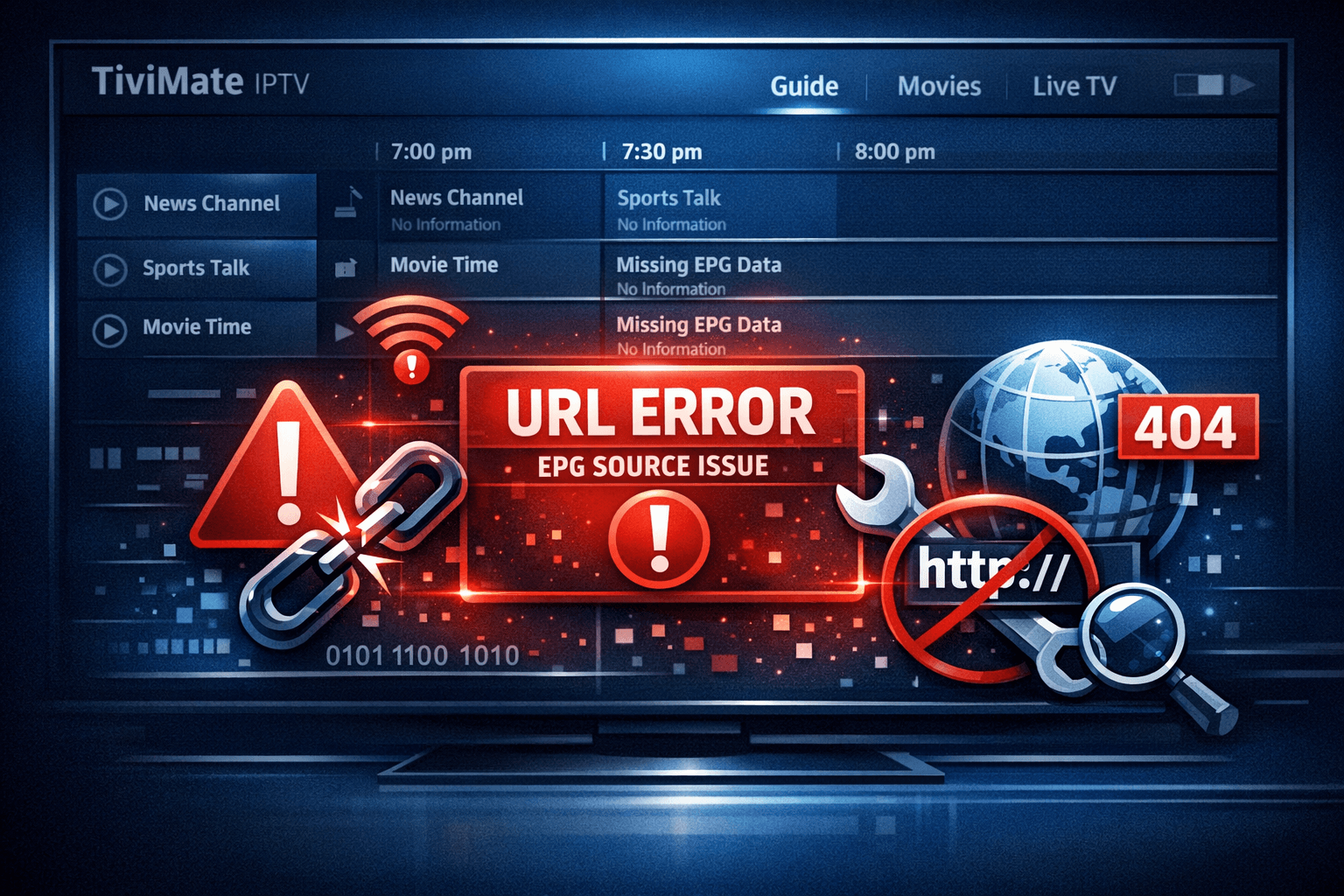
If your TiviMate app is showing that the EPG (Electronic Program Guide) source URL is not working, it means the app cannot retrieve the programming schedule data from the specified web address. This issue commonly happens because the URL is invalid, the format is unsupported, the internet connection is unstable, or the guide source is temporarily offline.
Getting your EPG (the TV guide) working in TiviMate is crucial for smooth navigation and scheduling your viewing. Fortunately, there are clear and practical steps to identify why your EPG source URL is failing and fix it.
What you'll learn
- What the EPG source URL is and why it matters in TiviMate
- How to verify if the URL is correct and properly formatted
- Steps to troubleshoot connection problems affecting EPG loading
- How to refresh or update the EPG source within the app
- When to contact your EPG provider or switch troubleshooting strategies
Understanding the EPG Source URL in TiviMate
The EPG source URL is a link (usually HTTP or HTTPS) to an XML TV or similar file that contains TV programs and schedules. TiviMate fetches this data regularly to show you the current and upcoming shows for your IPTV channels.
What is XML TV format?
XML TV is a standardized XML schema used by many IPTV tools, including TiviMate, to organize TV listings information. If your EPG source URL doesn't point to an XML TV-compliant resource, TiviMate will fail to parse it.
How the URL integrates
When you add or configure a playlist in TiviMate, you provide this EPG source URL separately or as part of the IPTV provider details. The app then pulls guide data from this source to supplement channel streams.
Common Reasons Why the EPG Source URL Fails in TiviMate
-
Incorrect URL — Typos, outdated links, or copy-paste errors result in unreachable URLs.
-
Internet or DNS issues — Without a stable internet connection or proper DNS resolution, TiviMate can't reach the EPG source.
-
Unsupported or corrupted format — Some providers use custom formats or broken XML that cause parsing errors.
-
Expired or blocked URL — EPG URLs can expire or be blocked by the provider or network firewall.
-
App glitches or cache corruption — Sometimes TiviMate's internal cache or older versions can trip up data loading.
-
Provider-side outages — The EPG source server might be temporarily down for maintenance or issues.
Step-by-Step Troubleshooting for TiviMate EPG Source URL Not Working
Follow these steps in order to systematically isolate and fix the problem:
-
Check your internet connection. Seamless data loading requires stable Wi-Fi or wired internet. Try browsing a website or streaming something else to confirm.
-
Verify the EPG URL accuracy. Copy the URL exactly as provided by your IPTV or EPG source. Paste it into a browser or XML viewer app to test if it loads data. If it doesn’t, the link is likely broken.
-
Confirm the EPG source format. The URL should point to an XML TV or similar file. If it ends with
.xmlor returns XML content, it’s correct. Other formats or HTML pages will not work. -
Refresh or re-add the EPG source in TiviMate. Go to TiviMate settings > Playlist > EPG section, remove the old URL and add it again.
-
Clear the app cache or data. On your device, clear TiviMate's app cache or storage to remove corrupted temporary files. Then try again.
-
Check for app updates. Run the latest TiviMate version. Older versions might have bugs interacting with EPG sources.
-
Verify no network blocks. Firewalls or VPNs configured on your device or router can block the EPG URL. Disable or adjust them temporarily.
-
Contact your IPTV or EPG provider. If all else fails, the problem may be on their end. They might have changed URL formats or be offline.
Who Should Use This Guide and When to Seek Device-Specific Help
This troubleshooting advice is tailored for users of the TiviMate IPTV player on Android-based devices (e.g., Fire TV, Android TV boxes, phones). It assumes you have access to the EPG URL (not bundled or auto-handled).
If you use a different IPTV app that handles EPG differently, or a device with unique operating system restrictions, this guide may not fully apply. Likewise, for playlist issues unrelated to EPG URLs, see dedicated playlist refresh or authentication error resources.
Common Mistakes That Cause EPG Source URL Failures
- Copying incomplete or truncated URLs accidentally.
- Using URLs meant for Xtream Codes API or other protocols instead of HTTP EPG sources.
- Ignoring app updates that fix parsing bugs.
- Overlooking network restrictions like VPN interference.
- Mixing EPG URLs from different IPTV providers without compatibility checks.
Comparison: EPG URL vs Playlist URL in TiviMate
| Aspect | EPG Source URL | Playlist URL |
|---|---|---|
| Purpose | Provides program guide data (XML) | Provides channel stream list (M3U or API) |
| Format | Typically XML TV format | M3U playlist or Xtream Codes API |
| Function in App | Displays TV schedules and info | Provides actual channel content |
| Troubleshooting Focus | Correct URL and format to show guide | Authentication and stream availability |
Additional Tips to Prevent EPG Source Problems
- Keep a saved backup of your working EPG URLs.
- Periodically check with your IPTV provider for URL updates.
- Avoid using free or public EPG sources that may be unreliable.
- Update your TiviMate app regularly.
- Check for network changes that might block access.
FAQ
What does EPG source URL mean in TiviMate?
The EPG source URL is the web address from which TiviMate retrieves the electronic program guide data to display TV schedules.
Why does TiviMate say EPG source URL not working?
This can happen if the URL is incorrect, the internet connection is unstable, the format is unsupported, or the service providing the EPG data is down.
Can outdated EPG URLs cause issues in TiviMate?
Yes, if your EPG source URL has changed or expired, TiviMate won’t be able to load the program guide data properly.
How do I update the EPG source URL in TiviMate?
In TiviMate, go to the settings for your playlist, find the EPG section, and enter a new or updated EPG source URL.
Conclusion
When your TiviMate EPG source URL is not working, start by checking your internet and ensuring the URL is correct and formatted as XML TV. Refreshing or re-adding the URL, clearing app cache, and updating TiviMate can resolve most problems. If issues persist, verify network constraints or reach out to your EPG provider. Following these methodical steps will usually restore your program guide and improve your IPTV viewing experience.
For further reading, consider these IPTV Explained resources:
- TiviMate Playlist Not Updating After Refresh: Causes and Fixes
- EPG Time Offset Wrong in TiviMate: Causes and How to Fix It
- M3U Plus vs Xtream Codes API for Playlist Updates
- Authorization Error Topic
These can help if your guide issues are part of broader playlist or authorization errors.
Step-by-step process
- Check your internet connection and ensure stable connectivity.
- Verify that the EPG source URL is correct and up to date.
- Confirm that the EPG URL uses a supported format like XML TV.
- Refresh the EPG data in TiviMate or re-add the source URL.
- Clear TiviMate cache or app data if refresh fails.
- Check for IPTV service outages or URL expiration.
- Update TiviMate app to the latest version to ensure compatibility.
- Contact your IPTV EPG provider for support if issues persist.
Keep exploring
More explainers that connect naturally to this setup, workflow, or troubleshooting path.
When you see the "Xtream Codes authorization failed" message on TiviMate, it means the app currently cannot verify your IPTV login credentials with the IPTV provider’s server. This prevents access to the channel list or streaming content.

If you're choosing between the Fire TV Cube and the Fire TV Stick 4K Max for your IPTV setup, it's important to understand their differences beyond just their names.
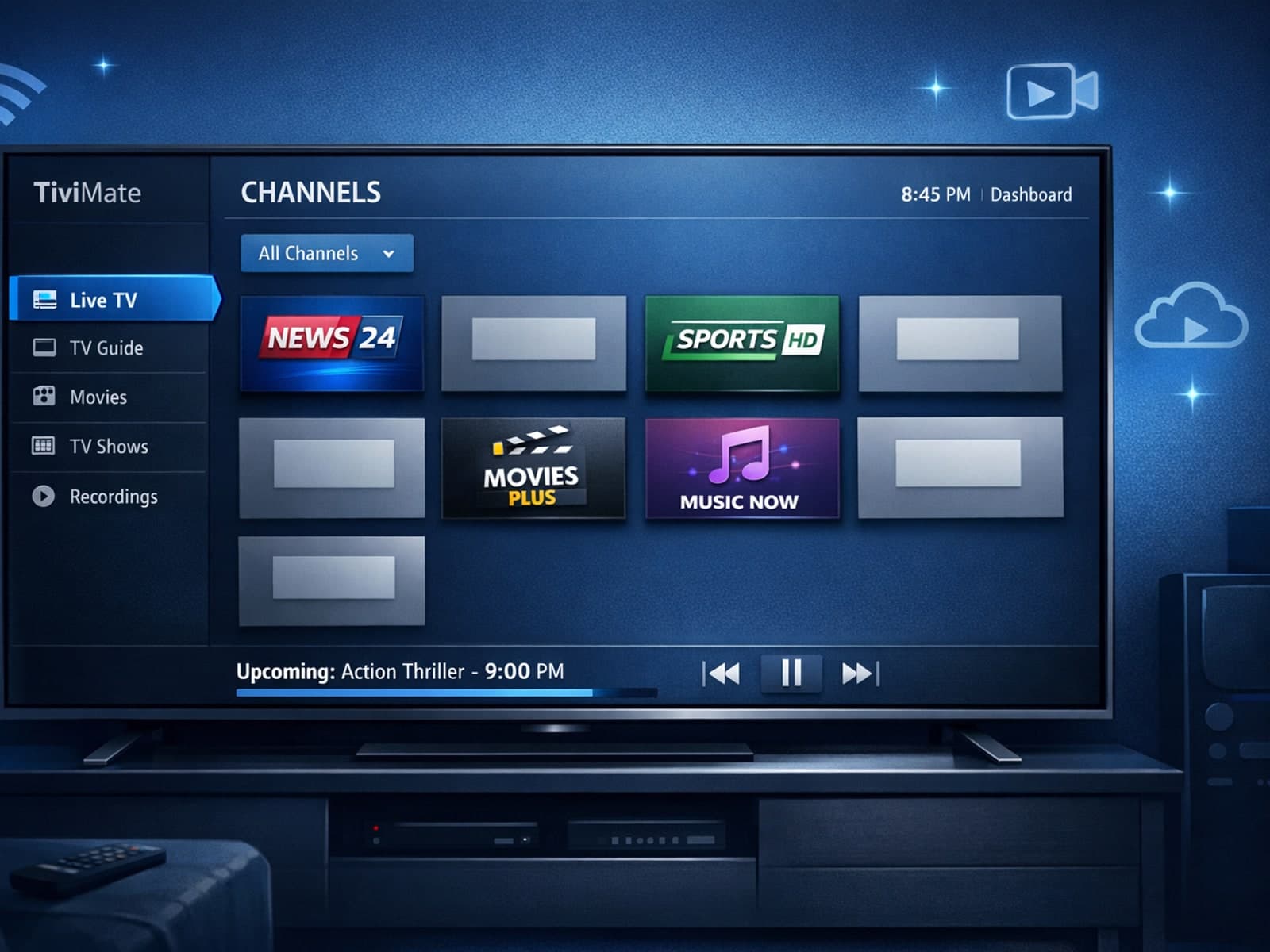
Missing channel logos in TiviMate can be frustrating because they make channel navigation less intuitive and reduce the overall viewing experience.