
Xtream Codes Authorization Failed in TiviMate: Causes and Fixes

Quick answer
If you've encountered an "Xtream Codes authorization failed" error in the TiviMate app, it means the app cannot successfully verify your IPTV service login credentials against the IPTV provider's server. This prevents the app from loading channels and content.
Reviewed Against
• TiviMate playlist, EPG, and player-setting workflows
• Xtream Codes username, password, and server-URL login flows
• Server-URL formatting, HTTP response handling, and account-entry failure patterns
Applies To
• TiviMate setups on Android TV, Google TV, or Fire OS style streaming devices
• Portal-style logins that need a server URL plus account credentials
• Errors caused by malformed URLs, wrong credentials, expired tokens, or unreachable playlist endpoints
Does not apply when
• Your app uses a different menu layout or naming scheme than TiviMate.
• You are using only an M3U playlist URL with no Xtream-style portal login at all.
• The provider confirms the service is down or the account has been deliberately blocked upstream.
Corroborating Resources
HTTP response status codesUseful when an IPTV app surfaces 401, 403, 404, or 5xx style errors during login or playlist refreshes.
URL structure referenceHelpful for checking server URLs, source links, and path/query mistakes in portal or playlist setups.
Topic Cluster
Part of the Xtream Codes cluster
Login errors, URL format confusion, authorization failures, and when Xtream Codes makes more sense than M3U. This page sits in troubleshoot and fix for that topic path.
Start here in this topic
On this page
Xtream Codes Authorization Failed in TiviMate: Causes and Fixes
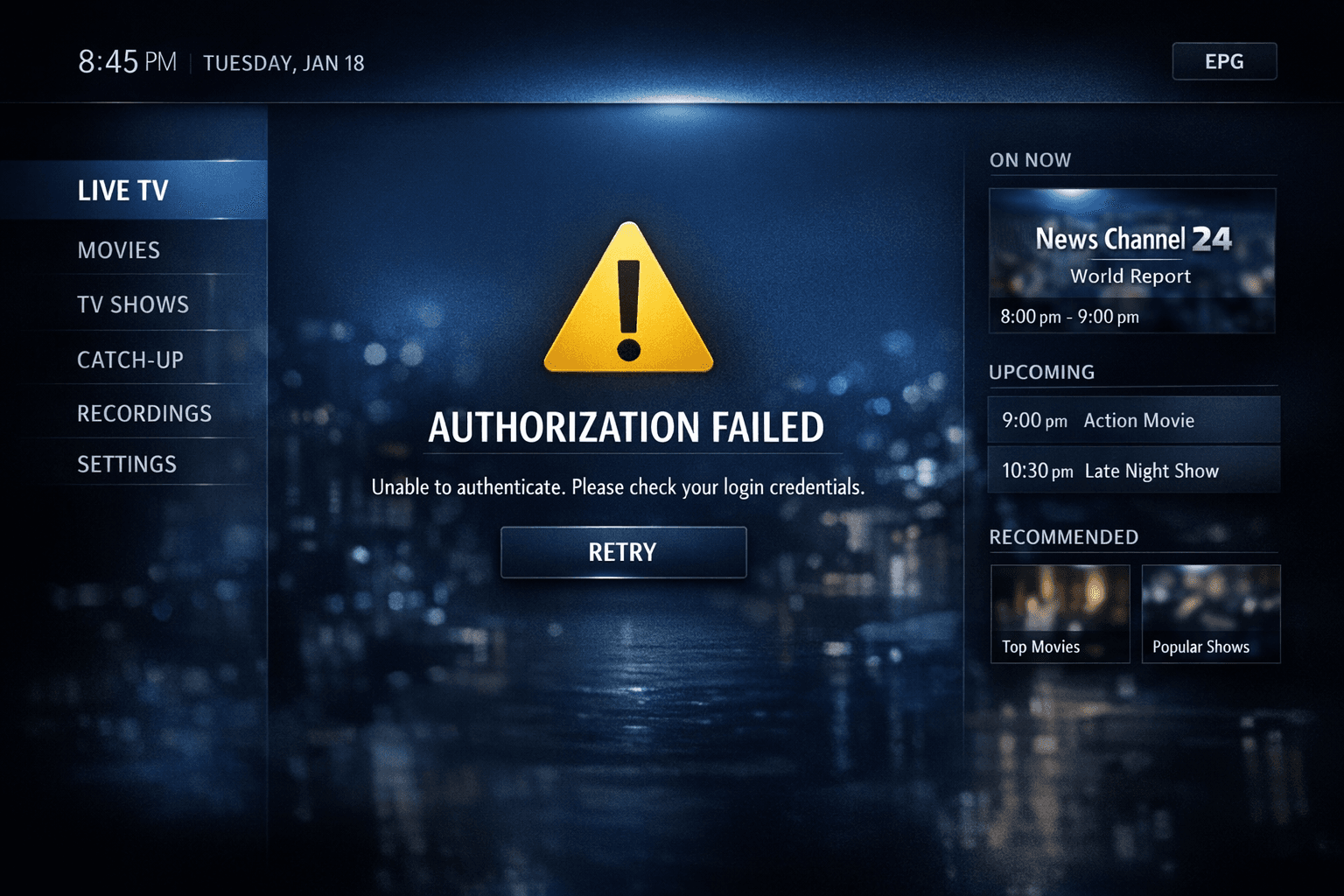
If you've encountered an "Xtream Codes authorization failed" error in the TiviMate app, it means the app cannot successfully verify your IPTV service login credentials against the IPTV provider's server. This prevents the app from loading channels and content.
Resolving this error requires understanding the underlying causes, which usually relate to incorrect login details, network connectivity interruptions, or IPTV subscription status issues. This article will guide you through concrete steps to troubleshoot and fix this specific authorization failure in TiviMate.
What you'll learn
- What "Xtream Codes authorization failed" means in TiviMate
- Common reasons this error occurs
- How to verify and re-enter Xtream Codes login credentials
- The role of internet connectivity in login failures
- Steps to update TiviMate and reset profiles
- When subscription issues cause authorization problems
Understanding 'Xtream Codes Authorization Failed' in TiviMate
"Xtream Codes" refers to a popular IPTV login format using a username, password, and server URL provided by your IPTV service. When you input these details in TiviMate, the app attempts to authenticate you and fetch your channel list.
An "authorization failed" message happens when this handshake is unsuccessful. This failure blocks access to your IPTV content until the issue is resolved.
Common symptoms include:
- The app prompts that your login failed
- No channels or EPG data load
- Repeated login attempts do not succeed
1. Verify Xtream Codes Login Credentials
Mistakes in manually entering your username, password, or server URL are the most frequent cause of this error.
How to check your credentials
- Double-check the spelling, case sensitivity, and special characters.
- Copy and paste the details if possible to avoid typos.
- Confirm that the server URL matches the one provided by your IPTV provider exactly, including https:// if specified.
Incorrect credentials will always produce authorization errors, so start here.
2. Confirm Your IPTV Subscription Status
Your IPTV provider controls your account's active status and permissions.
Consider these factors:
- Has your subscription expired or been canceled?
- Has the provider suspended or blocked your account due to misuse or payment issues?
- Are there known outages on the IPTV server side?
If you suspect subscription issues, contact your IPTV provider to verify your account.
3. Check Internet Connectivity and Network Settings
TiviMate must communicate with the IPTV server via the internet, so unstable or slow connections can cause authorization timeouts.
Troubleshooting network issues:
- Ensure your device is connected to a stable WiFi or Ethernet network.
- Test your internet speed to confirm it meets minimum IPTV streaming requirements (usually 10 Mbps+).
- Restart your router to refresh connections.
- If you use VPN or proxy settings, disable them temporarily, as they may interfere with server authentication.
Poor connectivity can cause the authorization request to fail or time out.
4. Update TiviMate and Reinstall Profiles
Sometimes, outdated app versions or corrupted profile data lead to authorization errors.
Steps to update and reset:
- Check the app store or TiviMate's official site for the latest version and update.
- Within TiviMate, remove the problematic profile:
- Open TiviMate.
- Go to "Settings" > "Manage accounts".
- Select the current profile and delete it.
- Re-add your Xtream Codes account carefully, entering credentials anew.
This process resolves glitches caused by stale data.
5. Additional Troubleshooting Steps
Clear TiviMate App Cache
On some devices, app cache corruption can cause login issues.
- On Android, go to Settings > Apps > TiviMate > Storage > Clear Cache.
Test on Another Device
Try logging in with your Xtream Codes credentials on a different TiviMate installation or another IPTV app supporting Xtream Codes. Success elsewhere indicates a device-specific problem.
Review Error Messages in Detail
Sometimes, TiviMate will provide error codes or detailed messages during authorization failure. Consult the IPTV provider or TiviMate support forums for those specific codes.
Common Mistakes Causing Authorization Failure
| Mistake | Why It Causes Failure | How to Avoid |
|---|---|---|
| Typing username or password wrong | Authentication cannot succeed without exact credentials | Copy/paste credentials; double-check case and spelling |
| Using incorrect server URL | Server rejects unknown or misformatted URLs | Confirm URL from your IPTV provider, including HTTP/HTTPS |
| Ignoring subscription status | Suspended accounts can't login | Check with provider about subscription health |
| Unstable or slow internet | Login request times out or can't reach server | Use Ethernet or strong WiFi connection |
| Outdated TiviMate app | Bugs or incompatibility with server authentication | Keep app updated for best compatibility |
FAQ
What does 'Xtream Codes authorization failed' mean in TiviMate?
It means the TiviMate app cannot verify your login credentials with the IPTV provider's server, preventing access to the IPTV service.
Can incorrect username or password cause this error?
Yes, entering an incorrect username, password, or server URL will result in authorization failure.
Could network issues trigger authorization failures?
Yes, unstable or slow internet connections can cause login attempts to fail due to timeouts or server unreachable errors.
Is it necessary to update TiviMate to fix authorization errors?
While not always necessary, using the latest version helps avoid bugs that may interfere with the authorization process.
What if my IPTV subscription is suspended?
If your provider suspends or blocks your subscription, authorization will fail and you should contact your IPTV provider for support.
Conclusion
The "Xtream Codes authorization failed" error in TiviMate usually arises from incorrect login details, subscription problems, or internet connectivity issues. By methodically verifying your username, password, and server URL, confirming your subscription status, ensuring a stable network, and updating or resetting the app profile, you can resolve this issue and regain access to your IPTV content efficiently.
If problems persist after trying these steps, contacting your IPTV service provider for account verification is the advisable next move.
References
- For related login troubleshooting, see Xtream Codes Login Failed: Causes and Fixes.
- For EPG loading issues that sometimes accompany login problems, see EPG Not Loading in TiviMate.
- For general login issues, see the Login topic.
- Broader troubleshooting advice can be found under the Troubleshooting topic.
Keep exploring
More explainers that connect naturally to this setup, workflow, or troubleshooting path.
If you watch IPTV on your Fire TV Stick, having the right Wi-Fi settings can significantly improve your streaming experience by minimizing buffering and lag.


When it comes to updating IPTV playlists, two common methods are M3U Plus and the Xtream Codes API. Both serve to refresh the channel lists and program information delivered to IPTV apps, but they do so in different ways.

If your TiviMate electronic program guide (EPG) is showing program times that do not align with the actual broadcast schedules, you are encountering an "EPG time offset" issue.