
Why IPTV Freezes During Channel Switching and How to Fix It

Quick answer
If your IPTV stream freezes or buffers when you change channels, this is usually caused by delays in receiving or processing the new channel data. Such freezes happen when your device or network can't quickly load the incoming stream, resulting in a pause with buffering icons...
Reviewed Against
• Home-network checks such as Wi-Fi strength, Ethernet fallback, DNS changes, congestion, and local storage pressure
Applies To
• Playback problems that change with connection quality, device load, app cache state, or time of day
Does not apply when
• Only one channel, event, or provider-side endpoint is failing while the rest of the service stays stable.
Corroborating Resources
Android TV video and game troubleshootingUseful for Wi-Fi, updates, app cache, and playback troubleshooting steps that also mirror IPTV failure paths.
Android TV storage helpHelpful when playback issues point to low storage, cache pressure, or app-data cleanup decisions.
Topic Cluster
Part of the Buffering cluster
Buffering fixes, network bottlenecks, device slowdowns, and the fastest checks to stabilize IPTV playback. This page sits in more in this topic for that topic path.
Start here in this topic
On this page
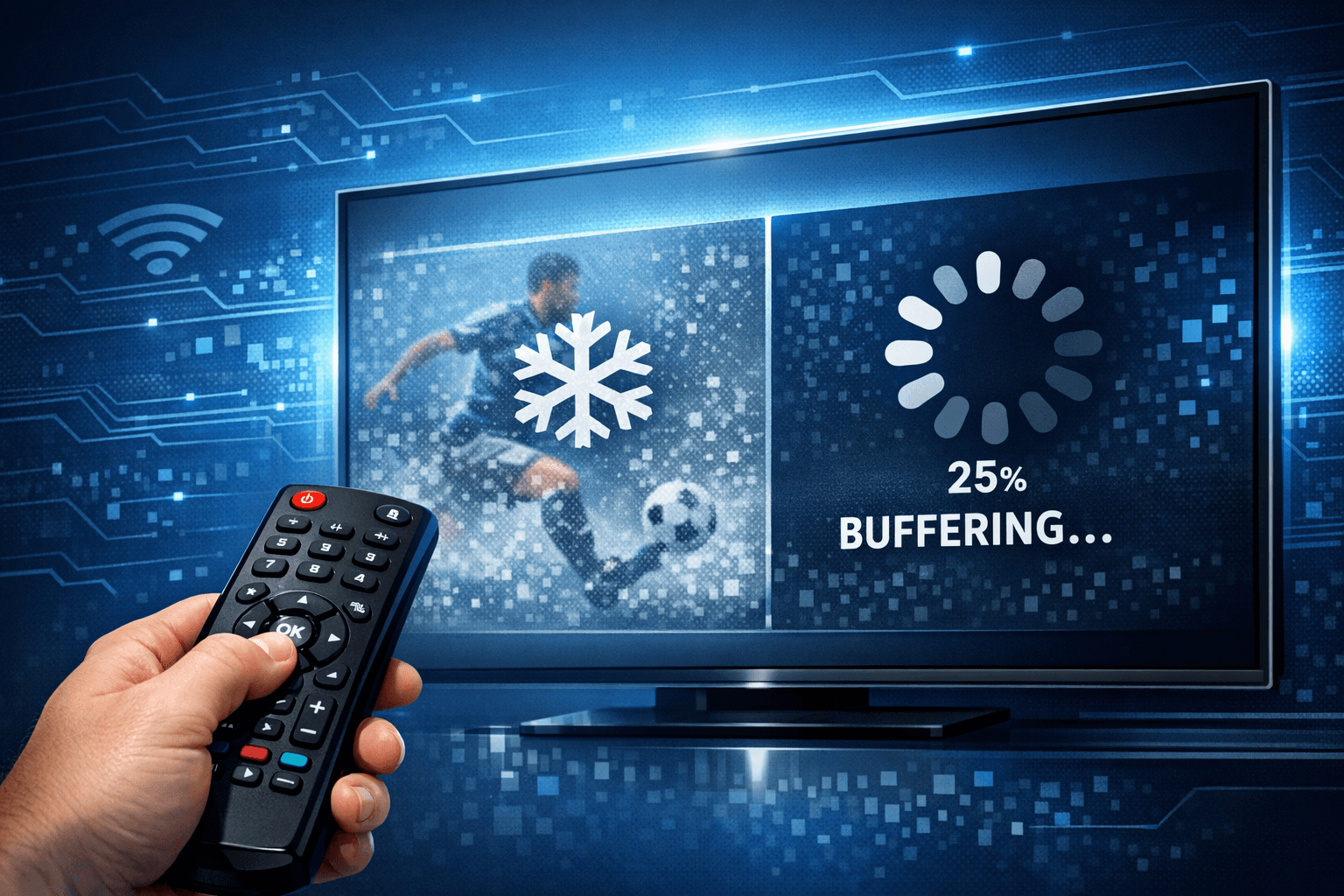
Why IPTV Freezes During Channel Switching and How to Fix It
If your IPTV stream freezes or buffers when you change channels, this is usually caused by delays in receiving or processing the new channel data. Such freezes happen when your device or network can't quickly load the incoming stream, resulting in a pause with buffering icons or a frozen picture. Understanding why this occurs can help you identify and fix the problem.
What you'll learn:
- Key reasons IPTV freezes during channel switching
- How your internet connection impacts channel loading
- The role of your device's processing capabilities
- Ways IPTV server performance affects freezing
- Practical steps for troubleshooting and improving switching speed
Common Causes of IPTV Freezing During Channel Switching
When you switch channels on IPTV, your device stops one stream and requests another from a server. Several factors can interrupt this smooth transition:
Network Latency and Bandwidth Limitations
IPTV requires a reliable, fast internet connection. If the connection is slow or inconsistent, the new stream can't start promptly, causing buffering or freezing.
- Latency: Delay in data transmission means the stream takes longer to load.
- Bandwidth: Insufficient download speed can't support the video bitrate, especially at higher resolutions.
Server Buffering and Load
The IPTV server hosts streams for many users. If the server is busy or far away geographically, it may take longer to send the new channel stream to your device.
Device Processing Limits
Older or less powerful IPTV devices may struggle to decode high-resolution streams quickly, causing processing delays visible as freezing.
IPTV App or Middleware Issues
Software bugs or outdated IPTV apps can lead to inefficient stream handling during channel switching.
How Your Internet Connection Affects Channel Switching
The reliability and speed of your internet connection have a direct impact on streaming performance.
Checking Your Internet Speed
Fast IPTV streams usually require at least 5 to 10 Mbps per channel for HD, and more for 4K. Use speed test apps to verify your connection:
- Run multiple tests at different times to detect fluctuations.
- Check both download speed and stability (ping, jitter).
Wi-Fi vs Ethernet
Wireless connections vary in signal strength and interference:
- Wi-Fi speeds often fluctuate due to distance, walls, or crowded channels.
- Ethernet provides a more stable, lower-latency connection.
Network Congestion
If multiple devices stream simultaneously, total bandwidth divides among them, possibly slowing your IPTV stream.
Device Processing and IPTV App Performance
Your device must decode video streams rapidly:
Device Hardware Limits
- Older TVs, set-top boxes, or media players might have less RAM or slower CPUs.
- Some devices lack hardware decoding for certain video codecs, forcing slower software decoding.
App Optimization
- Outdated IPTV apps might struggle with smooth channel transitions.
- Cached data helps but excessive cache or corrupt files can slow down switching.
IPTV Server and Content Delivery Factors
Even with a strong local setup, server-side problems can cause freezing:
Server Load and Bandwidth
High user numbers during peak times increase server load, affecting stream responsiveness.
Geographic Distance and CDN Use
Long distances between your location and the IPTV server increase latency.
Content delivery networks (CDNs) help by minimizing delays through local cache servers.
Troubleshooting and Reducing IPTV Freezing
Follow these steps to identify and fix freezing during channel switching:
- Test your internet connection speed and stability. Use a speed test and monitor ping and download rates.
- Restart your IPTV device and network router. This clears temporary glitches.
- Close other apps or devices using bandwidth. Limit to essential services.
- Update your IPTV app and device firmware. Ensure you have the latest versions.
- Switch to wired Ethernet if possible. Provides more stable connectivity.
- Lower the streaming quality. Use SD instead of HD to reduce bandwidth demand.
- Clear the IPTV app cache or reinstall it. Fixes corrupted temporary files.
- Contact your IPTV provider to check server status or request alternative servers.
Common Mistakes to Avoid
- Ignoring router or device restarts
- Using outdated IPTV apps
- Neglecting Wi-Fi interference or signal quality
- Assuming freezing is only due to bad internet without testing
Who Should Follow This Guide?
This troubleshooting is suited for users of IPTV apps on Android TV, Fire TV, or similar devices experiencing freezes during channel changes. If you use a specialized hardware IPTV box with proprietary firmware, or if freezing occurs only on live IPTV and not catch-up or VOD, consult device-specific or service-specific troubleshooting resources.
For IPTV apps running on desktop or mobile, the underlying logic is similar, but UI and settings will differ; consider guides designed for those platforms.
Summary Checklist: Why IPTV Freezes During Channel Switching
| Cause | Impact on Freezing | Fix or Mitigation |
|---|---|---|
| Slow or unstable internet connection | Buffering delays when loading stream | Improve speed, use Ethernet |
| High IPTV server load or latency | Longer wait to receive new stream | Contact provider, switch servers |
| Device processing limitations | Slow decoding causes freeze | Upgrade device, reduce quality |
| Outdated IPTV app or corrupted cache | Inefficient stream transition | Update or reinstall app |
| Wi-Fi interference or weak signal | Dropouts and buffering | Use 5 GHz Wi-Fi or wired Ethernet |
Frequently Asked Questions
What causes IPTV to freeze specifically when changing channels?
IPTV freezes during channel switching mainly due to buffering delays caused by network latency, server responsiveness, or device processing speed limits.
Can my internet connection cause freezing when switching IPTV channels?
Yes, unstable or slow internet speeds can interrupt or delay data reception, causing freezing.
Does using Wi-Fi impact IPTV channel switching performance?
Wi-Fi can introduce variability in speed and stability. Wired connections generally reduce freezing issues.
Will updating the IPTV app or device firmware help with freezing issues?
Yes, updates can fix bugs and improve performance during channel switching.
When should I consider that the IPTV service provider is causing freezing?
If your internet and device check out but freezing continues, the IPTV server’s load or quality might be at fault.
Conclusion
Freezing during IPTV channel switching is frustrating but usually fixable. The most common underlying cause is delayed data delivery, either from your network, the IPTV server, or processing limits on your device. By systematically checking your internet speed, device health, app status, and network setup, you can reduce or eliminate freezing. If these steps don’t help, reaching out to your IPTV provider to confirm server status or alternative streams is the next best move. A stable connection, well-maintained device, and responsive IPTV service together create a smooth channel switching experience.
For further reading on IPTV device compatibility and app troubleshooting, see our articles on Ethernet Adapter Compatibility for Fire TV Stick 4K Max and How to Fix Catch-Up Not Working in TiviMate.
Keep exploring
More explainers that connect naturally to this setup, workflow, or troubleshooting path.
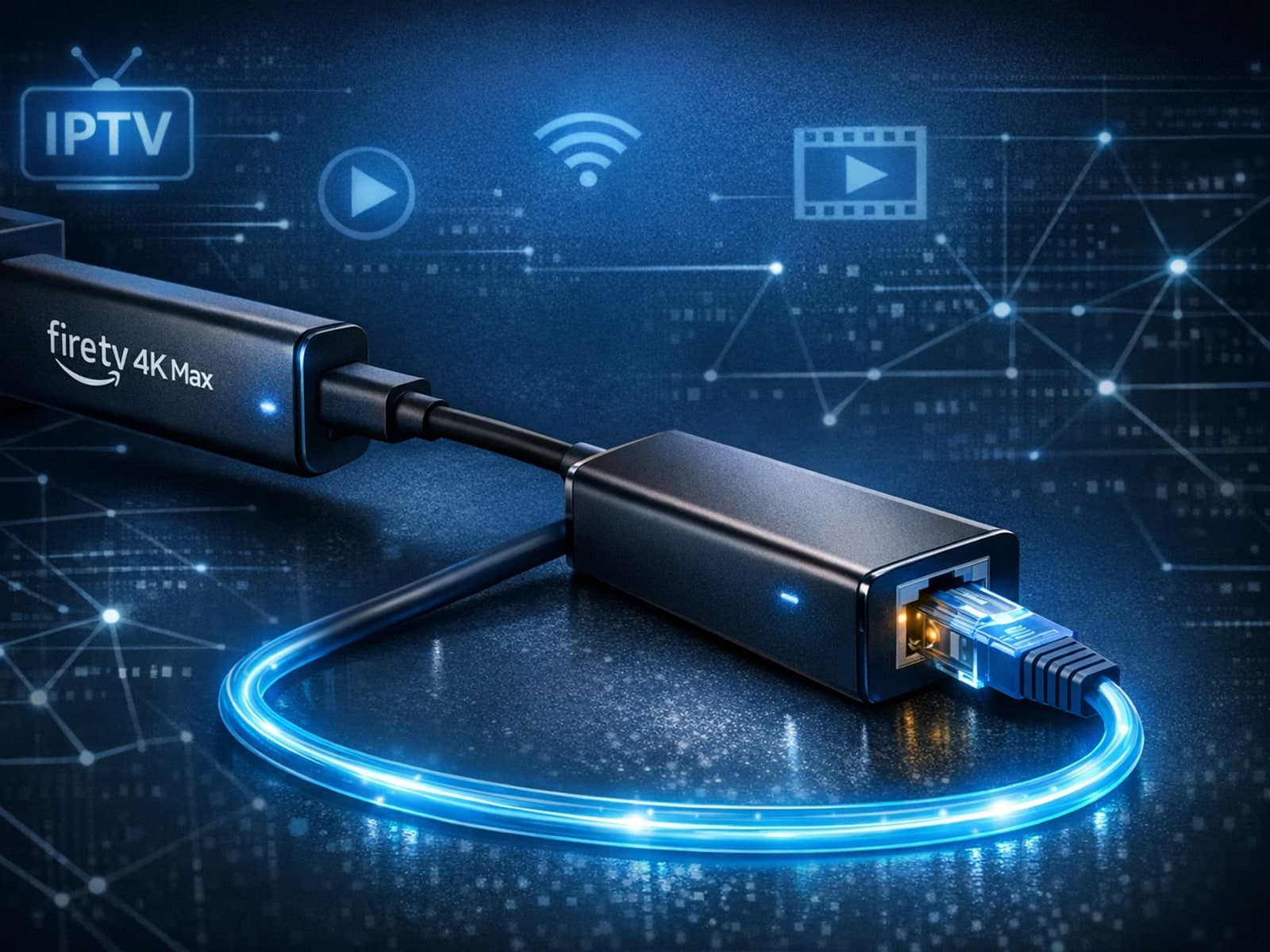
The Fire TV Stick 4K Max supports Ethernet adapters designed to connect through its USB-C port, enabling wired internet access for more reliable streaming.

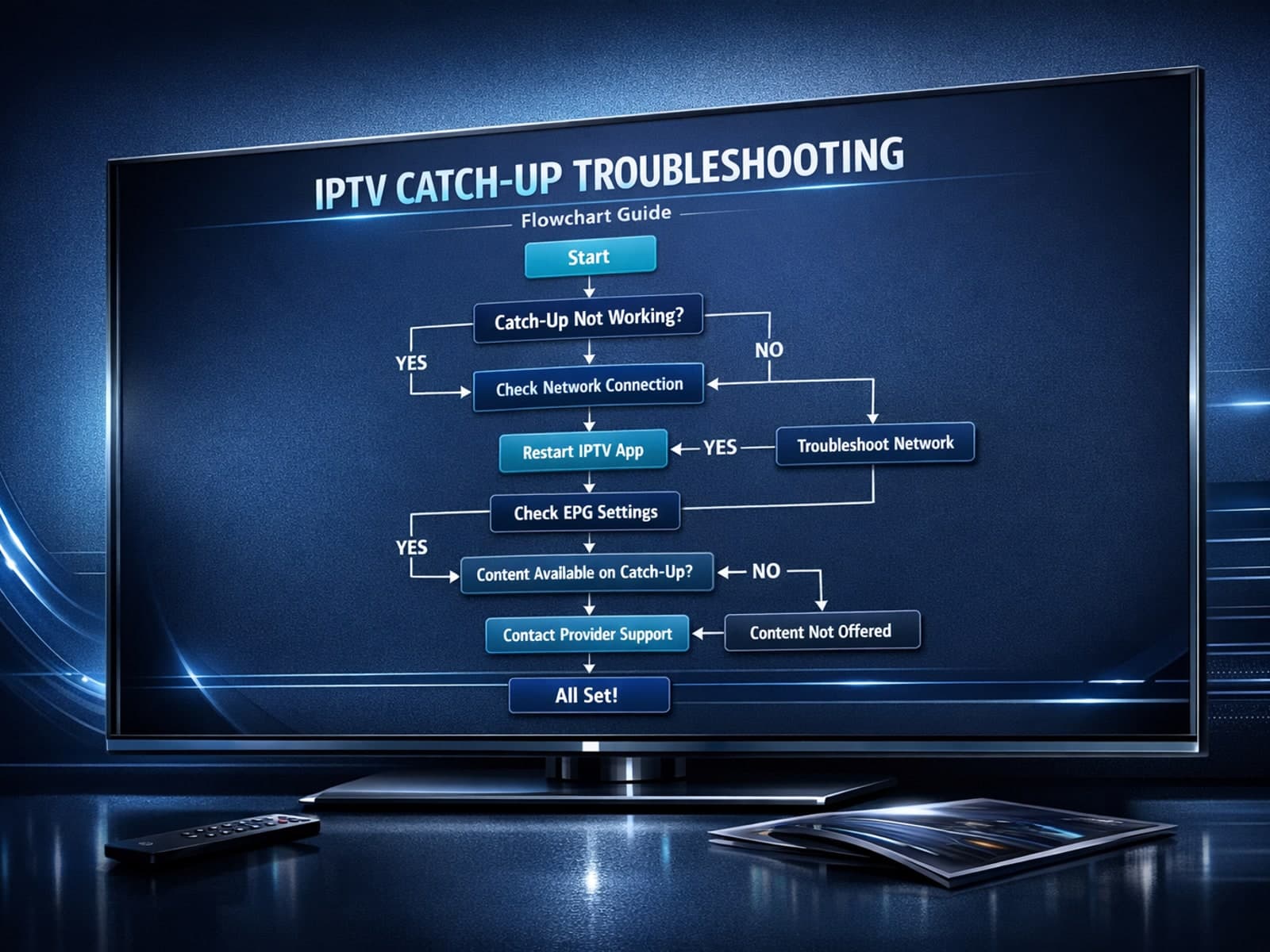
If you use the TiviMate IPTV player, you might occasionally find that the catch-up TV feature isn't working as expected. Catch-up allows you to watch previously aired content on demand, making it a valuable part of your viewing experience.

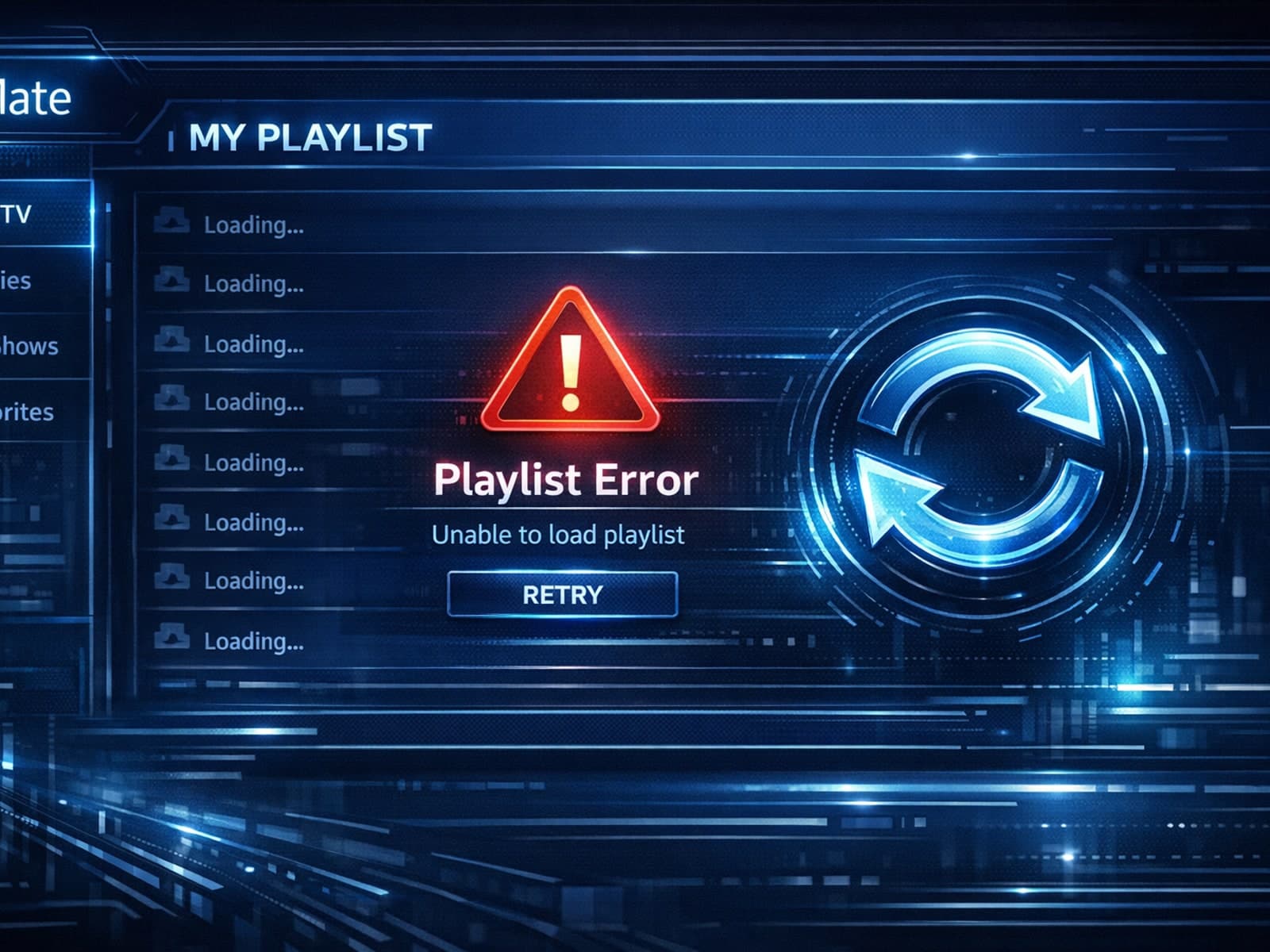
If you've hit "Refresh" in TiviMate but your IPTV playlist doesn't update, you are not alone. This is a common problem that can stem from multiple causes including network hiccups, playlist URL issues, corrupted cache, or server downtime.
