
Xtream Codes Authorization Failed in TiviMate: Causes and Fixes

Quick answer
When TiviMate displays an "Xtream Codes Authorization Failed" message, it means the app cannot successfully log in to your IPTV provider’s server using the Xtream Codes credentials you entered. This specific error stops all streaming until the issue is fixed, making it a commo...
Reviewed Against
• TiviMate playlist, EPG, and player-setting workflows
• Xtream Codes username, password, and server-URL login flows
• Server-URL formatting, HTTP response handling, and account-entry failure patterns
Applies To
• TiviMate setups on Android TV, Google TV, or Fire OS style streaming devices
• Portal-style logins that need a server URL plus account credentials
• Errors caused by malformed URLs, wrong credentials, expired tokens, or unreachable playlist endpoints
Does not apply when
• Your app uses a different menu layout or naming scheme than TiviMate.
• You are using only an M3U playlist URL with no Xtream-style portal login at all.
• The provider confirms the service is down or the account has been deliberately blocked upstream.
Corroborating Resources
HTTP response status codesUseful when an IPTV app surfaces 401, 403, 404, or 5xx style errors during login or playlist refreshes.
URL structure referenceHelpful for checking server URLs, source links, and path/query mistakes in portal or playlist setups.
Topic Cluster
Part of the Xtream Codes cluster
Login errors, URL format confusion, authorization failures, and when Xtream Codes makes more sense than M3U. This page sits in troubleshoot and fix for that topic path.
Start here in this topic
On this page
Xtream Codes Authorization Failed in TiviMate: Causes and Fixes
When TiviMate displays an "Xtream Codes Authorization Failed" message, it means the app cannot successfully log in to your IPTV provider’s server using the Xtream Codes credentials you entered. This specific error stops all streaming until the issue is fixed, making it a common and frustrating problem for many users.
The error points directly to a failure in authenticating your user credentials, server connectivity problems, or sometimes app-related glitches. Fortunately, most causes can be identified and resolved with straightforward troubleshooting focused on your login details, network conditions, and the version of TiviMate.
What you'll learn
- What the "Xtream Codes Authorization Failed" error means in TiviMate
- Key reasons behind the authorization failure
- Step-by-step troubleshooting from verifying your login to network checks
- When to update or reinstall TiviMate
- When server issues require IPTV provider assistance
- Who this advice targets and when to seek device- or app-specific support
Understanding the Xtream Codes Authorization Failed Error
What is Xtream Codes format?
Xtream Codes is a login format IPTV providers use to authenticate users through a server URL, username, and password. TiviMate, a popular IPTV client app, supports this format to allow smooth connection to IPTV services.
Why does authorization fail?
Authorization fails when TiviMate cannot verify your credentials with the IPTV server. Common reasons include incorrect login details, server downtime, blocked IP access, outdated app versions, or network interruptions.
Failing to address this promptly prevents any channel streaming.
Step 1: Verify Your Xtream Codes Login Details
Why it's crucial
Most authorization errors stem from simple typos in your username, password, or server URL entered into TiviMate. This happens if you manually input details or copy-pasted with extra spaces.
How to check
- Re-enter each field carefully, ensuring no leading/trailing spaces.
- Confirm capitalization and special characters exactly match what your IPTV provider gave.
Even one character off breaks authentication.
Step 2: Check Your Network Connection
Why network stability matters
Authentication requests must reach the IPTV server and get responses back. Unstable or slow internet can interrupt this process, triggering authorization errors.
How to troubleshoot network issues
- Restart your router/modem to refresh the connection.
- Switch from Wi-Fi to wired Ethernet if possible for reliability.
- Use another device on the same network to test internet access.
If other apps or services load fine, network is likely not the cause.
Step 3: Confirm Server Status and IPTV Provider Accessibility
IPTV provider/server side issues
Sometimes the problem isn’t on your device but with the IPTV service or server.
- Servers may be down for maintenance or experiencing overload.
- Your provider might have blocked your IP or suspended your account.
What to do
- Check your IPTV provider’s website, official social media, or customer support for announcements.
- Contact provider support to confirm account status and server health.
Step 4: Clear TiviMate Cache and Update or Reinstall the App
Why do this?
App caches can store corrupted data causing login errors. Additionally, outdated TiviMate versions may lose compatibility with server authentication methods.
Steps:
- In your device settings, go to Apps > TiviMate > Storage > Clear Cache.
- Restart TiviMate and re-enter your Xtream Codes login.
- Check the app store for any updates and install the latest version.
- If issues persist, uninstall and reinstall TiviMate.
Step 5: When to Seek IPTV Provider Support or Alternative Solutions
When DIY steps end
If you’ve verified credentials, network, server status, and updated TiviMate with no success, your IPTV provider may need to:
- Reactivate or reset your login credentials.
- Provide a new server URL or fix server-side blocks.
Considering playlist format alternatives
If Xtream Codes authentication continues failing, ask your provider if they offer M3U playlist format, a more straightforward URL-based way to load streams without login errors.
Common Mistakes Causing Authorization Failed in TiviMate
- Copy-pasting login details with extra spaces or missing characters.
- Using the wrong server URL (mixing up test and production URLs).
- Entering credentials case-insensitively when they are case-sensitive.
- Neglecting to update TiviMate after significant IPTV server upgrades.
- Overlooking ISP or network firewall restrictions blocking IPTV servers.
Who Should Use This Guide and When to Switch Troubleshooting
Applicable users
- TiviMate users logging in via the Xtream Codes Login method.
- IPTV subscribers with Xtream Codes credentials who face authentication failure.
When not to use this guide
- Users employing M3U URLs exclusively should follow playlist-specific troubleshooting.
- Non-TiviMate IPTV apps with similar errors need app-specific fixes.
- Devices with custom firmware or heavily customized networks may require advanced network troubleshooting.
Quick Troubleshooting Checklist
| Step | What to do | Expected Result |
|---|---|---|
| 1. Verify Xtream Codes info | Re-enter username, password, server URL | Authorization passes |
| 2. Check network connection | Restart router, test internet on another device | Steady connection established |
| 3. Confirm server status | Contact provider or check server status | Server accessible and active |
| 4. Clear cache & update app | Clear cache, reinstall or update TiviMate | App authenticates successfully |
| 5. Contact IPTV support | Ask provider to check account or server issues | Provider resolves backend issues |
FAQ
What does 'Xtream Codes Authorization Failed' mean in TiviMate?
It indicates TiviMate cannot verify your IPTV login details; access is denied until fixed.
Can incorrect login details cause this error?
Yes, incorrect username, password, or server URL are the most frequent reasons.
Is this error related to network problems?
A poor internet connection can cause the login to fail; ensure stable connectivity.
Should I use M3U playlists instead of Xtream Codes?
Switching depends on your IPTV provider's support and if authorization continues to fail.
Does updating TiviMate help?
Yes, it ensures compatibility with server protocols and can resolve bugs causing failures.
Conclusion
"Xtream Codes Authorization Failed" in TiviMate is typically due to incorrect login credentials, network issues, or IPTV server problems. By carefully verifying your login information, checking your network, confirming server status, and updating or reinstalling TiviMate, most users can resolve this error promptly. When these steps fail, contacting your IPTV provider is the last recourse to resolve account or server-side blocks. Staying methodical and focused on these key troubleshooting actions will restore streaming access quickly without unnecessary guesswork.
For related issues, see our How to Fix Catch-Up Not Working in TiviMate and TiviMate Playlist Not Updating After Refresh: Causes and Fixes articles. Also, explore general Authorization Error tips that can apply across IPTV apps.
Keep exploring
More explainers that connect naturally to this setup, workflow, or troubleshooting path.
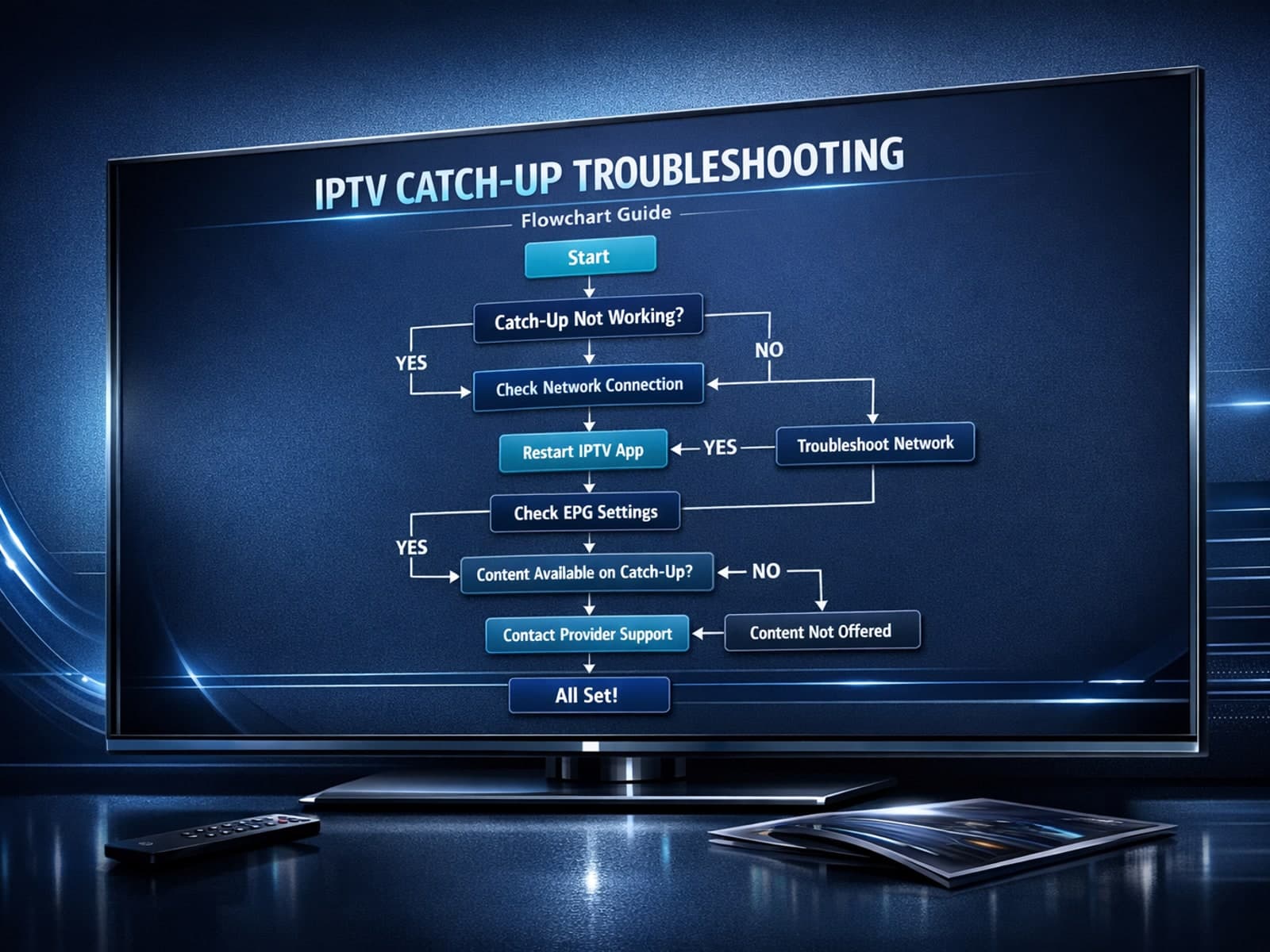
If you use the TiviMate IPTV player, you might occasionally find that the catch-up TV feature isn't working as expected. Catch-up allows you to watch previously aired content on demand, making it a valuable part of your viewing experience.

If you've hit "Refresh" in TiviMate but your IPTV playlist doesn't update, you are not alone. This is a common problem that can stem from multiple causes including network hiccups, playlist URL issues, corrupted cache, or server downtime.

If you use IPTV Smarters to watch IPTV streams and encounter the "Invalid Details" error during login, this article explains what it means and how to fix it.
