
IPTV Smarters Invalid Details Error: Causes and How to Fix It

Quick answer
If you use IPTV Smarters to watch IPTV streams and encounter the "Invalid Details" error during login, this article explains what it means and how to fix it. The error typically indicates a problem with your login credentials, playlist URL, or subscription status preventing th...
Reviewed Against
• IPTV Smarters login, playlist, and account-entry screens
• Server-URL formatting, HTTP response handling, and account-entry failure patterns
Applies To
• IPTV Smarters sign-in, playlist import, or account-detail errors
• Errors caused by malformed URLs, wrong credentials, expired tokens, or unreachable playlist endpoints
Does not apply when
• The account itself is disabled or expired on the provider side.
• The provider confirms the service is down or the account has been deliberately blocked upstream.
Corroborating Resources
HTTP response status codesUseful when an IPTV app surfaces 401, 403, 404, or 5xx style errors during login or playlist refreshes.
URL structure referenceHelpful for checking server URLs, source links, and path/query mistakes in portal or playlist setups.
Topic Cluster
Part of the Xtream Codes cluster
Login errors, URL format confusion, authorization failures, and when Xtream Codes makes more sense than M3U. This page sits in troubleshoot and fix for that topic path.
Start here in this topic
On this page
IPTV Smarters Invalid Details Error: Causes and How to Fix It
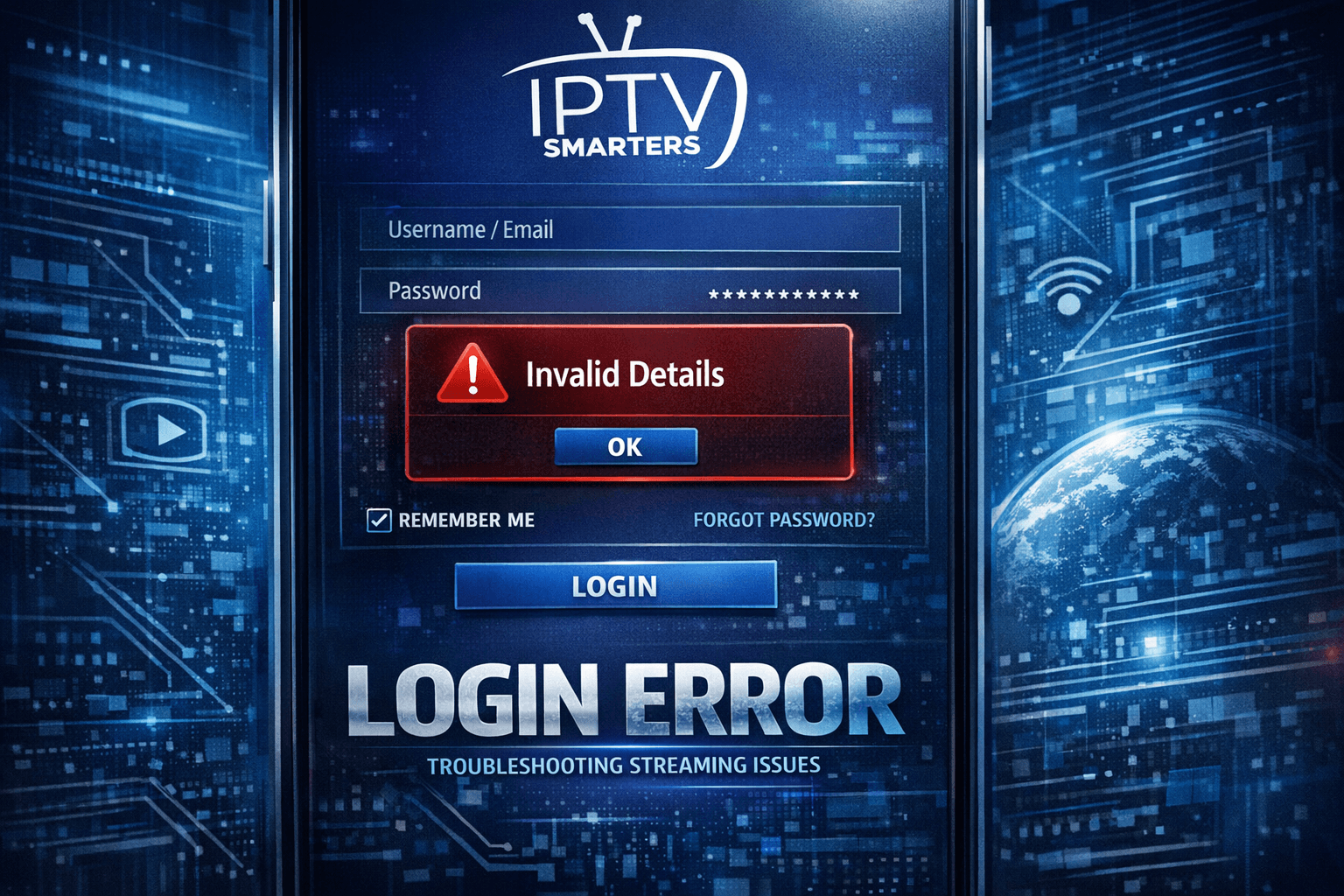
If you use IPTV Smarters to watch IPTV streams and encounter the "Invalid Details" error during login, this article explains what it means and how to fix it. The error typically indicates a problem with your login credentials, playlist URL, or subscription status preventing the app from authenticating your access.
What you'll learn
- What the "Invalid Details" error means in IPTV Smarters
- Common causes for this error, focusing on login and playlist issues
- Step-by-step troubleshooting to resolve the error
- When to seek provider support or try alternate playback methods
- Which users should follow these steps and who should look elsewhere
Understanding the "Invalid Details" Error in IPTV Smarters
The IPTV Smarters app requires three key pieces of information to connect you to your IPTV provider:
- Username
- Password
- Playlist URL or Xtream Codes API URL
When you see "Invalid Details," the app is telling you it cannot successfully authenticate using the data you entered. This means the login credentials or URL you supplied do not match what the IPTV server expects or the server has rejected your access.
This error is different from network errors or stream errors; it relates specifically to permissions and credential validation failures.
Common Causes of the Invalid Details Error
Typographical Errors in Login Data
A simple but very common cause is mistyping your username, password, or playlist URL. Even one wrong character, missing letter, or extra space can cause authentication to fail.
Expired or Blocked IPTV Subscription
If your IPTV subscription has expired or been suspended, servers will reject your login credentials, causing this error.
Incorrect Playlist Format or QoS Restrictions
Some IPTV Smarters login formats require either an M3U playlist URL or the full Xtream Codes API URL. Mixing these up or missing parameters can cause invalid details errors.
Server IP Restrictions or Bans
Certain IPTV providers restrict access to known IP addresses or ban IPs due to suspected abuse. If your IP is blocked, login attempts will fail.
App or Software Corruption
Rarely, if the IPTV Smarters app is outdated or has corrupted files, it might misinterpret correct details as invalid.
Step-by-Step Troubleshooting to Fix Invalid Details
Follow these steps in order for the quickest and most reliable resolution.
- Double-check your username, password, and playlist URL. Make sure there are no typos, extra spaces, or character substitutions.
- Confirm your subscription status. Contact your IPTV provider or check your account to ensure your subscription is active.
- Know your playlist format. Are you supposed to enter an M3U URL or Xtream Code API login? Verify you are using the right format in IPTV Smarters.
- Update or reinstall IPTV Smarters. Ensure you are running the latest app version to avoid bugs causing login issues.
- Restart your device and internet. Reboot your streaming device and router to refresh connections.
- Check your IP status. If your provider restricts IPs, try connecting via a different network or ask if your IP may be blocked.
- Test your credentials elsewhere. Try logging into another app or device with the same info to rule out device-specific problems.
Common Mistakes That Cause Login Failures
- Copying only part of the playlist URL or missing query parameters
- Confusing the username with an email address when not required
- Using outdated credentials from a previous subscription
- Entering password with case sensitivity errors
- Relying on autofill that inserts wrong or outdated info
Who Should Use This Guide
This troubleshooting applies specifically to users entering IPTV credentials into the IPTV Smarters app on platforms like Android, iOS, Windows, or Smart TVs.
If you are using a completely different IPTV app, like TiviMate or Perfect Player, this guide won't cover app-specific login issues—you should seek device or app-specific resources.
Users with custom IPTV setups using generic M3U playlists without login info, or those using streaming devices that modify login requirements, might need different approaches.
When to Contact Your IPTV Provider
If you have carefully checked your username, password, and playlist and still get "Invalid Details," the issue often lies with your IPTV provider:
- Subscription expired or payment pending
- Account suspension or ban
- Server-side restrictions or maintenance
Contact your IPTV provider’s support team for account verification and help.
Comparison Table: Possible Causes vs Recommended Actions
| Cause | Recommended Action |
|---|---|
| Typo in credentials | Carefully re-enter all login fields |
| Subscription expired | Renew subscription, contact provider |
| Wrong playlist type | Confirm and use correct M3U or Xtream Codes format |
| IP address blocked | Try different network or consult provider |
| App outdated or corrupted | Update or reinstall IPTV Smarters |
Conclusion
The IPTV Smarters "Invalid Details" error is a clear sign that your login information or playlist data has an issue. The most common resolutions are verifying and correcting your credentials, ensuring your subscription is active, and confirming you're using the correct playlist format. By following the specific troubleshooting steps above and contacting your IPTV provider when needed, you can quickly correct this error and resume streaming.
FAQ
Q: What does "Invalid Details" mean in IPTV Smarters?
A: It means the app cannot verify your login information or playlist because the username, password, or URL is incorrect or the server rejected it.
Q: Can expired IPTV subscriptions cause this error?
A: Yes, if your subscription has expired, IPTV Smarters will not authenticate your login and may display the "Invalid Details" error.
Q: Does this error relate to internet connectivity?
A: Usually no. Internet issues cause different errors. "Invalid Details" specifically involves incorrect or rejected login data.
Q: Is IPTV Smarters free to use?
A: The app itself is free, but it requires valid IPTV subscription credentials from a provider to stream content.
For related topics, see Xtream Codes Authorization Failed in TiviMate: Causes and Fixes and When Xtream Codes Works Better Than M3U for IPTV Playback.
Frequently Asked Questions
What does "Invalid Details" mean in IPTV Smarters?
It means the app cannot verify your login information or playlist because the username, password, or URL is incorrect or the server rejected it.
Can expired IPTV subscriptions cause this error?
Yes, if your subscription has expired, IPTV Smarters will not authenticate your login and may display the "Invalid Details" error.
Does this error relate to internet connectivity?
Usually no. Internet issues cause different errors. "Invalid Details" specifically involves incorrect or rejected login data.
Is IPTV Smarters free to use?
The app itself is free, but it requires valid IPTV subscription credentials from a provider to stream content.
Keep exploring
More explainers that connect naturally to this setup, workflow, or troubleshooting path.
Xtream Codes often works better than M3U for IPTV users who need dynamic playlist management, faster channel updates, richer metadata integration, and controlled access to streaming content.

If you're encountering the "Xtream Codes authorization failed" error in TiviMate, it means the IPTV app cannot verify your login credentials with the IPTV server. This prevents TiviMate from accessing your IPTV lineup.

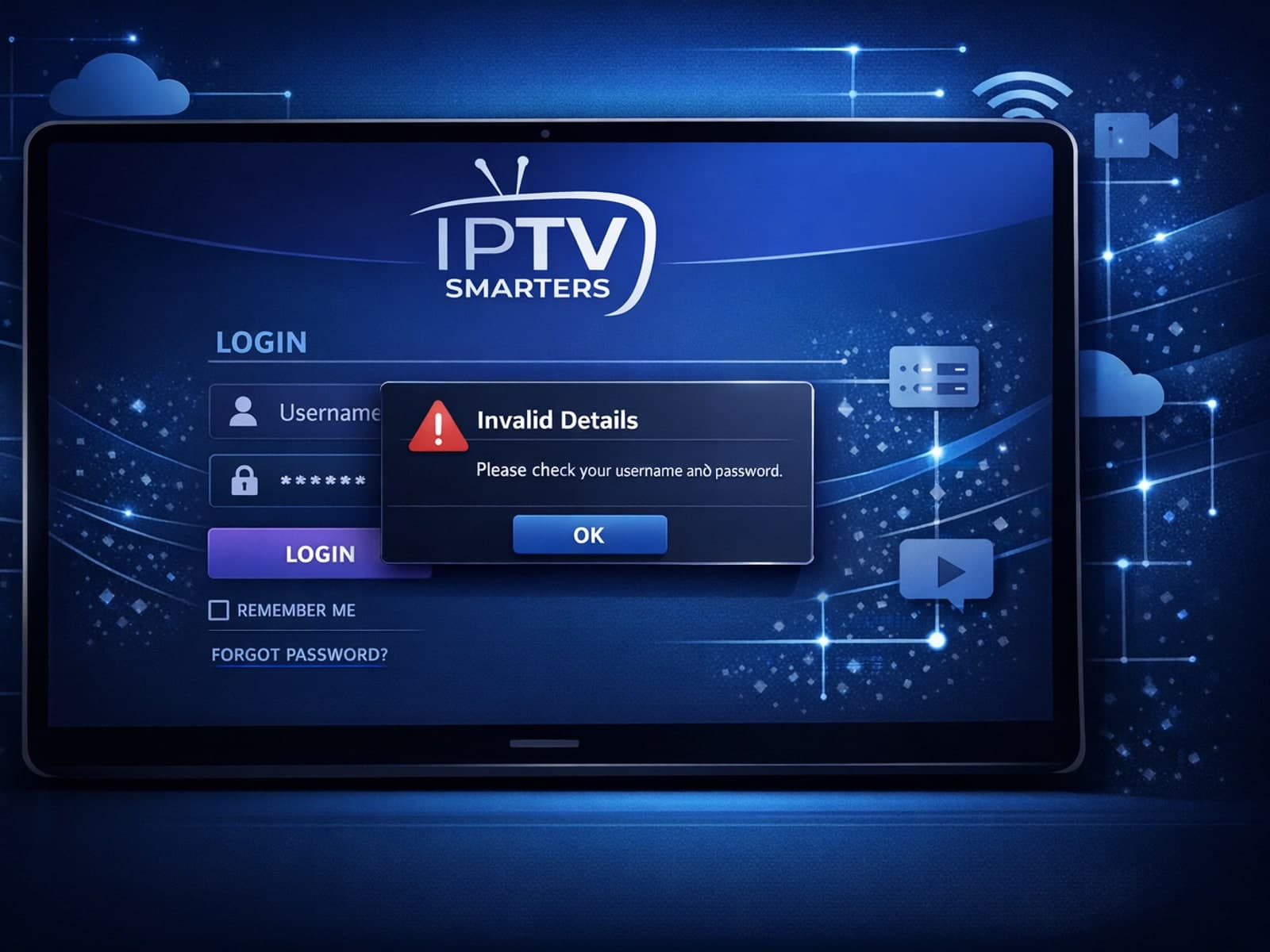
When you see the "Invalid Details" error in IPTV Smarters, it means the app has rejected your login credentials — your username, password, or server URL don't match what the IPTV service requires.