
When Xtream Codes Works Better Than M3U for IPTV

Quick answer
If you use IPTV services in apps like TiviMate, you might encounter two common methods for accessing streams: Xtream Codes login and M3U playlists. While M3U playlists are simple text files listing available channels and URLs, Xtream Codes offers a more integrated and dynamic...
Reviewed Against
• TiviMate playlist, EPG, and player-setting workflows
• Xtream Codes username, password, and server-URL login flows
• M3U and M3U Plus playlist URLs, refreshes, and import behavior
Applies To
• TiviMate setups on Android TV, Google TV, or Fire OS style streaming devices
• Portal-style logins that need a server URL plus account credentials
• Playlist-based IPTV setups that rely on M3U or M3U Plus links for channel data
Does not apply when
• Your app uses a different menu layout or naming scheme than TiviMate.
• You are using only an M3U playlist URL with no Xtream-style portal login at all.
• Your app is using a portal or stalker-style workflow instead of a playlist URL.
Corroborating Resources
HTTP response status codesUseful when an IPTV app surfaces 401, 403, 404, or 5xx style errors during login or playlist refreshes.
URL structure referenceHelpful for checking server URLs, source links, and path/query mistakes in portal or playlist setups.
Topic Cluster
Part of the Xtream Codes cluster
Login errors, URL format confusion, authorization failures, and when Xtream Codes makes more sense than M3U. This page sits in compare options for that topic path.
Start here in this topic
On this page
When Xtream Codes Works Better Than M3U for IPTV
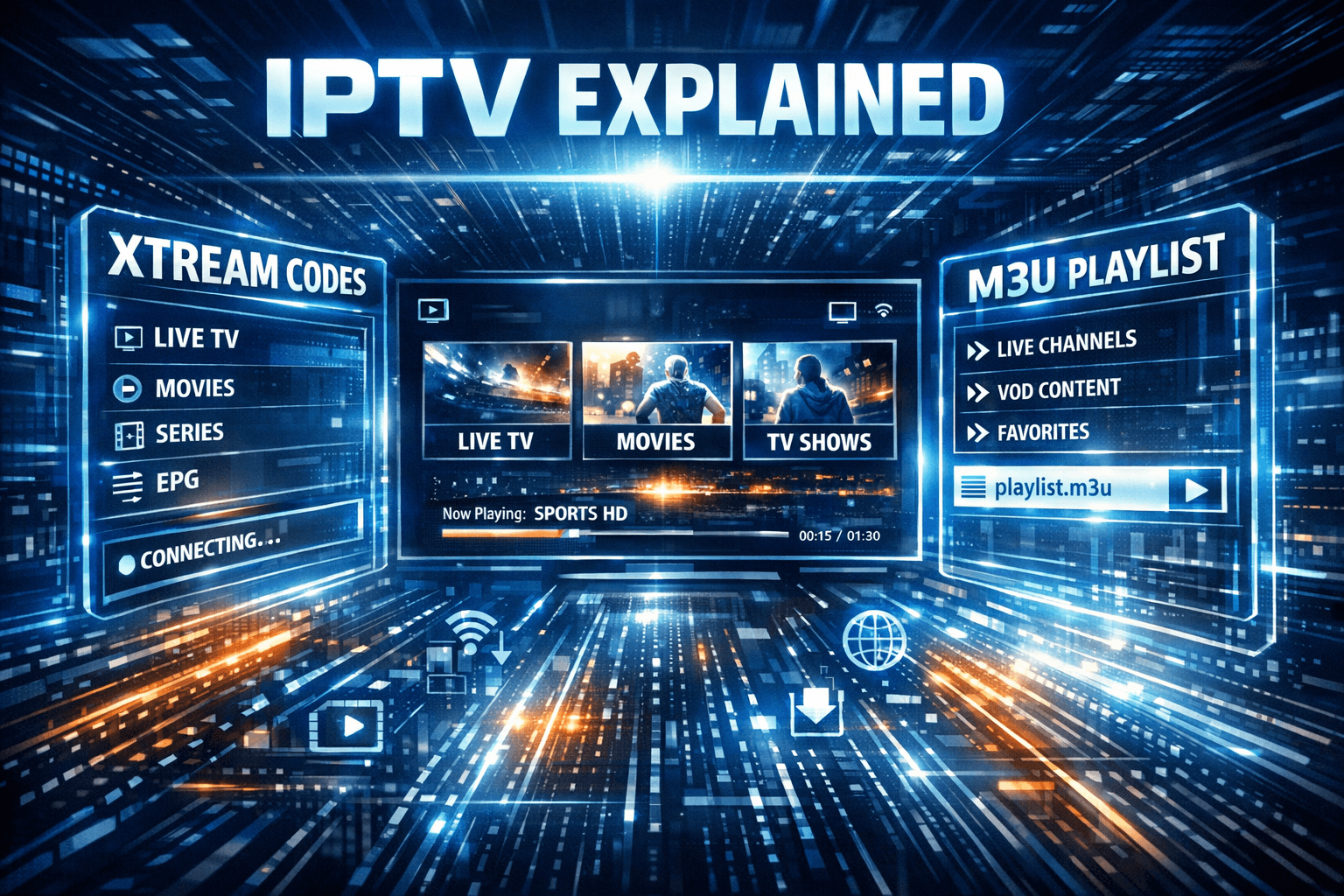
If you use IPTV services in apps like TiviMate, you might encounter two common methods for accessing streams: Xtream Codes login and M3U playlists. While M3U playlists are simple text files listing available channels and URLs, Xtream Codes offers a more integrated and dynamic login method connecting directly to your IPTV provider’s server.
Xtream Codes works better than M3U in circumstances where you want smoother and faster channel switching, automatic electronic program guide (EPG) integration, and more reliable stream management. This article explains exactly when and why Xtream Codes login outperforms M3U, helping you make an informed choice for your IPTV setup.
What you'll learn
- The technical differences between Xtream Codes and M3U
- Benefits of dynamic streaming management with Xtream Codes
- How channel switching speed compares between the two
- When EPG functionality favors Xtream Codes
- Troubleshooting common issues with both methods
Understanding M3U Playlists and Xtream Codes Logins
What is an M3U Playlist?
An M3U playlist is a plain text file that lists IPTV channel URLs, usually alongside metadata like channel name and sometimes logos. Apps import M3U playlists to display channel lists and stream video. However, M3U files are static snapshots — they don't update themselves unless manually refreshed.
M3U is widely supported by nearly every IPTV app but lacks dynamic server interaction.
What is Xtream Codes Login?
Xtream Codes is a protocol allowing IPTV apps to authenticate using credentials (username, password, and server URL) rather than static URLs. The app logs into the IPTV provider's server, which then dynamically delivers channel lists, stream links, and EPG data. This integration allows more real-time control and better management.
Many advanced IPTV players including TiviMate support Xtream Codes login.
Why Xtream Codes Works Better Than M3U in Performance
Faster Channel Switching
Since Xtream Codes uses direct server communication and dynamic playlist fetching, IPTV apps can:
- Switch channels by requesting current stream URLs on demand
- Avoid delays caused by scanning or parsing large static M3U files
- Refresh channel information seamlessly
In contrast, M3U playlists are fully loaded text files that can become large. Apps must parse entire files and stitch stream URLs into the interface, which can slow down channel switching.
| Feature | Xtream Codes | M3U Playlist |
|---|---|---|
| Channel switching speed | Faster due to dynamic stream fetching | Slower with static file parsing |
| EPG integration | Synced directly from server | Usually separate XML or none |
| Stream reliability | Higher due to active session management | Dependent on static links |
| Ease of use | Requires login credentials | Simple file link import |
EPG (Electronic Program Guide) Availability
Xtream Codes supports integrated EPG, automatically loading program schedules along with channel lists. This allows apps to display current and upcoming programs without manual XML imports.
M3U typically requires separate EPG XML files imported manually or through additional settings, making it less convenient and prone to out-of-date data.
When to Choose Xtream Codes Over M3U
Use Xtream Codes Login When:
- Your IPTV provider offers Xtream Codes credentials reliably.
- You use an IPTV app that supports Xtream Codes login (e.g., TiviMate).
- Faster channel switching is a priority.
- You want automatic, up-to-date EPG integration.
- You experience delays or freezes using M3U playlists.
Stick with M3U Playlists When:
- Your IPTV provider only supplies M3U URLs.
- Your app does not support Xtream Codes login.
- You prefer simple manual control over playlist files.
- Troubleshooting login or authorization issues with Xtream Codes.
Troubleshooting Common Issues When Using Xtream Codes
Even though Xtream Codes often works better, issues can arise:
- Authorization failed: Incorrect username, password, or server URL; double-check credentials.
- Server downtime: Provider issues can cause login failures or stream interruptions.
- App compatibility: Older IPTV apps might lack or have buggy Xtream Codes support.
- Frequent credential refresh: Some providers cycle passwords frequently.
Common mistakes:
- Using outdated Xtream Codes credentials copied from old sources.
- Confusing M3U URLs for Xtream Codes logins — they are different input methods.
- Ignoring app updates that improve Xtream Codes functionality.
If you encounter persistent problems, revert to M3U usage and contact your IPTV provider.
How to Set Up Xtream Codes Login in TiviMate (Example)
- Open TiviMate and navigate to Add Playlist.
- Select 'Login with Xtream Codes API' instead of 'Add M3U Playlist URL.'
- Enter your IPTV username, password, and server URL from your provider.
- Confirm and let TiviMate load your channel list and EPG automatically.
- Test channel switching speed and EPG availability.
If login fails, verify your credentials or try M3U playlist.
When to Seek Device-Specific or Provider-Specific Guides
- If you use IPTV apps other than TiviMate, check whether they support Xtream Codes login.
- Devices like Mag boxes often have native Xtream Codes support and may perform differently.
- Provider documentation may specify special parameters or limitations.
- Persistent issues with authorization may need specific fixes covered in guides like Xtream Codes Authorization Failed in TiviMate: Causes and Fixes.
FAQ
What makes Xtream Codes faster than M3U playlists?
Xtream Codes uses dynamic server authentication and real-time stream retrieval, which reduces load time compared to static M3U files requiring complete parsing.
Can all IPTV apps use Xtream Codes?
No, only apps with explicit Xtream Codes login support can use this method. Many apps rely solely on M3U playlists.
Is Xtream Codes more stable than M3U?
Often yes, but this depends on your IPTV service quality and app implementation.
Are there downsides to using Xtream Codes?
Some providers change credentials frequently, and some apps may drop support moving forward.
When should I stick to M3U playlists?
When your provider doesn’t offer Xtream Codes credentials or your app lacks support.
Conclusion
Xtream Codes login offers better performance, faster channel switching, and integrated EPG compared to M3U playlists, especially in apps designed to leverage it like TiviMate. When your IPTV provider supports Xtream Codes and your app is compatible, it's often the superior choice for a smoother viewing experience. However, if you face compatibility issues, authorization errors, or lack of support, M3U playlists remain a valid and widely compatible alternative.
Use this guide to identify when switching to Xtream Codes can improve your IPTV setup and how to troubleshoot common problems.
For more details on related troubleshooting, see: Xtream Codes Authorization Failed in TiviMate, Why IPTV Freezes During Channel Switching, and TiviMate Playlist Not Updating After Refresh.
Keep exploring
More explainers that connect naturally to this setup, workflow, or troubleshooting path.
Organizing favorites and groups in TiviMate significantly improves how you browse and watch IPTV channels. By creating well-structured channel groups and marking your favorites, you can access content quickly, reduce scrolling, and tailor.


If your IPTV stream freezes or buffers when you change channels, this is usually caused by delays in receiving or processing the new channel data.

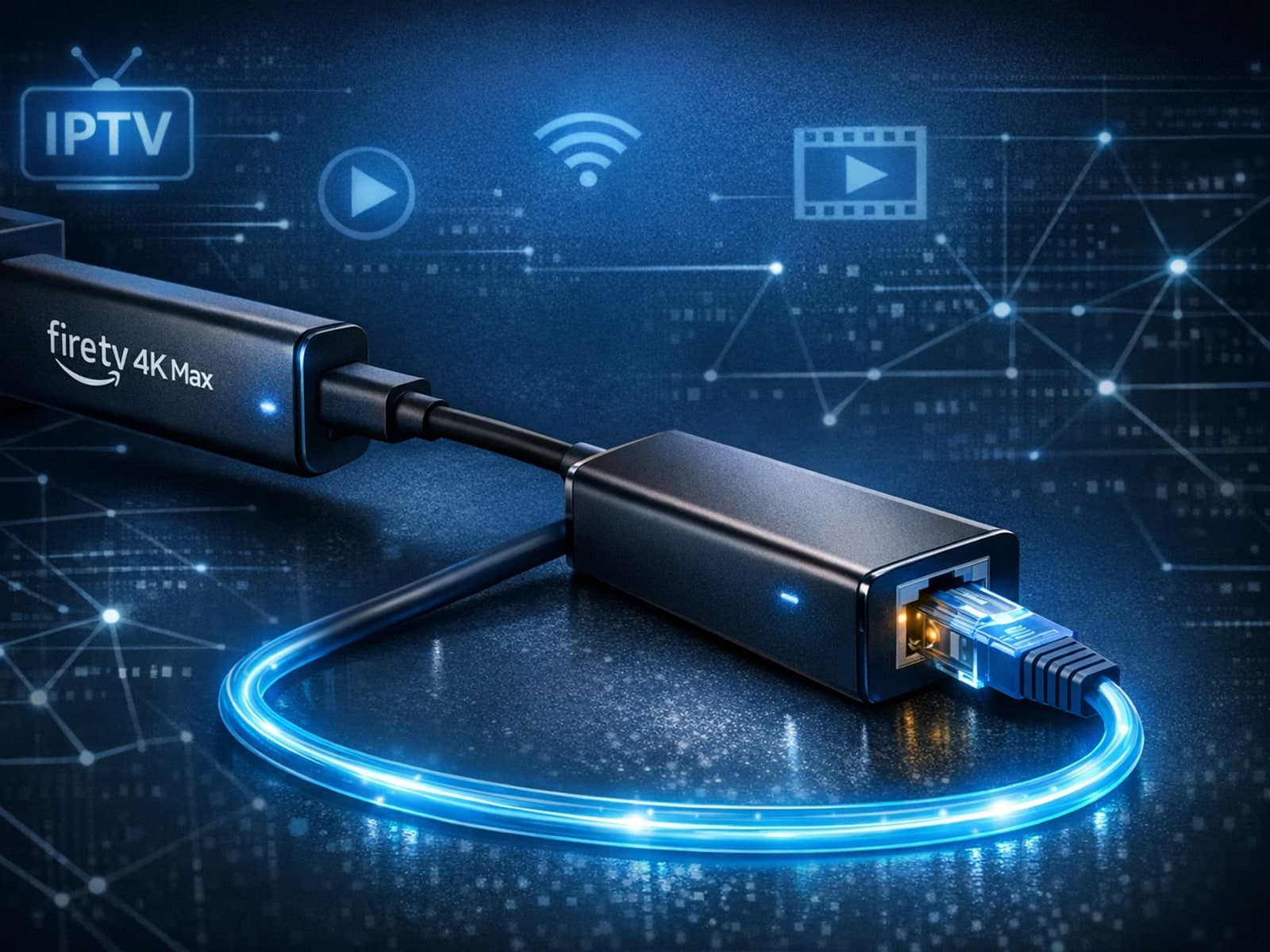
The Fire TV Stick 4K Max supports Ethernet adapters designed to connect through its USB-C port, enabling wired internet access for more reliable streaming.