
Fire TV Stick Storage Issues Causing IPTV Lag

Quick answer
If your IPTV streams frequently lag or buffer on a Fire TV Stick, one common cause is the device's limited storage. Fire TV Sticks have modest internal storage primarily designed for the operating system and apps. When storage becomes crowded, it can hinder the IPTV app's abil...
Reviewed Against
• Fire TV and Fire OS device capabilities, networking, and storage limits
• Home-network checks such as Wi-Fi strength, Ethernet fallback, DNS changes, congestion, and local storage pressure
Applies To
• Fire TV Stick, Fire TV Cube, and Fire OS playback or networking questions
• Playback problems that change with connection quality, device load, app cache state, or time of day
Does not apply when
• You are troubleshooting a smart-TV app or set-top box with a different hardware and settings path.
• Only one channel, event, or provider-side endpoint is failing while the rest of the service stays stable.
Corroborating Resources
Fire TV device specifications overviewHelpful for checking Fire TV hardware families, platform differences, and device-level constraints.
Fire TV streaming media player specsUseful for codec, storage, Wi-Fi, and Ethernet-adapter expectations on Fire TV sticks and boxes.
Android TV video and game troubleshootingUseful for Wi-Fi, updates, app cache, and playback troubleshooting steps that also mirror IPTV failure paths.
Android TV storage helpHelpful when playback issues point to low storage, cache pressure, or app-data cleanup decisions.
On this page
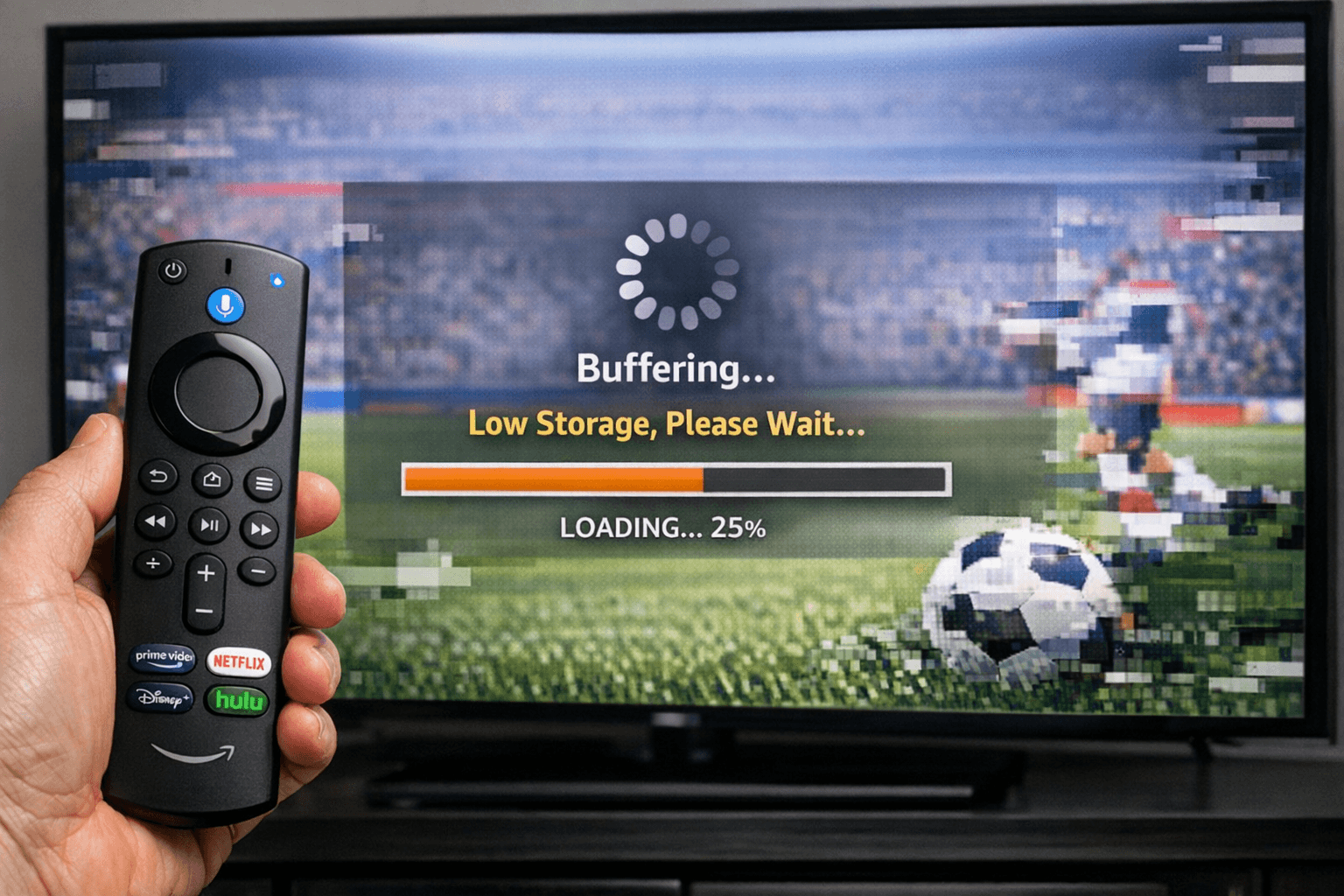
Fire TV Stick Storage Issues Causing IPTV Lag
If your IPTV streams frequently lag or buffer on a Fire TV Stick, one common cause is the device's limited storage. Fire TV Sticks have modest internal storage primarily designed for the operating system and apps. When storage becomes crowded, it can hinder the IPTV app's ability to buffer content smoothly, resulting in lag during playback.
This article focuses on understanding and resolving IPTV lag caused by storage limitations on Fire TV Stick devices. We'll cover how to check storage usage, clear unnecessary data, optimize storage, and when storage might not be the root cause.
What you'll learn
- How low storage on Fire TV Stick impacts IPTV streaming
- Identifying storage usage on your device
- Steps to clear cache and uninstall unused apps
- Managing media files and storage optimization
- When to consider other IPTV lag causes
How Fire TV Stick Storage Affects IPTV Performance
Limited Storage Capacity
Fire TV Sticks typically come with around 8 to 16GB of internal storage, much of which is used by the system software. IPTV apps add to this consumption, and over time, cached data and updates can fill available space.
Why Storage Matters for IPTV
Streaming IPTV involves buffering data so that playback is seamless. When the system storage nears full, the device struggles to allocate enough temporary space, causing delays and interruptions.
Additionally, some IPTV apps store electronic program guides (EPG) and playlist data locally; insufficient storage disrupts this process.
Checking Your Fire TV Stick Storage
To address IPTV lag caused by storage issues, first verify how much free storage you have:
- Navigate to Settings on your Fire TV Stick home screen.
- Select My Fire TV.
- Choose About.
- Open Storage.
Here you'll see storage used and free storage available. If free space is below 1GB, it's a likely contributor to IPTV lag.
Clearing Cache and Uninstalling Unused Apps to Free Storage
Over time, apps accumulate cache files that waste storage. Clearing these can improve performance.
Steps to Clear Cache for IPTV and Related Apps
- Go to Settings > Applications > Manage Installed Applications.
- Select your IPTV app.
- Click Clear Cache.
Repeat for other apps with significant cache.
Uninstall Apps You Don't Use
Remove applications that occupy space unnecessarily:
- From Manage Installed Applications, select unused apps.
- Choose Uninstall.
This gains storage that can improve IPTV app responsiveness.
Managing Media Files and External Storage Options
Deleting Unnecessary Media
If you've downloaded videos or recorded shows directly to the Fire TV Stick, these can consume storage:
- Use a file explorer app to remove unwanted media.
External USB Storage
Fire TV Sticks can support some external storage via OTG cables and powered USB hubs, but compatibility varies:
| Option | Pros | Cons |
|---|---|---|
| USB OTG Adapter + Drive | Expands storage space | Power and device compatibility issues |
| Cloud Storage | No physical device needed | Requires internet and IPTV app support |
Using external storage may help but won’t always eliminate IPTV lag caused by device limitations.
Troubleshooting When Storage Isn’t the Problem
Check Your Network
If storage is sufficient but IPTV lag continues, verify your WiFi or Ethernet connection speed and stability. Lag can stem from poor bandwidth.
Restart Your Fire TV Stick
Simple rebooting clears temporary glitches affecting streaming:
- Hold the Select and Play/Pause buttons simultaneously for 5 seconds, or unplug and plug back in.
Update Your IPTV App
Ensure the IPTV app is updated to the latest version for performance fixes.
Who This Guidance Applies To
- Amazon Fire TV Stick (1st gen and later) users experiencing lag specifically during IPTV streaming
- Users with limited free internal storage (<1GB)
When to Look Elsewhere
- If you're using a very old Fire TV Stick model with very low RAM, performance bottlenecks may require hardware upgrade.
- For lag related to connectivity, consult guides on optimizing Fire TV Stick WiFi settings Best WiFi Settings for IPTV on Fire TV Stick.
- IPTV app-specific errors such as authorization or playlist updates are outside this scope.
Common Mistakes in Managing Fire TV Stick Storage for IPTV
- Ignoring app cache buildup thinking it doesn't impact storage significantly
- Installing many large apps unrelated to IPTV
- Assuming all USB drives work seamlessly without verifying compatibility
Summary Checklist: Quick Fire TV Stick Storage Optimization
| Action | Benefit | Difficulty |
|---|---|---|
| Check storage space | Identifies if storage is tight | Easy |
| Clear app cache | Frees temporary space | Easy |
| Uninstall unused apps | Frees permanent space | Easy |
| Remove excess media | Frees space affecting buffering | Moderate |
| Consider external storage | Expands storage capacity | Moderate |
How to Resolve IPTV Lag From Fire TV Stick Storage Issues
- Check your Fire TV Stick's available storage running the path Settings > My Fire TV > About > Storage.
- Clear the cache of your IPTV app by going to Settings > Applications > Manage Installed Applications > [IPTV App] > Clear Cache.
- Uninstall apps that you no longer use via the same applications menu.
- Delete unnecessary media files using a file manager app if you have downloaded IPTV content or other media.
- Restart your Fire TV Stick to ensure changes take effect.
By following these steps, you can free internal storage, which often resolves buffering and lag in IPTV streaming.
FAQ
Why does low storage cause IPTV lag on Fire TV Stick?
Low storage limits the Fire TV Stick’s ability to manage temporary data needed for buffering IPTV streams, causing disruptions.
Can I use an external drive to increase Fire TV Stick storage?
Yes, with a compatible USB OTG adapter and powered USB hub, but compatibility and effectiveness vary.
Does clearing cache delete my IPTV app settings?
No, clearing cache removes temporary data but preserves your login details and settings.
What if storage appears sufficient, but IPTV still lags?
The cause could be network instability, IPTV app issues, or server-side problems requiring different troubleshooting.
Conclusion
Fire TV Stick storage issues are a common reason IPTV streaming lags. The device’s limited internal space can fill up with app data, cache, and media, slowing down buffering and causing playback interruptions. Regularly checking and managing storage—clearing cache, uninstalling unused apps, and removing unwarranted media—often restores smooth IPTV streaming. If these steps don’t resolve lag, consider network factors or app-specific issues as the next troubleshooting focus.
For further insights into streaming optimization, see Best WiFi Settings for IPTV on Fire TV Stick or explore solutions for buffering causes in the Buffering topic.
Tags: Fire TV Stick, IPTV lag, storage management, streaming buffering, Fire TV optimization
Frequently Asked Questions
Why does low storage cause IPTV lag on Fire TV Stick?
Low storage limits the Fire TV Stick’s ability to manage app data and buffering, leading to delayed IPTV streams and frequent lag.
Can I use an external drive to increase Fire TV Stick storage?
The Fire TV Stick supports limited USB OTG storage expansions via adapters, but compatibility varies and it may not fully solve IPTV lag.
Does clearing cache delete my IPTV settings?
Clearing cache removes temporary files but usually does not delete your IPTV app settings or login information.
What if storage appears sufficient, but IPTV still lags?
Lag might be due to network issues, app glitches, or server-side problems unrelated to storage, requiring different troubleshooting.
Keep exploring
More explainers that connect naturally to this setup, workflow, or troubleshooting path.
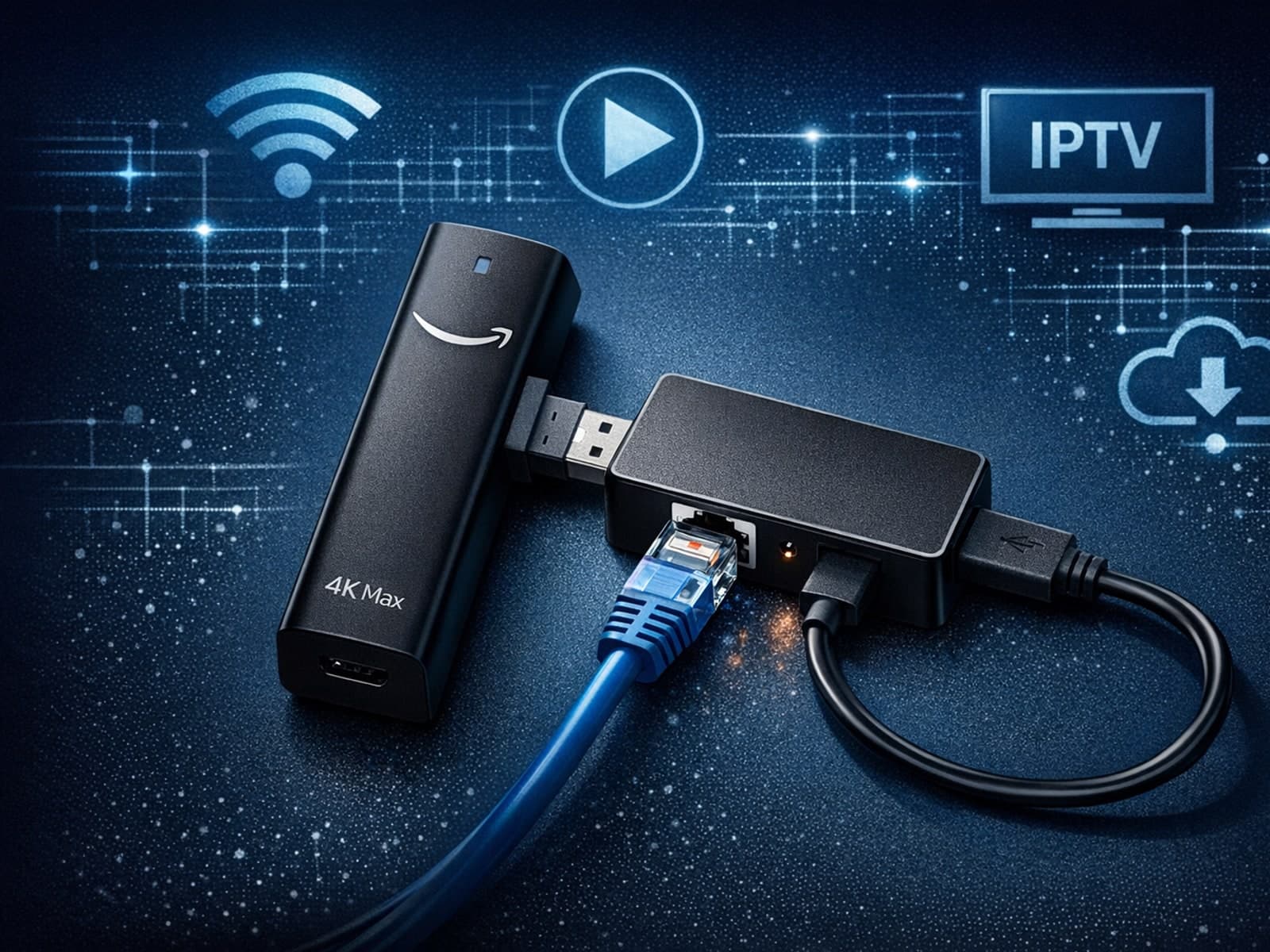
The Fire TV Stick 4K Max, Amazon’s popular streaming media player, supports Ethernet adapters to enable wired internet connections instead of relying on Wi-Fi.

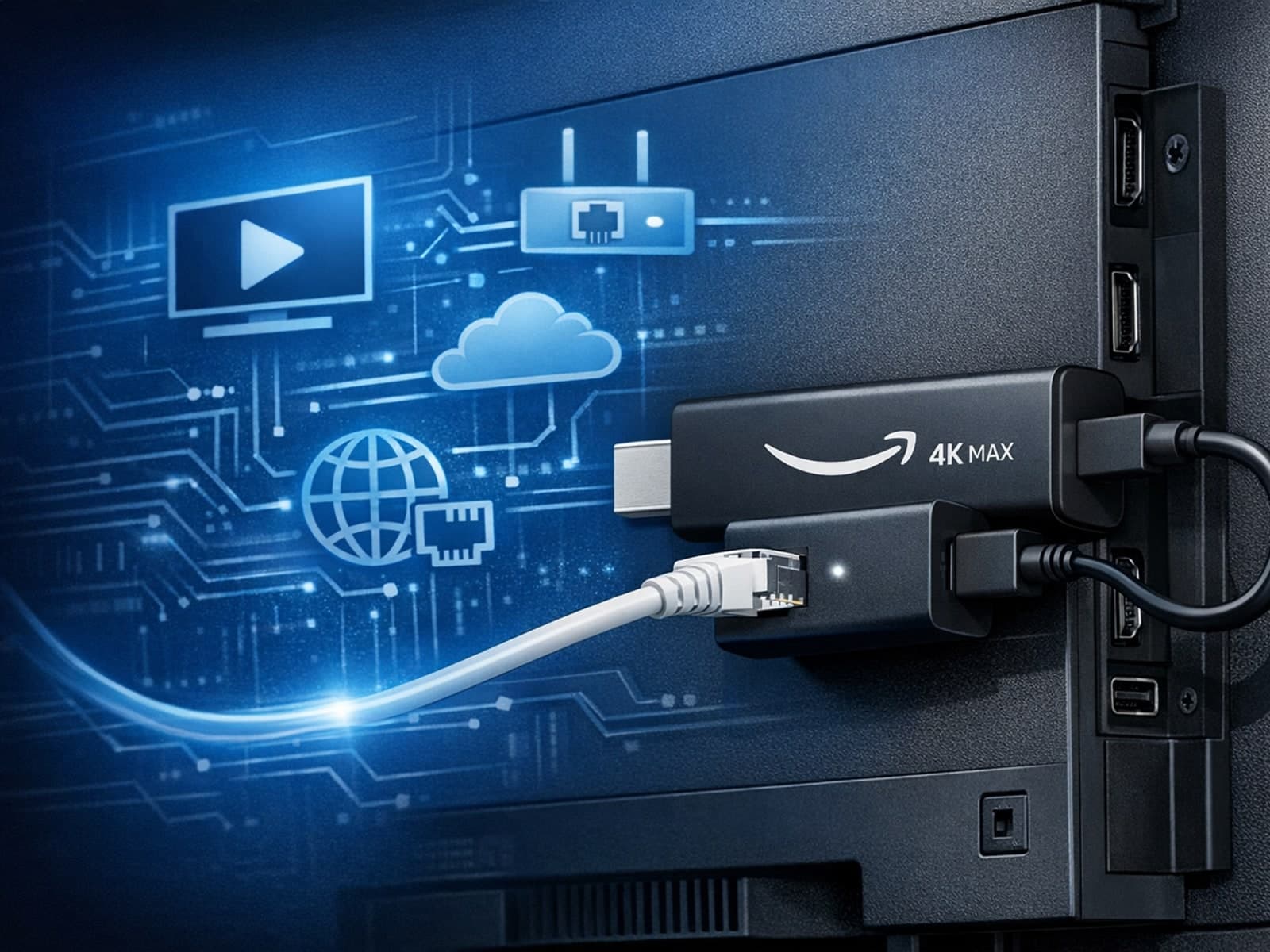
The Amazon Fire TV Stick 4K Max offers a powerful streaming experience with improved hardware and faster Wi-Fi connectivity. However, some users prefer the stability and reliability of a wired Ethernet connection over Wi-Fi.

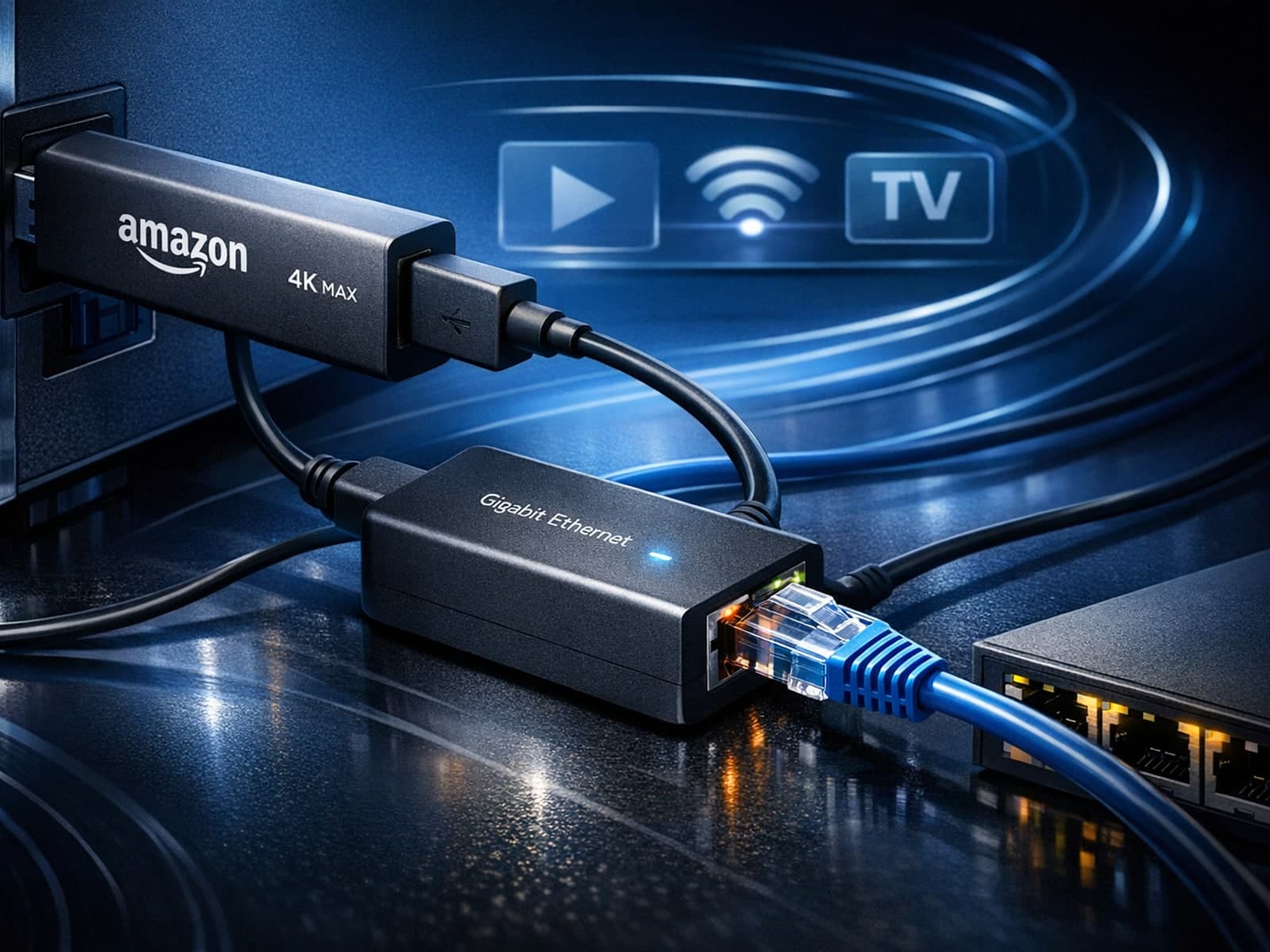
Using a wired Ethernet connection with your Fire TV Stick 4K Max can improve streaming stability and speed, reducing buffering and lag. However, not all Ethernet adapters are compatible with this device.
