
M3U Plus vs Xtream Codes API for IPTV Playlist Updates

Quick answer
When managing IPTV playlists, users often face two popular methods for obtaining and refreshing their channels: M3U Plus URLs and the Xtream Codes API. Both serve to update playlists but differ considerably in how they function and their suitability. This article compares thes...
Reviewed Against
• Xtream Codes username, password, and server-URL login flows
• M3U and M3U Plus playlist URLs, refreshes, and import behavior
• Server-URL formatting, HTTP response handling, and account-entry failure patterns
Applies To
• Portal-style logins that need a server URL plus account credentials
• Playlist-based IPTV setups that rely on M3U or M3U Plus links for channel data
• Errors caused by malformed URLs, wrong credentials, expired tokens, or unreachable playlist endpoints
Does not apply when
• You are using only an M3U playlist URL with no Xtream-style portal login at all.
• Your app is using a portal or stalker-style workflow instead of a playlist URL.
• The provider confirms the service is down or the account has been deliberately blocked upstream.
Corroborating Resources
HTTP response status codesUseful when an IPTV app surfaces 401, 403, 404, or 5xx style errors during login or playlist refreshes.
URL structure referenceHelpful for checking server URLs, source links, and path/query mistakes in portal or playlist setups.
Topic Cluster
Part of the IPTV cluster
Browse practical IPTV articles about IPTV, including setup choices, troubleshooting paths, and follow-on guides. This page sits in compare options for that topic path.
On this page
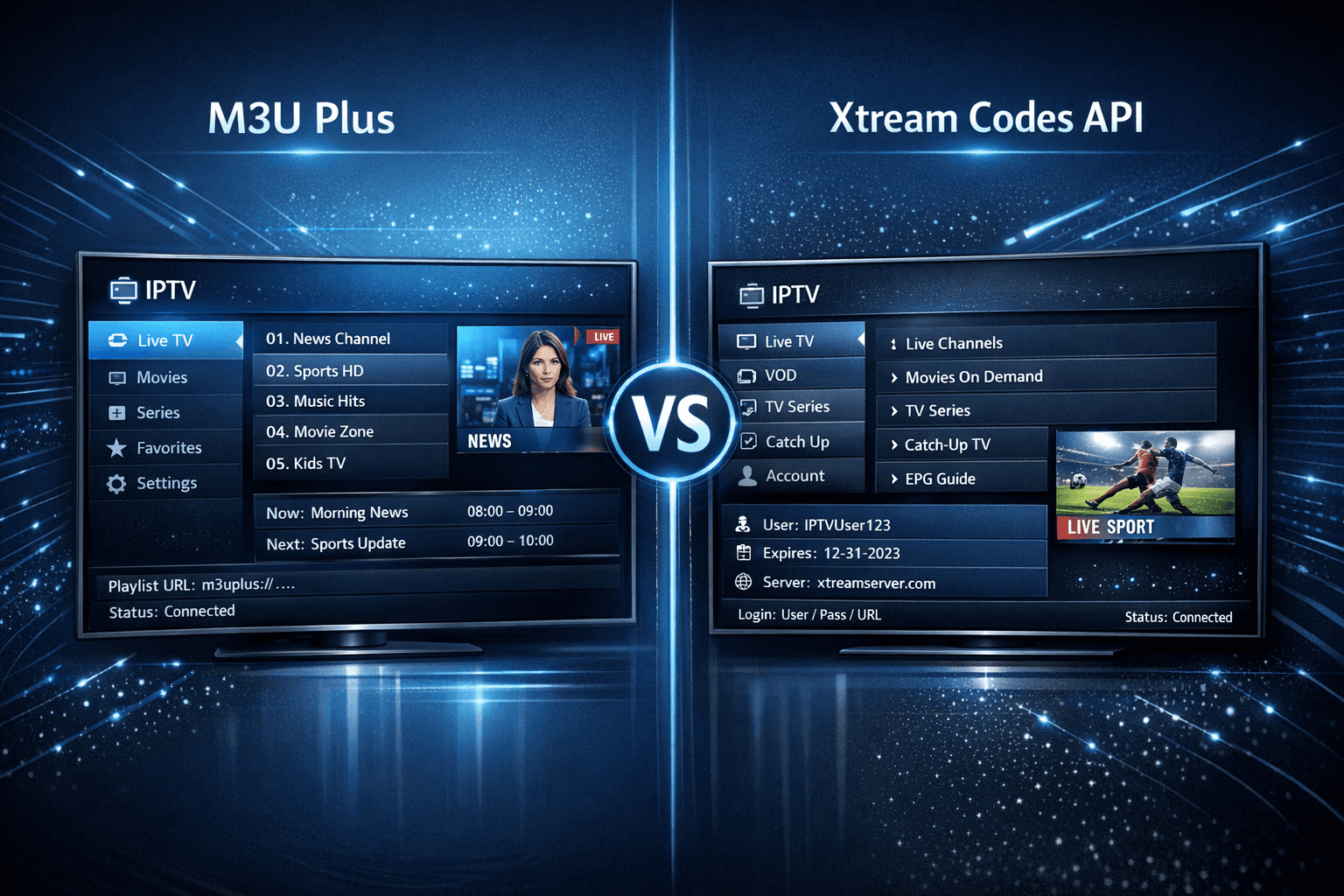
M3U Plus vs Xtream Codes API for IPTV Playlist Updates
When managing IPTV playlists, users often face two popular methods for obtaining and refreshing their channels: M3U Plus URLs and the Xtream Codes API. Both serve to update playlists but differ considerably in how they function and their suitability. This article compares these two formats specifically for playlist updates to help IPTV users choose the best option.
What you'll learn
- How M3U Plus and Xtream Codes API update IPTV playlists
- Key setup differences and requirements
- Strengths and limitations of each method
- Troubleshooting common update problems
- Which method fits specific user scenarios best
Understanding M3U Plus Playlist Updates
M3U Plus is an extended variation of the classic M3U playlist format, used widely in IPTV. It typically involves a URL that points to a playlist file, which the IPTV player downloads and parses.
How M3U Plus Updates Work
- The IPTV service provides a URL linking to the playlist file.
- The player downloads this file when first added or refreshed manually.
- The file lists channels, stream URLs, metadata, and sometimes electronic program guide (EPG) info.
- To see new channels or updates, the user must refresh or reload the playlist URL.
Setup Inputs
Setting up M3U Plus primarily requires the playlist URL. There are no login credentials embedded in the standard M3U Plus URL, so the user may need to input separate EPG or additional settings.
Strengths of M3U Plus
- Simple URL-based setup.
- Compatibility with nearly all IPTV players.
- Easy to export and share.
Limitations
- Manual refresh needed to update playlists.
- Less dynamic metadata support.
- EPG data requires additional configuration.
Understanding Xtream Codes API for Playlist Updates
The Xtream Codes API is a more sophisticated protocol designed to deliver IPTV playlists and user authentication securely via API endpoints.
How Xtream Codes API Updates Work
- IPTV providers give users API URLs that include username, password, and server details.
- The API endpoint returns updated playlist data dynamically.
- Users don’t need to manually refresh very often because many players auto-refresh.
- Supports complete user info, multiple playlists, and EPG data via the API.
Setup Inputs
Users input three main items: server URL, username, and password.
Strengths of Xtream Codes API
- Automatic playlist and EPG updates.
- Secure user authentication.
- Consolidated access to all IPTV services on one login.
Limitations
- Needs IPTV service support for API.
- Some players have limited or no API support.
- Setup is slightly more complex due to credentials.
Comparison Table: M3U Plus vs Xtream Codes API
| Feature | M3U Plus | Xtream Codes API |
|---|---|---|
| Setup Inputs | Playlist URL | Server URL, Username, Password |
| Update Method | Manual refresh via URL reload | Automatic or manual API calls |
| Metadata Support | Basic to moderate | Rich, includes EPG and user info |
| Authentication | None or token in URL | Full user authentication |
| Player Compatibility | Very high | Moderate to high |
| Use Case Recommendation | Simple setups, universal support | Frequent updates, multiple playlists |
Troubleshooting Common Playlist Update Issues
If your IPTV playlist is not updating as expected, these checkpoints can help.
- Not Refreshing Properly: M3U Plus URLs require manual refresh. Ensure you use the "refresh" or "reload" function in your IPTV player.
- Invalid Credentials (Xtream Codes): Double-check username, password, and server URL for typos or change due to subscription updates.
- Network Issues: Confirm your internet is stable and the IPTV server is reachable.
- Expired Playlist URL: For M3U, URLs sometimes expire; request an updated link from your provider.
- Player Compatibility: Some IPTV apps do not support Xtream Codes; verify with your player’s documentation.
Who Should Use Each Method?
-
M3U Plus Updates Are Best For:
- Users with IPTV players lacking API support.
- Simple channel lists without frequent updates.
- Those preferring URL-only setup and manual control.
-
Xtream Codes API Is Better For:
- Users needing real-time playlist and EPG updates.
- IPTV services that support and require user authentication.
- Multi-playlist management and advanced metadata needs.
If your IPTV app or device does not support Xtream Codes API (e.g., certain older Android TVs or custom players), stick to M3U Plus. If you want automatic updates and your service supports it, consider switching to Xtream Codes API.
Step-by-Step Guide to Configure Your IPTV Playlist Update
- Confirm with your IPTV provider which playlist update method they support.
- For M3U Plus: Copy the playlist URL exactly from your service.
- For Xtream Codes API: Obtain your username, password, and server URL.
- Open your IPTV player and navigate to the playlist input section.
- Enter the playlist URL or API credentials as required.
- Save and load the playlist.
- Use your IPTV player's refresh or update function regularly for M3U Plus.
- Verify channels and EPG data load properly.
Summary and Conclusion
Choosing between M3U Plus and Xtream Codes API for IPTV playlist updates depends on your IPTV provider's setup and your player’s capabilities. M3U Plus offers simplicity and broad compatibility, while Xtream Codes API provides dynamic, secure, and automatic updates with richer metadata. For smooth, hassle-free viewing with frequent updates, the Xtream Codes API is generally preferred, but M3U Plus remains valuable where API support is unavailable or less critical.
Understanding these differences can save you time and ensure your IPTV playlists stay current with minimal effort.
Frequently Asked Questions
Q1: Can I switch from M3U Plus to Xtream Codes API easily?
Yes, if your IPTV provider supports it and your app can handle both, you can re-enter your credentials using the API format.
Q2: Why isn’t my playlist updating even after refreshing?
The issue might be with your IPTV server or expired link; check with your provider. Also, confirm you refreshed the playlist correctly.
Q3: Do all IPTV players support Xtream Codes API?
No, some players specialize in M3U playlists only. Check your player’s documentation before attempting API setup.
Q4: Does using Xtream Codes API improve streaming quality?
No, streaming quality depends on network and server conditions; API mainly improves content update and management.
For related help with IPTV playlist problems, see our TiviMate playlist update troubleshooting and IPTV Smarters invalid details fix guides. If you encounter authorization errors during setup, this Authorization Error article can assist. Learn more about organizing your channels effectively in our Channel Groups topic.
Frequently Asked Questions
What is the main difference between M3U Plus and Xtream Codes API for playlist updates?
M3U Plus uses URL-based playlists requiring manual refreshes, while Xtream Codes API offers automated, credential-based updates with richer metadata.
Which is better for frequent playlist updates?
Xtream Codes API is generally better for frequent or automated updates because it supports dynamic authentication and instant refreshes.
Can I use M3U Plus and Xtream Codes API together?
Typically, IPTV players use one method at a time; mixing can cause conflicts and is not recommended.
What IPTV players support Xtream Codes API?
Many popular IPTV apps like TiviMate and IPTV Smarters support Xtream Codes API alongside M3U playlists.
Keep exploring
More explainers that connect naturally to this setup, workflow, or troubleshooting path.
If you've hit "Refresh" in TiviMate but your IPTV playlist doesn't update, you are not alone. This is a common problem that can stem from multiple causes including network hiccups, playlist URL issues, corrupted cache, or server downtime.

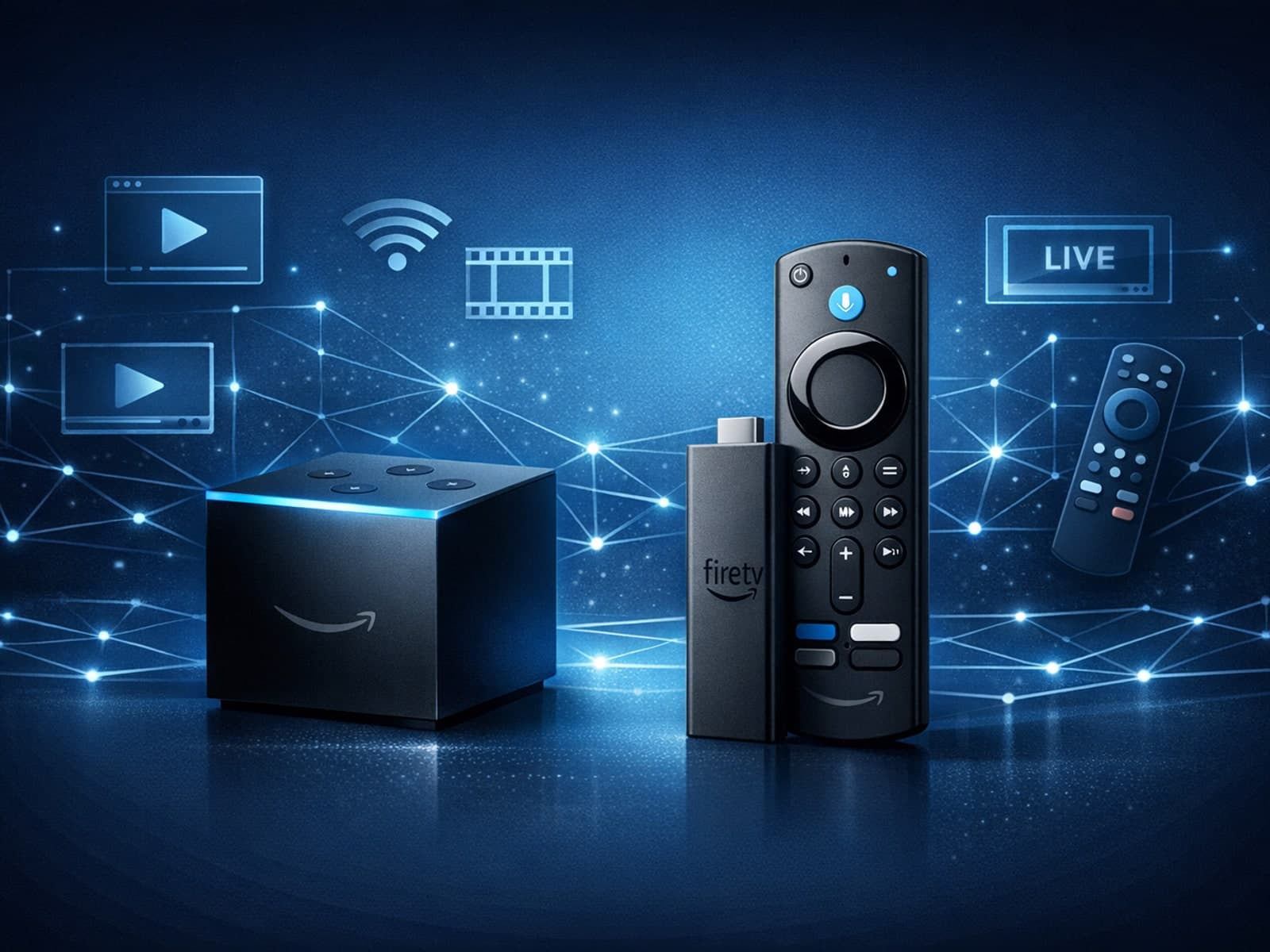
When choosing a device specifically for IPTV streaming, the Amazon Fire TV Cube and Fire TV Stick 4K Max are two popular options. Both devices support 4K streaming and run Amazon’s Fire OS with access to IPTV apps like TiviMate and IPTV.

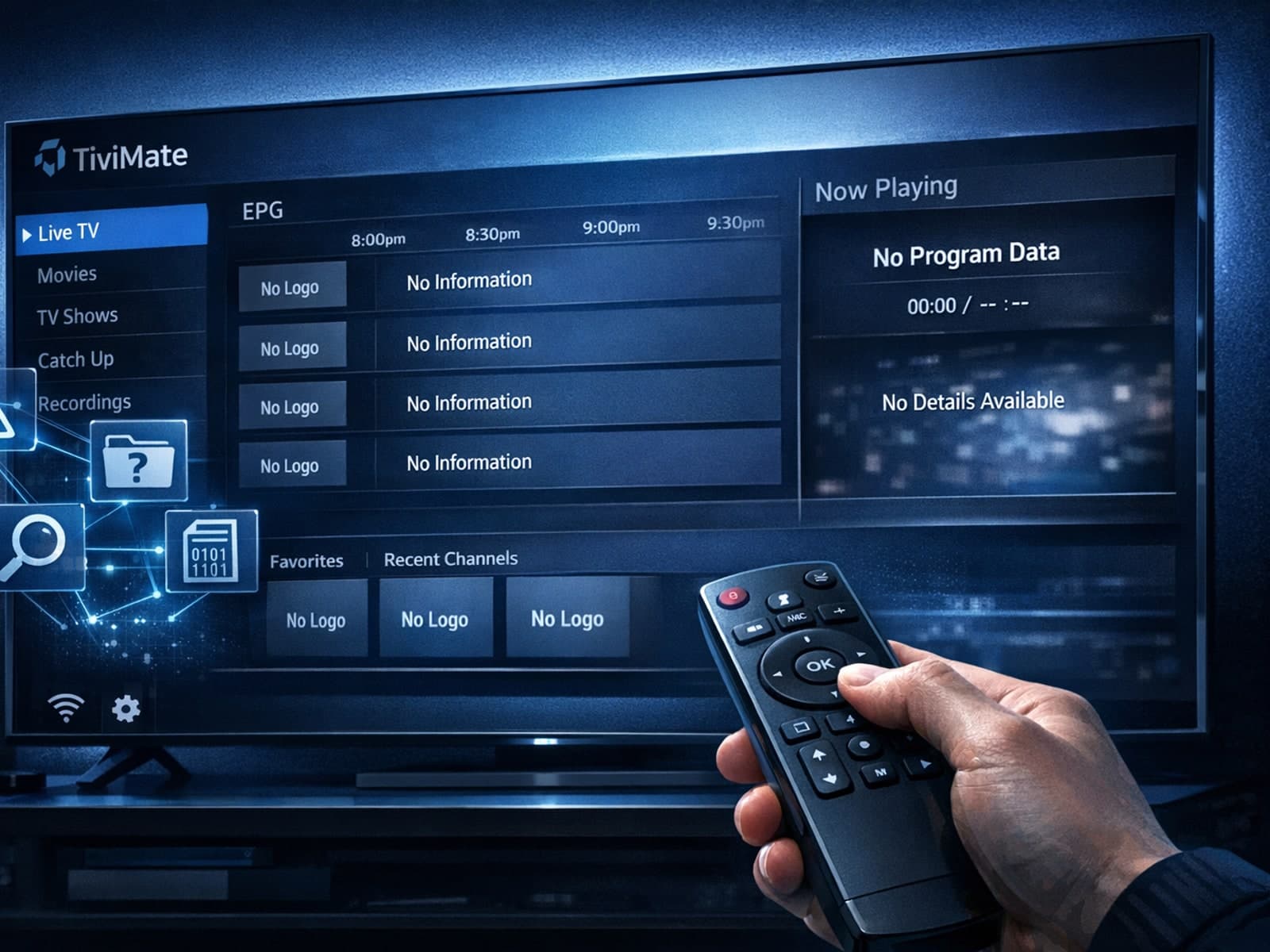
Missing channel logos in TiviMate is a common issue that often stems from problems with your IPTV playlist or Electronic Program Guide (EPG) data.