
M3U Plus vs Xtream Codes API for Playlist Updates

Quick answer
When managing IPTV playlists, users often encounter two primary update formats: M3U Plus and Xtream Codes API. Both methods are widely used to refresh channel lists, catch up on schedule changes, and maintain smooth streaming. This article explains the key differences, setup p...
Reviewed Against
• Xtream Codes username, password, and server-URL login flows
• M3U and M3U Plus playlist URLs, refreshes, and import behavior
• Server-URL formatting, HTTP response handling, and account-entry failure patterns
Applies To
• Portal-style logins that need a server URL plus account credentials
• Playlist-based IPTV setups that rely on M3U or M3U Plus links for channel data
• Errors caused by malformed URLs, wrong credentials, expired tokens, or unreachable playlist endpoints
Does not apply when
• You are using only an M3U playlist URL with no Xtream-style portal login at all.
• Your app is using a portal or stalker-style workflow instead of a playlist URL.
• The provider confirms the service is down or the account has been deliberately blocked upstream.
Corroborating Resources
HTTP response status codesUseful when an IPTV app surfaces 401, 403, 404, or 5xx style errors during login or playlist refreshes.
URL structure referenceHelpful for checking server URLs, source links, and path/query mistakes in portal or playlist setups.
Topic Cluster
Part of the Xtream Codes cluster
Login errors, URL format confusion, authorization failures, and when Xtream Codes makes more sense than M3U. This page sits in compare options for that topic path.
Start here in this topic
On this page
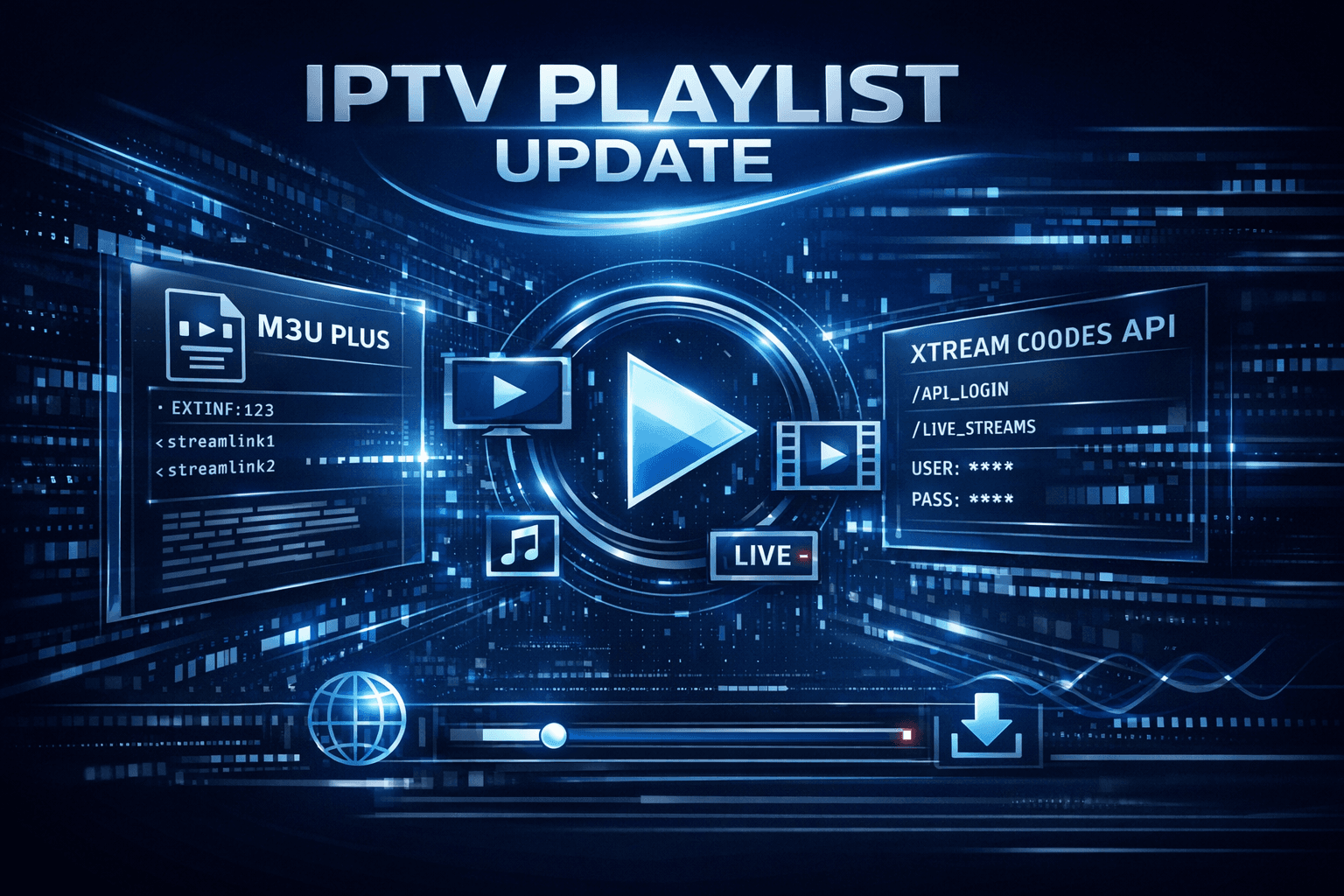
M3U Plus vs Xtream Codes API for Playlist Updates
When managing IPTV playlists, users often encounter two primary update formats: M3U Plus and Xtream Codes API. Both methods are widely used to refresh channel lists, catch up on schedule changes, and maintain smooth streaming. This article explains the key differences, setup processes, common issues, and which option suits specific IPTV scenarios.
What you'll learn
- The fundamental differences between M3U Plus and Xtream Codes API
- Step-by-step setup for each playlist update method
- Strengths and limitations of both systems
- Troubleshooting common playlist update problems
- Which method fits different IPTV user needs
Understanding M3U Plus and Xtream Codes API
What is M3U Plus?
M3U Plus is an extended version of the standard M3U playlist file format commonly used in IPTV for listing channel URLs and metadata. Unlike a basic M3U, M3U Plus often includes additional tags for channel grouping, logos, and event data, enabling richer features in compatible apps.
What is Xtream Codes API?
The Xtream Codes API is a server-driven protocol that IPTV providers use to authenticate users, deliver dynamic channel lists, electronic program guides (EPG), and VOD catalogs. It requires login credentials (username, password, server URL) rather than a single playlist URL.
This API supports real-time updates and user-specific content, improving responsiveness compared to static playlist files.
Setup Differences Between M3U Plus and Xtream Codes API
Successful playlist updates require proper setup depending on your IPTV source. Here’s how each process differs:
Setting up M3U Plus Playlist Updates:
- Obtain the full M3U Plus playlist URL from your IPTV provider.
- Open your IPTV app and navigate to the playlist input section.
- Enter or paste the M3U Plus URL exactly as provided.
- Save and refresh the playlist to load channels and metadata.
- Repeat refreshes periodically or use auto-refresh features if supported.
Setting up Xtream Codes API Playlist Updates:
- Collect your Xtream Codes credentials: server URL, username, and password.
- In the IPTV app, choose the Xtream Codes login option or API setup.
- Enter the server address and login details accurately.
- Confirm and wait for the app to load channels, EPG, and VOD.
- Updates usually happen dynamically; manual refresh can trigger immediate sync.
Strengths and Limitations
| Criteria | M3U Plus | Xtream Codes API |
|---|---|---|
| Setup Input | Single URL (playlist.m3u plus tags) | Server URL + Username + Password |
| Update Frequency | Manual or scheduled refresh | Dynamic, near real-time updates |
| User Authentication | Usually none; open URL access | Mandatory user login |
| EPG Integration | Limited, embedded static EPG data | Improved with live EPG and VOD access |
| Complexity | Simple to implement | Requires correct credentials and server support |
| Use Case | Basic or guest IPTV access | Personalized IPTV with dynamic content |
The table summarises the essential factors guiding your choice.
Troubleshooting Common Playlist Update Issues
Even with correct setups, playlist updates can fail. Consider these common problems with suggested fixes:
Common Mistakes
- Incorrect URL or credentials: Double-check the spelling, case sensitivity, and completeness of M3U URLs or Xtream Codes login details.
- Expired or revoked access: IPTV providers often expire credentials; verify validity with your source.
- Playlist caching issues: Some IPTV apps cache playlists—clear cache or restart the app during troubleshooting.
- Server downtime: Xtream Codes servers or playlist hosts may temporarily go offline; try after a while.
Troubleshooting Steps
- Verify exact playlist URL or API login credentials.
- Restart your IPTV app and device.
- Clear app data or cache related to playlists.
- Check your internet connection stability.
- Contact your IPTV provider to confirm server status or credential validity.
Who Should Use This Guidance?
This troubleshooting guidance is intended for users with intermediate familiarity with IPTV apps that support M3U Plus and Xtream Codes API methods, such as TiviMate, IPTV Smarters, or Perfect Player.
Users working with device-specific or app-specific protocols may need more specialized support or different workflows.
Choosing Between M3U Plus and Xtream Codes API
Select your playlist update method based on these factors:
- Your IPTV provider's offering: Not all providers supply both options.
- Desired features: Need dynamic EPG and VOD integration? Xtream Codes API.
- Ease of setup: Prefer simple URLs only? M3U Plus.
- User authentication needs: Personalized credentials imply Xtream Codes API.
If you require frequent updates with richer content and user customization, Xtream Codes API generally works better. For lightweight or guest access setups, M3U Plus may suffice.
Refer to our in-depth article When Xtream Codes Works Better Than M3U for IPTV Streaming for specific scenarios.
Summary Checklist
- Confirm IPTV source supports M3U Plus or Xtream Codes API.
- Obtain correct playlist URL or API login credentials.
- Input data carefully into IPTV app.
- Use manual refresh or forced reload to confirm playlist updates.
- Monitor update behavior to detect expired credentials or downtime.
FAQ
Which is better for IPTV playlist updates: M3U Plus or Xtream Codes API?
It depends on your IPTV service and needs. Xtream Codes API supports dynamic updates and user authentication, while M3U Plus offers simplicity with static playlist files.
Can I switch between M3U Plus and Xtream Codes API in the same IPTV app?
Only if the app supports both methods and your IPTV source provides matching playlist types. Otherwise, switching will cause connection errors.
Why is my playlist not updating when using Xtream Codes API?
Often due to expired credentials, incorrect login details, or server downtime. Verify account status and redo login details in the app.
Conclusion
Choosing between M3U Plus and Xtream Codes API for playlist updates hinges on your IPTV provider's capabilities and your streaming preferences. M3U Plus offers a straightforward, URL-based method suitable for simple, static playlists, while Xtream Codes API allows for advanced features like authentication, dynamic EPG, and personalized content. Understanding setup requirements and troubleshooting steps will help maintain a smooth IPTV experience with either method.
For detailed app-specific issues like playlist refresh failures or login errors, see our related articles such as TiviMate Playlist Not Updating After Refresh and IPTV Smarters Invalid Details Error.
How to Set Up Playlist Updates:
- Identify your IPTV provider's supported playlist update method (M3U Plus or Xtream Codes API).
- Obtain the necessary credentials or playlist URL for your chosen method.
- In your IPTV app, enter the M3U Plus URL or Xtream Codes API login details.
- Refresh or update the playlist within the app to confirm successful connection.
- Monitor playlist updates regularly to ensure continuous compatibility and fix issues promptly.
Keep exploring
More explainers that connect naturally to this setup, workflow, or troubleshooting path.
Organizing favorites and groups in TiviMate makes navigating large IPTV channel lists more intuitive and personalized. TiviMate, a popular IPTV player app for Android TV and Fire TV devices, provides features that let you categorize.


When you switch channels on your IPTV service, the stream sometimes freezes or stalls. This interruption usually happens because your device or app needs to buffer the new channel stream, but something delays or disrupts that process.


If the catch-up feature in your TiviMate IPTV player is not working, the cause usually lies in playlist compatibility, EPG (Electronic Program Guide) data issues, or app configuration problems.