When Xtream Codes Works Better Than M3U for IPTV Streaming

Quick answer
Xtream Codes works better than M3U playlists in IPTV streaming contexts where dynamic playlist management, faster updates, and user authentication are important. While M3U is a standard static file format listing stream URLs, Xtream Codes uses an API-driven approach that allow...
Reviewed Against
• Xtream Codes username, password, and server-URL login flows
• M3U and M3U Plus playlist URLs, refreshes, and import behavior
• Server-URL formatting, HTTP response handling, and account-entry failure patterns
Applies To
• Portal-style logins that need a server URL plus account credentials
• Playlist-based IPTV setups that rely on M3U or M3U Plus links for channel data
• Errors caused by malformed URLs, wrong credentials, expired tokens, or unreachable playlist endpoints
Does not apply when
• You are using only an M3U playlist URL with no Xtream-style portal login at all.
• Your app is using a portal or stalker-style workflow instead of a playlist URL.
• The provider confirms the service is down or the account has been deliberately blocked upstream.
Corroborating Resources
HTTP response status codesUseful when an IPTV app surfaces 401, 403, 404, or 5xx style errors during login or playlist refreshes.
URL structure referenceHelpful for checking server URLs, source links, and path/query mistakes in portal or playlist setups.
Topic Cluster
Part of the Xtream Codes cluster
Login errors, URL format confusion, authorization failures, and when Xtream Codes makes more sense than M3U. This page sits in compare options for that topic path.
Start here in this topic
On this page
Introduction
Xtream Codes works better than M3U playlists in IPTV streaming contexts where dynamic playlist management, faster updates, and user authentication are important. While M3U is a standard static file format listing stream URLs, Xtream Codes uses an API-driven approach that allows IPTV apps to fetch channel lineups, electronic program guides (EPG), and stream links dynamically, often improving reliability and user experience. This article explains when and why Xtream Codes outperforms M3U playlists, helping intermediate IPTV users decide when to prefer one over the other.
What you'll learn
- The technical differences between Xtream Codes and M3U playlists
- Why Xtream Codes can offer more reliable playlist updates
- How authentication and security differ between both formats
- Common scenarios where Xtream Codes works better than M3U
- Troubleshooting tips specific to Xtream Codes API usage
Understanding Xtream Codes vs M3U Playlists
What is an M3U Playlist?
An M3U playlist is a simple text file containing a list of IPTV stream URLs and associated metadata formatted for easy reading. The playlist is static—when the provider updates channels or stream URLs, you have to download a new M3U file or manually refresh it.
What is Xtream Codes?
Xtream Codes is an IPTV middleware protocol that provides API-based access to channel lists, EPG data, and stream URLs. It requires user credentials (username, password, and server URL) to authenticate and dynamically deliver updated content profiles rather than relying on a static file.
Key Differences
| Feature | M3U Playlist | Xtream Codes API |
|---|---|---|
| Format | Static text file | Dynamic JSON-based API |
| Authentication | None or basic via URL parameters | Username/password token-based |
| Updates | Manual refresh/download of playlist | Automatic, real-time playlist and EPG updates |
| EPG (Program Guide) | Separate XMLTV files required or embedded links | Delivered via API for easy synchronization |
| Supported by IPTV apps | Most IPTV apps support M3U playlists | Only certain IPTV apps support Xtream Codes |
When Xtream Codes Works Better Than M3U
1. Dynamic Playlist and EPG Updates
Because Xtream Codes uses an API, your IPTV app can fetch the latest channel lineup and program guide data automatically without needing you to manually download or refresh a playlist file. This reduces downtime and keeps your channel list current.
2. Secure Authentication
Xtream Codes requires login credentials, which enhances access control and usage tracking. M3U files often use open URLs, which may be shared unintentionally, leading to unauthorized access. If security and individualized access matter, Xtream Codes is preferable.
3. Improved Stability and Stream Reliability
Dynamic API-based delivery lets IPTV providers swap broken streams or update URLs transparently. Users benefit from fewer broken links and better stream availability, whereas M3U playlists might contain outdated links until manually refreshed.
4. Enhanced User Experience in Supported Apps
Some IPTV apps (like IPTV Smarters, TiviMate with API support) offer better integration and features when using Xtream Codes, such as quick channel grouping, favorites syncing, and automatic EPG alignment.
5. Simplified Management for Providers and Users
Providers can manage all user subscriptions, channel packages, and EPG updates centrally via the Xtream Codes platform, which users receive immediately upon login. Static M3U requires more manual intervention.
Troubleshooting Common Xtream Codes Issues
Frequent Login Failures
- Double-check username, password, and server URL accuracy.
- Verify your IPTV app is updated to the latest version supporting Xtream Codes.
- Test credentials on a different app or device to isolate issues.
Playlist Not Updating Automatically
- Ensure your IPTV app has background refresh enabled for playlists.
- Confirm the provider's server is functioning (check status via provider support).
- Restart the app or device to clear cached data.
Authorization Errors
- See if your subscription is active and not expired.
- Confirm you are not exceeding concurrent device limits.
- Contact your IPTV provider for user account validation.
When to Use a Different Troubleshooting Path or Device-Specific Guide
- If you are using an IPTV app that does not support Xtream Codes (e.g., simple M3U-only players), troubleshooting Xtream Codes is irrelevant.
- Device-specific guides for Fire TV Stick, Android TV, or iOS IPTV apps may cover unique cache management or network issues.
- For EPG-specific issues, consult EPG synchronization troubleshooting rather than general playlist problems.
Checklist: Choosing Xtream Codes vs M3U
| Requirement | Prefer Xtream Codes | Prefer M3U Playlist |
|---|---|---|
| Requires automatic playlist updates | Yes | No |
| Needs secure user authentication | Yes | No |
| IPTV app supports Xtream Codes API | Yes | Not applicable |
| Comfortable with manual M3U refresh | No | Yes |
| Uses basic or offline IPTV players | No | Yes |
How to Switch from M3U to Xtream Codes Format
- Obtain your IPTV service’s Xtream Codes login credentials (server URL, username, password).
- Open your IPTV app supporting Xtream Codes API (e.g., IPTV Smarters, TiviMate).
- Navigate to add a new playlist or login section and select the Xtream Codes option.
- Enter the provided credentials accurately.
- Save and load the playlist; confirm channels and EPG appear.
FAQ
What IPTV apps support Xtream Codes?
Apps like IPTV Smarters, TiviMate (with API support), and some Android IPTV players support the Xtream Codes login method.
Is Xtream Codes always better than M3U?
Not always. If your IPTV provider only supplies static playlists or your app lacks API support, M3U remains practical.
Can I convert an M3U playlist to Xtream Codes?
No. These are fundamentally different delivery methods; conversion isn't typical or straightforward.
Will switching to Xtream Codes improve stream quality?
Stream quality depends on the provider's infrastructure; however, Xtream Codes can reduce broken links and downtime.
Conclusion
Xtream Codes works better than M3U playlists in IPTV scenarios where dynamic content delivery, user authentication, and seamless playlist updates improve stability and security. Choosing Xtream Codes is ideal for IPTV users with compatible apps and services focused on a robust, real-time streaming experience, while M3U remains valuable for simpler, manual playlist setups. Understanding these distinctions helps IPTV users optimize their streaming setups effectively.
Related guides on IPTV Explained
Keep exploring
More explainers that connect naturally to this setup, workflow, or troubleshooting path.

When watching IPTV on your Firestick, the speed and reliability of how your device connects to IPTV servers greatly affect stream quality.

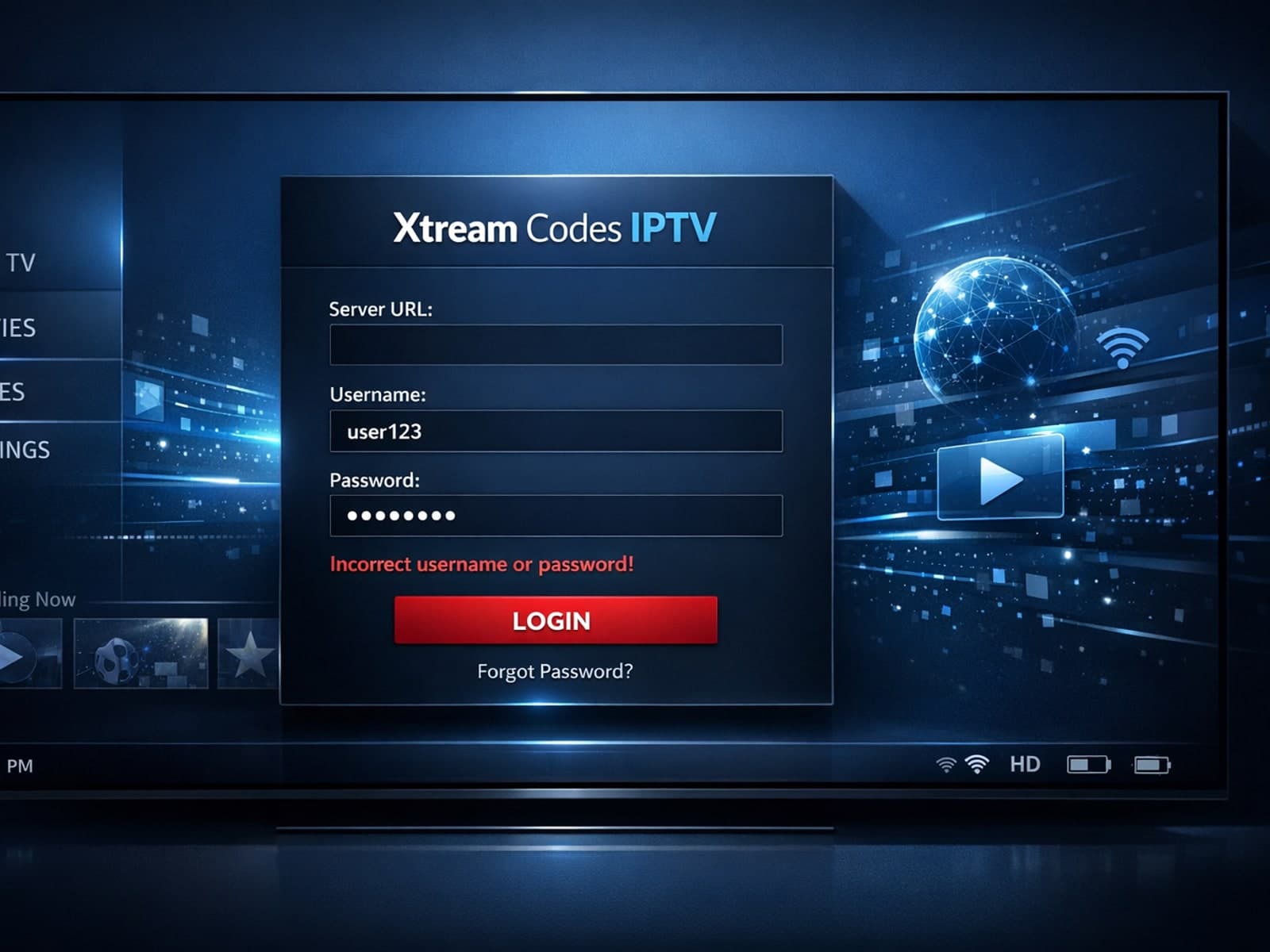
When you encounter an "Xtream Codes username password incorrect" error, it means the IPTV client app is unable to authenticate your login credentials with the server.