
IPTV Smarters Invalid Details Error: How to Fix Login Issues

Quick answer
If you encounter the "Invalid Details" error in the IPTV Smarters app, it means the login credentials or server information entered do not match what the IPTV service requires. This error prevents you from accessing your IPTV channels until the issue is resolved.
Reviewed Against
• IPTV Smarters login, playlist, and account-entry screens
• Server-URL formatting, HTTP response handling, and account-entry failure patterns
Applies To
• IPTV Smarters sign-in, playlist import, or account-detail errors
• Errors caused by malformed URLs, wrong credentials, expired tokens, or unreachable playlist endpoints
Does not apply when
• The account itself is disabled or expired on the provider side.
• The provider confirms the service is down or the account has been deliberately blocked upstream.
Corroborating Resources
HTTP response status codesUseful when an IPTV app surfaces 401, 403, 404, or 5xx style errors during login or playlist refreshes.
URL structure referenceHelpful for checking server URLs, source links, and path/query mistakes in portal or playlist setups.
Topic Cluster
Part of the IPTV Smarters cluster
Browse practical IPTV articles about IPTV Smarters, including setup choices, troubleshooting paths, and follow-on guides. This page sits in troubleshoot and fix for that topic path.
On this page
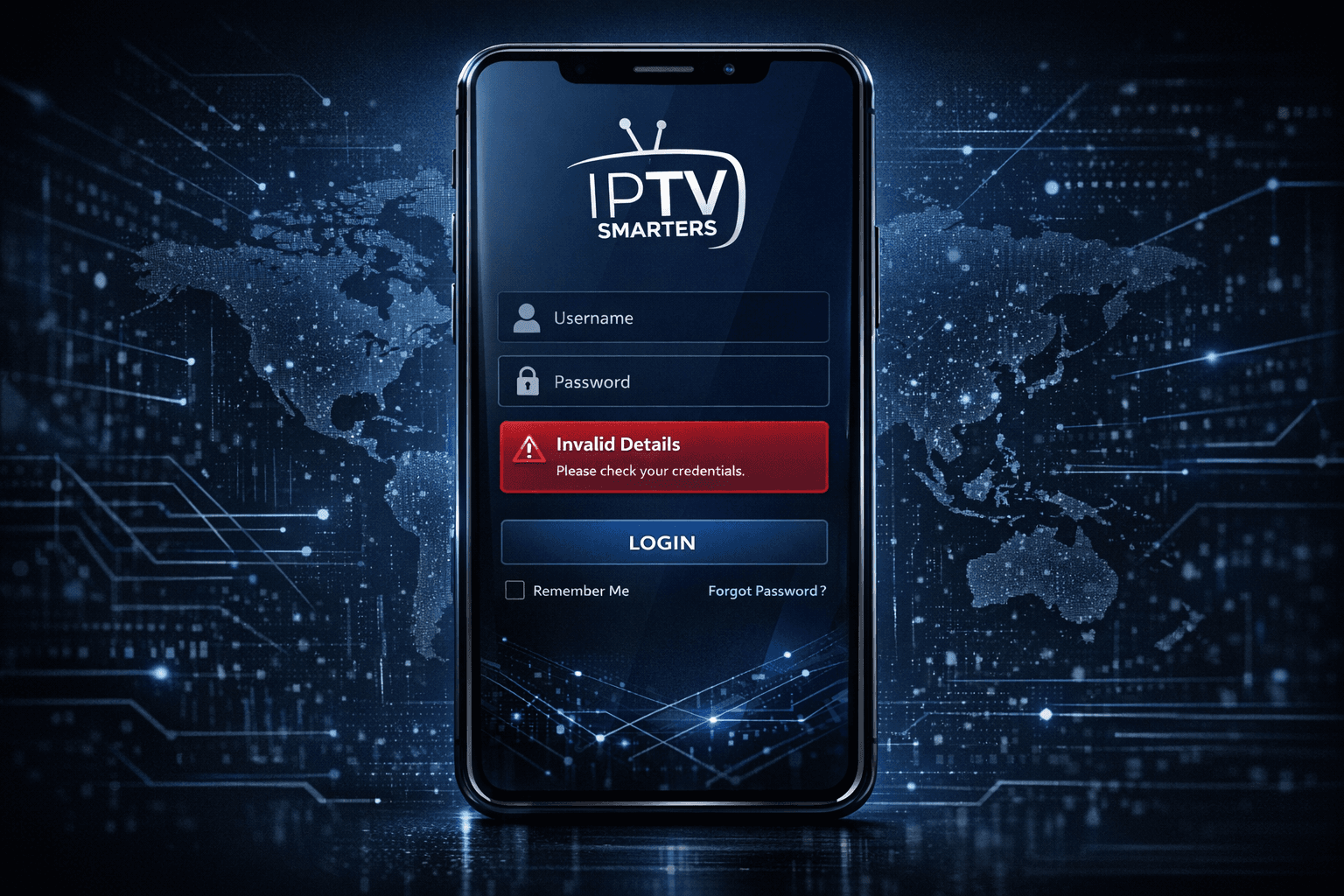
IPTV Smarters Invalid Details Error: How to Fix Login Issues
If you encounter the "Invalid Details" error in the IPTV Smarters app, it means the login credentials or server information entered do not match what the IPTV service requires. This error prevents you from accessing your IPTV channels until the issue is resolved.
The problem usually arises from entering an incorrect username, password, or server URL, or due to changes on your IPTV provider's side.
This article guides you through focused, step-by-step procedures to verify and correct your credentials and configuration so you can regain access smoothly.
What you'll learn
- What "Invalid Details" means in IPTV Smarters
- How to correctly verify and enter IPTV login credentials
- How to confirm the server URL or portal address
- Common mistakes causing credential rejection
- When to contact your IPTV service provider for help
Understanding the "Invalid Details" Error
The IPTV Smarters app requires you to log in using account credentials supplied by your IPTV service. These generally include:
- A username
- A password
- A server URL, also called portal URL or playlist URL
When the app reports "Invalid Details," it means the app sent the login details to the IPTV server, but the server rejected them as incorrect or unauthorized.
This is an authentication failure, not a device problem or network timeout error.
Verifying Your IPTV Login Credentials
Step 1: Retrieve Credentials from Your IPTV Provider
Your IPTV service should provide you with all necessary information either via email, user dashboard, or customer portal. Look for:
- Username (sometimes called user ID or login)
- Password
- Server or Portal URL (often starting with http or https)
Step 2: Enter Credentials Precisely
Credentials are often case sensitive. Make sure:
- You type your username exactly as given, without extra spaces.
- Passwords are copied carefully, preserving capitalization and symbols.
- Server URL matches exactly, without typos or missing segments.
Step 3: Avoid Common Input Mistakes
Common issues that trigger invalid details errors include:
- Accidentally including trailing spaces after username or password
- Confusing similar characters (letter "O" vs number "0")
- Using clipboard snippets that add hidden characters
Using the built-in copy-paste functions carefully helps reduce these problems.
Confirming the IPTV Server Address is Correct
The IPTV server URL directs your app to the correct source of IPTV streams. Even with correct username and password, a wrong or outdated server URL can cause login failure.
How to check server URL:
- Compare the URL you entered with what the provider's official instructions show.
- Some IPTV providers assign different server URLs per region or package.
- If you received updated server information recently, update your app settings accordingly.
If your IPTV service supports Xtream Codes API, the URL might look like this:
http://providerserver.com:port/get.php?username=YOUR_USERNAME&password=YOUR_PASSWORD&type=m3u_plus&output=mpegts
Confirm you use the exact format your provider specifies.
Troubleshooting Network and Account Issues
If credentials and server URL are exact but error persists, consider these further checks:
- Internet connection: Make sure your device is online and not behind firewalls or VPNs blocking IPTV services.
- App updates: Run the latest IPTV Smarters version to rule out bugs or protocol changes.
- Account status: Confirm your IPTV subscription is active and not expired or suspended.
Common Mistakes and How to Avoid Them
| Mistake | Description | Solution |
|---|---|---|
| Typing errors | Wrong characters or capitalization | Enter carefully, double check |
| Outdated server URL | Provider changes their portal URL without notice | Verify latest URL from support |
| Copy-paste errors | Extra spaces or hidden chars from clipboard | Paste in plain text editor first |
| Incorrect login type | Confusing username and password fields | Review provider instructions |
| Account expired | Subscription not active anymore | Renew or contact provider |
Who This Guide Applies To
This guide applies specifically to users of the IPTV Smarters app on any platform (Android, iOS, Windows, macOS, Fire TV) who see the "Invalid Details" error at login.
When to Seek Different Troubleshooting
- If you see other errors like "Authorization Error" or "Buffering," see those dedicated guides.
- If you use other IPTV apps (e.g., TiviMate, Perfect Player), refer to their specific login troubleshooting.
- For device-specific issues (e.g., Fire TV Stick storage or network settings), use tailored instructions.
Step-by-Step to Fix IPTV Smarters Invalid Details Error
-
Obtain accurate login credentials directly from your IPTV provider.
-
Manually enter username and password; avoid copy-pasting if possible to prevent unseen characters.
-
Enter the correct server URL exactly as supplied.
-
Check your internet connection to confirm it’s stable and unrestricted.
-
Update IPTV Smarters app to the latest version.
-
Restart the device and app to clear caches or temporary glitches.
-
Test login again.
-
Contact your IPTV provider’s support if the problem persists to verify your account status or request new credentials.
FAQ
What causes the IPTV Smarters Invalid Details error?
It is typically caused by incorrect username, password, or server URL entries, or changes made by your IPTV provider.
Can outdated IPTV Smarters app versions cause this error?
Yes, running an outdated app version can sometimes lead to login issues, so keep your app updated.
Should I reset my password if I keep getting Invalid Details?
If you've confirmed your credentials are correct but still get the error, try resetting your password through your IPTV provider.
Does this error relate to device compatibility?
No, this error is about authentication details, not device compatibility. Different devices may need tailored setup guides.
Conclusion
The IPTV Smarters "Invalid Details" error means your login info or server URL does not match the IPTV provider's authentication requirements. By carefully verifying your username, password, and server address exactly as supplied, checking your network, and ensuring your app is up to date, you can restore access quickly. Always consult your IPTV provider if problems remain after these steps.
If you find this guidance helpful, consider checking related IPTV Smarters troubleshooting topics like Authorization Errors and updating IPTV app playlists, as these often intersect with login issues.
Step-by-step process
- Check that your IPTV login username and password are entered exactly as provided by the service.
- Verify the correct server URL or portal address is used in the IPTV Smarters settings.
- Ensure there are no extra spaces or special characters mistakenly added to your credentials.
- Test your internet connection to make sure it is stable and not blocking IPTV services.
- If problems persist, contact your IPTV provider to confirm your credentials and server status.
Keep exploring
More explainers that connect naturally to this setup, workflow, or troubleshooting path.
The "Invalid Details" error in IPTV Smarters signals that the app cannot successfully log in to your IPTV service with the credentials or server information you provided.

The "xtream codes username password incorrect" error is a common issue encountered when logging into IPTV services that use the Xtream Codes API or portal.

If your TiviMate playlist does not update after hitting refresh, the issue is usually related to either the playlist source itself, your network connection, or the way the app handles refreshing.