
When Xtream Codes Works Better Than M3U for IPTV Streaming

Quick answer
Xtream Codes can work better than M3U for IPTV streaming when you need more than just a static list of channel URLs. Unlike M3U playlists, which are simple text files listing media stream locations, Xtream Codes uses an API-based system that handles dynamic playlist updates, u...
Reviewed Against
• Xtream Codes username, password, and server-URL login flows
• M3U and M3U Plus playlist URLs, refreshes, and import behavior
• Server-URL formatting, HTTP response handling, and account-entry failure patterns
Applies To
• Portal-style logins that need a server URL plus account credentials
• Playlist-based IPTV setups that rely on M3U or M3U Plus links for channel data
• Errors caused by malformed URLs, wrong credentials, expired tokens, or unreachable playlist endpoints
Does not apply when
• You are using only an M3U playlist URL with no Xtream-style portal login at all.
• Your app is using a portal or stalker-style workflow instead of a playlist URL.
• The provider confirms the service is down or the account has been deliberately blocked upstream.
Corroborating Resources
HTTP response status codesUseful when an IPTV app surfaces 401, 403, 404, or 5xx style errors during login or playlist refreshes.
URL structure referenceHelpful for checking server URLs, source links, and path/query mistakes in portal or playlist setups.
Topic Cluster
Part of the Xtream Codes cluster
Login errors, URL format confusion, authorization failures, and when Xtream Codes makes more sense than M3U. This page sits in compare options for that topic path.
Start here in this topic
On this page
Introduction
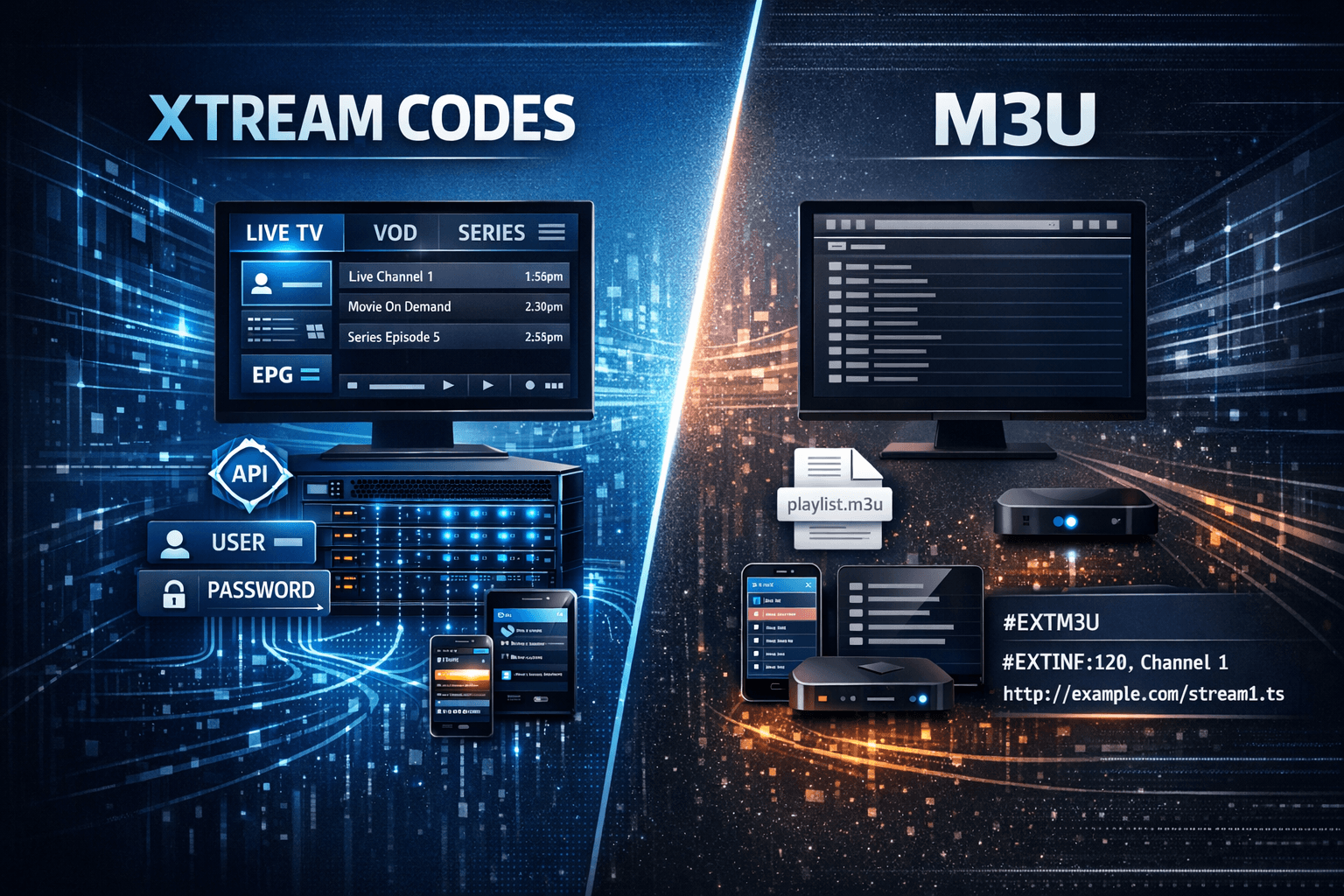
Xtream Codes can work better than M3U for IPTV streaming when you need more than just a static list of channel URLs. Unlike M3U playlists, which are simple text files listing media stream locations, Xtream Codes uses an API-based system that handles dynamic playlist updates, user authentication, and integrated metadata. This makes Xtream Codes particularly useful for IPTV applications where interaction, security, and detailed channel information matter.
In this article, you'll learn when Xtream Codes specifically outperforms M3U playlists, how to use it, and what troubleshooting steps are relevant if you encounter issues. The advice focuses on IPTV apps that explicitly support Xtream Codes API or login methods.
What you'll learn
- Key technical differences between Xtream Codes and M3U
- Scenarios where Xtream Codes provides tangible benefits
- How to set up Xtream Codes login on supported IPTV apps
- Common mistakes and troubleshooting tips
- Which users benefit most from Xtream Codes, and when M3U might still be preferable
Understanding the Technical Differences Between Xtream Codes and M3U
What is an M3U Playlist?
M3U is a file format traditionally used for multimedia playlists. It is a simple text file containing a list of URLs or file paths to media streams. IPTV providers often distribute M3U files with live TV channel streams.
- Static: The file content is fixed until manually updated.
- No authentication: Anyone with the URL can usually access the streams.
- No metadata beyond basic channel names.
What is Xtream Codes?
Xtream Codes is a middleware/API system designed for IPTV services. It provides a login interface that streams dynamic playlists based on user authorization.
- Dynamic: Playlists update automatically via API.
- Authentication: Requires username, password, and server URL.
- Integrated metadata: Includes EPG (Electronic Program Guide), channel categories, and sometimes VOD (Video on Demand).
How This Affects IPTV Users
With M3U, users receive a snapshot playlist that doesn’t update without provider support. Xtream Codes lets the IPTV app query the server continuously to get live channel lineups, program guides, and user-specific data.
Situations When Xtream Codes Works Better Than M3U
1. Dynamic Channel Lineup Management
When channels frequently change or get updated, Xtream Codes automatically reflects these changes in your IPTV app without manual playlist replacement.
2. Secure User Authentication
Xtream Codes requires login credentials, adding a security layer for both user and provider. This reduces unauthorized access common with open M3U URLs.
3. Integrated Metadata and EPG Support
IPTV apps can pull detailed program guide data and channel grouping from Xtream Codes APIs, improving navigation and viewing experience.
4. User-Specific Playlists and Restrictions
Providers can customize channel offerings or restrictions per user account via Xtream Codes. M3U cannot offer this since it is a static file.
5. Easier Playlist Updates With IPTV Apps Supporting Xtream Codes
Apps like IPTV Smarters and TiviMate have built-in support for Xtream Codes login, streamlining setup and management.
How to Use Xtream Codes Login Instead of M3U
Steps to Set Up Xtream Codes
- Verify IPTV app supports Xtream Codes API: Check app documentation for Xtream Codes or 'API login' support.
- Get login details from your IPTV provider: You need the server URL, username, and password for Xtream Codes access.
- Access the API login section of your IPTV app: Avoid entering these into the M3U playlist login area.
- Enter the server URL, username, and password: Double-check for typos.
- Load the channel list and EPG: Confirm channels populate dynamically.
- Test a few channels to verify playback works properly.
Using these steps ensures you benefit from features unique to the Xtream Codes system.
Common Mistakes and Troubleshooting When Using Xtream Codes
Common Errors
- Invalid login or server details: Double-check all entries to avoid "Authorization Error."
- Trying to use the API login on an app that lacks support: The app may revert to M3U playlist mode and fail.
- Confusing M3U playlists with API credentials: They are not interchangeable.
Troubleshooting Checklist
- Verify your IPTV app supports Xtream Codes — consult provider support if unclear.
- Confirm you have the correct URL, username, and password.
- Check your internet connection and ensure the IPTV server is reachable.
- Refresh or rescan the playlist in the IPTV app.
- If EPG does not load, try syncing time settings or adjusting time offset in the app.
When Troubleshooting M3U vs Xtream Codes Issues
- If your IPTV app is built mainly for M3U playlists (like simple players without API support), troubleshooting Xtream Codes-specific features is ineffective.
- Consider switching to an app like IPTV Smarters or TiviMate if you want to benefit from Xtream Codes features.
Who Should Use Xtream Codes vs M3U
Best For Xtream Codes
- Users with IPTV apps supporting Xtream Codes API login.
- Customers needing authenticated access for security.
- Viewers requiring dynamic playlists and integrated program guides.
When M3U Might Work Better
- Simple IPTV usage with fixed playlists and minimal setup.
- Apps or devices without Xtream Codes API support.
- Situations emphasizing offline or local playlist usage.
Comparison Table: Xtream Codes vs M3U
| Feature | Xtream Codes | M3U Playlist |
|---|---|---|
| Playlist Updates | Dynamic and automatic | Static, manual update needed |
| Authentication | Username, password required | Usually none |
| Metadata | Integrated EPG, channel groups | Limited to channel names |
| User Customization | Per-user playlists possible | Same playlist for all users |
| App Support | Requires specific API support | Widely supported |
| Security | Better due to authentication | Generally less secure |
FAQ
What is the main difference between Xtream Codes and M3U?
Xtream Codes uses an API that manages playlists dynamically with integrated metadata, while M3U is a static playlist format listing stream URLs.
Can I use Xtream Codes on any IPTV player?
No; your IPTV app must explicitly support Xtream Codes API or login protocol to use it.
Does Xtream Codes improve streaming quality?
Xtream Codes mainly improves management and access, while streaming quality depends on your network and the IPTV source.
Is Xtream Codes more secure than M3U?
Yes. Xtream Codes requires authenticated login credentials and can limit server access compared to open M3U URLs.
Conclusion
Xtream Codes works better than M3U when you require dynamic playlist management, secure user authentication, and integrated metadata like EPG. Its API-driven design is ideal for IPTV apps that support these features, offering a more seamless and secure viewing experience. However, M3U playlists remain viable for simpler use cases, especially if your IPTV app doesn’t support Xtream Codes. Choose based on your app compatibility and need for dynamic content management.
For further troubleshooting on login errors or playlist updates related to Xtream Codes, consult articles like IPTV Smarters Invalid Details Error or TiviMate Playlist Not Updating After Refresh.
Enjoy optimized IPTV streaming by matching your login and playlist method to your app's capabilities and your service provider's offerings.
Keep exploring
More explainers that connect naturally to this setup, workflow, or troubleshooting path.
Missing channel logos in TiviMate can be frustrating because they make channel navigation less intuitive and reduce the overall viewing experience.

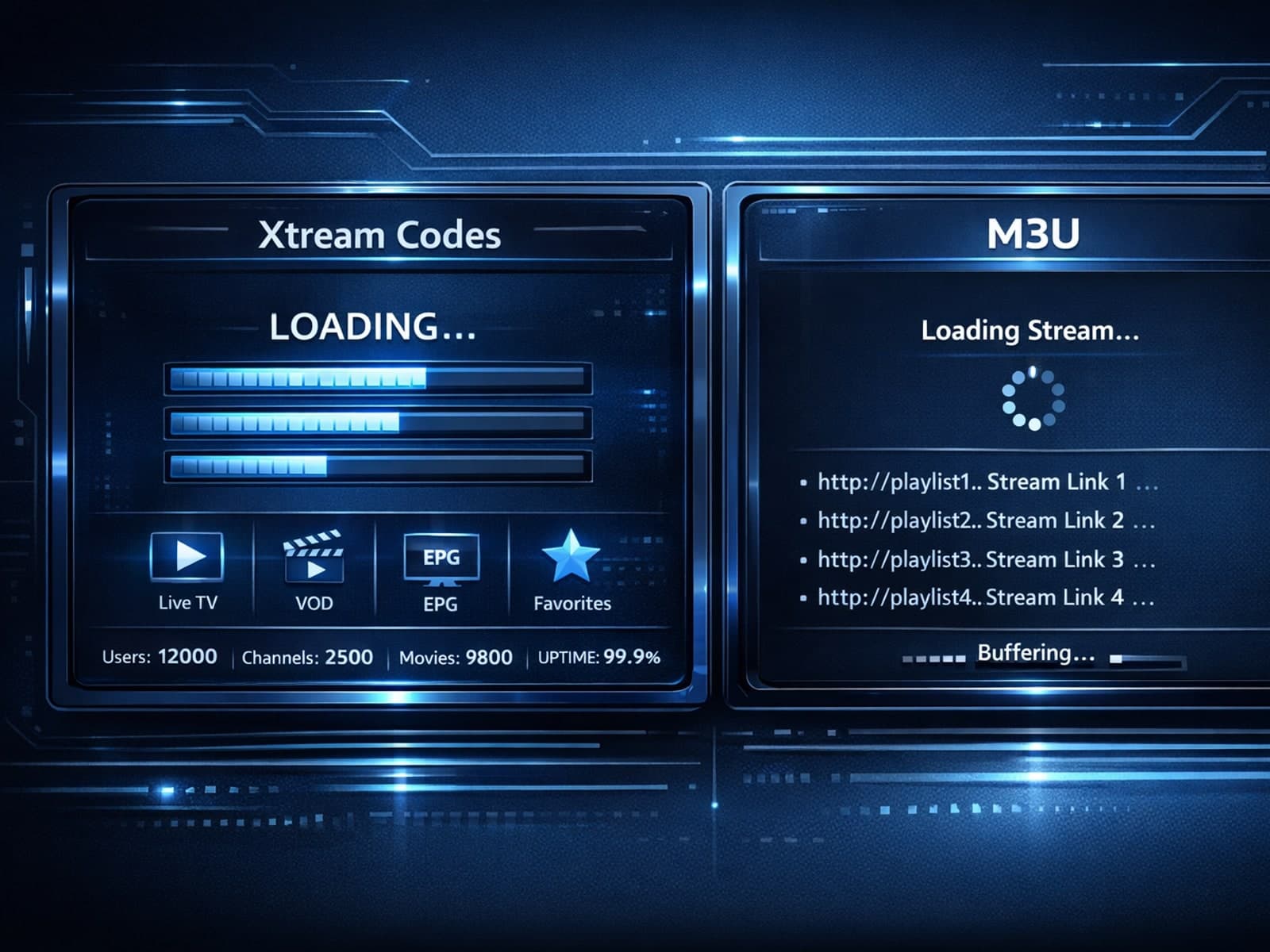
Xtream Codes login can outperform M3U playlists by providing faster channel loading, better playlist management, and improved metadata support in IPTV apps.

Organizing favorites and groups in TiviMate makes navigating large IPTV channel lists more intuitive and personalized. TiviMate, a popular IPTV player app for Android TV and Fire TV devices, provides features that let you categorize.